Split-screen on PC
100% Orange Juice
Up to 4 players on one PC, with keyboard and mouse or several keyboards and mice.
Handler “100% Orange Juice” by Talos91, version 10
What works
With Nucleus Co-op, up to 4 players can play 100% Orange Juice together on one PC, each in their own part of the screen, with keyboard and mouse or several keyboards and mice. The free community handler “100% Orange Juice” by Talos91 does the setup and was checked by hub moderators: version 10, updated . 100% Orange Juice is a strategy, turn-based strategy and indie game from 2009.
- Players4
- ControllersNot supported
- Keyboard and mouseSupported
- Several keyboards and miceOne per player
- Hub moderatorsVerified
How to play 100% Orange Juice split screen on PC
Get Nucleus Co-op
Download Nucleus Co-op, free for Windows 10 and 11, and unzip it into its own folder, for example C:\NucleusCo-op. There is no installer.
Keep it out of Program Files, your user folder and OneDrive.
Install the 100% Orange Juice handler
In Nucleus Co-op, search the Hub for 100% Orange Juice and install its handler, or download the handler file from this page and drop it on the Nucleus window. Then show Nucleus where 100% Orange Juice is installed.
Take a seat
Each player joins with their own keyboard and mouse and takes a spot on the screen. Pick a layout that fits your players.
Playing with several keyboards and mice? Press End once everything is in place to give each window its own cursor.
Launch and connect
Press Launch: Nucleus opens one copy of 100% Orange Juice per player and lays the windows out on your screen. Then link them in game, usually one player hosts a LAN or online session and the others join it. The handler notes say how.
What you need
- A Windows 10 or 11 PC
Nucleus Co-op runs on Windows only. System requirements
- 100% Orange Juice for Windows
Installed on that PC. Nucleus starts every player's window from that one install.
- Nucleus Co-op, free
With .NET Framework 4.7.2 or later and the Visual C++ 2015–2022 runtimes (x86 and x64). Download
- Something to play with
One keyboard and mouse per player. Controllers · Keyboards and mice
- A PC that can run 4 copies
Each player runs their own copy of 100% Orange Juice, so the PC carries several times the usual load. Lower the graphics settings if it struggles. Performance tips
- A multiplayer mode
Nucleus links the windows through the game's own LAN or online mode; the handler takes care of it.
Handler notes
-
Keyboards/mice only as the game lacks native gamepad support. Tested and working with the latest legit Steam version as of December 2025. This does not affect your main game in any way so please devs don't block this.
-
Fully CLOSE Steam before launching this.
-
After all the instances finish setting up press the END key once to lock the input so that each instance get its own working mouse cursor. Add custom resolutions in your AMD/Nvidia/Intel panel (for example for a 1920x1080 monitor add resolutions like: 960x1080, 960x540, 1920x540 etc.) so the game can see and use them.
-
In latest version of the game the instances will save in your main game files Save folder in a different numbered folder each.
-
Read the FAQ if you have any further questions and want to know more about Nucleus Co-op.
-
Handler by Talos91. Support the Nucleus Co-op team if you love the project.
About 100% Orange Juice
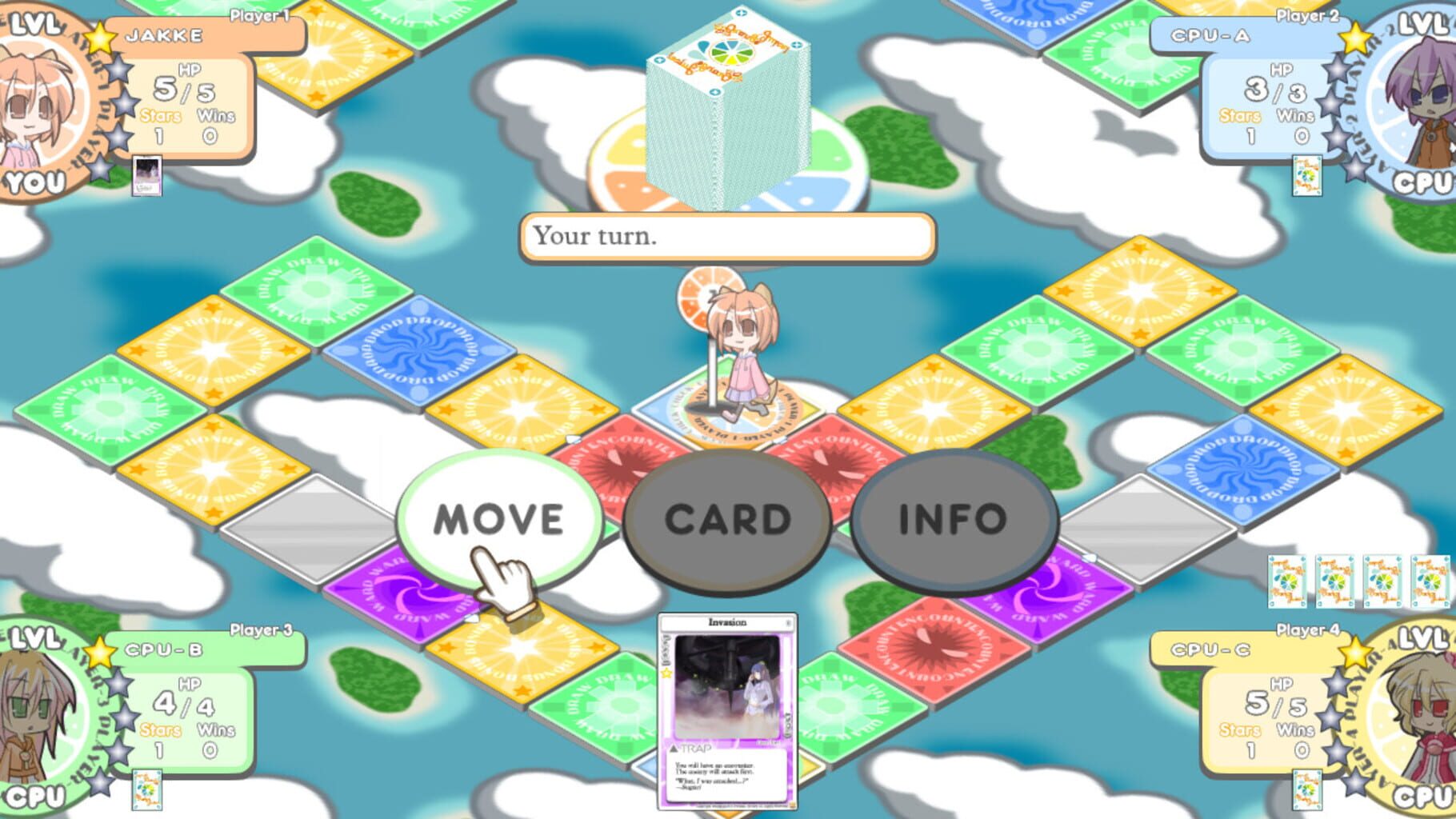
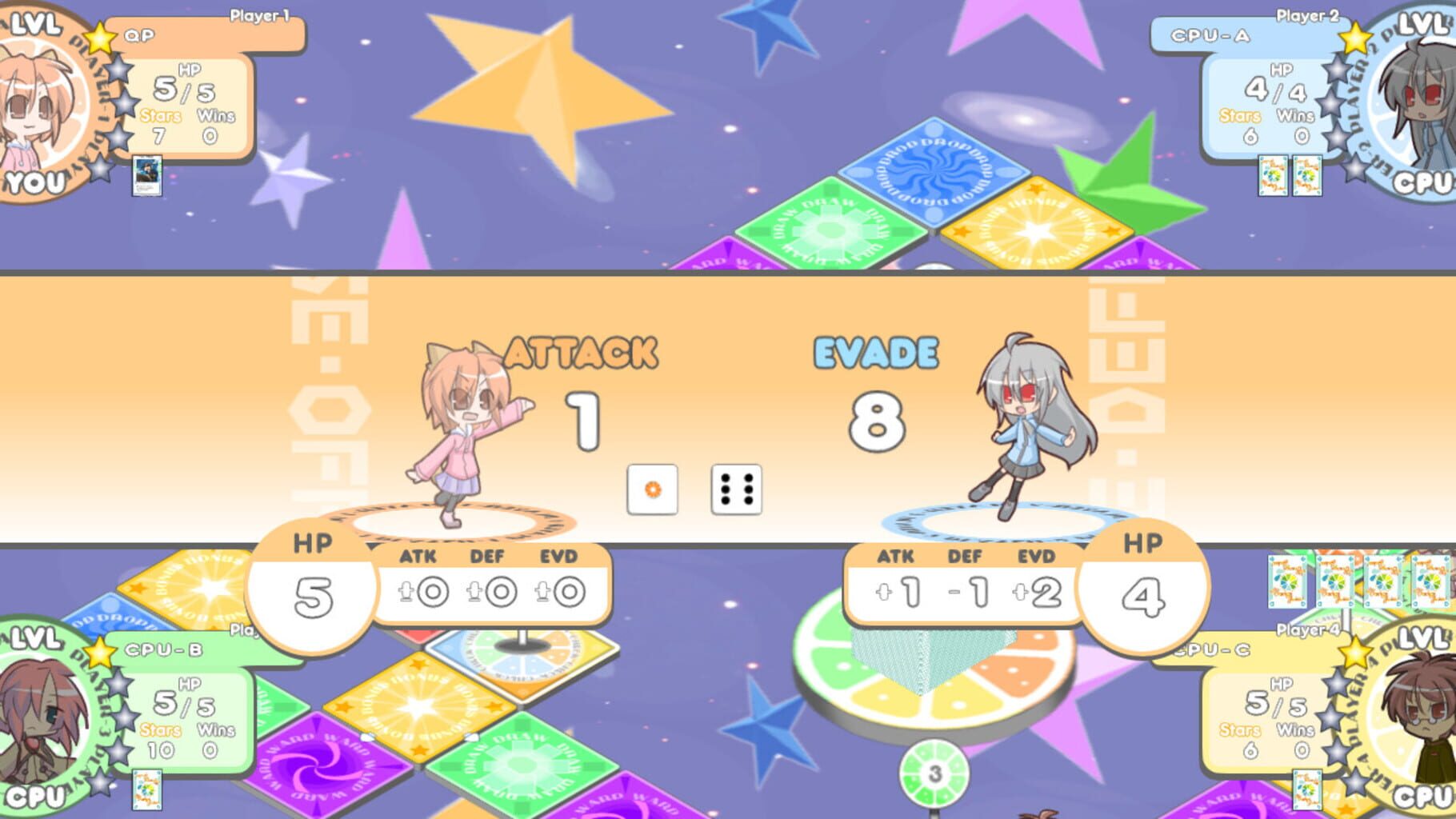
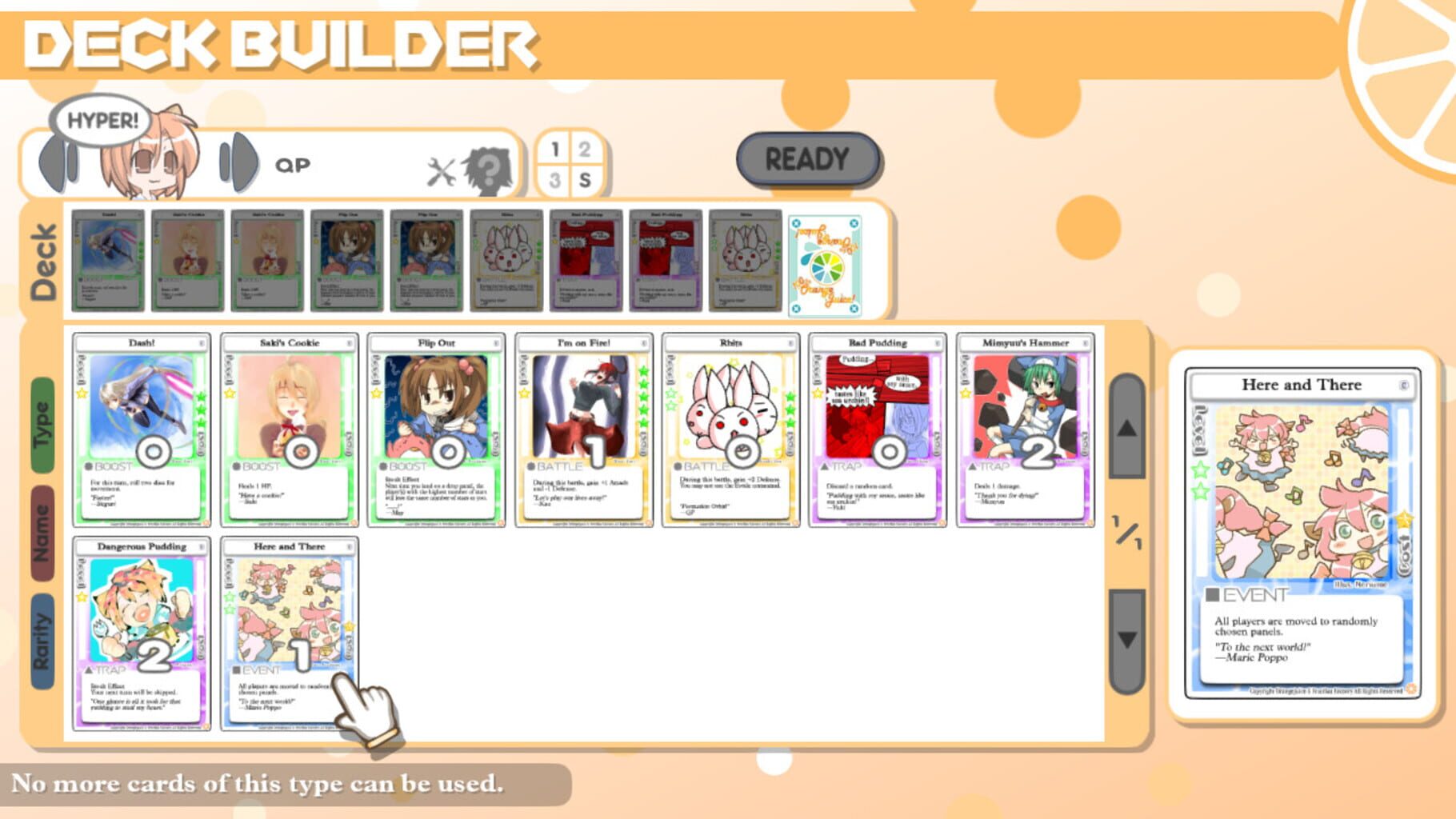
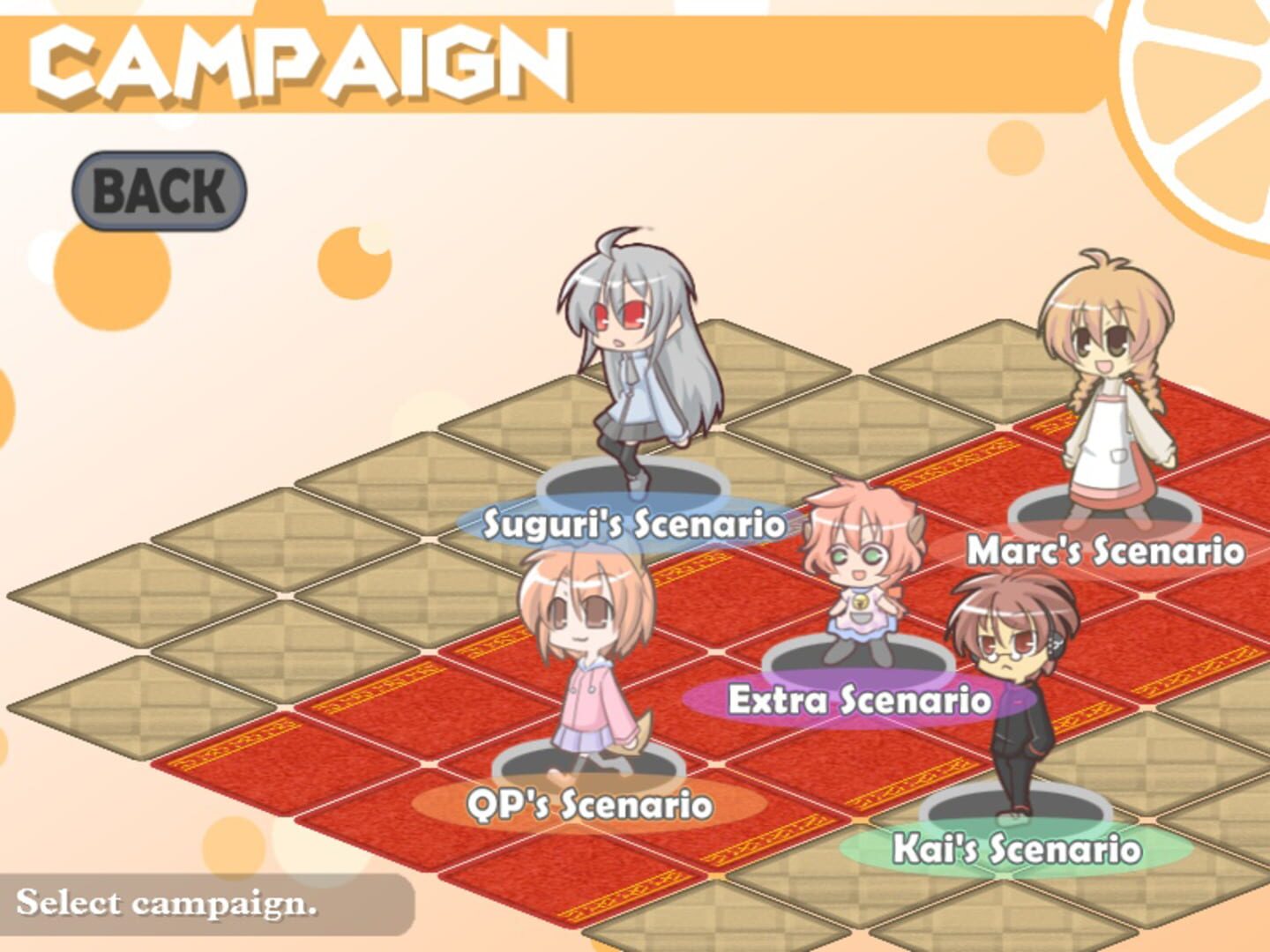
100% Orange Juice is a goal-oriented boardgame played by OrangeJuice's all-star cast including characters from Acceleration of Suguri, Flying Red Barrel: A Diary of Little Aviator, Sora, and QP Shooting. This is a world where dogs, people and machines fly through the air. In that world, a small patch of darkness was born. Infinitesimal at first, it gradually began to envelope everything... A youth named Kai, led by the mysterious life form known as Marie Poppo, begins a journey that will span worlds. The black, bottomless darkness of desire slowly eats away at both Kai and the world itself... Let Marie Poppo lead you into a mysterious world to play. Grab your deck of cards and let the games begin!
Summary from IGDB
100% Orange Juice screenshots


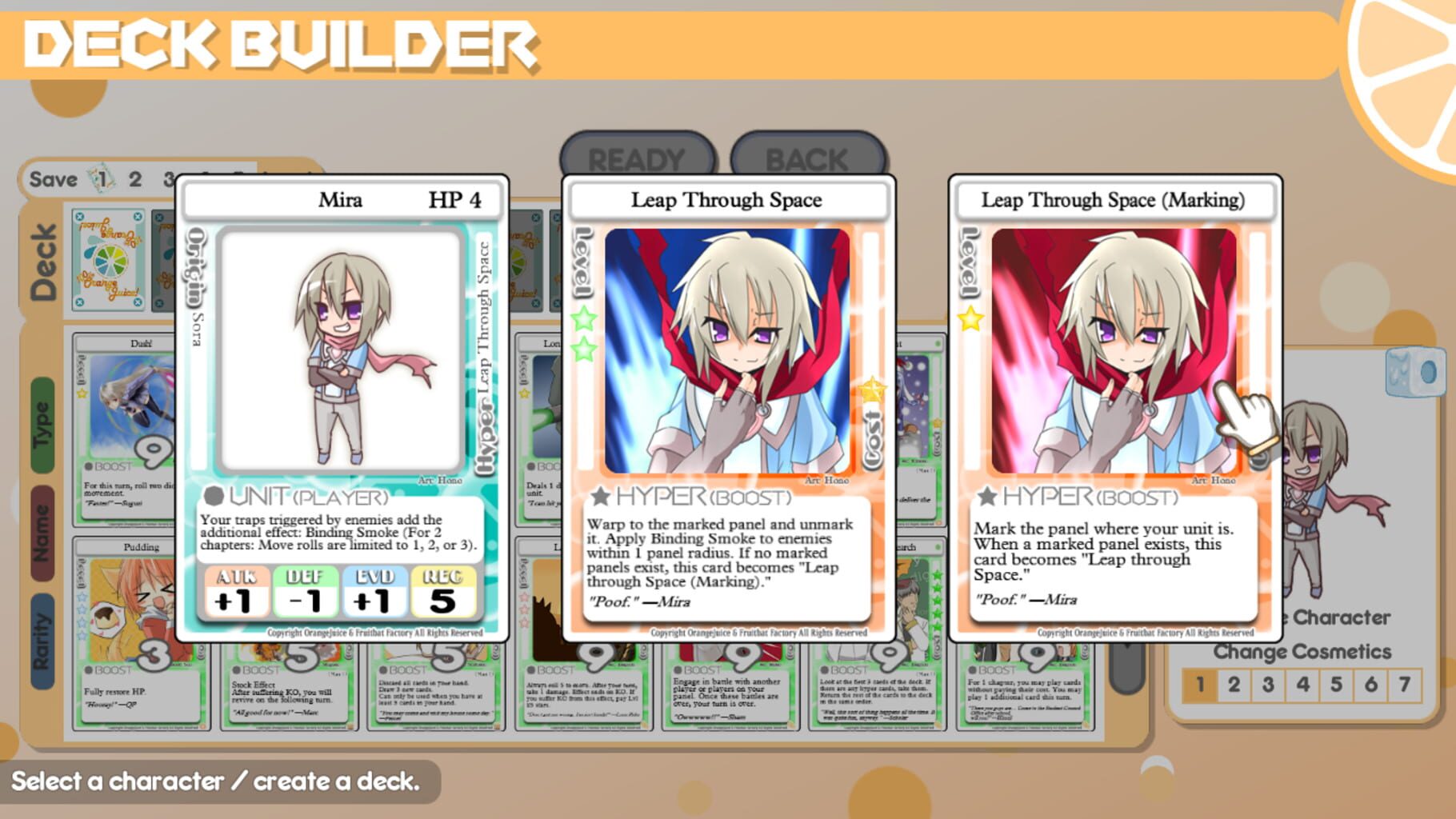
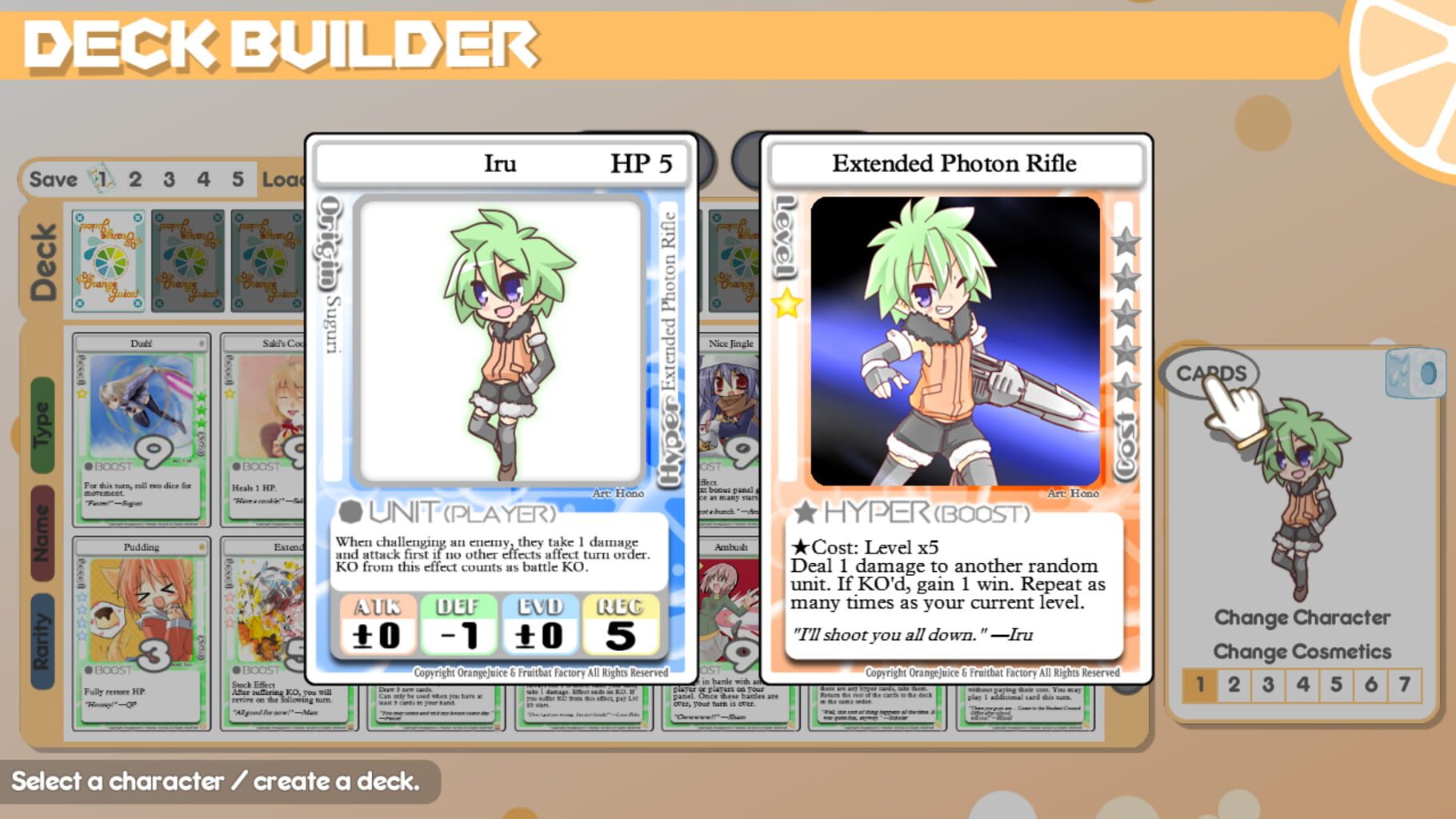
Version history
- v10Current
fixed steam client error
- v9
minor clean
- v8
updated to work in latest game version, please devs dont block this it does not affect the main game.
- v7
config edit for auto windowed res
Comments 1
Make sure you assign each instance a mouse and a keyboard, you only really need a mouse to play the game, but it just won't work unless each instance has a keyboard, even if that keyboard doesn't exist.
Play these next
Browse all games
Balatro Multiplayer Mod
Talos91569 downloads2
Schedule I
birden18k downloads4
Baldur's Gate III
Talos9111k downloads4
Buckshot Roulette
birden7.1k downloads4
My Supermarket
Vlxst622 downloads4
Sanctum
Talos91514 downloads4
Browse by genre: Strategy · Turn-based strategy · Indie
Log in or create an account to comment.