Split-screen on PC
Call of Duty: Black Ops II
Up to 4 players on one PC, with controllers, keyboard and mouse or several keyboards and mice.
Handler “Call of Duty: Black Ops II Zombies” by PoundlandBacon, version 11
What works
With Nucleus Co-op, up to 4 players can play Call of Duty: Black Ops II together on one PC, each in their own part of the screen, with controllers, keyboard and mouse or several keyboards and mice. The free community handler “Call of Duty: Black Ops II Zombies” by PoundlandBacon does the setup and was checked by hub moderators: version 11, updated . Call of Duty: Black Ops II is a shooter game from 2012.
- Players4
- ControllersSupported
- Keyboard and mouseSupported
- Several keyboards and miceOne per player
- Hub moderatorsVerified
How to play Call of Duty: Black Ops II split screen on PC
Get Nucleus Co-op
Download Nucleus Co-op, free for Windows 10 and 11, and unzip it into its own folder, for example C:\NucleusCo-op. There is no installer.
Keep it out of Program Files, your user folder and OneDrive.
Install the Call of Duty: Black Ops II handler
In Nucleus Co-op, search the Hub for Call of Duty: Black Ops II and install its handler, or download the handler file from this page and drop it on the Nucleus window. Then show Nucleus where Call of Duty: Black Ops II is installed.
Take a seat
Each player presses a button on their own controller to join and takes a spot on the screen. Pick a layout that fits your players.
Playing with several keyboards and mice? Press End once everything is in place to give each window its own cursor.
Launch and connect
Press Launch: Nucleus opens one copy of Call of Duty: Black Ops II per player and lays the windows out on your screen. Then link them in game, usually one player hosts a LAN or online session and the others join it. The handler notes say how.
What you need
- A Windows 10 or 11 PC
Nucleus Co-op runs on Windows only. System requirements
- Call of Duty: Black Ops II for Windows
Installed on that PC. Nucleus starts every player's window from that one install.
- Nucleus Co-op, free
With .NET Framework 4.7.2 or later and the Visual C++ 2015–2022 runtimes (x86 and x64). Download
- Something to play with
One controller per player, or one keyboard and mouse per player. Controllers · Keyboards and mice
- A PC that can run 4 copies
Each player runs their own copy of Call of Duty: Black Ops II, so the PC carries several times the usual load. Lower the graphics settings if it struggles. Performance tips
- A multiplayer mode
Nucleus links the windows through the game's own LAN or online mode; the handler takes care of it.
Handler notes
Zombies: Requires the steam version of the game, it's recommended you have the dlc too. Steam doesn't need to be running when you use the script. The game needs to be set to English language for the script to work. You can change this by right clicking the game in your steam library and selecting the properties menu, then selecting the Language tab. Select English from the dropdown menu and the required files will be downloaded.
Your antivirus may delete files the script needs, if the script doesn't work this is the first thing to check. If you find it has deleted files you may need to remove and redownload the script.
Make sure you press the END key, when all the instances have finished loading, to lock input. Press it again at any time to unlock input.
We included an option to let you change your settings for the first player, which will be copied to all other players. Alternatively you can change them in game per player. Not all changes will be made until the next launch of the game.
There are two ways to start a game:
-
The first player starts searching for an online game (it will only find players connected to your local network) after around 7 seconds it will stop searching and start hosting instead, at this point the other players can join by searching the same game mode via the online menu. This mode fully simulates online, you can rank up/unlock as you would online.
-
The first player creates a custom game and then uses the friends menu to send invites to the other players. For invites to work set your party to open.
Credits/Thanks to The Project Nova Team for the LAN mod, and Pinecone from their forums for his invaluable advice!
Script contributors: Rip3535, Pizzo and Zerofox. Also huge thanks to Talos, Ilyaki, Dr.Oldboi and the rest of the SplitScreenDreams discord.
About Call of Duty: Black Ops II
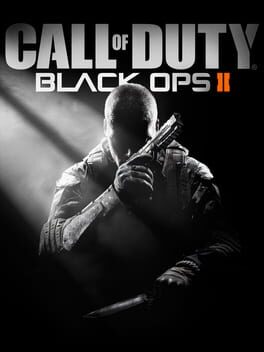
Black Ops II is the first game in the Call of Duty franchise to feature future warfare technology and the first to present branching storylines driven by player choice as well as selecting weapons before starting story mode missions.
Summary from IGDB
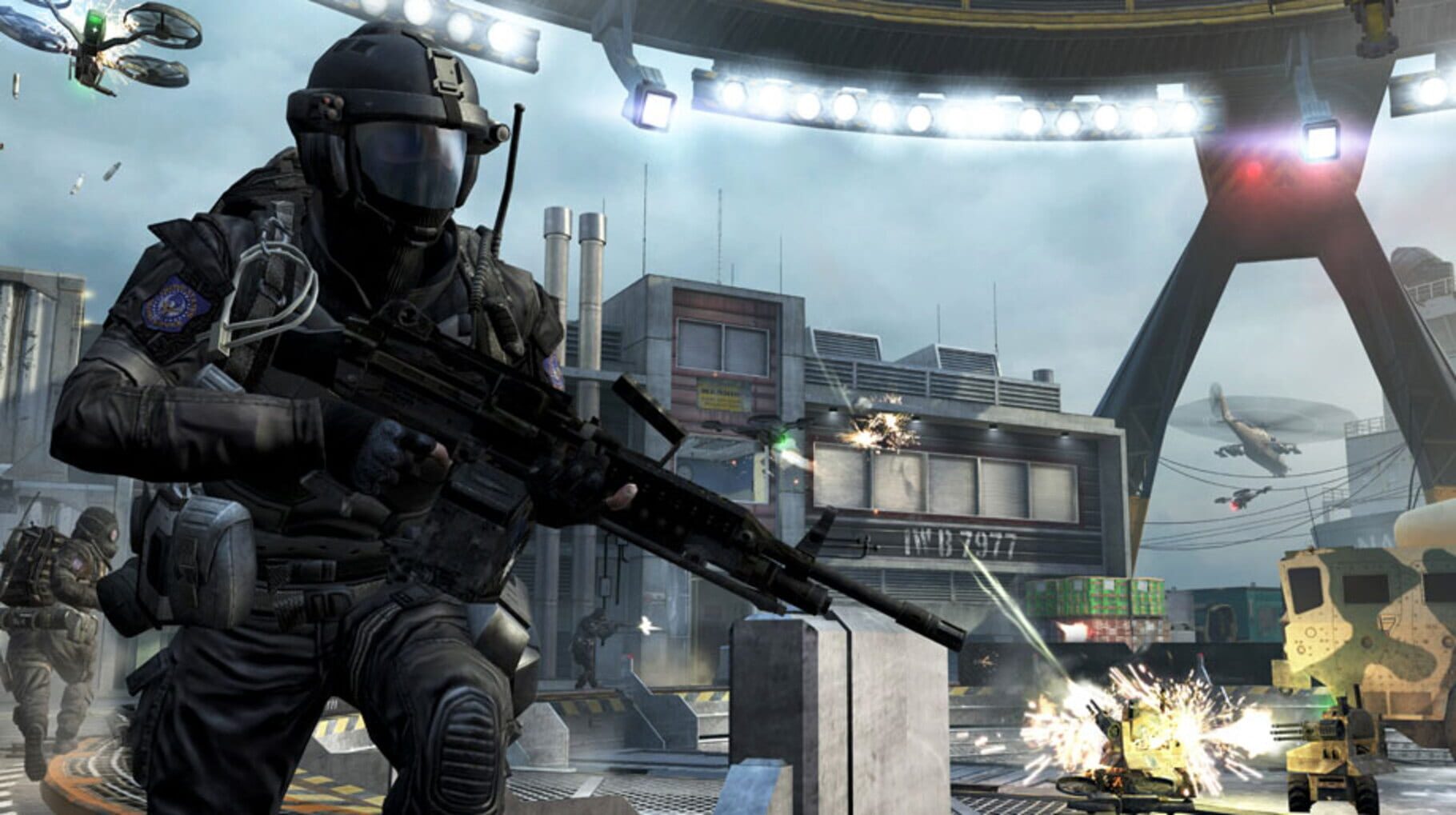
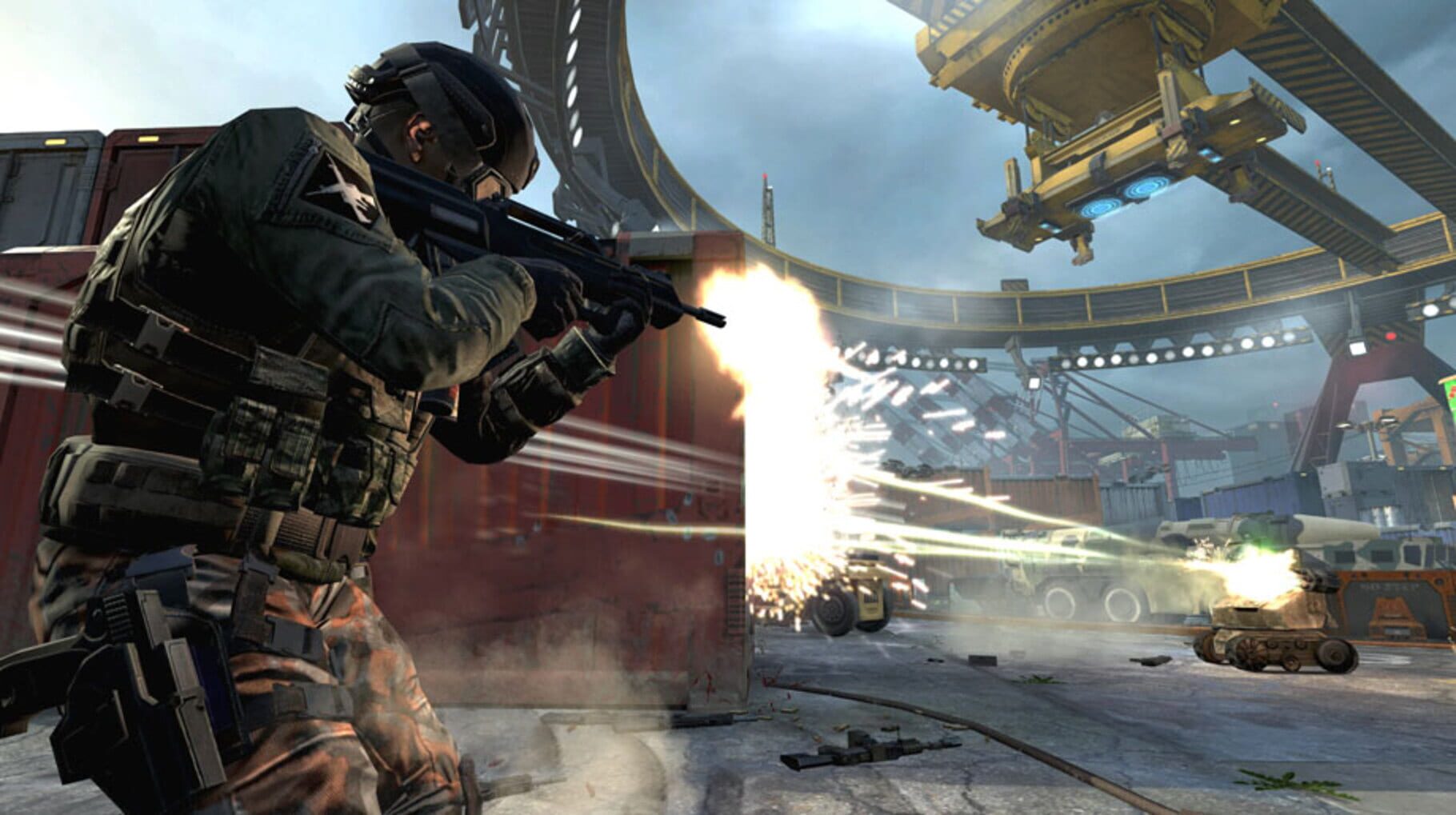
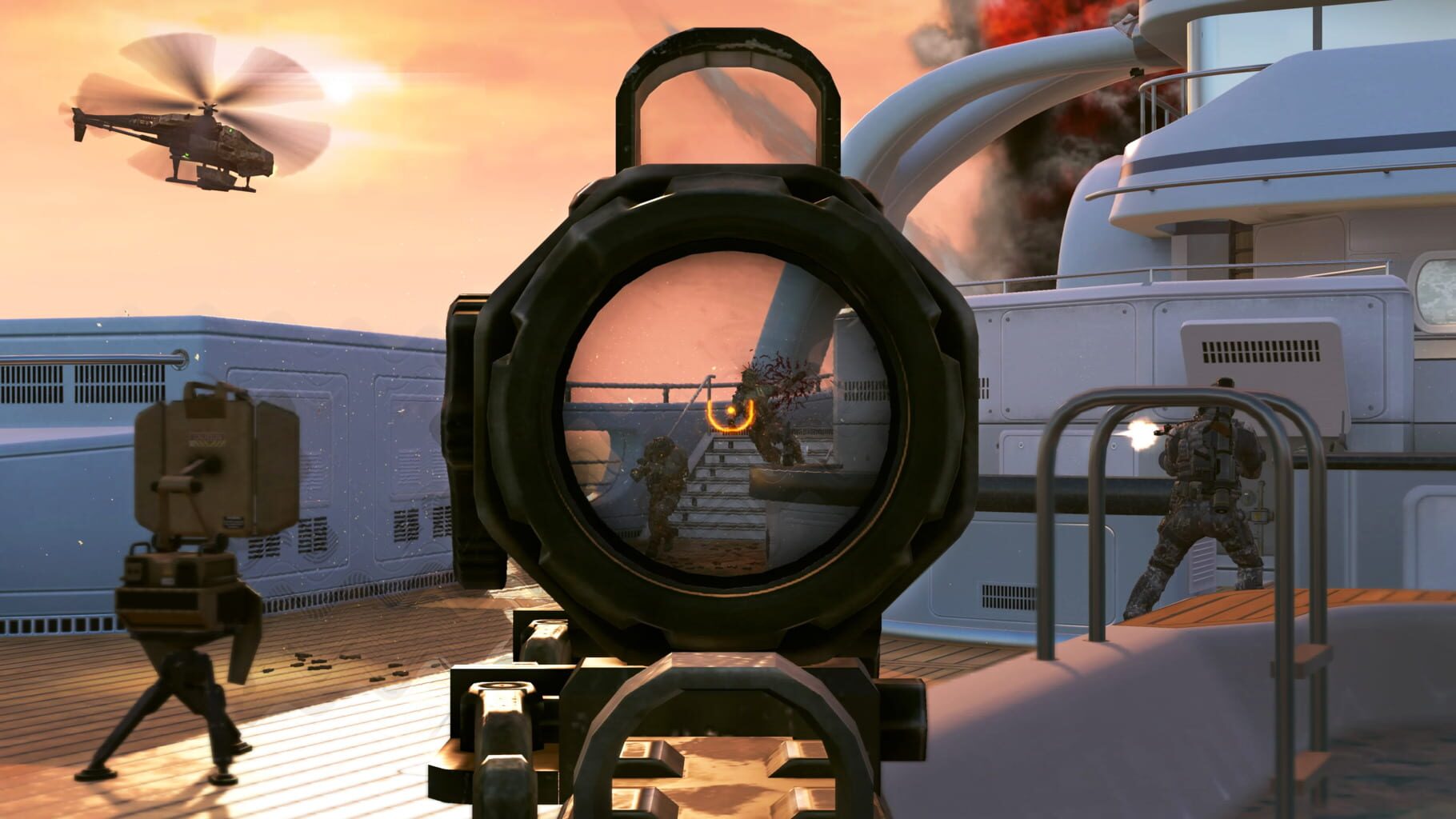
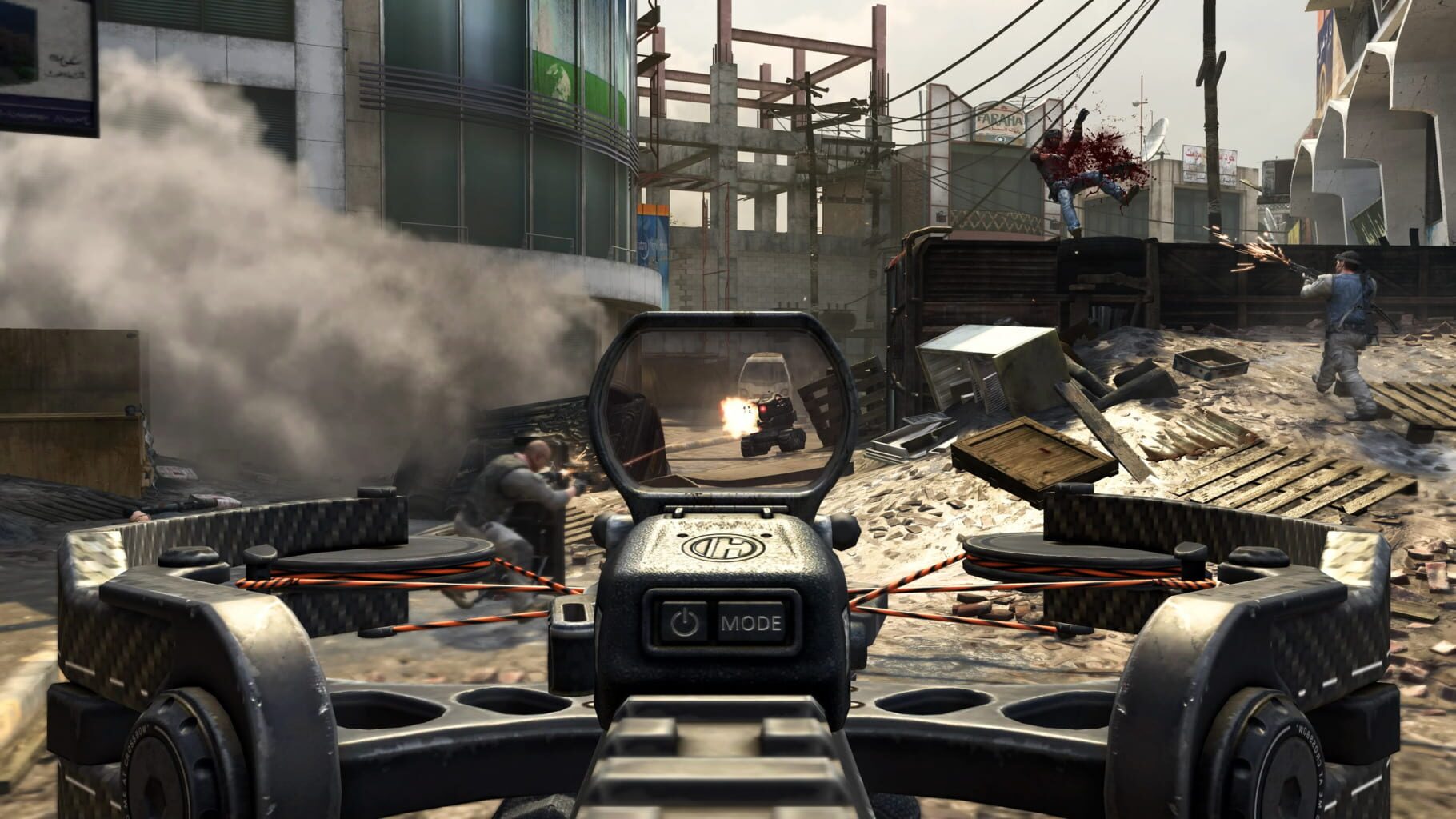
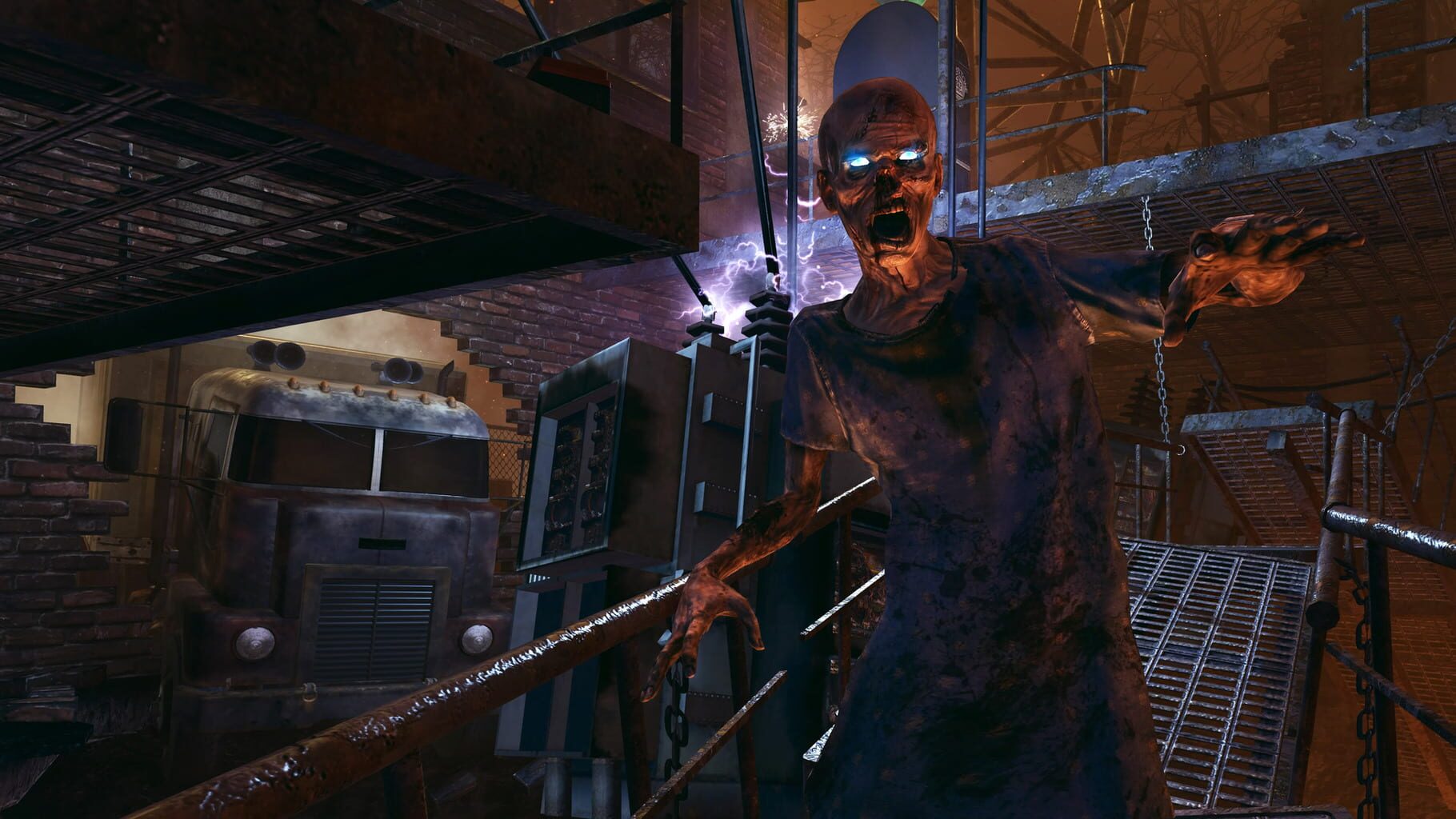
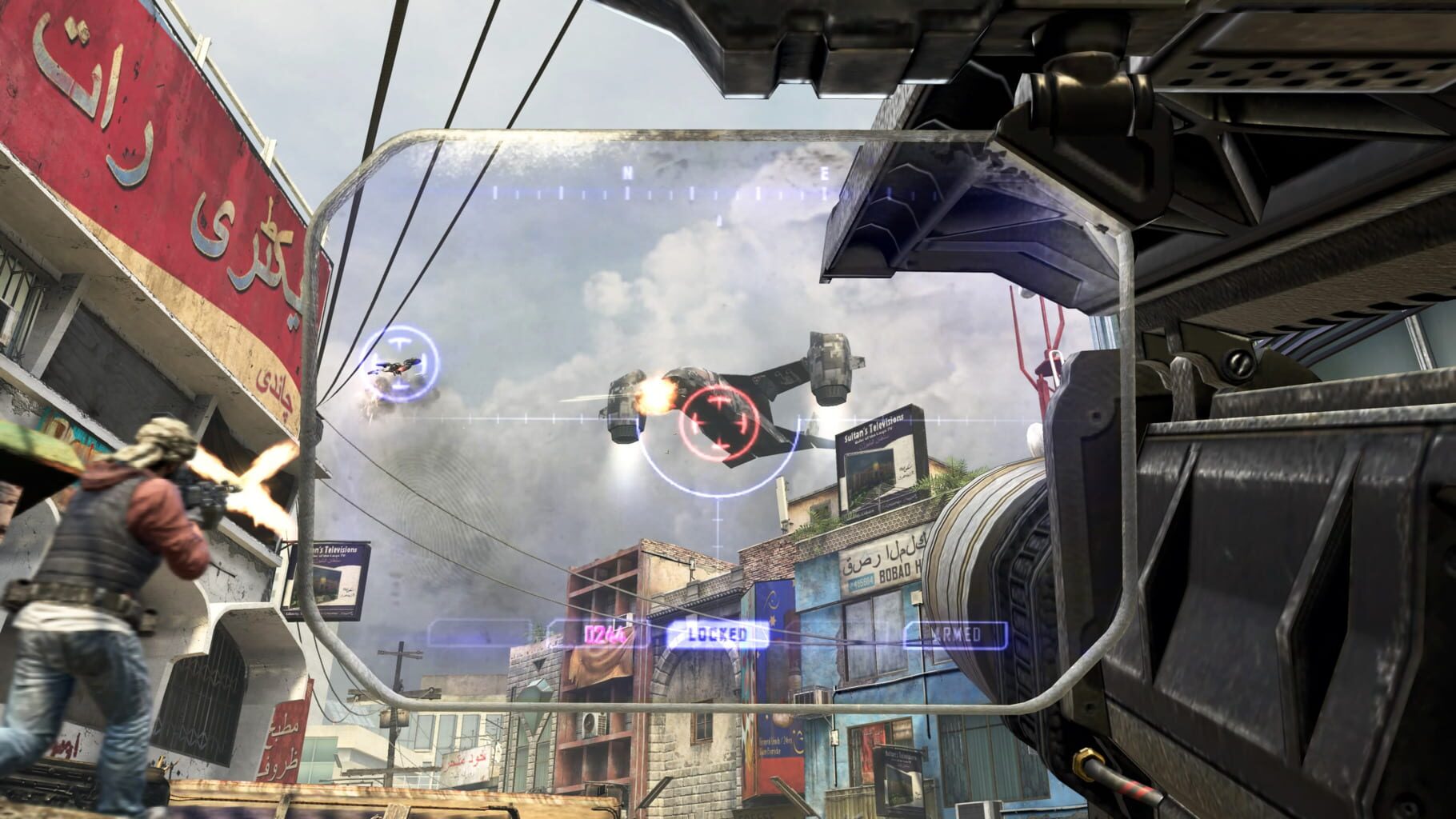
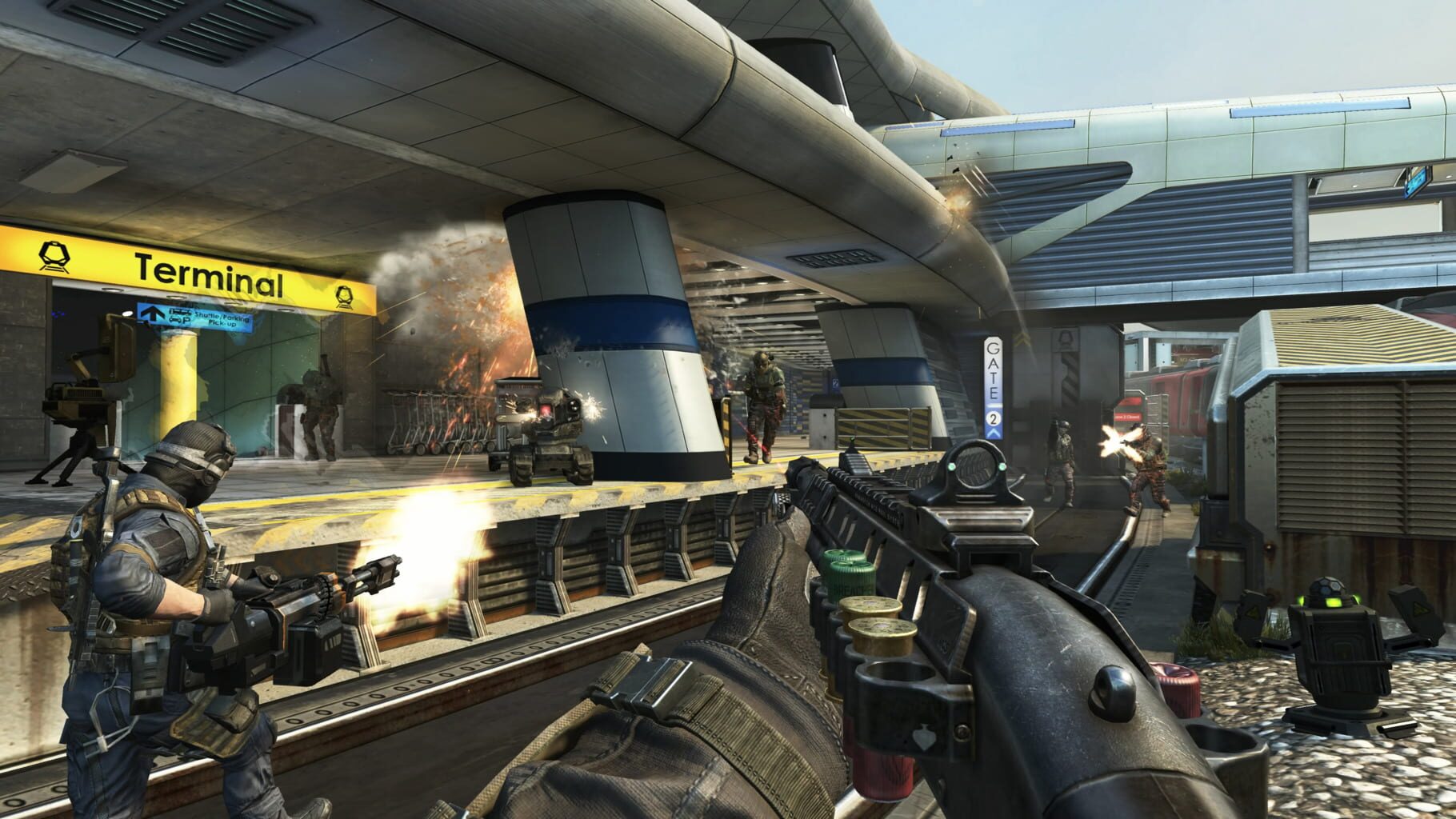
Call of Duty: Black Ops II screenshots

Version history
- v11Current
updated special k and added fix
- v10
fix
- v9
quick update to fix osd error and change description text
- v8
Temp fix V2
Comments 0
No comments yet. Played it? Share what worked for your group.
Other handlers for Call of Duty: Black Ops II
Play these next
Browse all games
Resident Evil 5
Talos91131k downloads4
Palworld
PoundlandBacon87k downloads4
Payday 2
Talos9143k downloads4
Borderlands 2
Talos91107k downloads4
Call of Duty: World at War
Perserveruz68k downloads4
Dying Light
Talos9176k downloads4
Browse by genre: Shooter
Log in or create an account to comment.