Split-screen on PC
Chivalry : Medieval Warfare
Up to 16 players on one PC, with controllers, keyboard and mouse or several keyboards and mice.
Handler “ChivalryMedievalWarfare” by Talos91, version 3
What works
With Nucleus Co-op, up to 16 players can play Chivalry : Medieval Warfare together on one PC, each in their own part of the screen, with controllers, keyboard and mouse or several keyboards and mice. The free community handler “ChivalryMedievalWarfare” by Talos91 does the setup and was checked by hub moderators: version 3, updated . Chivalry : Medieval Warfare is a fighting, hack and slash and indie game from 2012.
- Players16
- ControllersSupported
- Keyboard and mouseSupported
- Several keyboards and miceOne per player
- Hub moderatorsVerified
How to play Chivalry : Medieval Warfare split screen on PC
Get Nucleus Co-op
Download Nucleus Co-op, free for Windows 10 and 11, and unzip it into its own folder, for example C:\NucleusCo-op. There is no installer.
Keep it out of Program Files, your user folder and OneDrive.
Install the Chivalry : Medieval Warfare handler
In Nucleus Co-op, search the Hub for Chivalry : Medieval Warfare and install its handler, or download the handler file from this page and drop it on the Nucleus window. Then show Nucleus where Chivalry : Medieval Warfare is installed.
Take a seat
Each player presses a button on their own controller to join and takes a spot on the screen. Pick a layout that fits your players.
Playing with several keyboards and mice? Press End once everything is in place to give each window its own cursor.
Launch and connect
Press Launch: Nucleus opens one copy of Chivalry : Medieval Warfare per player and lays the windows out on your screen. Then link them in game, usually one player hosts a LAN or online session and the others join it. The handler notes say how.
What you need
- A Windows 10 or 11 PC
Nucleus Co-op runs on Windows only. System requirements
- Chivalry : Medieval Warfare for Windows
Installed on that PC. Nucleus starts every player's window from that one install.
- Nucleus Co-op, free
With .NET Framework 4.7.2 or later and the Visual C++ 2015–2022 runtimes (x86 and x64). Download
- Something to play with
One controller per player, or one keyboard and mouse per player. Controllers · Keyboards and mice
- A PC that can run 16 copies
Each player runs their own copy of Chivalry : Medieval Warfare, so the PC carries several times the usual load. Lower the graphics settings if it struggles. Performance tips
- A multiplayer mode
Nucleus links the windows through the game's own LAN or online mode; the handler takes care of it.
Handler notes
Has bots. Read the handler notes carefully.
Authors and Contributors of this handler: Pizzo, ZeroFox and Talos91 from the Split Screen Dreams Discord.
About Chivalry : Medieval Warfare
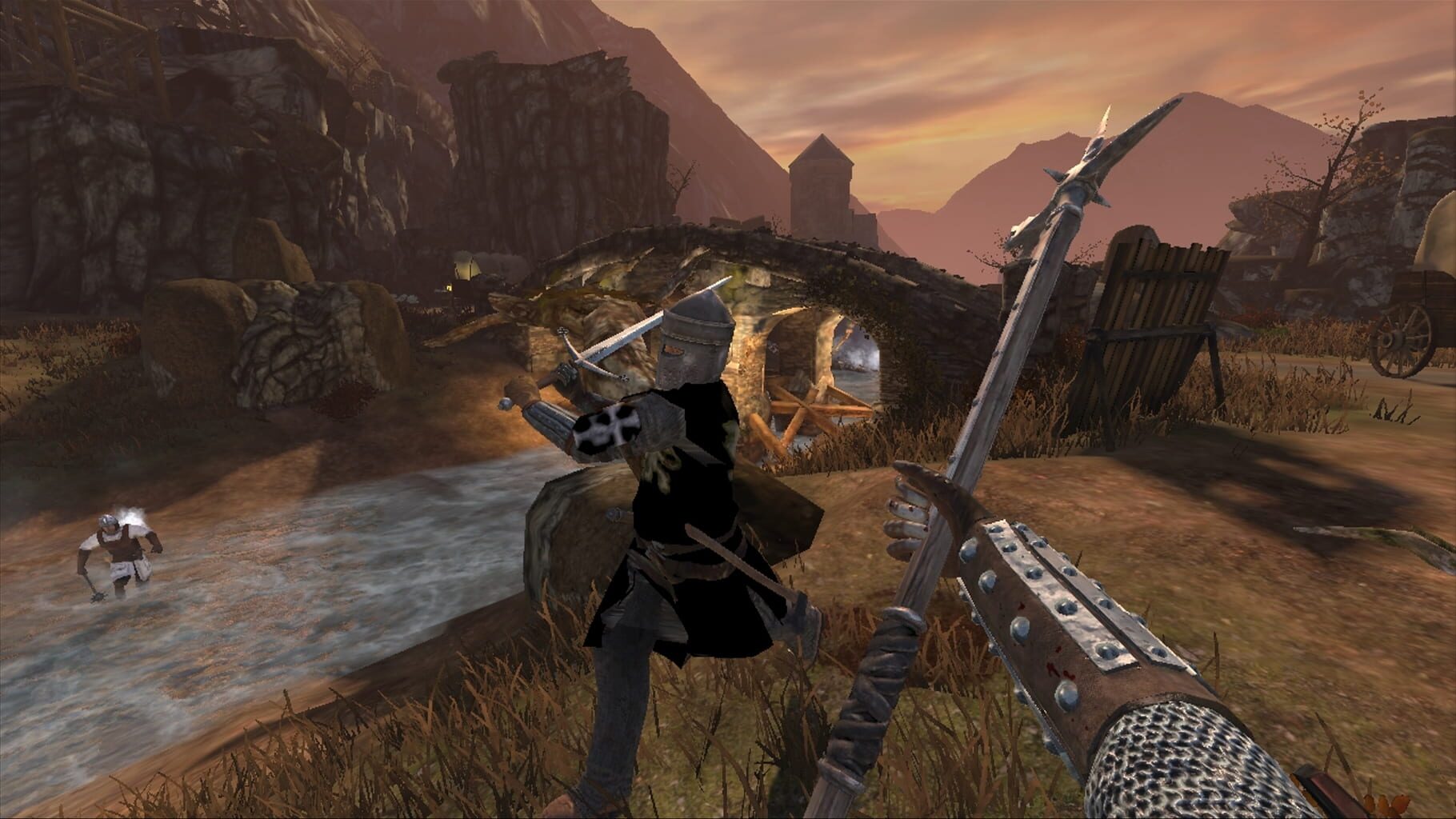
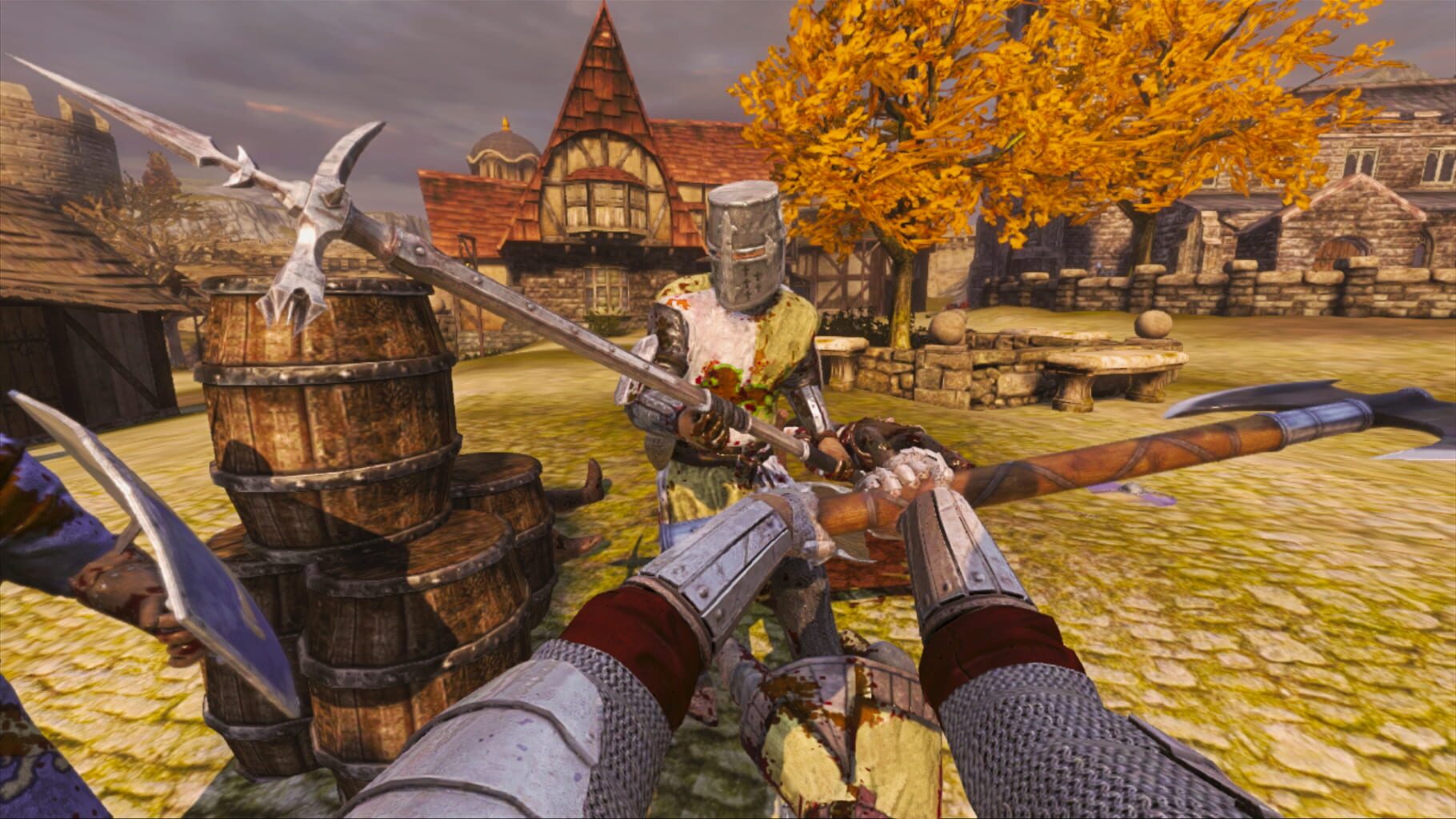
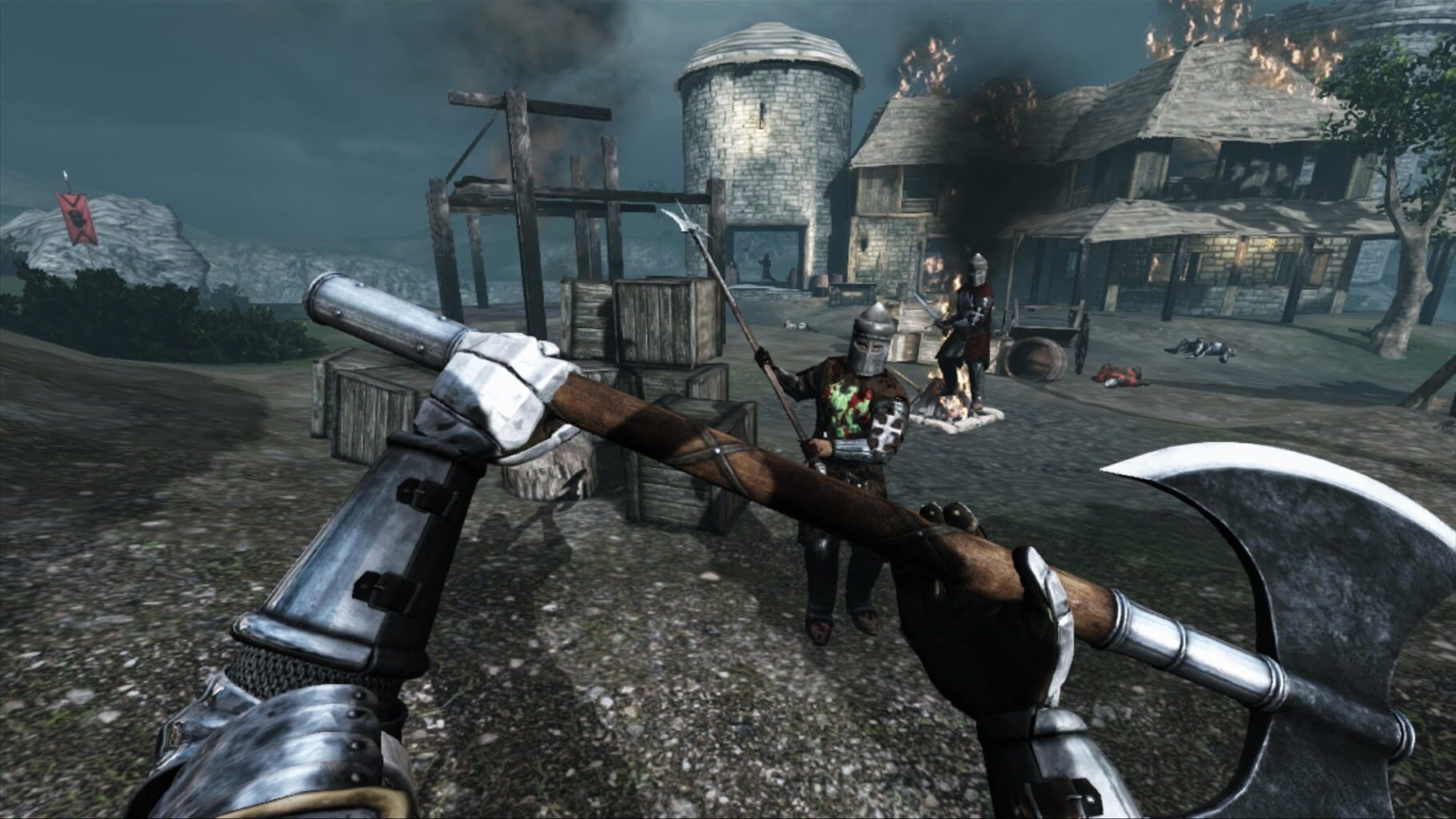
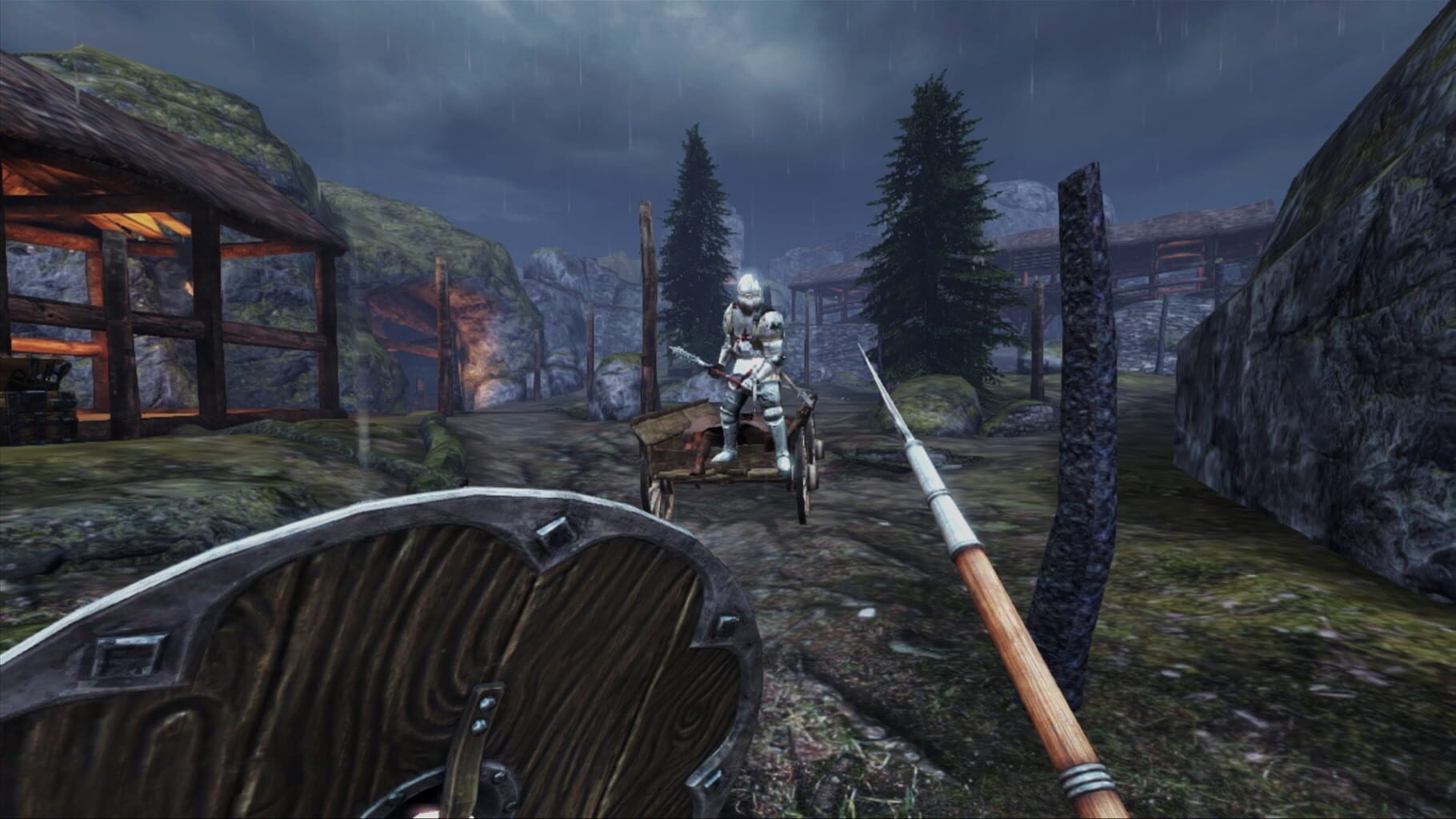
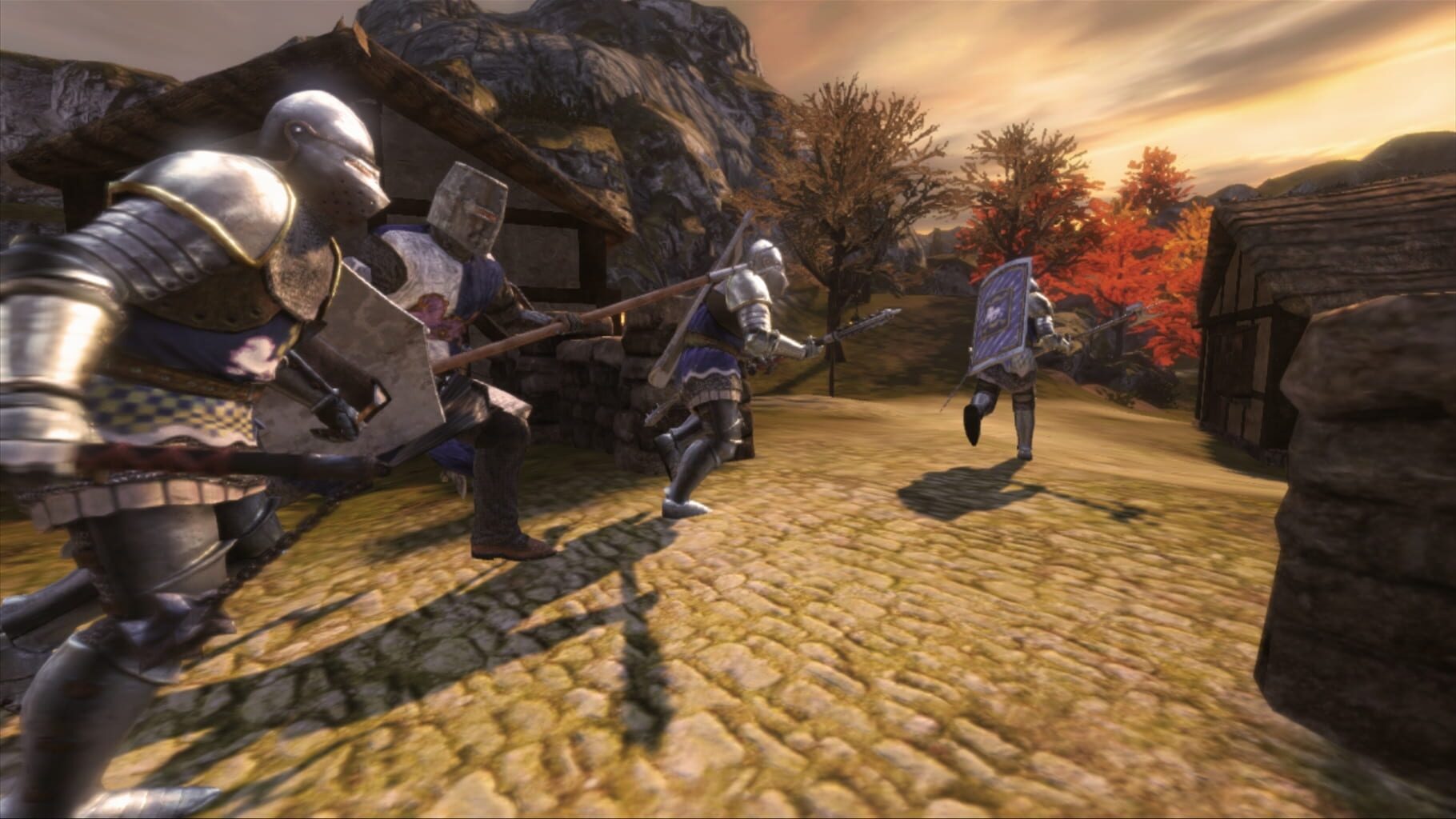
Chivalry: Medieval Warfare is a fast-paced online multiplayer action game which will have players turning in their guns and grenades for battle axes and swords. Chivalry: Medieval Warfare combines a sharp melee edge and familiar competitive gameplay along with the genuine look and feel of open-field combat in the Middle Ages. Players can choose between one of four classes – Knight, Vanguard, Man-at-Arms and Archer – each balanced to offer a unique set of strengths and vulnerabilities in any given situation. An extensive armoury of more than sixty period-authentic weapons, including swords, shields, daggers, maces, axes, javelins, longbows and crossbows, delivers deadly choices for decimating foes. Melee combat in Chivalry: Medieval Warfare is more than just hack and slash. Players will use different attacks, blocks and counters insuring that combat is tactical, responsive and of course chaotic. Prepare to fight in a variety of inspired medieval environments and scenarios. Raid peasant villages, burn crops, siege castles, defend the royal family, or fight to the last man in a gladiatorial arena. Multiple modes provide opportunities to fight as a team for the greater glory of the realm, or for personal honour in duels to the death.
Summary from IGDB
Chivalry : Medieval Warfare screenshots
Version history
- v3Current
fixes, mkb and open xinput support.
- v2
Enable dinput and dev reorder if you want to test if your dinput gamepads work.
- v1
First release
Comments 0
No comments yet. Played it? Share what worked for your group.
Play these next
Browse all games
Estencel
birden160 downloads8
Valkyrie of Phantasm
birden13 downloads8
New Gundam Breaker
Talos91347 downloads5
Marvel vs. Capcom Fighting Collection: Arcade Classics
Talos9180 downloads5
Teenage Mutant Ninja Turtles: Mutants in Manhattan
Talos913k downloads4
Senran Kagura: Shinovi Versus
Talos91407 downloads4
Browse by genre: Fighting · Hack and slash · Indie
Log in or create an account to comment.