Split-screen on PC
Dungeon of the Endless
Up to 4 players on one PC, with controllers, keyboard and mouse or several keyboards and mice.
Handler “DungeonoftheEndless” by Talos91, version 3
What works
With Nucleus Co-op, up to 4 players can play Dungeon of the Endless together on one PC, each in their own part of the screen, with controllers, keyboard and mouse or several keyboards and mice. The free community handler “DungeonoftheEndless” by Talos91 does the setup and was checked by hub moderators: version 3, updated . Dungeon of the Endless is a platformer, real-time strategy and role-playing game from 2014.
- Players4
- ControllersSupported
- Keyboard and mouseSupported
- Several keyboards and miceOne per player
- Hub moderatorsVerified
How to play Dungeon of the Endless split screen on PC
Get Nucleus Co-op
Download Nucleus Co-op, free for Windows 10 and 11, and unzip it into its own folder, for example C:\NucleusCo-op. There is no installer.
Keep it out of Program Files, your user folder and OneDrive.
Install the Dungeon of the Endless handler
In Nucleus Co-op, search the Hub for Dungeon of the Endless and install its handler, or download the handler file from this page and drop it on the Nucleus window. Then show Nucleus where Dungeon of the Endless is installed.
Take a seat
Each player presses a button on their own controller to join and takes a spot on the screen. Pick a layout that fits your players.
Playing with several keyboards and mice? Press End once everything is in place to give each window its own cursor.
Launch and connect
Press Launch: Nucleus opens one copy of Dungeon of the Endless per player and lays the windows out on your screen. Then link them in game, usually one player hosts a LAN or online session and the others join it. The handler notes say how.
What you need
- A Windows 10 or 11 PC
Nucleus Co-op runs on Windows only. System requirements
- Dungeon of the Endless for Windows
Installed on that PC. Nucleus starts every player's window from that one install.
- Nucleus Co-op, free
With .NET Framework 4.7.2 or later and the Visual C++ 2015–2022 runtimes (x86 and x64). Download
- Something to play with
One controller per player, or one keyboard and mouse per player. Controllers · Keyboards and mice
- A PC that can run 4 copies
Each player runs their own copy of Dungeon of the Endless, so the PC carries several times the usual load. Lower the graphics settings if it struggles. Performance tips
- A multiplayer mode
Nucleus links the windows through the game's own LAN or online mode; the handler takes care of it.
Handler notes
READ the handler notes in the UI very carefully. Close Steam completely before running this. Only working with multiple keyboards/mice and just ONE gamepad instance because of Unity bad default input controller support. Host a multiplayer game in the SECOND instance and join in the others otherwise the game won't start.
Authors and Contributors of this handler: Talos91 from the Split Screen Dreams Discord
About Dungeon of the Endless
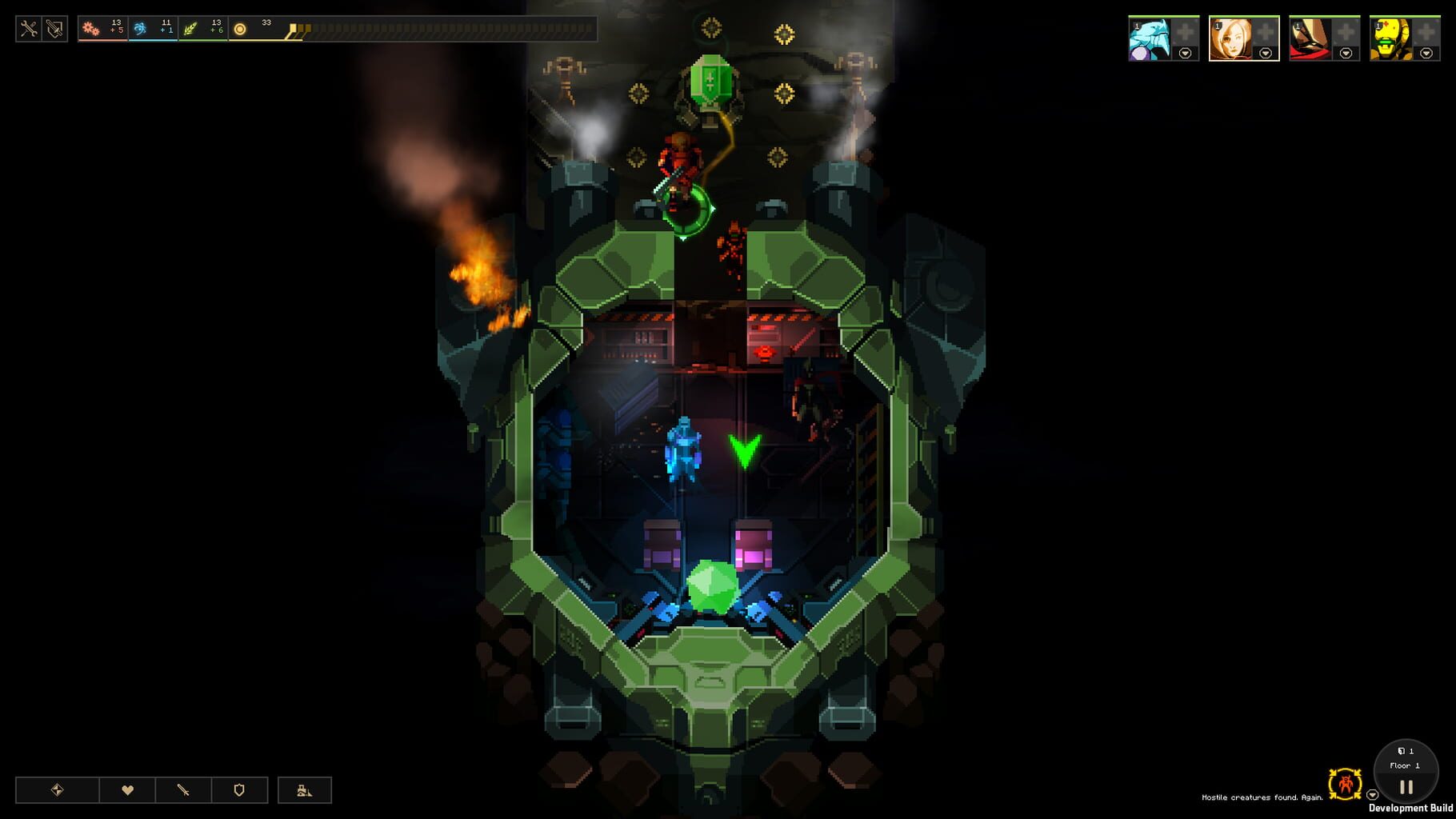
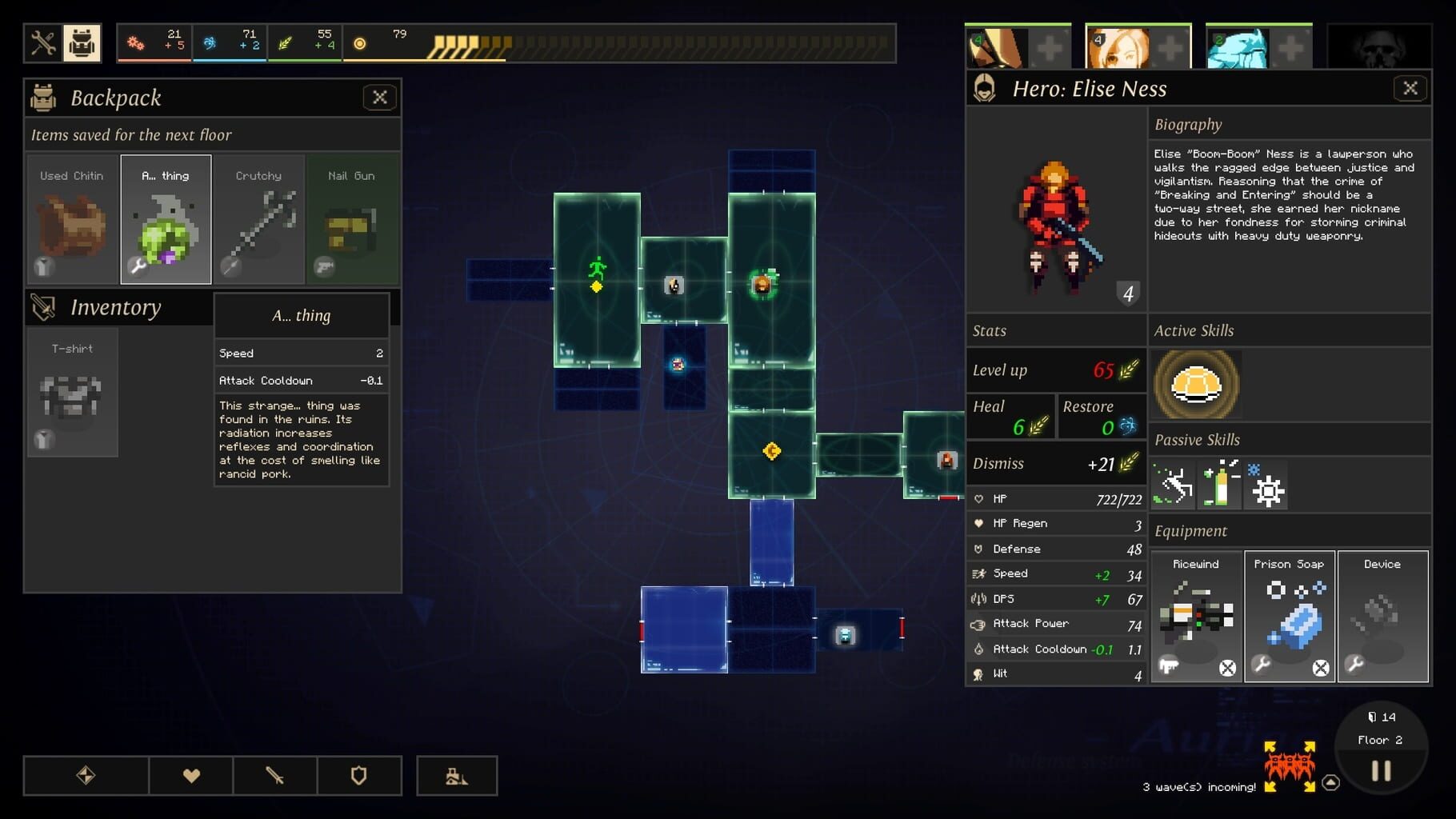
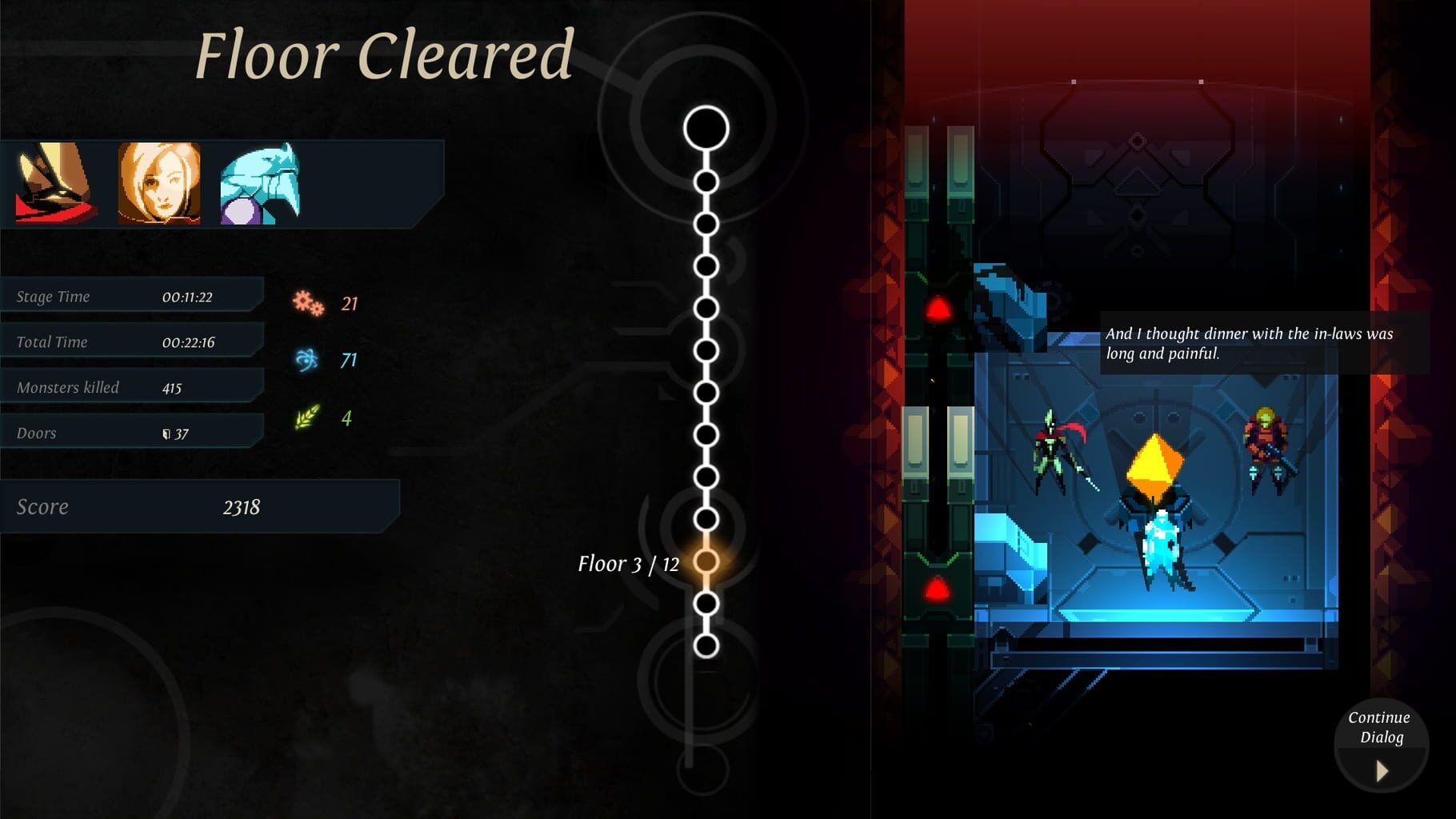
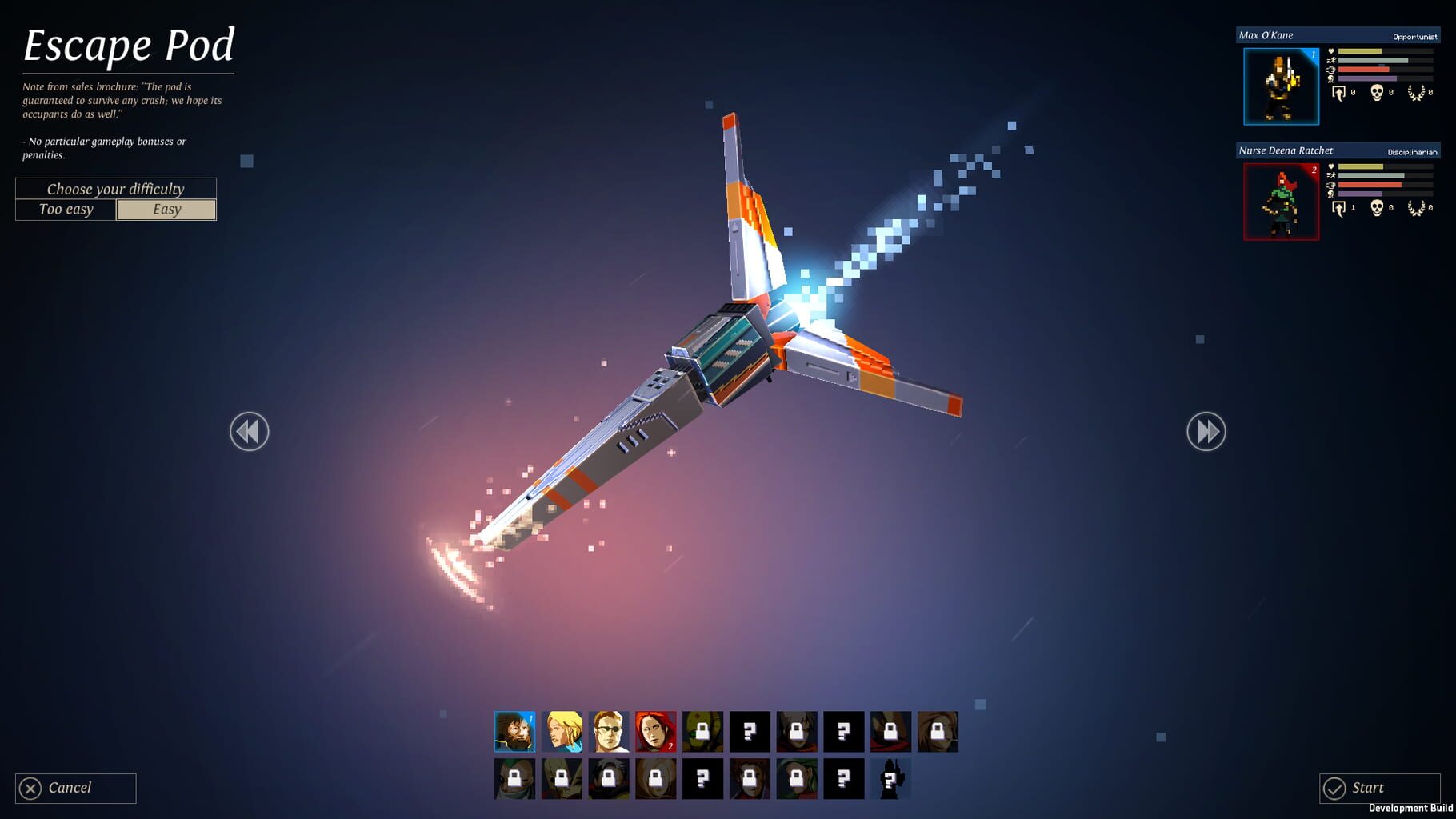
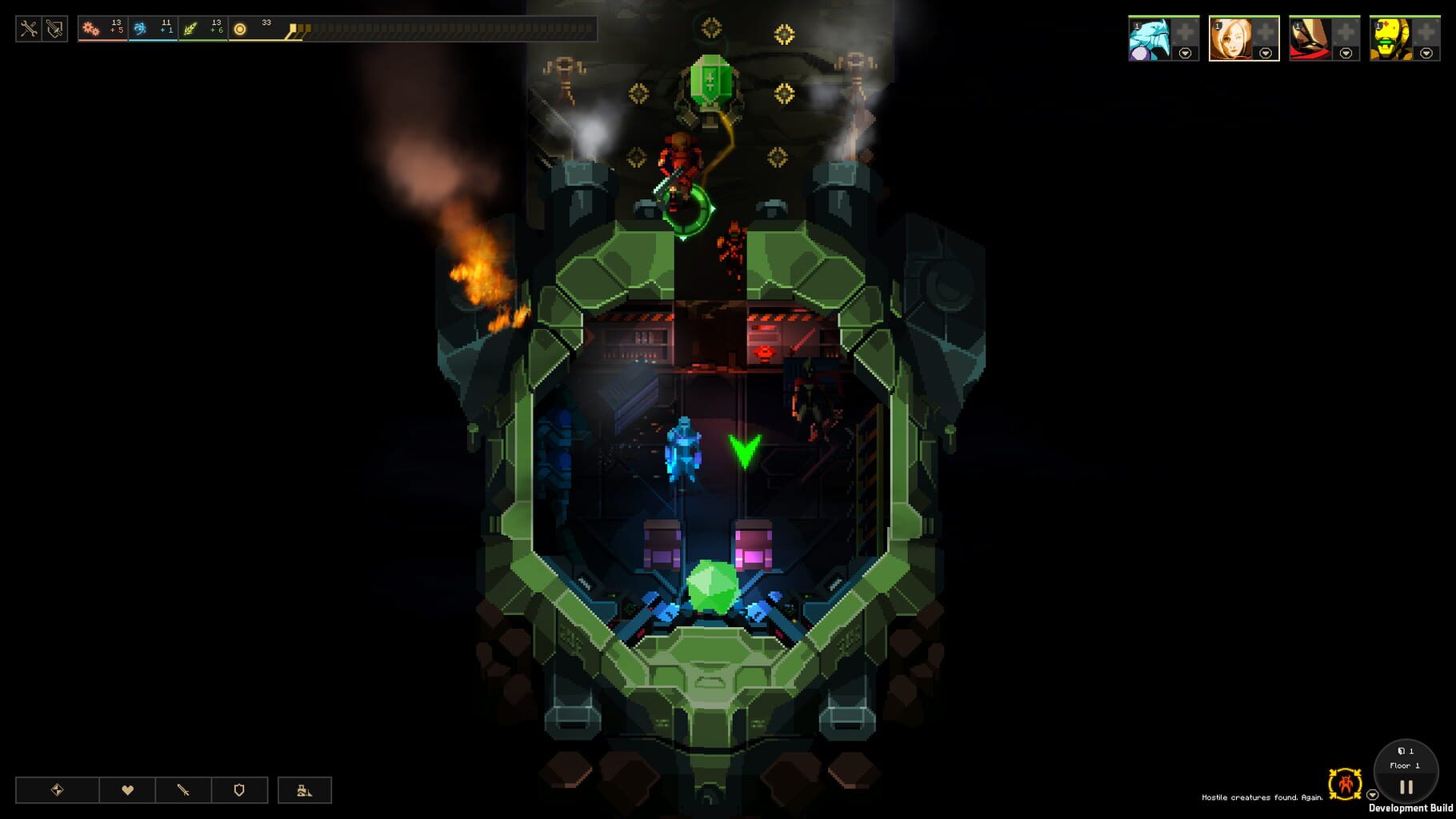
In Dungeon of the Endless, the player takes the role of the survivors of a prison spaceship, its escape pod having crashed to the surface of a strange planet. To escape, they must take an energy crystal through several floors, each floor filled with a number of dangerous creatures. To help, the player can have their survivors explore the randomly generated levels to collect resources as to enable power to various rooms and construct turrets to fend off the enemies when they move the crystal from its starting point to the elevator to the next floor.
Summary from IGDB
Dungeon of the Endless screenshots
Version history
- v3Current
fixed crashing connection
- v2
Improvements and multi keyboard mice support.
- v1
First Release
Comments 6
hey, i have 2 monitor now with new kb and mc. work like a champ! thanks for the mod
hi, there is a problem with this game that i can't click anything from the screen menu. the keyboard also cannot select anything from the start menu. I have followed every step and still no hope
Did you lock the input with End? also make sure all instances are set to windowed in-game.
I've tried windowed in-game but this time the problem is only on the ControllerXbox on Player2, I can't click anything on start menu even though I've tried alt+tab and Lock & Unlock input. Player1 key+mouse has no problem, maybe I need extra key+mouse for Player2. thanks for reply. i'm already order extra key+mouse.. i will let you know later
For controller to work you have to select EnableXBoxController in one instance and restart, the handler should do it automatically though, it edits the game config per instance unless you changed the default player steam ids in Nucleus settings.
ohh i see.. ok i'll try later
Play these next
Browse all games
Sonic Robo Blast 2: Persona
Confusion89 downloads8
Dungeons 3
Talos91780 downloads4
Risk of Rain
Zensuu1.2k downloads4
Magicite
Talos91645 downloads4
Niffelheim
Talos91644 downloads4
Vagante
Talos91625 downloads4
Browse by genre: Platformer · Real-time strategy · Role-playing
Log in or create an account to comment.