Split-screen on PC
F1 2012
Up to 4 players on one PC, with controllers.
Handler “F12012” by Talos91, version 3
What works
With Nucleus Co-op, up to 4 players can play F1 2012 together on one PC, each in their own part of the screen, with controllers. The free community handler “F12012” by Talos91 does the setup and was checked by hub moderators: version 3, updated . F1 2012 is a racing, simulation and sports game from 2012.
- Players4
- ControllersSupported
- Keyboard and mouseNot supported
- Several keyboards and miceNot supported
- Hub moderatorsVerified
How to play F1 2012 split screen on PC
Get Nucleus Co-op
Download Nucleus Co-op, free for Windows 10 and 11, and unzip it into its own folder, for example C:\NucleusCo-op. There is no installer.
Keep it out of Program Files, your user folder and OneDrive.
Install the F1 2012 handler
In Nucleus Co-op, search the Hub for F1 2012 and install its handler, or download the handler file from this page and drop it on the Nucleus window. Then show Nucleus where F1 2012 is installed.
Take a seat
Each player presses a button on their own controller to join and takes a spot on the screen. Pick a layout that fits your players.
Launch and connect
Press Launch: Nucleus opens one copy of F1 2012 per player and lays the windows out on your screen. Then link them in game, usually one player hosts a LAN or online session and the others join it. The handler notes say how.
What you need
- A Windows 10 or 11 PC
Nucleus Co-op runs on Windows only. System requirements
- F1 2012 for Windows
Installed on that PC. Nucleus starts every player's window from that one install.
- Nucleus Co-op, free
With .NET Framework 4.7.2 or later and the Visual C++ 2015–2022 runtimes (x86 and x64). Download
- Something to play with
One controller per player: Xbox, PlayStation or generic pads. Controllers
- A PC that can run 4 copies
Each player runs their own copy of F1 2012, so the PC carries several times the usual load. Lower the graphics settings if it struggles. Performance tips
- A multiplayer mode
Nucleus links the windows through the game's own LAN or online mode; the handler takes care of it.
Handler notes
Guide: https://www.reddit.com/r/localmultiplayergames/comments/cpboki/f1_2012_4_player_splitscreen/
Authors and Contributors of this handler: LineOf7s and Talos91 from the Split Screen Dreams Discord.
About F1 2012
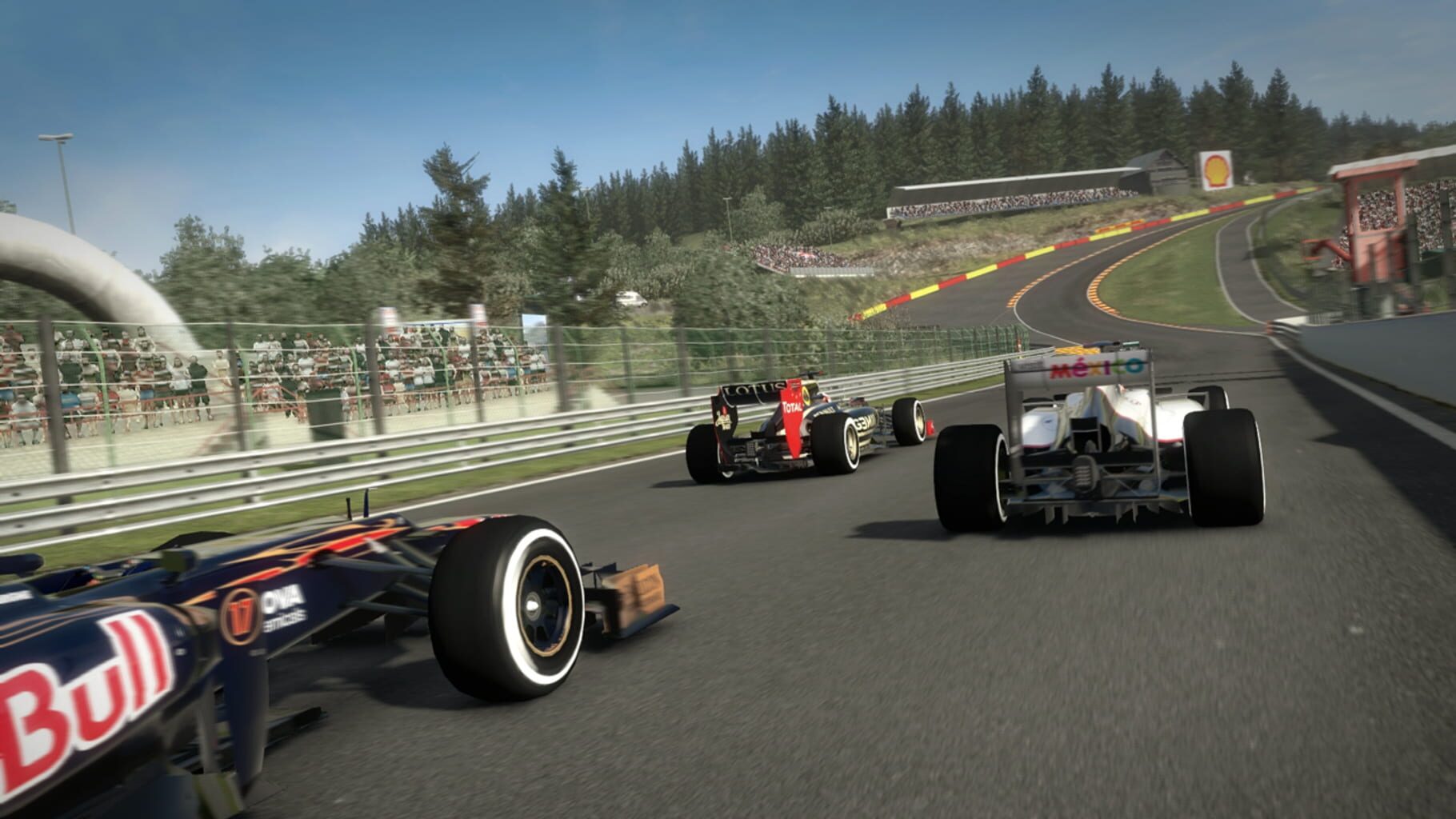
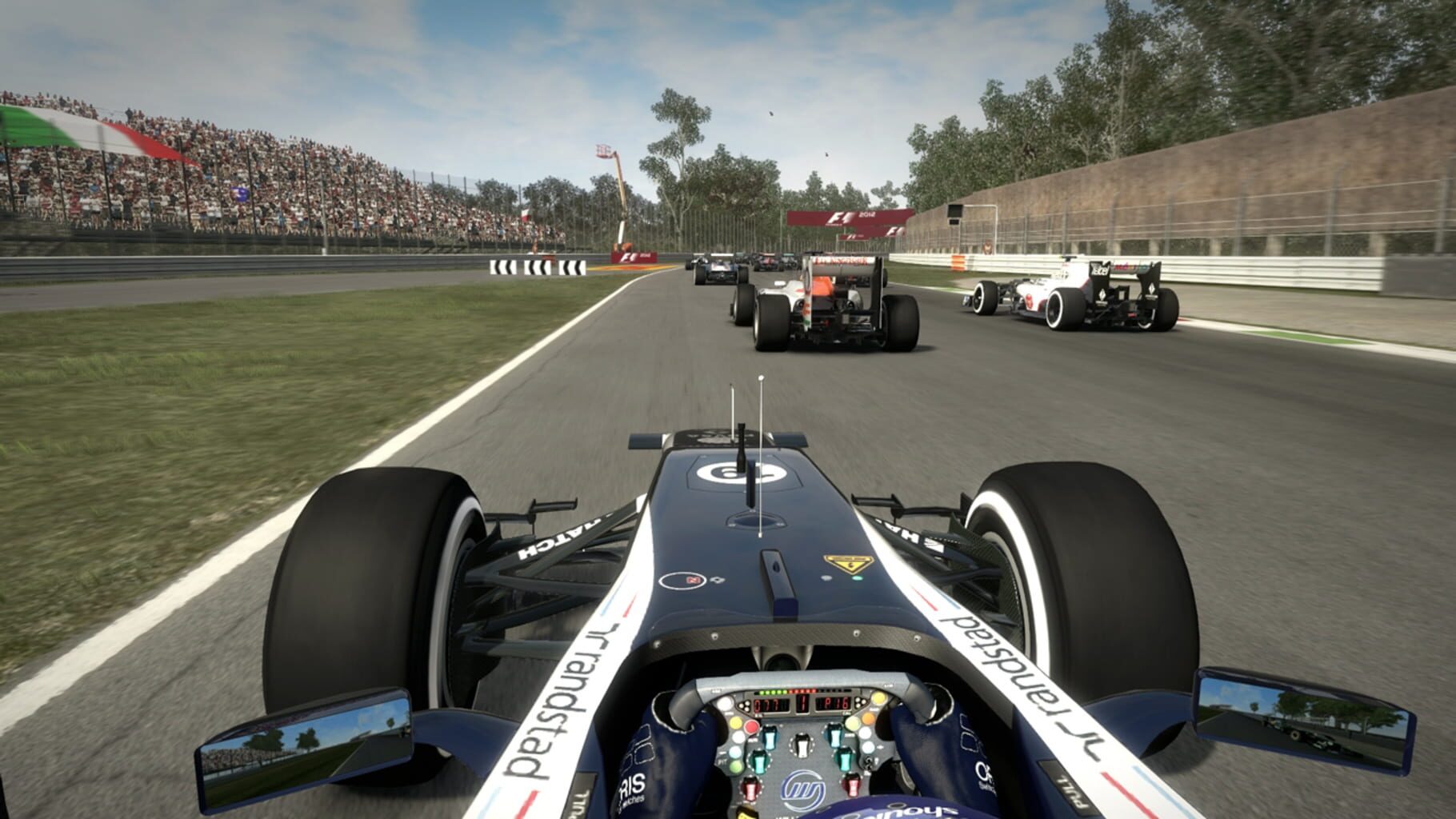
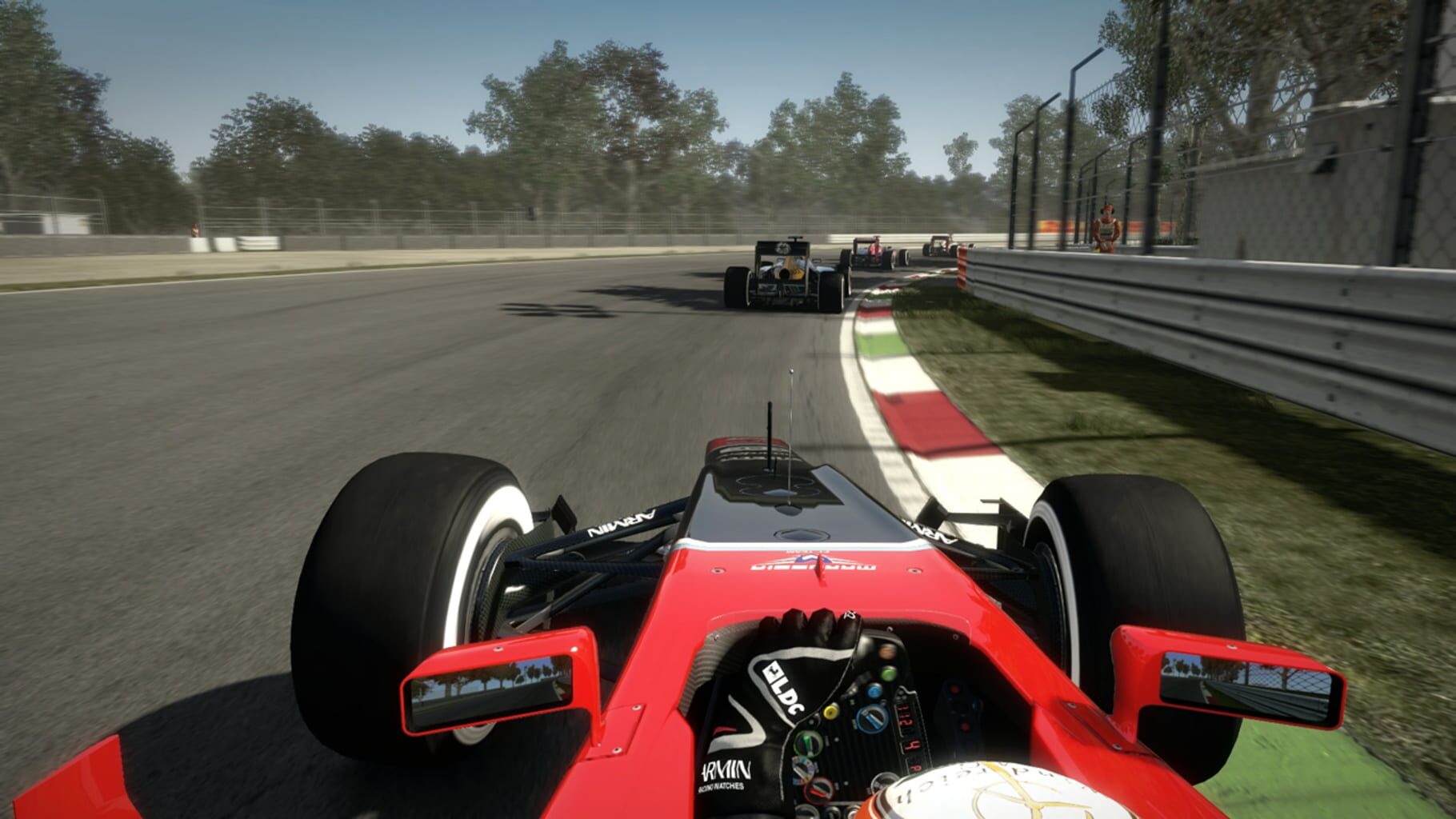
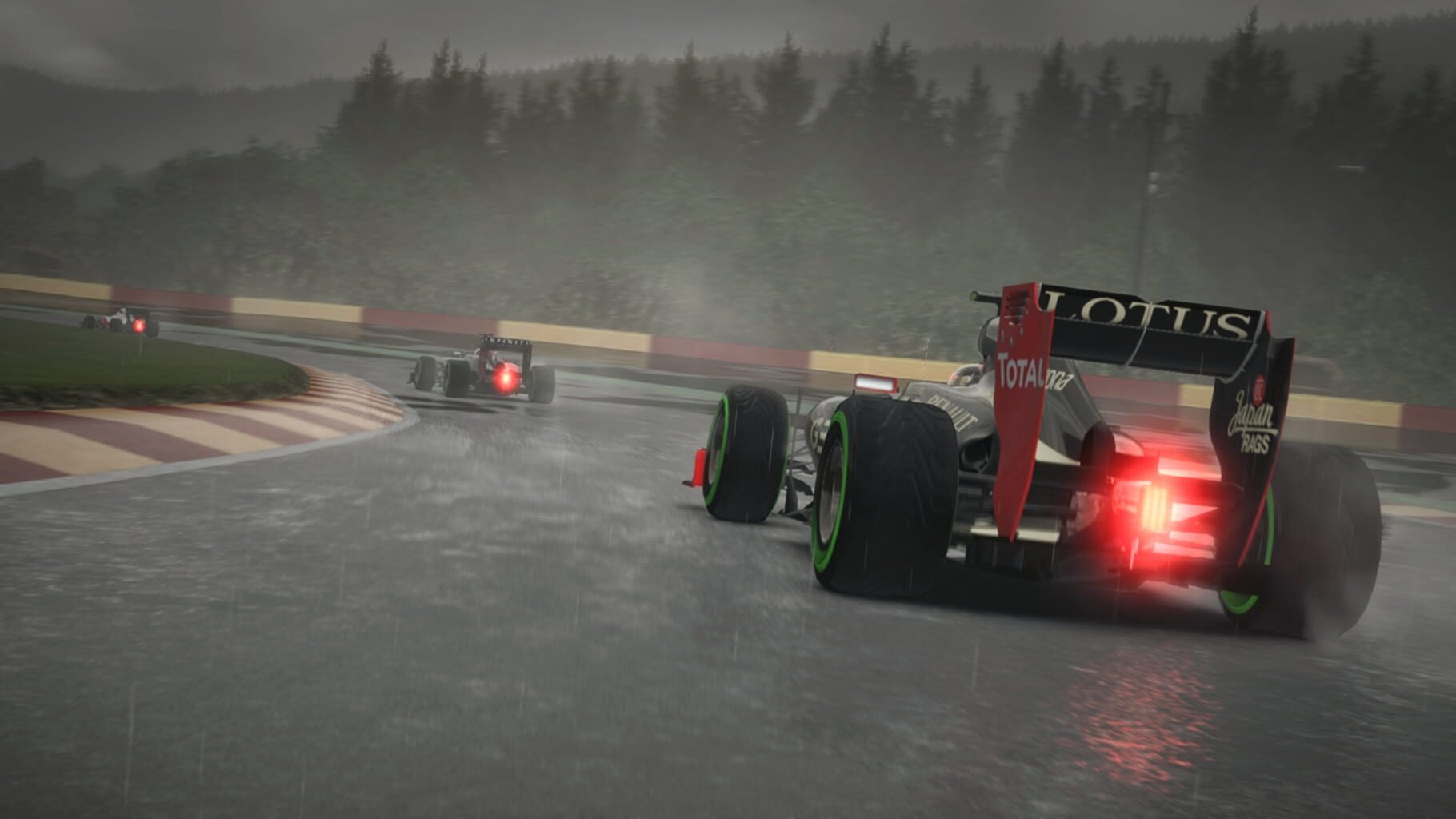
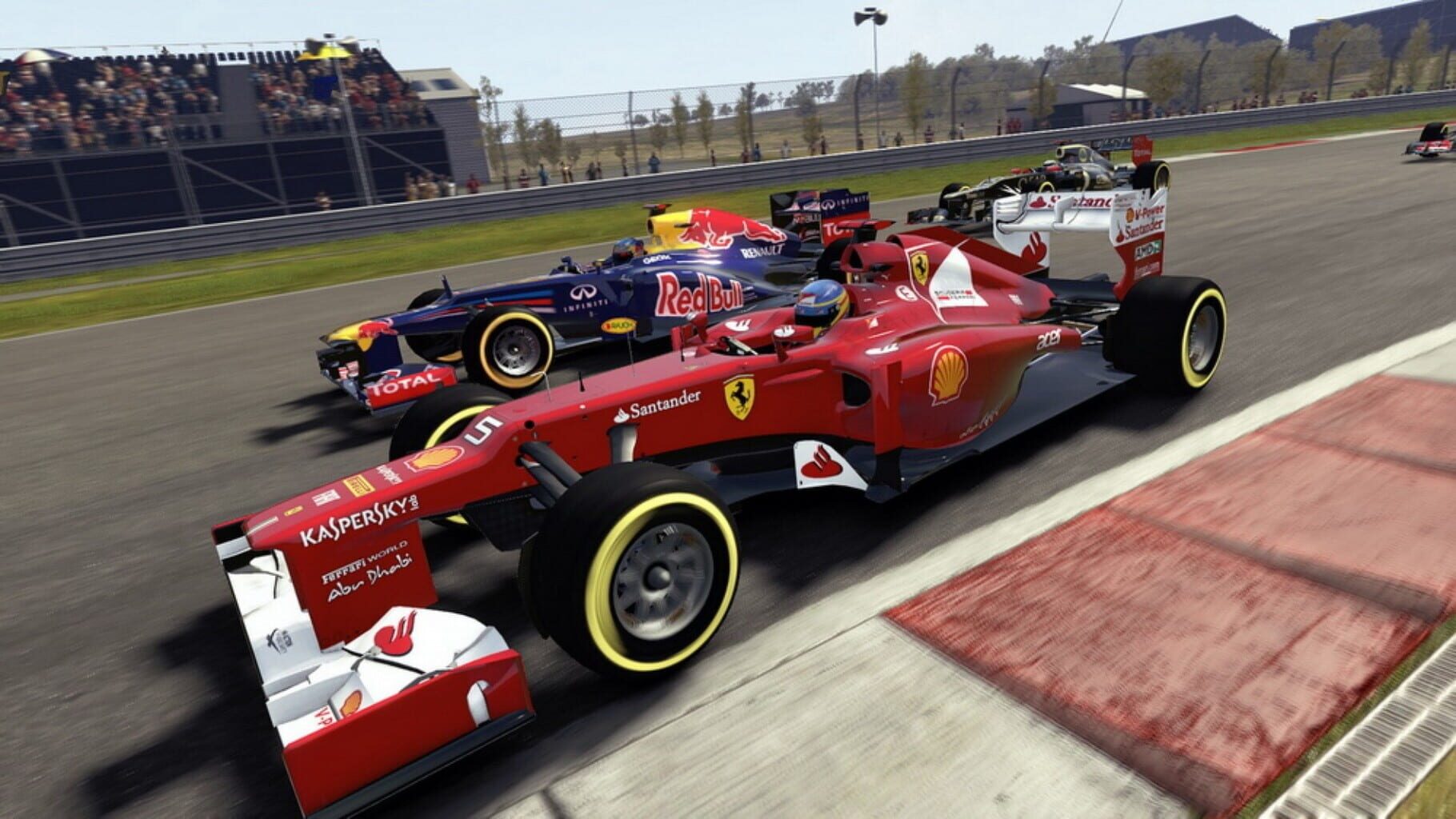
As well as the new young driver test mode, F1 2012 features a new "Champions Mode", in which the six World Champions competing in the 2012 season — Kimi Räikkönen, Lewis Hamilton, Jenson Button, Sebastian Vettel, Fernando Alonso and Michael Schumacher — will be styled after traditional end-of-level video gaming bosses, with the player challenged to beat them while racing in conditions that suit each driver. Another new mode introduced, is the "Season Challenge" mode. Feedback given to Codemasters was that players only played the game when they had a few hours to play. In response, Codemasters brought in this mode so that players could simply play for a short amount of time. In this mode the player will start as a team lower down the field, and over a ten race season the player will move teams mid-season, depending on their ability to beat rival drivers and objectives. Codemasters also introduced "One-Shot Qualifying", whereby a player has a single lap to qualify for the race. The three stage knock out session is still an option, however the single 20 minute session is no longer available in career mode. There is no longer an option to include all three practice sessions in a race weekend, but instead only a single hour session is available.
Summary from IGDB
F1 2012 screenshots
Version history
- v3Current
resizing improvements and notes.
- v2
updated to work on latest version
- v1
First Release
Comments 0
No comments yet. Played it? Share what worked for your group.
Play these next
Browse all games
DiRT Rally
Genjuro_Kibagami1.4k downloads4
GRID: Autosport
Perserveruz942 downloads4
Grid 2
Perserveruz2k downloads4
MX vs. ATV All Out
Perserveruz308 downloads4
F1 2014
Talos911k downloads4
F1 2013
Perserveruz360 downloads4
Browse by genre: Racing · Simulation · Sports
Log in or create an account to comment.