Split-screen on PC
Fallout: New Vegas
Up to 4 players on one PC, with controllers or keyboard and mouse.
Handler “Fallout New Vegas Multiplayer Mod” by Moon__Shyne, version 21
What works
With Nucleus Co-op, up to 4 players can play Fallout: New Vegas together on one PC, each in their own part of the screen, with controllers or keyboard and mouse. The free community handler “Fallout New Vegas Multiplayer Mod” by Moon__Shyne does the setup and was checked by hub moderators: version 21, updated . Fallout: New Vegas is a shooter and role-playing game from 2010.
- Players4
- ControllersSupported
- Keyboard and mouseSupported
- Several keyboards and miceNot supported
- Hub moderatorsVerified
How to play Fallout: New Vegas split screen on PC
Get Nucleus Co-op
Download Nucleus Co-op, free for Windows 10 and 11, and unzip it into its own folder, for example C:\NucleusCo-op. There is no installer.
Keep it out of Program Files, your user folder and OneDrive.
Install the Fallout: New Vegas handler
In Nucleus Co-op, search the Hub for Fallout: New Vegas and install its handler, or download the handler file from this page and drop it on the Nucleus window. Then show Nucleus where Fallout: New Vegas is installed.
Take a seat
Each player presses a button on their own controller to join and takes a spot on the screen. Pick a layout that fits your players.
Launch and connect
Press Launch: Nucleus opens one copy of Fallout: New Vegas per player and lays the windows out on your screen. Then link them in game, usually one player hosts a LAN or online session and the others join it. The handler notes say how.
What you need
- A Windows 10 or 11 PC
Nucleus Co-op runs on Windows only. System requirements
- Fallout: New Vegas for Windows
Installed on that PC. Nucleus starts every player's window from that one install.
- Nucleus Co-op, free
With .NET Framework 4.7.2 or later and the Visual C++ 2015–2022 runtimes (x86 and x64). Download
- Something to play with
One controller per player; one player can use the keyboard and mouse. Controllers
- A PC that can run 4 copies
Each player runs their own copy of Fallout: New Vegas, so the PC carries several times the usual load. Lower the graphics settings if it struggles. Performance tips
- A multiplayer mode
Nucleus links the windows through the game's own LAN or online mode; the handler takes care of it.
Handler notes
-
Tested and working with the latest Steam version, make sure you downloaded the clean Fallout New Vegas vanilla game files without any mods and install NVMP and the essential stability mods in your main game files, run your main game at least once after doing that and change some graphic settings.
-
4gb patch and the other needed stability mods: https://wiki.nv-mp.com/en/radd/RADD-Mods.
-
Install them manually by extracting them in your main game files or use vortex, mod organizer does not work with this handler. Make sure FalloutNVLauncher.exe has been ran at least once.
-
If you launch a keyboard/mouse instance make sure it is always the first instance to launch so the keyboard and mouse work correctly, alt-tab to it or click on the kb instance to control it.
-
Run the Modlist.bat file in the NVMP folder inside Nucleus Co-op handlers folder each time you add or remove mods, the handler also automatically runs it now.
-
If you get a load order mismatch remember to install and use loot: https://github.com/loot/loot/releases/tag/0.20.0. Also delete the plugins.txt files per instance, you can access them by right clicking the handler in Nucleus UI and select Open UserProfile Config Path, https://ibb.co/KLcPmdD .
-
Fix for modlist not updating https://www.nexusmods.com/newvegas/mods/57486?tab=description will fix new vegas install in registry so the powerscript can see where the game is.
About Fallout: New Vegas
In this first-person Western RPG, the player takes on the role of Courier 6, barely surviving after being robbed of their cargo, shot and put into a shallow grave by a New Vegas mob boss. The Courier sets out to track down their robbers and retrieve their cargo, and winds up getting tangled in the complex ideological and socioeconomic web of the many factions and settlements of post-nuclear Nevada.
Summary from IGDB
Fallout: New Vegas screenshots
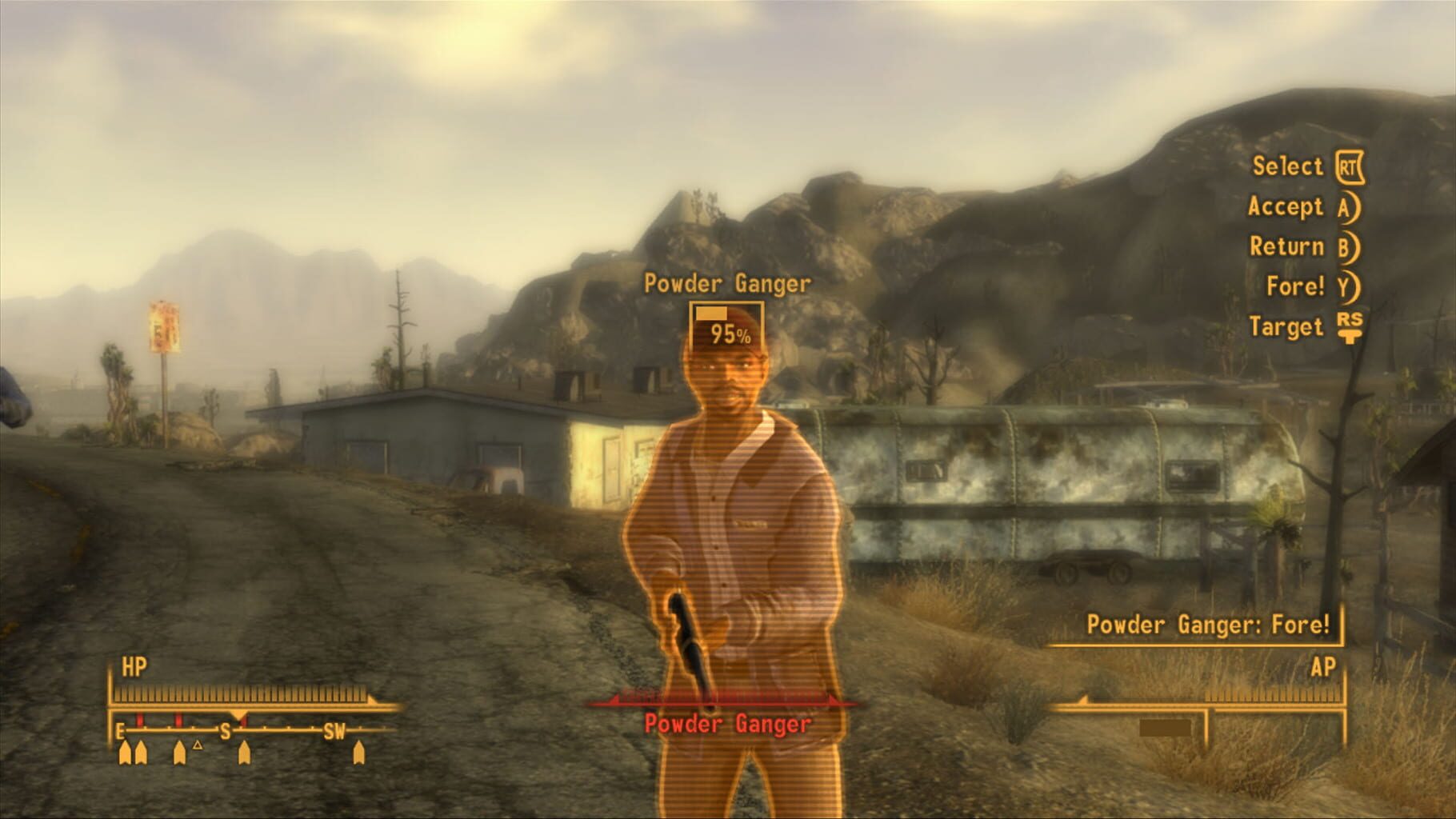
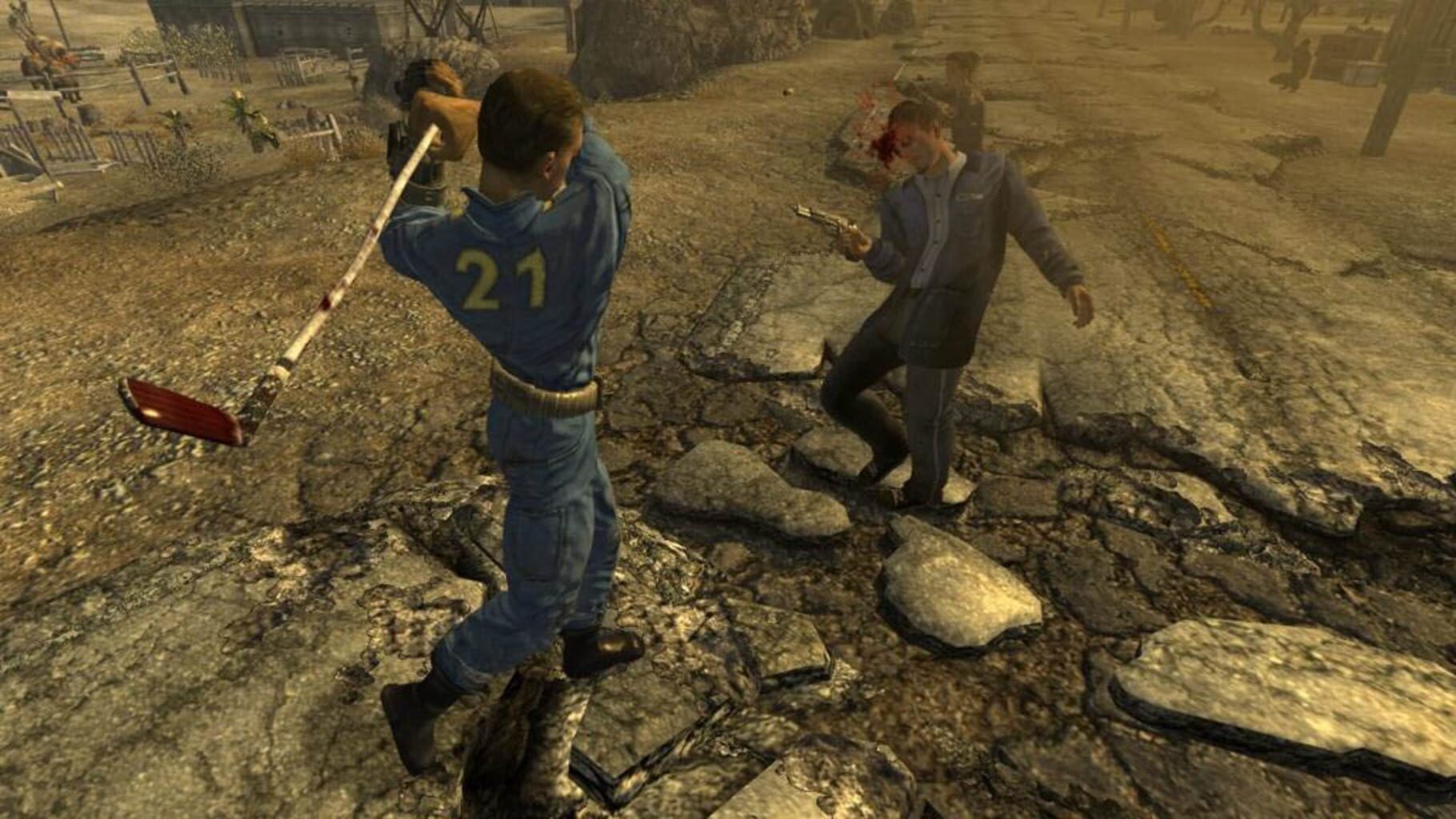
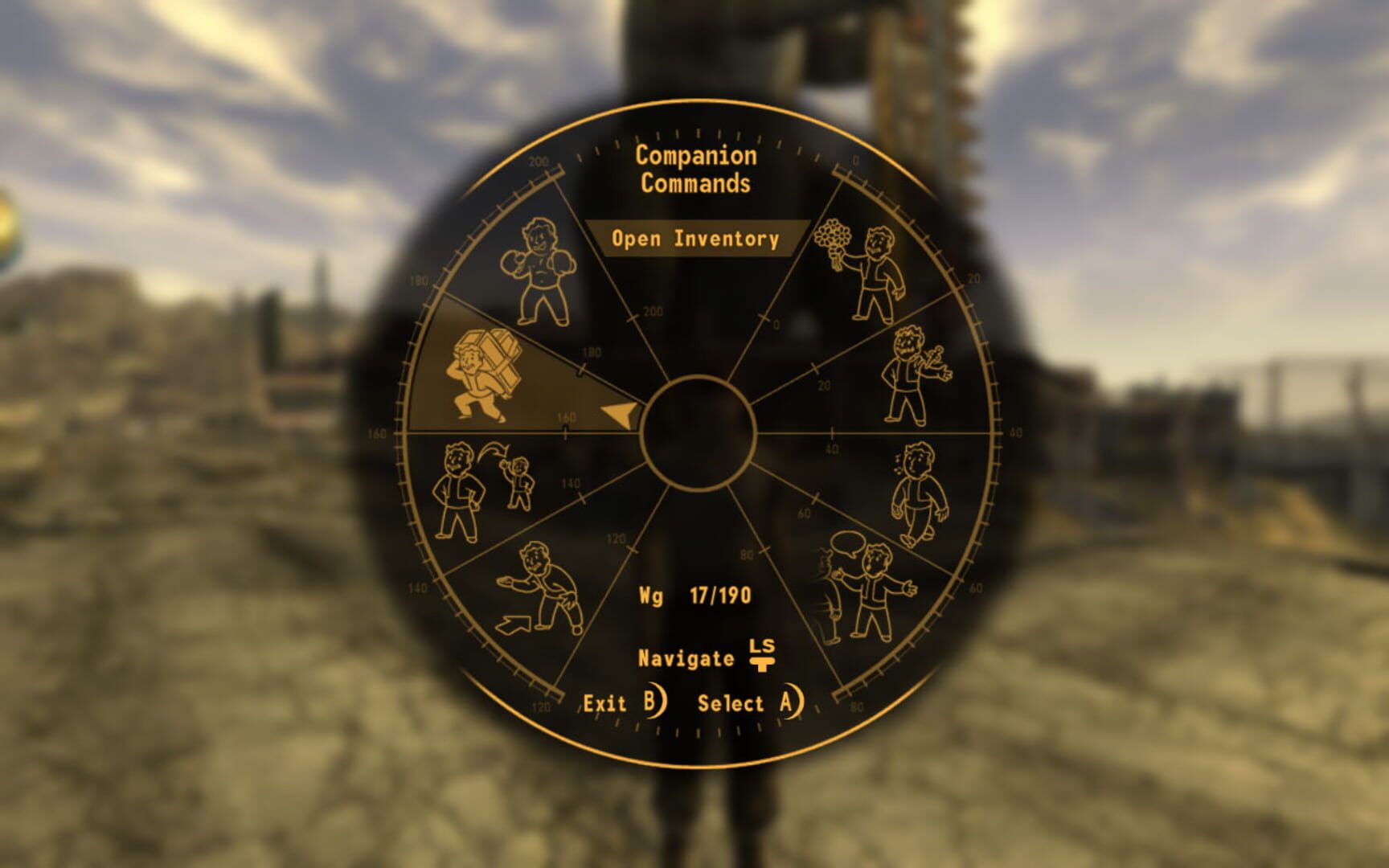
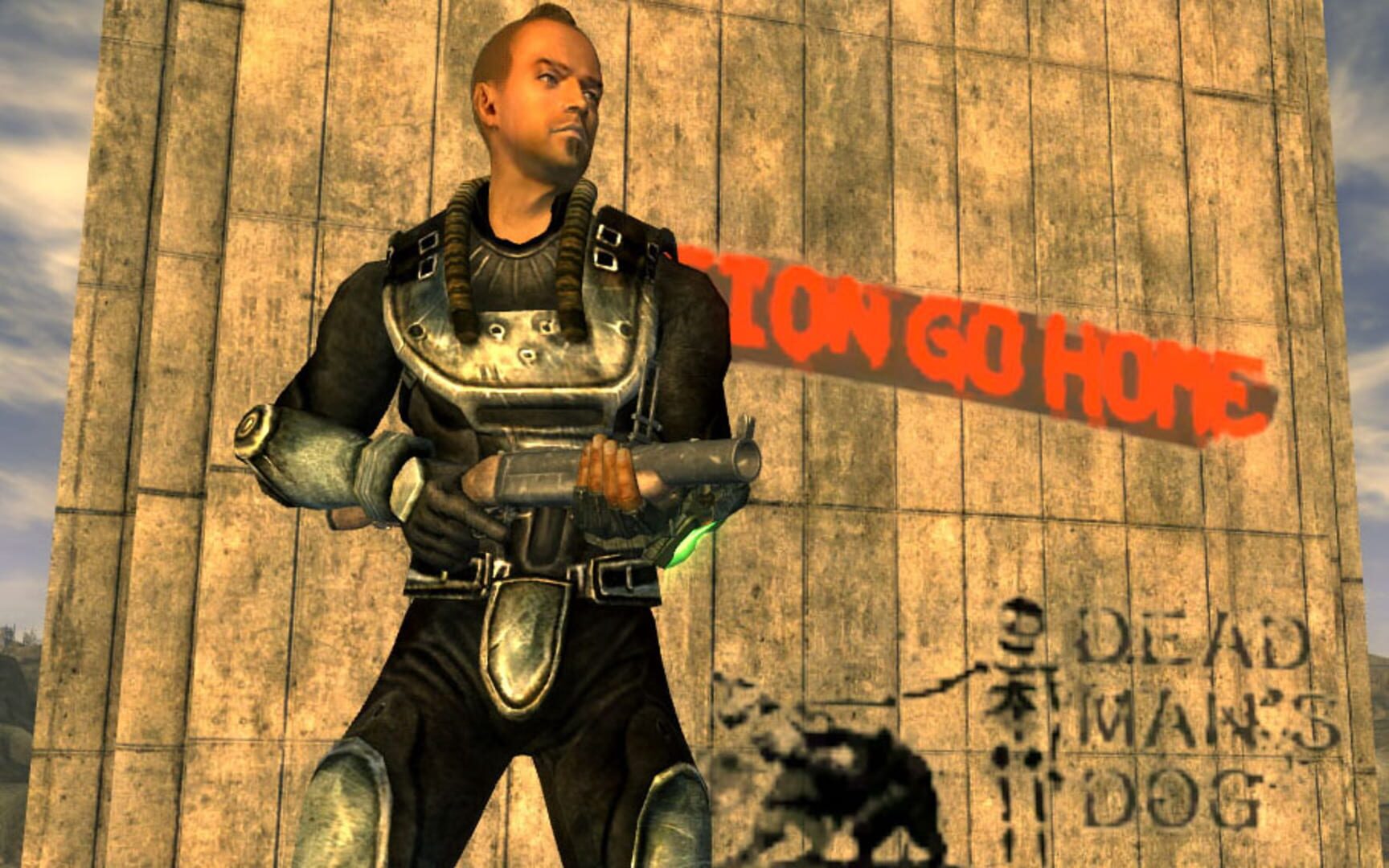
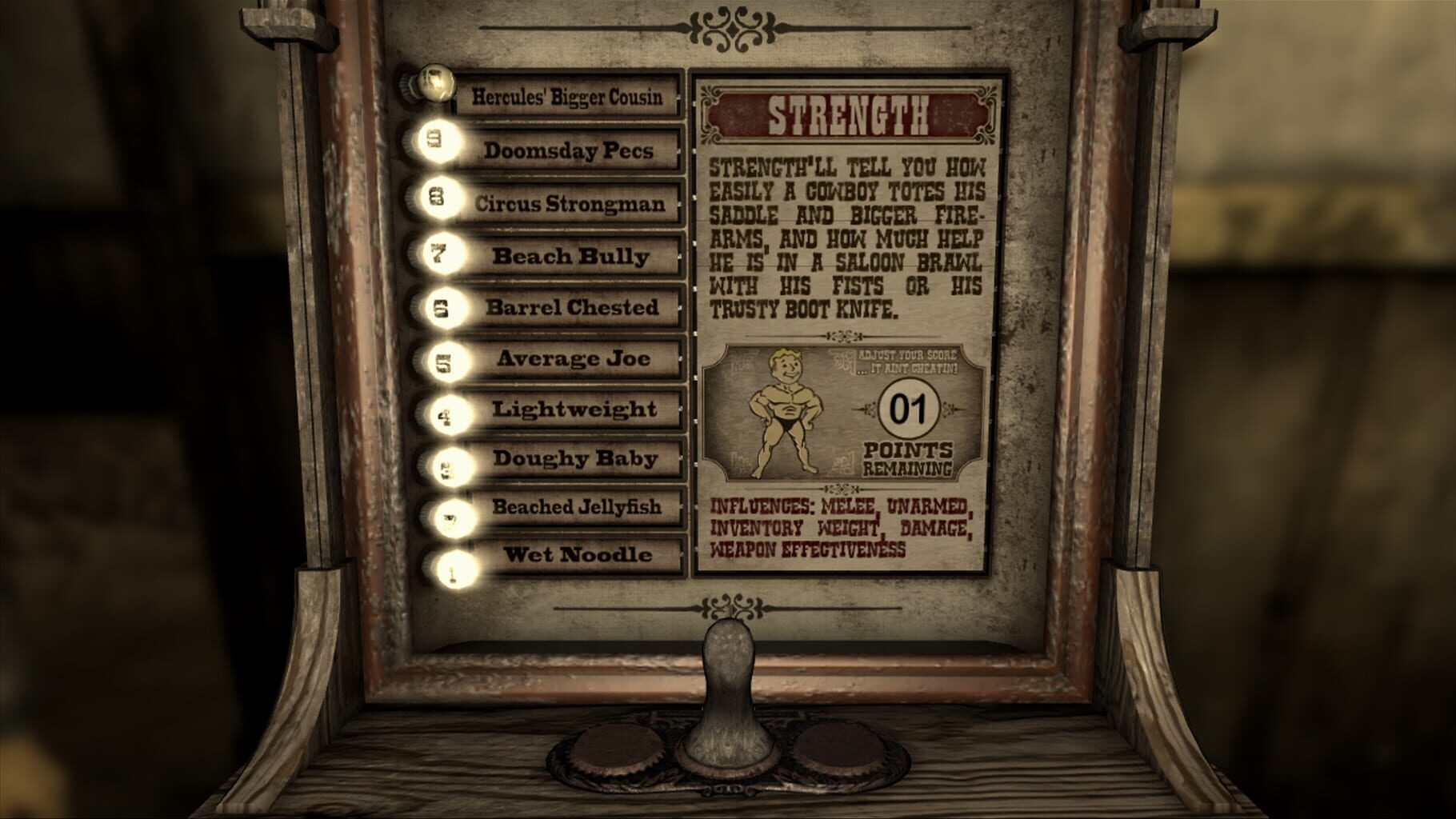
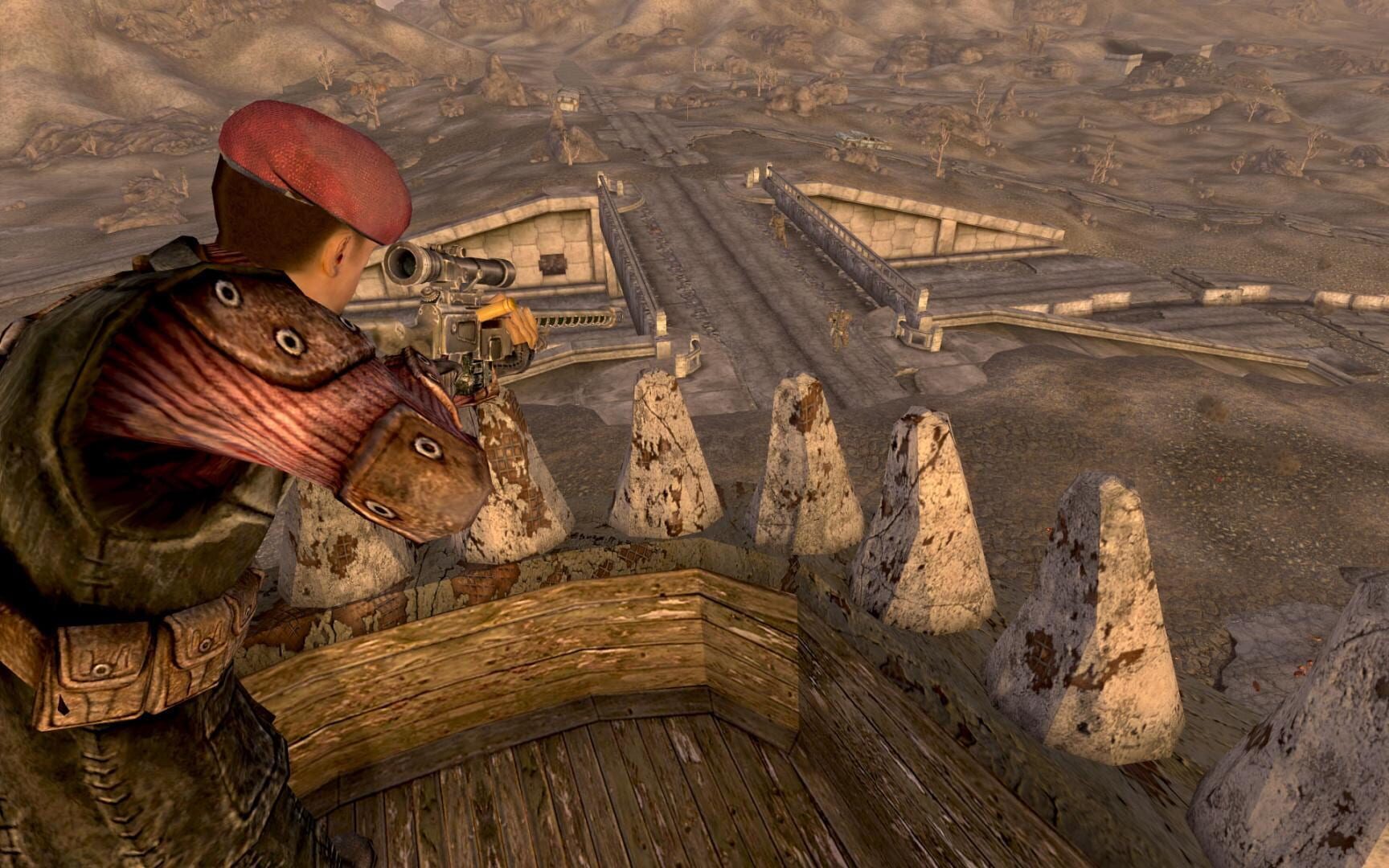
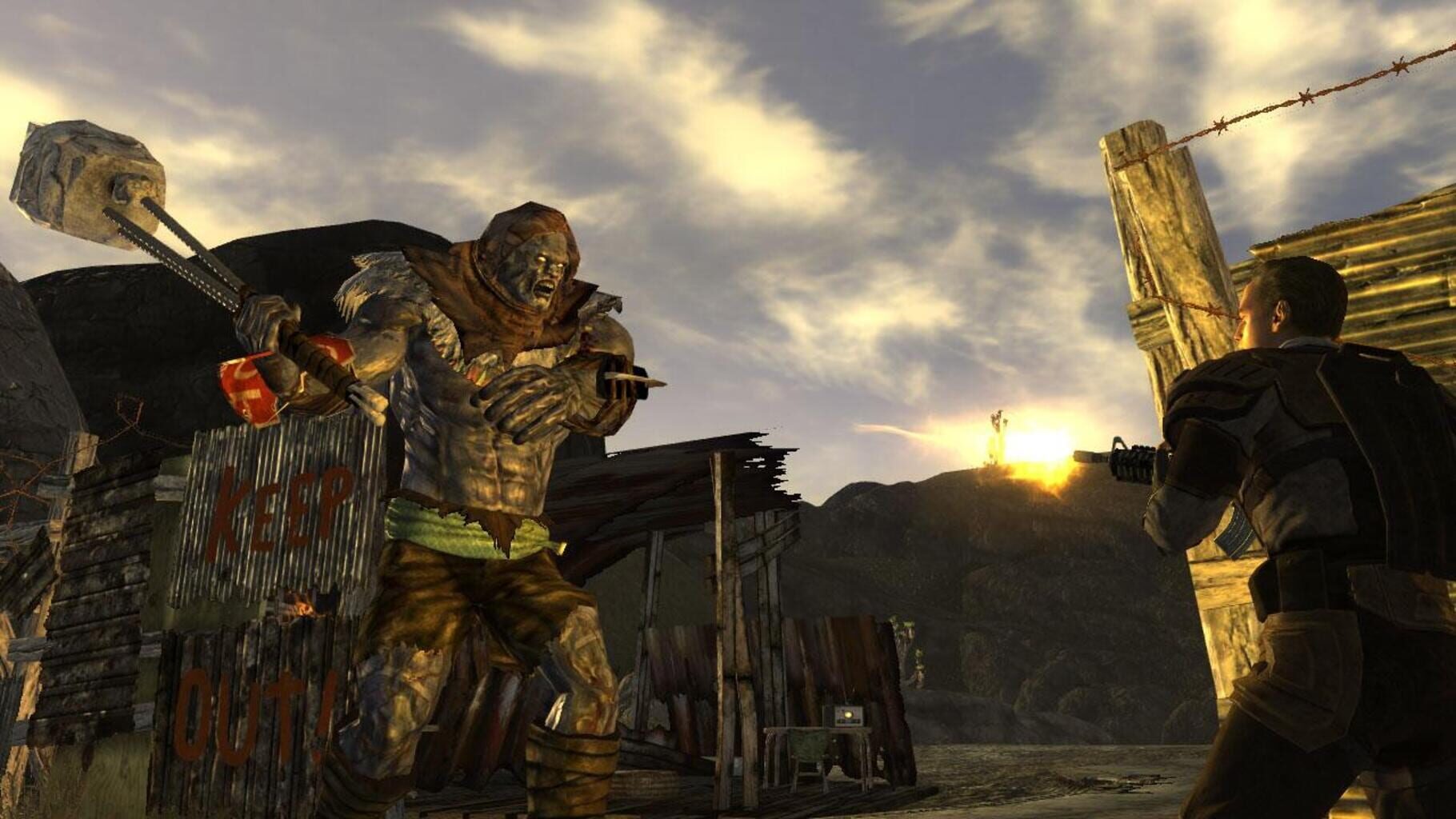
Version history
- v21Current
fixed sound issue, added one kb support and access via the UI to the plugins txt
- v20
symlink, goldberg, code cleanning and more notes., please test.
- v19
fixed zip
- v18
fixed second instance not launching
Comments 1
found a solution to server mod list problem explanation: https://ibb.co/KLcPmdD Full discord thread: https://discord.com/channels/142649962839277568/1181174965391872061
Play these next
Browse all games
Palworld
PoundlandBacon87k downloads4
Borderlands 2
Talos91107k downloads4
Payday 2
Talos9143k downloads4
Dying Light
Talos9176k downloads4
Borderlands 3
Talos9187k downloads4
Borderlands: Game of the Year Enhanced
Talos9132k downloads4
Browse by genre: Shooter · Role-playing
Log in or create an account to comment.