Split-screen on PC
Grand Theft Auto IV: Complete Edition
Up to 32 players on one PC, with controllers, keyboard and mouse or several keyboards and mice.
Handler “GTA4-GTAConnected” by Bizzo, version 8
What works
With Nucleus Co-op, up to 32 players can play Grand Theft Auto IV: Complete Edition together on one PC, each in their own part of the screen, with controllers, keyboard and mouse or several keyboards and mice. The free community handler “GTA4-GTAConnected” by Bizzo does the setup and was checked by hub moderators: version 8, updated . Grand Theft Auto IV: Complete Edition is a shooter and adventure game from 2010.
- Players32
- ControllersSupported
- Keyboard and mouseSupported
- Several keyboards and miceOne per player
- Hub moderatorsVerified
How to play Grand Theft Auto IV: Complete Edition split screen on PC
Get Nucleus Co-op
Download Nucleus Co-op, free for Windows 10 and 11, and unzip it into its own folder, for example C:\NucleusCo-op. There is no installer.
Keep it out of Program Files, your user folder and OneDrive.
Install the Grand Theft Auto IV: Complete Edition handler
In Nucleus Co-op, search the Hub for Grand Theft Auto IV: Complete Edition and install its handler, or download the handler file from this page and drop it on the Nucleus window. Then show Nucleus where Grand Theft Auto IV: Complete Edition is installed.
Take a seat
Each player presses a button on their own controller to join and takes a spot on the screen. Pick a layout that fits your players.
Playing with several keyboards and mice? Press End once everything is in place to give each window its own cursor.
Launch and connect
Press Launch: Nucleus opens one copy of Grand Theft Auto IV: Complete Edition per player and lays the windows out on your screen. Then link them in game, usually one player hosts a LAN or online session and the others join it. The handler notes say how.
What you need
- A Windows 10 or 11 PC
Nucleus Co-op runs on Windows only. System requirements
- Grand Theft Auto IV: Complete Edition for Windows
Installed on that PC. Nucleus starts every player's window from that one install.
- Nucleus Co-op, free
With .NET Framework 4.7.2 or later and the Visual C++ 2015–2022 runtimes (x86 and x64). Download
- Something to play with
One controller per player, or one keyboard and mouse per player. Controllers · Keyboards and mice
- A PC that can run 32 copies
Each player runs their own copy of Grand Theft Auto IV: Complete Edition, so the PC carries several times the usual load. Lower the graphics settings if it struggles. Performance tips
- A multiplayer mode
Nucleus links the windows through the game's own LAN or online mode; the handler takes care of it.
Handler notes
YouTube video : https://youtu.be/DwXQHKGRuPo
Reddit post : https://www.reddit.com/r/nucleuscoop/comments/mo6kfj/grand_theft_auto_iv_pc_split_screen_multiplayer/
Tested with Steam Complete Edition but should probably works with other versions.
Handler supports multiple keyboards and XInput gamepads. On Nucleus-Coop you MUST select GTAIV.exe in the main game folder. While on the GTA Connected launcher, you can select the one inside the Retail folder or the one in the main game folder if you have overwritten the files.
PRE-REQUISITES
- Grand Theft Auto Connected: https://gtaconnected.com/downloads/ Last working tested Client: 1.3.8 |Last working tested Server: 1.3.4
- Remember to downgrade your game https://wiki.gtaconnected.com/DowngradingIV
- Very quick tutorial on how to setup GTA Connected (use GTAIV.exe instead of PlayGTAIV.exe): https://youtu.be/oozOk2rx7wM
- (Optional) Create your server: https://youtu.be/VDxi_Ysv3a4
How to:
After you started the script:
-
Write the GTA Connected launcher.exe path in the Nucleus-Coop prompt (use double slashes).
-
After is started, inside the GTA Connected Launcher, check the "Close Launcher" option, disable "Window Mode" in the game settings, edit the player nickname and start the game (Double click a server).
-
When the game shows up, start the game. It should join inside the server. When you are in, click 'ok' on the first Nucleus-Coop prompt (do not do it when the game is loading. You can just do it in the main menu or when you are in-game).
-
When the player instance is ready and set (borders removed) you can start the next instance. A .bat file will automatically click the right instance for you.* Before starting the next instance launcher, edit the player appearance. I made a .bat file that will save each player document folder in the game script folder when you start the GTA Connected launcher. The next time, each player will have their own last exported player model.!!! GTA Connected 1.2.25 has a bug that doesn't let you save the player model, so at the moment this doesn't work !!!
-
Repeat the process for each player but before starting the game, edit the player nickname inside the GTA Connected launcher!
-
When all instances are ready, click ok on the last Nucleus-Coop prompt.
Notes:
- You can change the character appearance inside the lobby.
- Press Win+B for split performance if needed.
- If you can't hide the mouse pointer, press ctrl+t, hide it and press again ctrl+t.
If you want know more about NucleusCoop or you need support: https://www.reddit.com/r/nucleuscoop/comments/fjdqid/list_of_new_supported_games_and_faq/
Credit: Grand Theft Auto Connected, Nucleuscoop and the Splitscreen Dreams discord.
https://github.com/ZeroFox5866/nucleuscoop
Support Grand Theft Auto Connected: https://www.patreon.com/jack9267
Donate if you like the project: https://www.reddit.com/r/nucleuscoop/comments/e8y0i9/nucleuscoop_mod_v0982a_released/
About Grand Theft Auto IV: Complete Edition
This standalone retail title spans three distinct stories, interwoven to create one of the most unique and engaging single-player experiences of this generation. This definitive Grand Theft Auto bundle boasts hundreds of hours of single-player gameplay; a full suite of open-world multiplayer game types limited only by players’ creativity; dozens of eclectic radio stations with hours of music and original dialogue.
Summary from IGDB
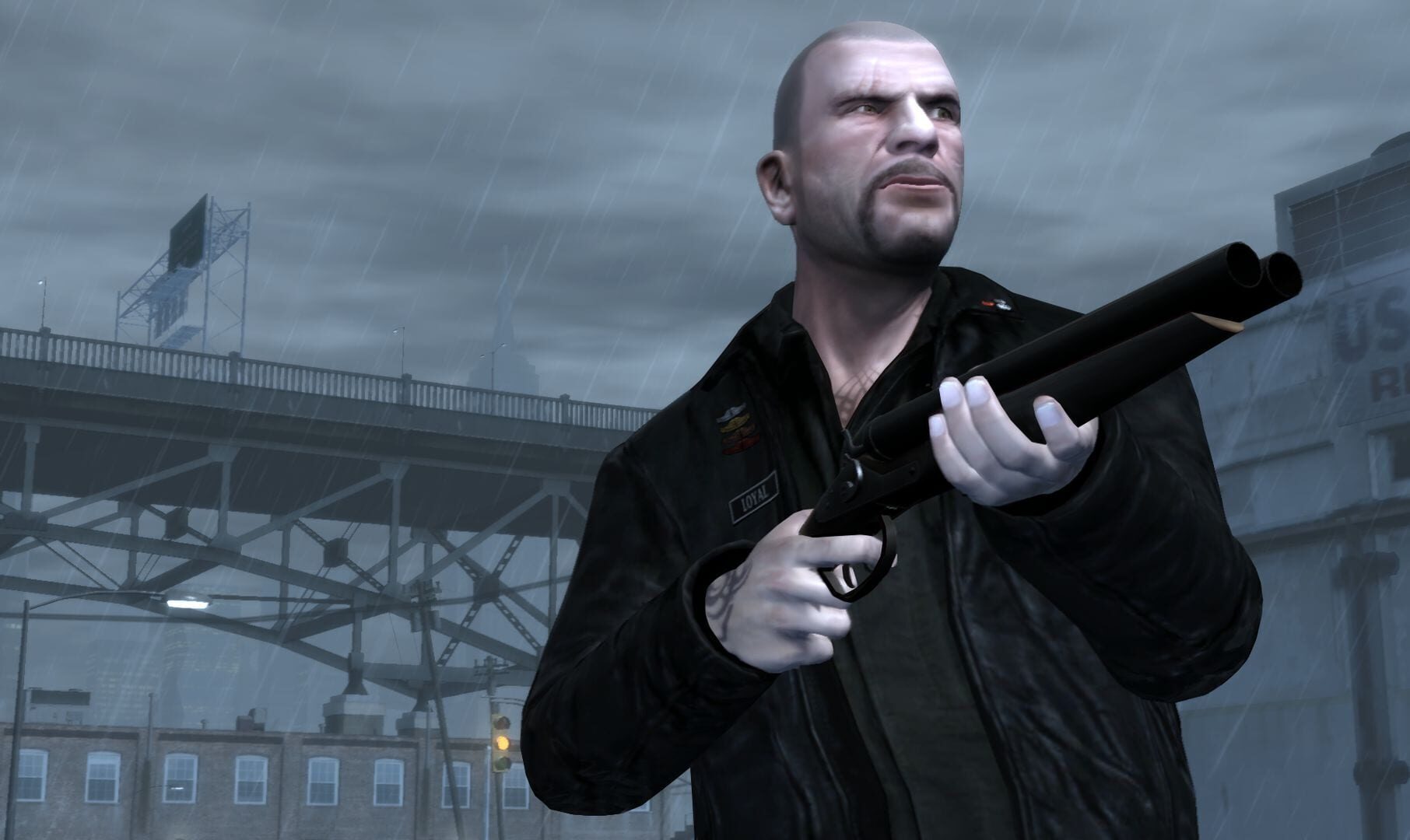
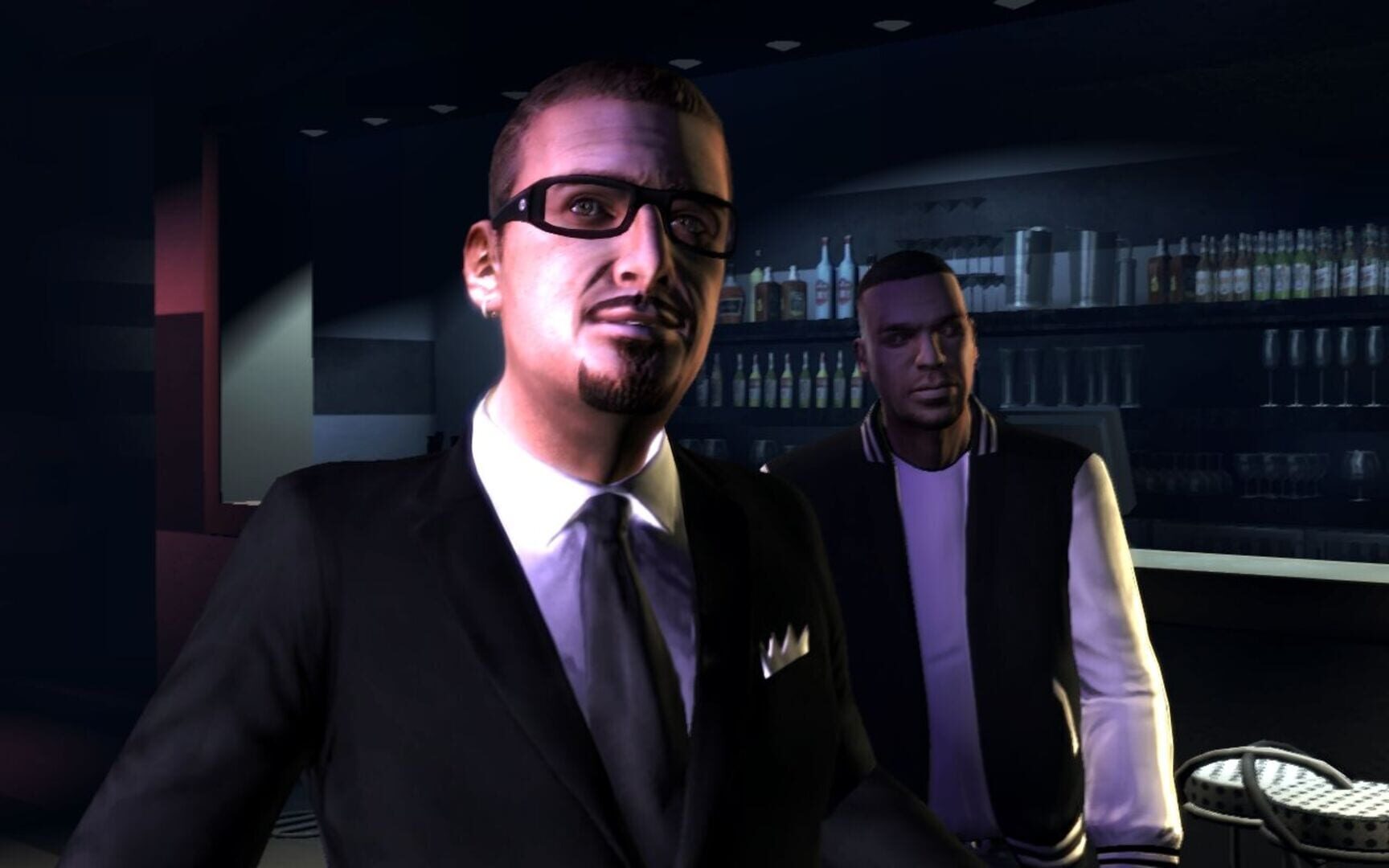
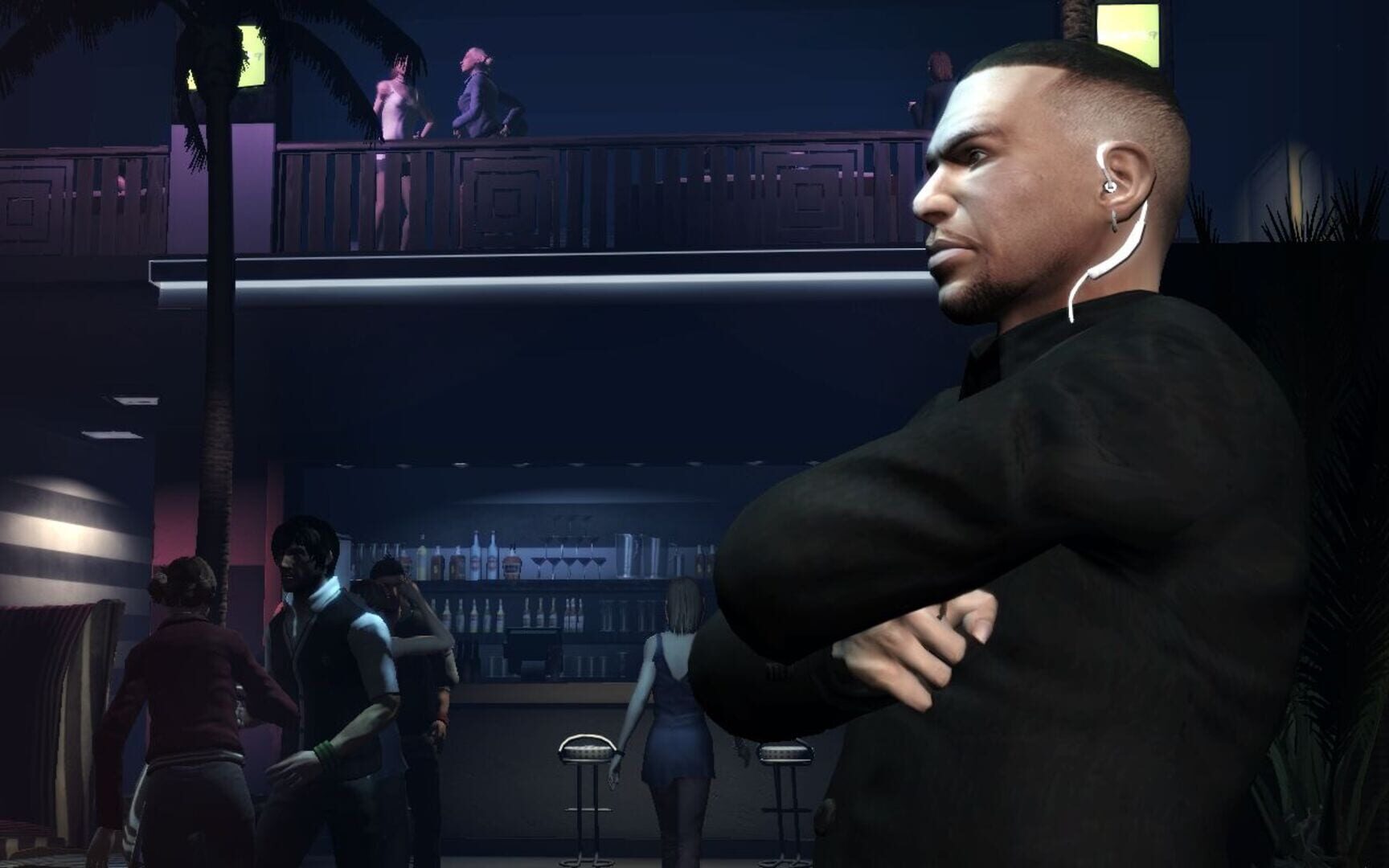
Grand Theft Auto IV: Complete Edition screenshots


Version history
- v8Current
Handlers path context value fix
- v7
Added Script folder fix + added option to disable proto input lines
- v6
Added Multiple keyboards/mice support.
- v5
Xinput restriction method option, initial prompt removed, nucleus-coop nicknames and more.
Comments 0
No comments yet. Played it? Share what worked for your group.


Log in or create an account to comment.