Split-screen on PC
Halo Online
Up to 5 players on one PC, with controllers or keyboard and mouse.
Handler “Halo Online ElDewrito” by Talos91, version 3
What works
With Nucleus Co-op, up to 5 players can play Halo Online together on one PC, each in their own part of the screen, with controllers or keyboard and mouse. The free community handler “Halo Online ElDewrito” by Talos91 does the setup and was checked by hub moderators: version 3, updated . Halo Online is a shooter game.
- Players5
- ControllersSupported
- Keyboard and mouseSupported
- Several keyboards and miceNot supported
- Hub moderatorsVerified
How to play Halo Online split screen on PC
Get Nucleus Co-op
Download Nucleus Co-op, free for Windows 10 and 11, and unzip it into its own folder, for example C:\NucleusCo-op. There is no installer.
Keep it out of Program Files, your user folder and OneDrive.
Install the Halo Online handler
In Nucleus Co-op, search the Hub for Halo Online and install its handler, or download the handler file from this page and drop it on the Nucleus window. Then show Nucleus where Halo Online is installed.
Take a seat
Each player presses a button on their own controller to join and takes a spot on the screen. Pick a layout that fits your players.
Launch and connect
Press Launch: Nucleus opens one copy of Halo Online per player and lays the windows out on your screen. Then link them in game, usually one player hosts a LAN or online session and the others join it. The handler notes say how.
What you need
- A Windows 10 or 11 PC
Nucleus Co-op runs on Windows only. System requirements
- Halo Online for Windows
Installed on that PC. Nucleus starts every player's window from that one install.
- Nucleus Co-op, free
With .NET Framework 4.7.2 or later and the Visual C++ 2015–2022 runtimes (x86 and x64). Download
- Something to play with
One controller per player; one player can use the keyboard and mouse. Controllers
- A PC that can run 5 copies
Each player runs their own copy of Halo Online, so the PC carries several times the usual load. Lower the graphics settings if it struggles. Performance tips
- A multiplayer mode
Nucleus links the windows through the game's own LAN or online mode; the handler takes care of it.
Handler notes
For ElDewrito version 0.7.1, you can get it from here: https://github.com/eldewrito2/ElDewritoLauncher.
Splitscreen+Online Guide: https://www.reddit.com/r/localmultiplayergames/comments/cblf97/halo_online_eldewrito_06_pc_4_player_local_coop/
Authors and Contributors of this handler: maxine64, Zensuu and Talos91 from the Split Screen Dreams Discord.
About Halo Online
Halo Online was a free-to-play multiplayer-only Halo game that was tested exclusively in Russia. The game was cancelled on August 24, 2016, when the developer, Saber Interactive, announced that "the current form of Halo Online will not be released." The reason they gave for the cancellation was that Microsoft had "failed to [make] decisions on the future of the project."
Summary from IGDB
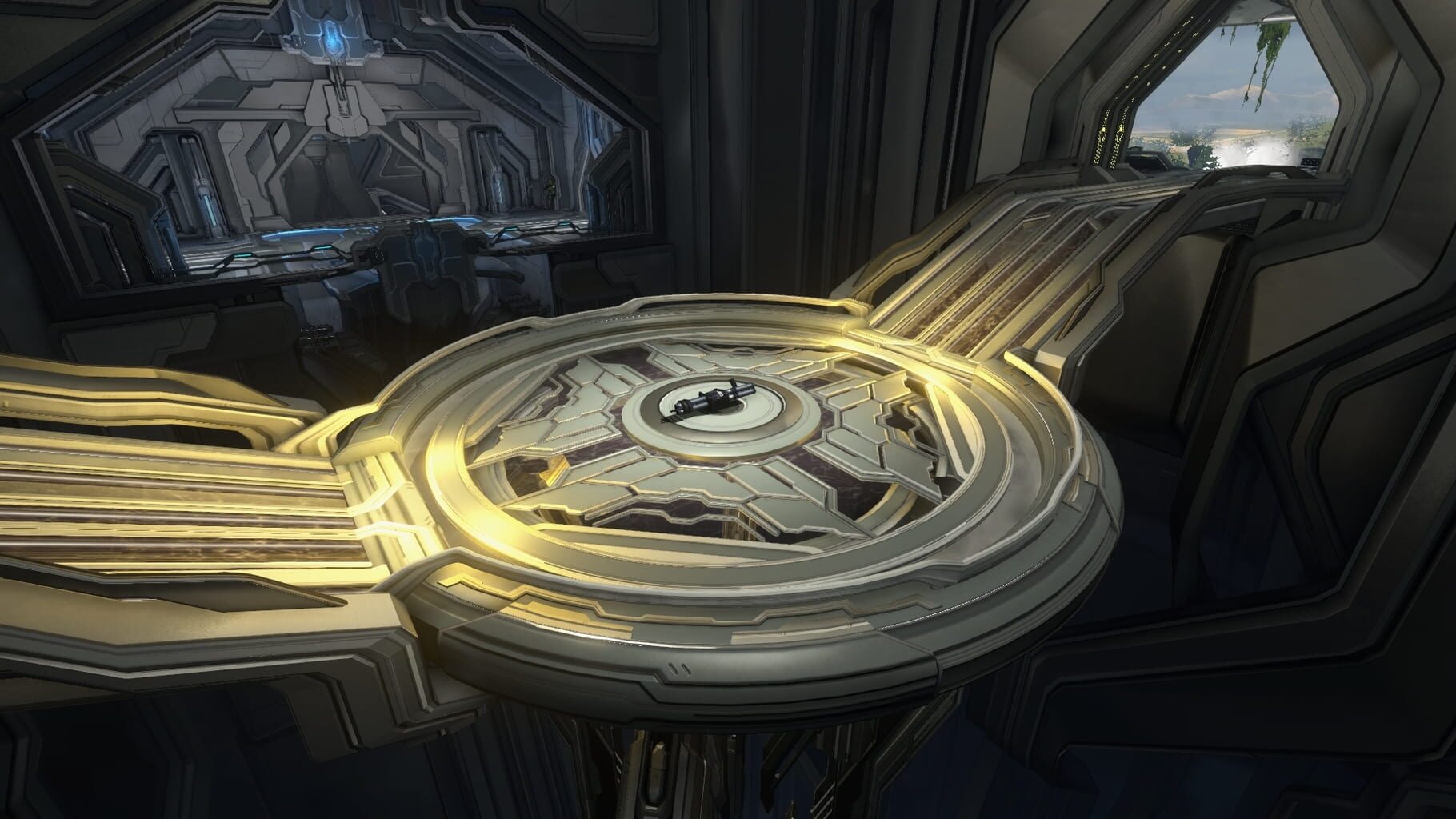
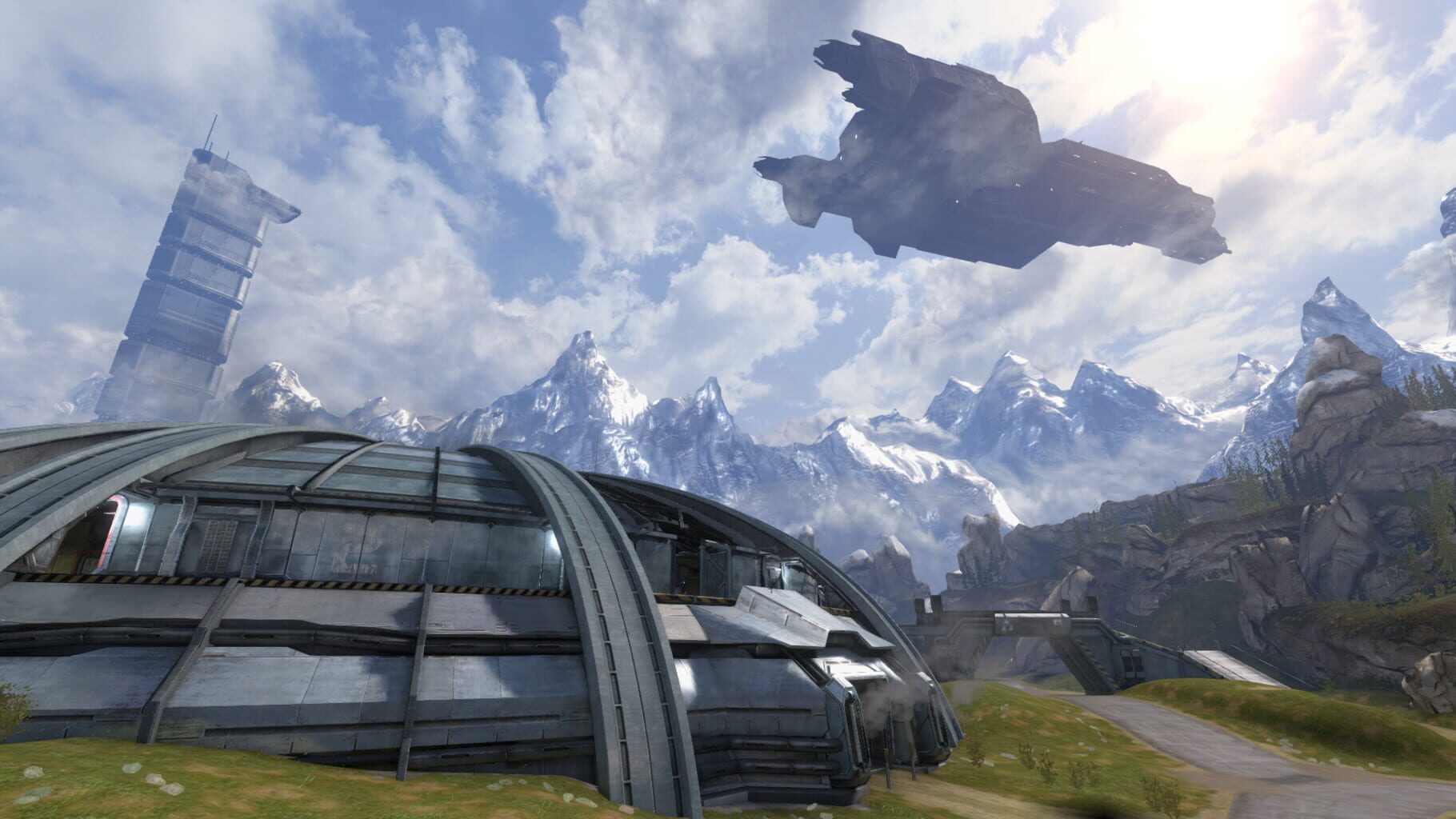
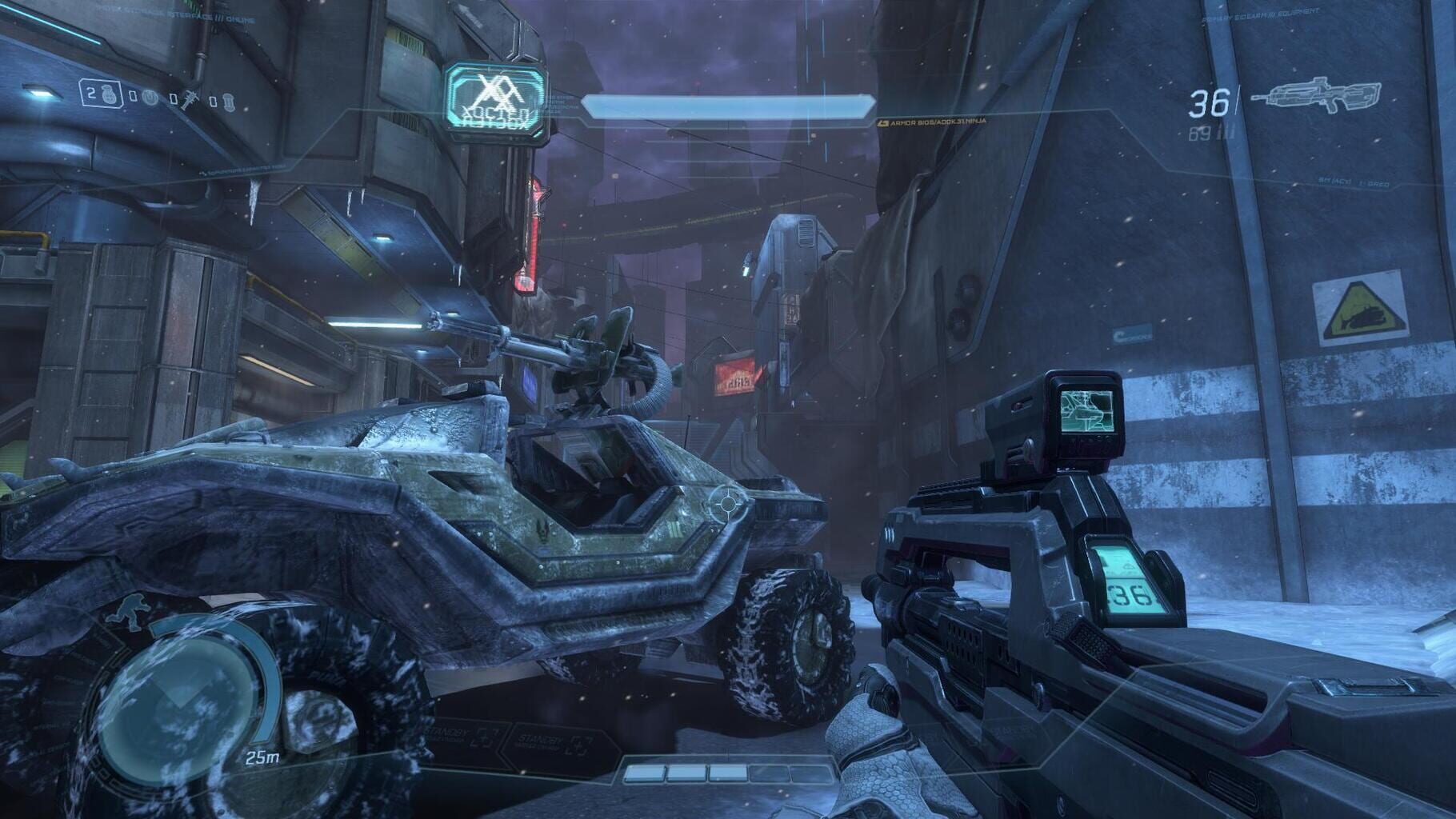
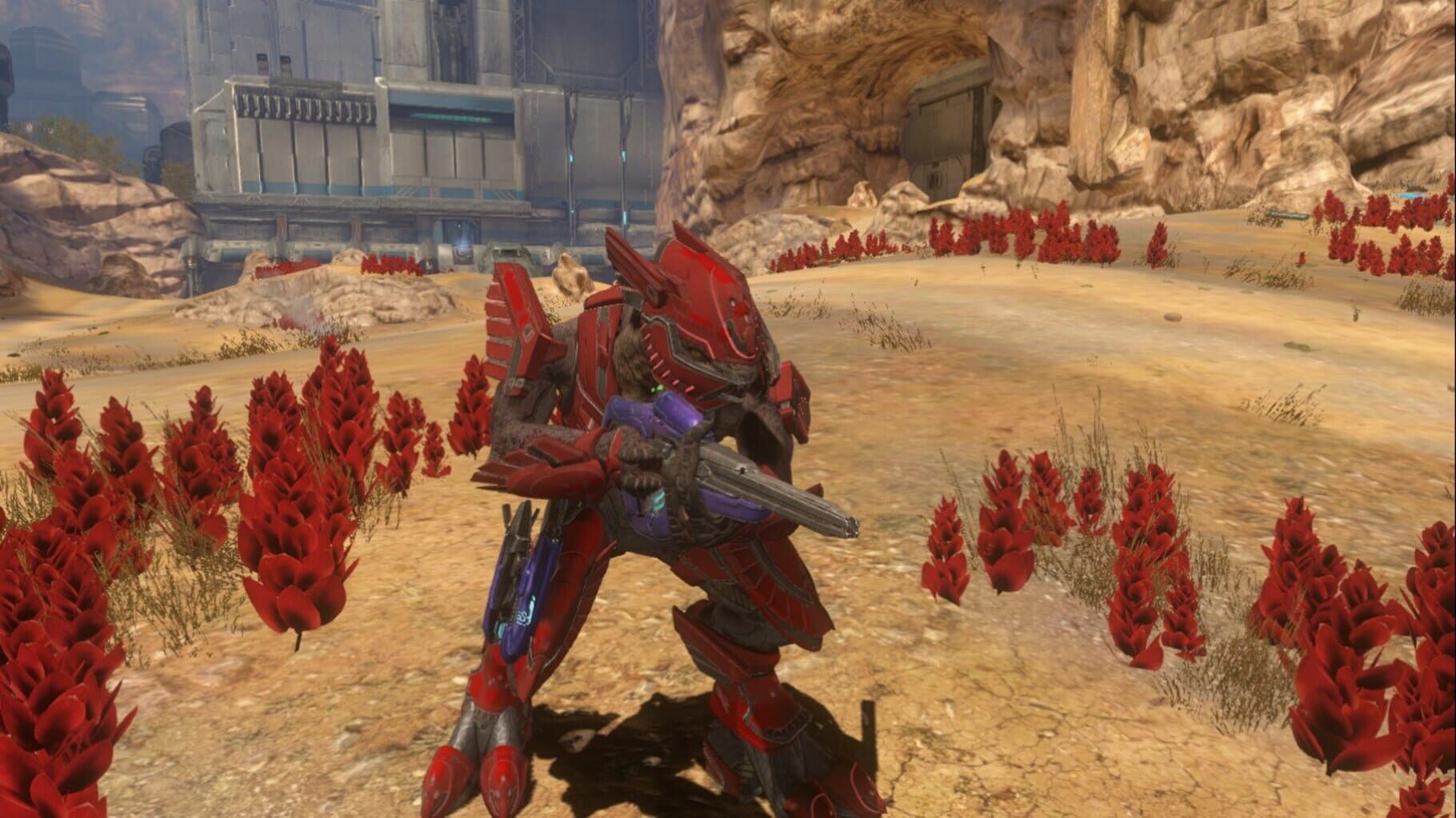
Halo Online screenshots
Version history
- v3Current
updated the handler to work with latest ElDewrito version 0.7.1
- v2
new release with settings saving fixes and keyboard support.
- v1
First Release
Comments 0
No comments yet. Played it? Share what worked for your group.
Play these next
Browse all games
Ultrakill Jacket/Polarite MP mod
birden4.3k downloads5
Sniper Elite III
Talos918.5k downloads5
Call of Duty: Advanced Warfare
birden4.2k downloads5
Armored Core VI: Fires of Rubicon
birden1.8k downloads5
Spec Ops: The Line
Snailedlt6k downloads5
Postal: Redux
Talos91945 downloads5
Browse by genre: Shooter
Log in or create an account to comment.