Split-screen on PC
Mega Man 8-bit Deathmatch
Up to 5 players on one PC, with controllers or keyboard and mouse.
Handler “Mega Man 8-bit Deathmatch” by Talos91, version 7
What works
With Nucleus Co-op, up to 5 players can play Mega Man 8-bit Deathmatch together on one PC, each in their own part of the screen, with controllers or keyboard and mouse. The free community handler “Mega Man 8-bit Deathmatch” by Talos91 does the setup and was checked by hub moderators: version 7, updated . Mega Man 8-bit Deathmatch is a shooter and indie game from 2010.
- Players5
- ControllersSupported
- Keyboard and mouseSupported
- Several keyboards and miceNot supported
- Hub moderatorsVerified
How to play Mega Man 8-bit Deathmatch split screen on PC
Get Nucleus Co-op
Download Nucleus Co-op, free for Windows 10 and 11, and unzip it into its own folder, for example C:\NucleusCo-op. There is no installer.
Keep it out of Program Files, your user folder and OneDrive.
Install the Mega Man 8-bit Deathmatch handler
In Nucleus Co-op, search the Hub for Mega Man 8-bit Deathmatch and install its handler, or download the handler file from this page and drop it on the Nucleus window. Then show Nucleus where Mega Man 8-bit Deathmatch is installed.
Take a seat
Each player presses a button on their own controller to join and takes a spot on the screen. Pick a layout that fits your players.
Launch and connect
Press Launch: Nucleus opens one copy of Mega Man 8-bit Deathmatch per player and lays the windows out on your screen. Then link them in game, usually one player hosts a LAN or online session and the others join it. The handler notes say how.
What you need
- A Windows 10 or 11 PC
Nucleus Co-op runs on Windows only. System requirements
- Mega Man 8-bit Deathmatch for Windows
Installed on that PC. Nucleus starts every player's window from that one install.
- Nucleus Co-op, free
With .NET Framework 4.7.2 or later and the Visual C++ 2015–2022 runtimes (x86 and x64). Download
- Something to play with
One controller per player; one player can use the keyboard and mouse. Controllers
- A PC that can run 5 copies
Each player runs their own copy of Mega Man 8-bit Deathmatch, so the PC carries several times the usual load. Lower the graphics settings if it struggles. Performance tips
- A multiplayer mode
Nucleus links the windows through the game's own LAN or online mode; the handler takes care of it.
Handler notes
Free Mega Man fan game : https://cutstuff.net/mm8bdm/?page_id=309
Authors and Contributors of this handler: Talos91 from the Split Screen Dreams Discord.
About Mega Man 8-bit Deathmatch
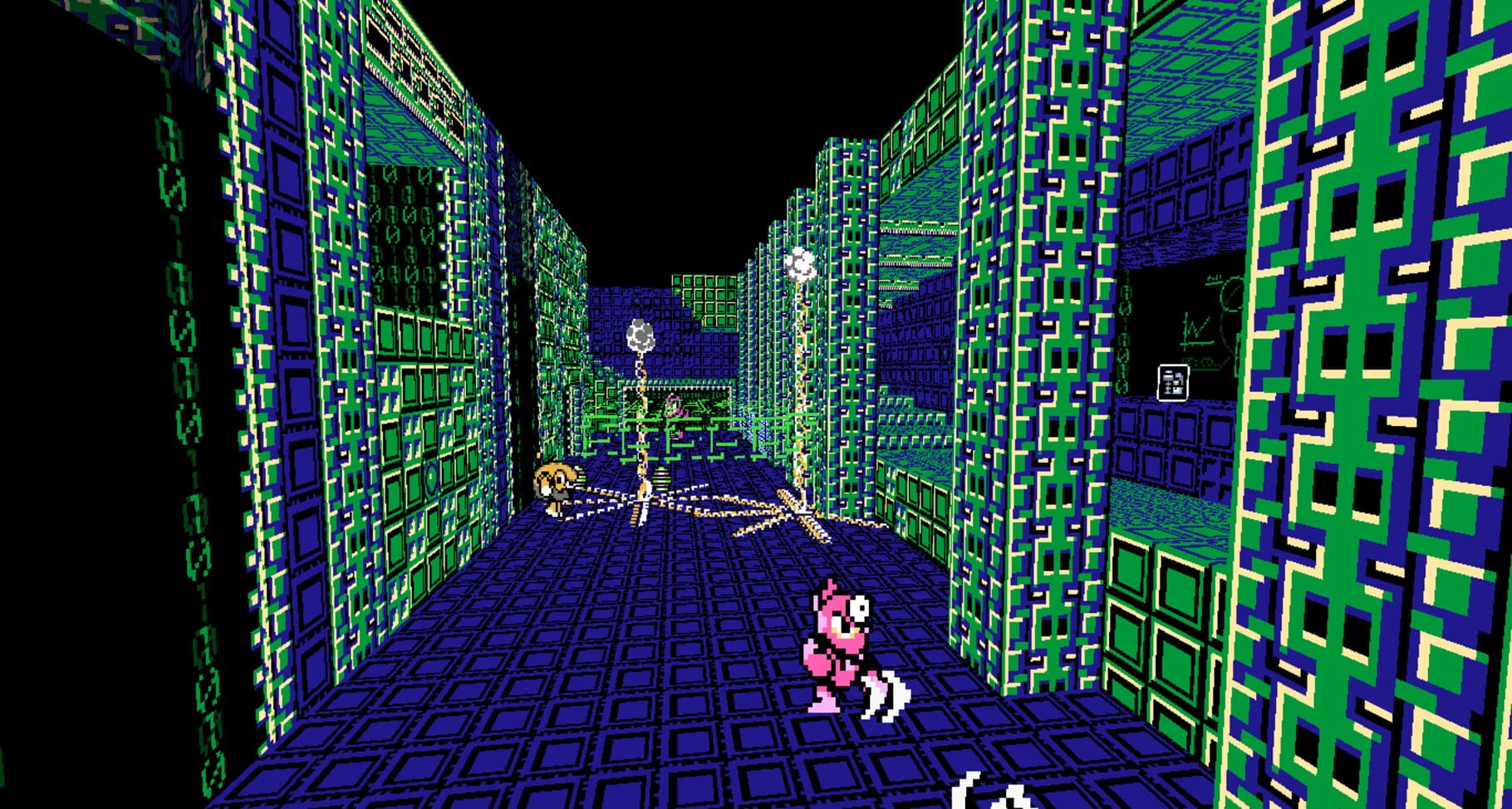
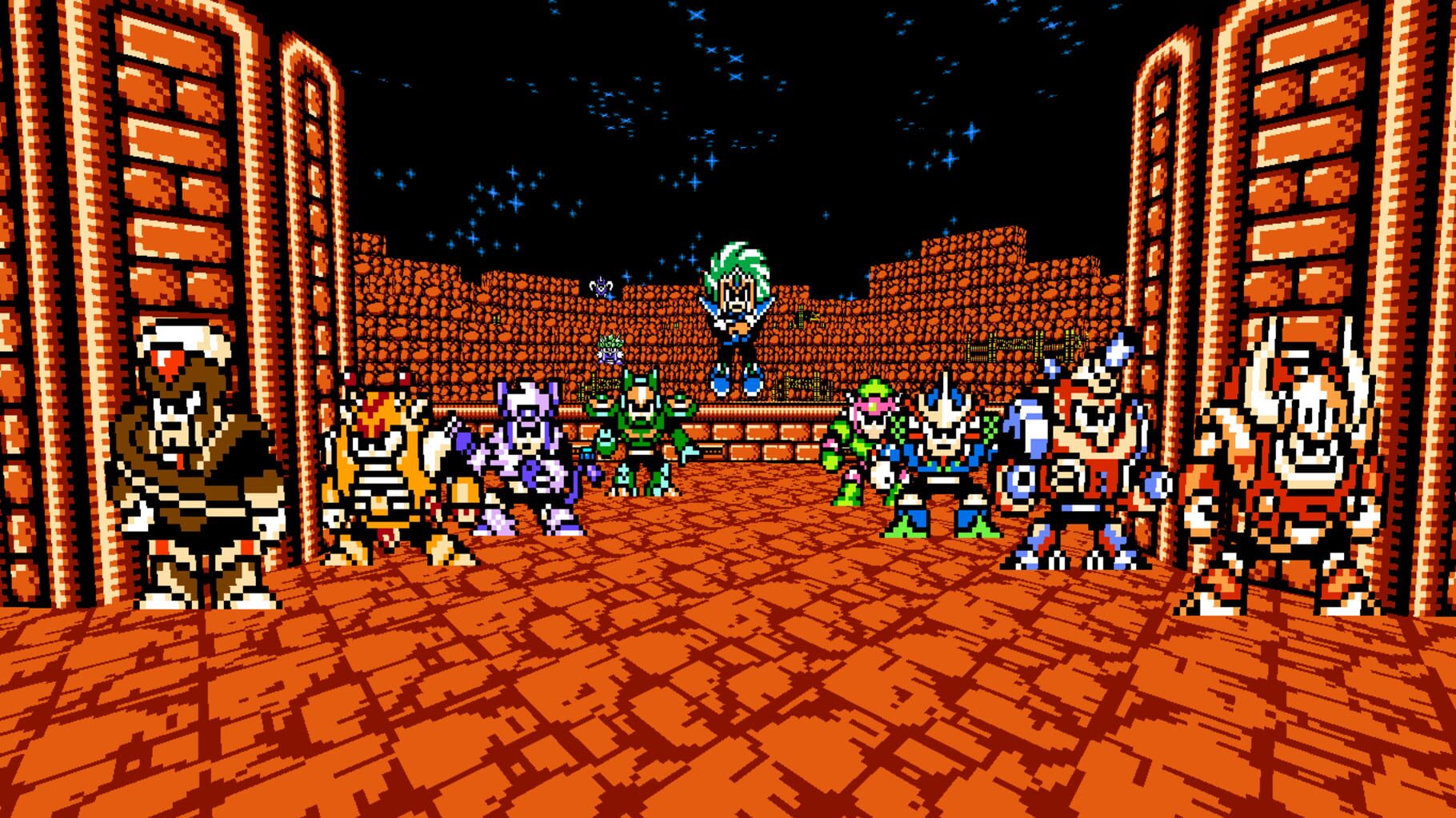
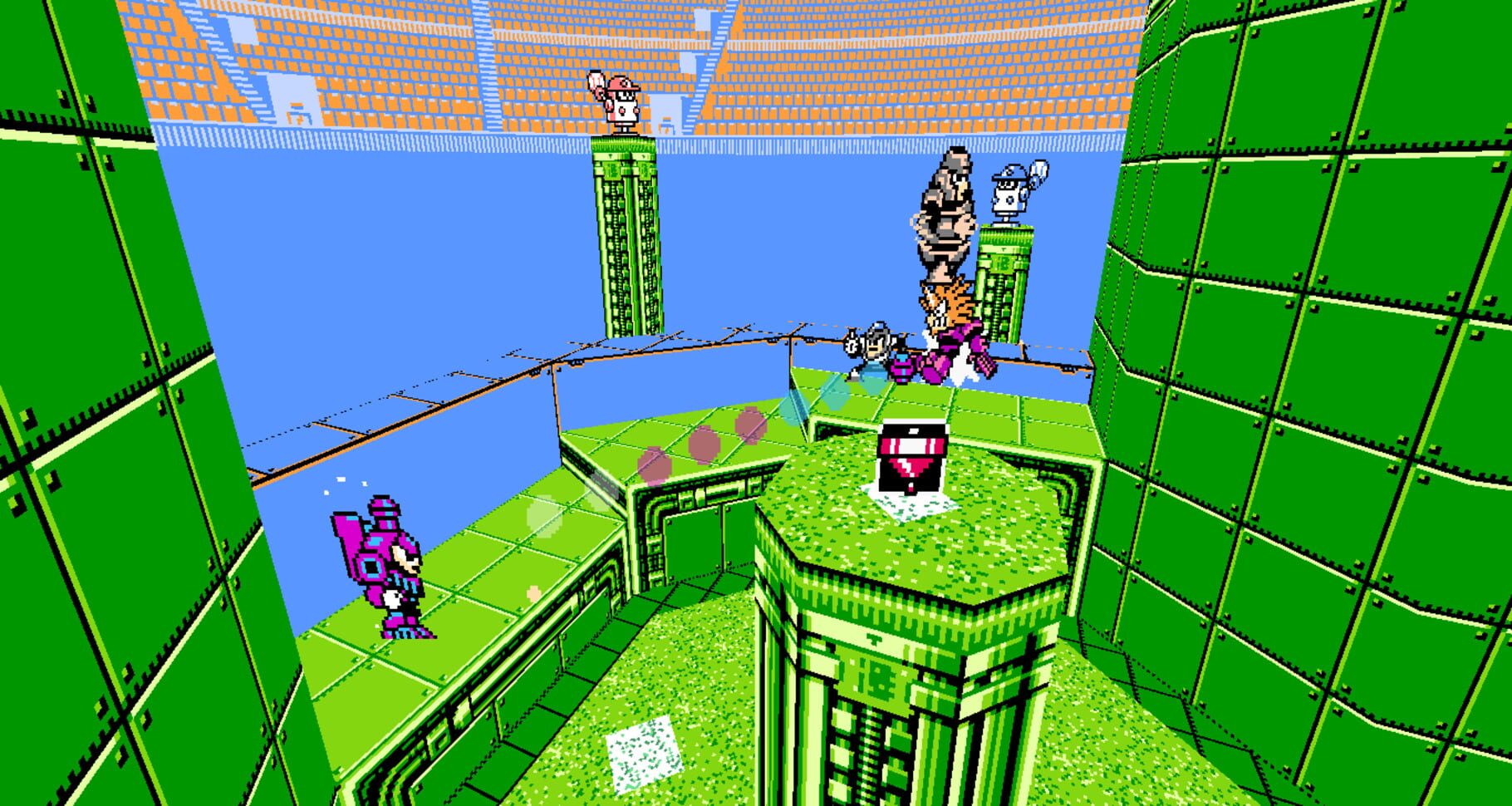
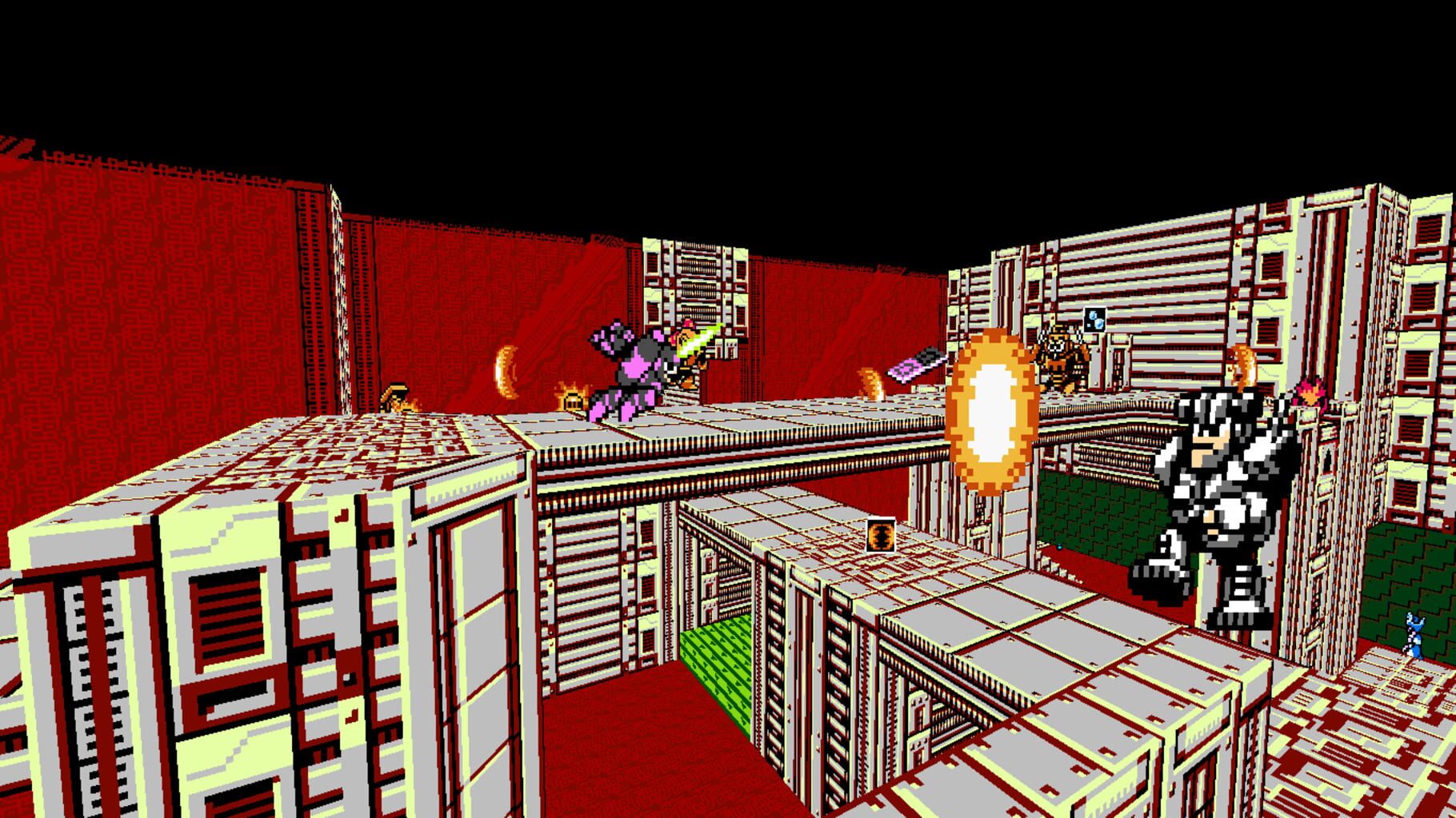
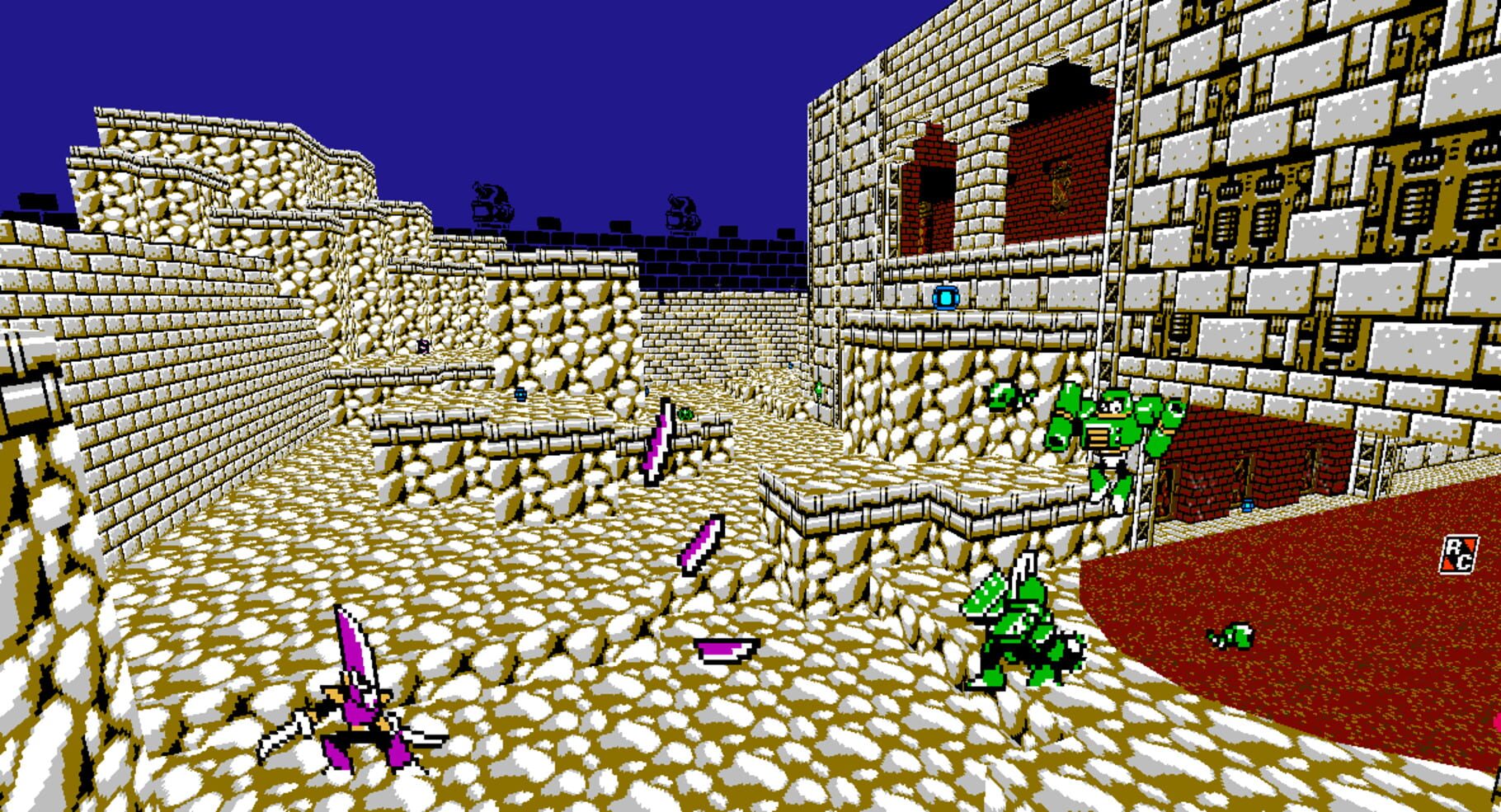
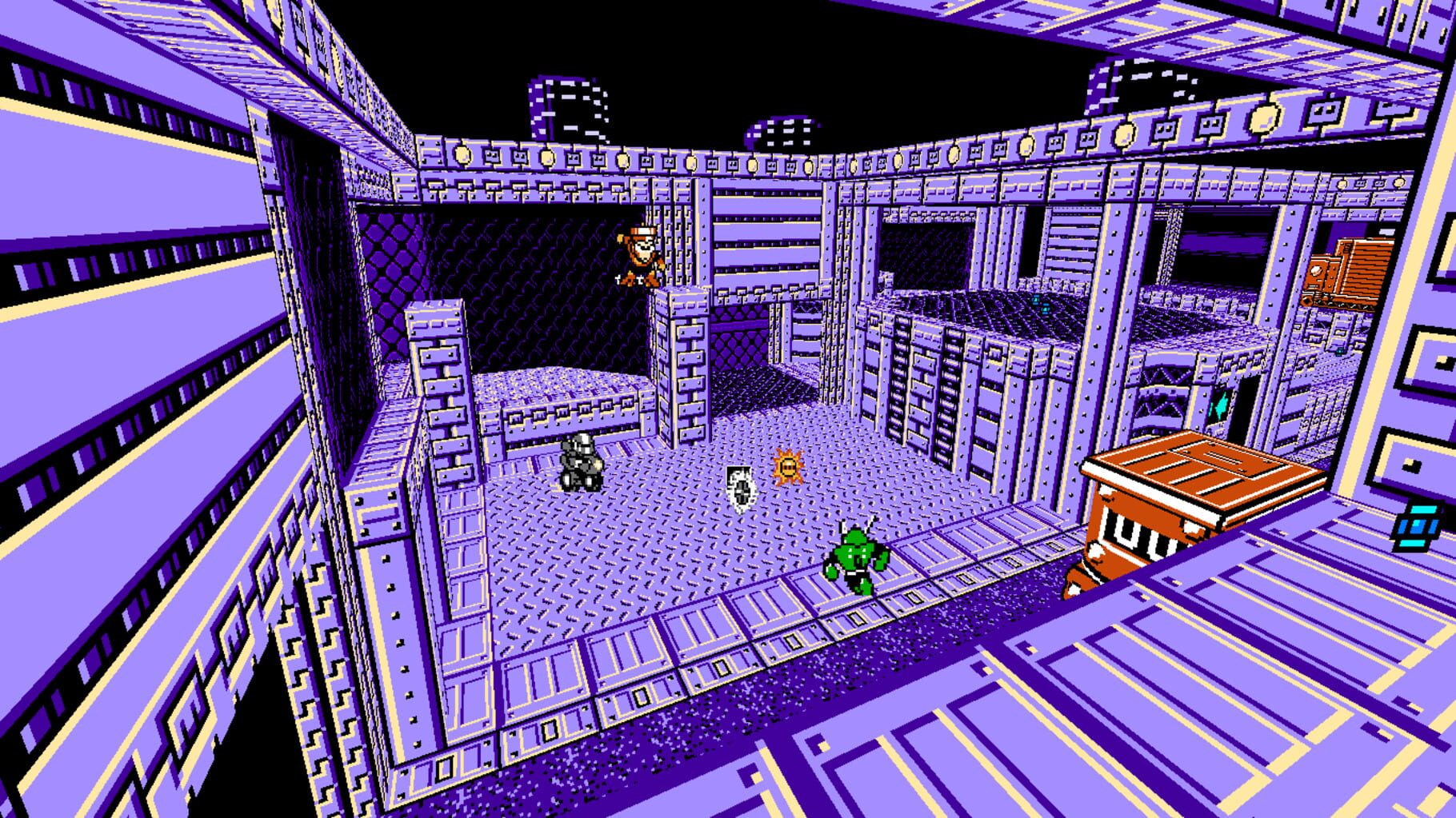
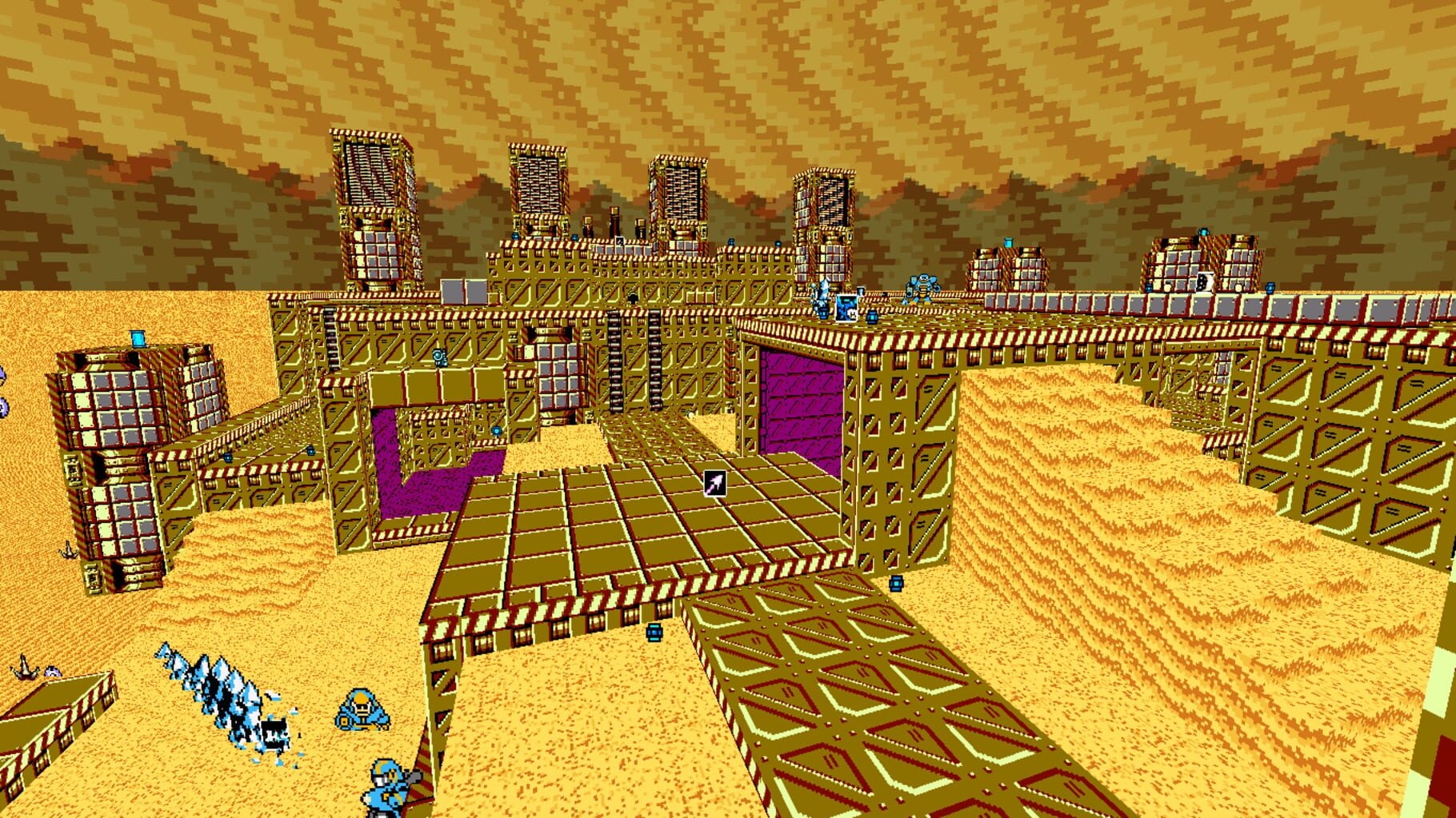
Mega Man 8-bit Deathmatch is a free project created by CutmanMike and Team MM8BDM who consist of hardcore fans of Capcom’s classic Mega Man series. Powered by the Zandronum engine, this retro styled first person shooter is designed around the look and feel of the 8-bit Mega Man games. It includes every robot master as a playable skin, over 50 weapons and maps based off the original games, 32 player online play, a singleplayer botmatch campaign and much much more. If you’re a fan of online first person shooters or Mega Man, you simply have no excuse to not download and give Mega Man 8-bit Deathmatch a try today! The game can be played in pretty much any game mode in Zandronum, but will be designed for Deathmatch. To keep the gameplay balanced and simple, you will have to find weapons scattered around the map and pick them up like in standard Doom fashion. Along with the huge amount of weapons, there are special inventory items which can be used at any time, such as the Rush Coil and E-Tank. The aim of the game is to destroy the enemy players and earn the most kills, known more commonly as “frags”. Supported gameplay modes include: Deathmatch Team Deathmatch Last Man Standing (Randomly selected weapons) Team Last Man Standing Possession Team Possession Capture The Flag One Flag CTF Terminator Duel Instagib (All robots fire instant killing Metal Blades) The game also has a single player campaign that is split into chapters, based on each Mega Man game. Each chapter takes you through all the standard maps with a predefined bot set up and boss battles. Between chapters you return to Dr. Light’s lab, where you can practice with weapons etc.
Summary from IGDB
Mega Man 8-bit Deathmatch screenshots
Version history
- v7Current
Context.UserName needs Nucleus 2.1.2
- v6
UI options to disable bob and map the options menu, config check too.
- v5
Updated to work with latest x64 version.
- v4
No mouse in gamepad ins
Comments 0
No comments yet. Played it? Share what worked for your group.

Log in or create an account to comment.