Split-screen on PC
Need for Speed: Most Wanted
Up to 4 players on one PC, with controllers, keyboard and mouse or several keyboards and mice.
Handler “Need For Speed Most Wanted 2005” by Bizzo, version 10
What works
With Nucleus Co-op, up to 4 players can play Need for Speed: Most Wanted together on one PC, each in their own part of the screen, with controllers, keyboard and mouse or several keyboards and mice. The free community handler “Need For Speed Most Wanted 2005” by Bizzo does the setup and was checked by hub moderators: version 10, updated . Need for Speed: Most Wanted is a racing game from 2005.
- Players4
- ControllersSupported
- Keyboard and mouseSupported
- Several keyboards and miceOne per player
- Hub moderatorsVerified
How to play Need for Speed: Most Wanted split screen on PC
Get Nucleus Co-op
Download Nucleus Co-op, free for Windows 10 and 11, and unzip it into its own folder, for example C:\NucleusCo-op. There is no installer.
Keep it out of Program Files, your user folder and OneDrive.
Install the Need for Speed: Most Wanted handler
In Nucleus Co-op, search the Hub for Need for Speed: Most Wanted and install its handler, or download the handler file from this page and drop it on the Nucleus window. Then show Nucleus where Need for Speed: Most Wanted is installed.
Take a seat
Each player presses a button on their own controller to join and takes a spot on the screen. Pick a layout that fits your players.
Playing with several keyboards and mice? Press End once everything is in place to give each window its own cursor.
Launch and connect
Press Launch: Nucleus opens one copy of Need for Speed: Most Wanted per player and lays the windows out on your screen. Then link them in game, usually one player hosts a LAN or online session and the others join it. The handler notes say how.
What you need
- A Windows 10 or 11 PC
Nucleus Co-op runs on Windows only. System requirements
- Need for Speed: Most Wanted for Windows
Installed on that PC. Nucleus starts every player's window from that one install.
- Nucleus Co-op, free
With .NET Framework 4.7.2 or later and the Visual C++ 2015–2022 runtimes (x86 and x64). Download
- Something to play with
One controller per player, or one keyboard and mouse per player. Controllers · Keyboards and mice
- A PC that can run 4 copies
Each player runs their own copy of Need for Speed: Most Wanted, so the PC carries several times the usual load. Lower the graphics settings if it struggles. Performance tips
- A multiplayer mode
Nucleus links the windows through the game's own LAN or online mode; the handler takes care of it.
Handler notes
Notes
- Nucleus and the game must placed on the same DRIVE!
- Works only in English so only on Nucleus the game will use this language (is automatic).
- Game must be updated to the version v1.3.
- Add custom resolutions in your GPU panel (example for 1080p: 1920x540, 960x1080, 960x540). If you can't add a custom resolution (probably because you own an old GPU) and your game crash, enable "compatible mode" on the game Nucleus UI options. This will run the game on 800x600 but at least it should let start the game.
- Use the horizontal split (vertical crop menu and hud). In DInput mode, XboxOne controllers needs a fix. Open the handler for info.
Guide
Load always the NUCLEUS profile, all should unlocked and mapped for xbox360/xboxone controllers (Xinput). If in game use the default buttons, map the controllers in game menu options and it should keep the settings even the next time.
- In the first instance: Go to LAN. -> Create a Server. -> When the game ask you for a server name, write the playername. -> Create a room. -> Start the next instance.
- Next instance: Go to LAN -> Create a Server -> When the game ask you for a server name, write the playername -> Search for the first instance room and join in. -> Start the next instance.
For the second instance you may need more than one attempt, so keep connect/disconnect (You can try quickly or wait like 5 seconds before join again) to/from the room until the "ping bars icon" shows up. Usually , after the second player, the third/fourth player will insta join. When all the players are ready, click ok on the last Nucleus prompt (hook/send fake message). Now you can press 'END' for restrict the input of keyboard/mice players (press it again for release it). Play.
Videos
Author's Handler Tutorial
Image: Author's Handler Tutorial
Credits and Links
Authors and Contributors of this handler: napserious from the Split Screen Dreams Discord. Credit: Nucleuscoop, ExOptsTeam, ThirteenAG, nlgzrgn and the Splitscreen Dreams discord.
https://github.com/ZeroFox5866/nucleuscoop
https://github.com/ExOptsTeam/NFSMWExOpts/releases
https://github.com/ThirteenAG/WidescreenFixesPack/releases/tag/nfsmw
Donate if you like the project: https://www.reddit.com/r/nucleuscoop/comments/fjdqid/list_of_new_supported_games_and_faq/
Also big thanks to u/papionbit and u/n0h0m0n00b for testing :D
I tried to make the handler more compatible for different pc hardwares. I hope that this one fix the crashes but i can't guarantee.
About Need for Speed: Most Wanted
The player arrives in Rockport City, driving a racing version of the BMW M3 GTR (E46). Following Mia Townsend (played by Josie Maran), the player proves his driving prowess as he is pursued by a veteran police officer named Sergeant Cross (played by Dean McKenzie), who vows to take down the player and end street racing in Rockport. Races seem to be in the player's favor until a particular group of racers, led by the game's antagonist, Clarence "Razor" Callahan (played by Derek Hamilton), sabotages and win the player's car in a race.
Summary from IGDB
Need for Speed: Most Wanted screenshots

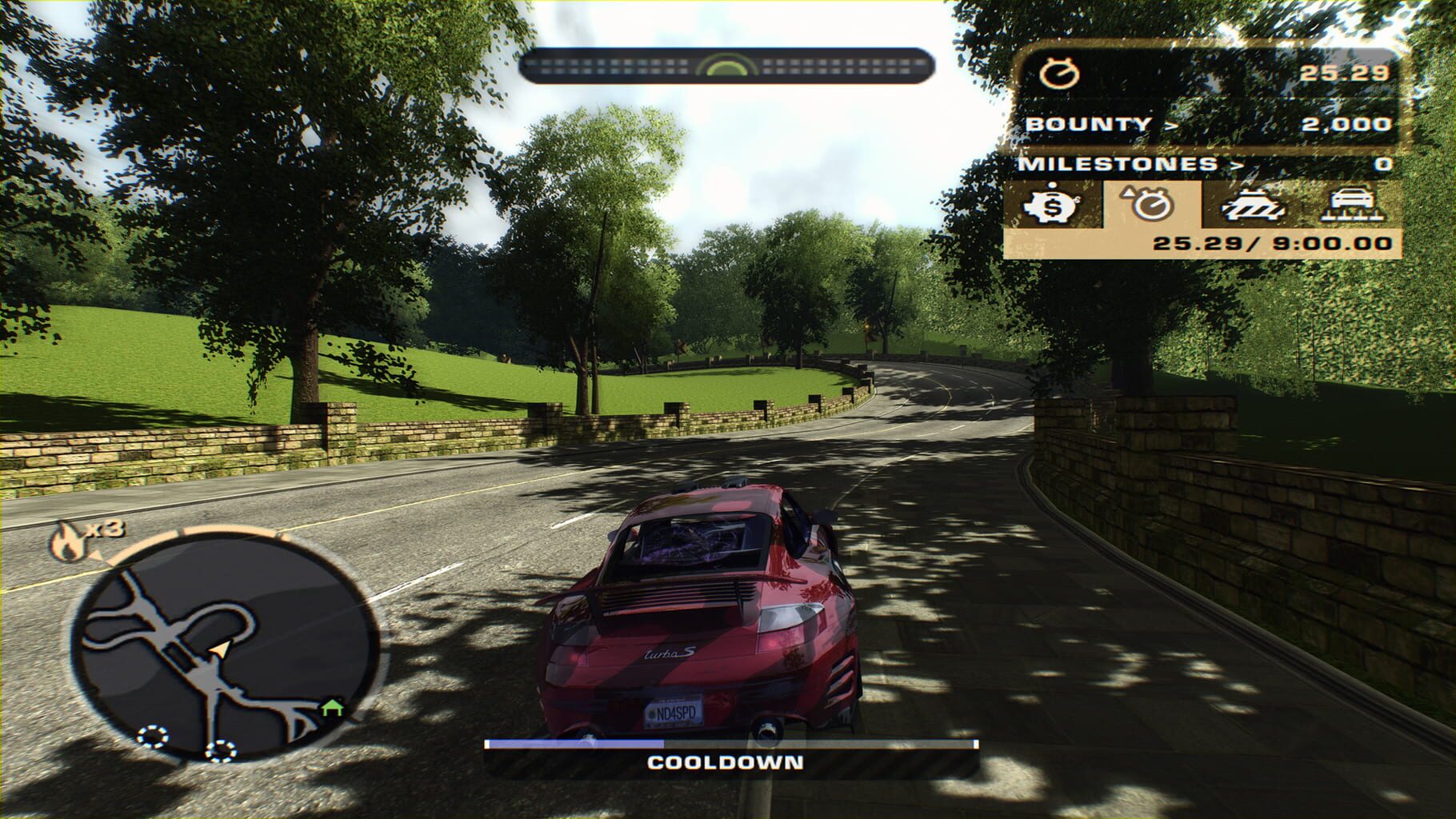

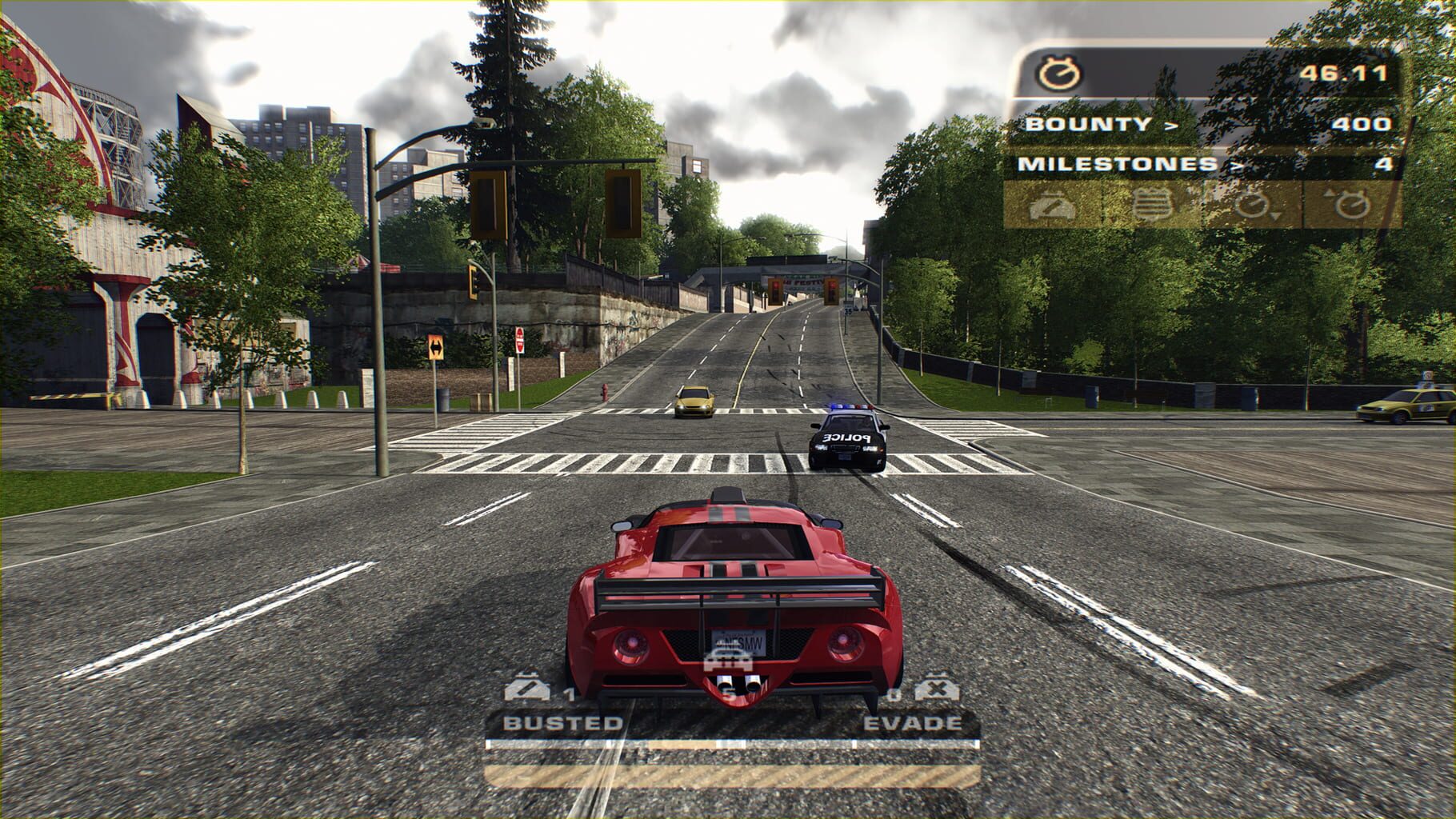
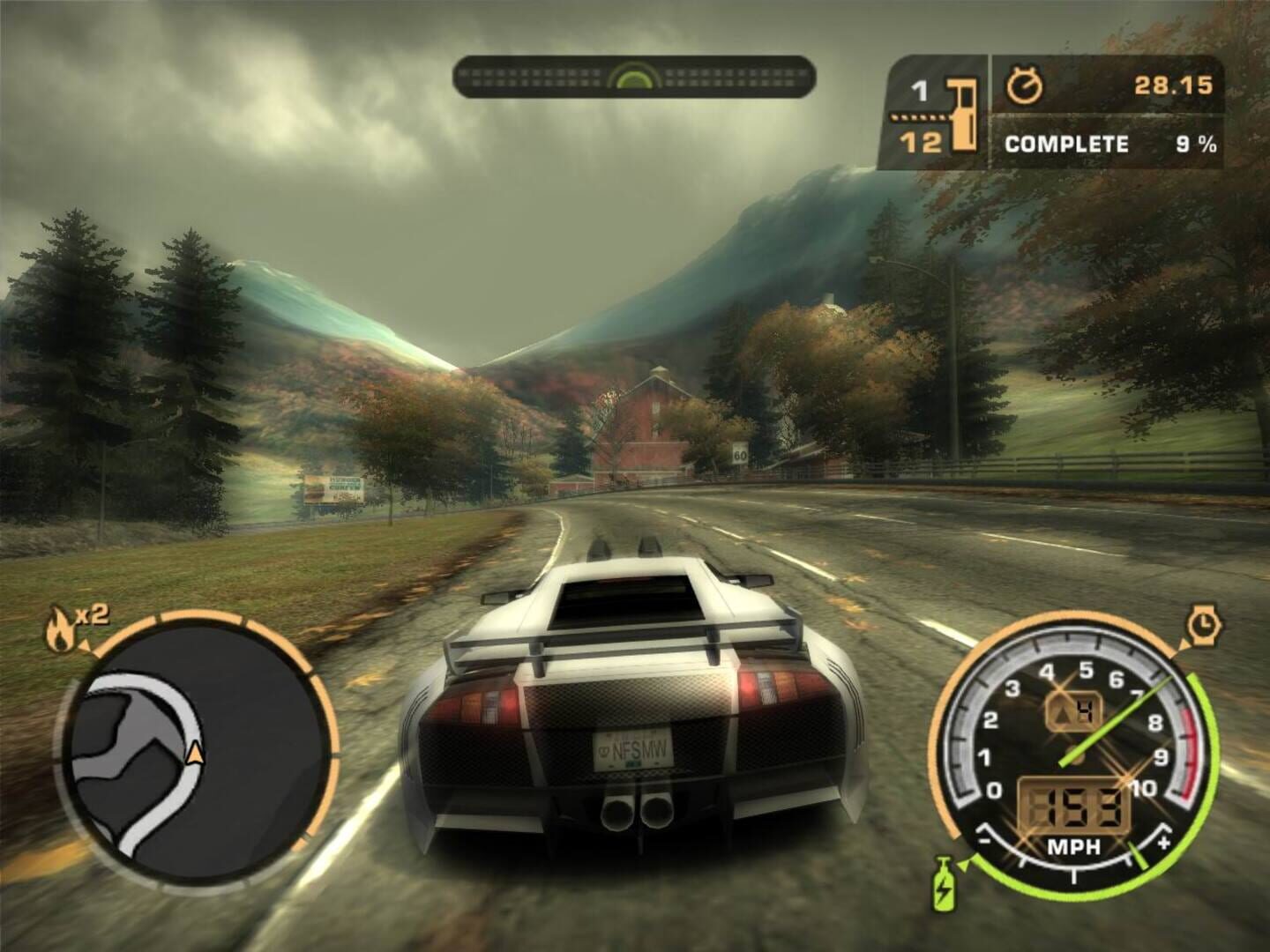
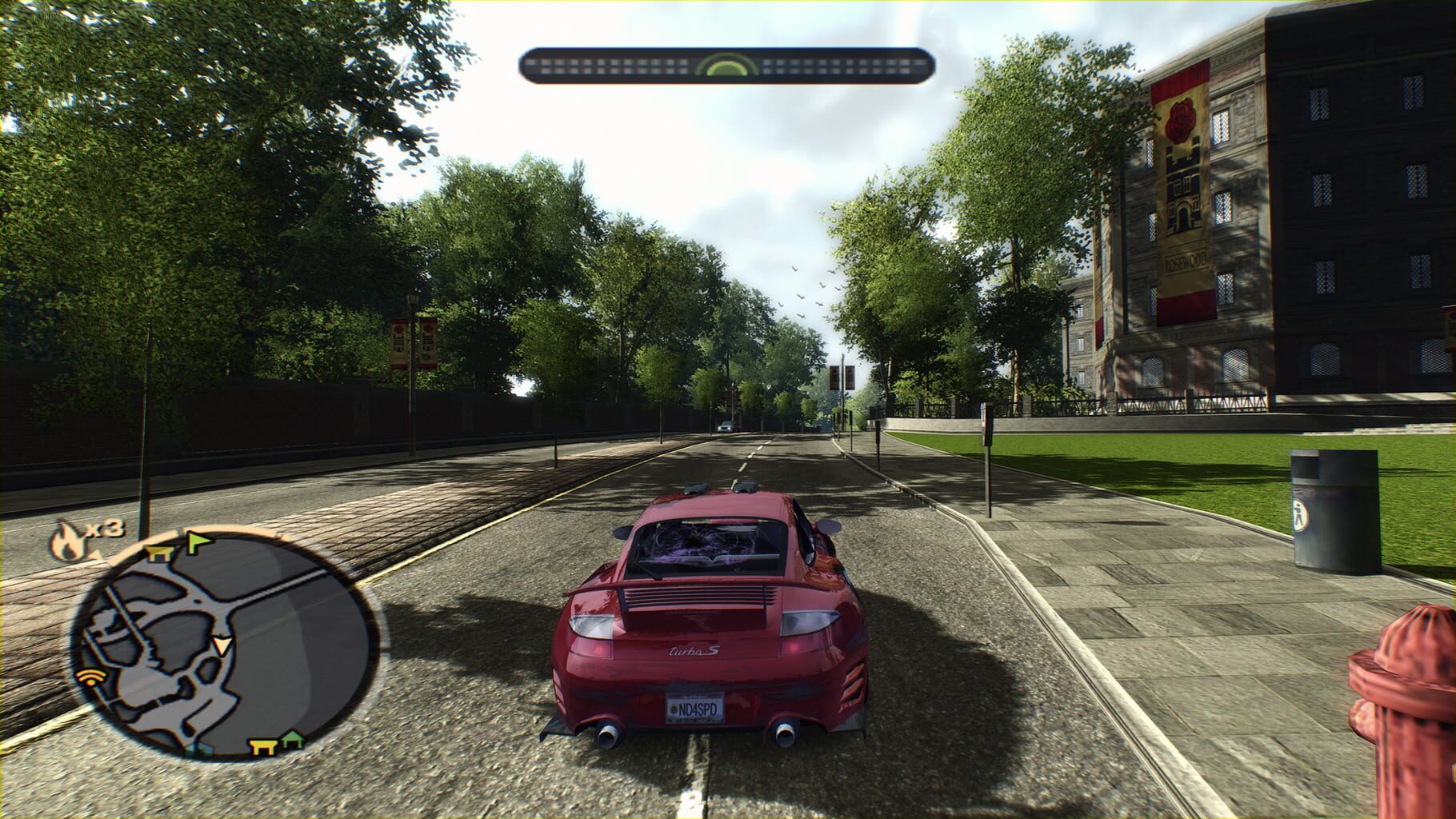


Version history
- v10Current
xinput plus crash fix in latest 2.2.1
- v9
Added Game.ExecutableContext line.
- v8
Now DInput mode should work correctly and added an option for enable music.
- v7
Now script use old xinputplus dlls for fix initial crash with R5.
Comments 0
No comments yet. Played it? Share what worked for your group.
Play these next
Browse all games
MudRunner
Talos919.5k downloads4
Spintires
Talos915.5k downloads4
Haste
birden623 downloads4
DiRT Rally
Genjuro_Kibagami1.4k downloads4
Need for Speed: Hot Pursuit 2
birden968 downloads4
Grid 2
Perserveruz2k downloads4
Browse by genre: Racing
Log in or create an account to comment.