Split-screen on PC
Ori and the Blind Forest: Definitive Edition
Up to 4 players on one PC, with controllers.
Handler “Ori MP mod” by Talos91, version 1
What works
With Nucleus Co-op, up to 4 players can play Ori and the Blind Forest: Definitive Edition together on one PC, each in their own part of the screen, with controllers. The free community handler “Ori MP mod” by Talos91 does the setup and was checked by hub moderators: version 1, updated . Ori and the Blind Forest: Definitive Edition is a platformer and adventure game from 2016.
- Players4
- ControllersSupported
- Keyboard and mouseNot supported
- Several keyboards and miceNot supported
- Hub moderatorsVerified
How to play Ori and the Blind Forest: Definitive Edition split screen on PC
Get Nucleus Co-op
Download Nucleus Co-op, free for Windows 10 and 11, and unzip it into its own folder, for example C:\NucleusCo-op. There is no installer.
Keep it out of Program Files, your user folder and OneDrive.
Install the Ori and the Blind Forest: Definitive Edition handler
In Nucleus Co-op, search the Hub for Ori and the Blind Forest: Definitive Edition and install its handler, or download the handler file from this page and drop it on the Nucleus window. Then show Nucleus where Ori and the Blind Forest: Definitive Edition is installed.
Take a seat
Each player presses a button on their own controller to join and takes a spot on the screen. Pick a layout that fits your players.
Launch and connect
Press Launch: Nucleus opens one copy of Ori and the Blind Forest: Definitive Edition per player and lays the windows out on your screen. Then link them in game, usually one player hosts a LAN or online session and the others join it. The handler notes say how.
What you need
- A Windows 10 or 11 PC
Nucleus Co-op runs on Windows only. System requirements
- Ori and the Blind Forest: Definitive Edition for Windows
Installed on that PC. Nucleus starts every player's window from that one install.
- Nucleus Co-op, free
With .NET Framework 4.7.2 or later and the Visual C++ 2015–2022 runtimes (x86 and x64). Download
- Something to play with
One controller per player: Xbox, PlayStation or generic pads. Controllers
- A PC that can run 4 copies
Each player runs their own copy of Ori and the Blind Forest: Definitive Edition, so the PC carries several times the usual load. Lower the graphics settings if it struggles. Performance tips
- A multiplayer mode
Nucleus links the windows through the game's own LAN or online mode; the handler takes care of it.
Handler notes
-
Requires the WW_Launcher by zheka: https://github.com/zheka-100500/WW_Launcher. Credit to its author.
-
Download and open the Launcher then click on the mods tab, select Ori and the Blind Forest and install the mp mod, run your main game after that at least once.
-
Before running this go to the Launcher servers tab and run the Ori server, write the number of players and the port to start it, also write the command ignoreip so that the instances can connect and the es command if you want entities to sync.
-
After all of that do not close the server window and launch this handler, click connect in the top left corner and start a game in all instances after the prologue and tutorial, make sure the ip and your port match the server's (e.g. 127.0.0.1, port 7777). If you get a crash error message in one of the instances after connecting do not click ok on it and you can keep playing. Alt-Tab to an instance and press P in your keyboard if one of the players becomes invisible but be careful as this could crash the game.
-
Use the command cc in the server and edit the MPSettings.json in the instances folders inside Nucleus content folder if you want to use a custom player color, the color applies after you connect the instance to the server.
-
Delete the instances folders if you update the mp mod or tne server files. Each instance has its own saves that are copies of your original ones, so your original saves will not be overwritten. You can access these saves in the app, after the first launch click game options/open user profile save path in the UI.
-
Gamepads only for now. If you use xbox one/series gamepads do not click or alt-tab on an instance during gameplay or you will lose focus, if you did, exit to the main menu and load a game again.
-
Read the FAQ if you have any further questions and want to know more about Nucleus Co-op.
-
Handler by Talos91. Please support the Nucleus Co-op team if you like my Nucleus handler work.
About Ori and the Blind Forest: Definitive Edition
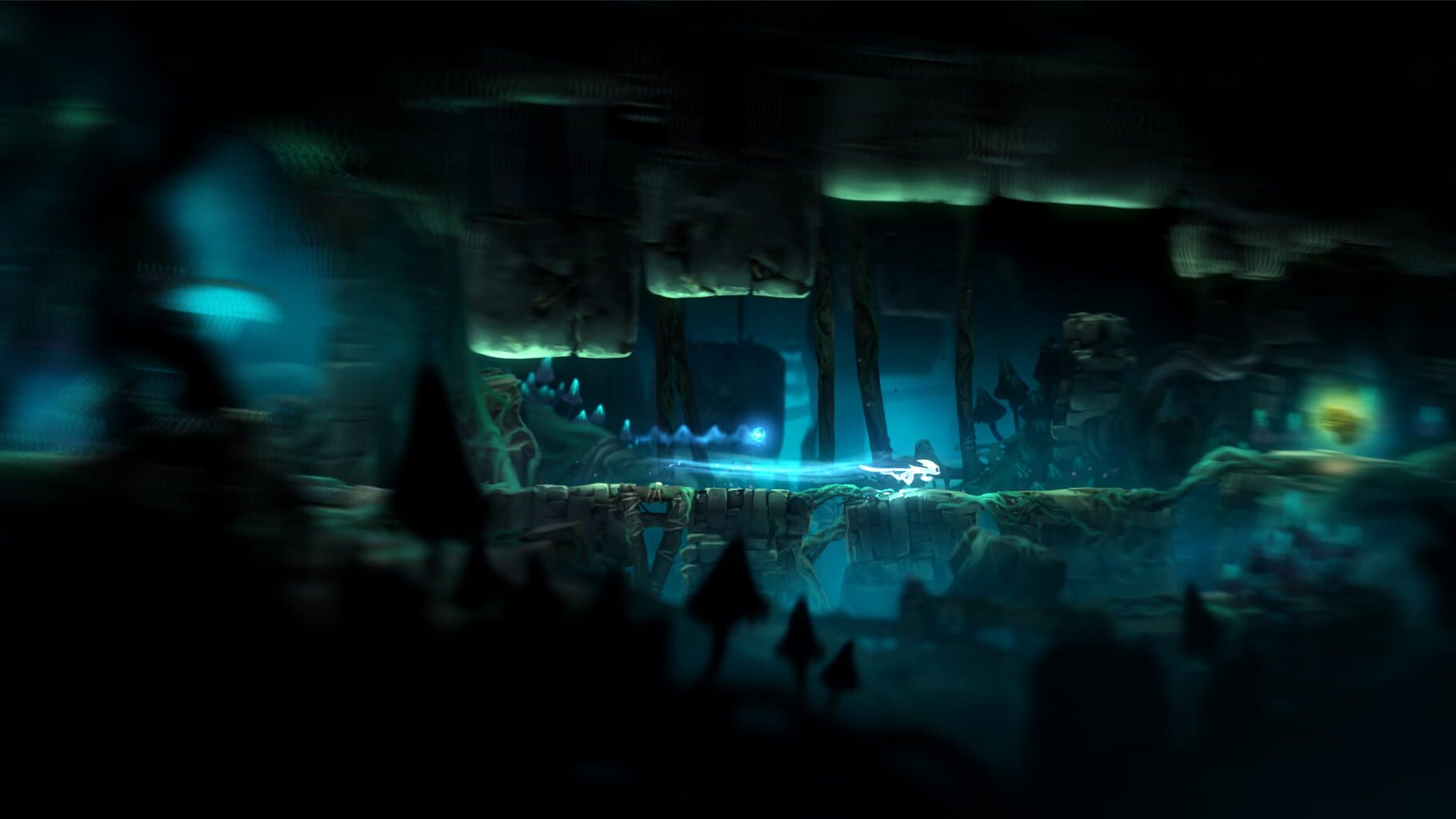
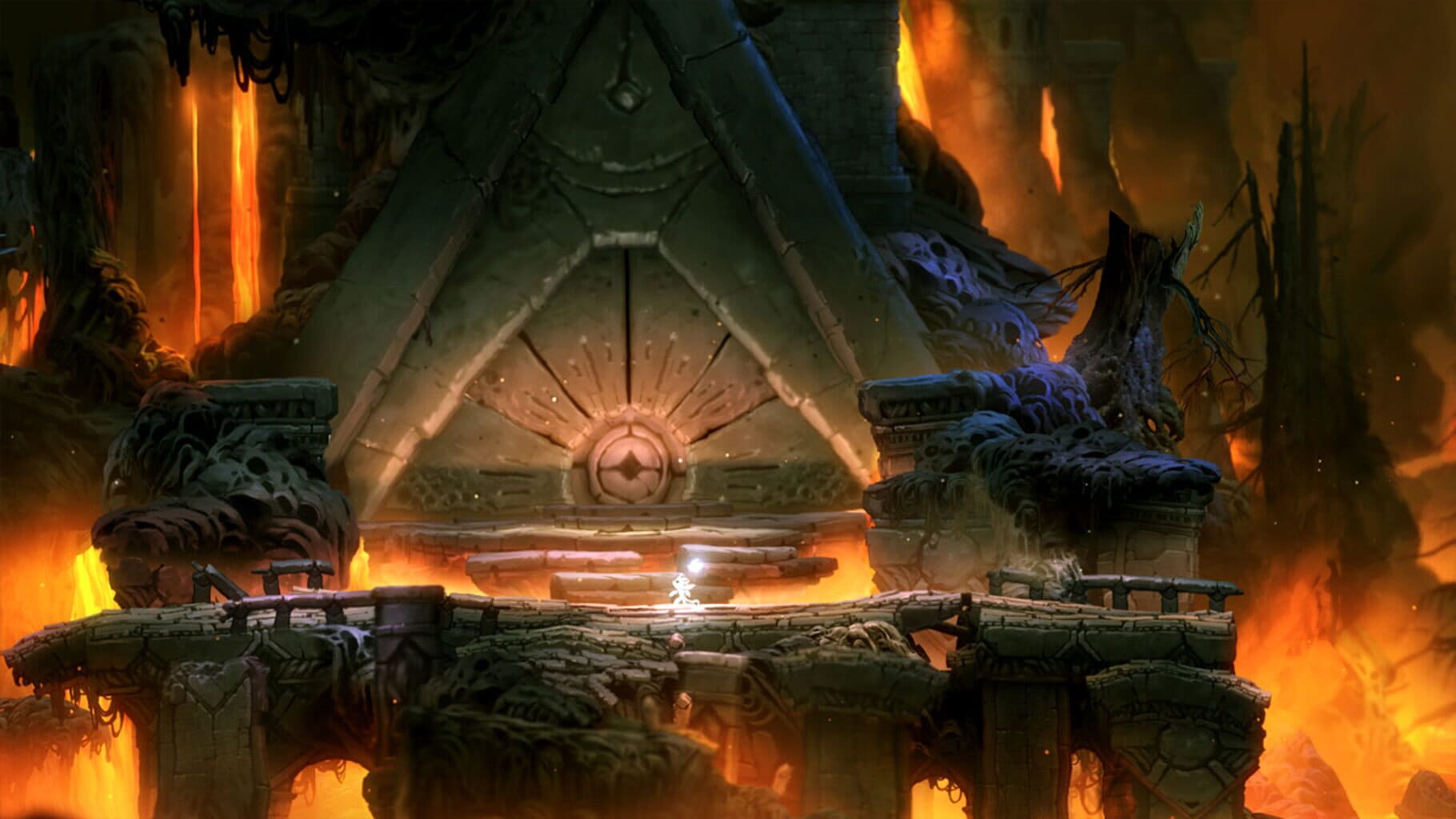
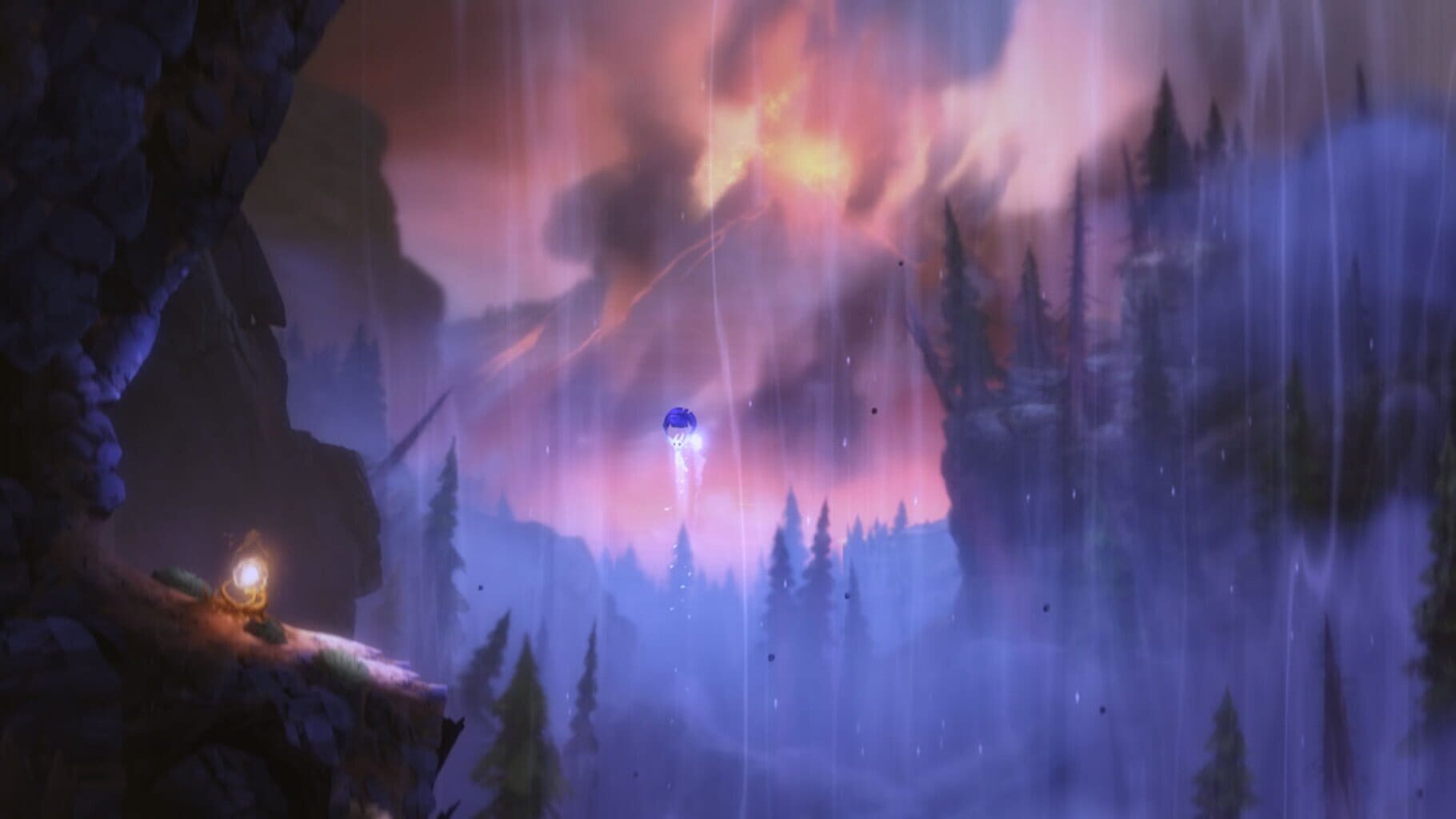
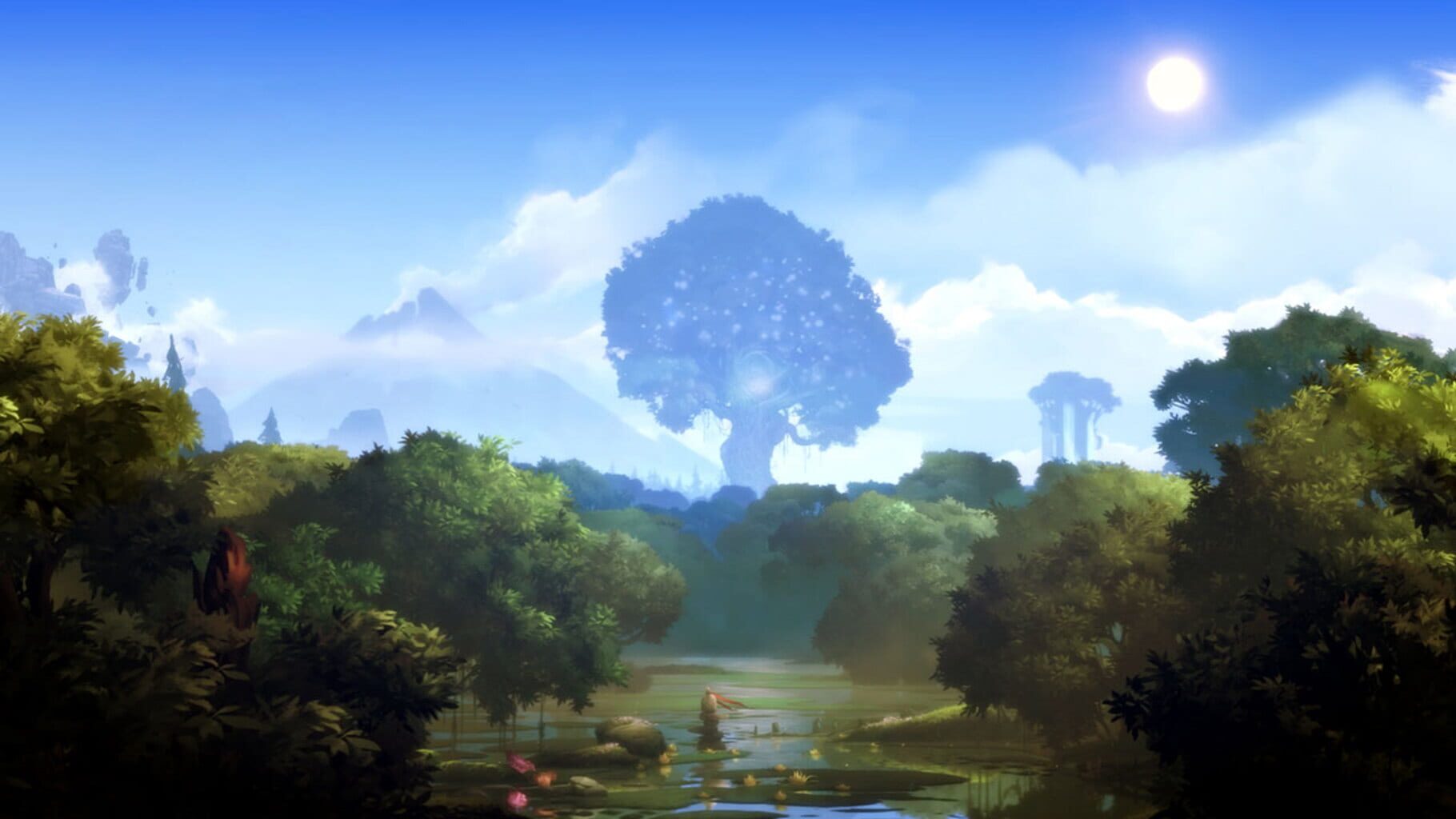
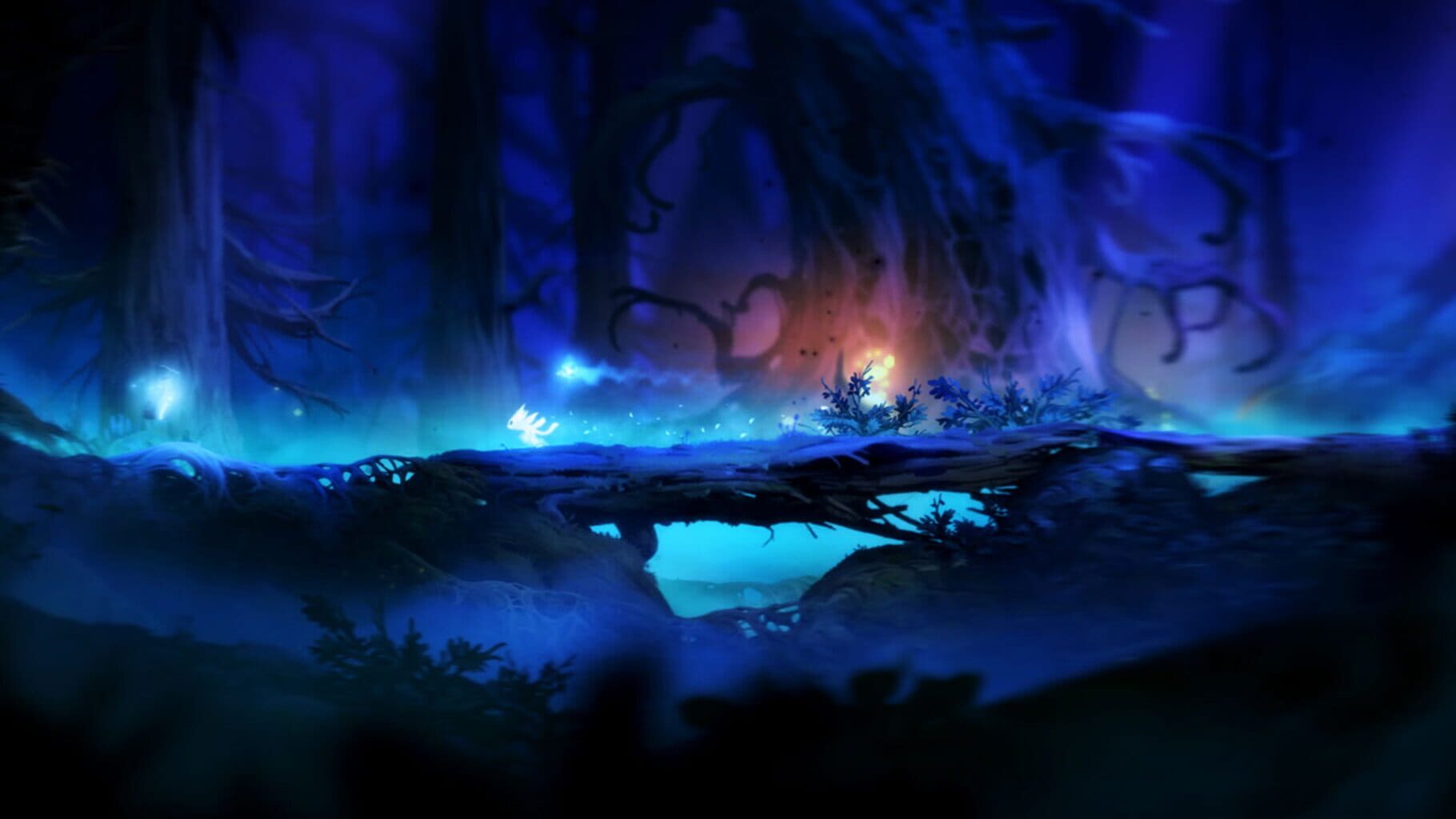
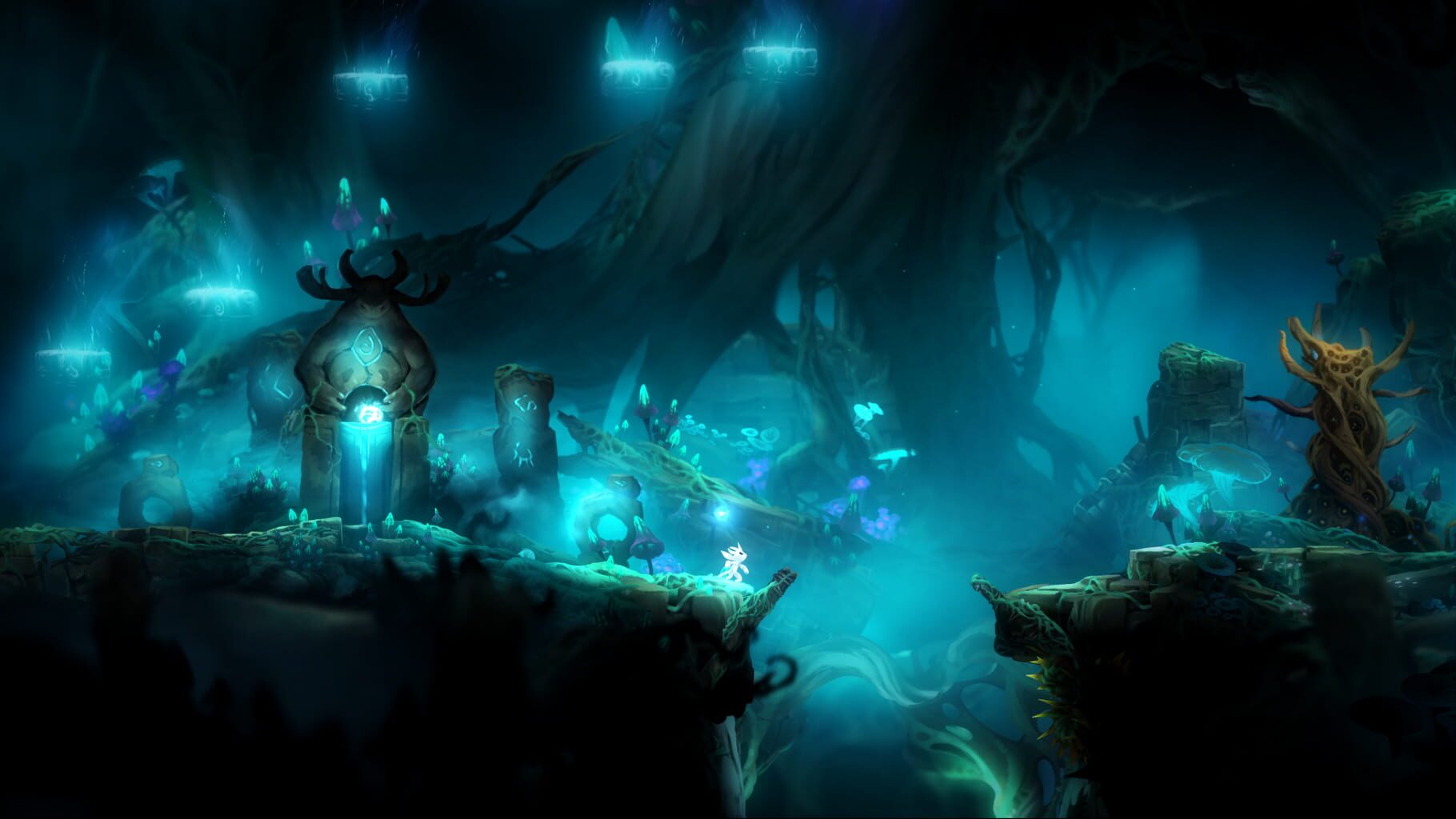
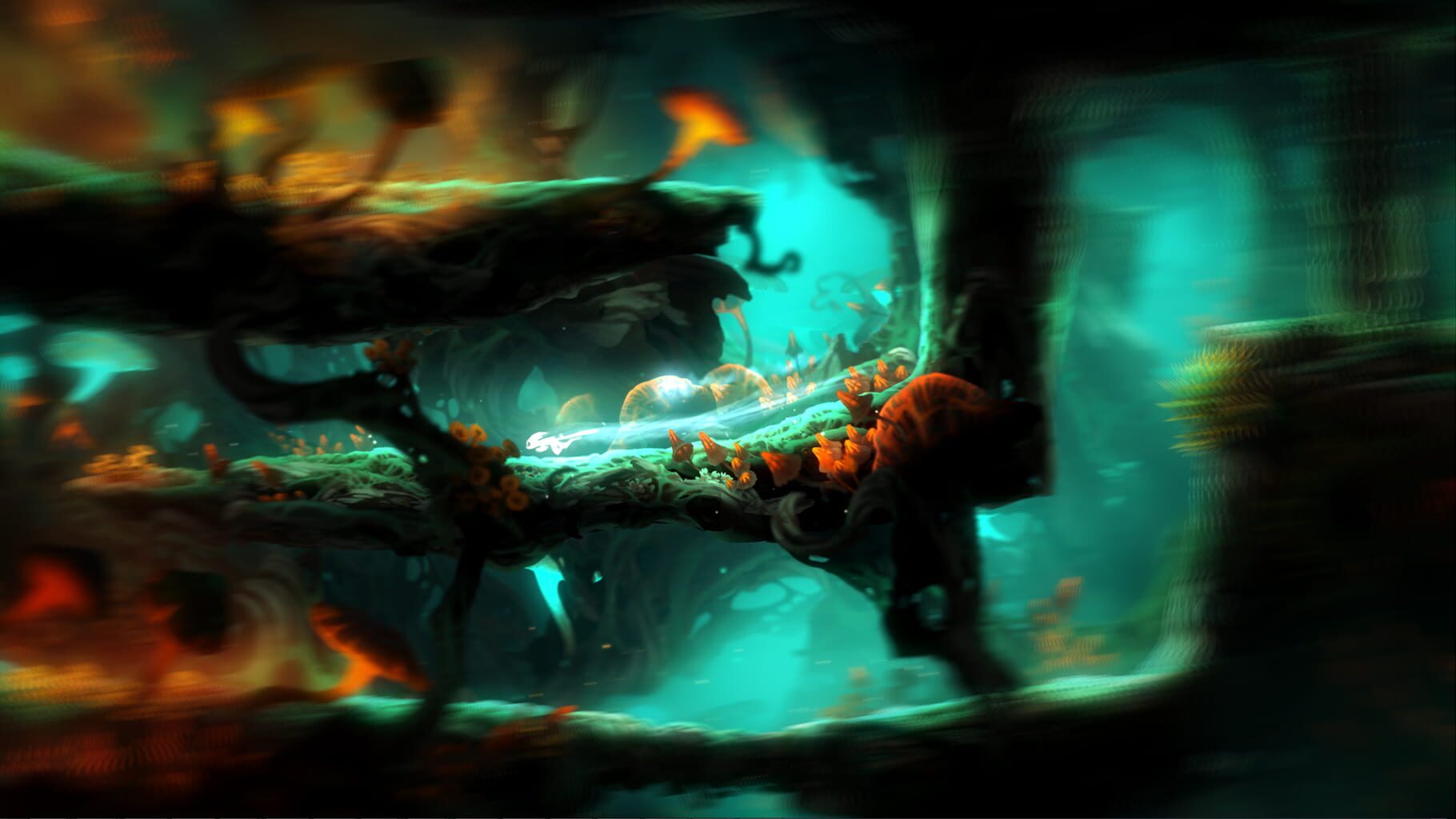
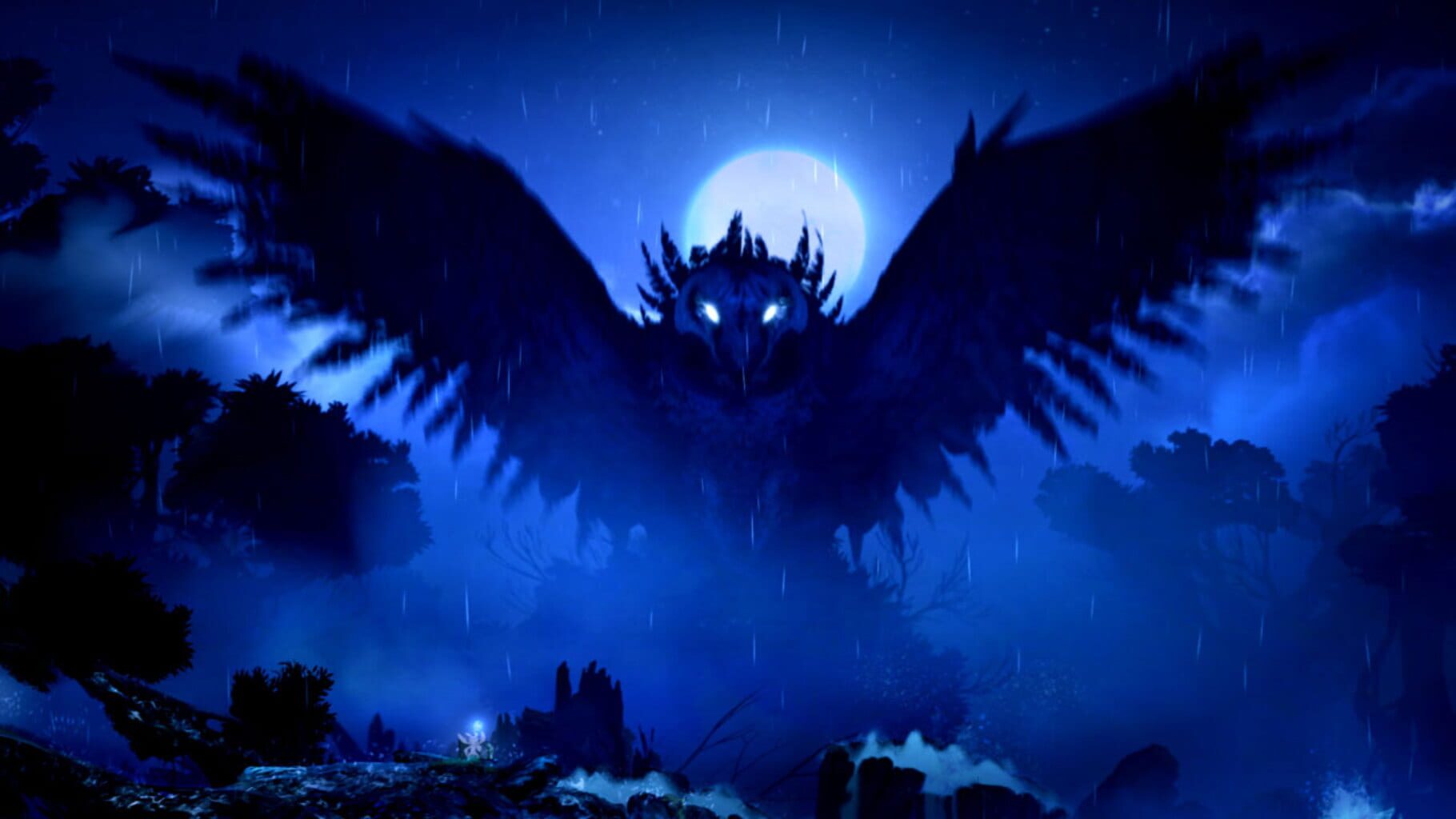
The forest of Nibel is dying. After a powerful storm sets a series of devastating events in motion, Ori must journey to find courage and confront a dark nemesis to save the forest of Nibel. “Ori and the Blind Forest” tells the tale of a young orphan destined for heroics, through a visually stunning Action-Platformer crafted by Moon Studios. Featuring hand-painted artwork, meticulously animated character performance, a fully orchestrated score and dozens of new features in the Definitive Edition, “Ori and the Blind Forest” explores a deeply emotional story about love and sacrifice, and the hope that exists in us all. NEW IN THE DEFINITIVE EDITION • Packed with new and additional content: New areas, new secrets, new abilities, more story sequences, multiple difficulty modes, full backtracking support and much more! • Discover Naru’s past in two brand new environments. • Master two powerful new abilities – Dash and Light Burst. • Find new secret areas and explore Nibel faster by teleporting between Spirit Wells.
Summary from IGDB
Ori and the Blind Forest: Definitive Edition screenshots
Version history
- v1Current
First release
Comments 0
No comments yet. Played it? Share what worked for your group.
Play these next
Browse all games
Peak
Talos9187k downloads4
Just Die Already
Rogueboy_x3.7k downloads4
Haste
birden623 downloads4
Magicite
Talos91645 downloads4
Vagante
Talos91625 downloads4
Bang-On Balls: Chronicles
Zensuu565 downloads4
Browse by genre: Platformer · Adventure
Log in or create an account to comment.