Split-screen on PC
Raft
Up to 4 players on one PC, with keyboard and mouse or several keyboards and mice.
Handler “RaftMP” by The Shnazberry, version 5
What works
With Nucleus Co-op, up to 4 players can play Raft together on one PC, each in their own part of the screen, with keyboard and mouse or several keyboards and mice. The free community handler “RaftMP” by The Shnazberry does the setup and was checked by hub moderators: version 5, updated . Raft is a simulation, adventure and indie game from 2022.
- Players4
- ControllersNot supported
- Keyboard and mouseSupported
- Several keyboards and miceOne per player
- Hub moderatorsVerified
How to play Raft split screen on PC
Get Nucleus Co-op
Download Nucleus Co-op, free for Windows 10 and 11, and unzip it into its own folder, for example C:\NucleusCo-op. There is no installer.
Keep it out of Program Files, your user folder and OneDrive.
Install the Raft handler
In Nucleus Co-op, search the Hub for Raft and install its handler, or download the handler file from this page and drop it on the Nucleus window. Then show Nucleus where Raft is installed.
Take a seat
Each player joins with their own keyboard and mouse and takes a spot on the screen. Pick a layout that fits your players.
Playing with several keyboards and mice? Press End once everything is in place to give each window its own cursor.
Launch and connect
Press Launch: Nucleus opens one copy of Raft per player and lays the windows out on your screen. Then link them in game, usually one player hosts a LAN or online session and the others join it. The handler notes say how.
What you need
- A Windows 10 or 11 PC
Nucleus Co-op runs on Windows only. System requirements
- Raft for Windows
Installed on that PC. Nucleus starts every player's window from that one install.
- Nucleus Co-op, free
With .NET Framework 4.7.2 or later and the Visual C++ 2015–2022 runtimes (x86 and x64). Download
- Something to play with
One keyboard and mouse per player. Controllers · Keyboards and mice
- A PC that can run 4 copies
Each player runs their own copy of Raft, so the PC carries several times the usual load. Lower the graphics settings if it struggles. Performance tips
- A multiplayer mode
Nucleus links the windows through the game's own LAN or online mode; the handler takes care of it.
Handler notes
Just read the Author's notes and you should be fine. Only supports Mice and Keyboards, as Raft has no controller support yet.
Guide: https://www.reddit.com/r/nucleuscoop/comments/gg65tz/raft_local_coop/
Thanks to Talos91, ZeroFox, and IIyaki from the Splitscreen Dreams Discord for helping with the handler in various aspects.
About Raft
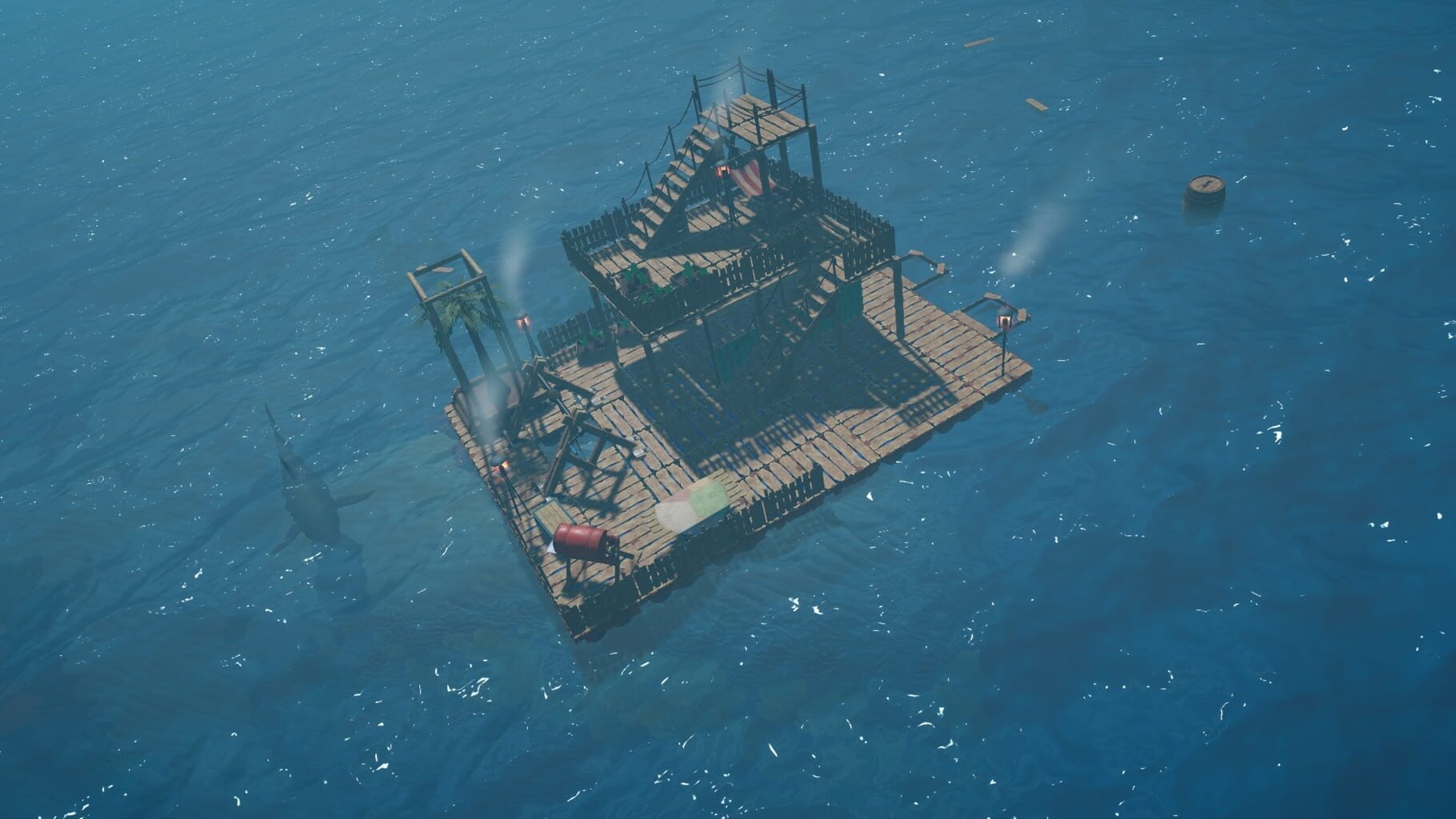
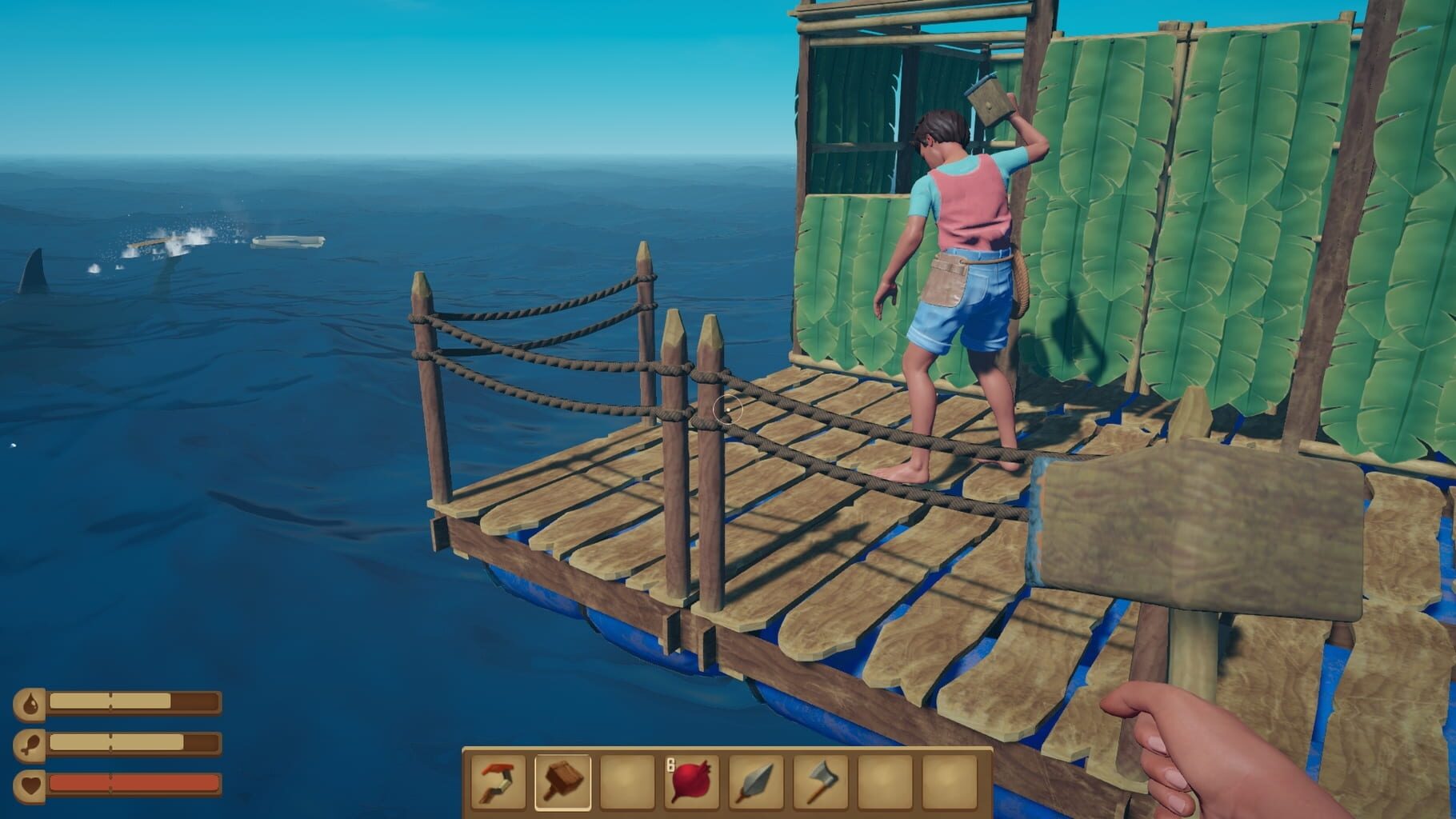
By yourself or with friends, your mission is to survive an epic oceanic adventure across a perilous sea! Gather debris to survive, expand your raft and be wary of the dangers of the ocean! Trapped on a small raft with nothing but a hook made of old plastic, players awake on a vast, blue ocean totally alone and with no land in sight! With a dry throat and an empty stomach, survival will not be easy!
Summary from IGDB
Raft screenshots
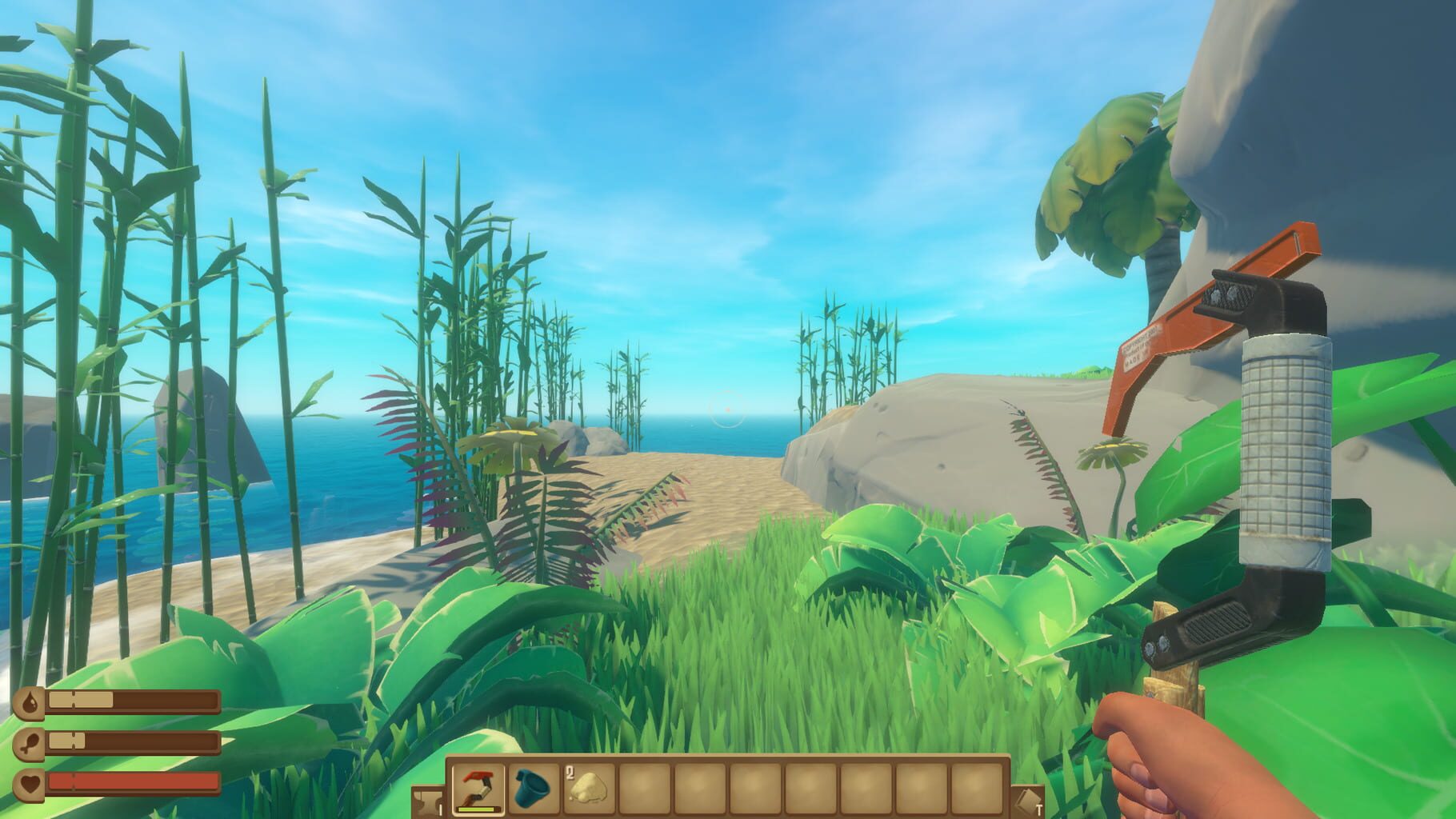
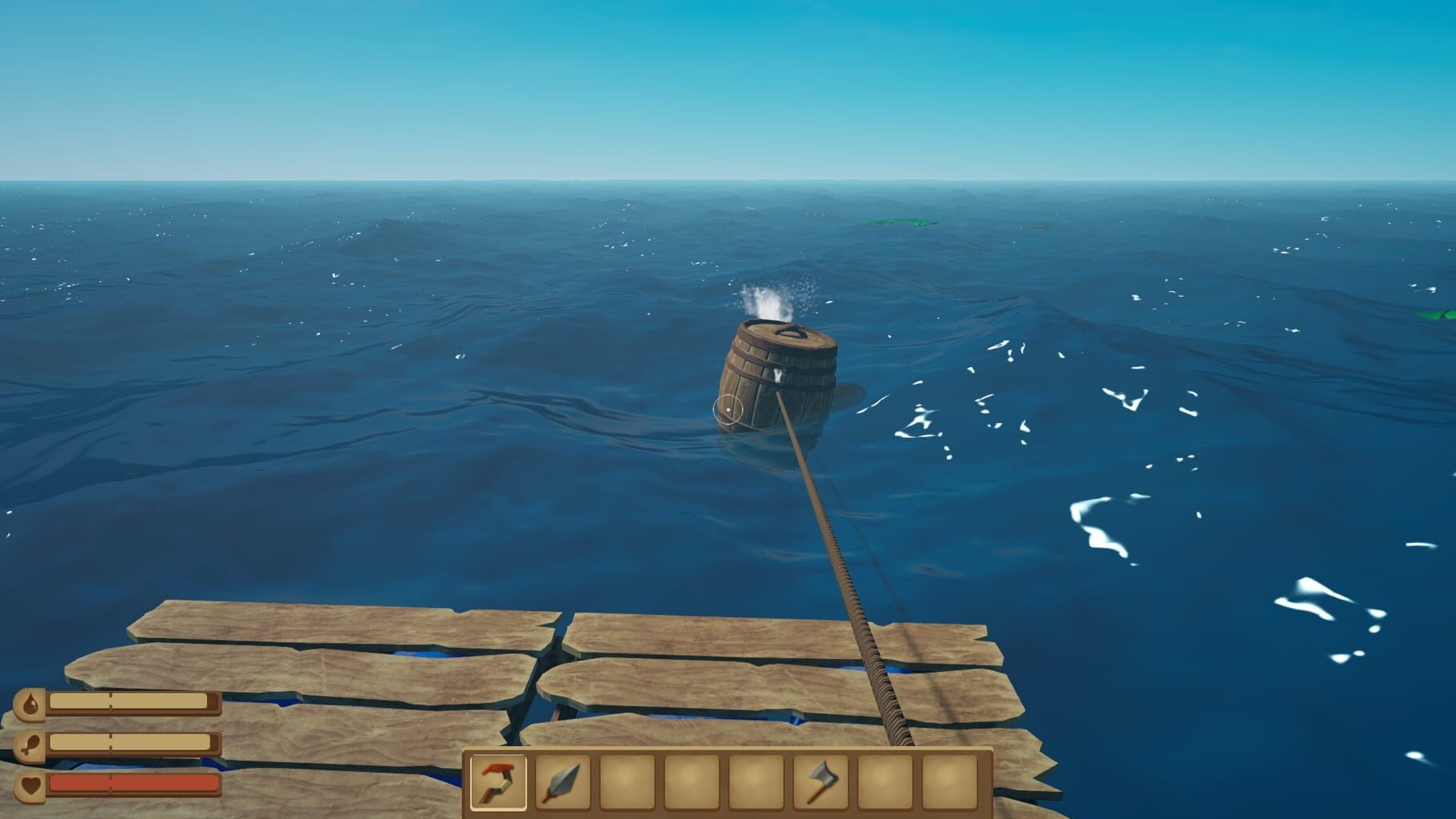
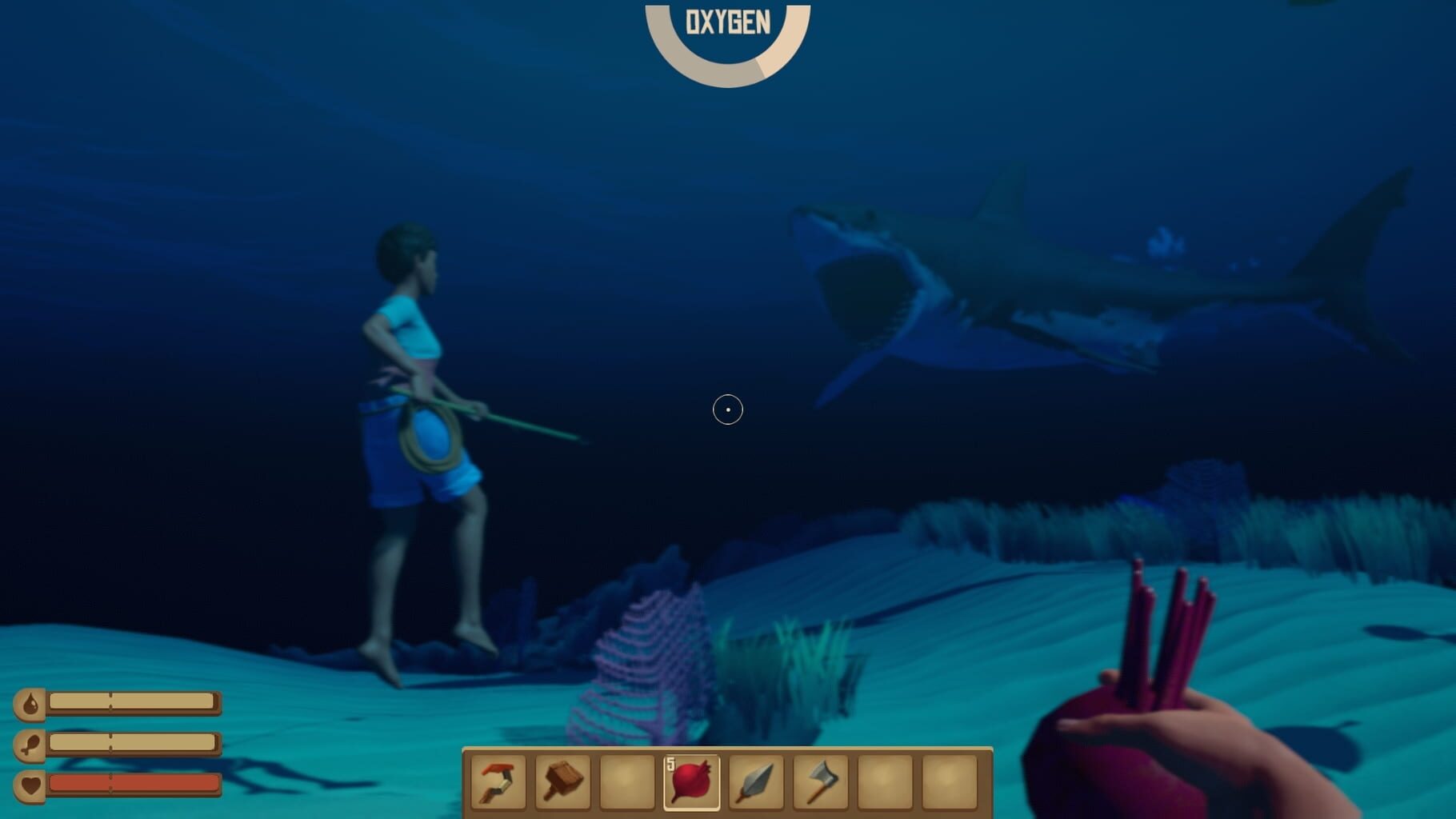
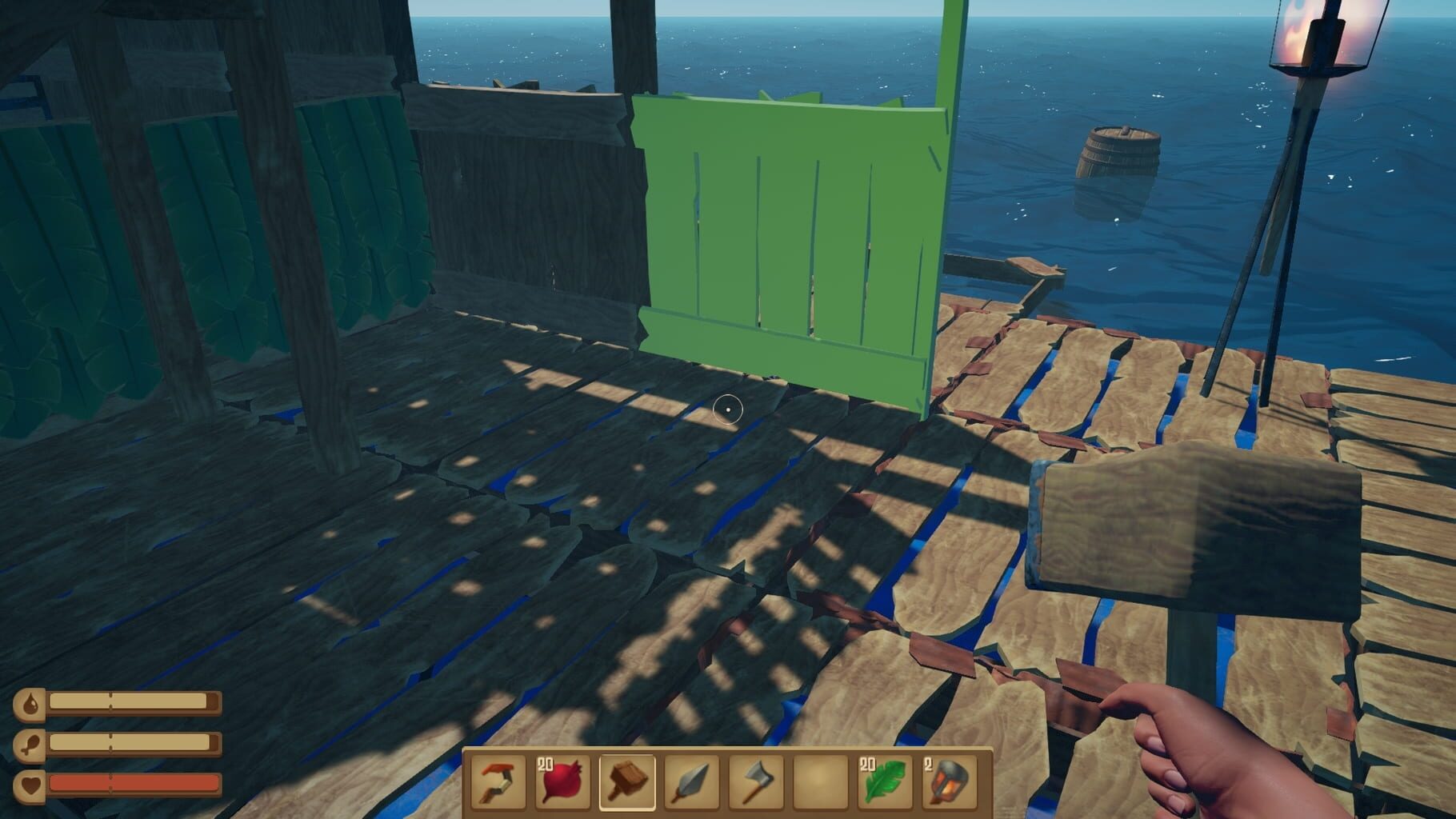
Version history
- v5Current
Mouse move filter
- v4
Protoinput Update, cursors now hide
- v3
Updated everything. New Registry codes and resizing fixes.
- v2
Cursors are more on point, resizing works better now.
Comments 2
Could you please add controller support, since Raft has actually released controller support on their BETA. More info on that: https://store.steampowered.com/news/app/648800/view/4479488435875219025 Many thanks!
The crossplay update will probably break connecting the instances with this handler unless they add a way to disable it or an easy way to downgrade game version.
Play these next
Browse all games
ASTRONEER
Talos9128k downloads4
iDigging
birden88 downloads4
CastleMiner Z
Talos911.5k downloads4
Volcanoids
Talos91446 downloads4
Dinosaur Hunt
Talos91295 downloads4
Jumanji: The Curse Returns
Talos91118 downloads4
Browse by genre: Simulation · Adventure · Indie
Log in or create an account to comment.