Split-screen on PC
RimWorld
Up to 4 players on one PC, with controllers, keyboard and mouse or several keyboards and mice.
Handler “RimWorldMP” by The Shnazberry, version 5
What works
With Nucleus Co-op, up to 4 players can play RimWorld together on one PC, each in their own part of the screen, with controllers, keyboard and mouse or several keyboards and mice. The free community handler “RimWorldMP” by The Shnazberry does the setup and was checked by hub moderators: version 5, updated . RimWorld is a real-time strategy, simulation and strategy game from 2018.
- Players4
- ControllersSupported
- Keyboard and mouseSupported
- Several keyboards and miceOne per player
- Hub moderatorsVerified
How to play RimWorld split screen on PC
Get Nucleus Co-op
Download Nucleus Co-op, free for Windows 10 and 11, and unzip it into its own folder, for example C:\NucleusCo-op. There is no installer.
Keep it out of Program Files, your user folder and OneDrive.
Install the RimWorld handler
In Nucleus Co-op, search the Hub for RimWorld and install its handler, or download the handler file from this page and drop it on the Nucleus window. Then show Nucleus where RimWorld is installed.
Take a seat
Each player presses a button on their own controller to join and takes a spot on the screen. Pick a layout that fits your players.
Playing with several keyboards and mice? Press End once everything is in place to give each window its own cursor.
Launch and connect
Press Launch: Nucleus opens one copy of RimWorld per player and lays the windows out on your screen. Then link them in game, usually one player hosts a LAN or online session and the others join it. The handler notes say how.
What you need
- A Windows 10 or 11 PC
Nucleus Co-op runs on Windows only. System requirements
- RimWorld for Windows
Installed on that PC. Nucleus starts every player's window from that one install.
- Nucleus Co-op, free
With .NET Framework 4.7.2 or later and the Visual C++ 2015–2022 runtimes (x86 and x64). Download
- Something to play with
One controller per player, or one keyboard and mouse per player. Controllers · Keyboards and mice
- A PC that can run 4 copies
Each player runs their own copy of RimWorld, so the PC carries several times the usual load. Lower the graphics settings if it struggles. Performance tips
- A multiplayer mode
Nucleus links the windows through the game's own LAN or online mode; the handler takes care of it.
Handler notes
A handler to run RimWorld with a friend or 3, meant to be played with a mod called Zetrith's Multiplayer, made by Swept, Charlotte, and Parexy.
No controller support, as RimWorld doesn't support controllers.
Zetrith's Multiplayer Mod:
Website
Steam Workshop
The mod works online as well, so you and a friend can splitscreen the game, and your other friends far away can join you!
Credit to The Shnazberry, Talos91, and dr.oldboi from the Splitscreen Dreams Discord, as well as Swept, Charlotte, and Parexy on Steam for making the mod that brings it all together.
About RimWorld
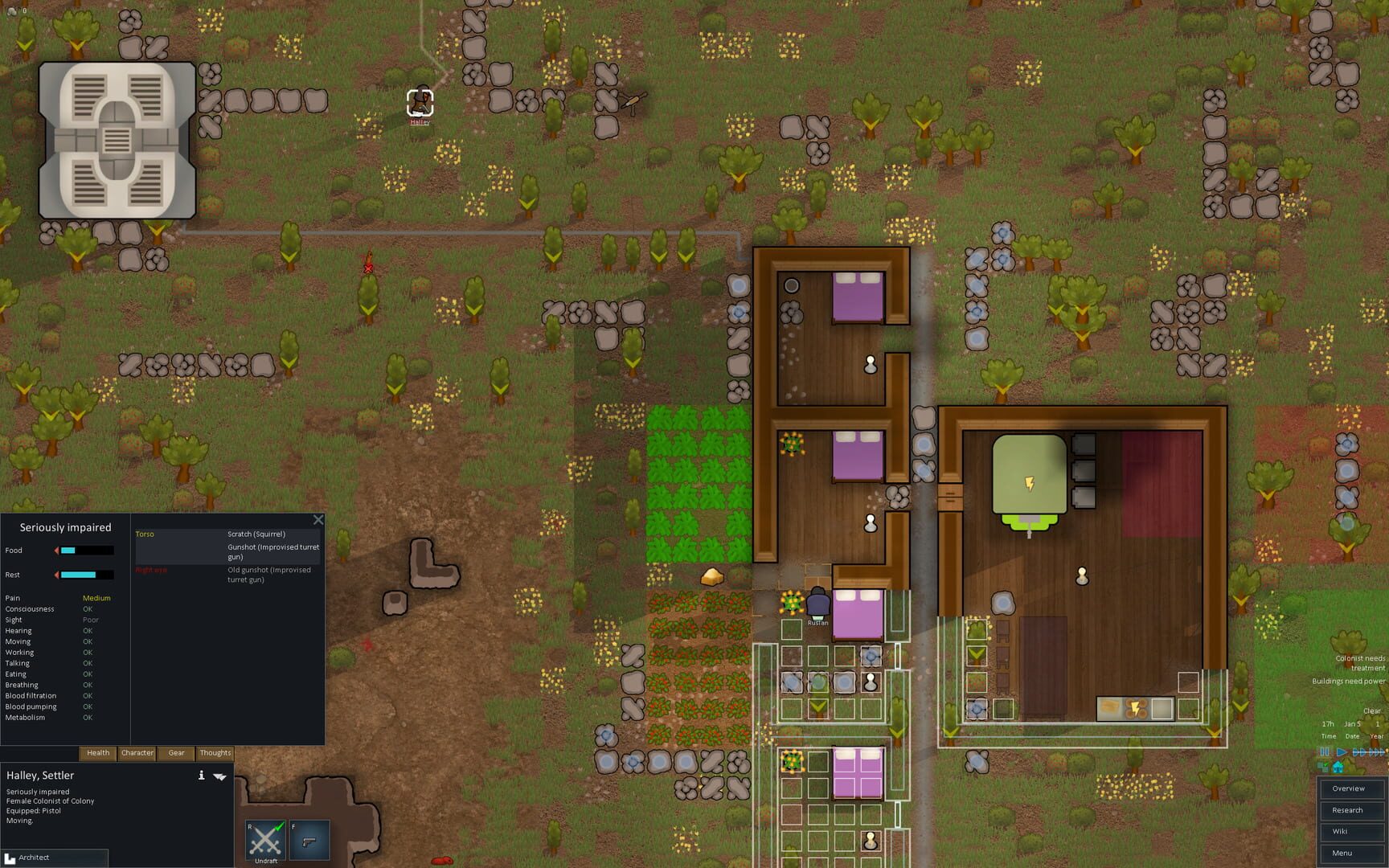
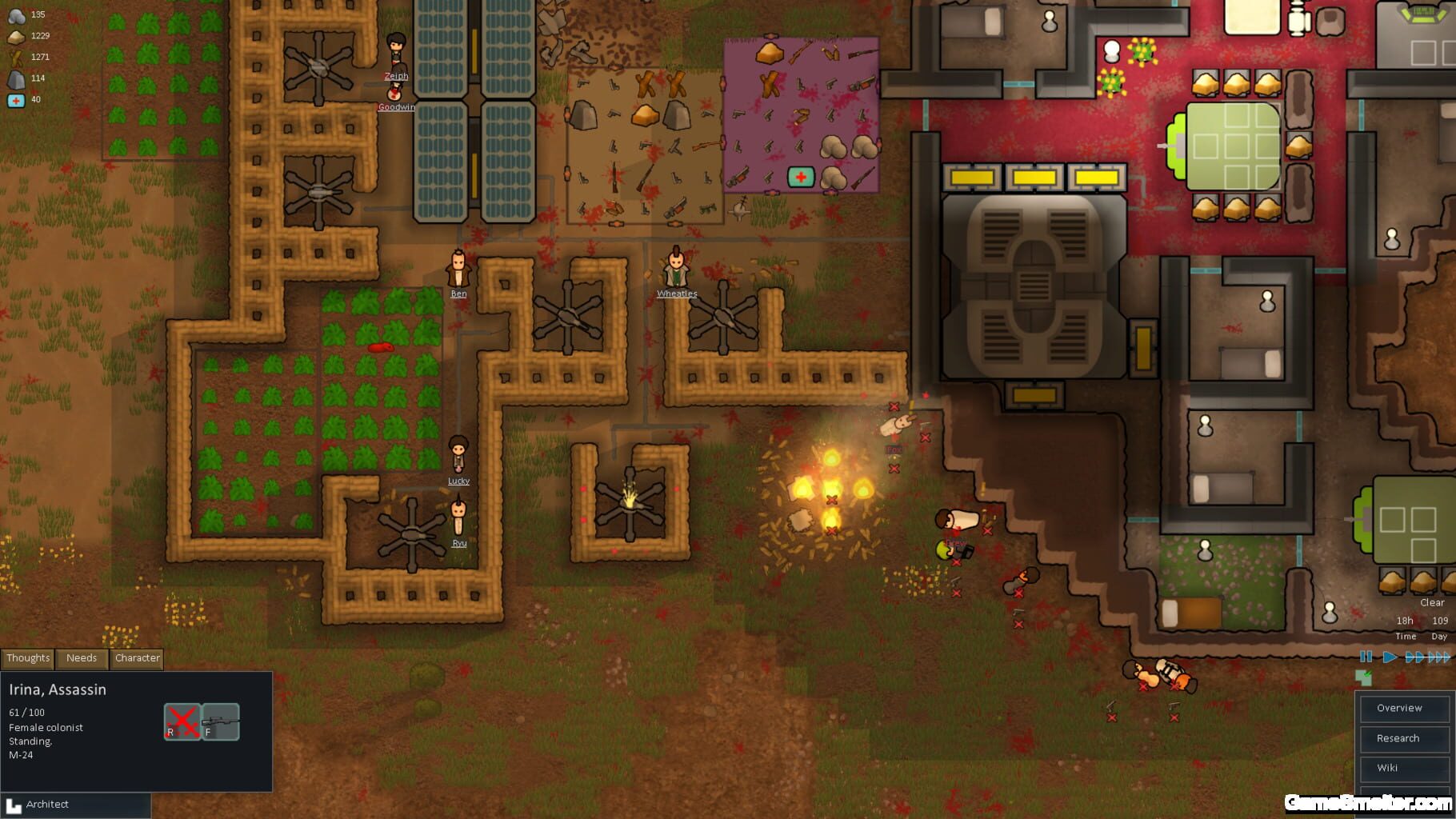
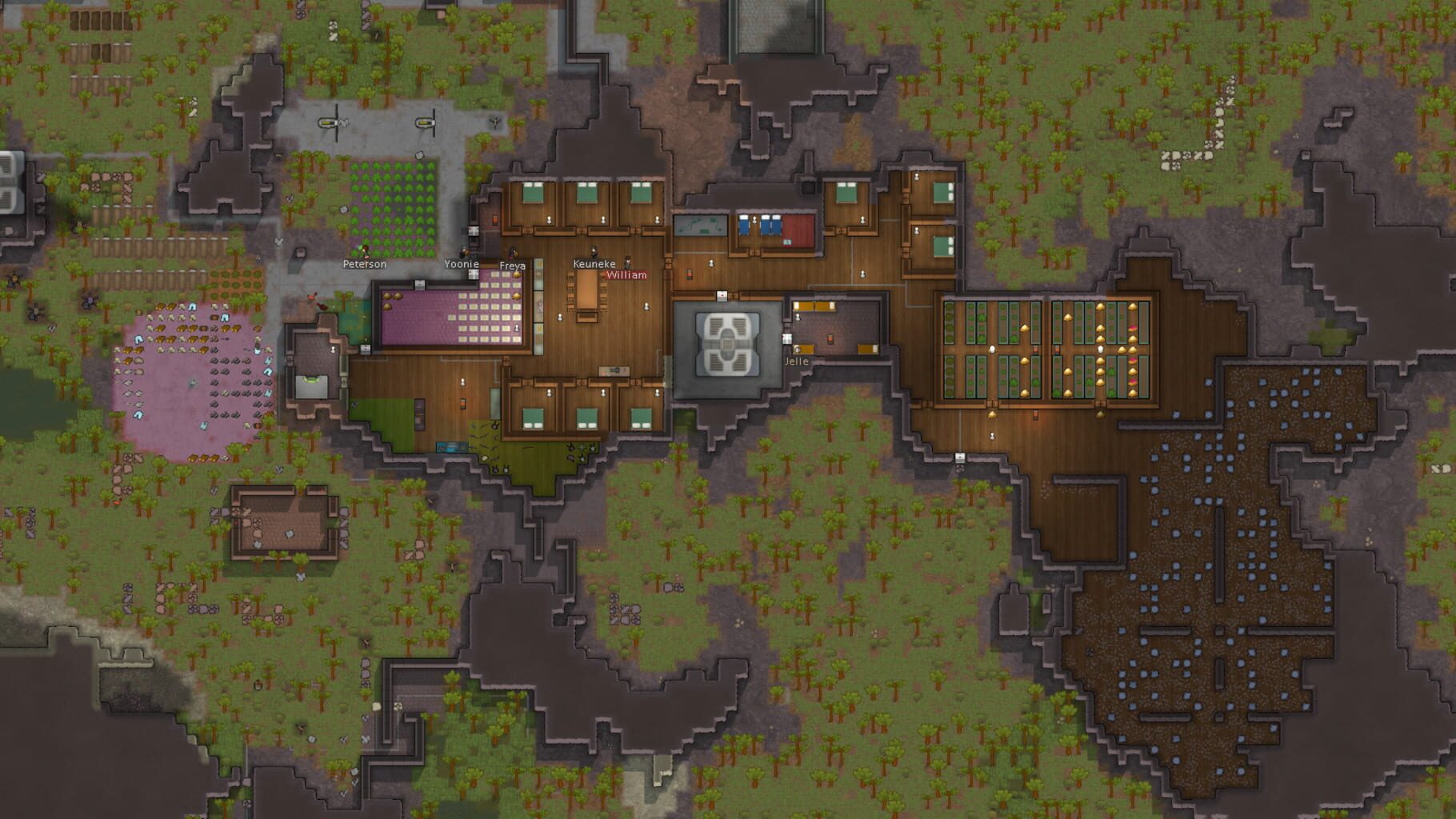
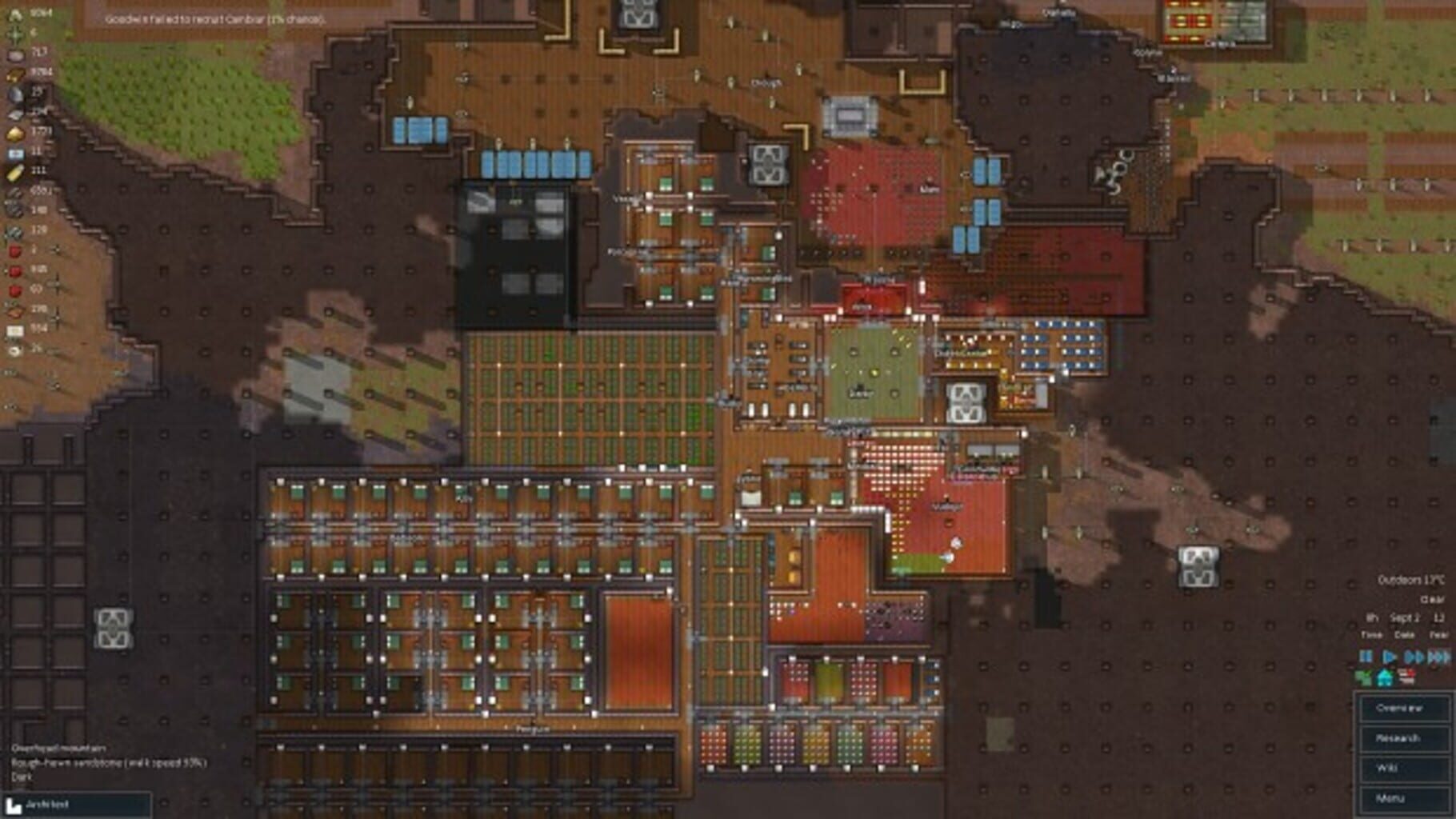
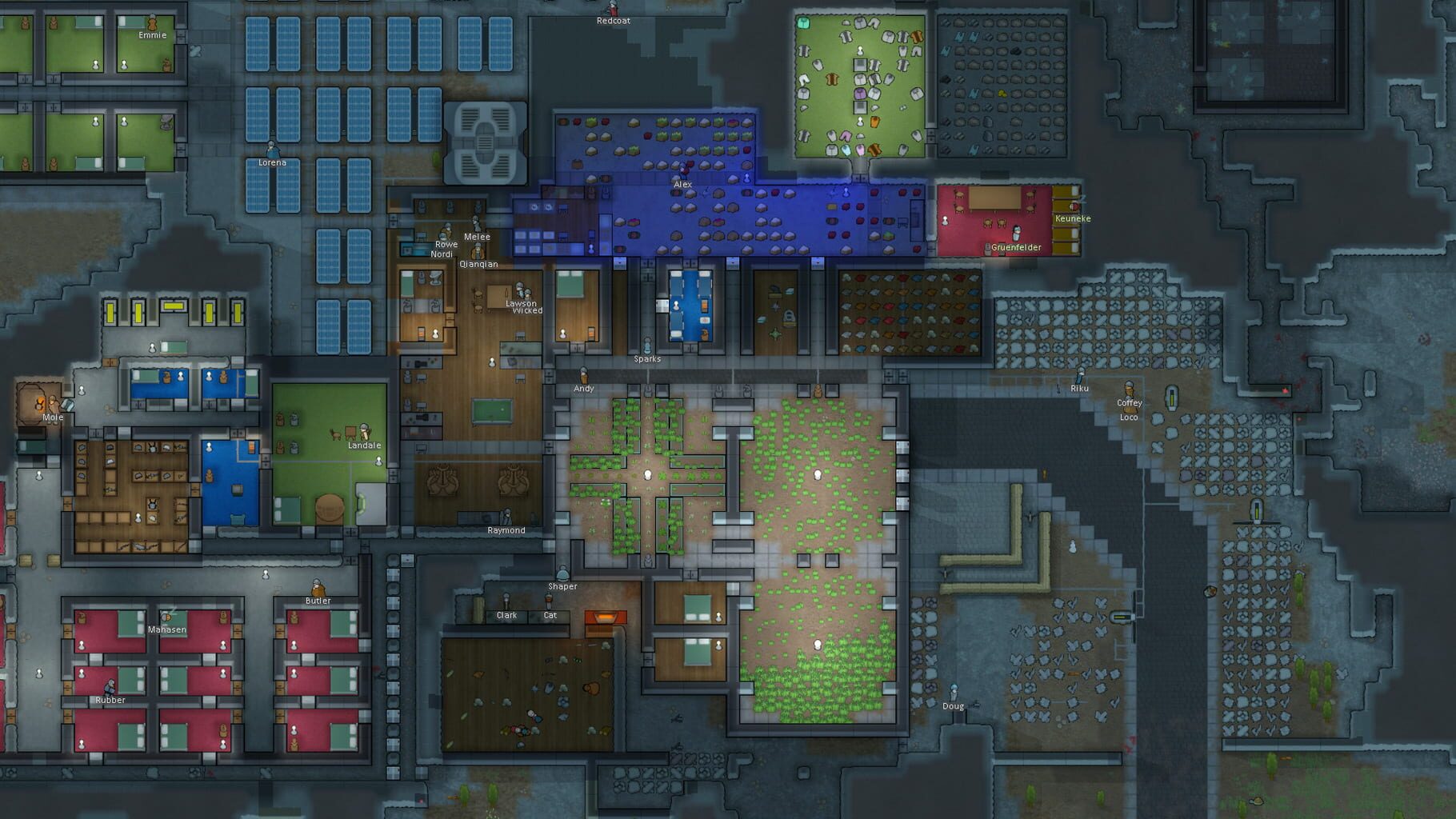
A sci fi colony sim driven by an intelligent AI storyteller. RimWorld follows three survivors from a crashed space liner as they build a colony on a frontier world at the rim of known space. Inspired by the space western vibe of Firefly, the deep simulation of Dwarf Fortress, and the epic scale of Dune and Warhammer 40,000. Manage colonists' moods, needs, thoughts, individual wounds, and illnesses. Engage in deeply-simulated small-team gunplay. Fashion structures, weapons, and apparel from metal, wood, stone, cloth, or exotic, futuristic materials. Fight pirate raiders, hostile tribes, rampaging animals and ancient killing machines. Discover a new generated world each time you play. Build colonies in biomes ranging from desert to jungle to tundra, each with unique flora and fauna. Manage and develop colonists with unique backstories, traits, and skills. Learn to play easily with the help of an intelligent and unobtrusive AI tutor.
Summary from IGDB
RimWorld screenshots
Version history
- v5Current
Mouse move filter
- v4
ProtoInput mkb and improvements.
- v3
Automatically assigns usernames based on the Nicknames in Nucleus. Sets alternate zoom keys to use.
- v2
Cleaned up a bit by Talos91
Comments 0
No comments yet. Played it? Share what worked for your group.
Play these next
Browse all games
Castle Story
Talos91623 downloads4
Stronghold Legends
Zensuu146 downloads4
Stronghold 3
Zensuu61 downloads4
Full Spectrum Warrior: Ten Hammers
birden34 downloads4
Attack on Toys
Talos91513 downloads5
The Settlers II: 10th Anniversary Edition (GOG
LineOf7s289 downloads6
Browse by genre: Real-time strategy · Simulation · Strategy
Log in or create an account to comment.