Split-screen on PC
Stardew Valley
Up to 4 players on one PC, with controllers, keyboard and mouse or several keyboards and mice.
Handler “StardewValley” by Talos91, version 12
What works
With Nucleus Co-op, up to 4 players can play Stardew Valley together on one PC, each in their own part of the screen, with controllers, keyboard and mouse or several keyboards and mice. The free community handler “StardewValley” by Talos91 does the setup and was checked by hub moderators: version 12, updated . Stardew Valley is a role-playing, simulation and strategy game from 2016.
- Players4
- ControllersSupported
- Keyboard and mouseSupported
- Several keyboards and miceOne per player
- Hub moderatorsVerified
How to play Stardew Valley split screen on PC
Get Nucleus Co-op
Download Nucleus Co-op, free for Windows 10 and 11, and unzip it into its own folder, for example C:\NucleusCo-op. There is no installer.
Keep it out of Program Files, your user folder and OneDrive.
Install the Stardew Valley handler
In Nucleus Co-op, search the Hub for Stardew Valley and install its handler, or download the handler file from this page and drop it on the Nucleus window. Then show Nucleus where Stardew Valley is installed.
Take a seat
Each player presses a button on their own controller to join and takes a spot on the screen. Pick a layout that fits your players.
Playing with several keyboards and mice? Press End once everything is in place to give each window its own cursor.
Launch and connect
Press Launch: Nucleus opens one copy of Stardew Valley per player and lays the windows out on your screen. Then link them in game, usually one player hosts a LAN or online session and the others join it. The handler notes say how.
What you need
- A Windows 10 or 11 PC
Nucleus Co-op runs on Windows only. System requirements
- Stardew Valley for Windows
Installed on that PC. Nucleus starts every player's window from that one install.
- Nucleus Co-op, free
With .NET Framework 4.7.2 or later and the Visual C++ 2015–2022 runtimes (x86 and x64). Download
- Something to play with
One controller per player, or one keyboard and mouse per player. Controllers · Keyboards and mice
- A PC that can run 4 copies
Each player runs their own copy of Stardew Valley, so the PC carries several times the usual load. Lower the graphics settings if it struggles. Performance tips
- A multiplayer mode
Nucleus links the windows through the game's own LAN or online mode; the handler takes care of it.
Handler notes
IMPORTANT: Intended for Multiple monitors only, one player per instance, the game already has 4 player native split-screen. Read the handler notes very carefully. SMAPI supported.
Guide: https://www.reddit.com/r/localmultiplayergames/comments/bzoi4s/stardew_valley_4_players_local_coop/
Known issues: the game ties the main mouse cursor to the in-game cursor so all instances share the cursor. To fix this install latest SMAPI and the Co-op cursor mod by DeLiXx to your main game files:
https://www.nexusmods.com/stardewvalley/mods/12269?tab=description
Gamepads restriction and multiple keyboards/mice will only work with the Co-op cursor mod too in latest version of the game. Fully disable Steam Input for this game in Steam if your gamepads do not work.
If you have SMAPI installed for mods in your main files the handler will automatically launch the SMAPI exe even if you added the game to Nucleus by selecting the vanilla exe, do not rename any exes.
If you use keyboards and mice after all the instances have launched, resized and positioned correctly, press the END key once to lock the input for all instances to have their own working cursor and keyboard. You need to left click each mouse to make the emulated cursors appear after locking the input. Press the END key again to unlock the input when you finish playing. You can also use CTRL+Q to close Nucleus and all its instances when the input is unlocked.
If you want to fix the game window not resizing lower than 1280x720 to fix Nucleus split-screen in one 1920x1080 monitor for example install the Lenient Window Resize mod by DeLiXx too: https://www.nexusmods.com/stardewvalley/mods/12305
Authors and Contributors of this handler: Talos91 and DeLiXx from the Nucleus Co-op Discord.
About Stardew Valley
Stardew Valley is an open-ended country-life RPG! You’ve inherited your grandfather’s old farm plot in Stardew Valley. Armed with hand-me-down tools and a few coins, you set out to begin your new life. Can you learn to live off the land and turn these overgrown fields into a thriving home? It won’t be easy. Ever since Joja Corporation came to town, the old ways of life have all but disappeared. The community center, once the town’s most vibrant hub of activity, now lies in shambles. But the valley seems full of opportunity. With a little dedication, you might just be the one to restore Stardew Valley to greatness!
Summary from IGDB
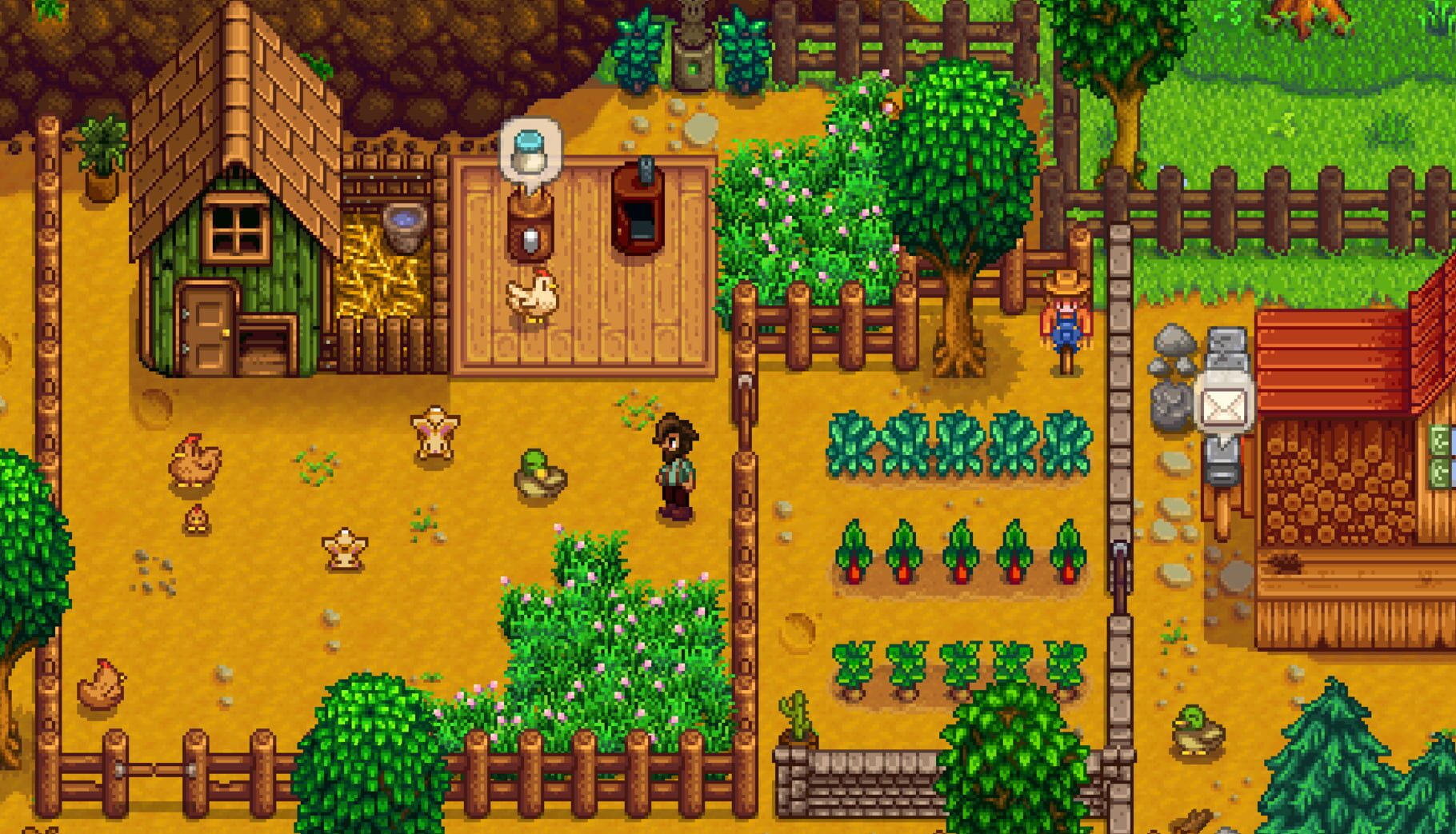
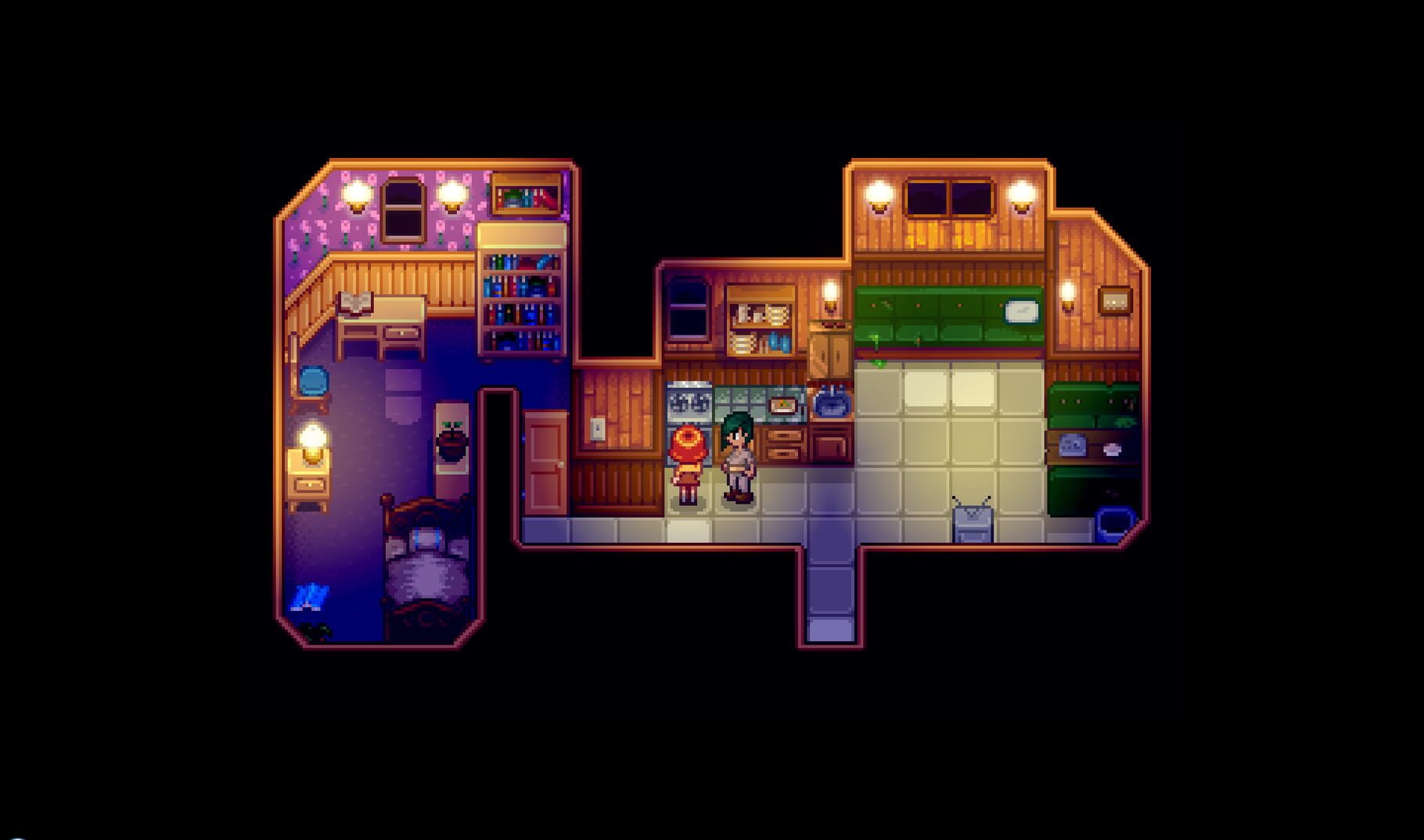
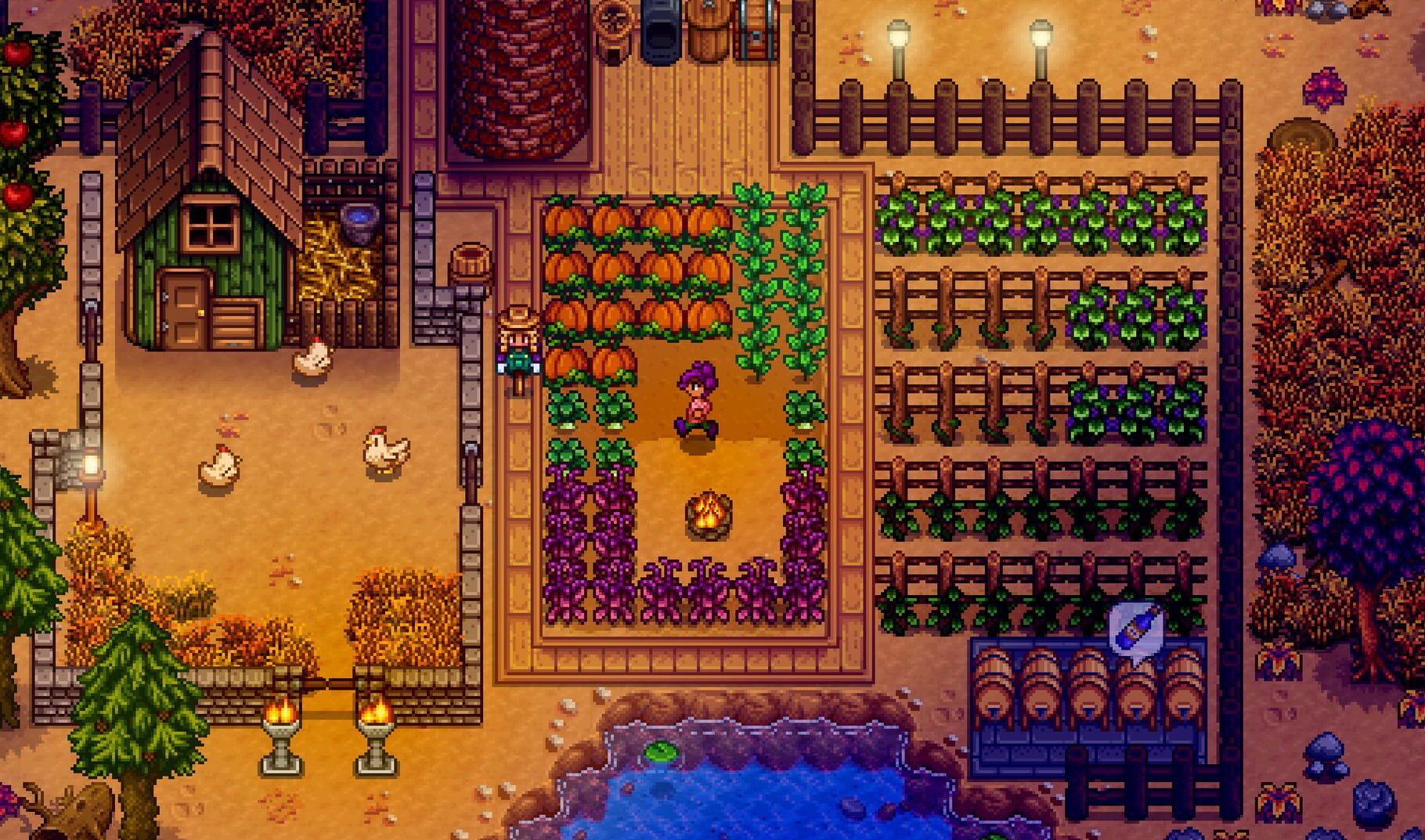
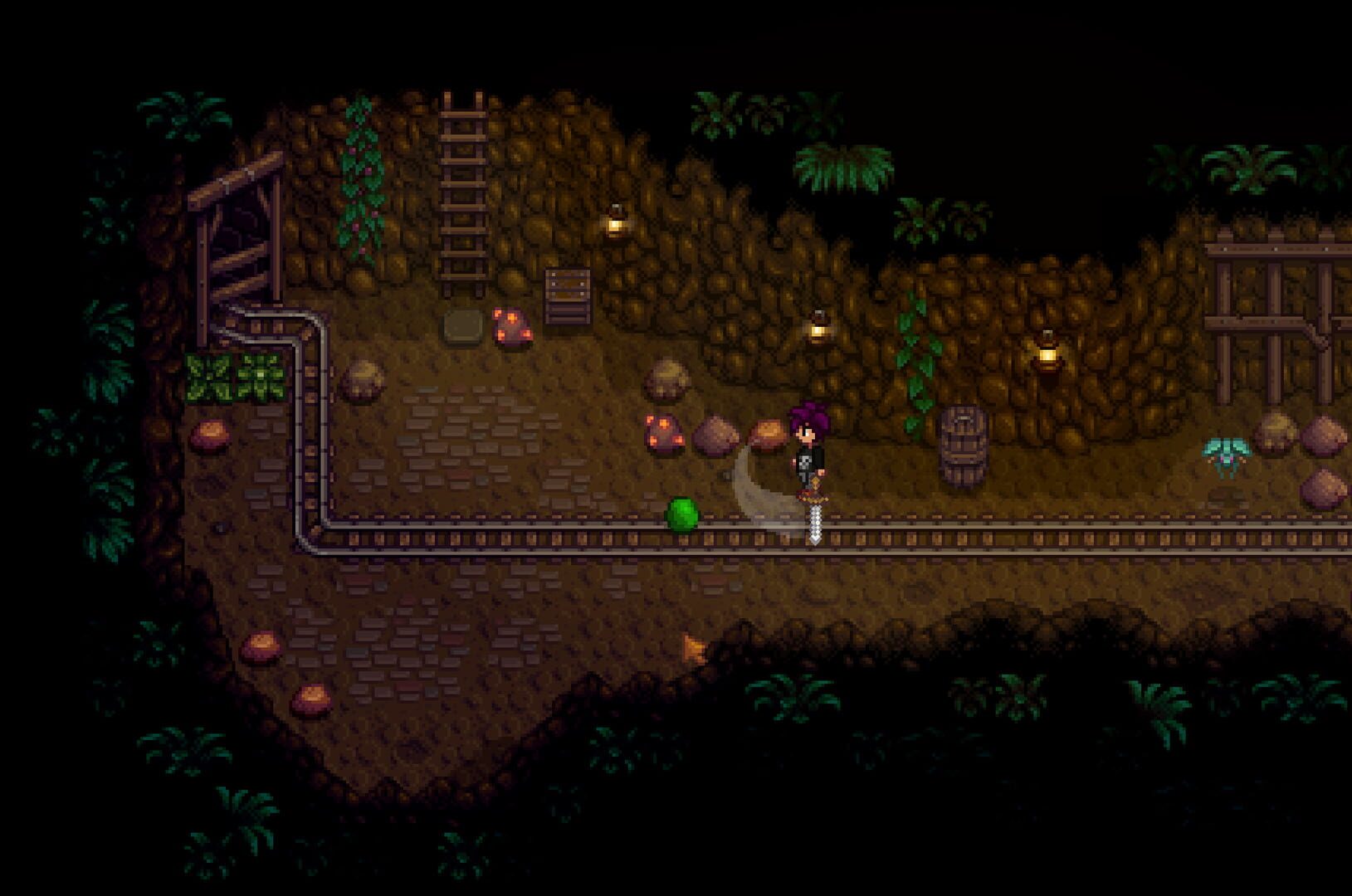
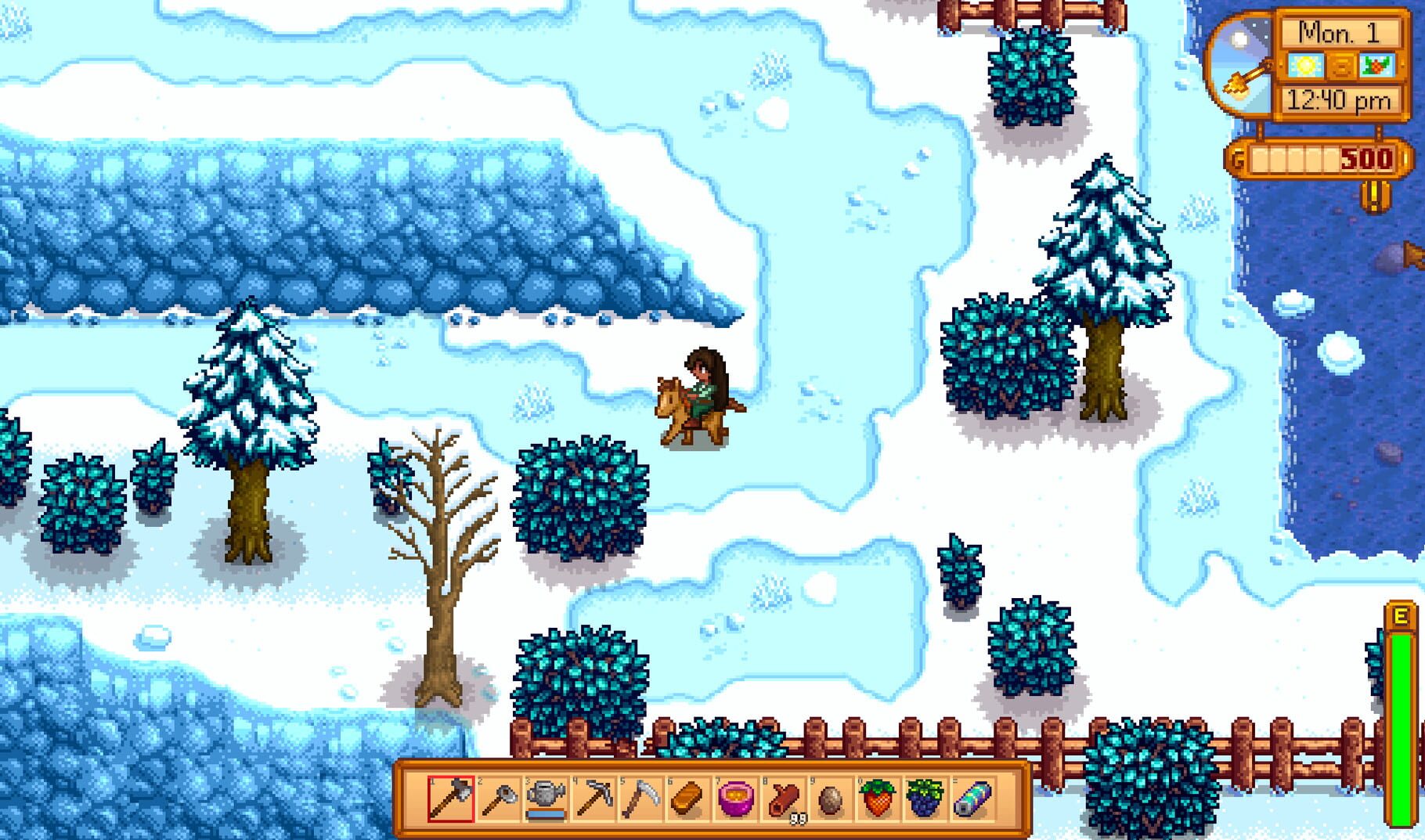
Stardew Valley screenshots
Version history
- v12Current
keyboard bug fixed
- v11
sdl controllers do not get disabled now but no restriction.
- v10
multiple keyboards and mice are back.
- v9
do not apply coop cursor mod to kb instance.
Comments 0
No comments yet. Played it? Share what worked for your group.
Play these next
Browse all games
The Survivalists
Talos916.5k downloads4
Tinkerlands
Zensuu853 downloads4
Survivalist
Talos91490 downloads4
Everdream Valley
birden484 downloads4
Survivalist: Invisible Strain
Talos91269 downloads4
Pathless Woods
Zensuu173 downloads4
Browse by genre: Role-playing · Simulation · Strategy
Log in or create an account to comment.