Split-screen on PC
Stormworks: Build and Rescue
Up to 32 players on one PC, with controllers, keyboard and mouse or several keyboards and mice.
Handler “Stormworks: Build and Rescue” by THEKlNG, version 4
What works
With Nucleus Co-op, up to 32 players can play Stormworks: Build and Rescue together on one PC, each in their own part of the screen, with controllers, keyboard and mouse or several keyboards and mice. The free community handler “Stormworks: Build and Rescue” by THEKlNG does the setup and was checked by hub moderators: version 4, updated . Stormworks: Build and Rescue is a simulation and strategy game from 2020.
- Players32
- ControllersSupported
- Keyboard and mouseSupported
- Several keyboards and miceOne per player
- Hub moderatorsVerified
How to play Stormworks: Build and Rescue split screen on PC
Get Nucleus Co-op
Download Nucleus Co-op, free for Windows 10 and 11, and unzip it into its own folder, for example C:\NucleusCo-op. There is no installer.
Keep it out of Program Files, your user folder and OneDrive.
Install the Stormworks: Build and Rescue handler
In Nucleus Co-op, search the Hub for Stormworks: Build and Rescue and install its handler, or download the handler file from this page and drop it on the Nucleus window. Then show Nucleus where Stormworks: Build and Rescue is installed.
Take a seat
Each player presses a button on their own controller to join and takes a spot on the screen. Pick a layout that fits your players.
Playing with several keyboards and mice? Press End once everything is in place to give each window its own cursor.
Launch and connect
Press Launch: Nucleus opens one copy of Stormworks: Build and Rescue per player and lays the windows out on your screen. Then link them in game, usually one player hosts a LAN or online session and the others join it. The handler notes say how.
What you need
- A Windows 10 or 11 PC
Nucleus Co-op runs on Windows only. System requirements
- Stormworks: Build and Rescue for Windows
Installed on that PC. Nucleus starts every player's window from that one install.
- Nucleus Co-op, free
With .NET Framework 4.7.2 or later and the Visual C++ 2015–2022 runtimes (x86 and x64). Download
- Something to play with
One controller per player, or one keyboard and mouse per player. Controllers · Keyboards and mice
- A PC that can run 32 copies
Each player runs their own copy of Stormworks: Build and Rescue, so the PC carries several times the usual load. Lower the graphics settings if it struggles. Performance tips
- A multiplayer mode
Nucleus links the windows through the game's own LAN or online mode; the handler takes care of it.
Handler notes
🛠️ Stormworks Split-Screen Notes
⚠️ Steam version only.
🎮 Before Launching:
- Run the game normally from Steam.
- Change graphics settings as needed for each player.
- For better performance, it is recommended to use Low/Very Low graphics settings per instance if you are using low end pc.
🕹️ Controllers:
- When you're at the main menu:
- Press the A button on each gamepad to activate it in its respective window.
🌐 Multiplayer Setup:
✅ Hosting a Server:
- From the main menu:
- Go to Multiplayer > Host.
- Select the number of players.
- Adjust map settings if needed.
- Click Start to launch the server.
🔗 Joining as a Client:
- From the menu:
- Go to Multiplayer > Friends.
- Wait for the host's server to appear.
- Click it to join.
📴 Playing Offline / LAN:
- Make sure all players are on the same local network (LAN).
- It’s recommended to set Steam to Offline Mode to avoid connection issues.
⌨️ Multi-Keyboard & Mouse Tips:
- After all game windows have been resized and repositioned:
- Press the
ENDkey once to lock input and enable multi-cursor support. - Press
ENDagain to unlock input when you're done playing.
- Press the
🙌 Special Thanks:
- 💡 Talos91 — for helping with the handler.
- 🧪 Moss_oH — for testing.
About Stormworks: Build and Rescue
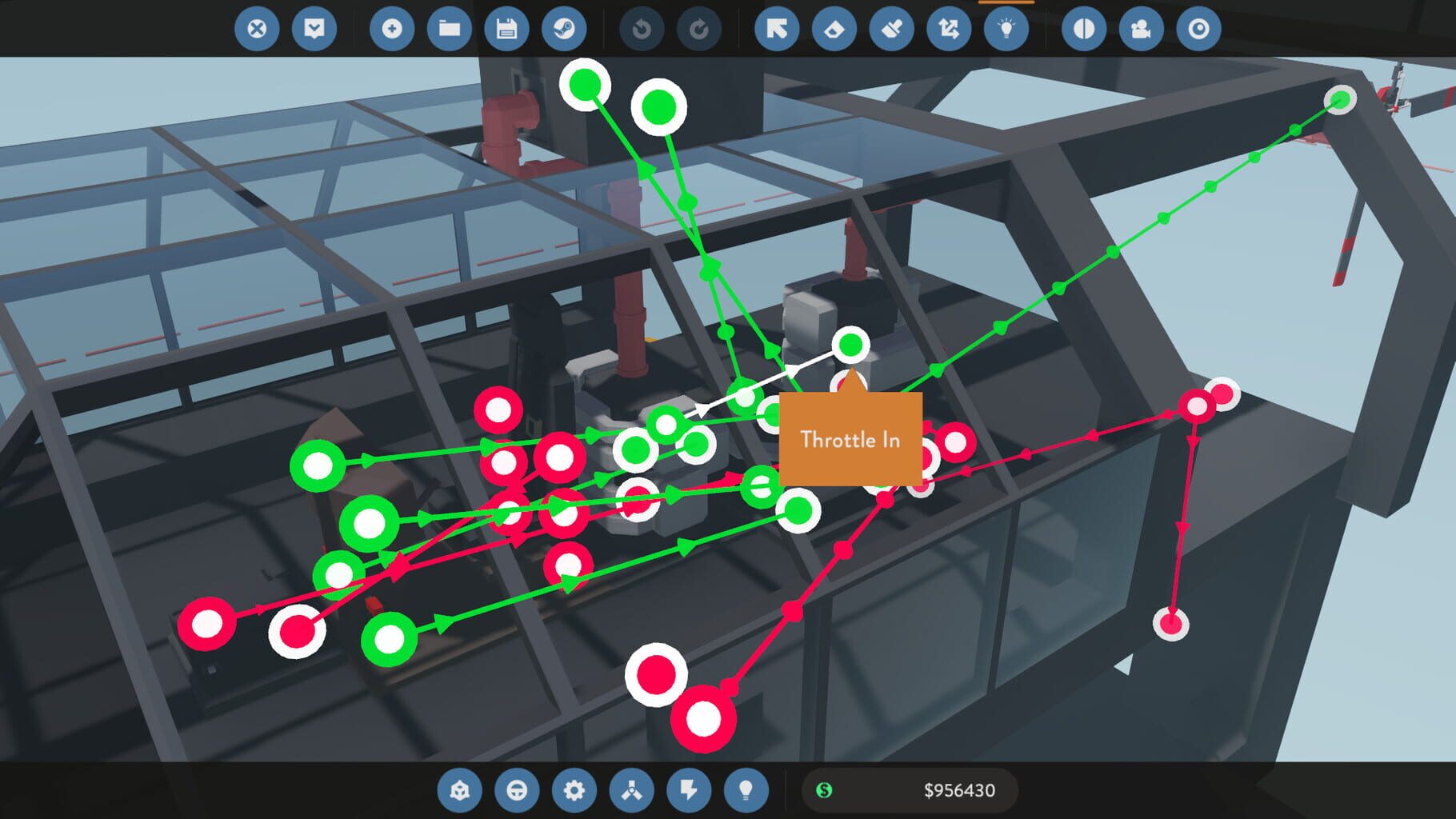
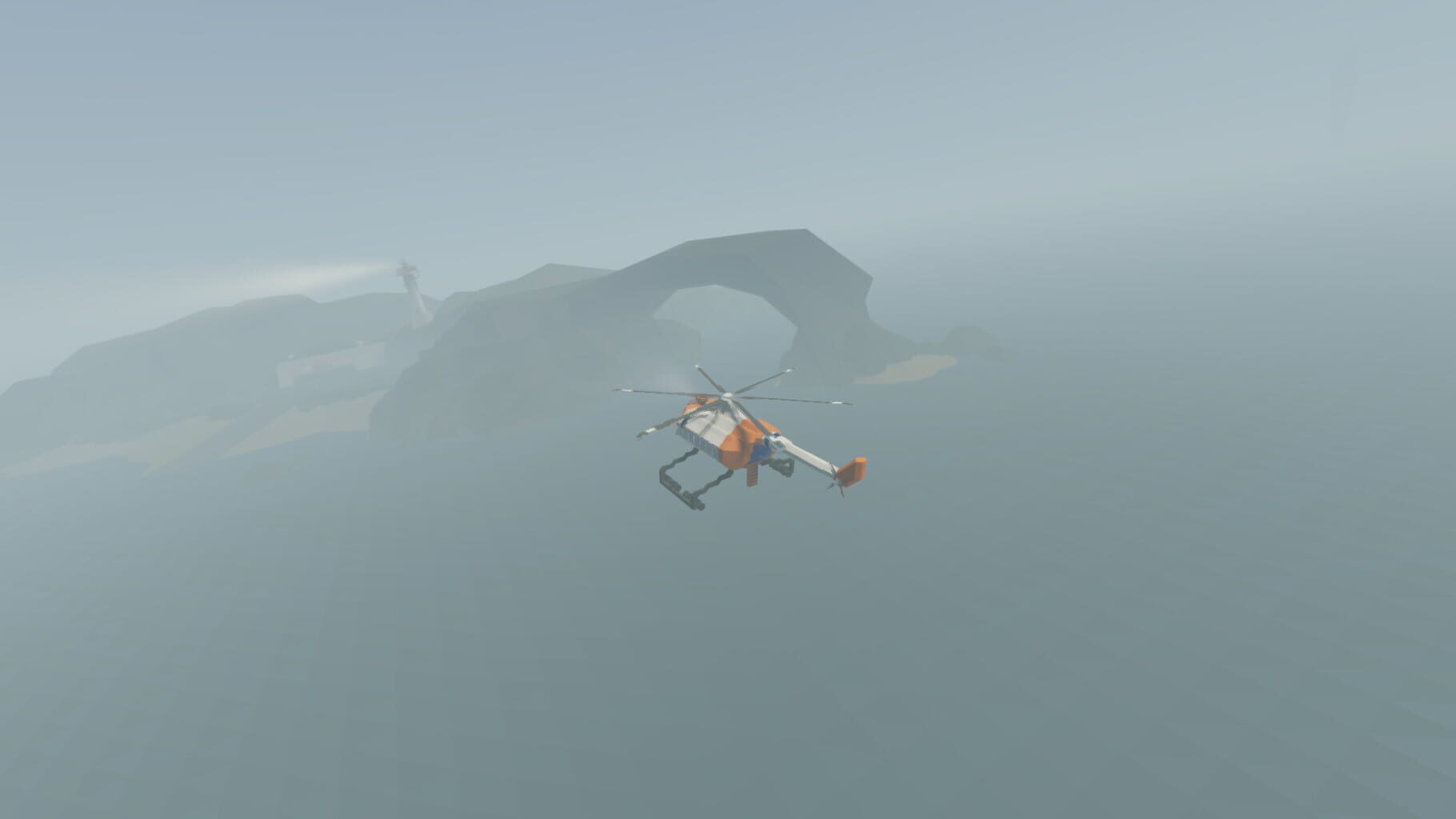
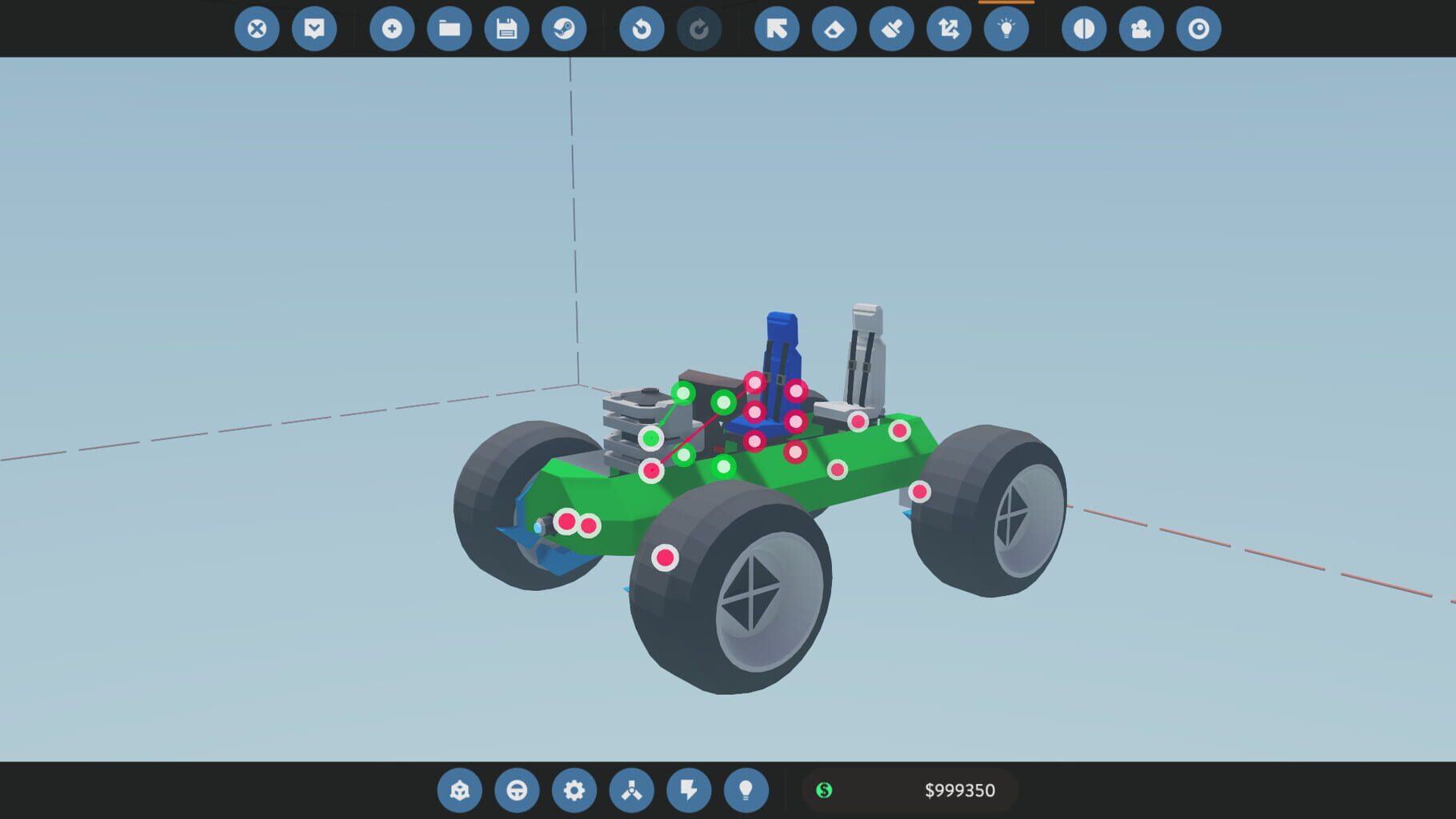
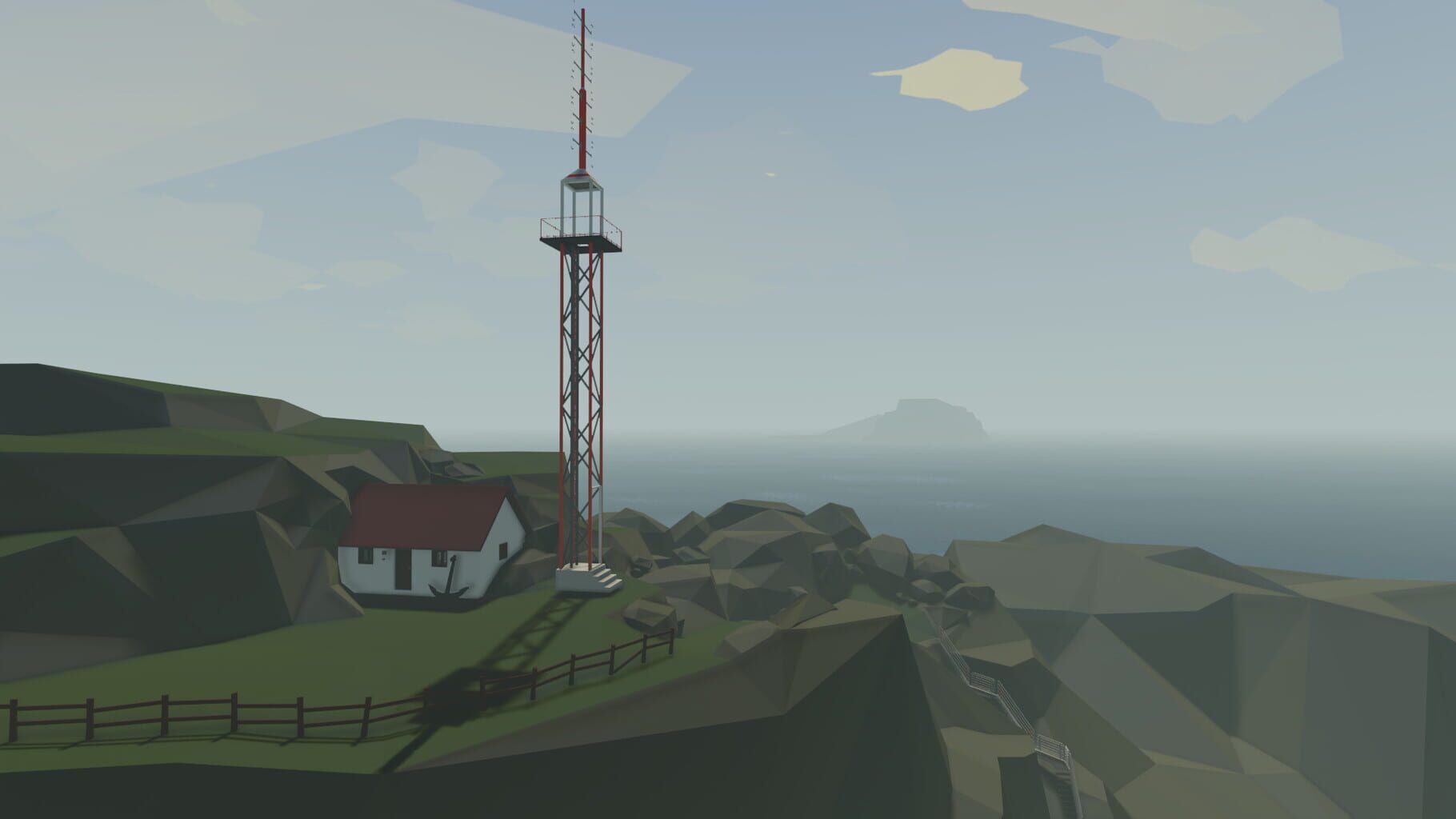
Design and pilot your own sea-rescue service, in a rich and dramatic physics playground. Steer or fly your custom-designed, block based, programmable vehicles into fierce oceanic storms. Plan and execute thrilling rescues in a variety of challenging crisis scenarios.
Summary from IGDB
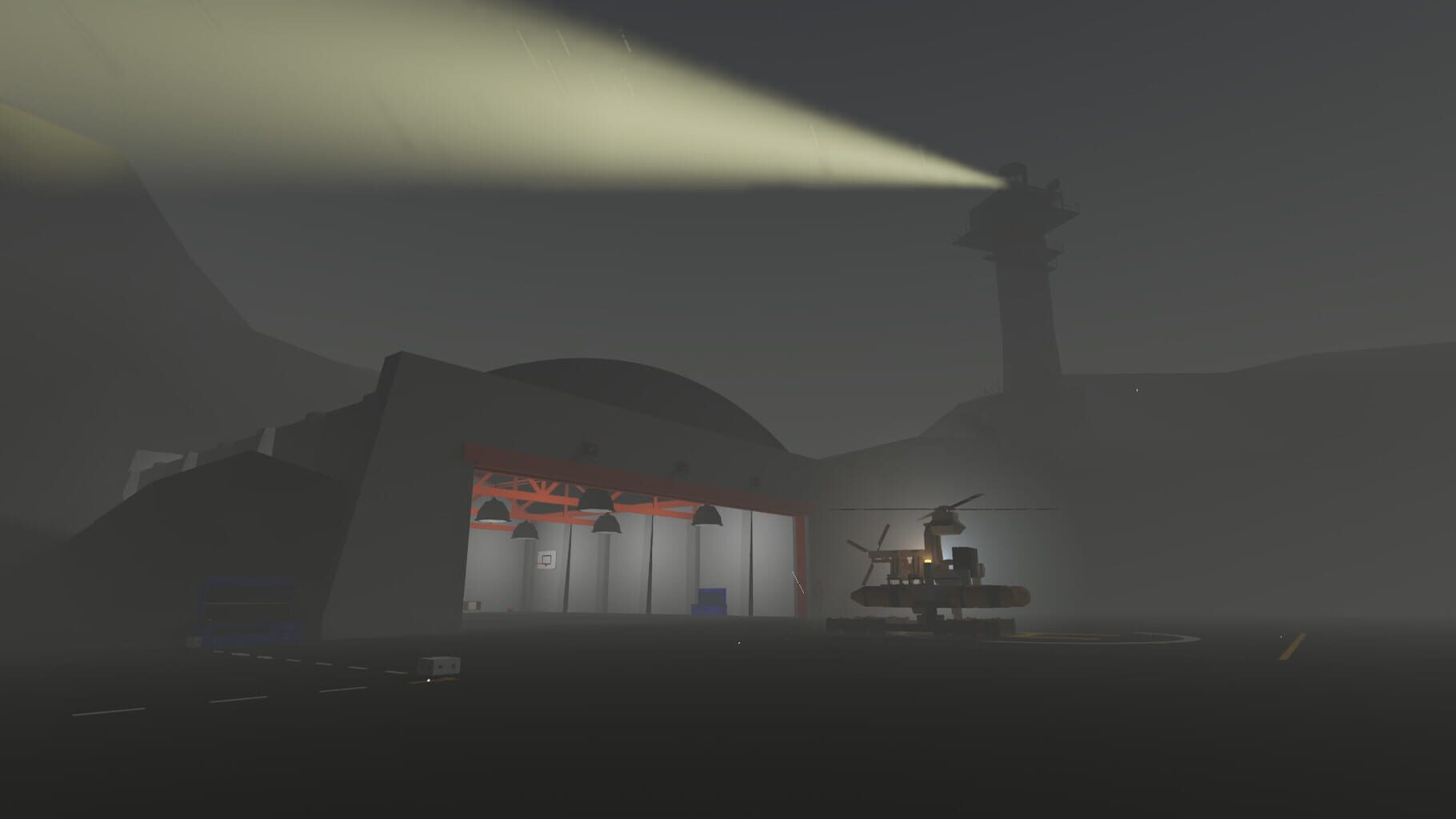
Stormworks: Build and Rescue screenshots
Version history
- v4Current
Version 4
- v3
Xml error fixed
- v2
Fixed some errors
- v1
First one
Comments 1
This is great! I had so much fun playing this with my freinds!
Play these next
Browse all games
The Long Dark
birden2.2k downloads32
Arma 2
THEKlNG262 downloads32
ARMA: Gold Edition
THEKlNG144 downloads32
Gladio and Glory
Vlxst121 downloads20
Factorio
Talos918.9k downloads16
Barotrauma
Bizzo3.3k downloads16
Browse by genre: Simulation · Strategy
Log in or create an account to comment.