Split-screen on PC
The Elder Scrolls III: Morrowind - Game of the Year Edition
Up to 64 players on one PC, with controllers, keyboard and mouse or several keyboards and mice.
Handler “TES3MP” by Bizzo, version 1
What works
With Nucleus Co-op, up to 64 players can play The Elder Scrolls III: Morrowind - Game of the Year Edition together on one PC, each in their own part of the screen, with controllers, keyboard and mouse or several keyboards and mice. The free community handler “TES3MP” by Bizzo does the setup and was checked by hub moderators: version 1, updated . The Elder Scrolls III: Morrowind - Game of the Year Edition is a role-playing and adventure game from 2003.
- Players64
- ControllersSupported
- Keyboard and mouseSupported
- Several keyboards and miceOne per player
- Hub moderatorsVerified
How to play The Elder Scrolls III: Morrowind - Game of the Year Edition split screen on PC
Get Nucleus Co-op
Download Nucleus Co-op, free for Windows 10 and 11, and unzip it into its own folder, for example C:\NucleusCo-op. There is no installer.
Keep it out of Program Files, your user folder and OneDrive.
Install the The Elder Scrolls III: Morrowind - Game of the Year Edition handler
In Nucleus Co-op, search the Hub for The Elder Scrolls III: Morrowind - Game of the Year Edition and install its handler, or download the handler file from this page and drop it on the Nucleus window. Then show Nucleus where The Elder Scrolls III: Morrowind - Game of the Year Edition is installed.
Take a seat
Each player presses a button on their own controller to join and takes a spot on the screen. Pick a layout that fits your players.
Playing with several keyboards and mice? Press End once everything is in place to give each window its own cursor.
Launch and connect
Press Launch: Nucleus opens one copy of The Elder Scrolls III: Morrowind - Game of the Year Edition per player and lays the windows out on your screen. Then link them in game, usually one player hosts a LAN or online session and the others join it. The handler notes say how.
What you need
- A Windows 10 or 11 PC
Nucleus Co-op runs on Windows only. System requirements
- The Elder Scrolls III: Morrowind - Game of the Year Edition for Windows
Installed on that PC. Nucleus starts every player's window from that one install.
- Nucleus Co-op, free
With .NET Framework 4.7.2 or later and the Visual C++ 2015–2022 runtimes (x86 and x64). Download
- Something to play with
One controller per player, or one keyboard and mouse per player. Controllers · Keyboards and mice
- A PC that can run 64 copies
Each player runs their own copy of The Elder Scrolls III: Morrowind - Game of the Year Edition, so the PC carries several times the usual load. Lower the graphics settings if it struggles. Performance tips
- A multiplayer mode
Nucleus links the windows through the game's own LAN or online mode; the handler takes care of it.
Handler notes
Tested on The Elder Scrolls III Morrowind Game of the Year - Steam version.
Script support multiple keyboards/mice and gamepads.
Reddit post : https://www.reddit.com/r/nucleuscoop/comments/p8de4i/the_elder_scrolls_iii_morrowind_pc_split_screen/
PRE-REQUISITES:
TES3MP: https://github.com/TES3MP/openmw-tes3mp/releases
How to:
- Start at least the game one time if it is a fresh install or you never open the game before (use the launcher to select the mods/expansions).
- Download and extract TES3MP.
- Start openmw-wizard.exe and set the game. Here is a quick guide that explains how to setup TES3MP: https://steamcommunity.com/groups/mwmulti/discussions/2/353915309331818721/#c359543542237902104 Also TES3MP F.A.Q. : https://steamcommunity.com/groups/mwmulti/discussions/1/353916184342480541/
- Now the game should be ready for Nucleus-Coop. After you downloaded the script, select tes3mp.exe inside Nucleus-Coop.
- At the start, the game will ask you to make an account for the server (name[is gonna be the in-game name] and password). Make it easy to remember or write it down for the next time you gonna play the game.
- When all instances are set and ready, click ok on the last prompt (if present) and press END.
The script has two modes:
-'local-server' will start a dedicated server and make all the instances join in. Enable prompts if you need to create new profiles (be sure that the instance is fully set before starting the next one). When all instances are set press the 'END' key to restrict the input (press it again if you want to release it). By default, the password is 'nucleus'. You can edit the server password inside the script (.js file in the scripts folder). When you close the game, wait until the server saves for each player before closing the cmd window;
-'server-browser' will launch the server browser to let you pick a server. This mode must use prompts (enabled by default). When you logged-in/created your profile and the player is ready to play, click 'ok' on the Nucleus-Coop prompt. Do the same things for each player. This mode will restrict the input from the start ( no need to press END).
Notes:
- Press F2 twice to hide the chat (better do it before the next instance starts for gamepads players).
- If the cursor doesn't show up for the gamepad instances, try open/close the inventory multiple times and click some buttons.
Credit: TES3MP, Nucleuscoop, Ilyaki, Talos91, and the SplitScreenDreams Discord server.
https://github.com/TES3MP/openmw-tes3mp
Donate if you like the project: https://www.reddit.com/r/nucleuscoop/comments/e8y0i9/nucleuscoop_mod_v0982a_released/
About The Elder Scrolls III: Morrowind - Game of the Year Edition
An epic, open-ended single-player RPG, Morrowind allows you to create and play any kind of character imaginable. You can choose to follow the main storyline and find the source of the evil blight that plagues the land, or set off on your own to explore strange locations and develop your character based on their actions throughout the game. Featuring stunning 3D graphics, open-ended gameplay, and an incredible level of detail and interactivity, Morrowind offers a gameplay experience like no other.
Summary from IGDB
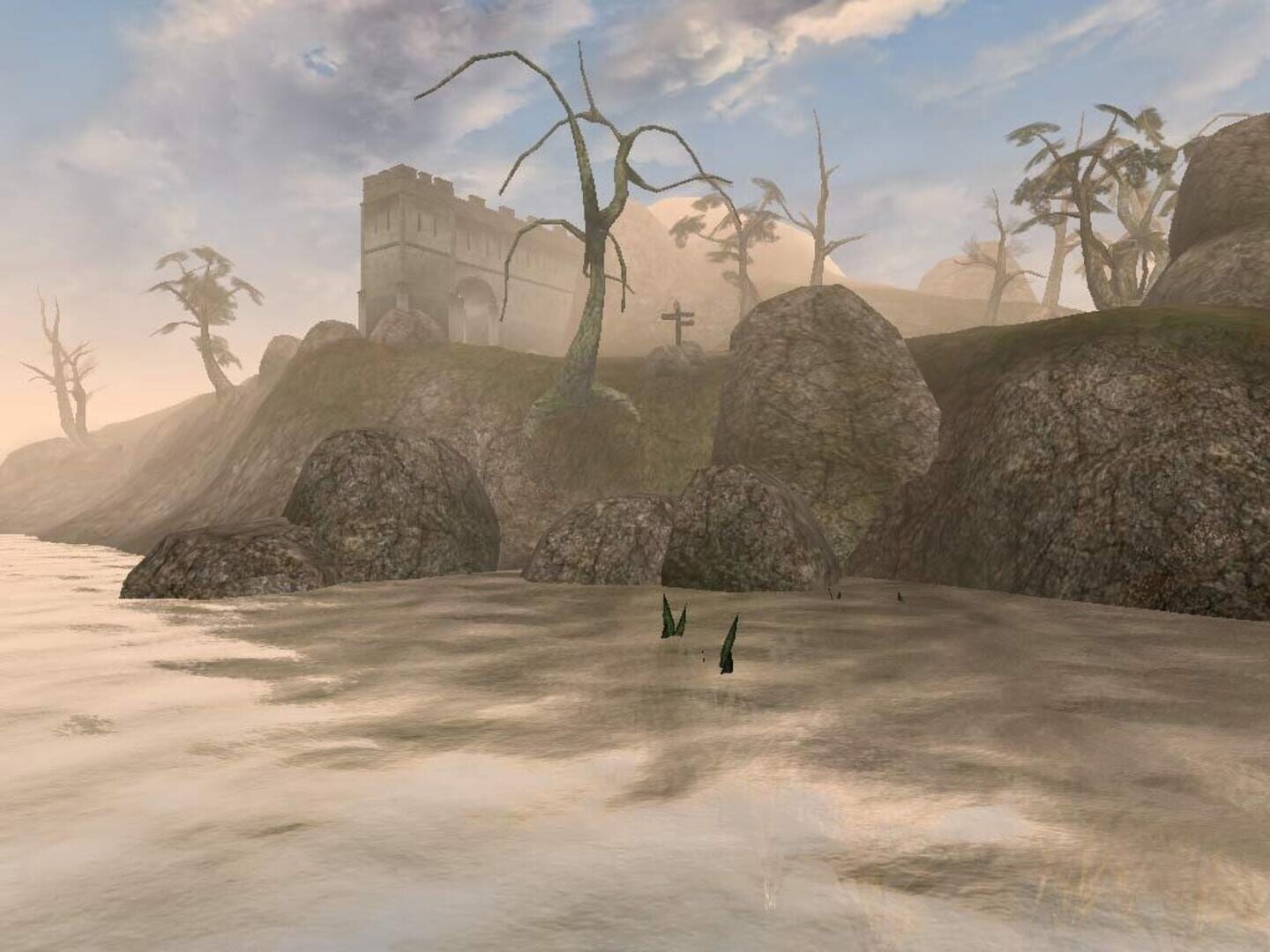
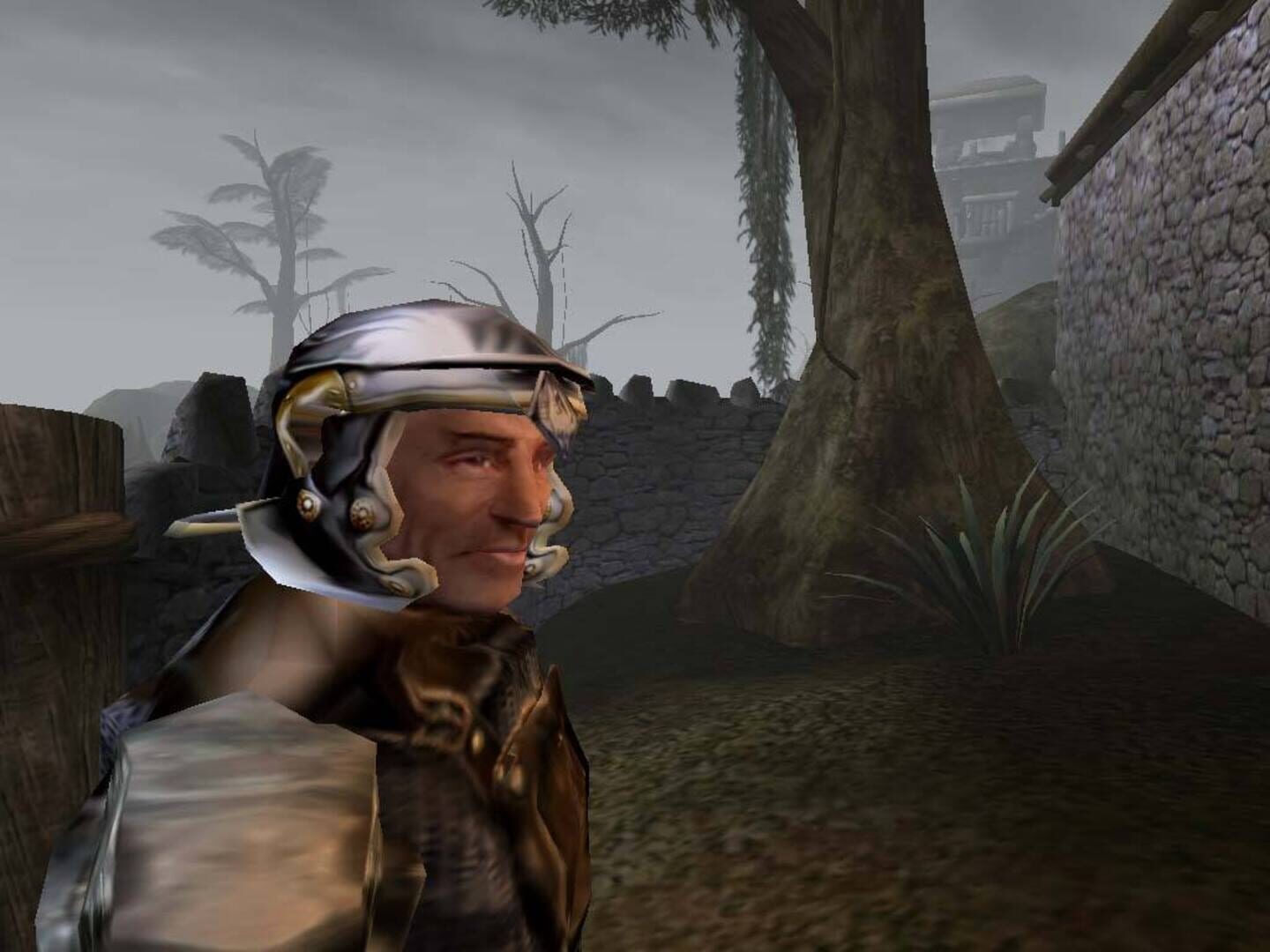
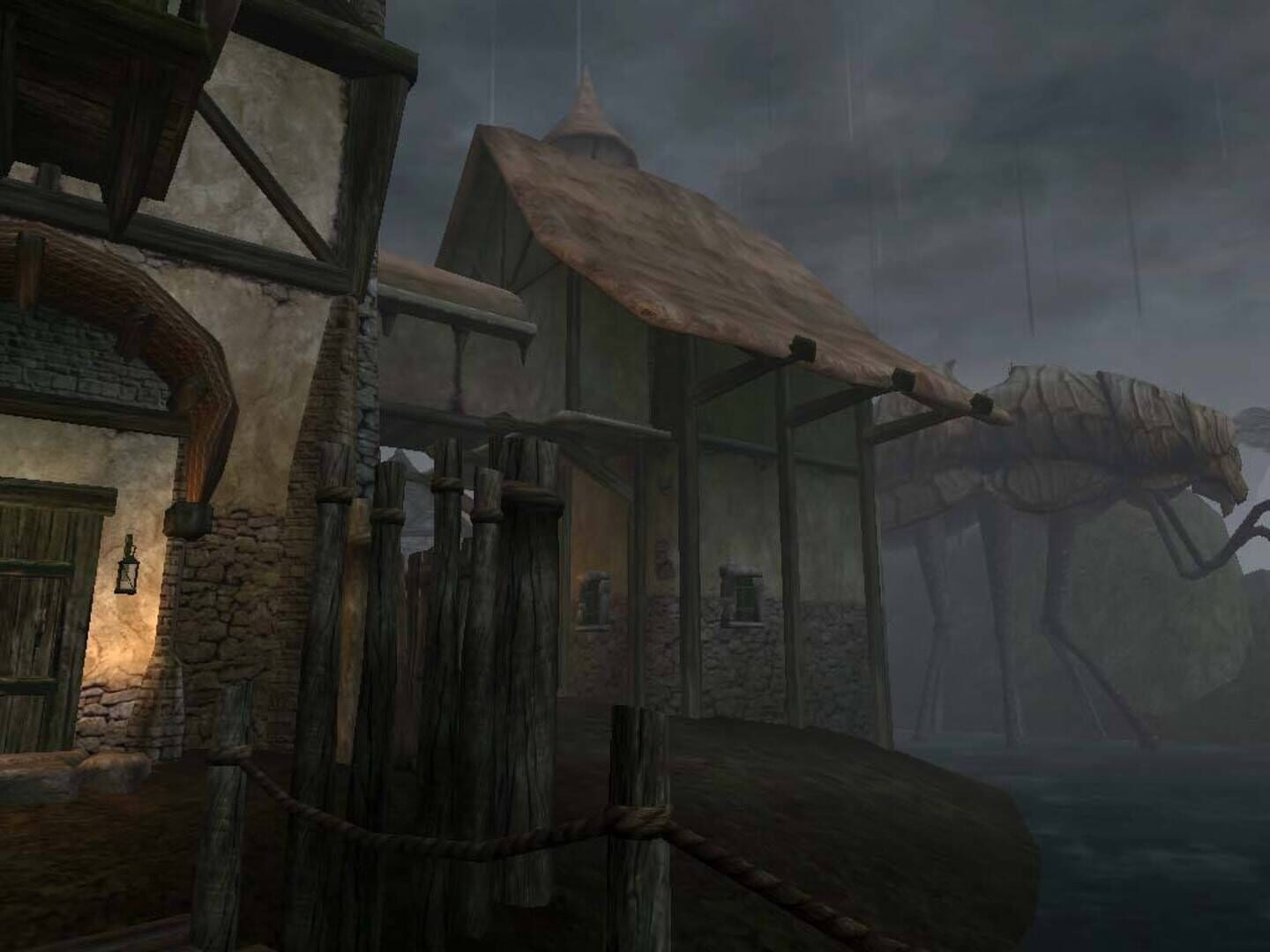
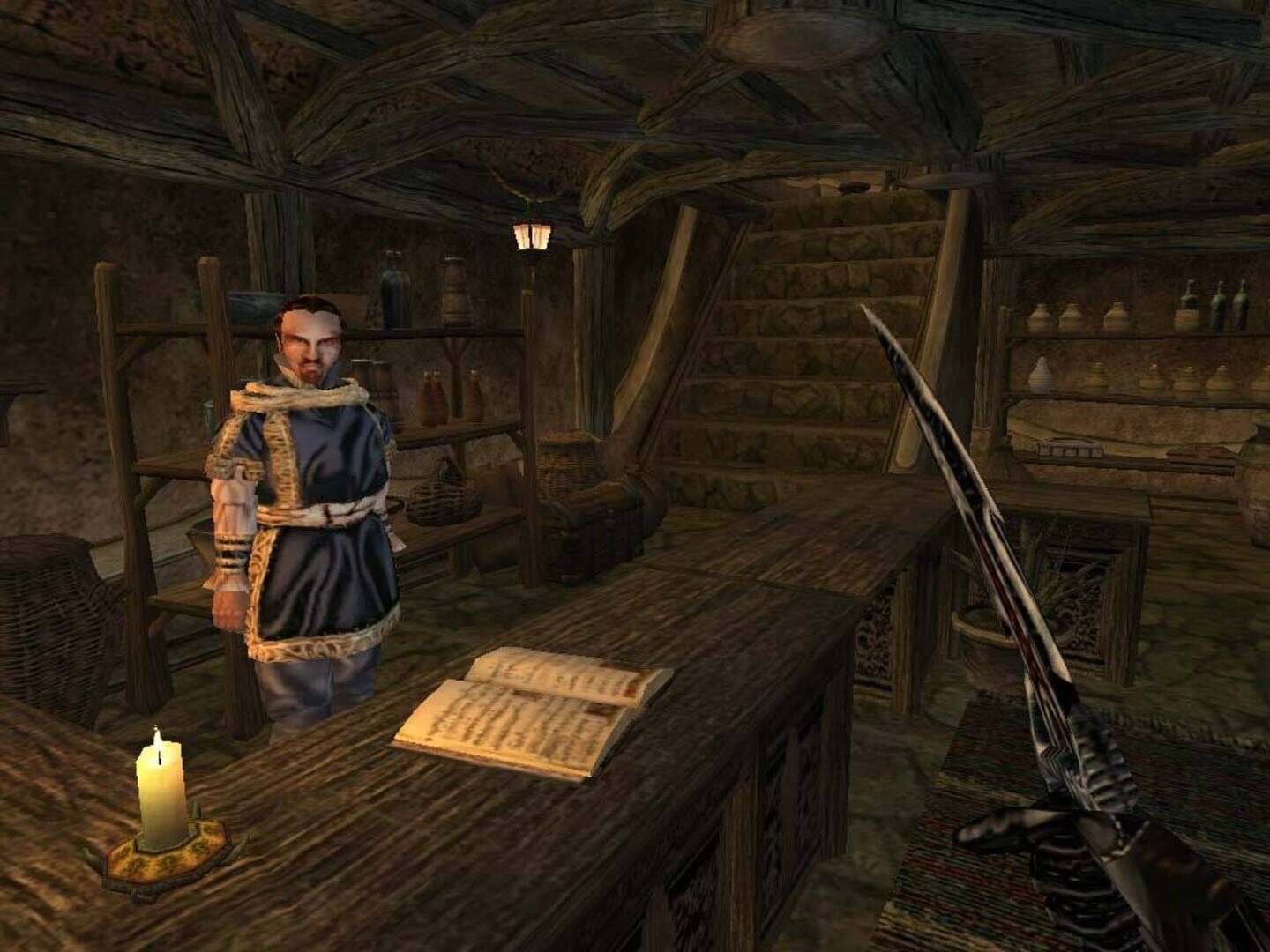
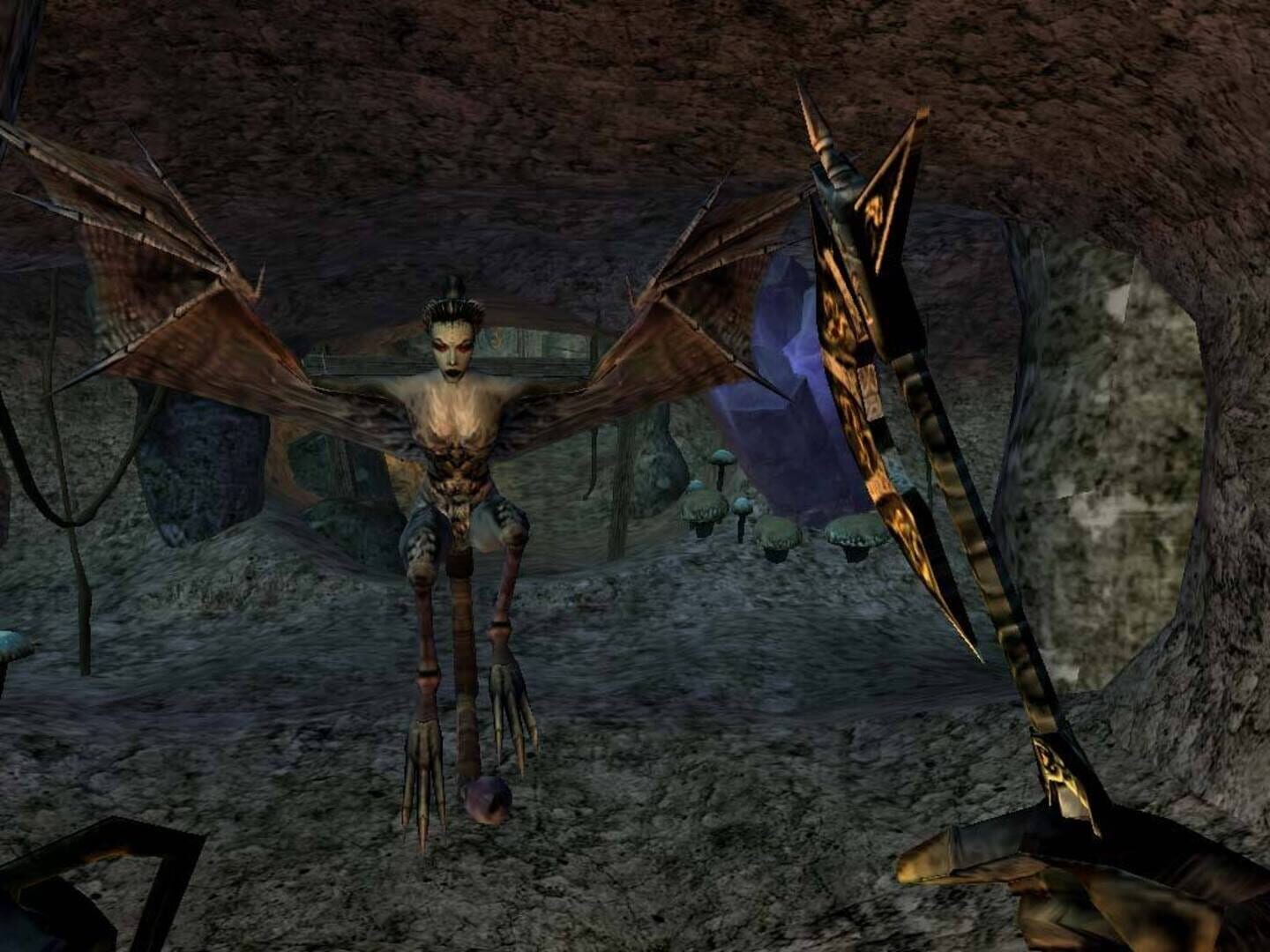
The Elder Scrolls III: Morrowind - Game of the Year Edition screenshots
Version history
- v1Current
First release.
Comments 0
No comments yet. Played it? Share what worked for your group.
Play these next
Browse all games
Neverwinter Nights
Zensuu426 downloads64
Soulmask
Zensuu1.1k downloads50
Spellbreak Community Version
birden320 downloads32
Wayward
Talos91309 downloads32
Rust Dedicated Server
birden1.7k downloads30
V Rising
Vlxst9.5k downloads16
Browse by genre: Role-playing · Adventure
Log in or create an account to comment.