Split-screen on PC
Tiny Tina's Wonderlands
Up to 4 players on one PC, with controllers, keyboard and mouse or several keyboards and mice.
Handler “Tiny Tina's Wonderlands” by Gabriel_Knuts, version 9
What works
With Nucleus Co-op, up to 4 players can play Tiny Tina's Wonderlands together on one PC, each in their own part of the screen, with controllers, keyboard and mouse or several keyboards and mice. The free community handler “Tiny Tina's Wonderlands” by Gabriel_Knuts does the setup and was checked by hub moderators: version 9, updated . Tiny Tina's Wonderlands is a shooter, role-playing and adventure game from 2022.
- Players4
- ControllersSupported
- Keyboard and mouseSupported
- Several keyboards and miceOne per player
- Hub moderatorsVerified
How to play Tiny Tina's Wonderlands split screen on PC
Get Nucleus Co-op
Download Nucleus Co-op, free for Windows 10 and 11, and unzip it into its own folder, for example C:\NucleusCo-op. There is no installer.
Keep it out of Program Files, your user folder and OneDrive.
Install the Tiny Tina's Wonderlands handler
In Nucleus Co-op, search the Hub for Tiny Tina's Wonderlands and install its handler, or download the handler file from this page and drop it on the Nucleus window. Then show Nucleus where Tiny Tina's Wonderlands is installed.
Take a seat
Each player presses a button on their own controller to join and takes a spot on the screen. Pick a layout that fits your players.
Playing with several keyboards and mice? Press End once everything is in place to give each window its own cursor.
Launch and connect
Press Launch: Nucleus opens one copy of Tiny Tina's Wonderlands per player and lays the windows out on your screen. Then link them in game, usually one player hosts a LAN or online session and the others join it. The handler notes say how.
What you need
- A Windows 10 or 11 PC
Nucleus Co-op runs on Windows only. System requirements
- Tiny Tina's Wonderlands for Windows
Installed on that PC. Nucleus starts every player's window from that one install.
- Nucleus Co-op, free
With .NET Framework 4.7.2 or later and the Visual C++ 2015–2022 runtimes (x86 and x64). Download
- Something to play with
One controller per player, or one keyboard and mouse per player. Controllers · Keyboards and mice
- A PC that can run 4 copies
Each player runs their own copy of Tiny Tina's Wonderlands, so the PC carries several times the usual load. Lower the graphics settings if it struggles. Performance tips
- A multiplayer mode
Nucleus links the windows through the game's own LAN or online mode; the handler takes care of it.
Handler notes
Guide
-
This handler is an adaptation of the Borderlands 3 handler for Tiny Tina's Wonderlands, it's based on this: https://gist.github.com/imniko/dcbd9a55b132c65885e9c60f285ff0fe
-
The instructions are the same:
-
- Launch the game from the Epic Store, if you haven't already.
-
- Download and place the wonderlands_preflight.ps1 inside NucleusCo-op\handlers folder.
-
- Right click "wonderlands_preflight.ps1" and click "Run with Powershell", if it's successful you would see, "var EpicArgs ='PREFLIGHT_SCRIPT_WILL_REPLACE';" would look different inside the Tiny Tina's Wonderlands .js.
-
- The game should work now from Nucleus Co-op UI. If you are using the Steam version the above steps are not needed.
-
- Go to network options, network mode and select LAN in each instance. If you are using the Steam version make sure you disable Steam Input for this game in Steam settings for the gamepads to work correctly. If you use keyboards and mice after all the instances open and finish setting up press the END key just once to lock the input for all the instances to have their own cursor and kb. Press the END key again to unlock the input when you finish playing. You can also use CTRL+Q to close Nucleus and all its instances when the input is unlocked. Limit the fps for better performance, you can also alt-tab to the Nucleus app window to even out fps, the game windows will still remain on top
-
Notes: It is better for the first instance to be the host, so 2nd instance would connect to the 1st instance. Otherwise it is sometimes problematic to connect with the 2nd instance.
Authors and Contributors of this handler: Greenlamp and all the users from the Nucleus Co-op discord server that helped testing and provided feedback to improve this handler.
About Tiny Tina's Wonderlands
Embark on an epic adventure full of whimsy, wonder, and high-powered weaponry! Bullets, magic, and broadswords collide across this chaotic fantasy world brought to life by the unpredictable Tiny Tina.
Summary from IGDB
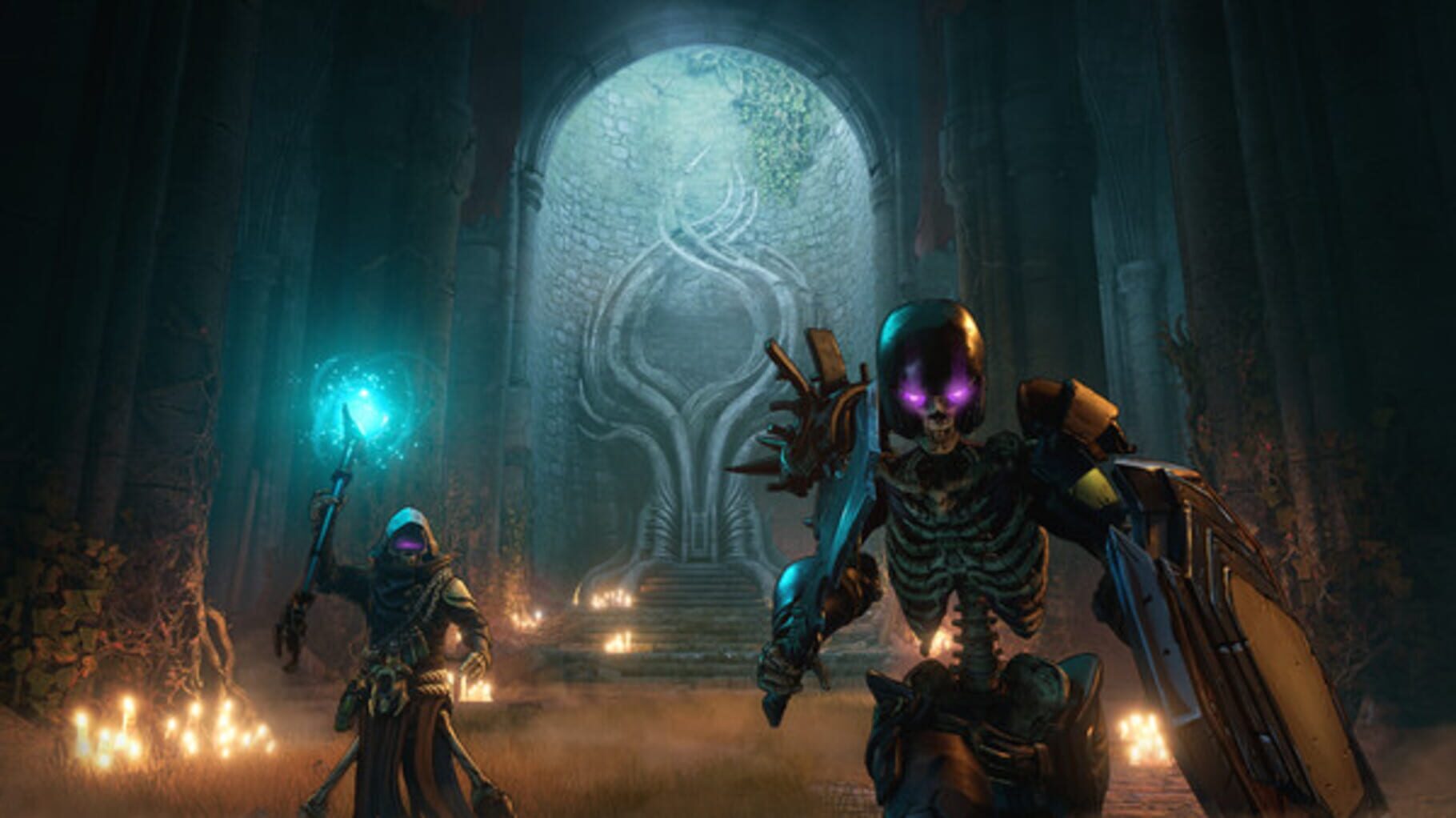
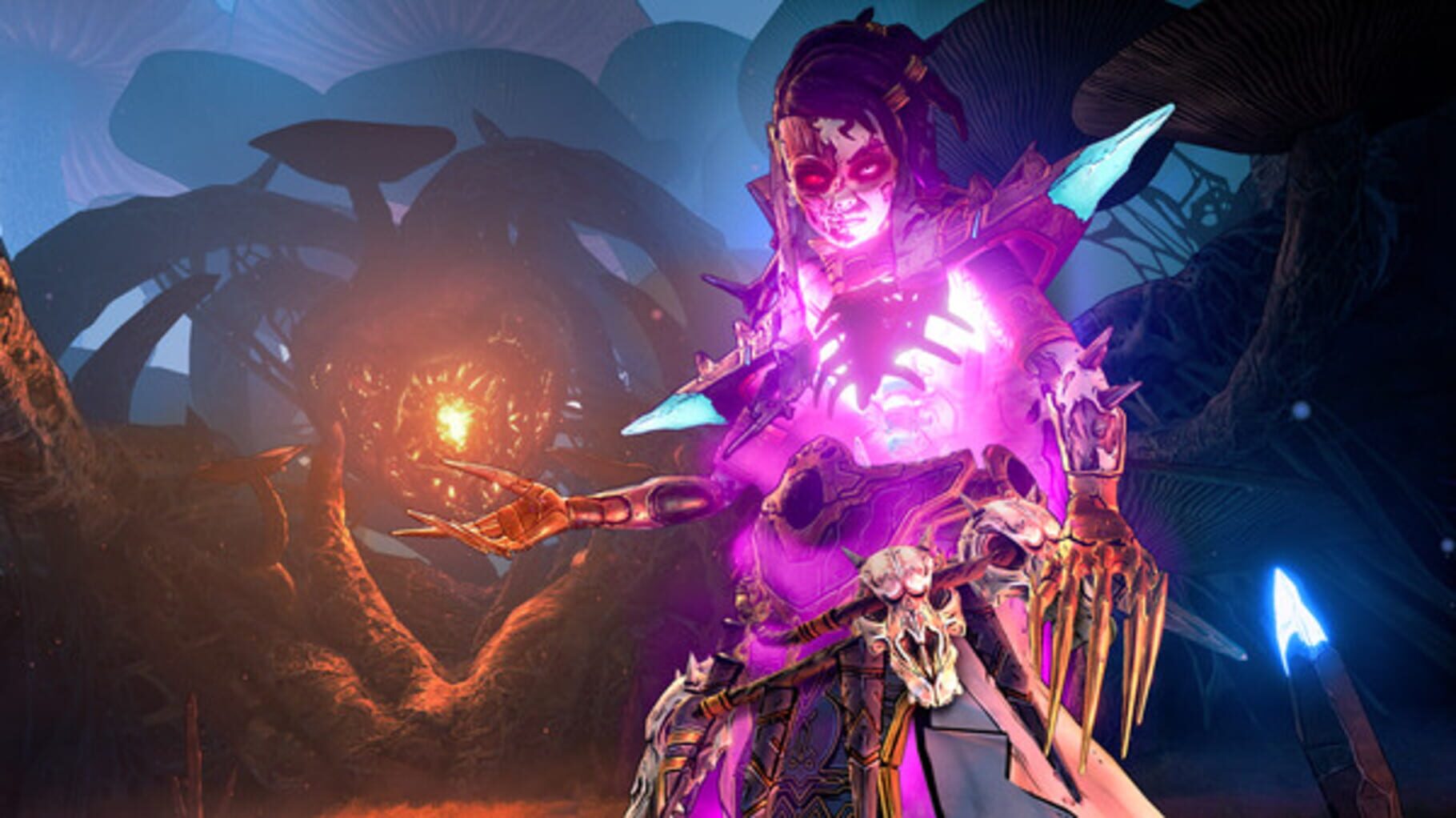
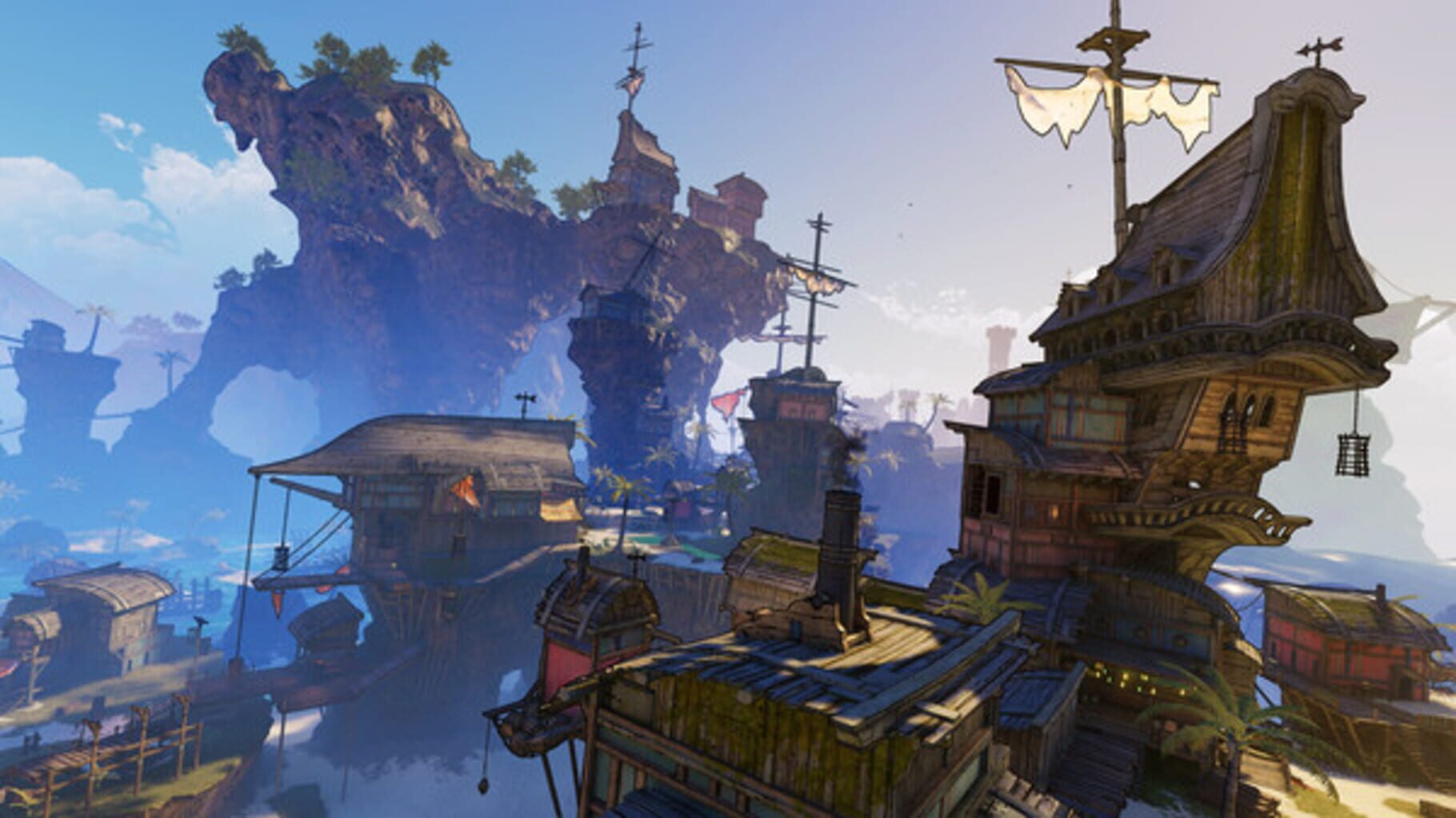
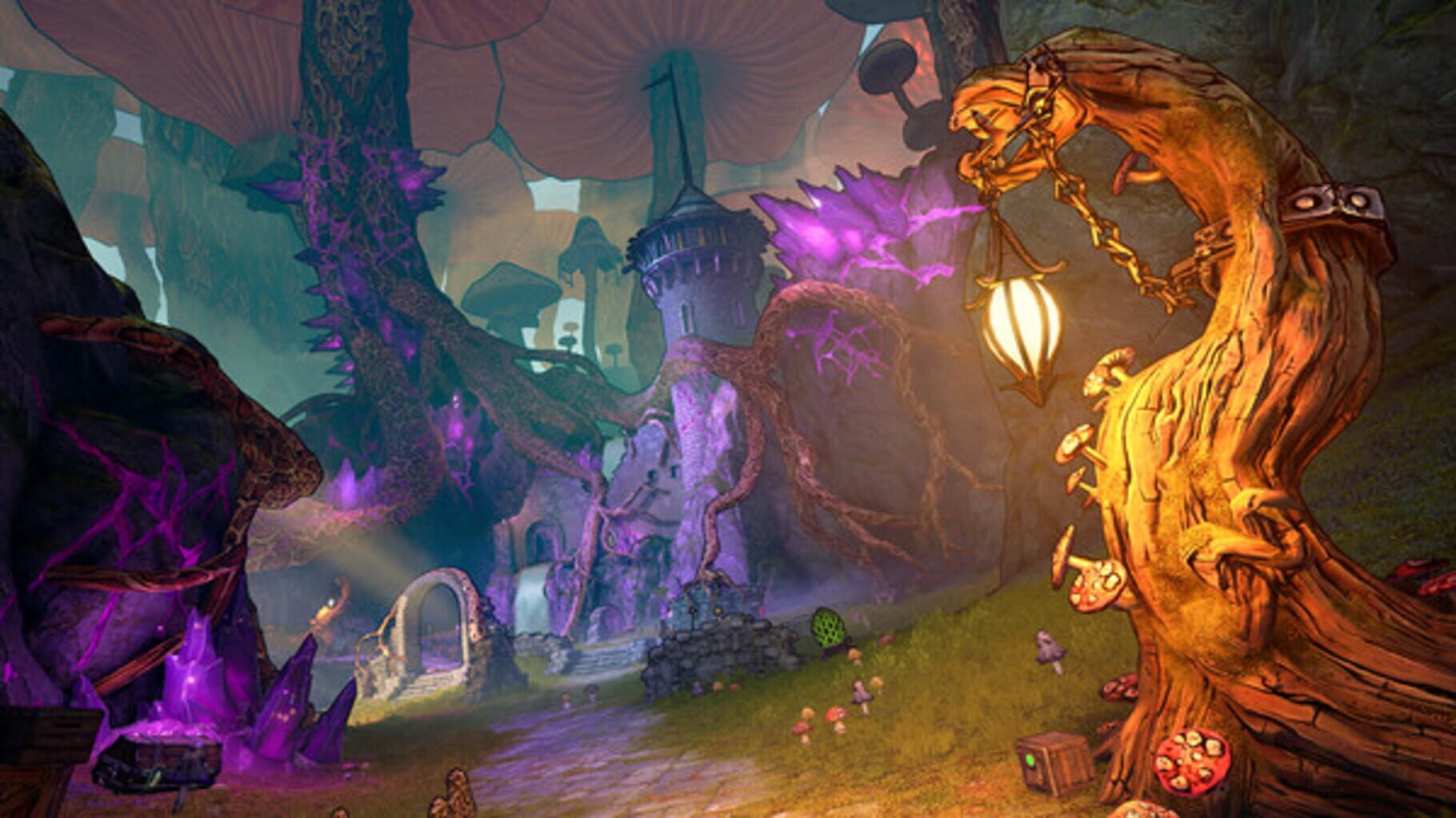
Tiny Tina's Wonderlands screenshots



Version history
- v9Current
no warning
- v8
updated paths and added goldberg UI option.
- v7
Steam version support
- v6
double quote fix attempt
Comments 0
No comments yet. Played it? Share what worked for your group.
Play these next
Browse all games
Dying Light
Talos9176k downloads4
Borderlands 3
Talos9187k downloads4
Paint the Town Red
Cabura9.4k downloads4
Gunfire Reborn
Talos918.2k downloads4
Remnant: From the Ashes
Talos9119k downloads4
Tiny Tina's Assault on Dragon Keep: A Wonderlands One-shot Adventure
Talos912.8k downloads4
Browse by genre: Shooter · Role-playing · Adventure
Log in or create an account to comment.