Split-screen on PC
Tom Clancy's Rainbow Six: Vegas
Up to 8 players on one PC, with controllers.
Handler “Rainbow Six Vegas” by birden, version 1
What works
With Nucleus Co-op, up to 8 players can play Tom Clancy's Rainbow Six: Vegas together on one PC, each in their own part of the screen, with controllers. The free community handler “Rainbow Six Vegas” by birden does the setup and was checked by hub moderators: version 1, updated . Tom Clancy's Rainbow Six: Vegas is a shooter and tactical game from 2006.
- Players8
- ControllersSupported
- Keyboard and mouseNot supported
- Several keyboards and miceNot supported
- Hub moderatorsVerified
How to play Tom Clancy's Rainbow Six: Vegas split screen on PC
Get Nucleus Co-op
Download Nucleus Co-op, free for Windows 10 and 11, and unzip it into its own folder, for example C:\NucleusCo-op. There is no installer.
Keep it out of Program Files, your user folder and OneDrive.
Install the Tom Clancy's Rainbow Six: Vegas handler
In Nucleus Co-op, search the Hub for Tom Clancy's Rainbow Six: Vegas and install its handler, or download the handler file from this page and drop it on the Nucleus window. Then show Nucleus where Tom Clancy's Rainbow Six: Vegas is installed.
Take a seat
Each player presses a button on their own controller to join and takes a spot on the screen. Pick a layout that fits your players.
Launch and connect
Press Launch: Nucleus opens one copy of Tom Clancy's Rainbow Six: Vegas per player and lays the windows out on your screen. Then link them in game, usually one player hosts a LAN or online session and the others join it. The handler notes say how.
What you need
- A Windows 10 or 11 PC
Nucleus Co-op runs on Windows only. System requirements
- Tom Clancy's Rainbow Six: Vegas for Windows
Installed on that PC. Nucleus starts every player's window from that one install.
- Nucleus Co-op, free
With .NET Framework 4.7.2 or later and the Visual C++ 2015–2022 runtimes (x86 and x64). Download
- Something to play with
One controller per player: Xbox, PlayStation or generic pads. Controllers
- A PC that can run 8 copies
Each player runs their own copy of Tom Clancy's Rainbow Six: Vegas, so the PC carries several times the usual load. Lower the graphics settings if it struggles. Performance tips
- A multiplayer mode
Nucleus links the windows through the game's own LAN or online mode; the handler takes care of it.
Handler notes
IMPORTANT: LAUNCH YOUR MAIN GAME ONCE, GO TO SETTINGS AND CHANGE THE RESOLUTION ONCE BEFORE TRYING SPLITSCREEN.
If you have used the resolution patcher for this game before, you will need to create a new config file either by removing or renaming the file at \Documents\Ubisoft\R6Vegas\R6GameConfig.bin and deleting the save paths for the nucleus players in the Nucleus UI (if you have them already). If you don't do this my hex editor will not work: https://github.com/birdenly/WildCard-HexEditor
I noticed quitting the game through the menu to be more reliable to save settings, etc.
Like it was said before the handlers has a hex editor, if it gets deleted by your AV, just disable your AV when you are downloading the handler or add the whole Nucleus folder as exclusion.
About Tom Clancy's Rainbow Six: Vegas
Tom Clancy's Rainbow Six makes its next-generation hardware debut in the most dramatic installment of the renowned first-person shooter franchise to date. Experience Las Vegas like never before – through revolutionary next-generation technology as you work against the clock to keep one of the world's most recognizable cities from utter devastation.
Summary from IGDB
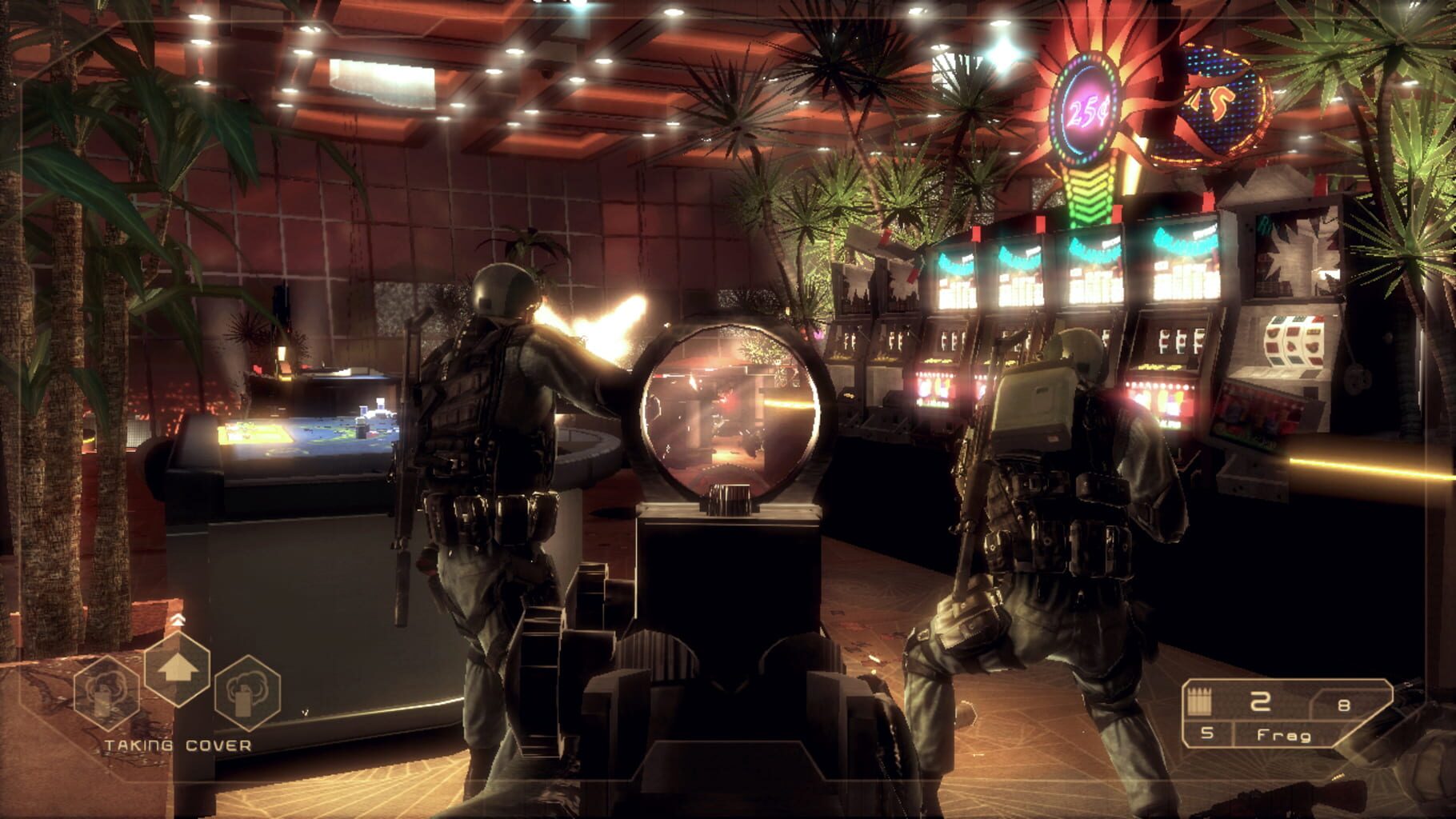
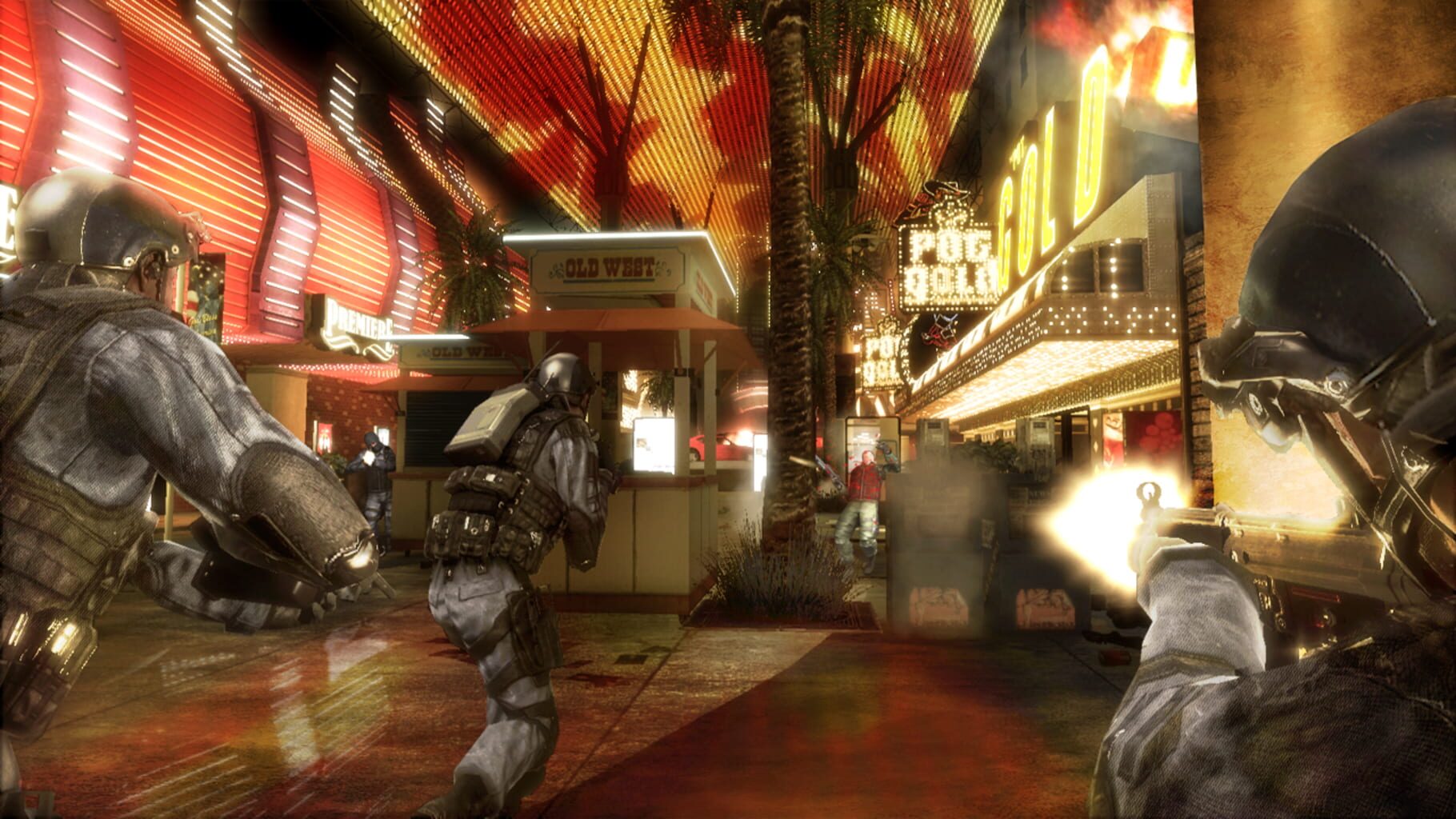
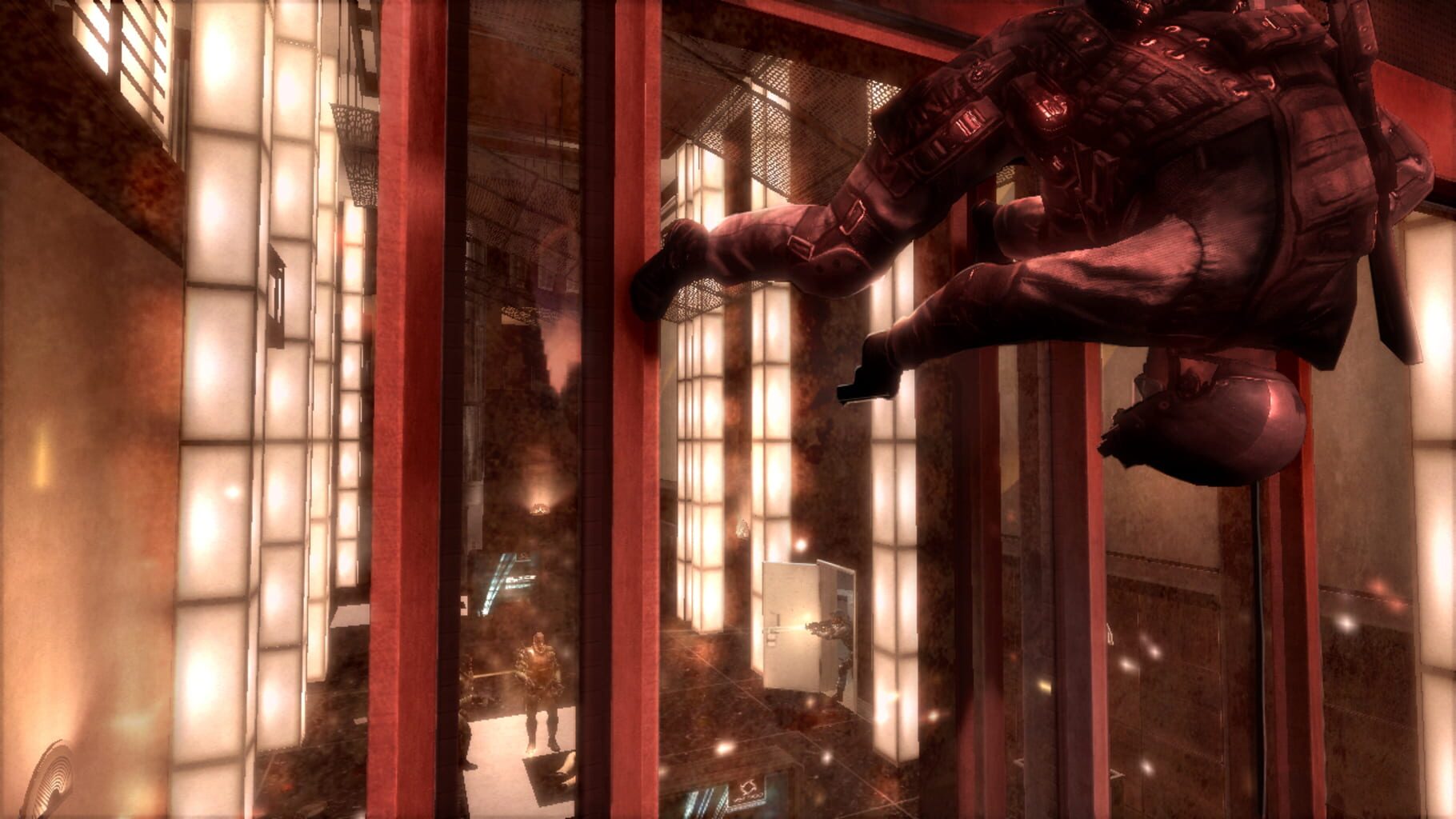
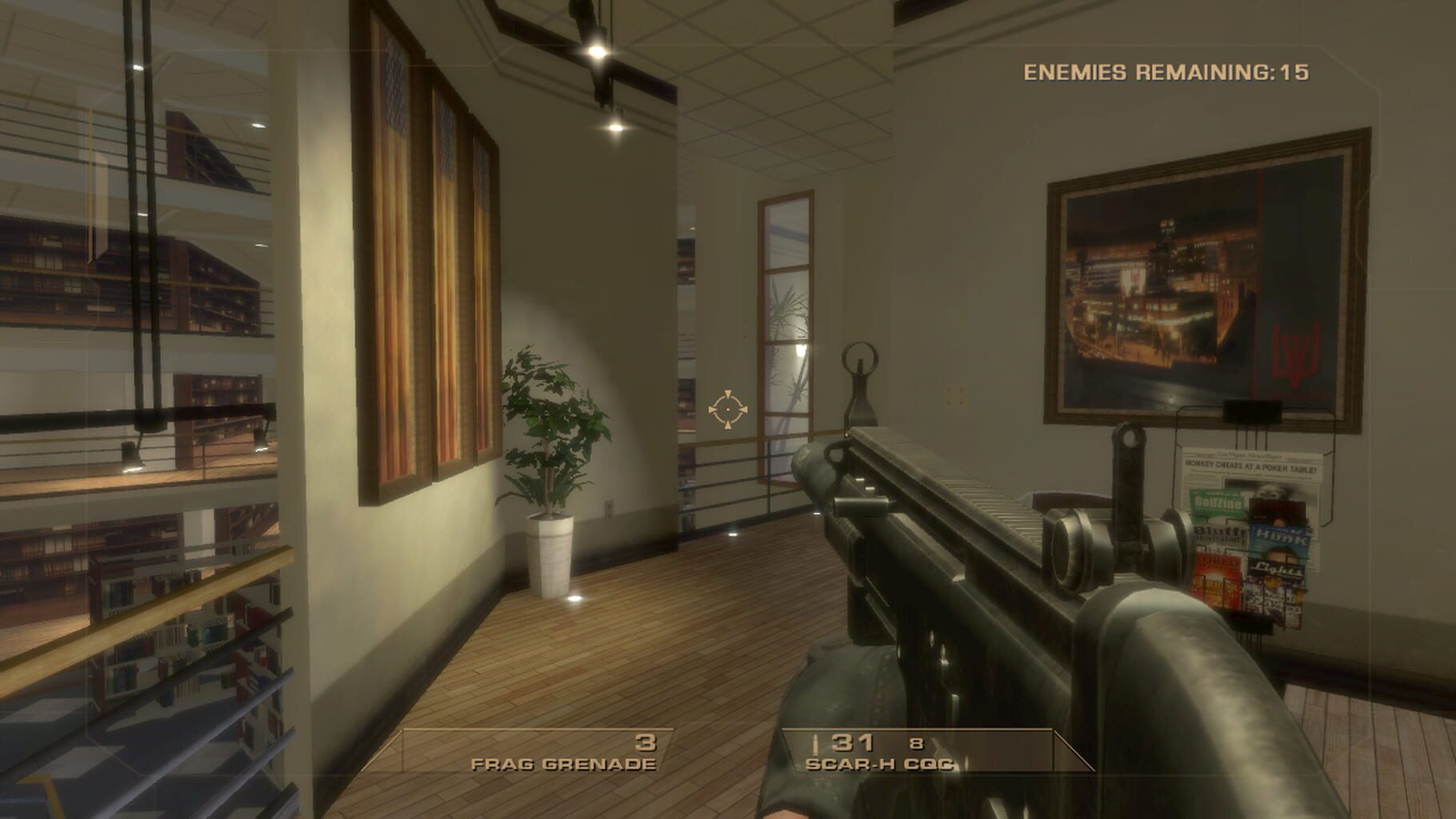
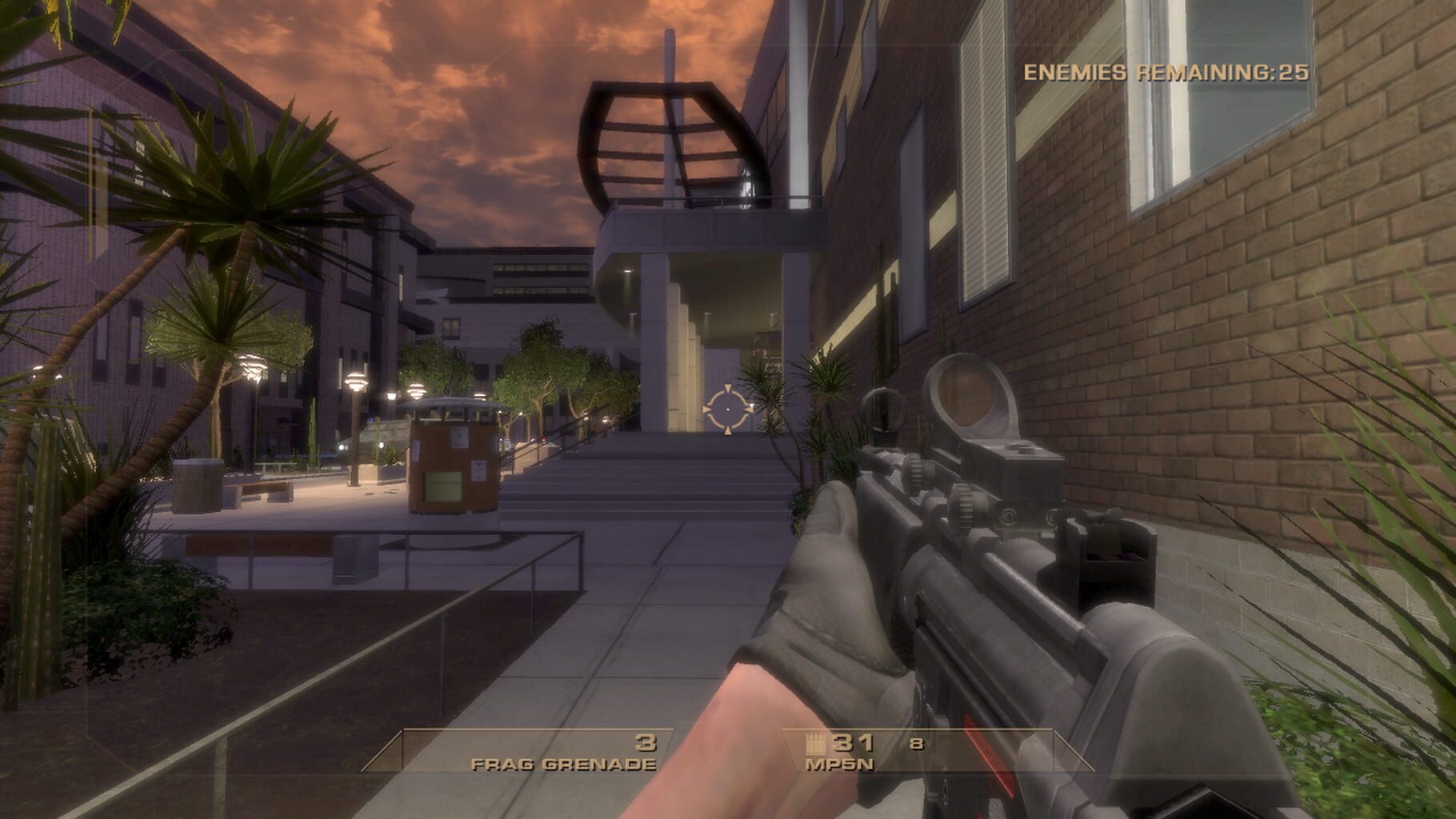
Tom Clancy's Rainbow Six: Vegas screenshots


Version history
- v1Current
release
Comments 0
No comments yet. Played it? Share what worked for your group.




Log in or create an account to comment.