Split-screen on PC
Unepic
Up to 4 players on one PC, with controllers or keyboard and mouse.
Handler “Unepic” by Talos91, version 3
What works
With Nucleus Co-op, up to 4 players can play Unepic together on one PC, each in their own part of the screen, with controllers or keyboard and mouse. The free community handler “Unepic” by Talos91 does the setup and was checked by hub moderators: version 3, updated . Unepic is a platformer, puzzle and role-playing game from 2011.
- Players4
- ControllersSupported
- Keyboard and mouseSupported
- Several keyboards and miceNot supported
- Hub moderatorsVerified
How to play Unepic split screen on PC
Get Nucleus Co-op
Download Nucleus Co-op, free for Windows 10 and 11, and unzip it into its own folder, for example C:\NucleusCo-op. There is no installer.
Keep it out of Program Files, your user folder and OneDrive.
Install the Unepic handler
In Nucleus Co-op, search the Hub for Unepic and install its handler, or download the handler file from this page and drop it on the Nucleus window. Then show Nucleus where Unepic is installed.
Take a seat
Each player presses a button on their own controller to join and takes a spot on the screen. Pick a layout that fits your players.
Launch and connect
Press Launch: Nucleus opens one copy of Unepic per player and lays the windows out on your screen. Then link them in game, usually one player hosts a LAN or online session and the others join it. The handler notes say how.
What you need
- A Windows 10 or 11 PC
Nucleus Co-op runs on Windows only. System requirements
- Unepic for Windows
Installed on that PC. Nucleus starts every player's window from that one install.
- Nucleus Co-op, free
With .NET Framework 4.7.2 or later and the Visual C++ 2015–2022 runtimes (x86 and x64). Download
- Something to play with
One controller per player; one player can use the keyboard and mouse. Controllers
- A PC that can run 4 copies
Each player runs their own copy of Unepic, so the PC carries several times the usual load. Lower the graphics settings if it struggles. Performance tips
- A multiplayer mode
Nucleus links the windows through the game's own LAN or online mode; the handler takes care of it.
Handler notes
Good game. Read the handler notes in the UI very carefully.
Authors and Contributors of this handler: Talos91 from the Split Screen Dreams Discord.
About Unepic
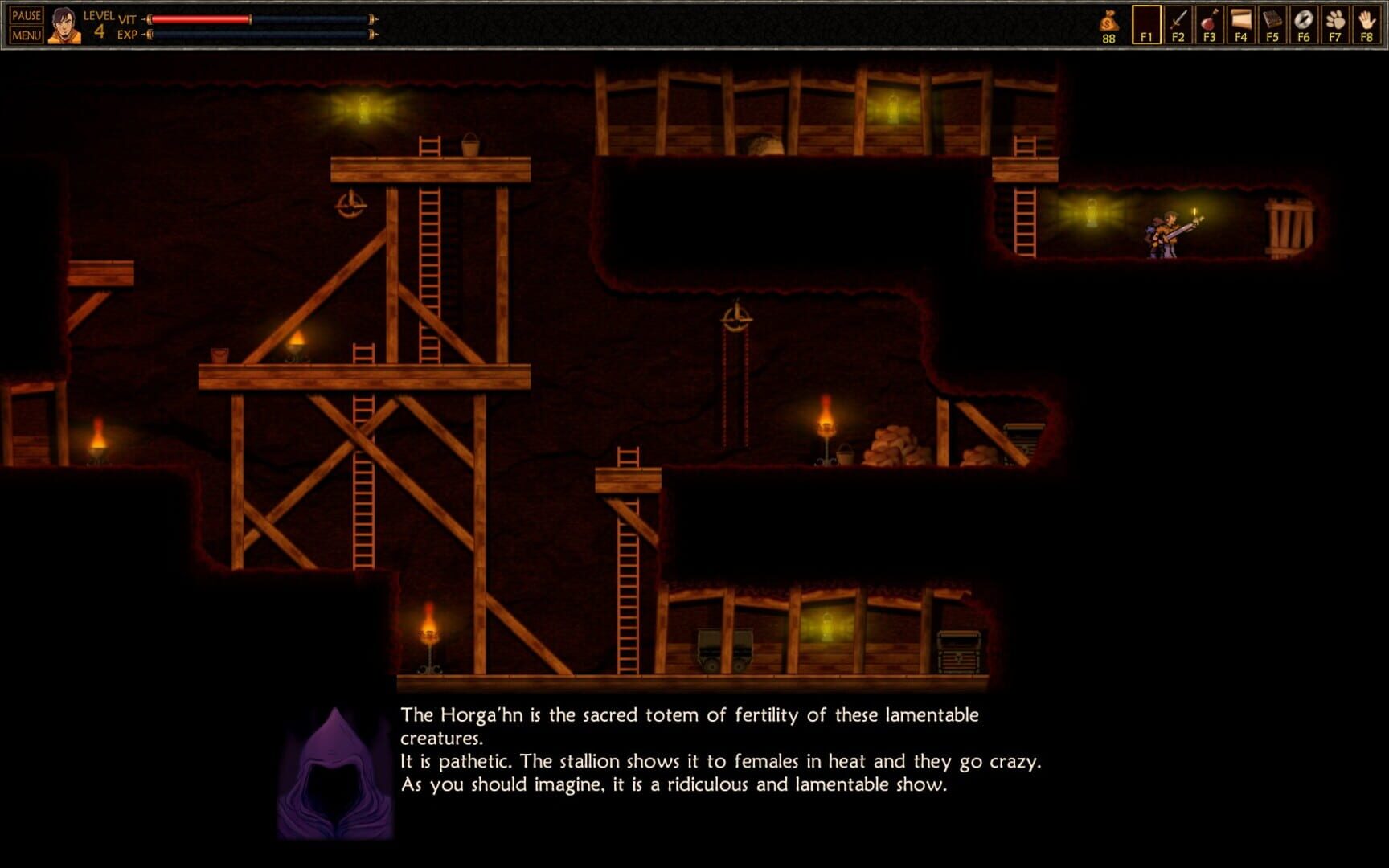
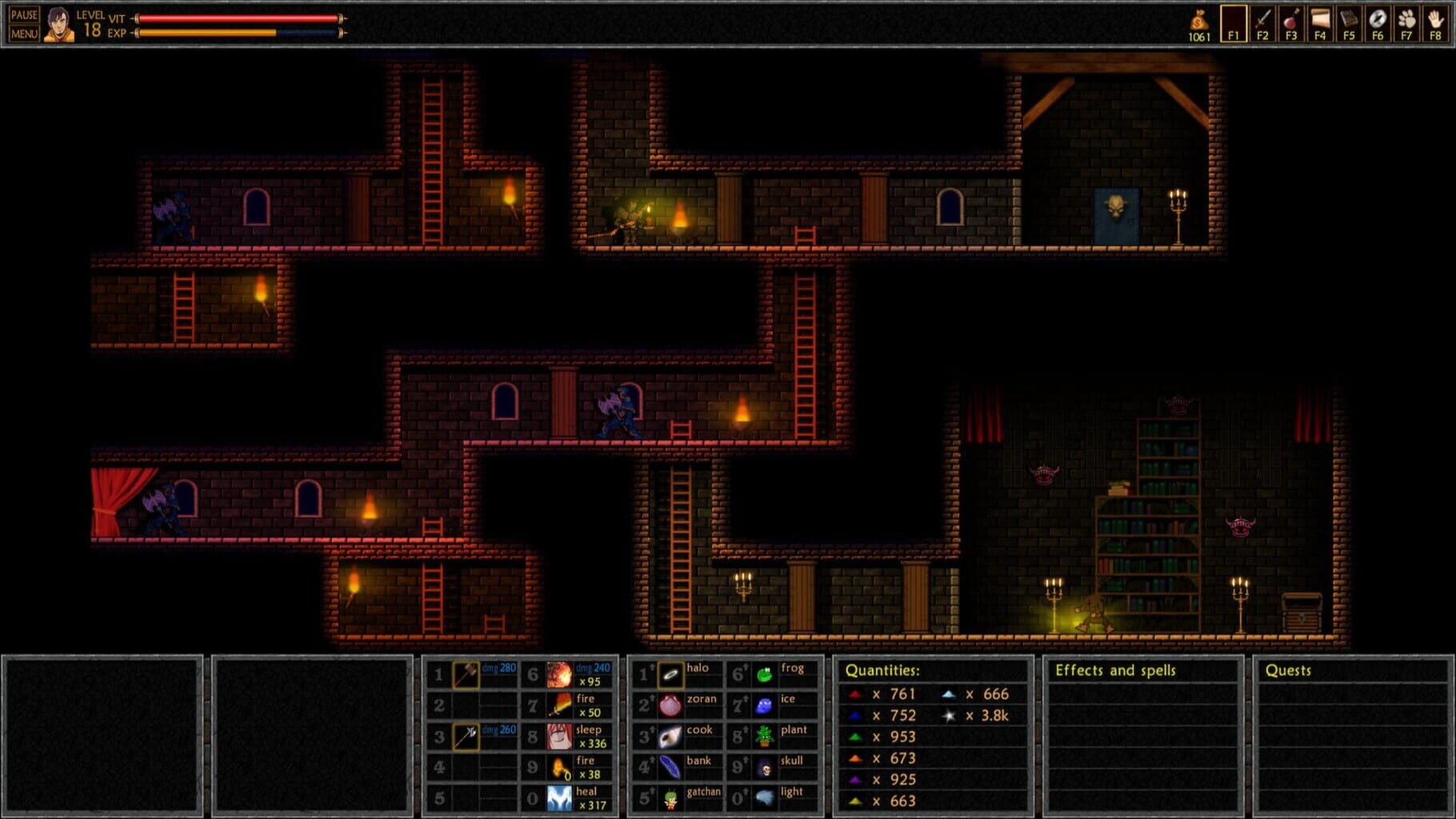
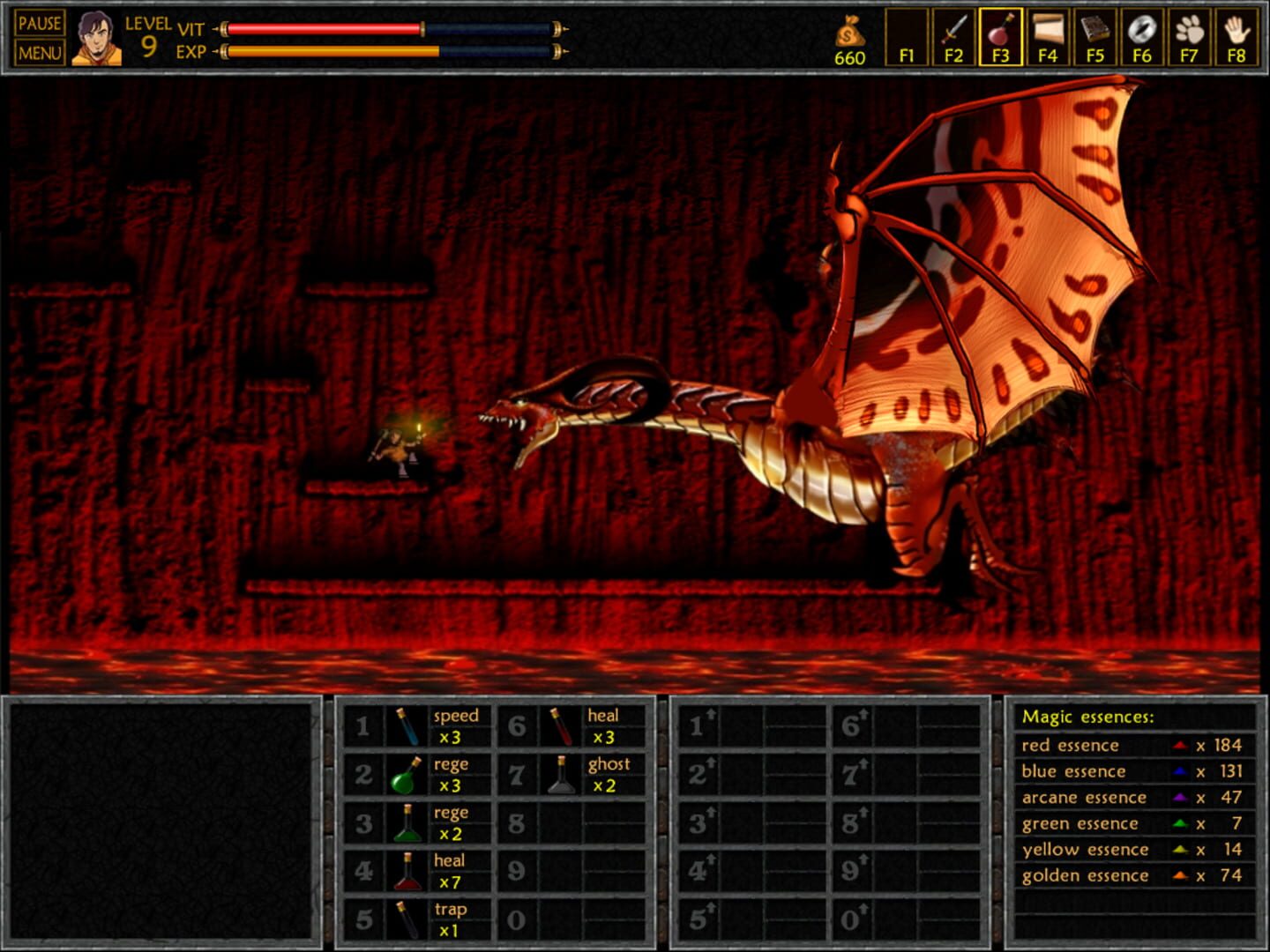
This is Daniel, a normal guy from recent times: a great videogame player, big sci-fi movie fan, novice player of role playing games, pot-head and overall, horny due to a mysterious lack of success with girls. Wait... is Unepic not a medieval fantasy game? Why is the main character a guy from today's world? To find out the answer you will have to play the game...
Summary from IGDB
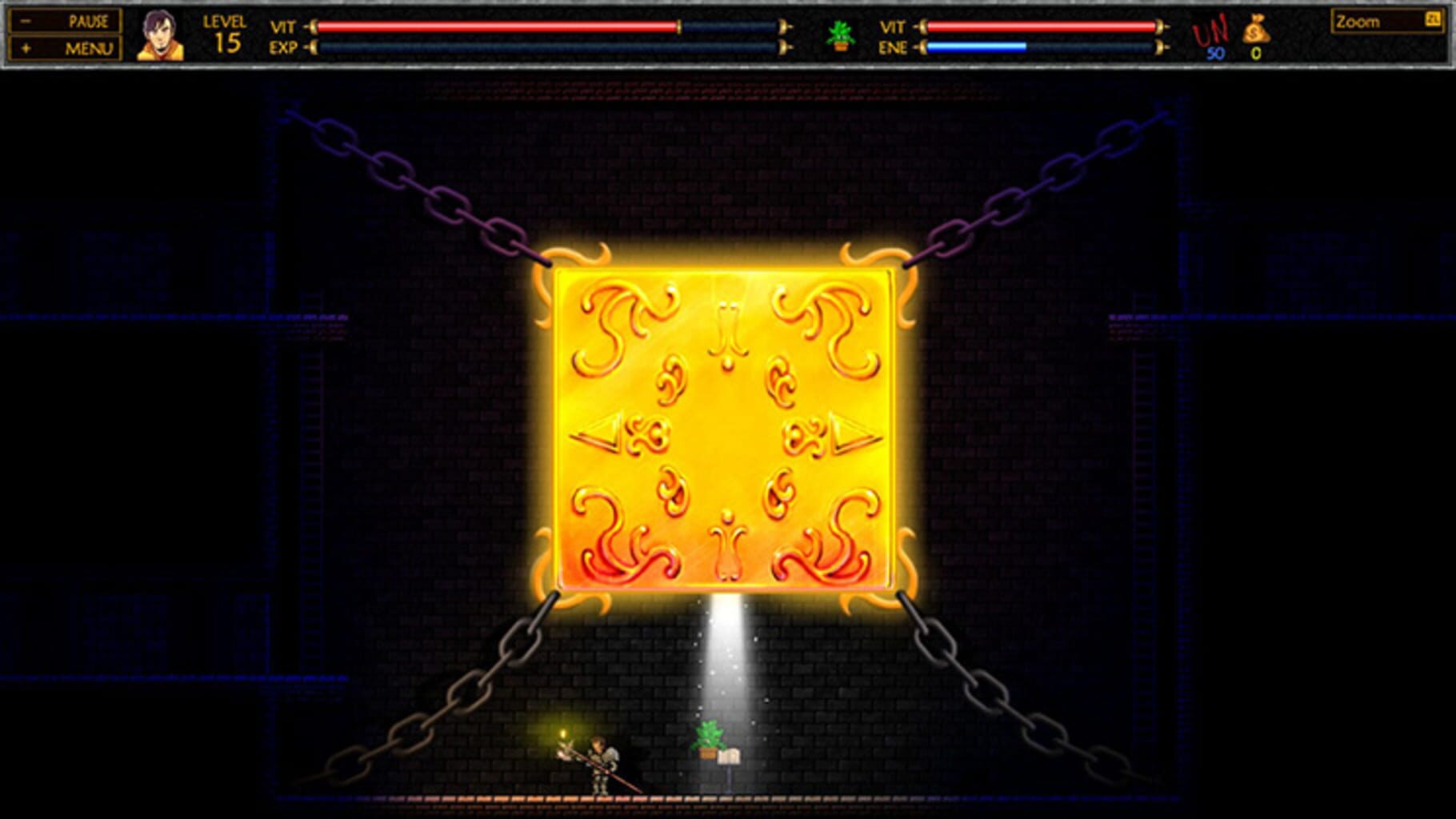
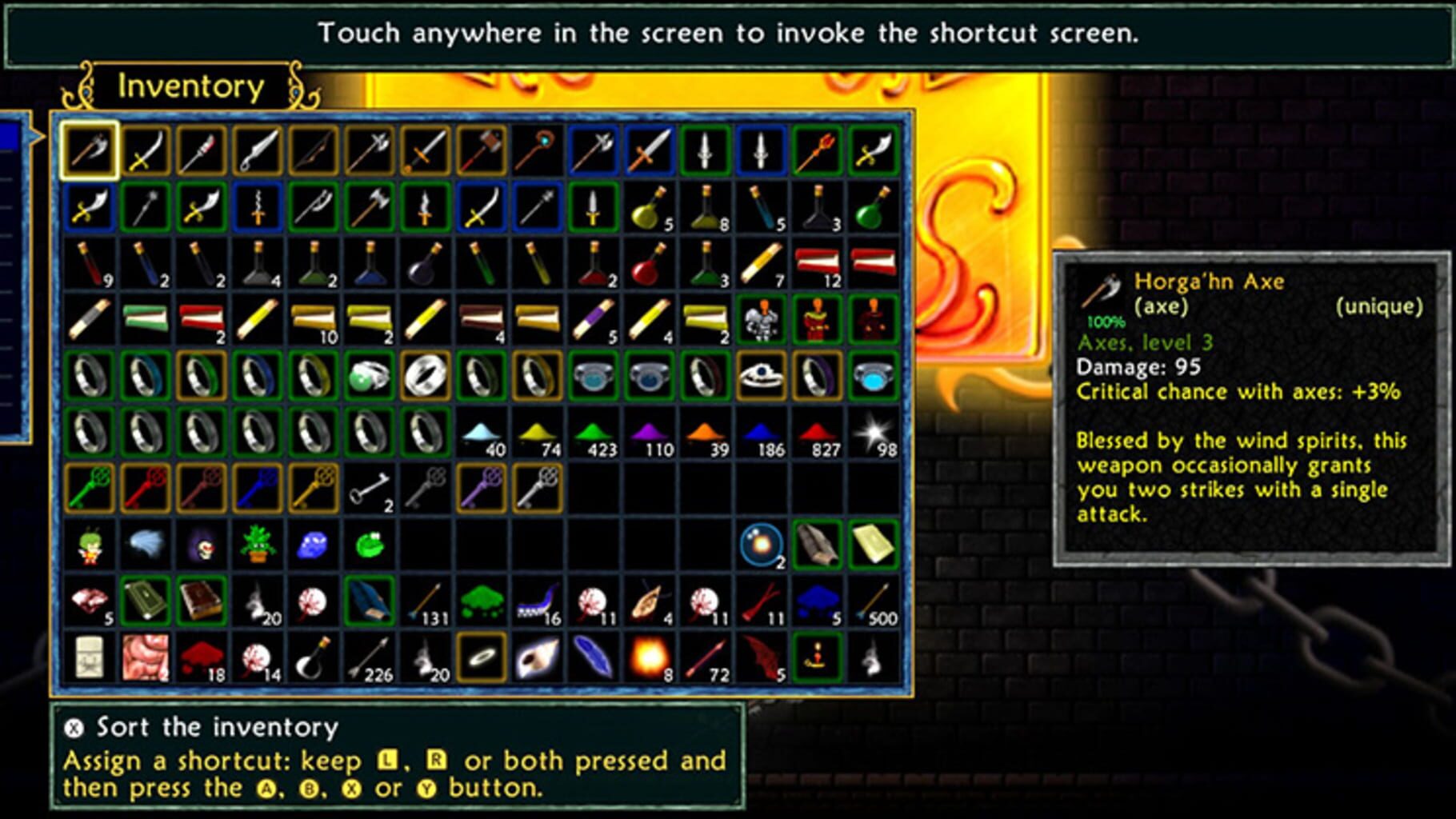
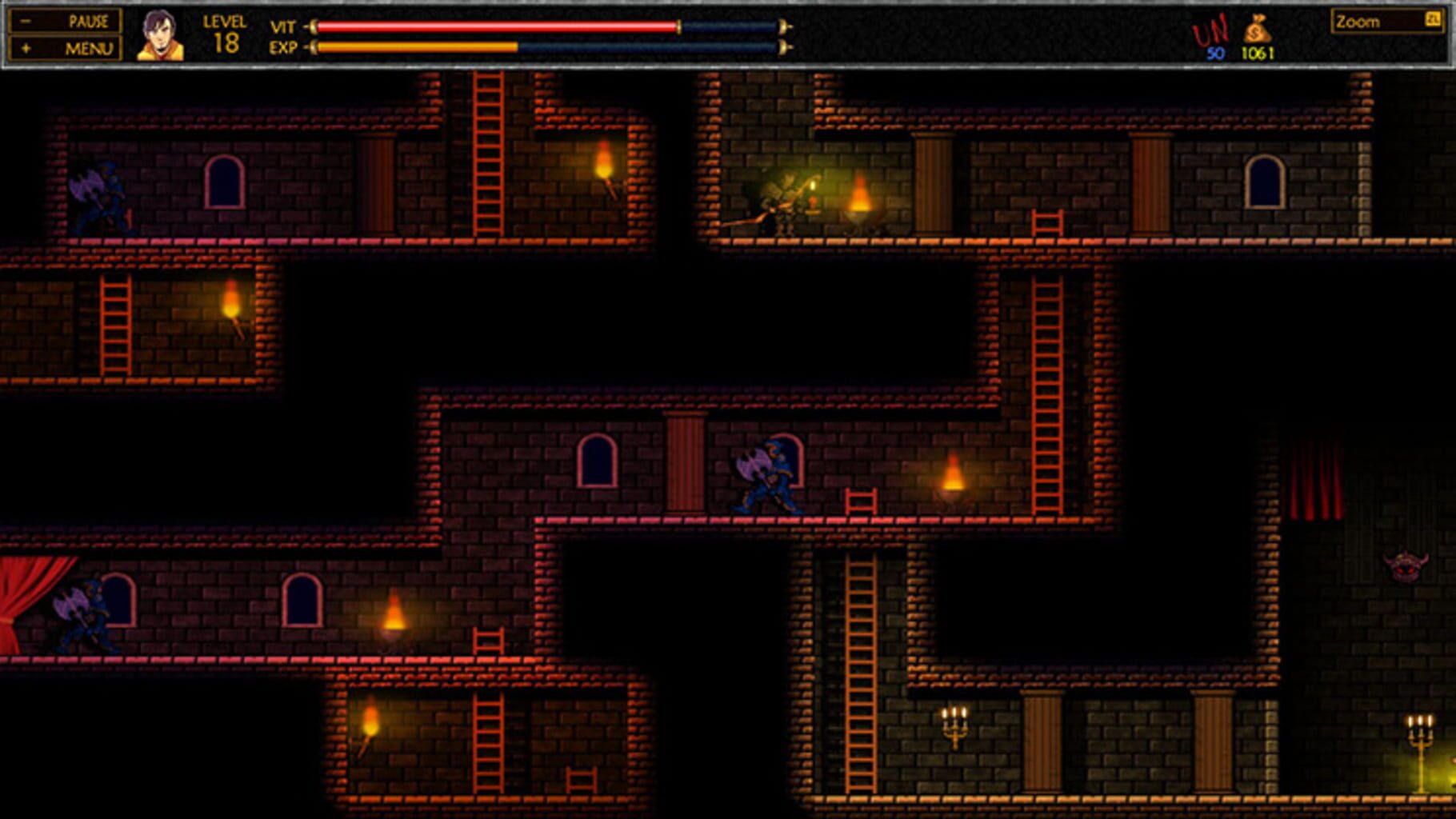
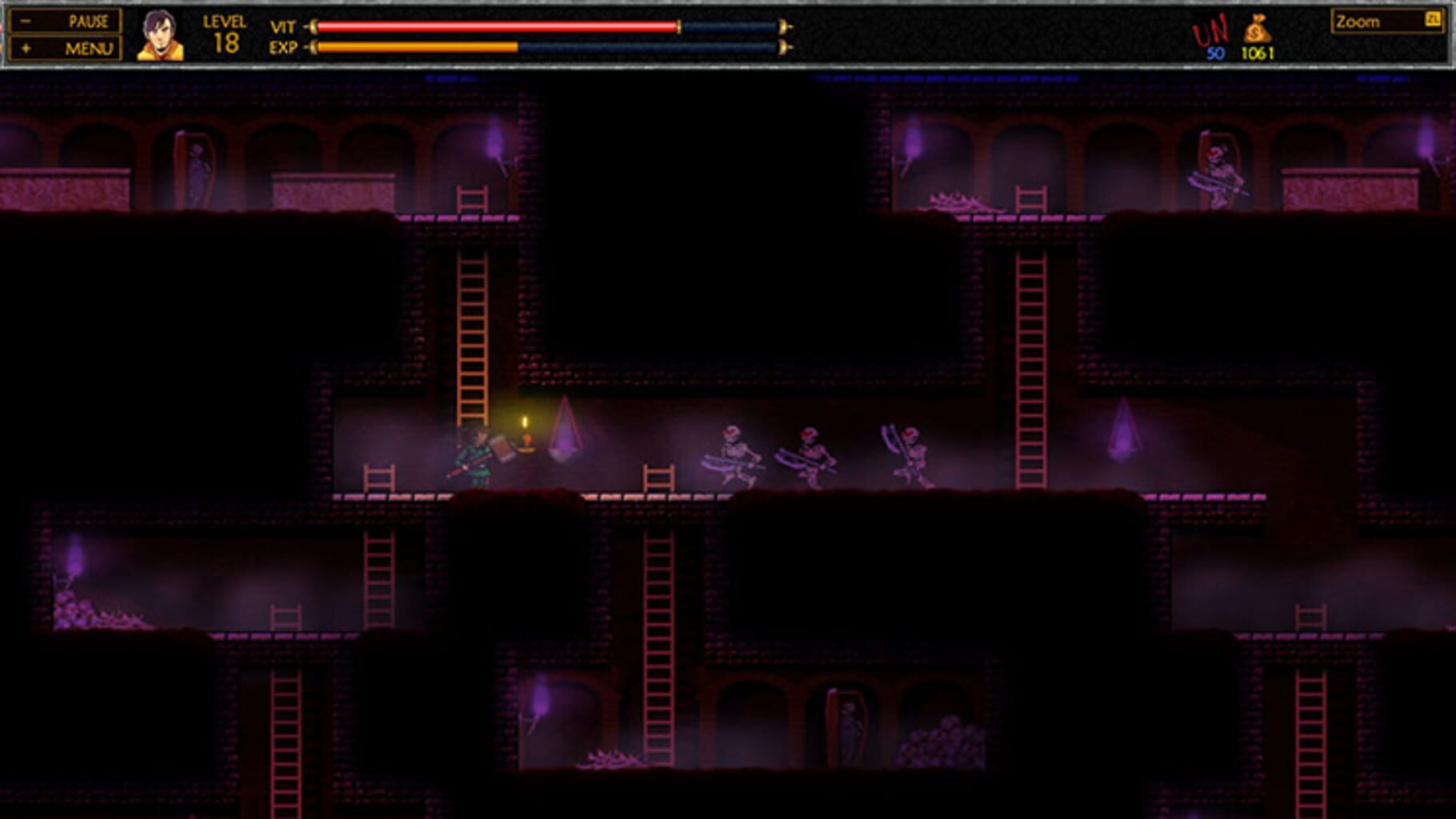
Unepic screenshots

Version history
- v3Current
better xinput restriction.
- v2
script imrovements and notes.
- v1
EPIC
Comments 0
No comments yet. Played it? Share what worked for your group.
Play these next
Browse all games
Human: Fall Flat
Talos9115k downloads4
Forager MPBuild
Talos912.7k downloads4
Tomb Raider
Talos915.7k downloads4
Shadow Warrior 2
Talos912.5k downloads4
BioShock 2
Talos913.3k downloads4
Embr FireProject
Talos911.3k downloads4
Browse by genre: Platformer · Puzzle · Role-playing
Log in or create an account to comment.