Split-screen on PC
Valheim
Up to 10 players on one PC, with controllers, keyboard and mouse or several keyboards and mice.
Handler “Valheim” by PoundlandBacon, version 27
What works
With Nucleus Co-op, up to 10 players can play Valheim together on one PC, each in their own part of the screen, with controllers, keyboard and mouse or several keyboards and mice. The free community handler “Valheim” by PoundlandBacon does the setup and was checked by hub moderators: version 27, updated . Valheim is a role-playing, adventure and indie game from 2026.
- Players10
- ControllersSupported
- Keyboard and mouseSupported
- Several keyboards and miceOne per player
- Hub moderatorsVerified
How to play Valheim split screen on PC
Get Nucleus Co-op
Download Nucleus Co-op, free for Windows 10 and 11, and unzip it into its own folder, for example C:\NucleusCo-op. There is no installer.
Keep it out of Program Files, your user folder and OneDrive.
Install the Valheim handler
In Nucleus Co-op, search the Hub for Valheim and install its handler, or download the handler file from this page and drop it on the Nucleus window. Then show Nucleus where Valheim is installed.
Take a seat
Each player presses a button on their own controller to join and takes a spot on the screen. Pick a layout that fits your players.
Playing with several keyboards and mice? Press End once everything is in place to give each window its own cursor.
Launch and connect
Press Launch: Nucleus opens one copy of Valheim per player and lays the windows out on your screen. Then link them in game, usually one player hosts a LAN or online session and the others join it. The handler notes say how.
What you need
- A Windows 10 or 11 PC
Nucleus Co-op runs on Windows only. System requirements
- Valheim for Windows
Installed on that PC. Nucleus starts every player's window from that one install.
- Nucleus Co-op, free
With .NET Framework 4.7.2 or later and the Visual C++ 2015–2022 runtimes (x86 and x64). Download
- Something to play with
One controller per player, or one keyboard and mouse per player. Controllers · Keyboards and mice
- A PC that can run 10 copies
Each player runs their own copy of Valheim, so the PC carries several times the usual load. Lower the graphics settings if it struggles. Performance tips
- A multiplayer mode
Nucleus links the windows through the game's own LAN or online mode; the handler takes care of it.
Handler notes
Guide: https://www.reddit.com/r/nucleuscoop/comments/lmhhic/valheim_script_now_has_multiple_mouse_and/
Close Steam before launching the handler. Start/load a game in one instance, making sure that start server is selected and that crossplay is disabled, then you will see the game in the server browser of the other instances.
If you use mice and keyboards after all the instances open press the END key to lock the input and give each instance its own cursor. You need to left click each mouse to make the cursors appear after locking the input. Press the END key again to unlock the input. You can use CTRL+Q to close Nucleus and all its instances.
Thanks to SplitScreenDreams! This game is good.
Authors and Contributors of this handler: PoundlandBacon and Talos91.
About Valheim
Valheim is a game about exploring a huge fantasy world inspired by norsemythology and viking culture. The world it self is procedurally generated and random seeds can be generated or set manually. You start your adventure at the relatively peaceful center of Valheim. The further from the center you travel, the more challenging the world becomes. But you will also find more valuable materials that you can use to craft deadlier weapons and sturdier armor. You will also build your own viking fortress and outposts all over the world. Eventually you will build a mighty longships and sail the great oceans in search of exotic lands … but be wary of sailing too far ;)
Summary from IGDB
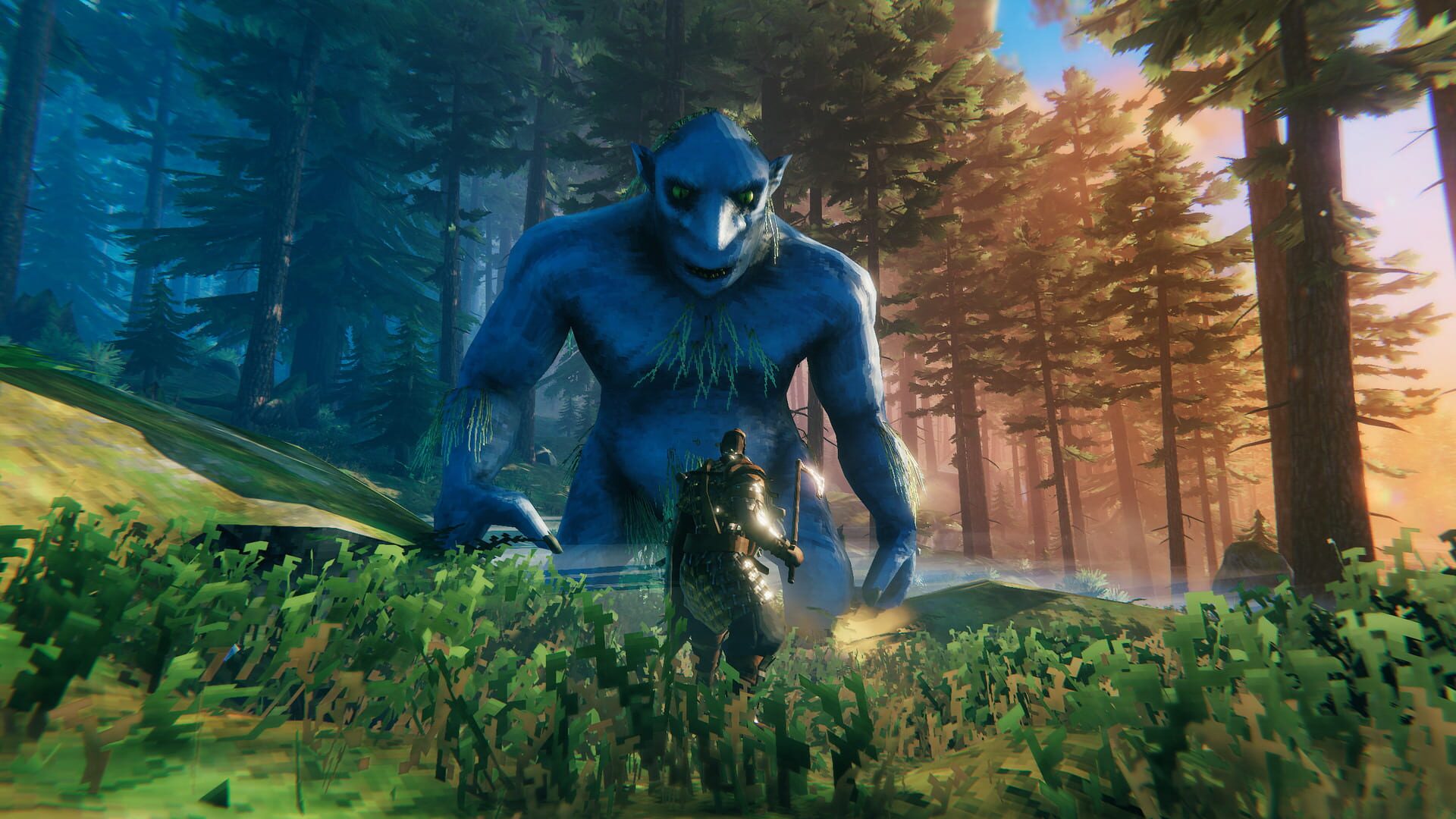
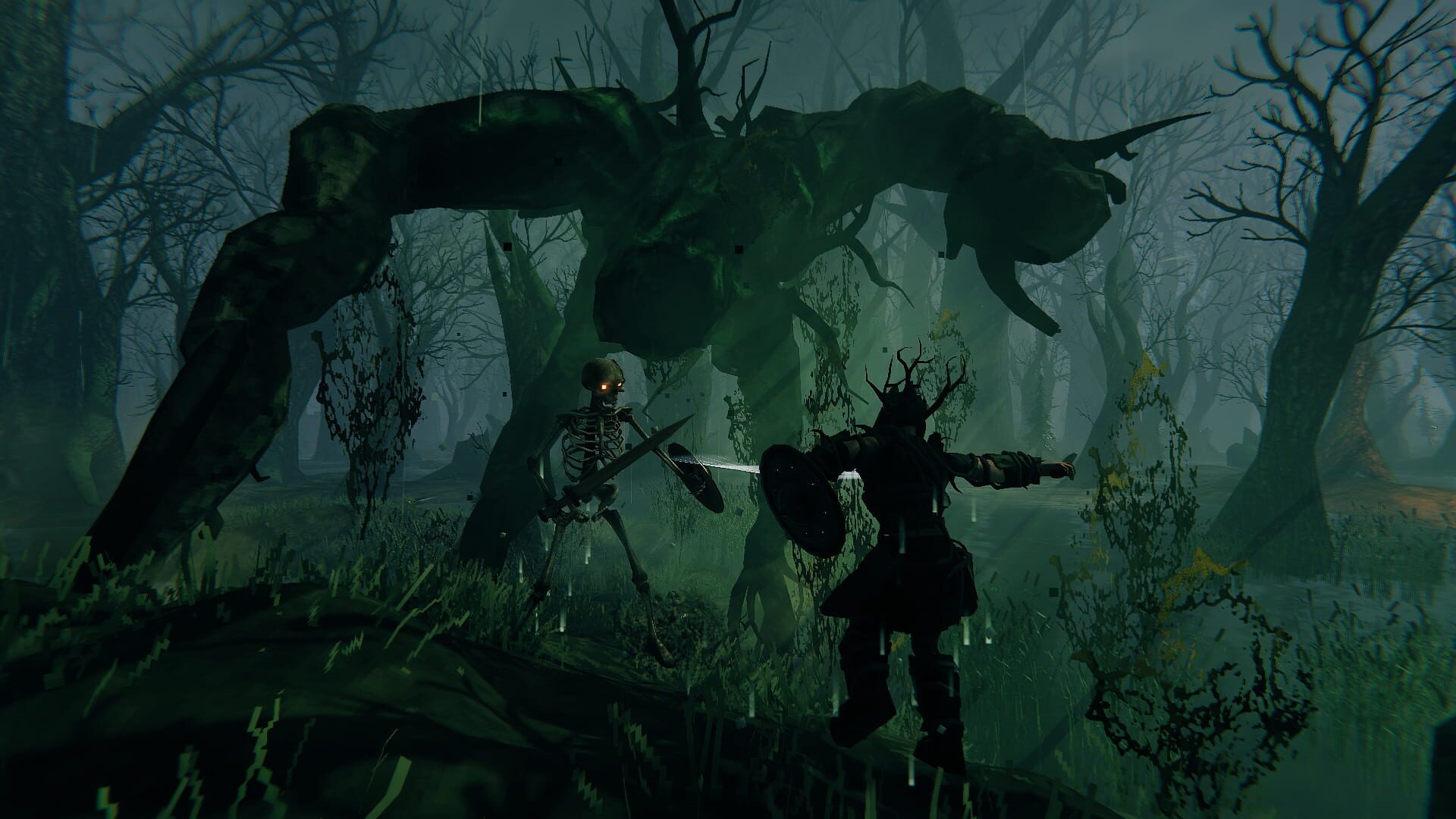
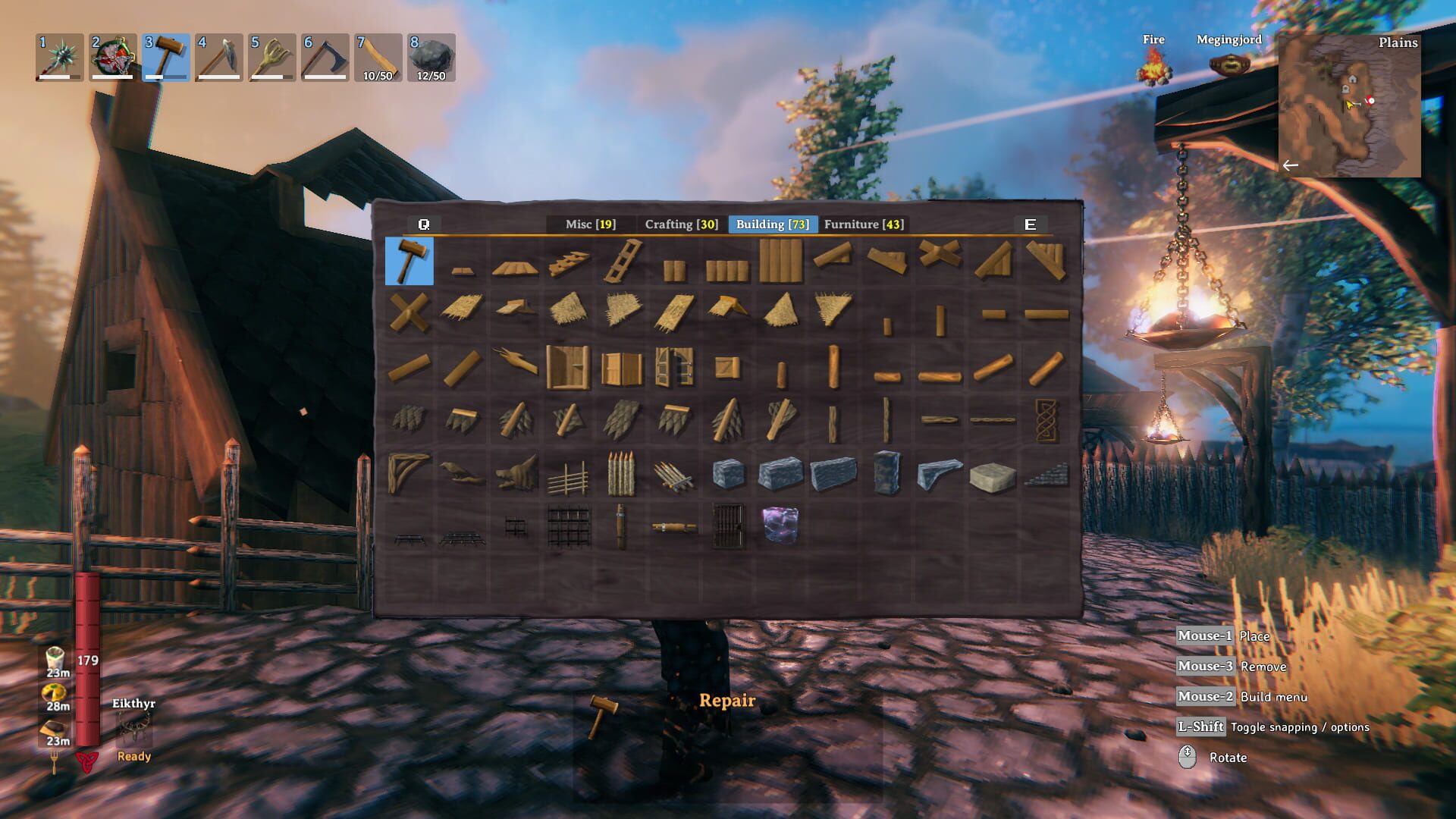
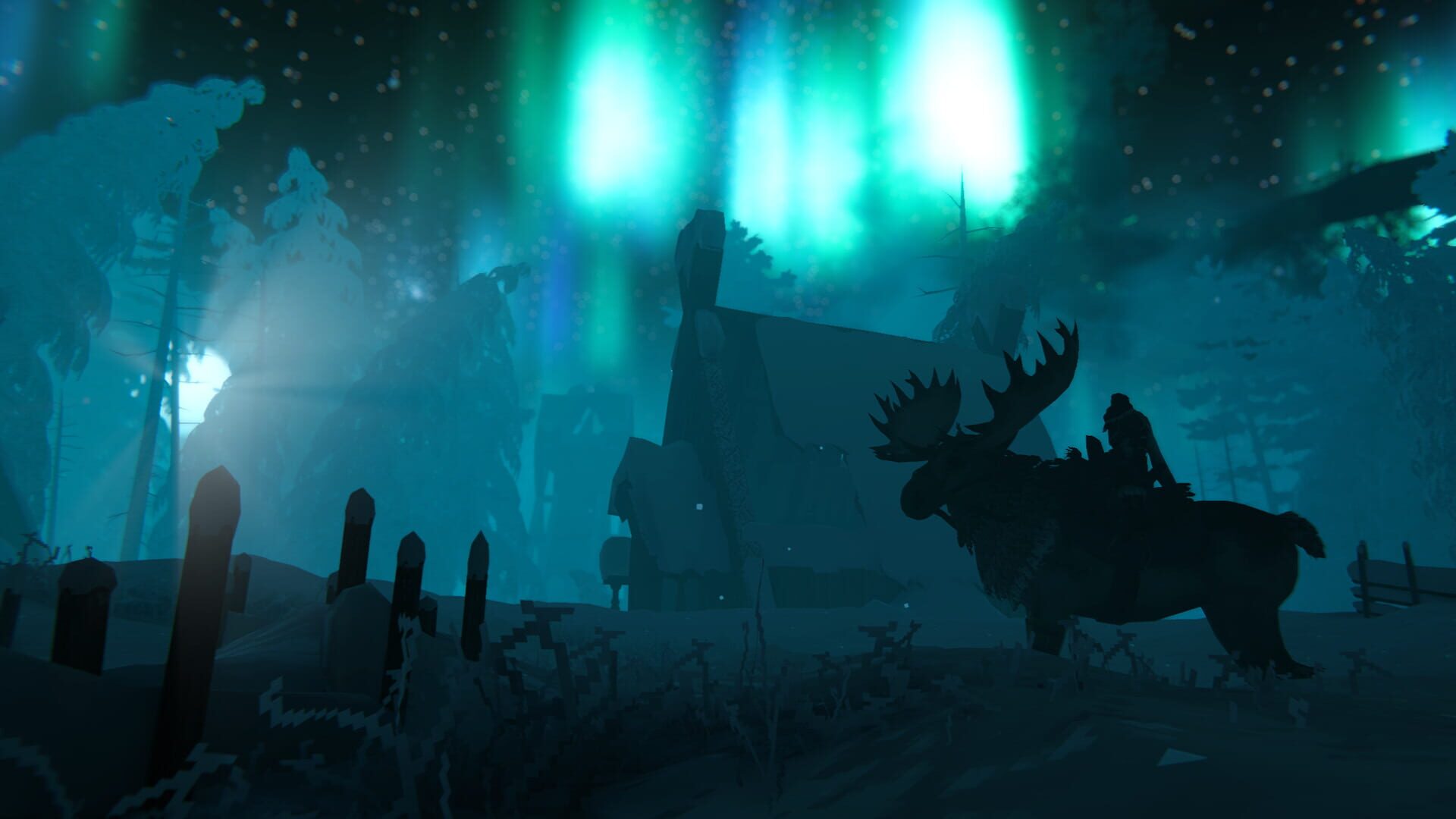
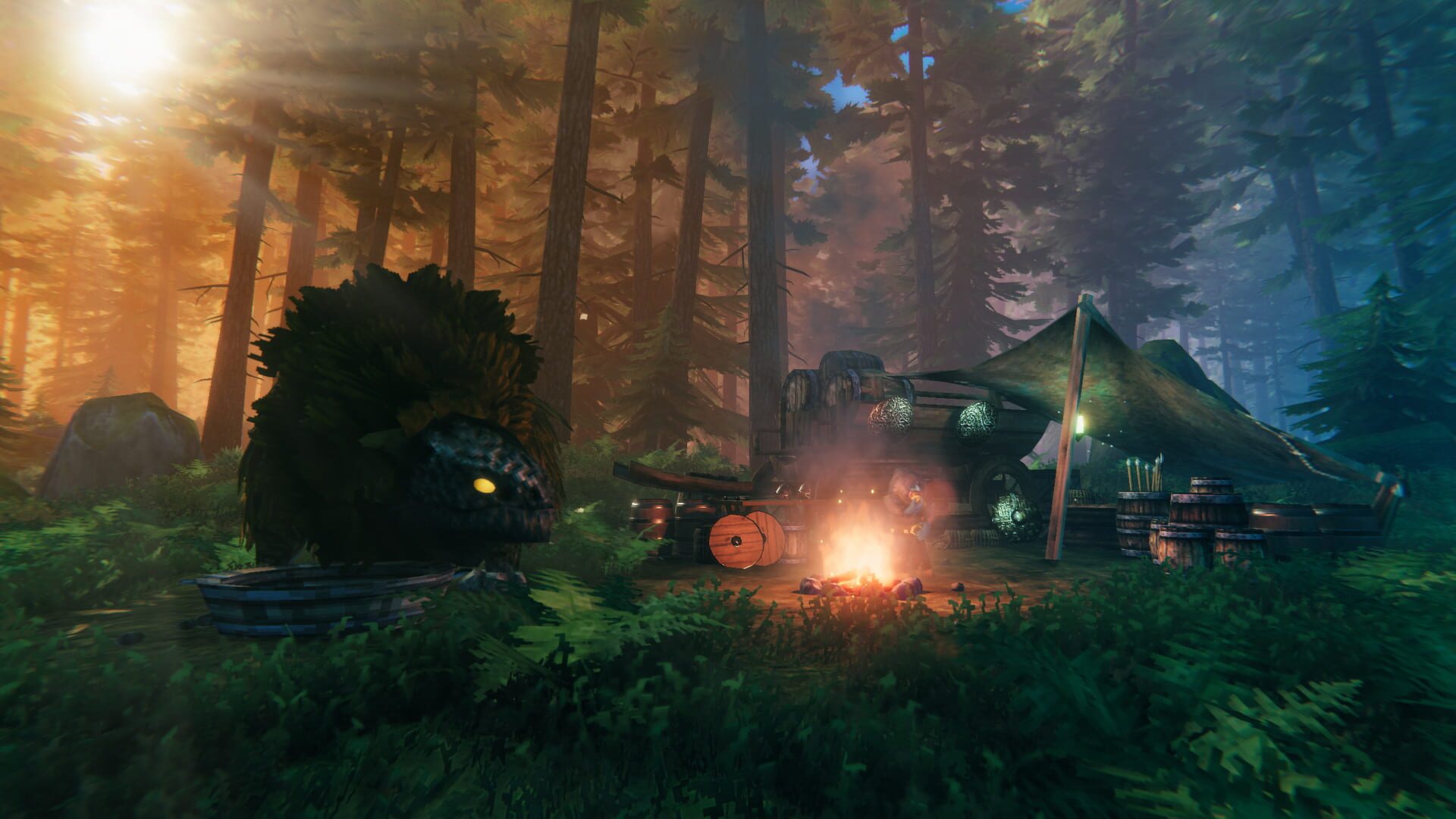
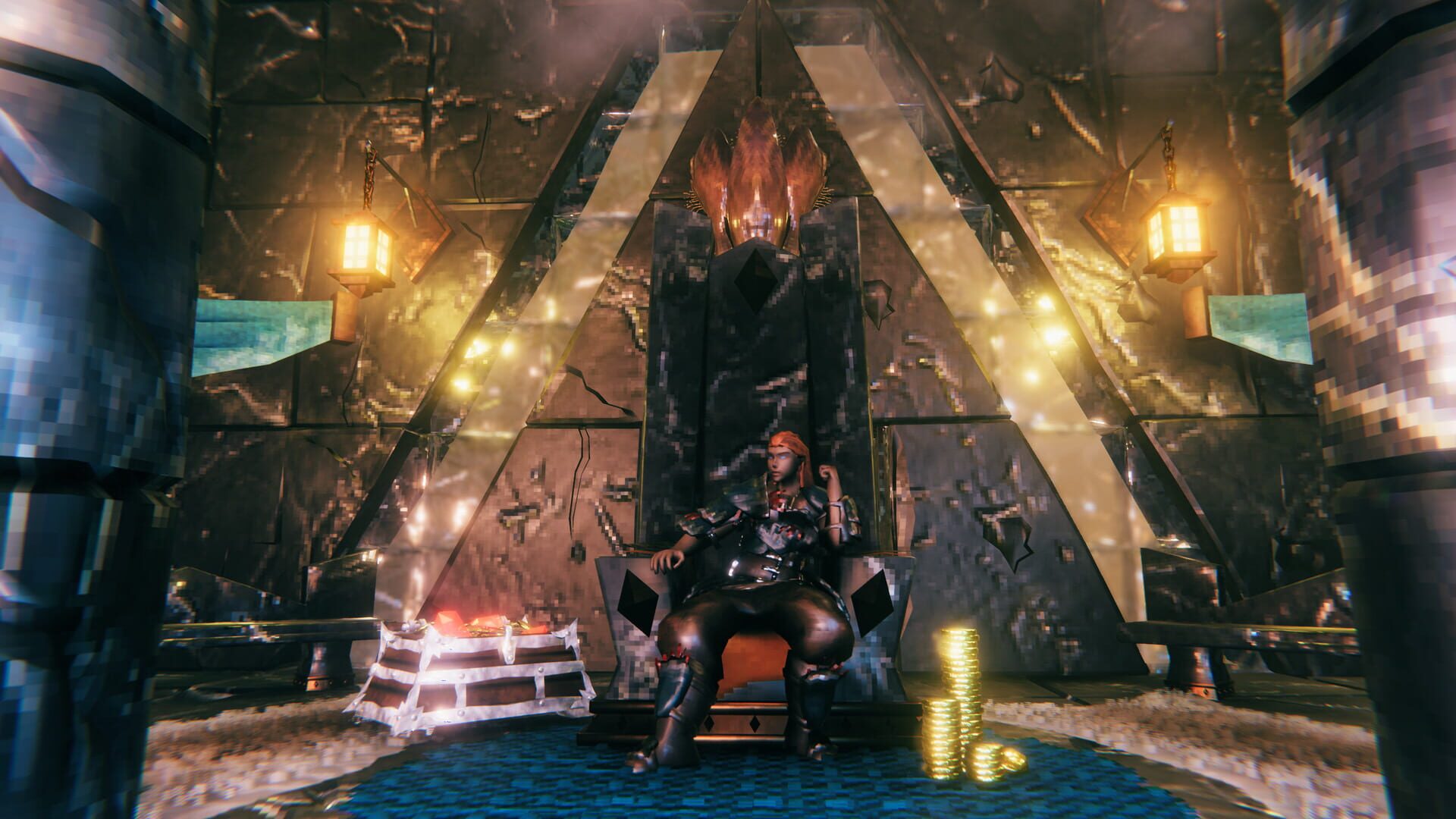
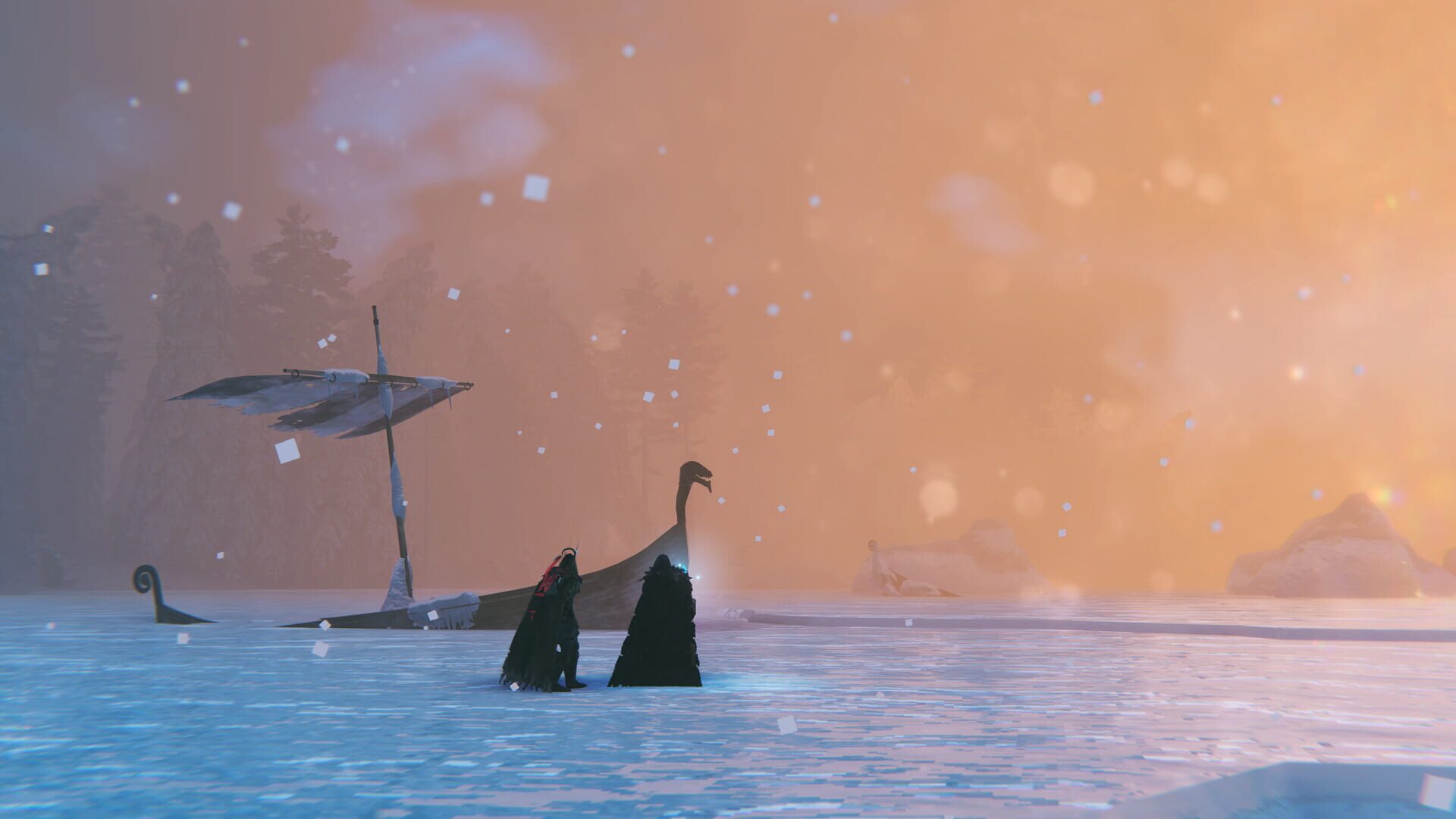
Valheim screenshots

Version history
- v27Current
Prompts fix
- v26
messenils mice clicks fix
- v25
registry edits no longer reset
- v24
patch to finally fix the freezing bug.
Comments 4
Hi team, not sure where to put this so posting here. I think recent Valheim update has broken mouse/keyboard inputs - it's solveable via rollback to previous version of Valheim (for others in same position!). However, an upgrade of the handler would be super apprecicated if possible please :) thanks!
Try latest handler, it should be fixed now thanks to messenils.
may I ask, can I use my laptop trackpad and keyboard and also mouse and keyboard?
Yeah that should work too I have a laptop and I sometimes I do that.
Play these next
Browse all games
Smalland: Survive the Wilds
birden875 downloads10
Crea split
Talos91259 downloads8
Savage Lands
birden56 downloads8
Tempest Pirate Action RPG
birden55 downloads8
Warman
Talos9148 downloads8
bit Dungeon III
Talos91566 downloads5
Browse by genre: Role-playing · Adventure · Indie
Log in or create an account to comment.