Split-screen on PC
War Thunder
Up to 64 players on one PC, with controllers, keyboard and mouse or several keyboards and mice.
Handler “WarThunder” by Bizzo, version 7
What works
With Nucleus Co-op, up to 64 players can play War Thunder together on one PC, each in their own part of the screen, with controllers, keyboard and mouse or several keyboards and mice. The free community handler “WarThunder” by Bizzo does the setup and was checked by hub moderators: version 7, updated . War Thunder is a shooter, simulation and tactical game from 2013.
- Players64
- ControllersSupported
- Keyboard and mouseSupported
- Several keyboards and miceOne per player
- Hub moderatorsVerified
How to play War Thunder split screen on PC
Get Nucleus Co-op
Download Nucleus Co-op, free for Windows 10 and 11, and unzip it into its own folder, for example C:\NucleusCo-op. There is no installer.
Keep it out of Program Files, your user folder and OneDrive.
Install the War Thunder handler
In Nucleus Co-op, search the Hub for War Thunder and install its handler, or download the handler file from this page and drop it on the Nucleus window. Then show Nucleus where War Thunder is installed.
Take a seat
Each player presses a button on their own controller to join and takes a spot on the screen. Pick a layout that fits your players.
Playing with several keyboards and mice? Press End once everything is in place to give each window its own cursor.
Launch and connect
Press Launch: Nucleus opens one copy of War Thunder per player and lays the windows out on your screen. Then link them in game, usually one player hosts a LAN or online session and the others join it. The handler notes say how.
What you need
- A Windows 10 or 11 PC
Nucleus Co-op runs on Windows only. System requirements
- War Thunder for Windows
Installed on that PC. Nucleus starts every player's window from that one install.
- Nucleus Co-op, free
With .NET Framework 4.7.2 or later and the Visual C++ 2015–2022 runtimes (x86 and x64). Download
- Something to play with
One controller per player, or one keyboard and mouse per player. Controllers · Keyboards and mice
- A PC that can run 64 copies
Each player runs their own copy of War Thunder, so the PC carries several times the usual load. Lower the graphics settings if it struggles. Performance tips
- A multiplayer mode
Nucleus links the windows through the game's own LAN or online mode; the handler takes care of it.
Handler notes
I don't take any responsibility so you use it at your own risk! I say this because I didn't use it enough and also you will play on the official servers! The only suggestion that I can give, is to not use your main account and create new ones to play with this script.
PRE-REQUISITES:
- Multiple Gaijin accounts.
- When using a new account, you must finish a single "multiplayer" (because, in the end, are all bots) match to able to play in a team with your friends. -Add other players as friends/in squad before using through Nucleus-Coop.
YouTube Video: https://youtu.be/_dECKqtMAOQ
How to:
*Before starting the game through Nucleus, start the game launcher to be sure your game is updated or to edit the graphic settings. The script doesn't store the game files, so you don't need to delete the Nucleus content folder of the game.
-
If you or at least one of the players, didn't login already, a cmd window will appear. Follow the instructions. *The important is that you do it at least before starting the next instance.
-
Before starting the next instance, go in the control's options and load the "Gamepad.blk" or "Keyboard.blk" depending on the player input. You can find it at the root of the instance folder. *It seems that the gamepad UI is also stored in the registry lines. The very first time should be automatically enabled/disabled, while if you will change the input on the next session, you will need to switch to it manually.
-
When all instances are set, press ok on the last Nucleus-Coop prompt (hook/send fake message) and press the 'END' key to restrict the input (this is also needed for gamepads).
-
Here, you can add other players as friends and in the same platoon.
Notes:
- Anti-cheat is disabled (is a game feature). You will be able to play on casual matches or custom ones but not modes that requires it (like competitives).
- You can find the input presets inside Nucleus-Coop\scripts\WarThunder\Presets. Read the Read-Me.txt if you want to edit the input.
- Gamepads has full support in this game. So you can still use the game menu even after all is set (better if you enable the gamepad UI).
If you want know more about Nucleus-Coop: https://www.reddit.com/r/nucleuscoop/comments/fjdqid/list_of_new_supported_games_and_faq/
Credit: Nucleuscoop and the Splitscreen Dreams discord. https://github.com/ZeroFox5866/nucleuscoop
Donate if you like the project: https://www.reddit.com/r/nucleuscoop/comments/e8y0i9/nucleuscoop_mod_v0982a_released/
About War Thunder
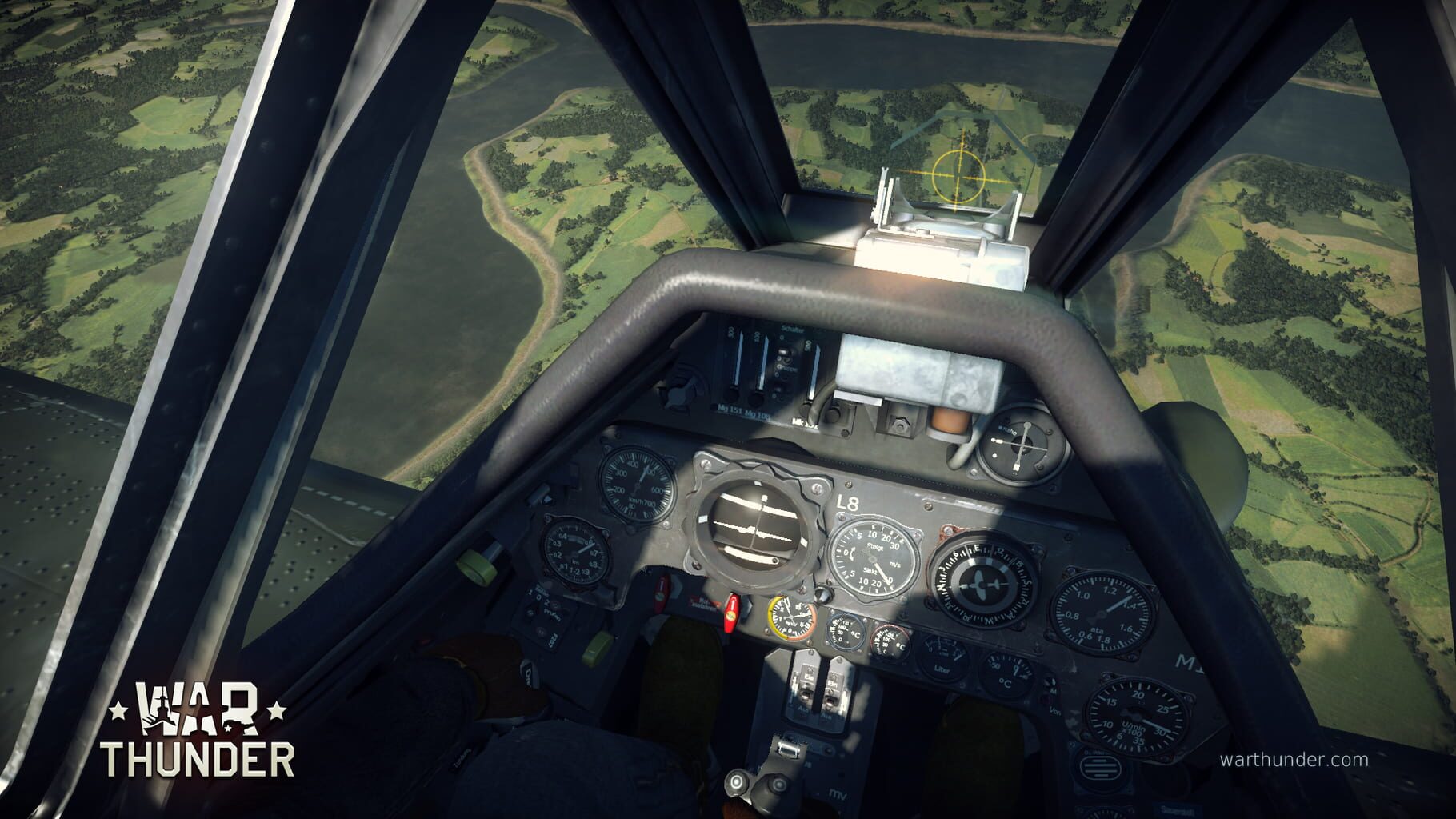
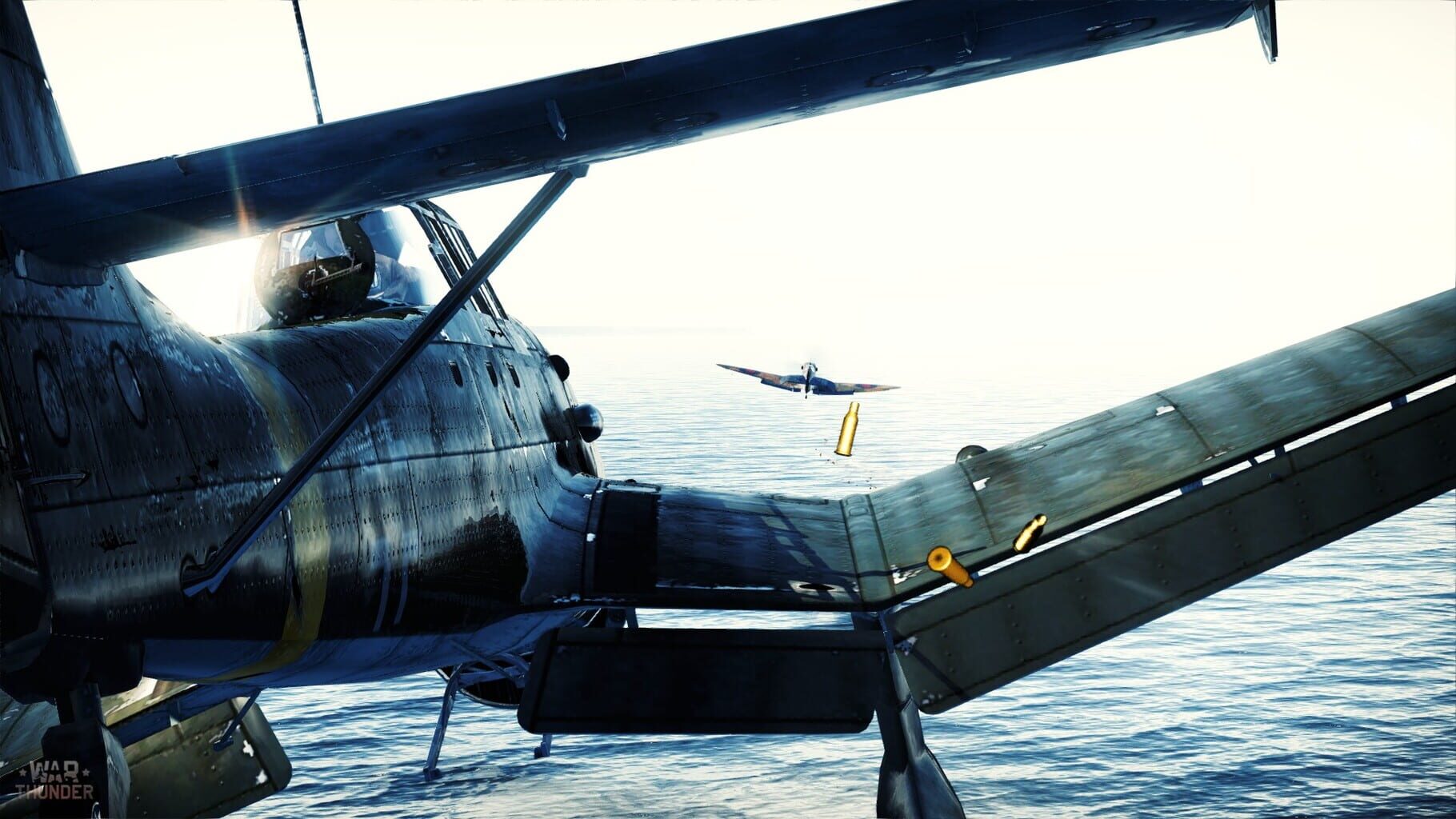
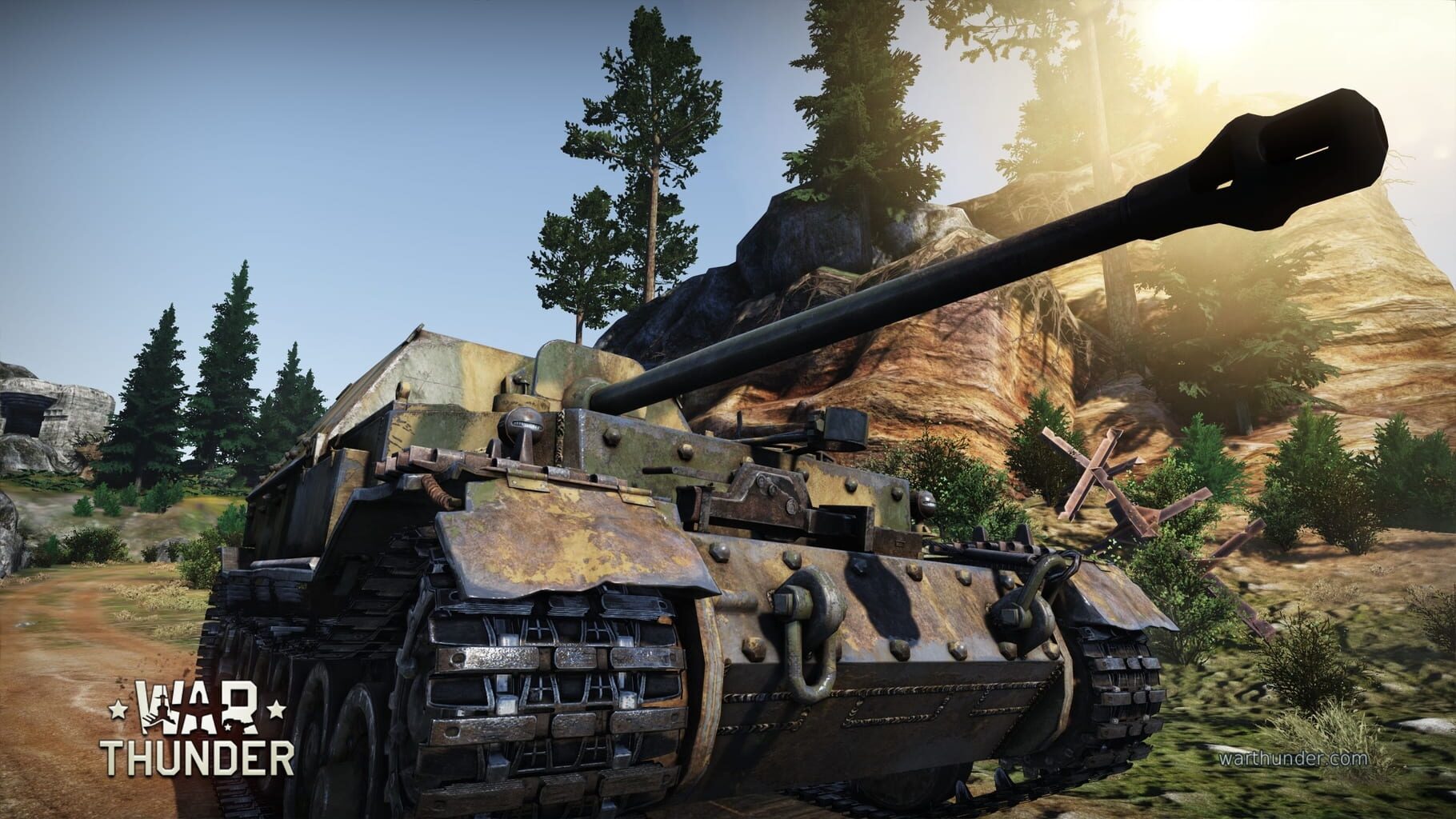
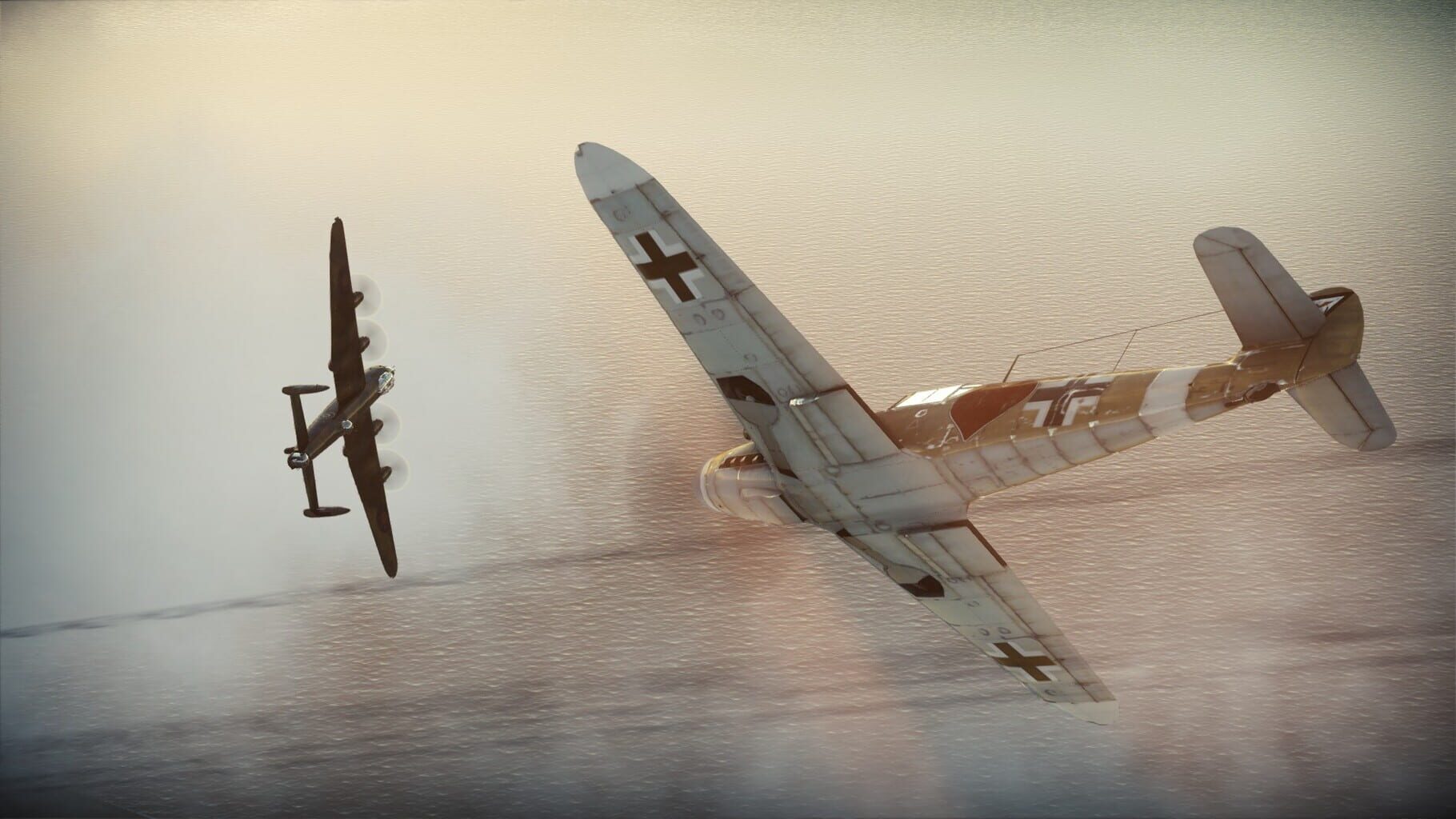
War Thunder is an MMO combat game dedicated to World War II military aviation, armored vehicles and fleet. You will take part in all of the major combat battles, fighting with real players all over the world. Become a lone hero or lead your team to victory — the choice is yours! War Thunder offers a highly detailed and personalized aviation experience, giving players access to hundreds of historically accurate planes with detailed cockpits, dozens of upgrade able weapons, and flying skills that can be honed and improved with each mission. Thanks to the game’s painstaking attention to detail, you’ll truly feel like a World War II fighter pilot as you plunge into battle.
Summary from IGDB
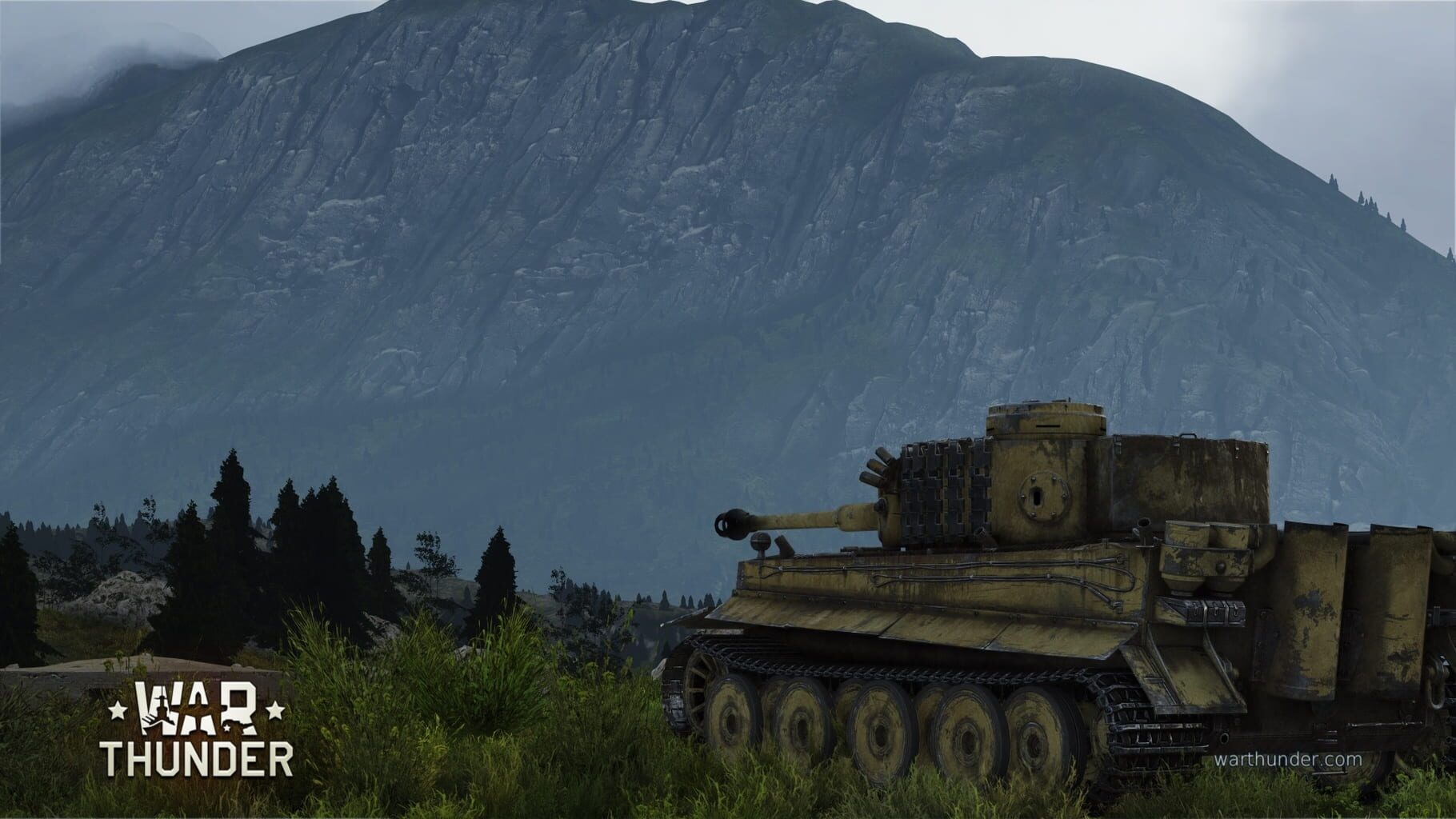
War Thunder screenshots
Version history
- v7Current
Adde ProtoInput lines, fixed issue with keyboards input and edited the login part.
- v6
Possible fix for crashes.
- v5
Edit a .bat script.
- v4
Added document restorer .bat script.
Comments 0
No comments yet. Played it? Share what worked for your group.
Play these next
Browse all games
Sniper: Ghost Warrior
THEKlNG239 downloads16
Attack on Pearl Harbor
messenils32 downloads16
Ground Branch
ZeroFox1.6k downloads8
Sniper Elite III
Talos918.5k downloads5
Mount & Blade: Warband
Zensuu2.7k downloads64
Renegade X
birden206 downloads64
Browse by genre: Shooter · Simulation · Tactical
Log in or create an account to comment.