Split-screen on PC
Warcraft III: The Frozen Throne
Up to 12 players on one PC, with keyboard and mouse or several keyboards and mice.
Handler “Warcraft III: Frozen Throne” by Snailedlt, version 7
What works
With Nucleus Co-op, up to 12 players can play Warcraft III: The Frozen Throne together on one PC, each in their own part of the screen, with keyboard and mouse or several keyboards and mice. The free community handler “Warcraft III: Frozen Throne” by Snailedlt does the setup and was checked by hub moderators: version 7, updated . Warcraft III: The Frozen Throne is a real-time strategy and strategy game from 2003.
- Players12
- ControllersNot supported
- Keyboard and mouseSupported
- Several keyboards and miceOne per player
- Hub moderatorsVerified
How to play Warcraft III: The Frozen Throne split screen on PC
Get Nucleus Co-op
Download Nucleus Co-op, free for Windows 10 and 11, and unzip it into its own folder, for example C:\NucleusCo-op. There is no installer.
Keep it out of Program Files, your user folder and OneDrive.
Install the Warcraft III: The Frozen Throne handler
In Nucleus Co-op, search the Hub for Warcraft III: The Frozen Throne and install its handler, or download the handler file from this page and drop it on the Nucleus window. Then show Nucleus where Warcraft III: The Frozen Throne is installed.
Take a seat
Each player joins with their own keyboard and mouse and takes a spot on the screen. Pick a layout that fits your players.
Playing with several keyboards and mice? Press End once everything is in place to give each window its own cursor.
Launch and connect
Press Launch: Nucleus opens one copy of Warcraft III: The Frozen Throne per player and lays the windows out on your screen. Then link them in game, usually one player hosts a LAN or online session and the others join it. The handler notes say how.
What you need
- A Windows 10 or 11 PC
Nucleus Co-op runs on Windows only. System requirements
- Warcraft III: The Frozen Throne for Windows
Installed on that PC. Nucleus starts every player's window from that one install.
- Nucleus Co-op, free
With .NET Framework 4.7.2 or later and the Visual C++ 2015–2022 runtimes (x86 and x64). Download
- Something to play with
One keyboard and mouse per player. Controllers · Keyboards and mice
- A PC that can run 12 copies
Each player runs their own copy of Warcraft III: The Frozen Throne, so the PC carries several times the usual load. Lower the graphics settings if it struggles. Performance tips
- A multiplayer mode
Nucleus links the windows through the game's own LAN or online mode; the handler takes care of it.
Handler notes
Requires version 1.29 or earlier versions of the game (the ones before battle.net launcher) .
Watch the Video guide, or read below.
Download and extract the latest version of Nucleus Co-op, and run it as administrator. Download the Game Handler through Nucleus Co-op, and assign the keyboards and mice how you see fit (if you're only 2 players I recommend vertical split).
Warcraft III: Reign of Chaos classic is also playable if you select yes in the Nucleus UI option to launch it. Make sure you only have one Warcraft III .js file in Nucleus handlers folder.
Press the END key to lock the input after the instances have finished setting up so that all instances have their own working cursor. You need to left click each mouse to make the emulated cursors appear after locking the input. Press the END key again to unlock the input when you finish playing. You can also use CTRL+Q to close Nucleus and all its instances when the input is unlocked.
To start a split-screen game, click "Local Area Network" on all instances. Then "Create Game" on one of the instances, choose the map you want to play and create game. Now the game should show up on the other instances, if it doesn't simply go back to main menu (click "cancel") and go back in. Join the game, depending on the map, you can choose game rules and teams. Once all instances have joined, start the game, and let the fun begin! :D
If you get a firewall popup asking for permission to communicate on the network, click END and CTRL+T , accept the prompt, then click END and CTRL+T again. If your mouse gets locked to a small part of the screen, simply left-click and it should work fine. If not click CTRL+Q to exit. Then relaunch through Nucleus, and it should work just fine.
Ultra wide fix: https://www.hiveworkshop.com/threads/renderedge-widescreen-fix.293641/
Authors and Contributors: Snailed lt, ZeroFox, PoundlandBacon, Talos91 and dr.oldboi from the Splitscreen Dreams Discord.
About Warcraft III: The Frozen Throne
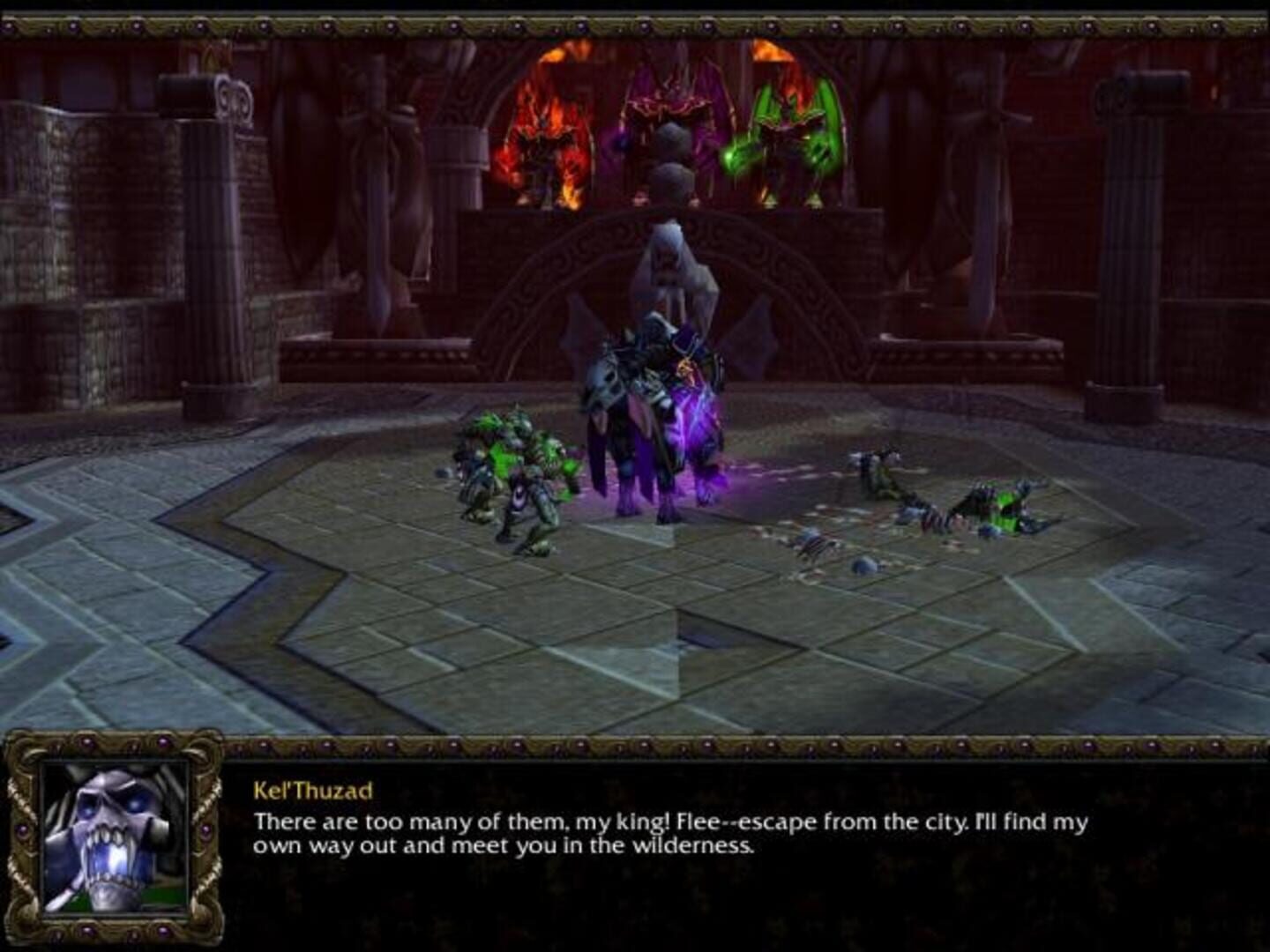
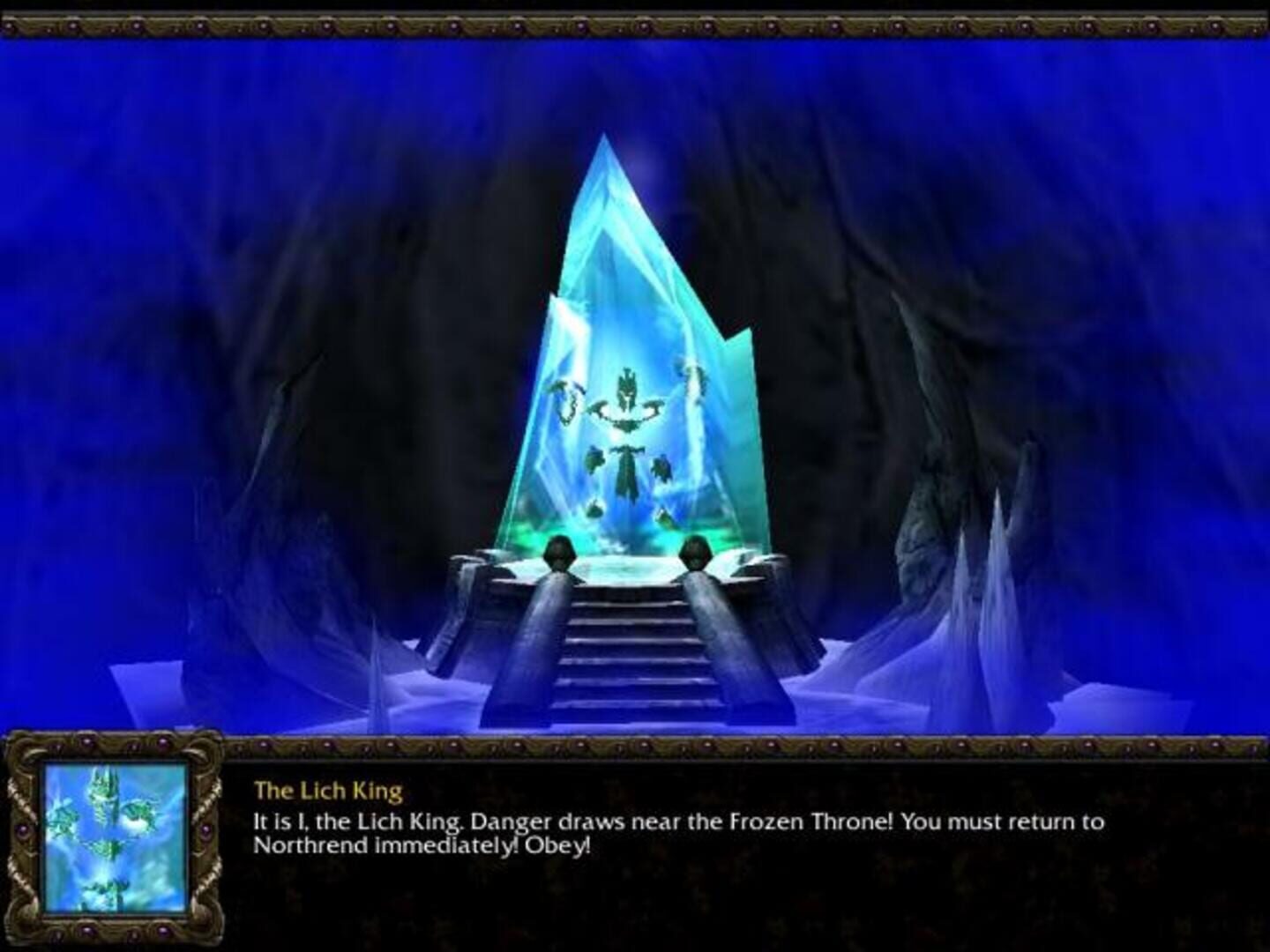
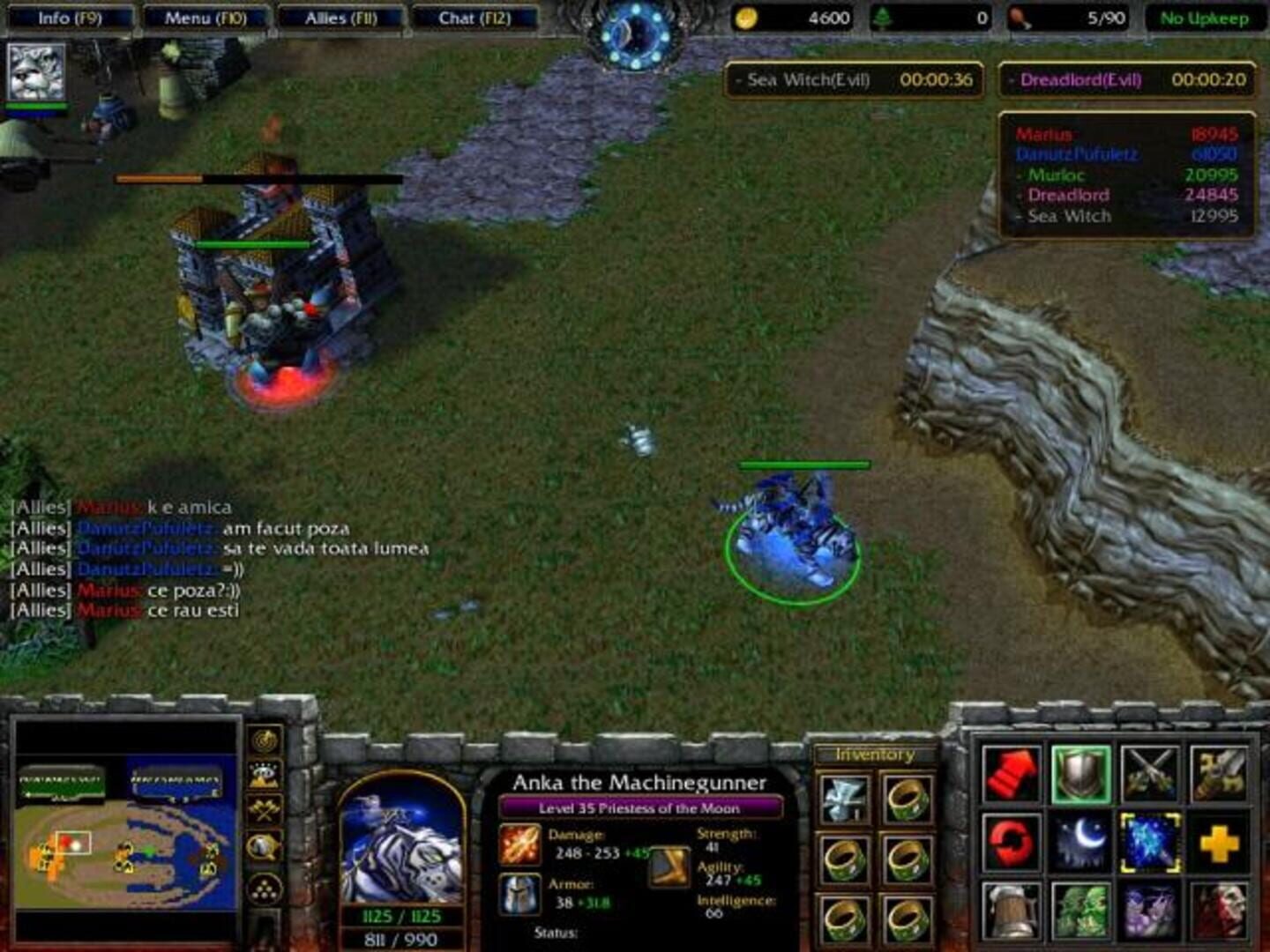
Warcraft III: The Frozen Throne adds a host of new features to the game, including four new campaigns that take you across the frozen continent of Northrend. Explore new maps and master new units such as the Troll Bat Riders, the Blood Elf Spell Breakers, and the destructive Mountain Giants.
Summary from IGDB
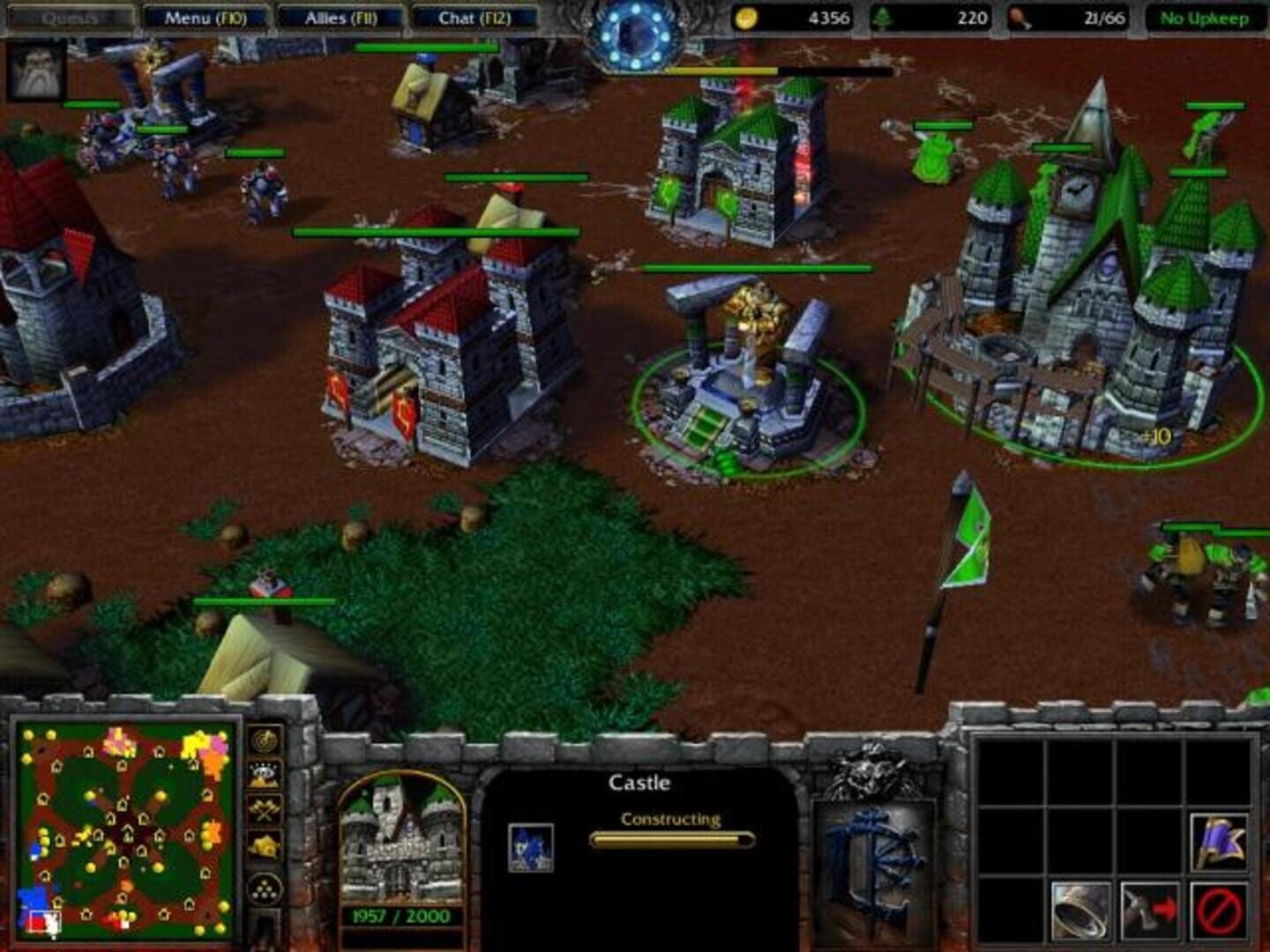
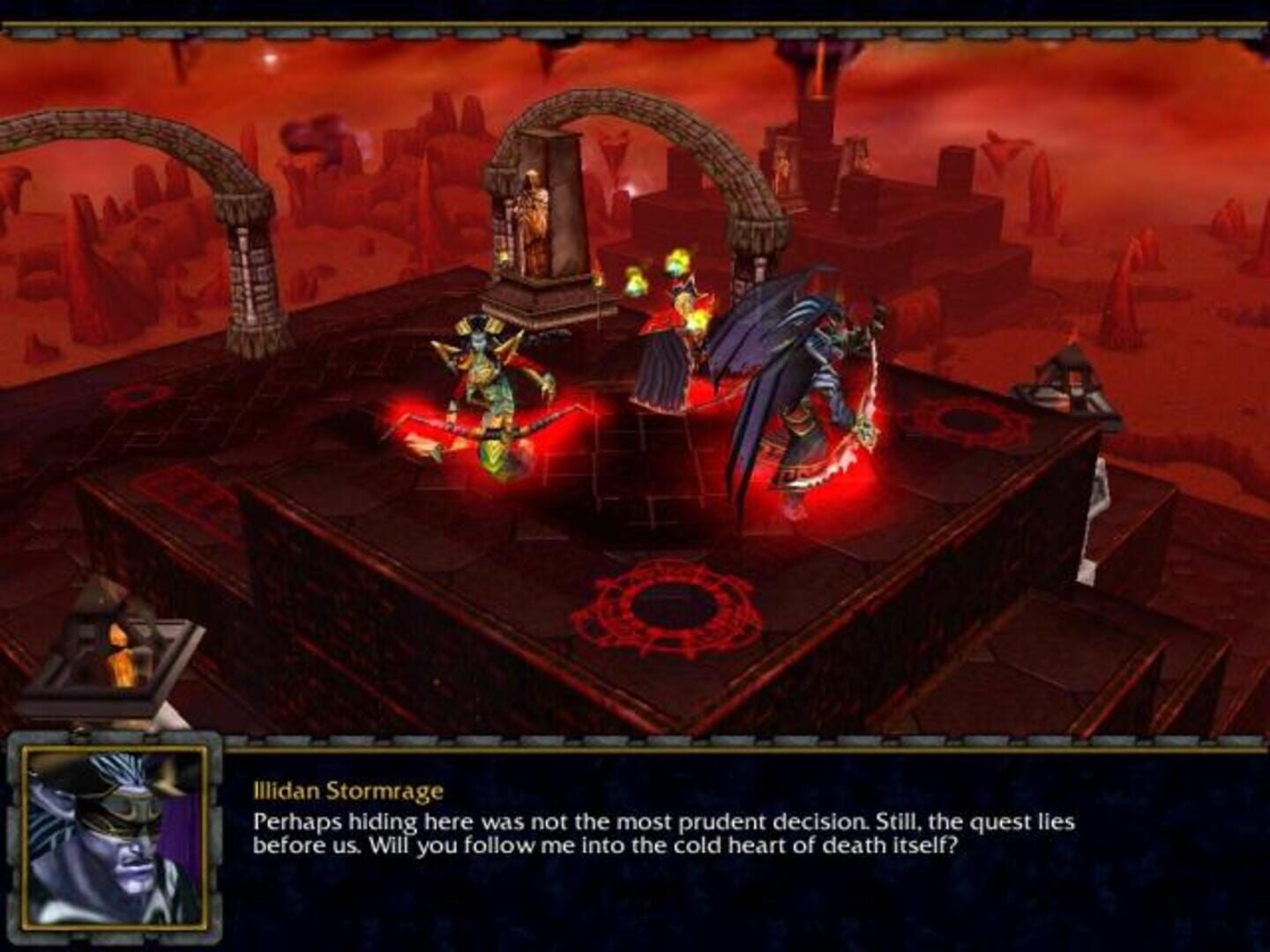
Warcraft III: The Frozen Throne screenshots


Version history
- v7Current
Simplified Use Nucleus 2.1.2
- v6
target 1.29 exe
- v5
merged both w3 scripts, many fixes and improvements.
- v4
fixed the script so it opens warcraft 3 frozen throne instead of reign of chaos
Comments 1
For those who didn't like Warcraft Refunded, try this one instead :)
Play these next
Browse all games
Warcraft III: Nirvana
dr.oldboi464 downloads12
Rusted Warfare
Zensuu373 downloads10
Guardians of Middle-earth
birden87 downloads10
Age of Empires II: HD Edition
Zensuu2.7k downloads8
Stronghold Crusader HD
Zensuu626 downloads8
Command & Conquer: Generals - Zero Hour
messenils777 downloads8
Browse by genre: Real-time strategy · Strategy
Log in or create an account to comment.