Split-screen on PC
Warlords Battlecry III
Up to 8 players on one PC, with controllers, keyboard and mouse or several keyboards and mice.
Handler “Warlords Battlecry III” by messenils, version 2
What works
With Nucleus Co-op, up to 8 players can play Warlords Battlecry III together on one PC, each in their own part of the screen, with controllers, keyboard and mouse or several keyboards and mice. The free community handler “Warlords Battlecry III” by messenils does the setup and was checked by hub moderators: version 2, updated . Warlords Battlecry III is a real-time strategy, role-playing and strategy game from 2004.
- Players8
- ControllersSupported
- Keyboard and mouseSupported
- Several keyboards and miceOne per player
- Hub moderatorsVerified
How to play Warlords Battlecry III split screen on PC
Get Nucleus Co-op
Download Nucleus Co-op, free for Windows 10 and 11, and unzip it into its own folder, for example C:\NucleusCo-op. There is no installer.
Keep it out of Program Files, your user folder and OneDrive.
Install the Warlords Battlecry III handler
In Nucleus Co-op, search the Hub for Warlords Battlecry III and install its handler, or download the handler file from this page and drop it on the Nucleus window. Then show Nucleus where Warlords Battlecry III is installed.
Take a seat
Each player presses a button on their own controller to join and takes a spot on the screen. Pick a layout that fits your players.
Playing with several keyboards and mice? Press End once everything is in place to give each window its own cursor.
Launch and connect
Press Launch: Nucleus opens one copy of Warlords Battlecry III per player and lays the windows out on your screen. Then link them in game, usually one player hosts a LAN or online session and the others join it. The handler notes say how.
What you need
- A Windows 10 or 11 PC
Nucleus Co-op runs on Windows only. System requirements
- Warlords Battlecry III for Windows
Installed on that PC. Nucleus starts every player's window from that one install.
- Nucleus Co-op, free
With .NET Framework 4.7.2 or later and the Visual C++ 2015–2022 runtimes (x86 and x64). Download
- Something to play with
One controller per player, or one keyboard and mouse per player. Controllers · Keyboards and mice
- A PC that can run 8 copies
Each player runs their own copy of Warlords Battlecry III, so the PC carries several times the usual load. Lower the graphics settings if it struggles. Performance tips
- A multiplayer mode
Nucleus links the windows through the game's own LAN or online mode; the handler takes care of it.
Handler notes
Realtime strategy game. Available on GOG or Steam, both platforms are supported. This widescreen mod can be used but is not necessary: https://www.moddb.com/mods/warlords-battlecry-iii-widescreen-patch. This game do not originally support X-input gamepads, but was able to make a .dll that translates X-input to mouse and keyboard
About Warlords Battlecry III
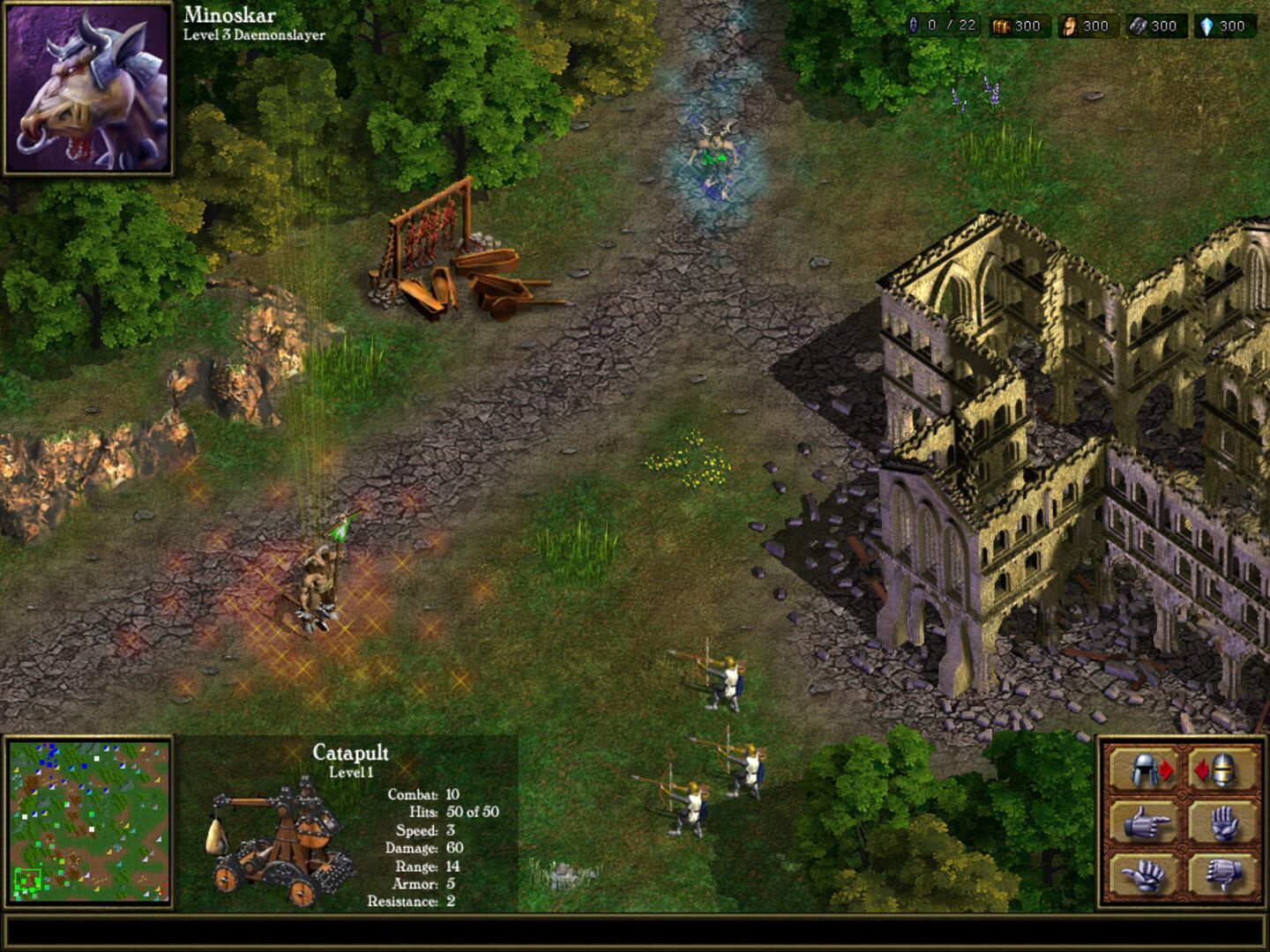
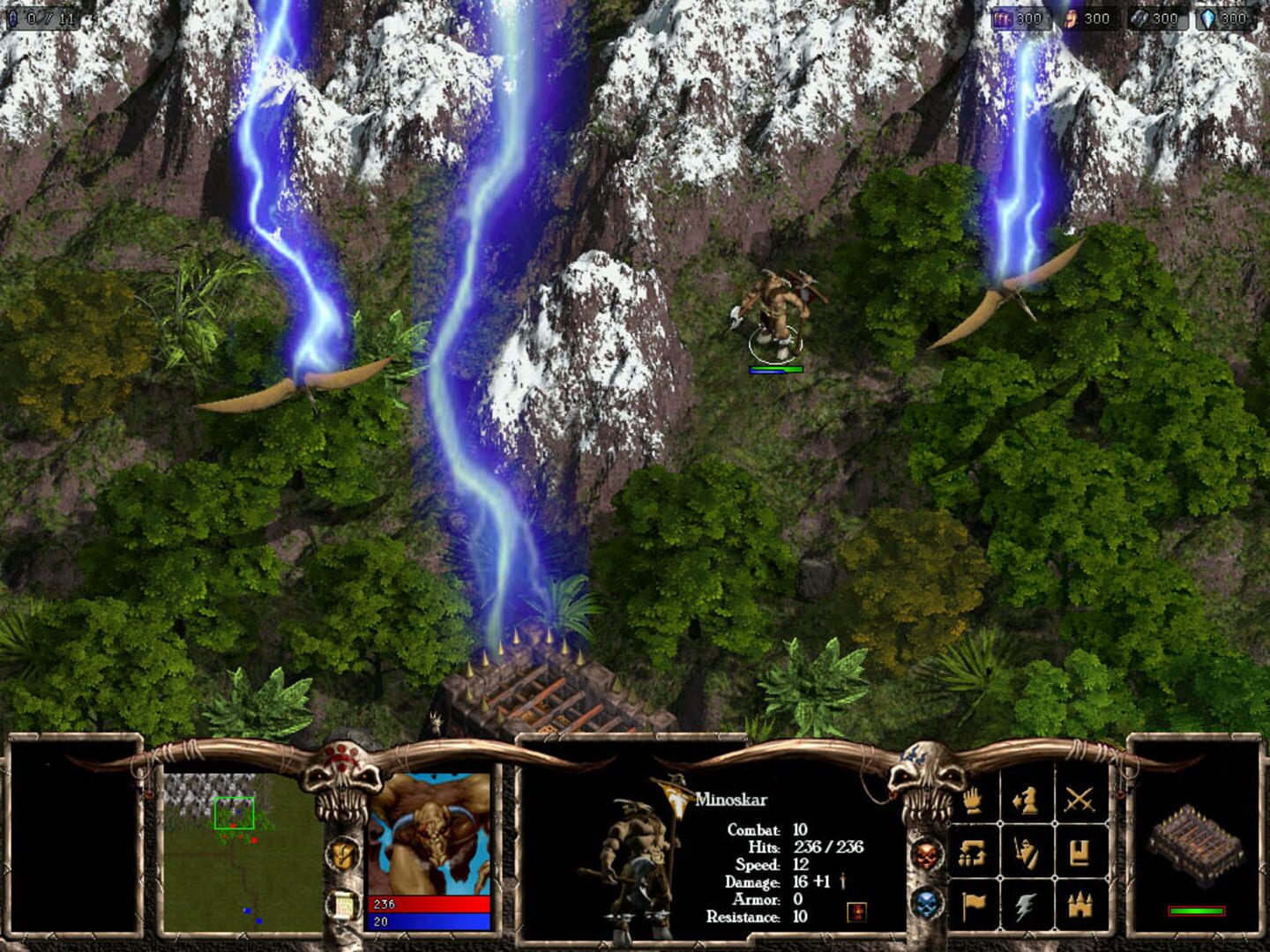
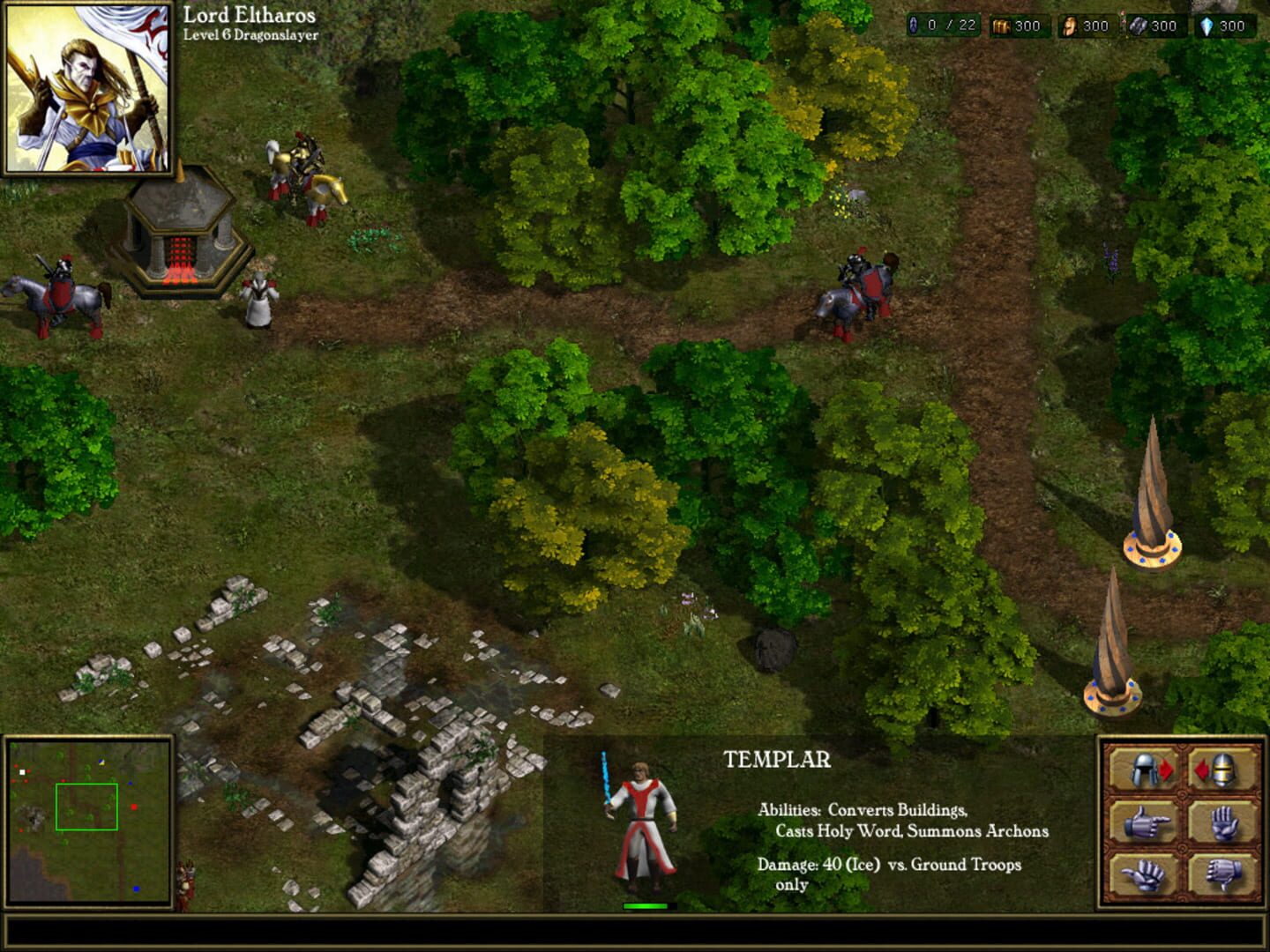
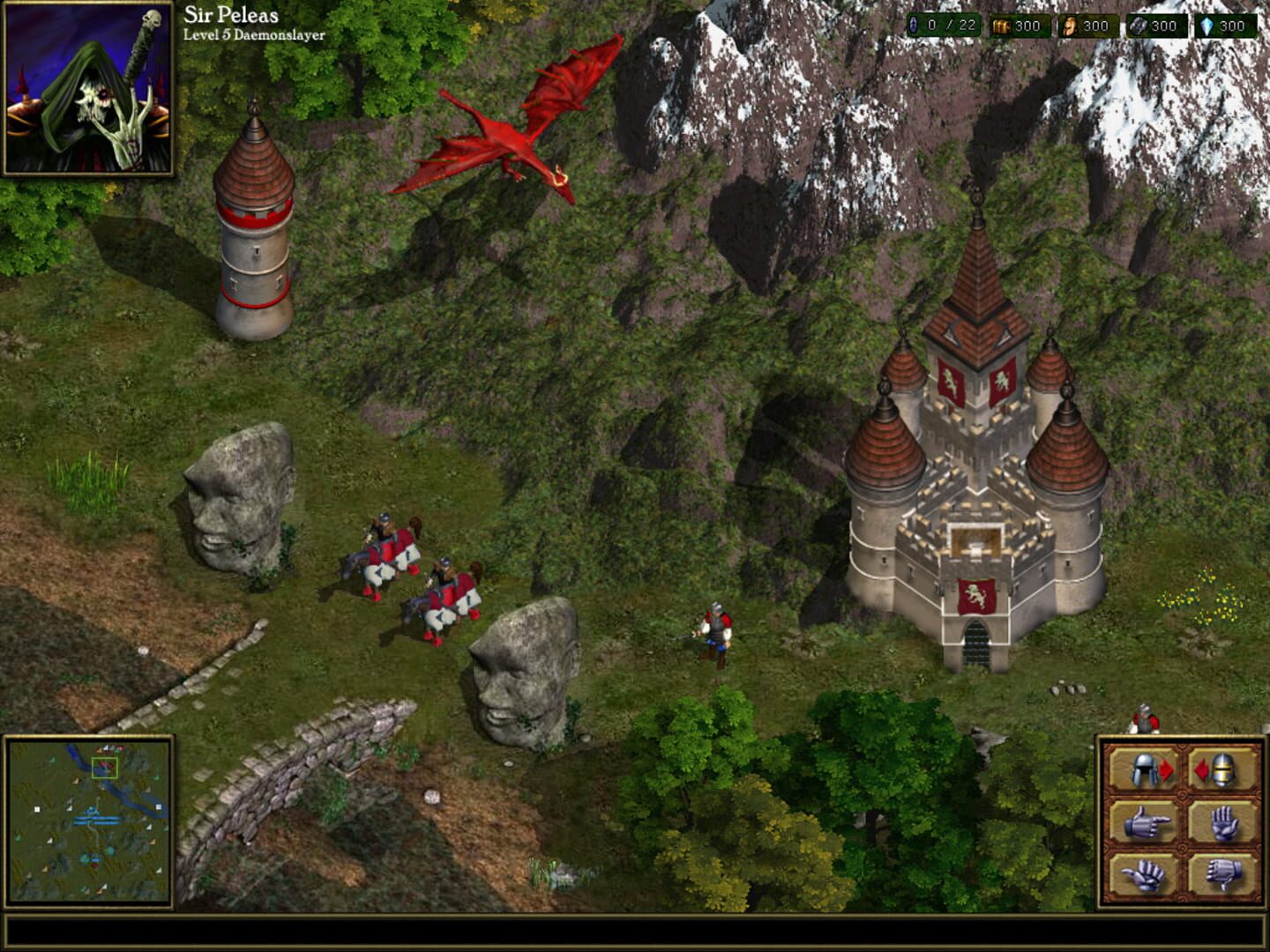
Warlords Battlecry III further expands the Battlecry tradition of featuring persistent RPG-like fantasy heroes with its retinue of loyal followers fighting massive battles in the Warlords' world of Etheria. It is a true sequel to Warlords Battlecry I & II, featuring many familiar races and troop-types, while also adding some new ones into the mix. Warlords Battlecry III continue to perfect its automated feature system, greatly reducing gameplay micromanagement and quickly proving to be the holy grail of RTS games among gamers of the genre. While being a strong RTS outright, there are also numerous activities for players to engage in between battles, such as obtaining titles and awards, trading and purchasing items & retinue members, and even an upgradeable castle to reflect your importance and influence in the world of Etheria. Extra features included in Warlords Battlecry III are specifically geared to please the legions of previous Battlecry players, including the removal of hero and unit caps, the addition of new special abilities for high-level heroes and the creation of an intuitive hero system. All of these features, coupled with new races and hero classes, new spells and items, and new building and dragons meld to form a Real-Time Strategy game that once again raises the benchmark for other games in the genre. Warlords Battlecry III is poised to receive even greater accolades than the previous award-winning titles in the Warlords Battlecry series.
Summary from IGDB
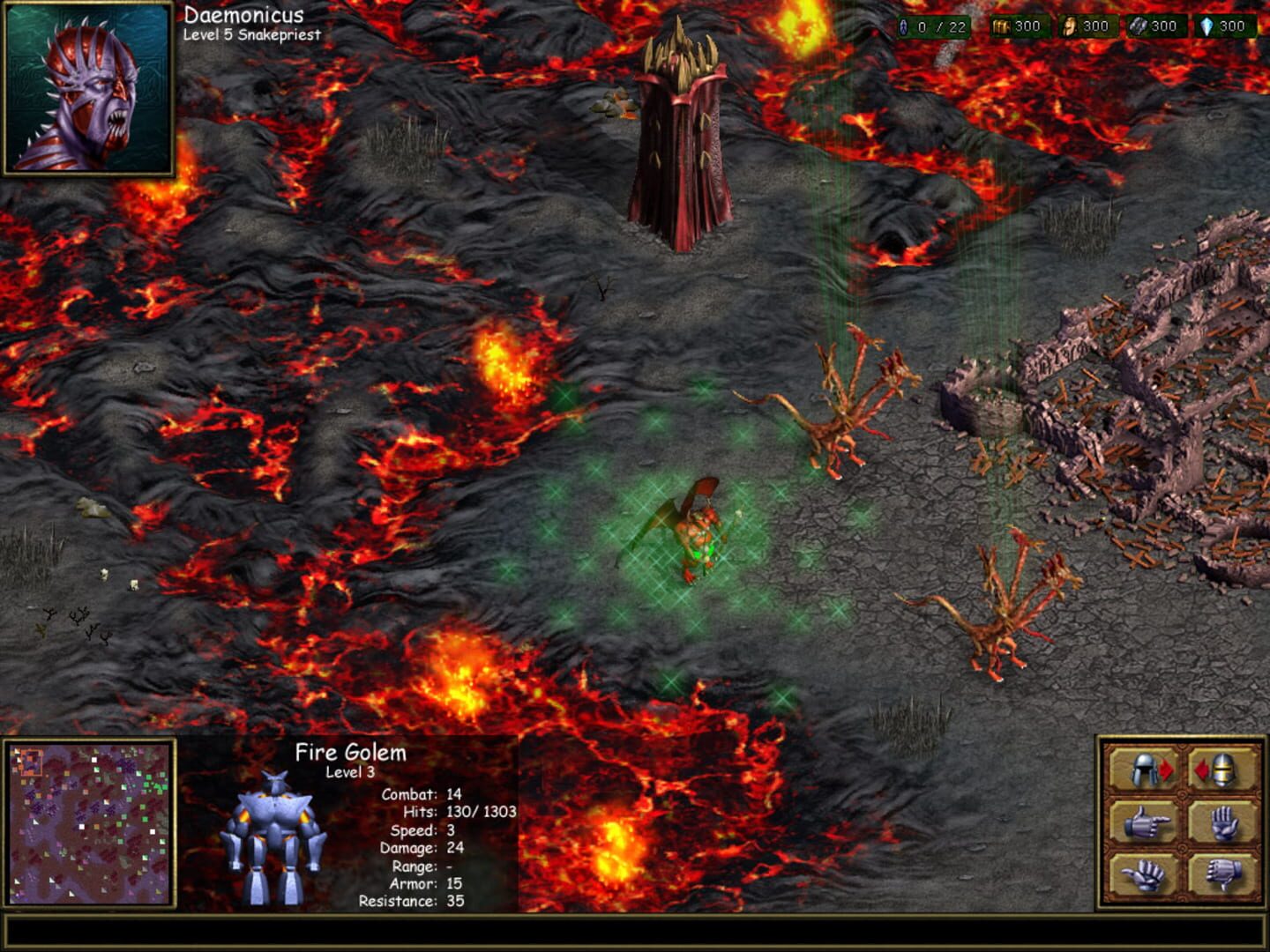
Warlords Battlecry III screenshots
Version history
- v2Current
Added controller support with a homemade c++ project. Also supports a widescreen mod now
- v1
first
Comments 0
No comments yet. Played it? Share what worked for your group.
Play these next
Browse all games
Divinity: Dragon Commander
Talos91375 downloads4
Age of Empires II: HD Edition
Zensuu2.7k downloads8
Stronghold Crusader HD
Zensuu626 downloads8
Command & Conquer: Generals - Zero Hour
messenils777 downloads8
Army Men: RTS
Zensuu154 downloads8
Anno 1404: Venice
Bizzo789 downloads8
Browse by genre: Real-time strategy · Role-playing · Strategy
Log in or create an account to comment.