Split-screen on PC
7 Days to Die
Up to 16 players on one PC, with controllers, keyboard and mouse or several keyboards and mice.
Handler “7 Days to Die” by Talos91, version 18
What works
With Nucleus Co-op, up to 16 players can play 7 Days to Die together on one PC, each in their own part of the screen, with controllers, keyboard and mouse or several keyboards and mice. The free community handler “7 Days to Die” by Talos91 does the setup and was checked by hub moderators: version 18, updated . 7 Days to Die is a shooter, role-playing and simulation game from 2024.
- Players16
- ControllersSupported
- Keyboard and mouseSupported
- Several keyboards and miceOne per player
- Hub moderatorsVerified
How to play 7 Days to Die split screen on PC
Get Nucleus Co-op
Download Nucleus Co-op, free for Windows 10 and 11, and unzip it into its own folder, for example C:\NucleusCo-op. There is no installer.
Keep it out of Program Files, your user folder and OneDrive.
Install the 7 Days to Die handler
In Nucleus Co-op, search the Hub for 7 Days to Die and install its handler, or download the handler file from this page and drop it on the Nucleus window. Then show Nucleus where 7 Days to Die is installed.
Take a seat
Each player presses a button on their own controller to join and takes a spot on the screen. Pick a layout that fits your players.
Playing with several keyboards and mice? Press End once everything is in place to give each window its own cursor.
Launch and connect
Press Launch: Nucleus opens one copy of 7 Days to Die per player and lays the windows out on your screen. Then link them in game, usually one player hosts a LAN or online session and the others join it. The handler notes say how.
What you need
- A Windows 10 or 11 PC
Nucleus Co-op runs on Windows only. System requirements
- 7 Days to Die for Windows
Installed on that PC. Nucleus starts every player's window from that one install.
- Nucleus Co-op, free
With .NET Framework 4.7.2 or later and the Visual C++ 2015–2022 runtimes (x86 and x64). Download
- Something to play with
One controller per player, or one keyboard and mouse per player. Controllers · Keyboards and mice
- A PC that can run 16 copies
Each player runs their own copy of 7 Days to Die, so the PC carries several times the usual load. Lower the graphics settings if it struggles. Performance tips
- A multiplayer mode
Nucleus links the windows through the game's own LAN or online mode; the handler takes care of it.
Handler notes
Tested and working with latest stable Steam version only.
Authors and Contributors of this handler: Pizzo and Talos91 from the Split Screen Dreams Discord.
About 7 Days to Die
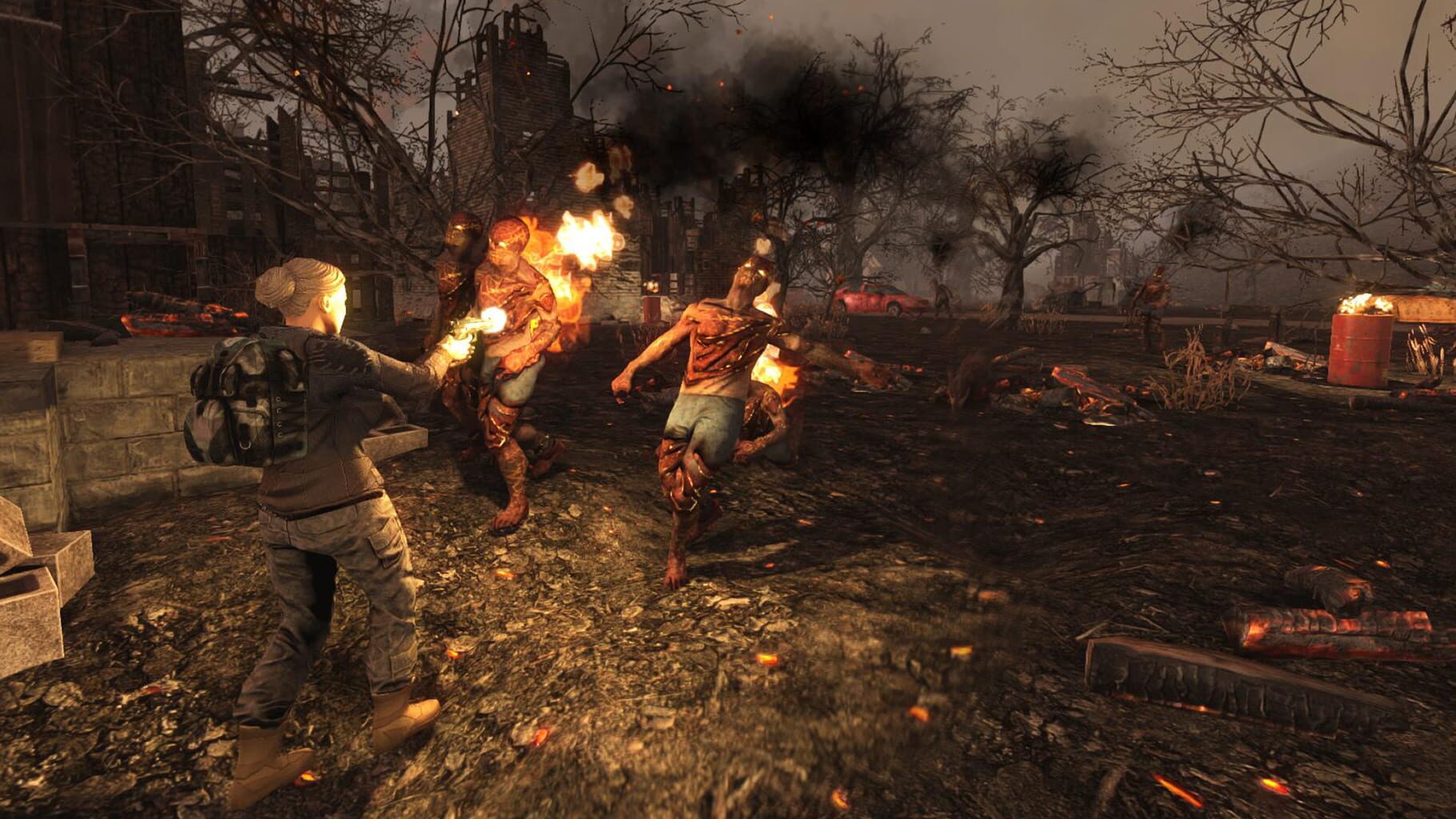
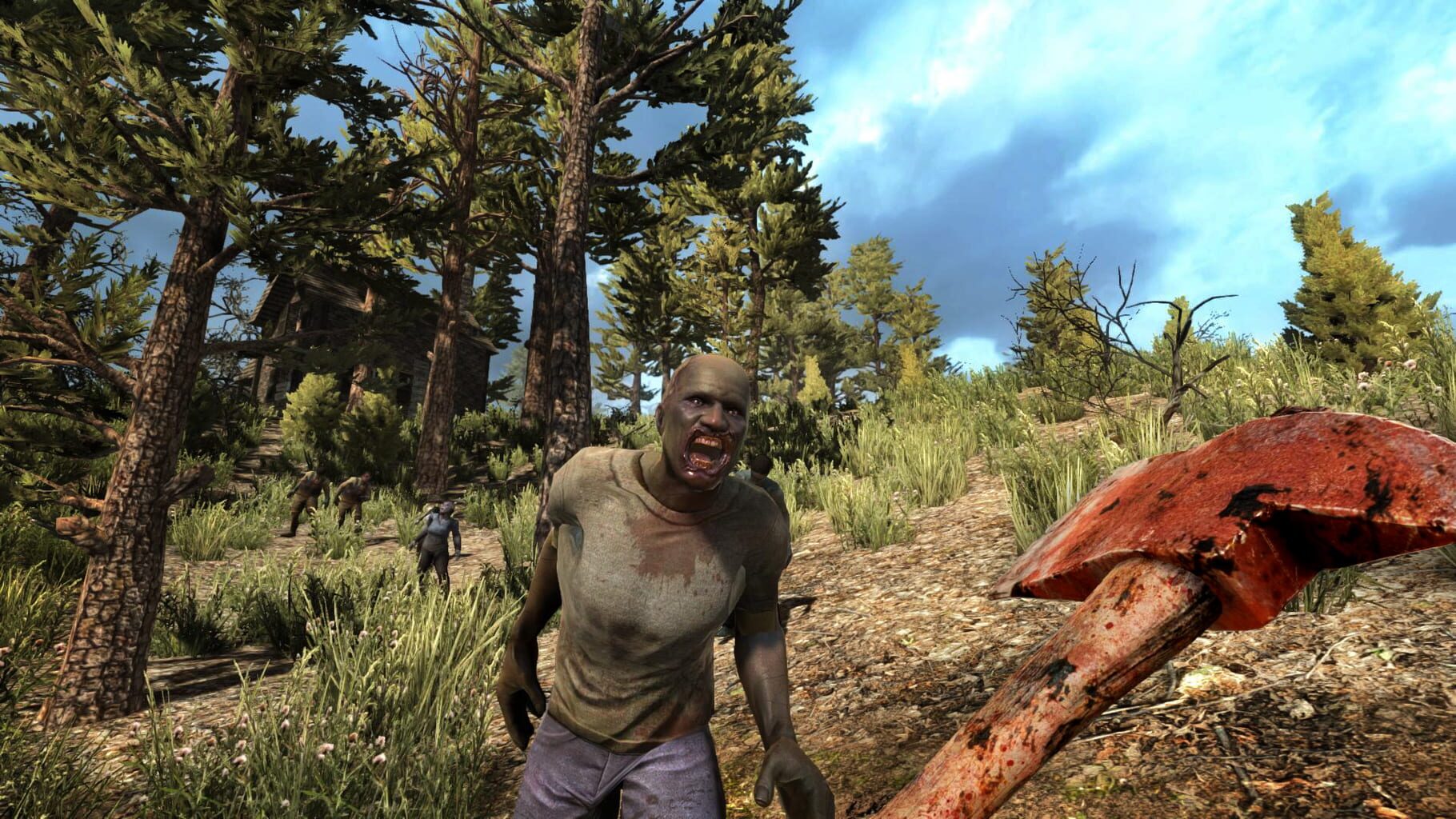
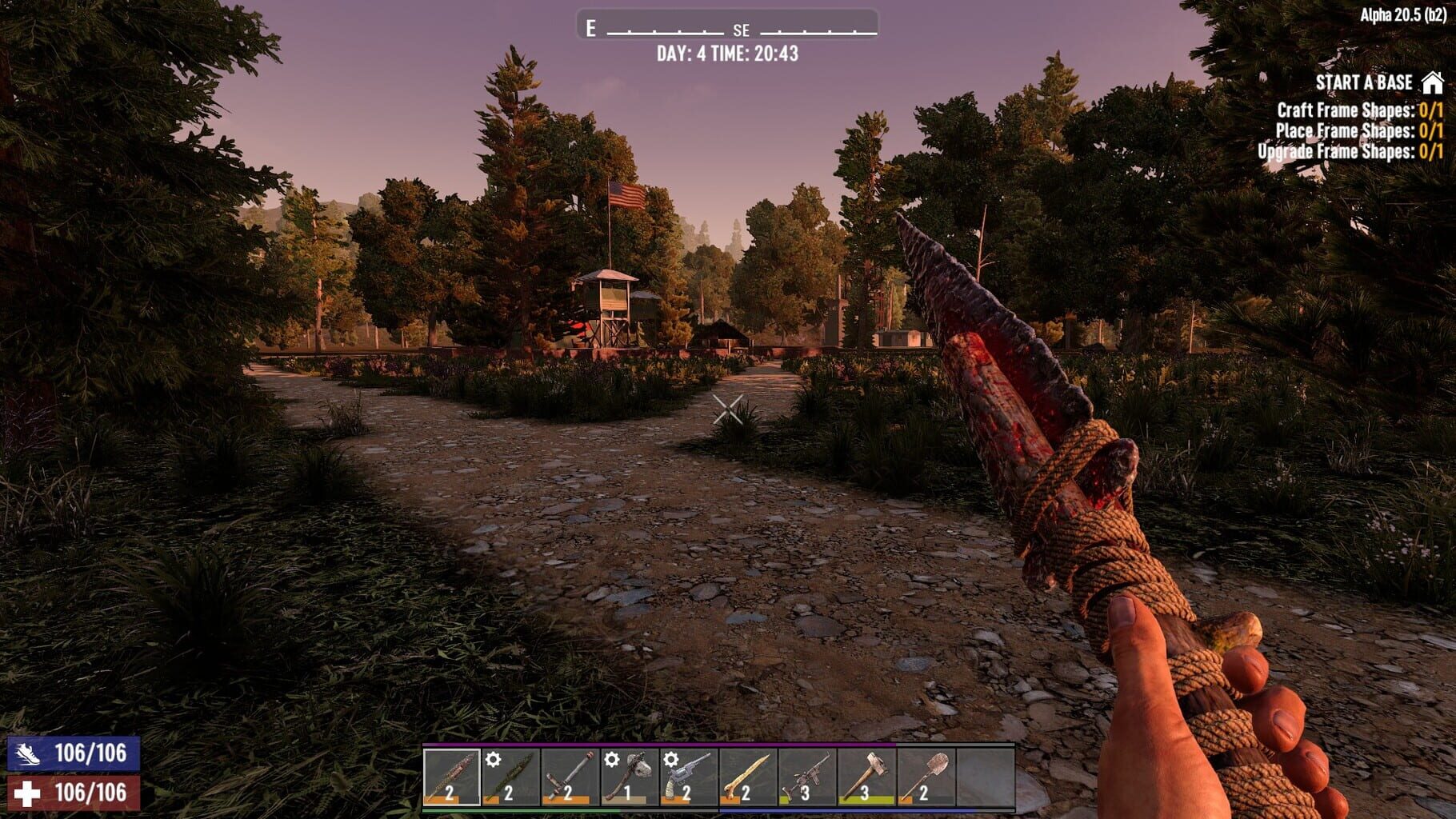
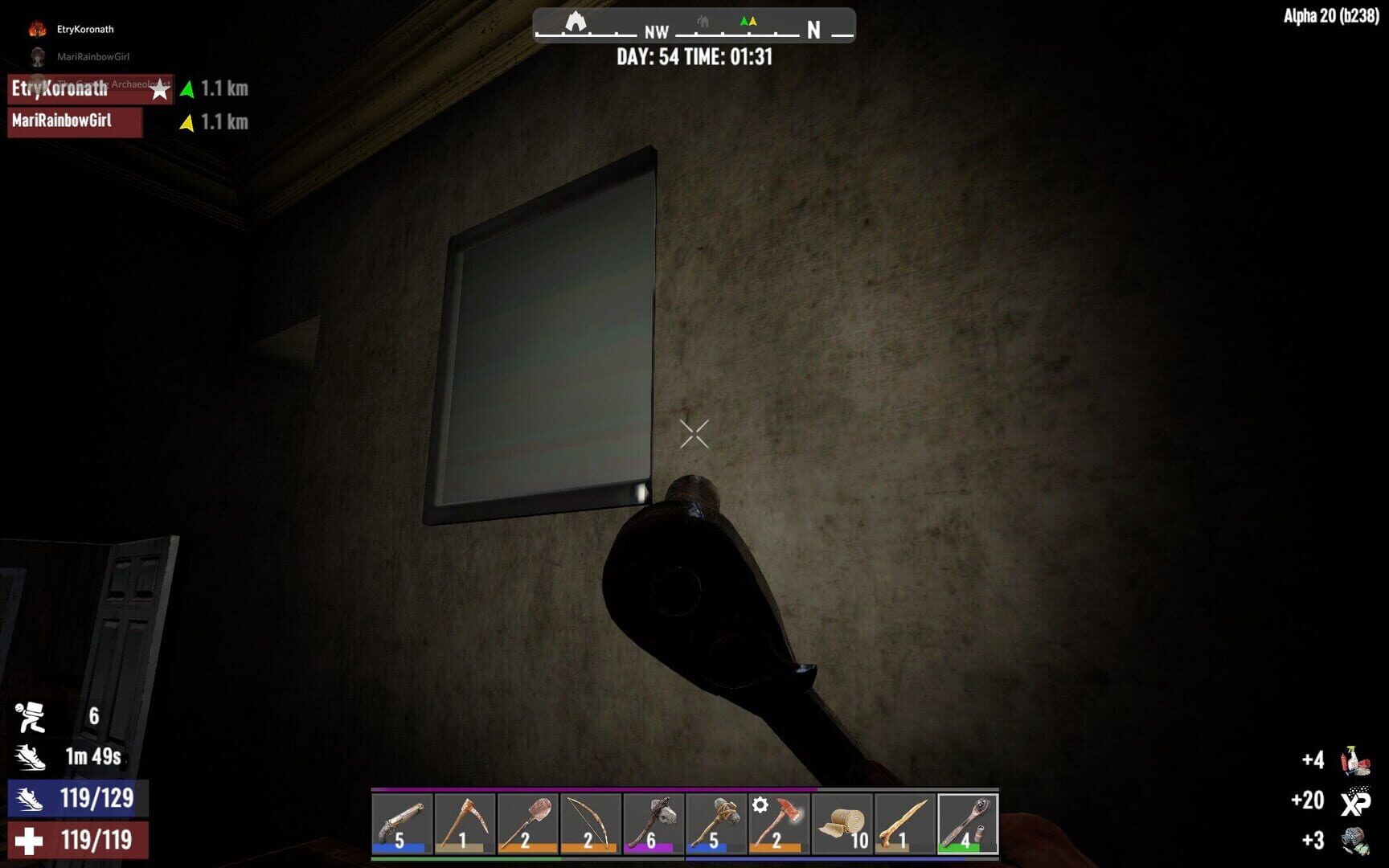
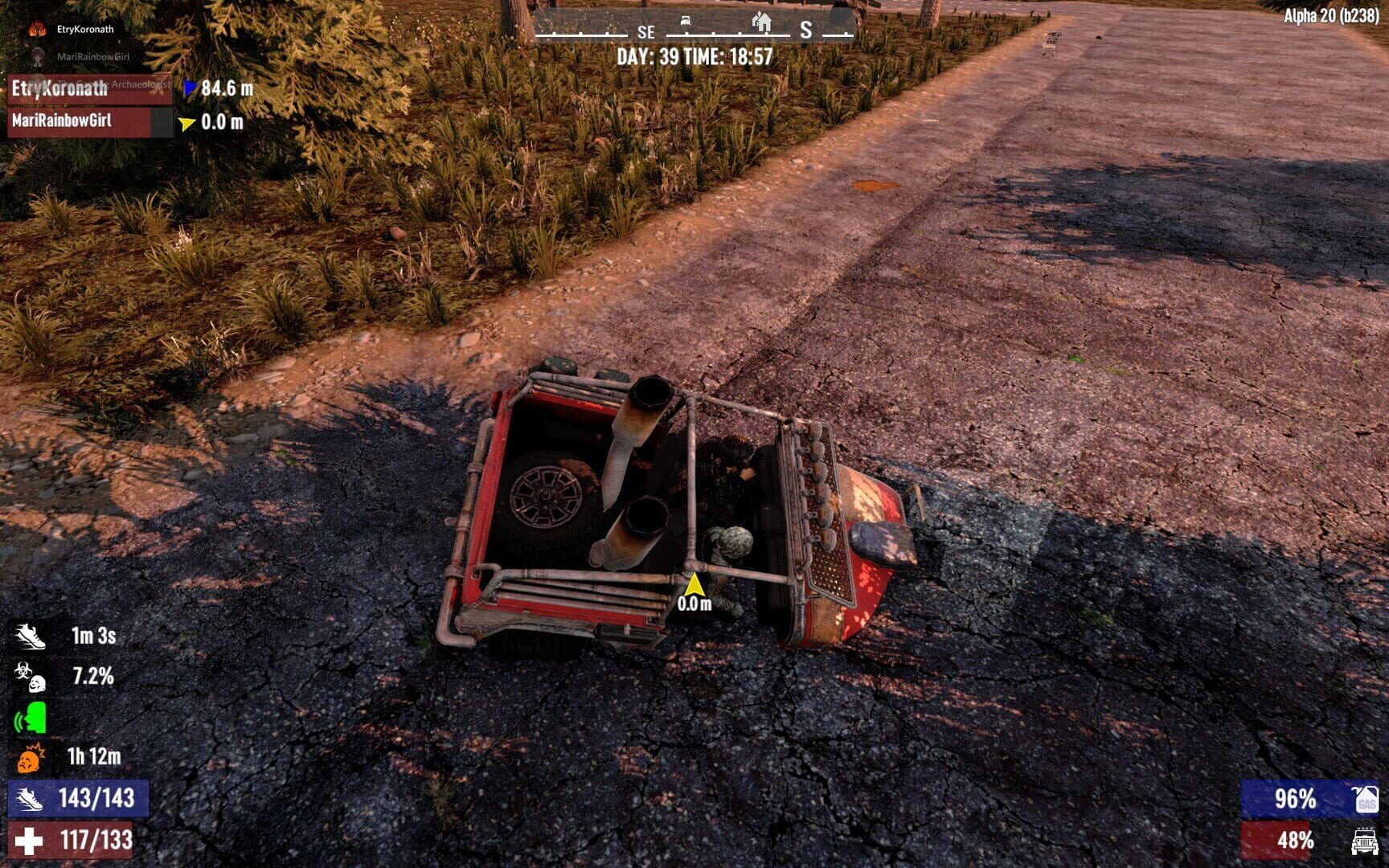
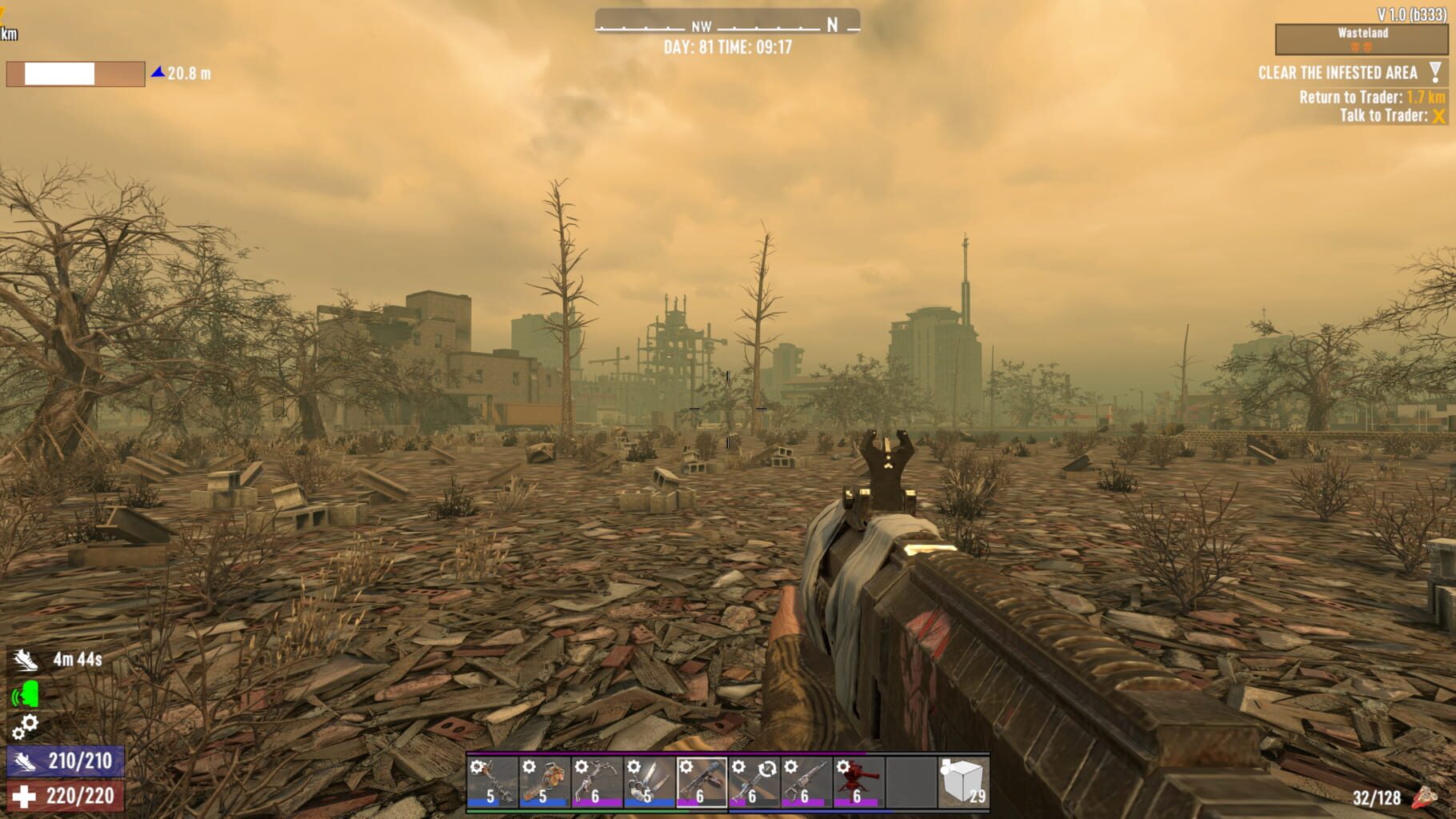
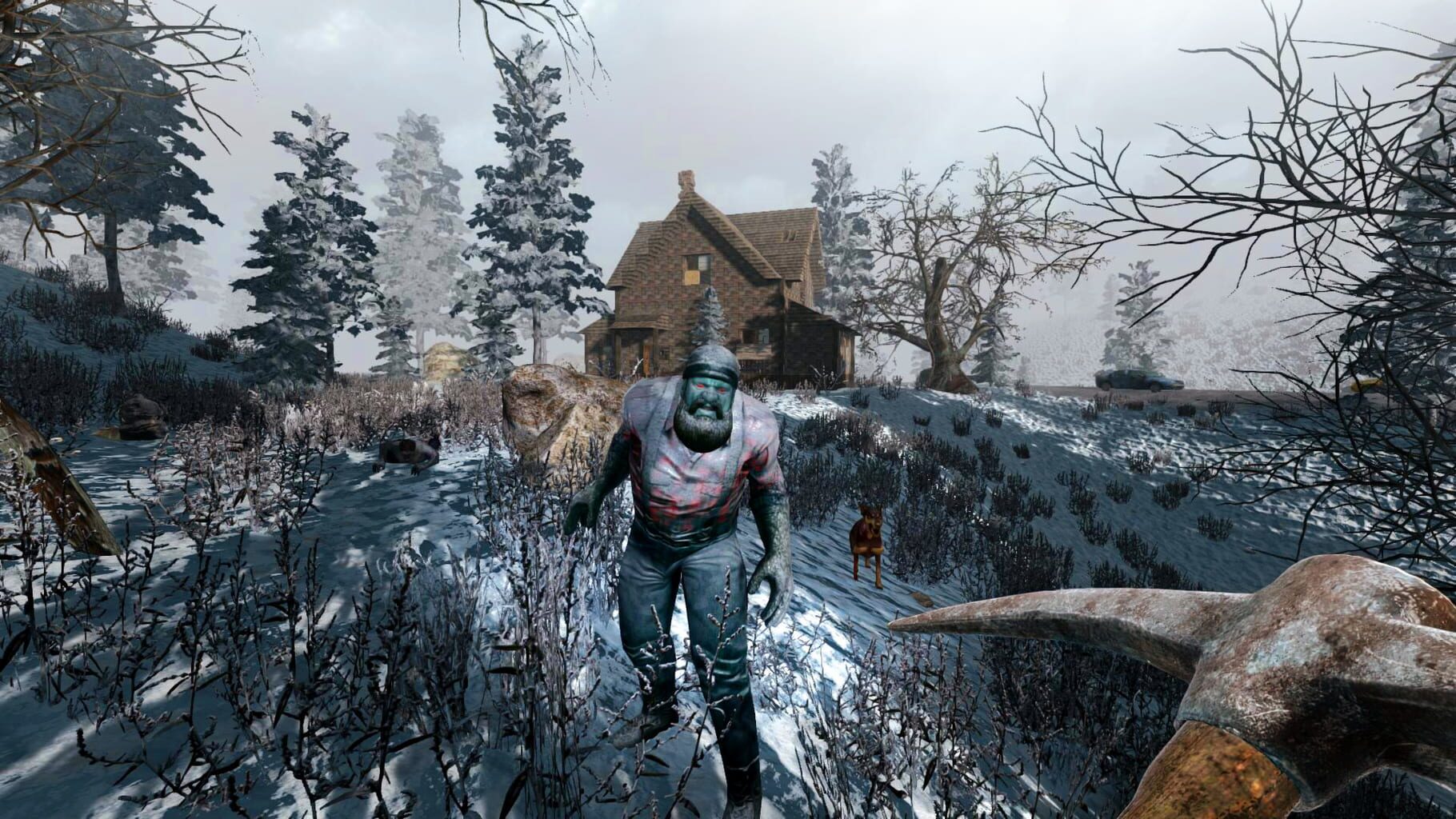
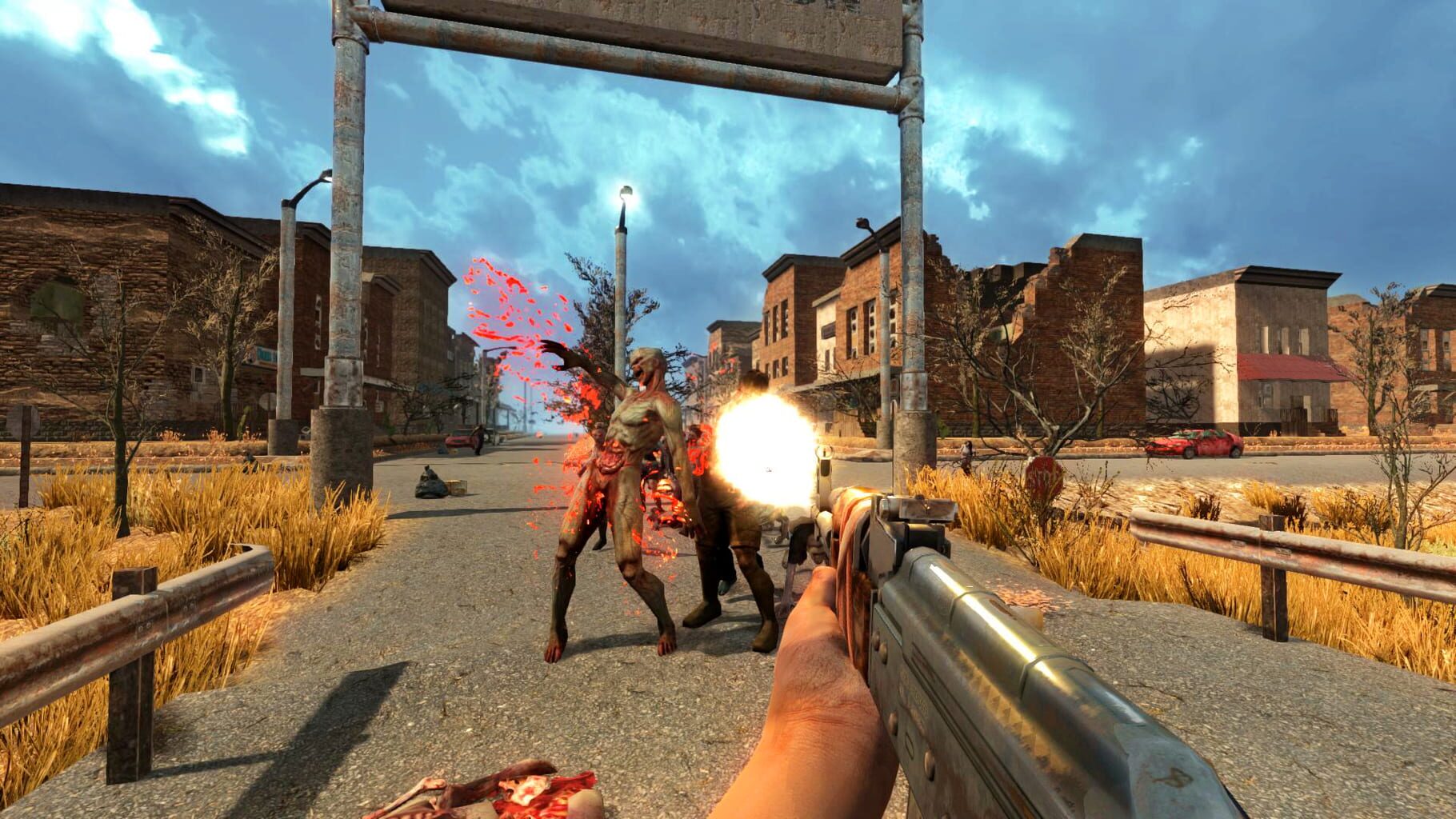
Building on survivalist and horror themes, players in 7 Days to Die can scavenge the abandoned cities of the buildable and destructable voxel world for supplies or explore the wilderness to gather raw materials to build their own tools, weapons, traps, fortifications and shelters. The horror (zombies) element makes up a large part of the game, including building and the fully destructible (voxel) environment - everything is built from blocks, similar to Minecraft, yet creating a very smooth look. With steady updates (but slow, avg. 2 major updates / year, with several minor ones in-between, mostly bug fixes) the game has steadily advanced and continues to advance in terms of graphics but even more so and more importantly, gameplay, having changed from being a mostly simple shooter and focused on elaborate crafting (changed with Alpha 12), to a full RPG experience, with Alpha 15 having introduced NPCs (traders only) and an extensive skill system and Alpha 17 introduced this as a categorized (traits-like) system. The game now also has an extensive traps, automated turrets via an electricity tier, plus a whole assortment of usable single- and multi-seating vehicles (manual and motor bikes, cars, gyrocopter) introduced in Alpha 17. The game can be played single-player (SP), multi-player (MP), co-op / PvE and PvP; game servers can be run either via the game client, or as a dedicated server with extensive configurability and number of modifications possible, including custom blocks and sounds, plus an event system, which created an active "modding" community and allows to experience the game in many different ways that were initially not intended.
Summary from IGDB
7 Days to Die screenshots
Version history
- v18Current
advanced protoinput
- v17
added 1.2 fix as an UI option.
- v16
Possible fix for game version 1.2
- v15
Gamepad fix test 4
Comments 1
excellent, well done, thanks for your work
Play these next
Browse all games
ARK: Survival Evolved
Talos9141k downloads8
Abiotic Factor
Zensuu6.2k downloads24
Aquanox: Deep Descent
birden39 downloads8
The Riftbreaker
Talos91984 downloads4
ArmA 2: Operation Arrowhead
THEKlNG202 downloads32
Mount & Blade: Warband
Zensuu2.7k downloads64
Browse by genre: Shooter · Role-playing · Simulation
Log in or create an account to comment.