Split-screen on PC
Call of Duty: Modern Warfare 2
Up to 8 players on one PC, with controllers, keyboard and mouse or several keyboards and mice.
Handler “Modern Warfare 2 Multiplayer” by Perserveruz, version 23
What works
With Nucleus Co-op, up to 8 players can play Call of Duty: Modern Warfare 2 together on one PC, each in their own part of the screen, with controllers, keyboard and mouse or several keyboards and mice. The free community handler “Modern Warfare 2 Multiplayer” by Perserveruz does the setup and was checked by hub moderators: version 23, updated . Call of Duty: Modern Warfare 2 is a shooter game from 2009.
- Players8
- ControllersSupported
- Keyboard and mouseSupported
- Several keyboards and miceOne per player
- Hub moderatorsVerified
How to play Call of Duty: Modern Warfare 2 split screen on PC
Get Nucleus Co-op
Download Nucleus Co-op, free for Windows 10 and 11, and unzip it into its own folder, for example C:\NucleusCo-op. There is no installer.
Keep it out of Program Files, your user folder and OneDrive.
Install the Call of Duty: Modern Warfare 2 handler
In Nucleus Co-op, search the Hub for Call of Duty: Modern Warfare 2 and install its handler, or download the handler file from this page and drop it on the Nucleus window. Then show Nucleus where Call of Duty: Modern Warfare 2 is installed.
Take a seat
Each player presses a button on their own controller to join and takes a spot on the screen. Pick a layout that fits your players.
Playing with several keyboards and mice? Press End once everything is in place to give each window its own cursor.
Launch and connect
Press Launch: Nucleus opens one copy of Call of Duty: Modern Warfare 2 per player and lays the windows out on your screen. Then link them in game, usually one player hosts a LAN or online session and the others join it. The handler notes say how.
What you need
- A Windows 10 or 11 PC
Nucleus Co-op runs on Windows only. System requirements
- Call of Duty: Modern Warfare 2 for Windows
Installed on that PC. Nucleus starts every player's window from that one install.
- Nucleus Co-op, free
With .NET Framework 4.7.2 or later and the Visual C++ 2015–2022 runtimes (x86 and x64). Download
- Something to play with
One controller per player, or one keyboard and mouse per player. Controllers · Keyboards and mice
- A PC that can run 8 copies
Each player runs their own copy of Call of Duty: Modern Warfare 2, so the PC carries several times the usual load. Lower the graphics settings if it struggles. Performance tips
- A multiplayer mode
Nucleus links the windows through the game's own LAN or online mode; the handler takes care of it.
Handler notes
This handler supports the IW4x client for Call of Duty Modern Warfare 2 and supports up to 8 player split screen, aim assist, bots offline and multiplayer online, as well as multiple keyboards/mice. Special Ops and co-op are not supported for the time being.
The following is required:
-
Call of Duty Modern Warfare 2 game files in English (support will only be provided for the original Steam version).
-
Nucleus v2.1.2 and above.
-
IW4x raw files, current version 0.2.21 (the password to extract the files is 1234).
- IW4x DLC map pack (optional but recommended) (the password to extract the files is 1234).
- DLC Maps Part 1 https://www.mediafire.com/file/tixq1rhyc23x8h0/DLC_Maps.part1.rar/file
- DLC Maps Part 2 https://www.mediafire.com/file/7cfxsn9a3oppdkl/DLC_Maps.part2.rar/file
- DLC Maps Part 3 https://www.mediafire.com/file/hj4vi1qmejbfuka/DLC_Maps.part3.rar/file
- DLC Maps Part 4 https://www.mediafire.com/file/d8hsertz0mth9dz/DLC_Maps.part4.rar/file
- DLC Maps Part 5 https://www.mediafire.com/file/cuuqbn8ddtnfjho/DLC_Maps.part5.rar/file
You will need to extract the iw4x raw files and the DLC maps to the Call of Duty Modern Warfare 2/iw4x handler folder. The password to extract the DLC maps is 1234.
How to setup a dedicated match:
- Setup your instances by assigning your desired number of gamepads and/or mice&keyboards.
- Once done press next to choose the settings (game mode, map, number of bots, skills etc.) for your dedicated LAN server and press play. Once your instances have finished resizing and repositioning, press F2 or press the SELECT+X button on the first player's gamepad to connect to the dedicated LAN server. This will connect all your instances automatically.
- If two or more instances are using mouse/keyboard, you will need to lock input by pressing the end key. Press the end key again to unlock the input. Please note that if the input is locked then F2/SELECT+X button may not work so only lock input by pressing the end key once everyone is connected to the match.
- Once your instances are in the match, you can quickly restart the match by simply pressing F3 or by pressing the SELECT+Y buttons on the first player's gamepad (keep in mind that F3/SELECT+Y button may not work if the instances are locked).
- Online play on IW4x servers also works, however you will need to select None under the "Launch dedicated server" option.
- To play over LAN, the guest PC will need to select the last 1-3 digits of the Host PC's IP address and press F2 or press the SELECT+X buttons on the first player's gamepad once all the instances have finished positioning/resizing.
CREDITS
- X Labs dev team for making the IW4x modded client and for all their hard work, dedication and continued support.
- SpecialK dev team for their amazing d3d wrapper.
- PoundlandBacon and rip3535 for introducing me to Autoit and it's many neat features.
- Catwaii for the GUID fix
About Call of Duty: Modern Warfare 2
Call of Duty: Modern Warfare 2 is a first-person shooter video game developed by Infinity Ward and published by Activision for the Xbox 360 and PlayStation 3 video game consoles and the Microsoft Windows operating system. Officially announced on February 11, 2009, the game was released worldwide on November 10, 2009. It is the sixth installment of the Call of Duty series and the direct sequel to Call of Duty 4: Modern Warfare, continuing the same storyline, with Call of Duty: Modern Warfare 3 set to end the storyline.
Summary from IGDB
Call of Duty: Modern Warfare 2 screenshots
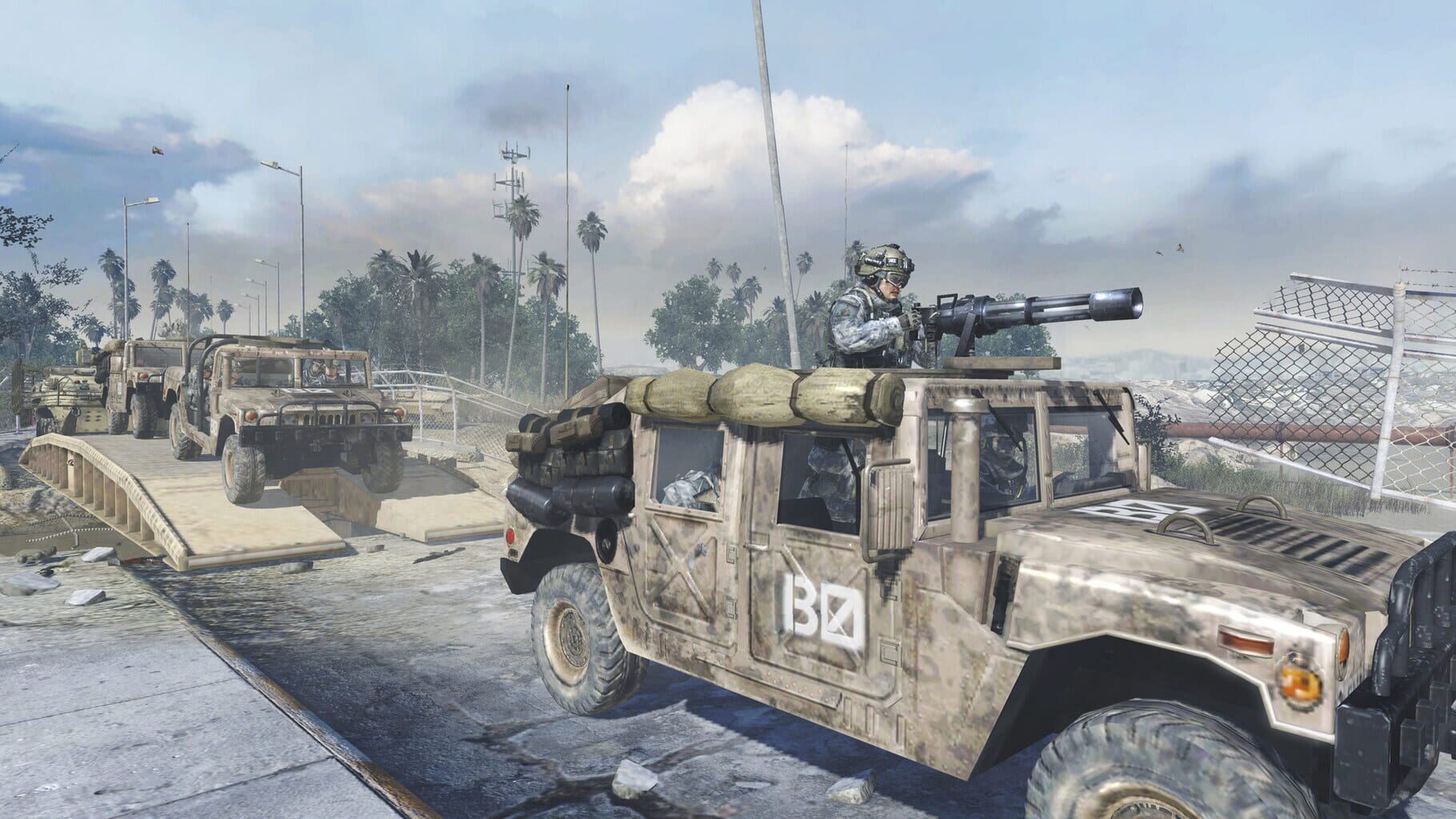

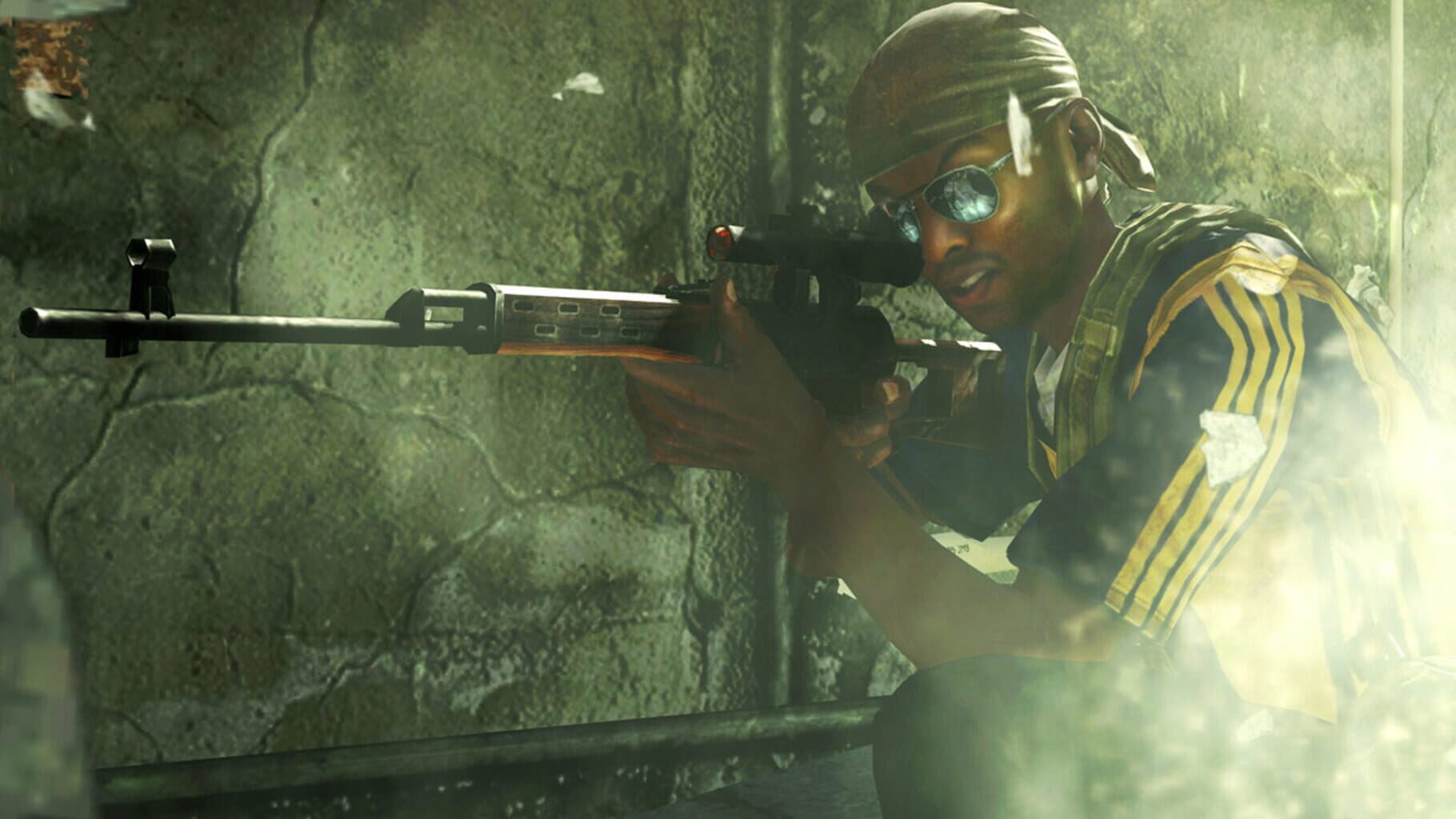
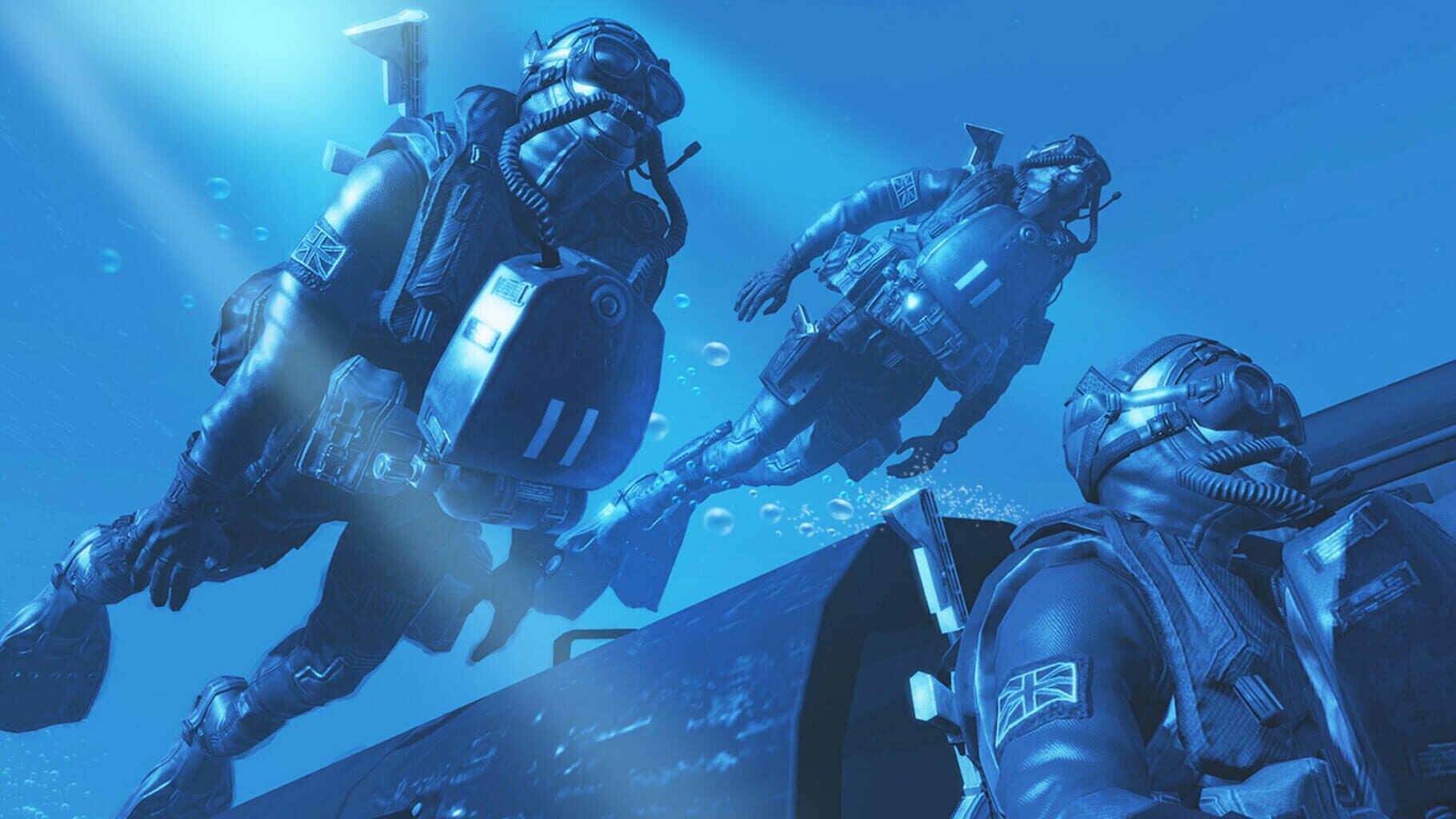

Version history
- v23Current
Added option to assign the number of allied and axis bots separately
- v22
updated iw4x to latest version, making it possible to connect to online servers once again. Replaced joytokey with autoit for all hotkeys (including for gamepad). Fixed mouse/keyboard input lock.
- v21
updated iw4x to latest version, making it possible to connect to online servers once again. Replaced joytokey with autoit for all hotkeys (including for gamepad)
- v20
- Fixed FOV option - Added third person view option - Fixed and updated the bots mod - it is now possible to change teams during match, and bots will only enter match once a player has connected - Updated IW4x to latest version (massive credit goes to Catwaii for fixing the GUID…
Comments 7
Hi, the handler works incredibly well for the steam version with the iw4x client, but my idea was mainly to play in third person and there is no option for this in nucleus, is there a way to play in third person in split screen with this handler?
I confirm there now is.
Hello, is it possible to have more server option, map rotation, score limit, hardcore mode than kind of stuff. And can the F2 key to join be change to something else. it would be nice to still be able to view challenge in create a class menu other than that. cool shit dude.
Any news on this? I would also like more server options.
Just a heads up. I wasn't able to get the dlc maps working at first because the linked map packs are missing the zone/dlc folders. I was able to get these by downloading them directly from the IW4x dlc store http://dlc-store.rf.gd/IW4x.html?i=1
Hi Please add a handler for spec ops section .
Other handlers for Call of Duty: Modern Warfare 2
Play these next
Browse all games
Gears of War Redux
birden15k downloads8
ARK: Survival Evolved
Talos9141k downloads8
Slime Rancher Multiplayer Mod
Talos9111k downloads8
Call of Duty: Black Ops 4
birden11k downloads8
Call of Duty: Ghosts
birden8.1k downloads8
Halo Infinite Multiplayer
birden7.6k downloads8
Browse by genre: Shooter
Log in or create an account to comment.