Call of Duty: Modern Warfare 2 · community handler
Modern Warfare 2 Campaign Co-op
Up to 2 players on one PC, with keyboard and mouse or several keyboards and mice.
Handler by birden, version 1
What works
With Nucleus Co-op, up to 2 players can play Call of Duty: Modern Warfare 2 together on one PC, each in their own part of the screen, with keyboard and mouse or several keyboards and mice. The free community handler “Modern Warfare 2 Campaign Co-op” by birden does the setup and was checked by hub moderators: version 1, updated . Call of Duty: Modern Warfare 2 is a shooter game from 2009.
- Players2
- ControllersNot supported
- Keyboard and mouseSupported
- Several keyboards and miceOne per player
- Hub moderatorsVerified
How to play Call of Duty: Modern Warfare 2 split screen on PC
Get Nucleus Co-op
Download Nucleus Co-op, free for Windows 10 and 11, and unzip it into its own folder, for example C:\NucleusCo-op. There is no installer.
Keep it out of Program Files, your user folder and OneDrive.
Install the Call of Duty: Modern Warfare 2 handler
In Nucleus Co-op, search the Hub for Call of Duty: Modern Warfare 2 and install its handler, or download the handler file from this page and drop it on the Nucleus window. Then show Nucleus where Call of Duty: Modern Warfare 2 is installed.
Take a seat
Each player joins with their own keyboard and mouse and takes a spot on the screen. Pick a layout that fits your players.
Playing with several keyboards and mice? Press End once everything is in place to give each window its own cursor.
Launch and connect
Press Launch: Nucleus opens one copy of Call of Duty: Modern Warfare 2 per player and lays the windows out on your screen. Then link them in game, usually one player hosts a LAN or online session and the others join it. The handler notes say how.
What you need
- A Windows 10 or 11 PC
Nucleus Co-op runs on Windows only. System requirements
- Call of Duty: Modern Warfare 2 for Windows
Installed on that PC. Nucleus starts every player's window from that one install.
- Nucleus Co-op, free
With .NET Framework 4.7.2 or later and the Visual C++ 2015–2022 runtimes (x86 and x64). Download
- Something to play with
One keyboard and mouse per player. Controllers · Keyboards and mice
- A PC that can run 2 copies
Each player runs their own copy of Call of Duty: Modern Warfare 2, so the PC carries several times the usual load. Lower the graphics settings if it struggles. Performance tips
- A multiplayer mode
Nucleus links the windows through the game's own LAN or online mode; the handler takes care of it.
Handler notes
Handler for CO-OP CAMPAIGN/SPECIAL OPS.
Video showcase/tutorial: https://youtu.be/Er911SArrDE
THIS IS MADE FOR THE LEGIT STEAM VERSION, ANY OTHER VERSION YOU WILL HAVE PROBLEMS --DON'T ASK FOR HELP WITH THEM--.
The Co-op campaign/Spec Ops Mod can only be played with multiple keyboards/mice and has a 2 PLAYER MAX CAP.
The main focus of the mod included in the handler is Co-op campaign. Spec Ops has some problems.
The handler uses names.exe, Prompt.exe, Prompt2.exe, Prompt3.exe and timer.exe, they are made for a better experience in split-screen, they may be flagged by Windows Security as threats/viruses, so if this happens, no need to panic as they are none other than false positives. If they get deleted by your AV, just disable your AV when you are downloading the handler or restore the files and allow them under Windows Security, the files are needed else you will be getting a crash at the start.
Handler based on Perserveruz MW2 MP handler and thanks to k7Ysh5A _4.1. and others who made the Co-op campaign mod.
About Call of Duty: Modern Warfare 2
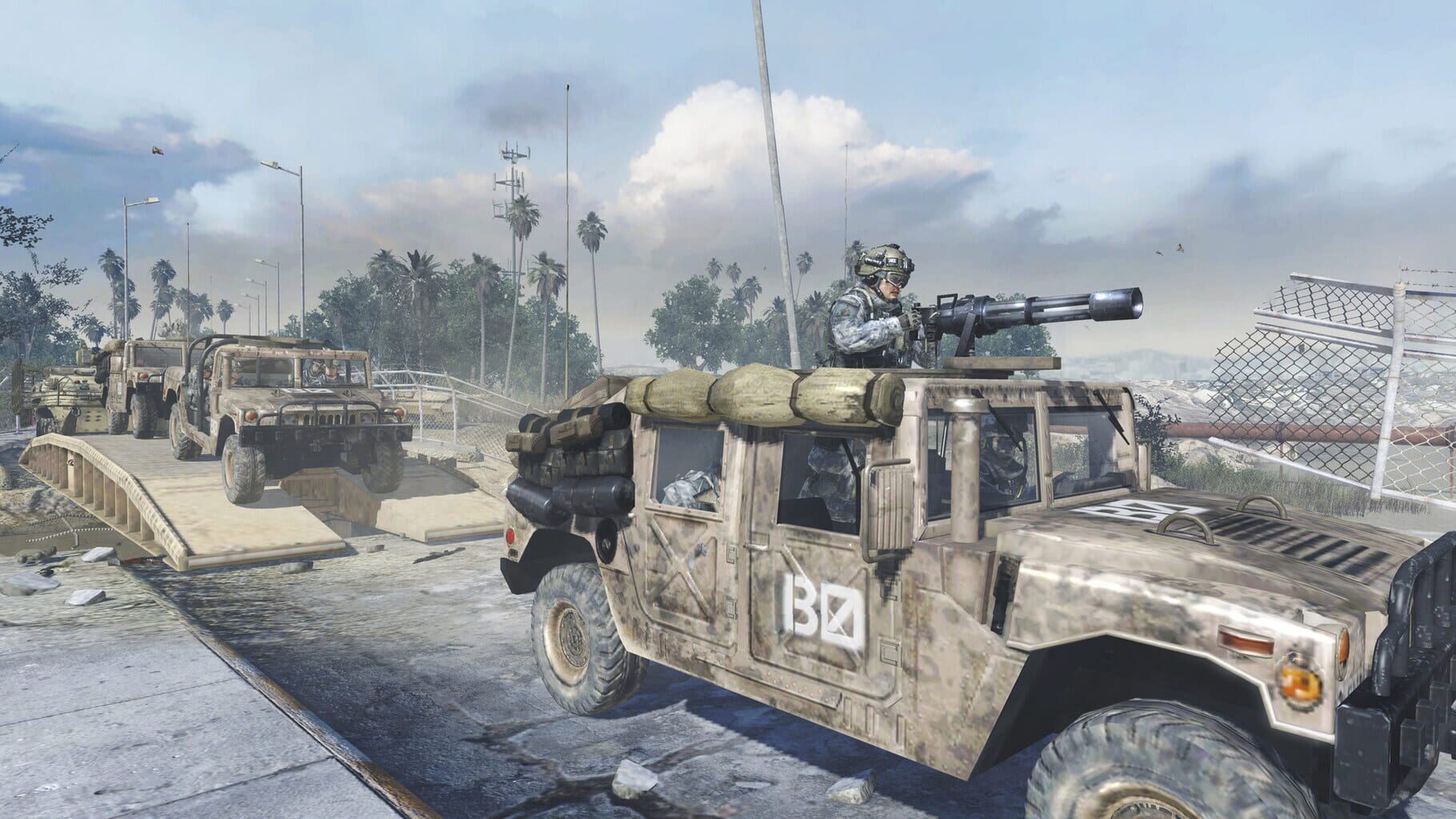
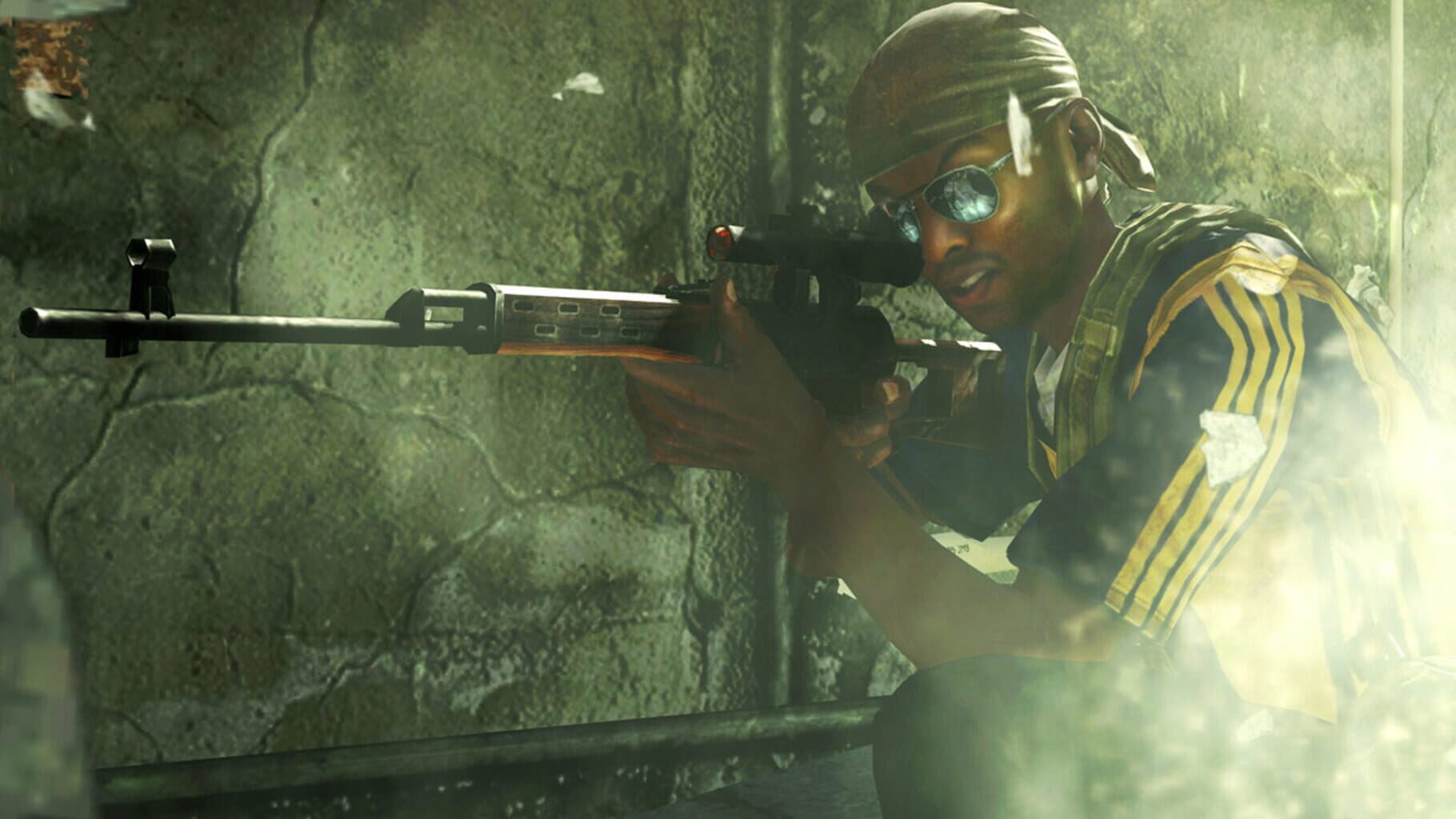
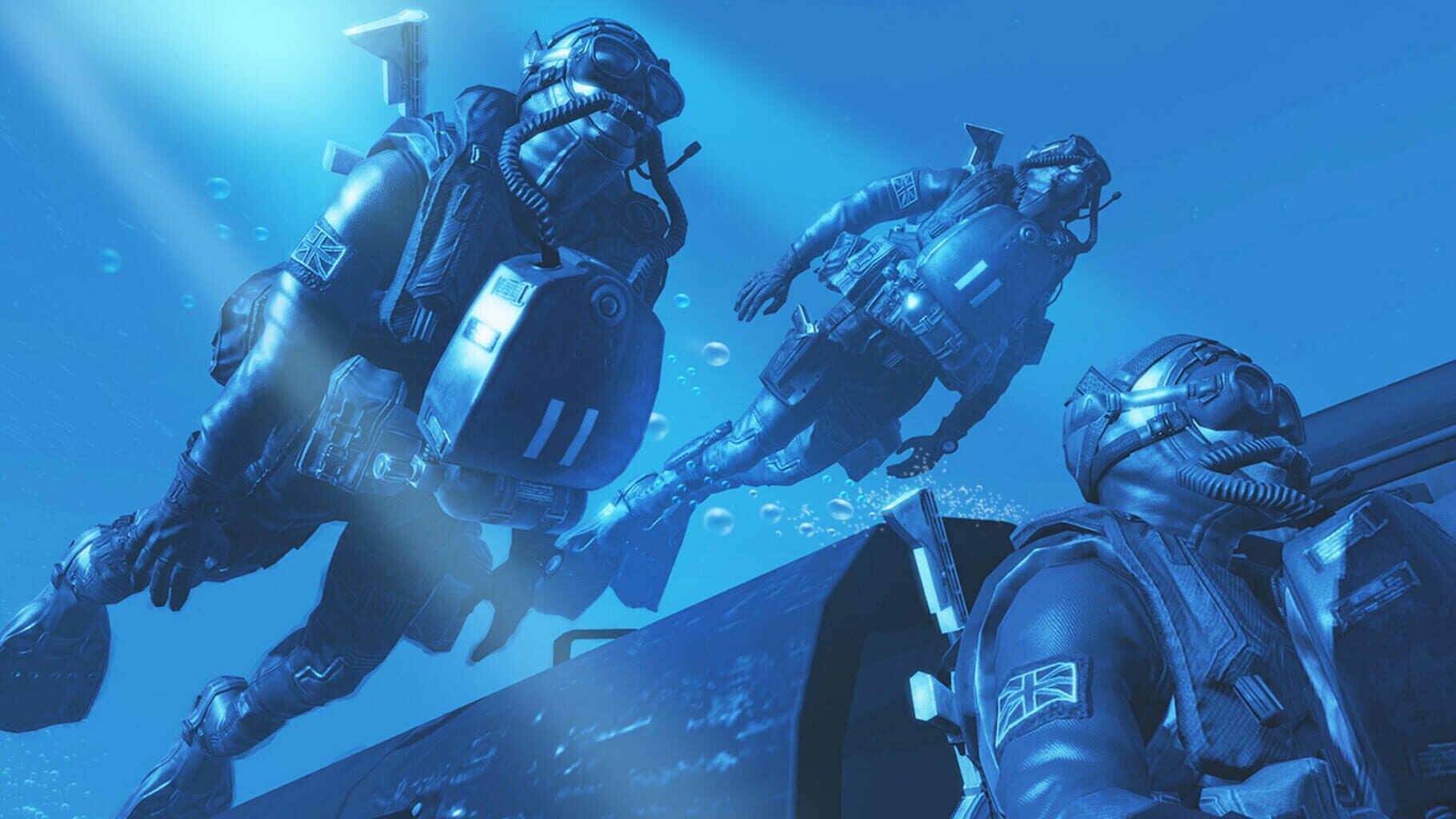
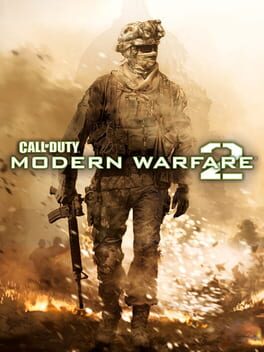
Call of Duty: Modern Warfare 2 is a first-person shooter video game developed by Infinity Ward and published by Activision for the Xbox 360 and PlayStation 3 video game consoles and the Microsoft Windows operating system. Officially announced on February 11, 2009, the game was released worldwide on November 10, 2009. It is the sixth installment of the Call of Duty series and the direct sequel to Call of Duty 4: Modern Warfare, continuing the same storyline, with Call of Duty: Modern Warfare 3 set to end the storyline.
Summary from IGDB
Call of Duty: Modern Warfare 2 screenshots


Version history
- v1Current
release
Comments 2
THANK YOU SO MUCH FOR THIS MAN!!!!!!!!!!!!!!!!!!!!!!!!!!!!!!!!!!!!!!!!!!!!!!!!!!
For some reason the mission "big brother" won't load and just crashes?
More handlers for Call of Duty: Modern Warfare 2
Play these next
Browse all games
Saints Row IV
Talos9153k downloads2
Saints Row: The Third
Talos9137k downloads2
Saints Row: The Third Remastered
Talos9112k downloads2
Resident Evil: Revelations 2
Talos916.4k downloads2
Tom Clancy's Splinter Cell: Conviction
Talos9114k downloads2
Orcs Must Die! 3
PoundlandBacon4.6k downloads2
Browse by genre: Shooter
Log in or create an account to comment.