Split-screen on PC
Chivalry: Deadliest Warrior
Up to 32 players on one PC, with controllers, keyboard and mouse or several keyboards and mice.
Handler “Chivalry: Deadliest Warrior” by Zensuu, version 5
What works
With Nucleus Co-op, up to 32 players can play Chivalry: Deadliest Warrior together on one PC, each in their own part of the screen, with controllers, keyboard and mouse or several keyboards and mice. The free community handler “Chivalry: Deadliest Warrior” by Zensuu does the setup and was checked by hub moderators: version 5, updated . Chivalry: Deadliest Warrior is a shooter, hack and slash and indie game from 2013.
- Players32
- ControllersSupported
- Keyboard and mouseSupported
- Several keyboards and miceOne per player
- Hub moderatorsVerified
How to play Chivalry: Deadliest Warrior split screen on PC
Get Nucleus Co-op
Download Nucleus Co-op, free for Windows 10 and 11, and unzip it into its own folder, for example C:\NucleusCo-op. There is no installer.
Keep it out of Program Files, your user folder and OneDrive.
Install the Chivalry: Deadliest Warrior handler
In Nucleus Co-op, search the Hub for Chivalry: Deadliest Warrior and install its handler, or download the handler file from this page and drop it on the Nucleus window. Then show Nucleus where Chivalry: Deadliest Warrior is installed.
Take a seat
Each player presses a button on their own controller to join and takes a spot on the screen. Pick a layout that fits your players.
Playing with several keyboards and mice? Press End once everything is in place to give each window its own cursor.
Launch and connect
Press Launch: Nucleus opens one copy of Chivalry: Deadliest Warrior per player and lays the windows out on your screen. Then link them in game, usually one player hosts a LAN or online session and the others join it. The handler notes say how.
What you need
- A Windows 10 or 11 PC
Nucleus Co-op runs on Windows only. System requirements
- Chivalry: Deadliest Warrior for Windows
Installed on that PC. Nucleus starts every player's window from that one install.
- Nucleus Co-op, free
With .NET Framework 4.7.2 or later and the Visual C++ 2015–2022 runtimes (x86 and x64). Download
- Something to play with
One controller per player, or one keyboard and mouse per player. Controllers · Keyboards and mice
- A PC that can run 32 copies
Each player runs their own copy of Chivalry: Deadliest Warrior, so the PC carries several times the usual load. Lower the graphics settings if it struggles. Performance tips
- A multiplayer mode
Nucleus links the windows through the game's own LAN or online mode; the handler takes care of it.
Handler notes
◦ Supports xinput gamepads and multiple mice and keyboards.
◦ Supports and includes the Blackknight and Instagib mods.
◦ Includes UI options for hosting a server and changing server settings.
◦ Unlike the vanilla game, when using this handler you have full gamepad support. As far as combat goes gamepad players can do everything mkb players can.
◦ Read the handler notes in the UI carefully.
◦ Authors and Contributors of this handler: Zensuu and Solewalker. A special thanks to the Nucleus Co-op and Split Screen Dreams communities.
About Chivalry: Deadliest Warrior
Chivalry: Deadliest Warrior is a massive expansion pack for the best First-Person Slasher, Chivalry: Medieval Warfare. Featuring competitive online combat that seeks to capture the experience of truly being on a medieval battlefield. Inspired from the intensity and epicness of swordfighting movies such as 300, Gladiator and Braveheart, Chivalry: Medieval Warfare aims to bring that experience to the hands of a gamer.
Summary from IGDB
Chivalry: Deadliest Warrior screenshots
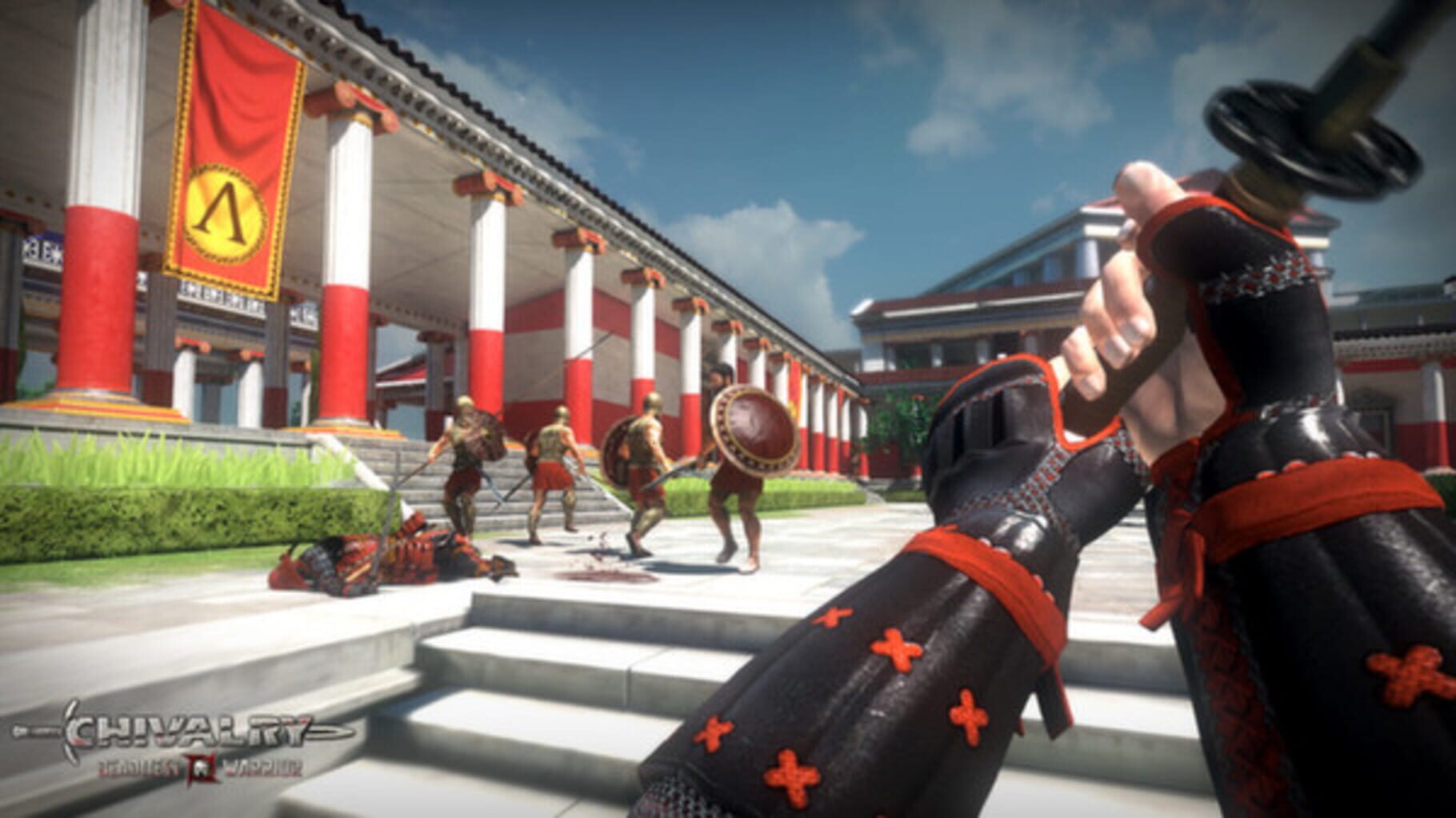
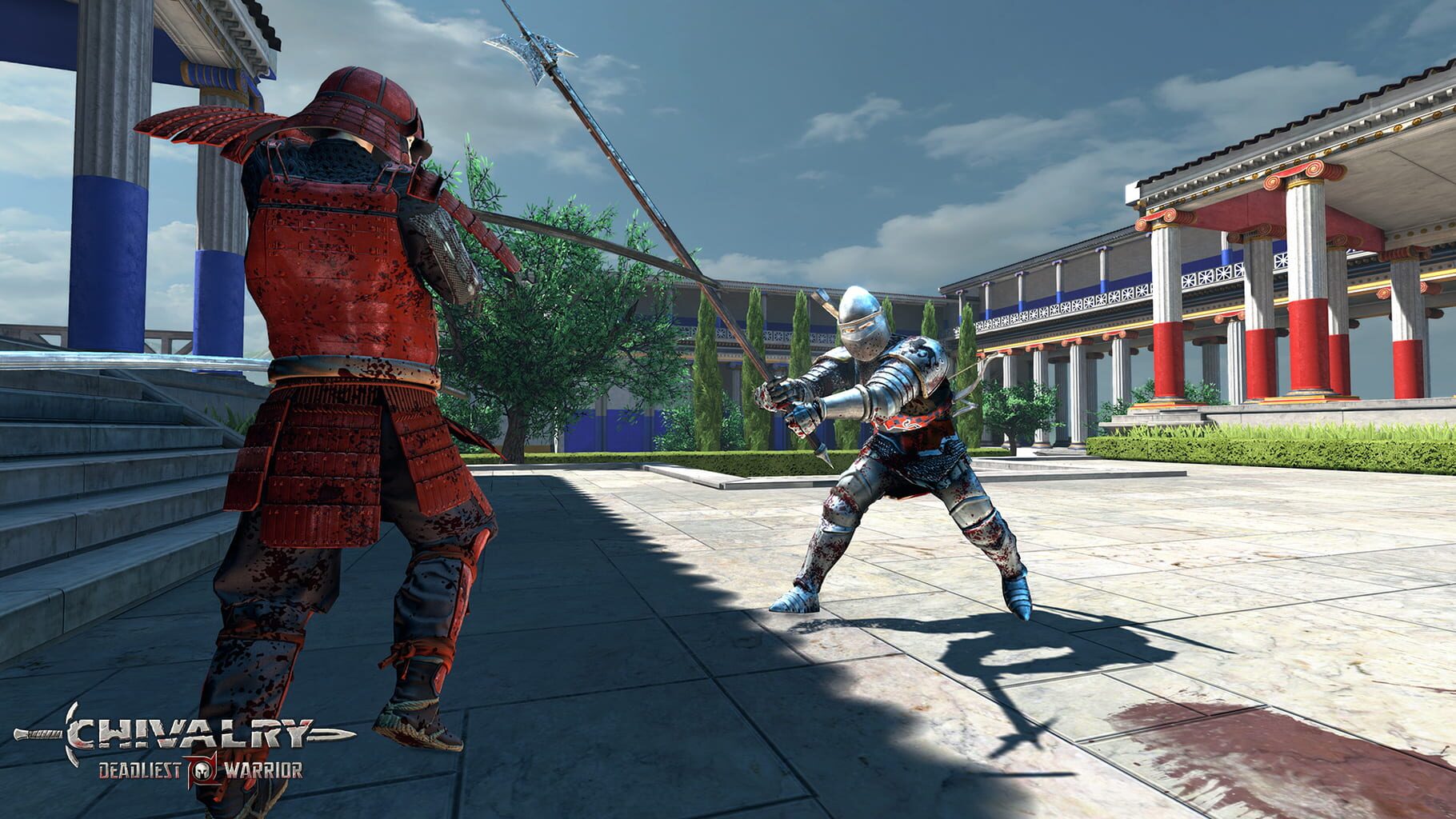
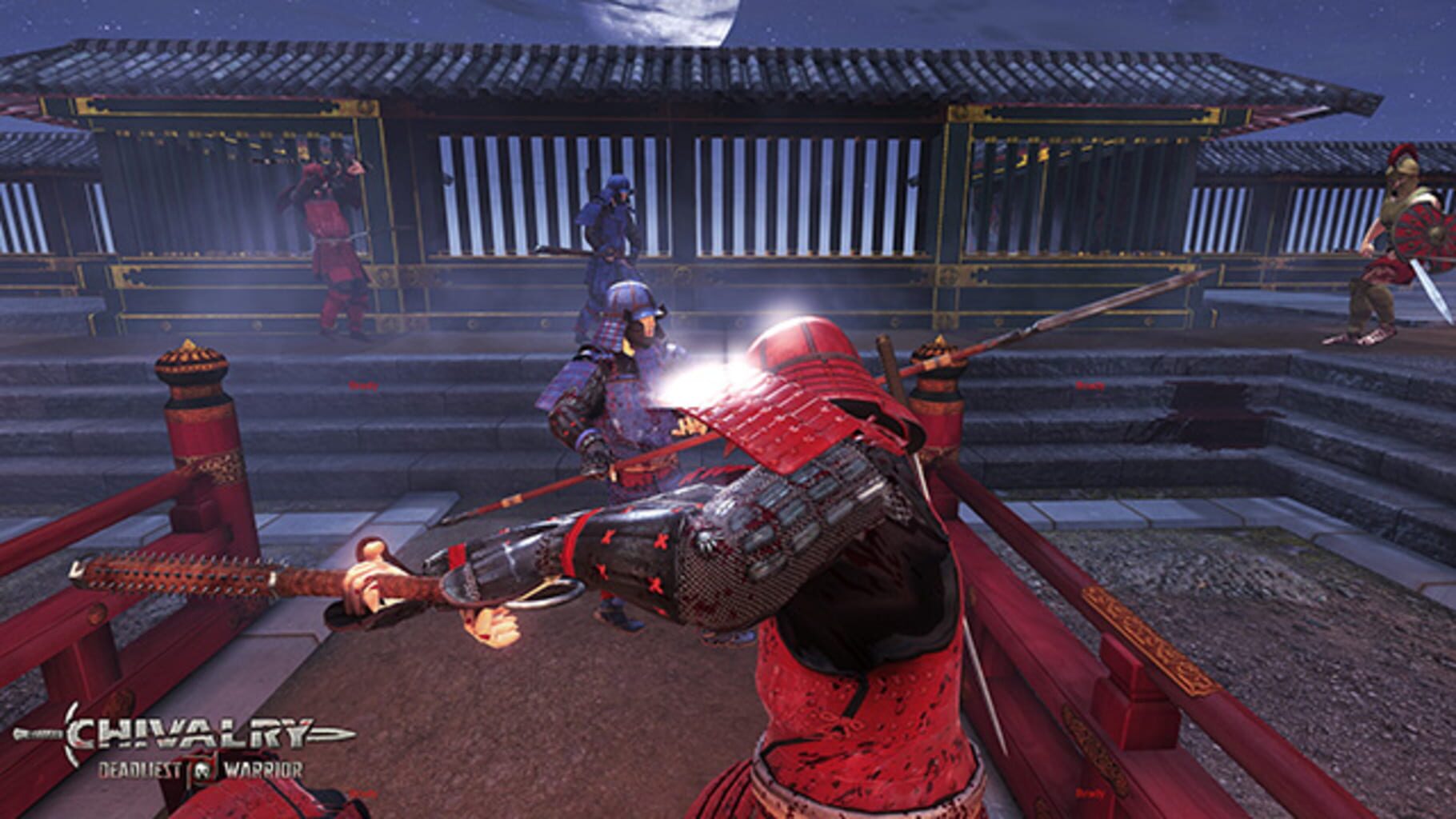
Version history
- v5Current
No longer needs admin, no splash screen or intros, fixed text scaling, can unlock input and fix gamepad cursors.
- v4
Updated to require admin.
- v3
Added resize fix for win10 creators update.
- v2
Fixed audio being turned on for player 2 instead of player 1.
Comments 0
No comments yet. Played it? Share what worked for your group.
Play these next
Browse all games
Primal Carnage: Extinction
ZeroFox803 downloads32
Mirage: Arcane Warfare
Zensuu133 downloads32
Unturned
birden6.9k downloads30
Military Conflict: Vietnam
Zensuu70 downloads24
Redmatch 2
Drago572 downloads20
Postal 2
Vlxst2.1k downloads16
Browse by genre: Shooter · Hack and slash · Indie
Log in or create an account to comment.