Split-screen on PC
Citadel: Forged With Fire
Up to 4 players on one PC, with controllers.
Handler “Citadel Forged with Fire” by ZeroFox, version 4
What works
With Nucleus Co-op, up to 4 players can play Citadel: Forged With Fire together on one PC, each in their own part of the screen, with controllers. The free community handler “Citadel Forged with Fire” by ZeroFox does the setup and was checked by hub moderators: version 4, updated . Citadel: Forged With Fire is a shooter, role-playing and adventure game from 2019.
- Players4
- ControllersSupported
- Keyboard and mouseNot supported
- Several keyboards and miceNot supported
- Hub moderatorsVerified
How to play Citadel: Forged With Fire split screen on PC
Get Nucleus Co-op
Download Nucleus Co-op, free for Windows 10 and 11, and unzip it into its own folder, for example C:\NucleusCo-op. There is no installer.
Keep it out of Program Files, your user folder and OneDrive.
Install the Citadel: Forged With Fire handler
In Nucleus Co-op, search the Hub for Citadel: Forged With Fire and install its handler, or download the handler file from this page and drop it on the Nucleus window. Then show Nucleus where Citadel: Forged With Fire is installed.
Take a seat
Each player presses a button on their own controller to join and takes a spot on the screen. Pick a layout that fits your players.
Launch and connect
Press Launch: Nucleus opens one copy of Citadel: Forged With Fire per player and lays the windows out on your screen. Then link them in game, usually one player hosts a LAN or online session and the others join it. The handler notes say how.
What you need
- A Windows 10 or 11 PC
Nucleus Co-op runs on Windows only. System requirements
- Citadel: Forged With Fire for Windows
Installed on that PC. Nucleus starts every player's window from that one install.
- Nucleus Co-op, free
With .NET Framework 4.7.2 or later and the Visual C++ 2015–2022 runtimes (x86 and x64). Download
- Something to play with
One controller per player: Xbox, PlayStation or generic pads. Controllers
- A PC that can run 4 copies
Each player runs their own copy of Citadel: Forged With Fire, so the PC carries several times the usual load. Lower the graphics settings if it struggles. Performance tips
- A multiplayer mode
Nucleus links the windows through the game's own LAN or online mode; the handler takes care of it.
Handler notes
Fantasy sandbox RPG
About Citadel: Forged With Fire
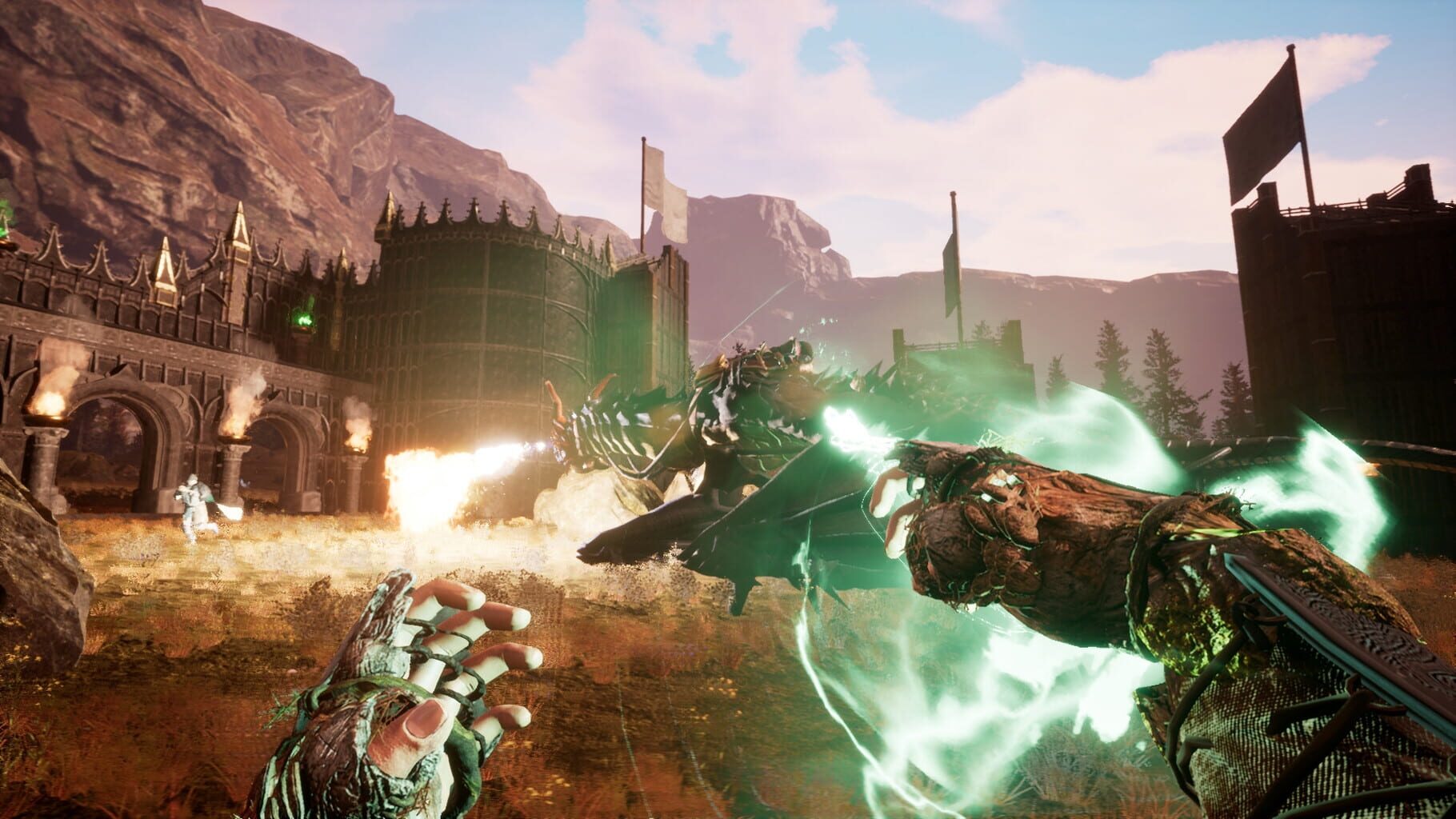
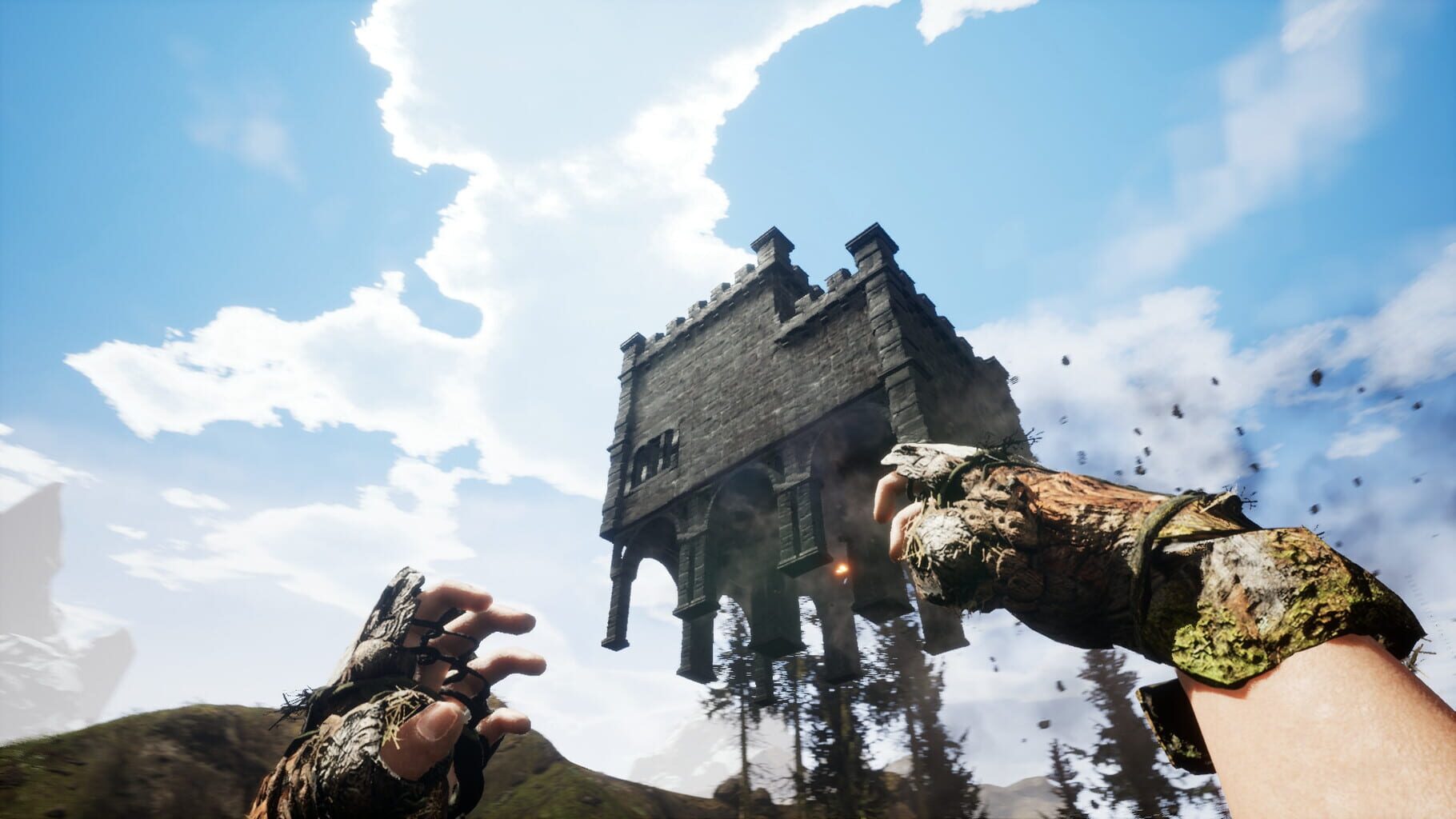
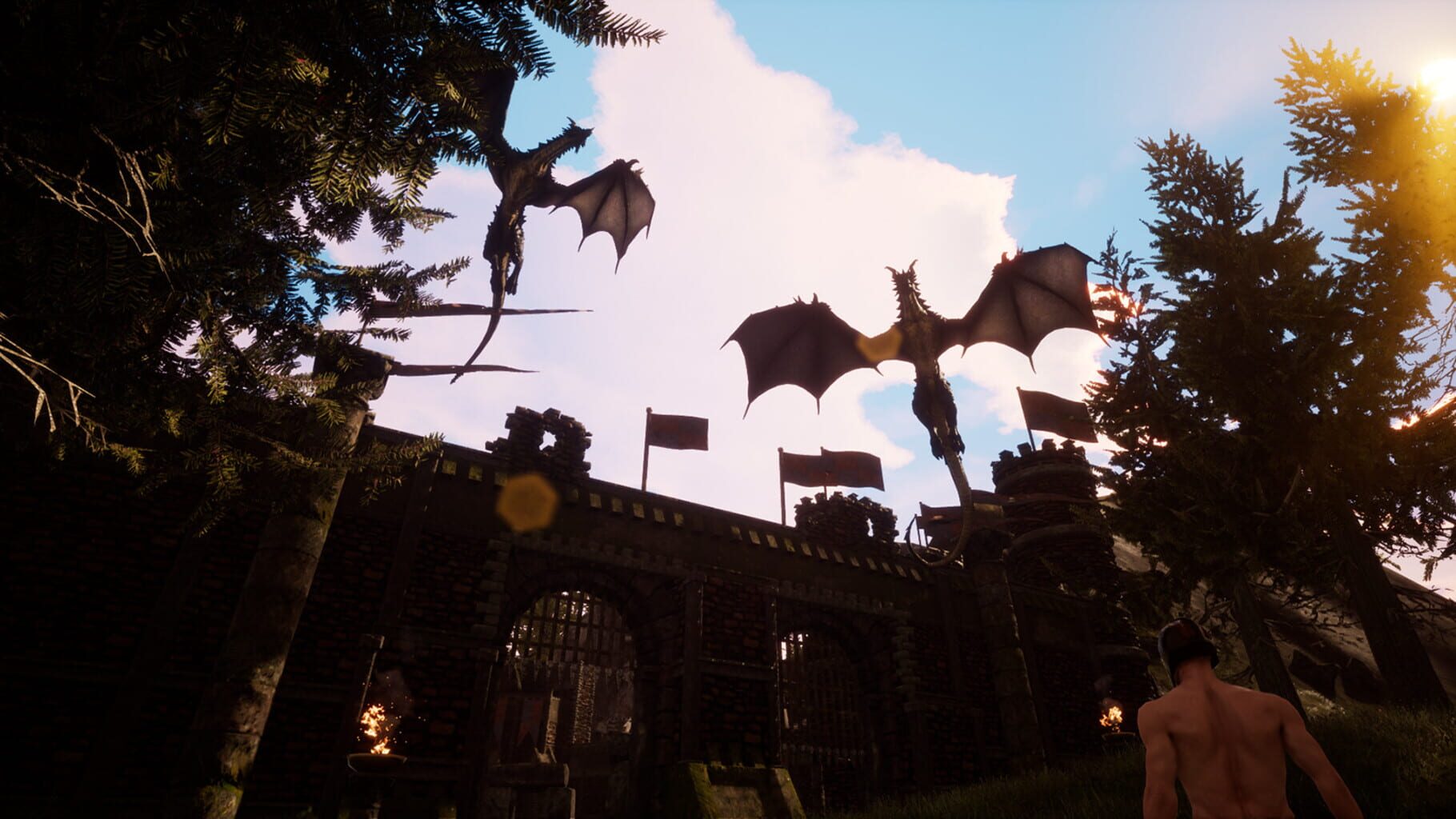
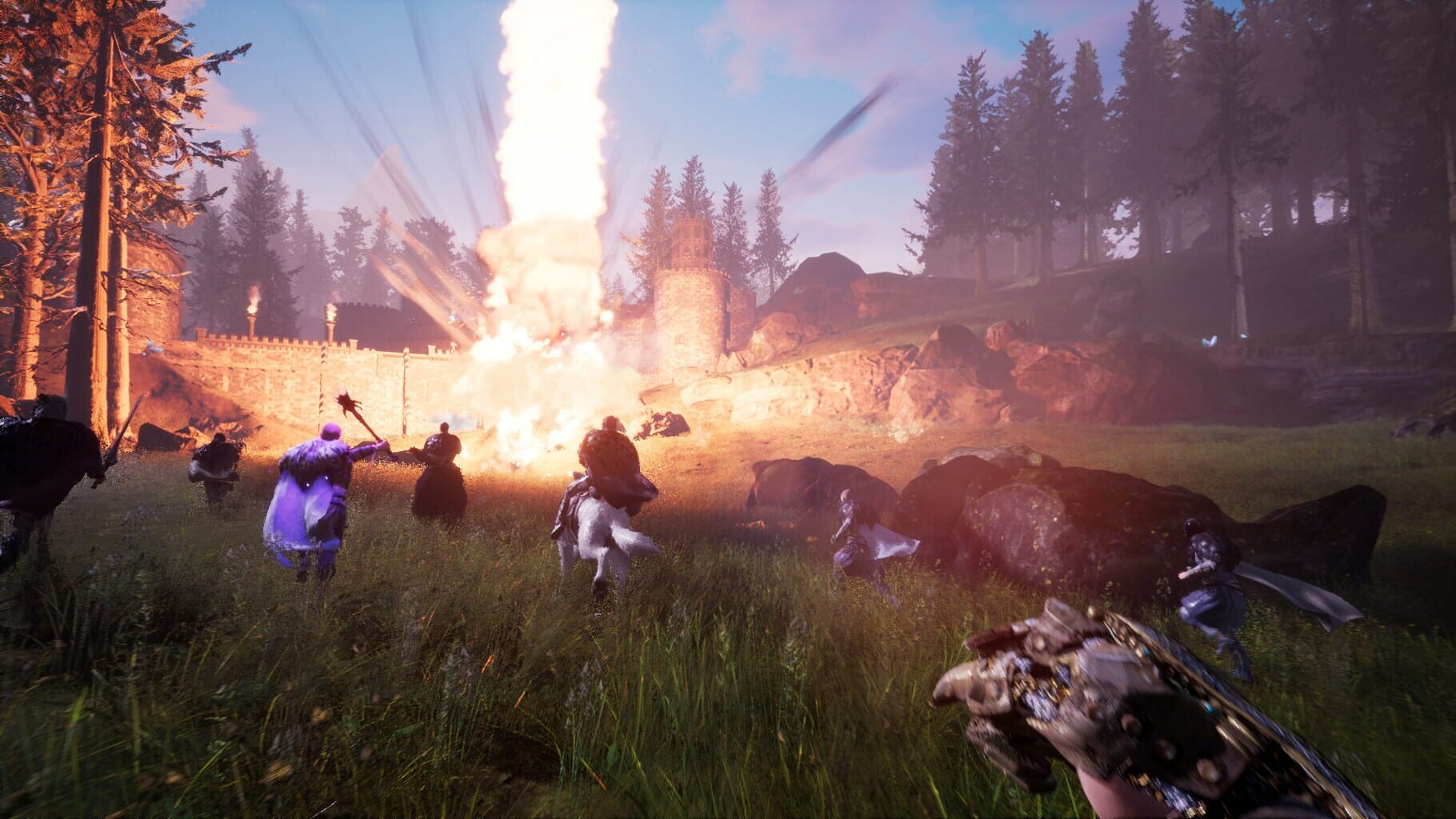
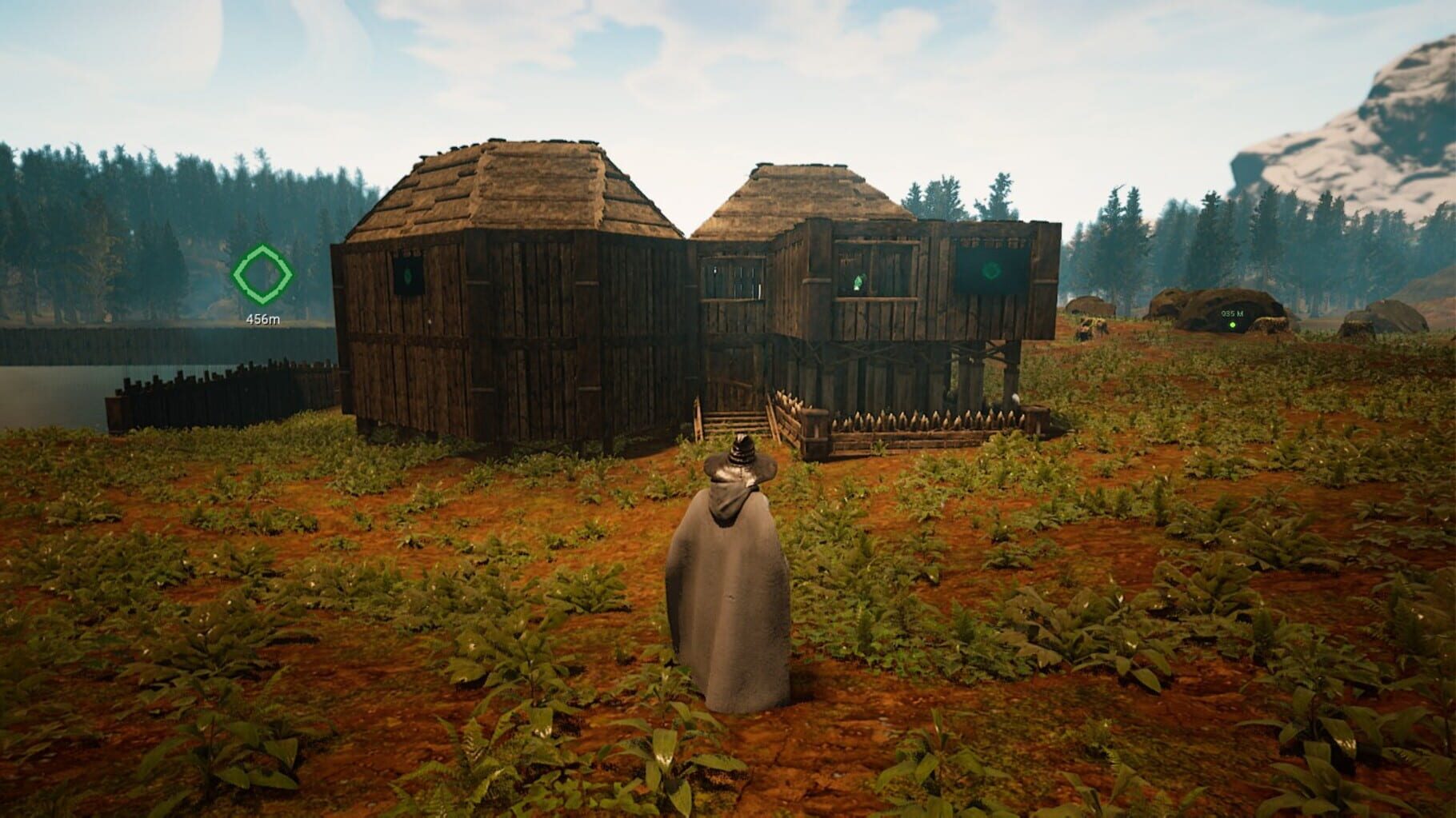
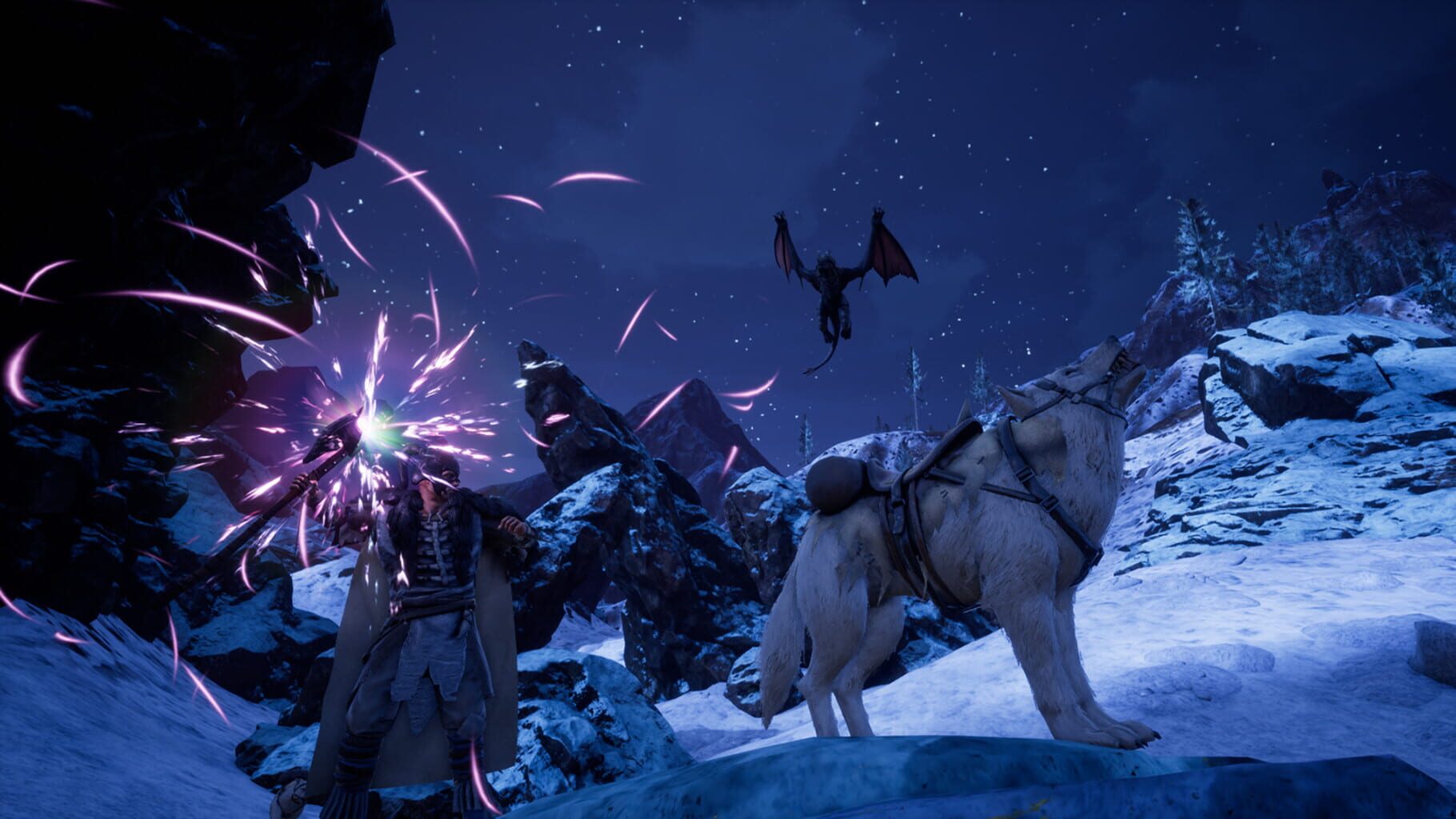
"Citadel: Forged With Fire is a massive online sandbox RPG with elements of magic, spellcasting and inter-kingdom conflict. As a newly minted apprentice of the magic arts, you will set off to investigate the dangerous world of Ignus. Your goal: create a name for yourself and achieve notoriety and power among the land’s ruling Houses. You have complete freedom to pursue your own destiny; hatch plots of trickery and deceit to ascend the ranks among allies and enemies, become an infamous hunter of other players, build massive and unique castles, tame mighty beasts to do your bidding, and visit uncharted territories to unravel their rich and intriguing history. The path to ultimate power and influence is yours to choose."
Summary from IGDB
Citadel: Forged With Fire screenshots
Version history
- v4Current
refresh window
- v3
reverted change to saves as saves are already independent
- v2
update so saves are independent and better resizing/scaling
- v1
initial release
Comments 0
No comments yet. Played it? Share what worked for your group.
Play these next
Browse all games
Dying Light
Talos9176k downloads4
Borderlands 3
Talos9187k downloads4
Tiny Tina's Wonderlands
Gabriel_Knuts19k downloads4
Paint the Town Red
Cabura9.4k downloads4
Gunfire Reborn
Talos918.2k downloads4
Remnant: From the Ashes
Talos9119k downloads4
Browse by genre: Shooter · Role-playing · Adventure
Log in or create an account to comment.