Split-screen on PC
Dark Souls II: Scholar of the First Sin
Up to 6 players on one PC, with controllers, keyboard and mouse or several keyboards and mice.
Handler “Dark Souls 2 Seamless Co-op” by Talos91, version 2
What works
With Nucleus Co-op, up to 6 players can play Dark Souls II: Scholar of the First Sin together on one PC, each in their own part of the screen, with controllers, keyboard and mouse or several keyboards and mice. The free community handler “Dark Souls 2 Seamless Co-op” by Talos91 does the setup and was checked by hub moderators: version 2, updated . Dark Souls II: Scholar of the First Sin is a role-playing and adventure game from 2015.
- Players6
- ControllersSupported
- Keyboard and mouseSupported
- Several keyboards and miceOne per player
- Hub moderatorsVerified
How to play Dark Souls II: Scholar of the First Sin split screen on PC
Get Nucleus Co-op
Download Nucleus Co-op, free for Windows 10 and 11, and unzip it into its own folder, for example C:\NucleusCo-op. There is no installer.
Keep it out of Program Files, your user folder and OneDrive.
Install the Dark Souls II: Scholar of the First Sin handler
In Nucleus Co-op, search the Hub for Dark Souls II: Scholar of the First Sin and install its handler, or download the handler file from this page and drop it on the Nucleus window. Then show Nucleus where Dark Souls II: Scholar of the First Sin is installed.
Take a seat
Each player presses a button on their own controller to join and takes a spot on the screen. Pick a layout that fits your players.
Playing with several keyboards and mice? Press End once everything is in place to give each window its own cursor.
Launch and connect
Press Launch: Nucleus opens one copy of Dark Souls II: Scholar of the First Sin per player and lays the windows out on your screen. Then link them in game, usually one player hosts a LAN or online session and the others join it. The handler notes say how.
What you need
- A Windows 10 or 11 PC
Nucleus Co-op runs on Windows only. System requirements
- Dark Souls II: Scholar of the First Sin for Windows
Installed on that PC. Nucleus starts every player's window from that one install.
- Nucleus Co-op, free
With .NET Framework 4.7.2 or later and the Visual C++ 2015–2022 runtimes (x86 and x64). Download
- Something to play with
One controller per player, or one keyboard and mouse per player. Controllers · Keyboards and mice
- A PC that can run 6 copies
Each player runs their own copy of Dark Souls II: Scholar of the First Sin, so the PC carries several times the usual load. Lower the graphics settings if it struggles. Performance tips
- A multiplayer mode
Nucleus links the windows through the game's own LAN or online mode; the handler takes care of it.
Handler notes
-
CLOSE Steam completely before running this. Requires the latest Seamless Co-op mod correctly installed in your main clean game files. Credit goes to LukeYui for all her great Seamless Co-op mods.
-
To connect the instances rest at a bonfire to get the co-op items then use the Pharros Heliograph to host in one instance and use the Fragment of Brilliance in the other instances to join.
-
If you lock onto an enemy and it keeps switching between every enemy within lock on range left click once with your main mouse cursor to fix it.
-
If you use keyboards/mice after all the instances have launched, resized and positioned correctly, press the END key once to lock the input for all instances to have their own working cursor, you need to left click each mouse to make the emulated cursors appear after locking the input. Press the END key again to unlock the input when you finish playing.
-
Read the FAQ if you have any further questions and want to know more about Nucleus Co-op.
-
Handler by Talos91. Support the Nucleus Co-op team if you love the project.
-
If you want to use the previous version of the handler that used the Dark Souls Open Server to connect the instances for the classic co-op, get the handler first version using the versions history tab in this page, you can use the downloaded .nc file in Nucleus this way. Here is the previous guide for that handler:
Tested and working with the latest Dark Souls II: Scholar of the First Sin clean version in Steam. You need the latest og DarkSoulsII.exe for the handler to work correctly.
After downloading this handler download the windows.zip from the Dark Souls Open Server github page here: https://github.com/TLeonardUK/ds3os/releases/tag/v0.42.0.0-main. Extract the zip and copy just the Loader.exe inside to NucleusCo-op\handlers\DARK SOULS II Scholar of the First Sin\Loader\ , you have to do this or the handler won't work, make sure you only copy that file exactly there and not the others.
Steam has to be open. When launching the handler the DarkSouls II server and loader windows will open, click on the loader DarkSouls II tab then click on the folder icon to the right of "DarkSoulsII.exe Location" and select the first instance DarkSoulsII exe inside Nucleus content folder, the path in the "DarkSoulsII.exe Location" should look like NucleusCo-op\content\DARK SOULS II\Instance0\DarkSoulsII.exe.
After that select the Nucleus Co-op server in the list that has your Windows username and click launch game, set the minimum amount of players to 0 if you do not see it, once the game instance launches you can close the loader/launcher window, repeat the same process for all instances, select a different instance folder per instance, the path in the "DarkSoulsII.exe Location" should look like \content\DARK SOULS III\Instance1\ for the second instance for example.
If you get a message in-game in all instances about being connected to the dsos server and different save slots per instance that means it is working correctly.
To summon you need to use the white sign soapstone item in an allowed area, make sure your character is alive and that there are no human effigy effects on the bonfire too, if you start a new game get past the tutorial, reach Majula and talk to Emerald Herald, then go to a co-opable area like the Forest of Fallen Giants to summon other players.
You can also install this mod in your main game files to improve the co-op, you can get all the multiplayer items from the first vendor in Majula, removes most fog walls and co-op limits/barriers. Make sure you only use this one with Nucleus and not in the official servers.
To summon in an area with all bosses defeated use the small white soapstone, make sure your character is alive (use a human effigy if you are hollow) and that there are no human effigy effects on the bonfire to limit the summons.
About Dark Souls II: Scholar of the First Sin
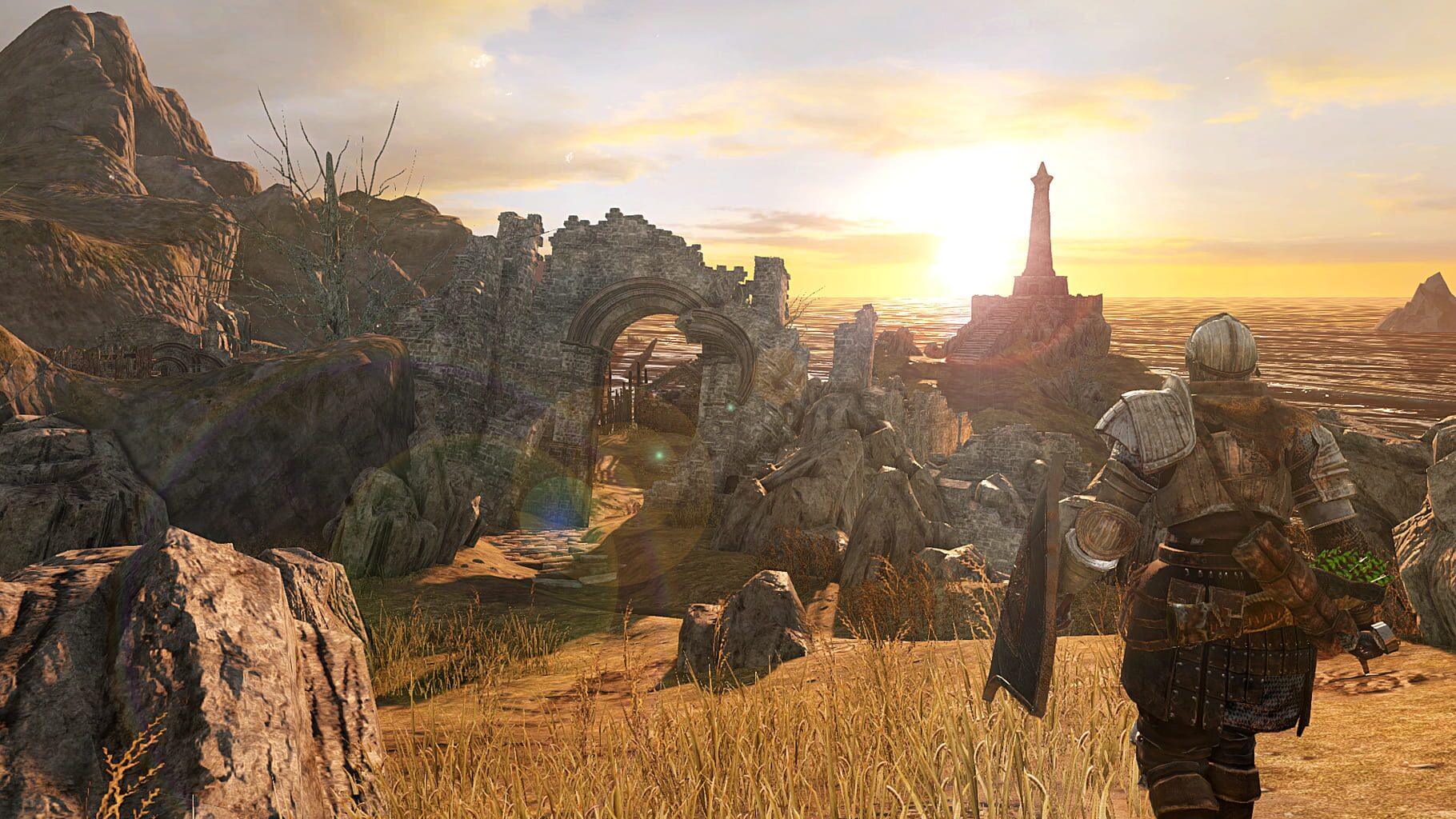
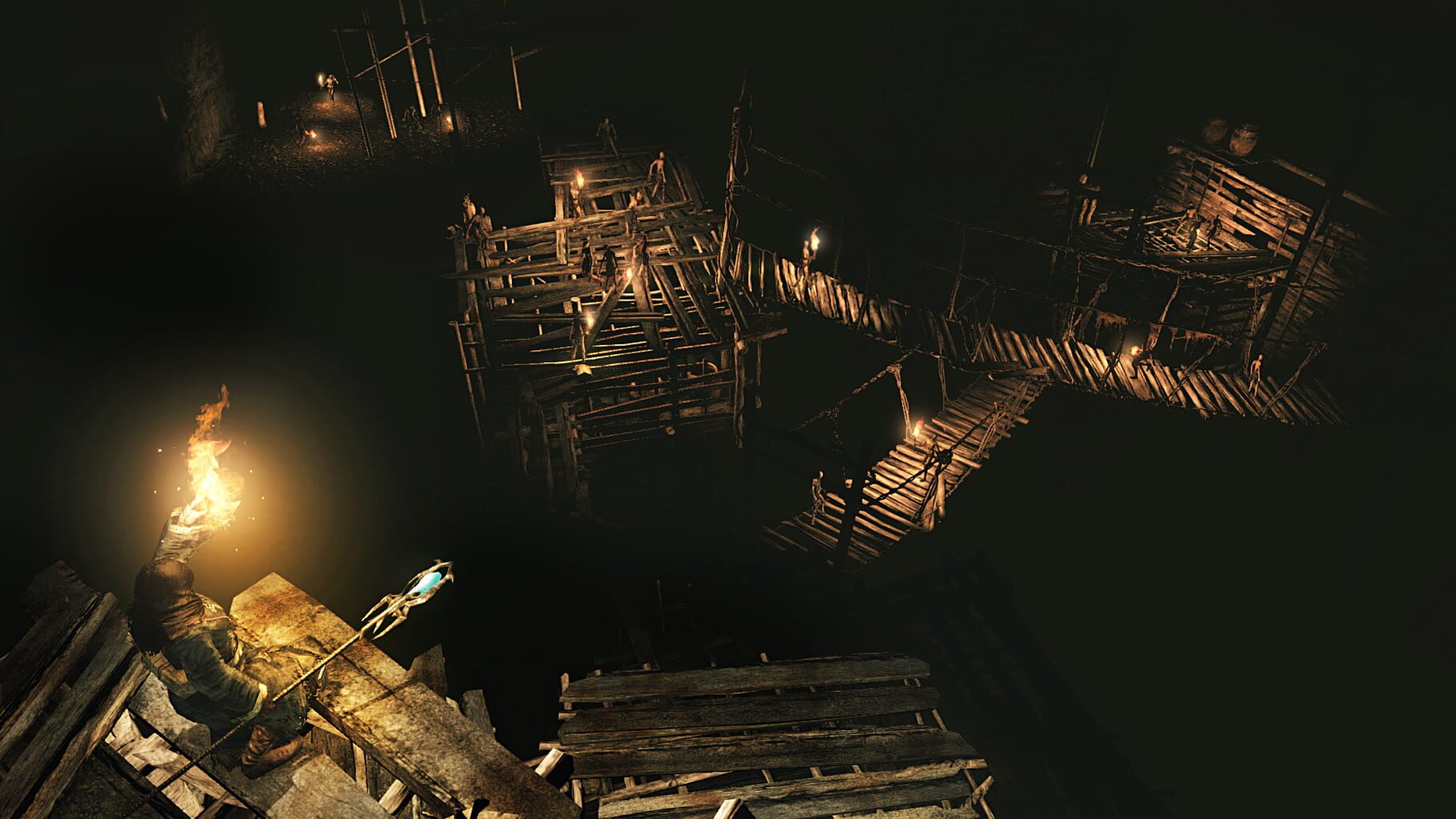
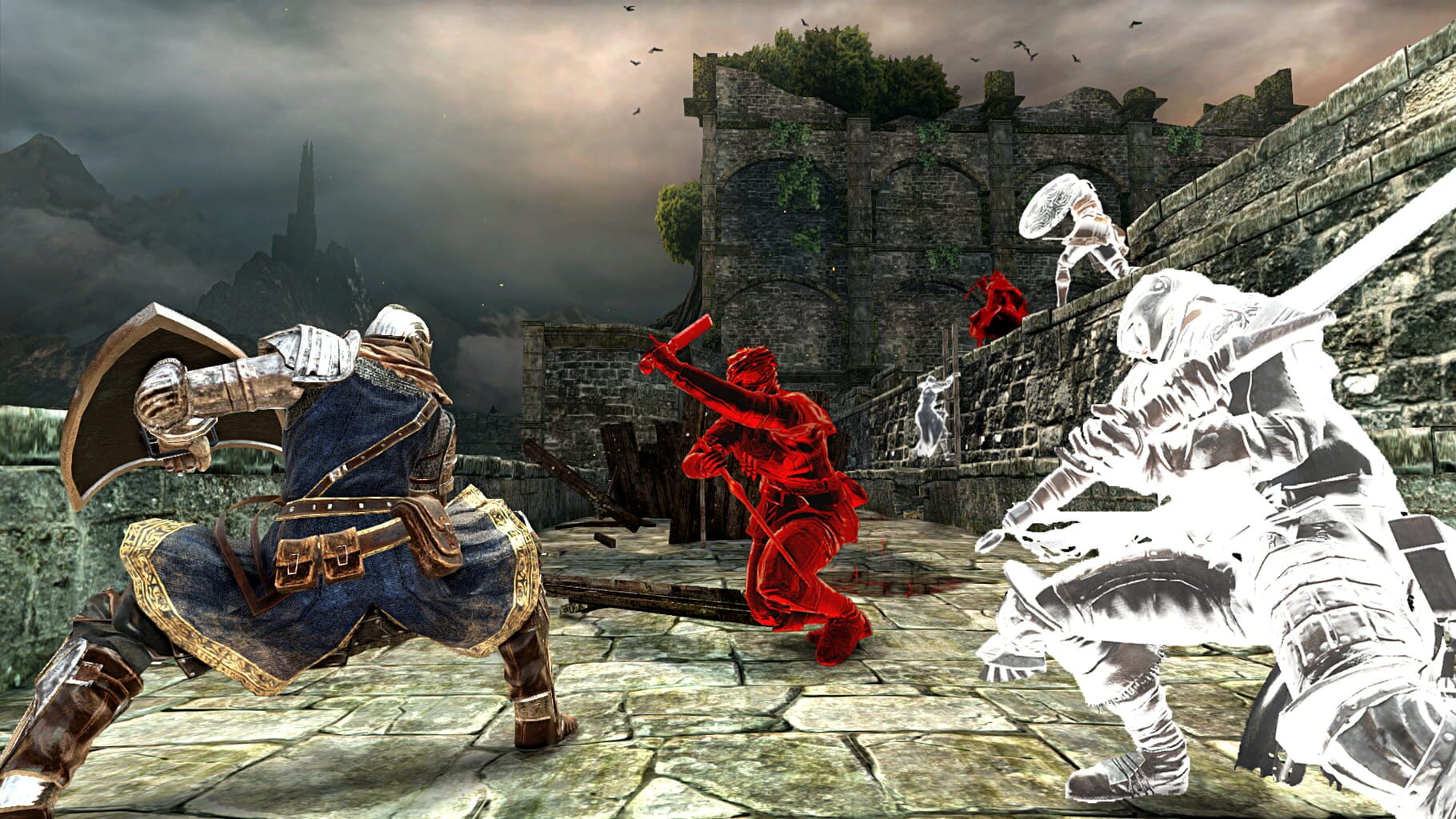
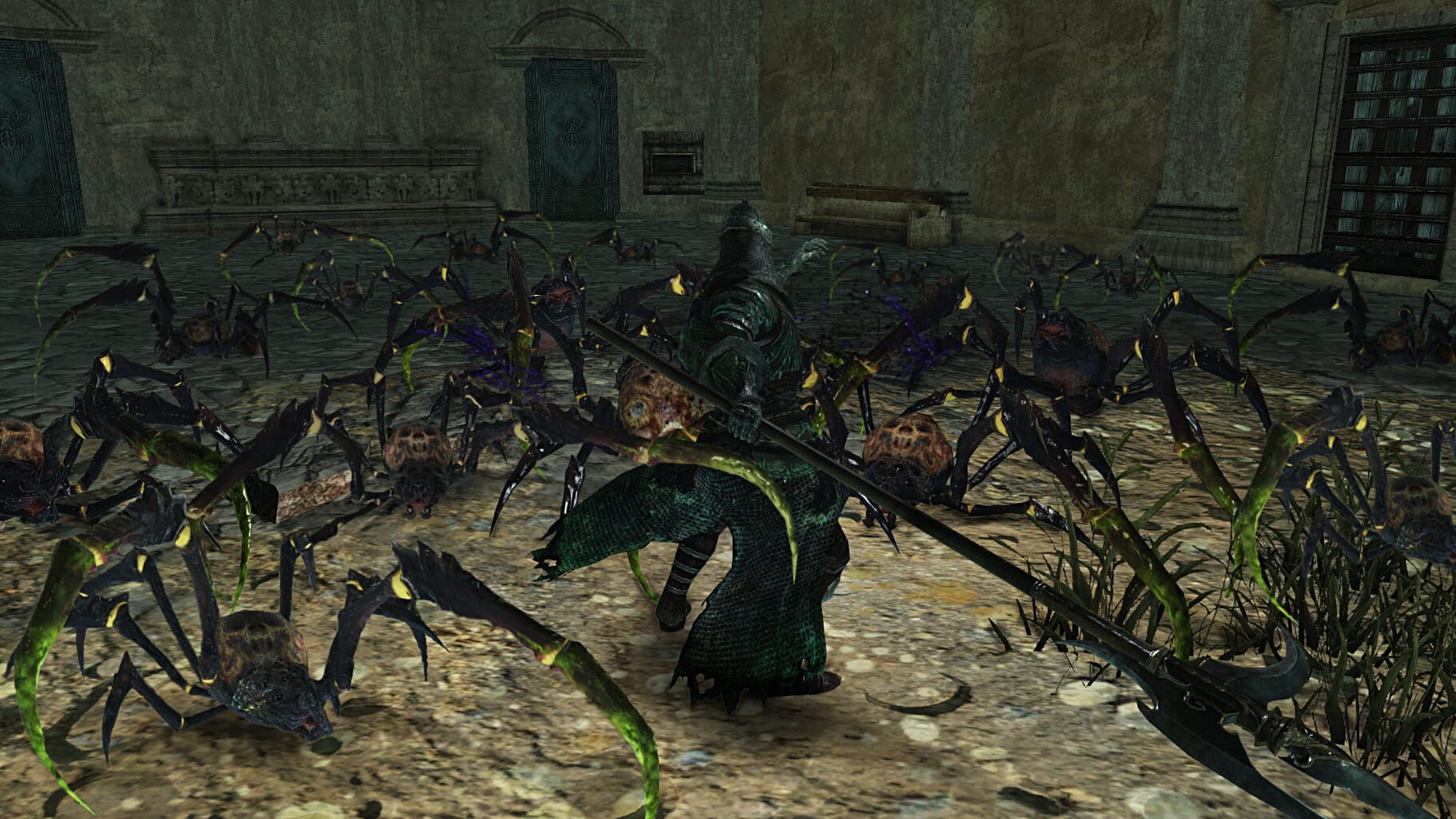
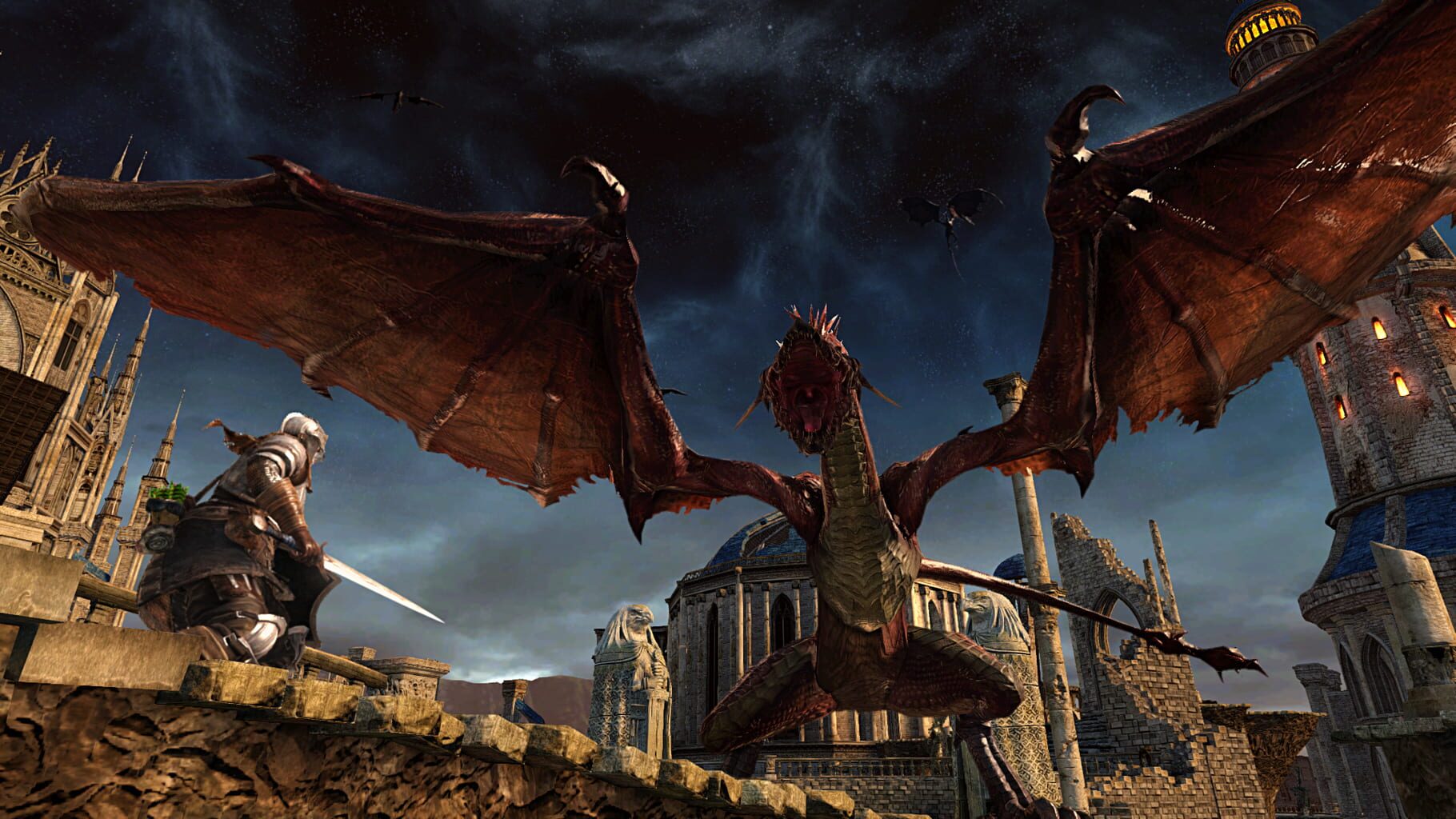
Dark Souls II: Scholar of the First Sin is an enhanced edition of Dark Souls II, released in April 2015 by FromSoftware and Bandai Namco Entertainment. This version includes updated graphics, improved performance, and all previously released DLC expansions (Crown of the Sunken King, Crown of the Old Iron King, and Crown of the Ivory King). It also features rebalanced gameplay, new enemy placements, additional NPCs, and expanded lore,
Summary from IGDB
Dark Souls II: Scholar of the First Sin screenshots
Version history
- v2Current
Seamless Co-op support
- v1
First Release
Comments 4
Can you update it to use the brand new seamless coop mod?
It has been updated to support the new Seamless Co-op mod.
Hey is it possible to do it with the OG version of Dark Souls 2?
Only Dark Souls II: Scholar of the First Sin works with the open server.
Play these next
Browse all games
Dark Souls: Remastered
Talos9136k downloads6
Dark Souls III
Talos9145k downloads6
Torchlight II
Talos914.6k downloads6
Baldur's Gate: Enhanced Edition
Zensuu431 downloads6
Nightingale
birden409 downloads6
Baldur's Gate II: Enhanced Edition
Zensuu573 downloads6
Browse by genre: Role-playing · Adventure
Log in or create an account to comment.