Split-screen on PC
Dark Souls III
Up to 6 players on one PC, with controllers, keyboard and mouse or several keyboards and mice.
Handler “Dark Souls 3 Seamless Co-op” by Talos91, version 11
What works
With Nucleus Co-op, up to 6 players can play Dark Souls III together on one PC, each in their own part of the screen, with controllers, keyboard and mouse or several keyboards and mice. The free community handler “Dark Souls 3 Seamless Co-op” by Talos91 does the setup and was checked by hub moderators: version 11, updated . Dark Souls III is a role-playing and adventure game from 2016.
- Players6
- ControllersSupported
- Keyboard and mouseSupported
- Several keyboards and miceOne per player
- Hub moderatorsVerified
How to play Dark Souls III split screen on PC
Get Nucleus Co-op
Download Nucleus Co-op, free for Windows 10 and 11, and unzip it into its own folder, for example C:\NucleusCo-op. There is no installer.
Keep it out of Program Files, your user folder and OneDrive.
Install the Dark Souls III handler
In Nucleus Co-op, search the Hub for Dark Souls III and install its handler, or download the handler file from this page and drop it on the Nucleus window. Then show Nucleus where Dark Souls III is installed.
Take a seat
Each player presses a button on their own controller to join and takes a spot on the screen. Pick a layout that fits your players.
Playing with several keyboards and mice? Press End once everything is in place to give each window its own cursor.
Launch and connect
Press Launch: Nucleus opens one copy of Dark Souls III per player and lays the windows out on your screen. Then link them in game, usually one player hosts a LAN or online session and the others join it. The handler notes say how.
What you need
- A Windows 10 or 11 PC
Nucleus Co-op runs on Windows only. System requirements
- Dark Souls III for Windows
Installed on that PC. Nucleus starts every player's window from that one install.
- Nucleus Co-op, free
With .NET Framework 4.7.2 or later and the Visual C++ 2015–2022 runtimes (x86 and x64). Download
- Something to play with
One controller per player, or one keyboard and mouse per player. Controllers · Keyboards and mice
- A PC that can run 6 copies
Each player runs their own copy of Dark Souls III, so the PC carries several times the usual load. Lower the graphics settings if it struggles. Performance tips
- A multiplayer mode
Nucleus links the windows through the game's own LAN or online mode; the handler takes care of it.
Handler notes
-
CLOSE Steam completely before running this. Requires the latest Seamless Co-op mod correctly installed in your main clean game files. Credit goes to LukeYui for all her great Seamless Co-op mods.
-
You need the latest og steam_api64.dll for the handler to work correctly.
-
To connect the instances rest at a bonfire to get the co-op items then use the crystalline pendant to host in one instance and use the stone pendant in the other instances to join.
-
If you use keyboards/mice after all the instances have launched, resized and positioned correctly, press the END key once to lock the input for all instances to have their own cursor, you need to left click each mouse to make the emulated cursors appear after locking the input. Press the END key again to unlock the input when you finish playing.
-
Read the FAQ if you have any further questions and want to know more about Nucleus Co-op.
-
Handler by Talos91. Support the Nucleus Co-op team if you love the project.
-
Special thanks to LukeYui and Mr Goldberg.
About Dark Souls III
As fires fade and the world falls into ruin, developer FROMSOFTWARE and director Hidetaka Miyazaki continue their critically-acclaimed and genre-defining series with Dark Souls III. Fans and newcomers alike will get lost in the games hallmark rewarding gameplay and immersive graphics. Now only embers remain…
Summary from IGDB
Dark Souls III screenshots
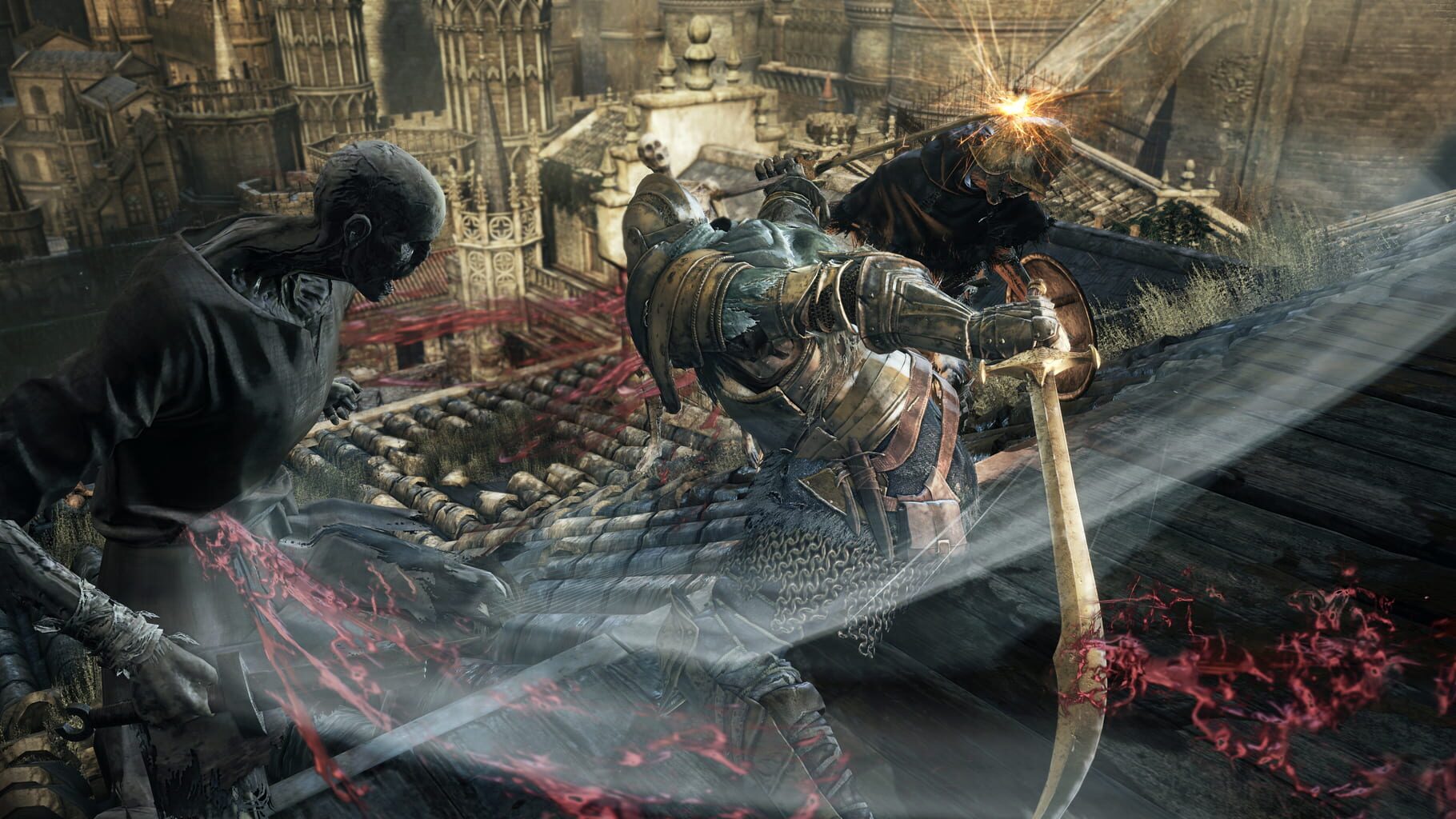
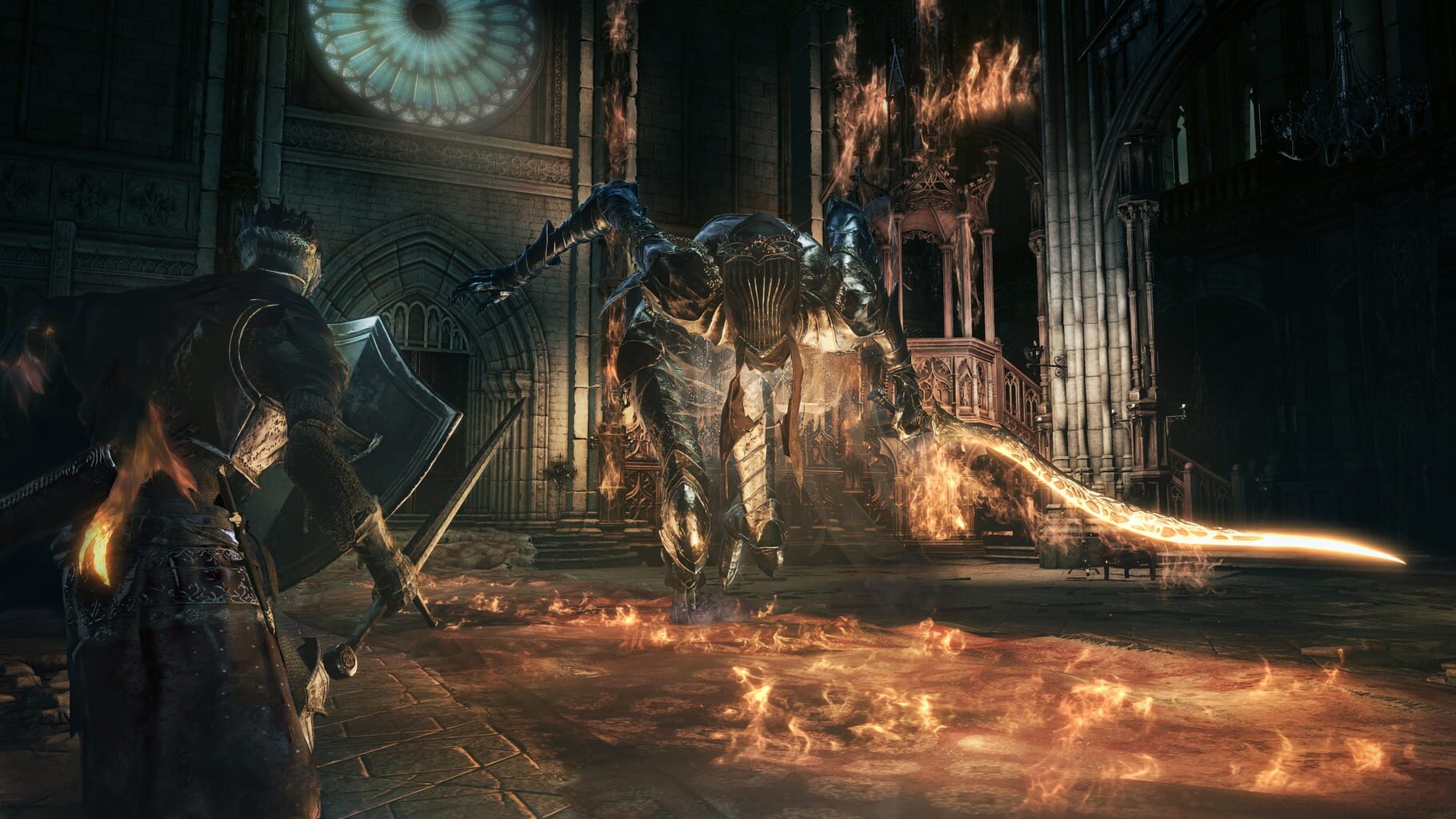
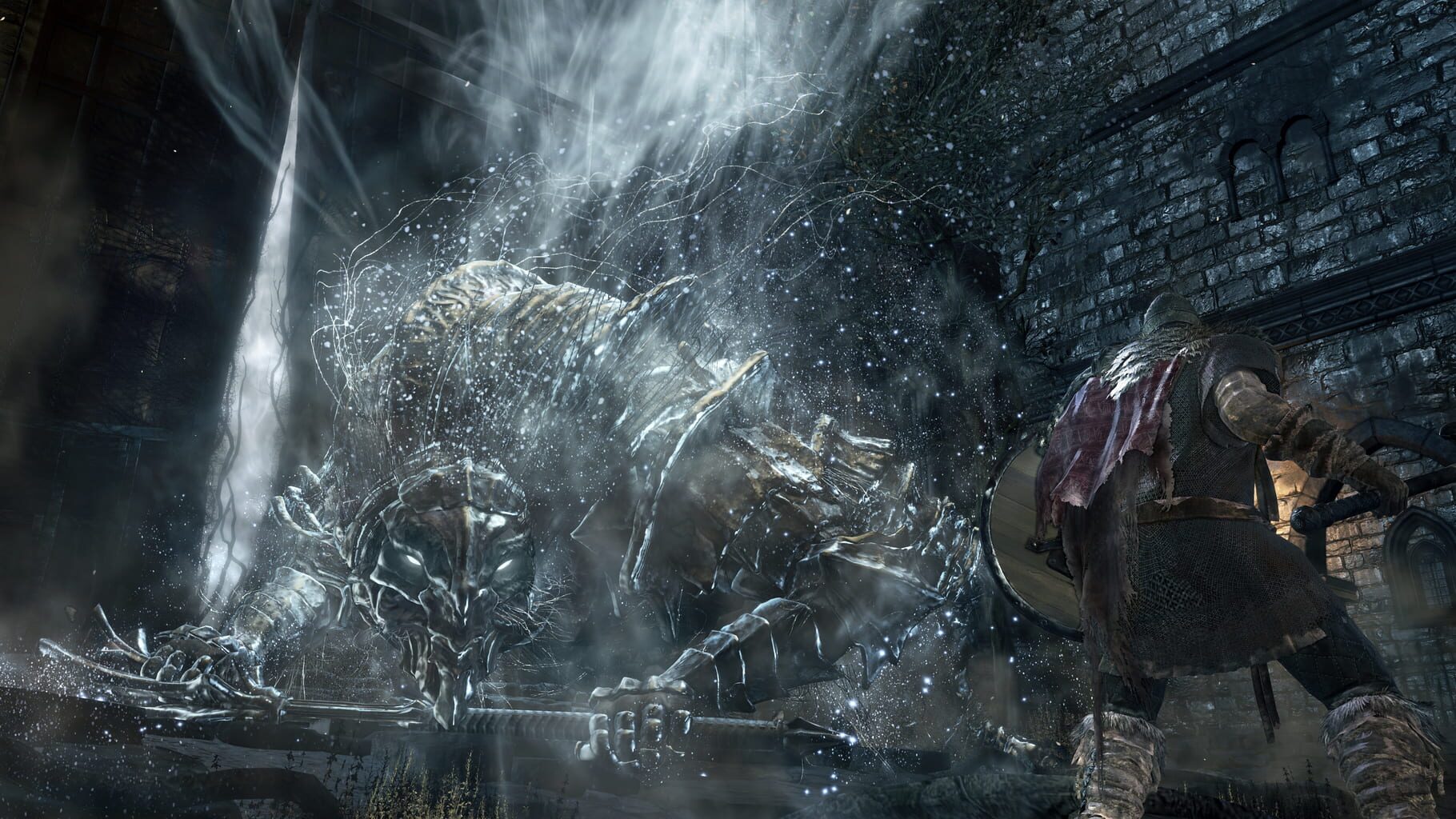
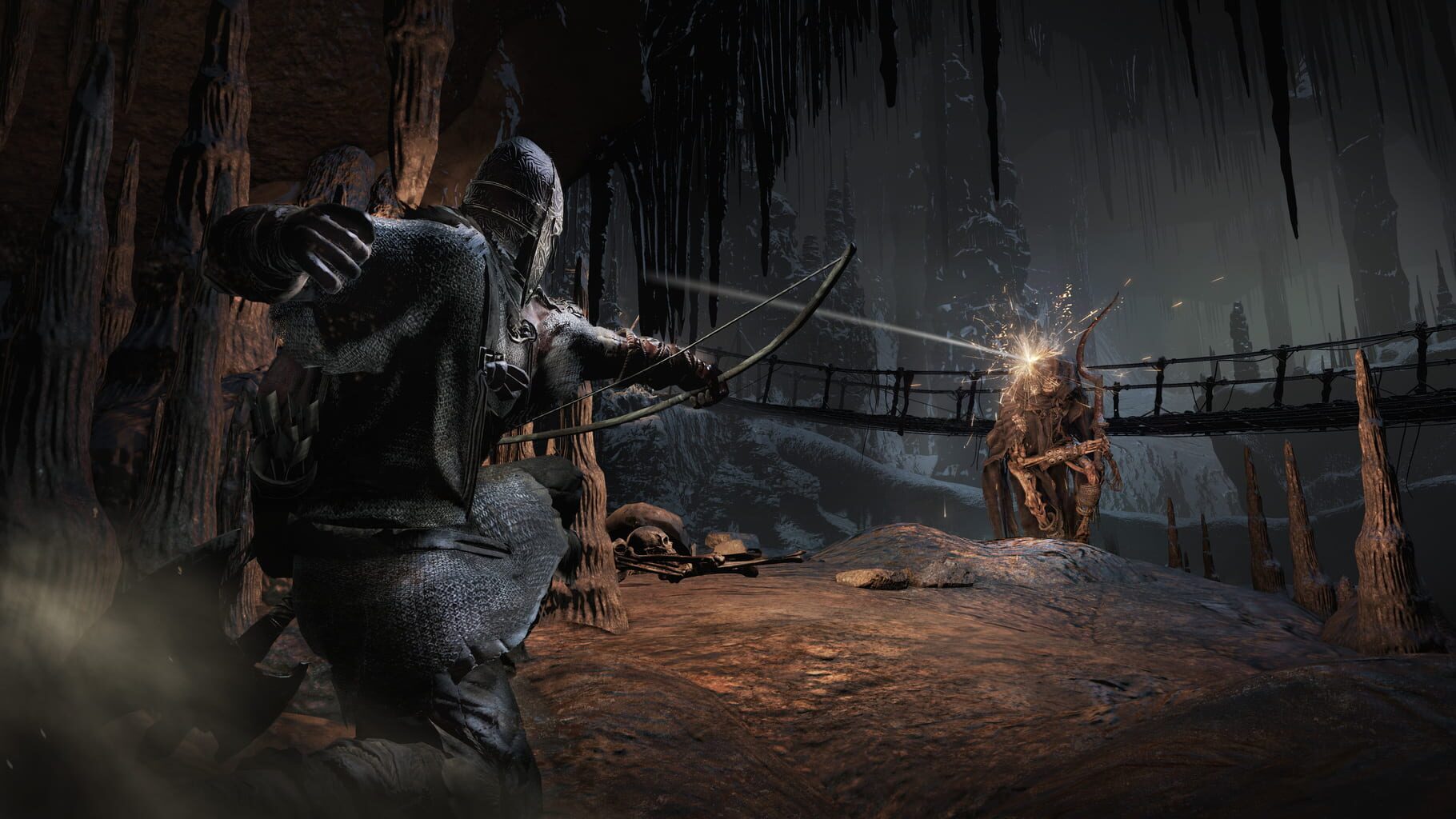
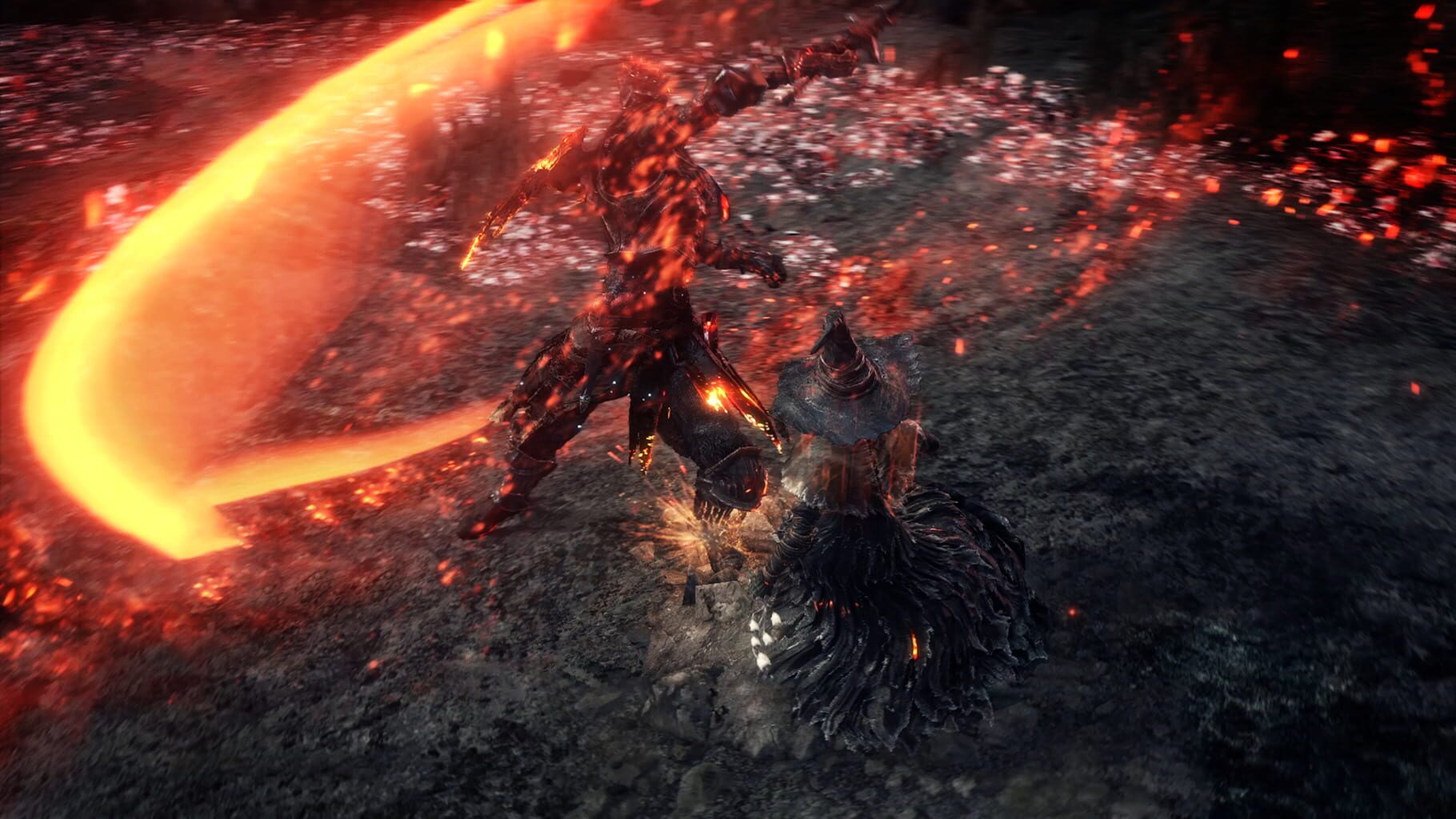
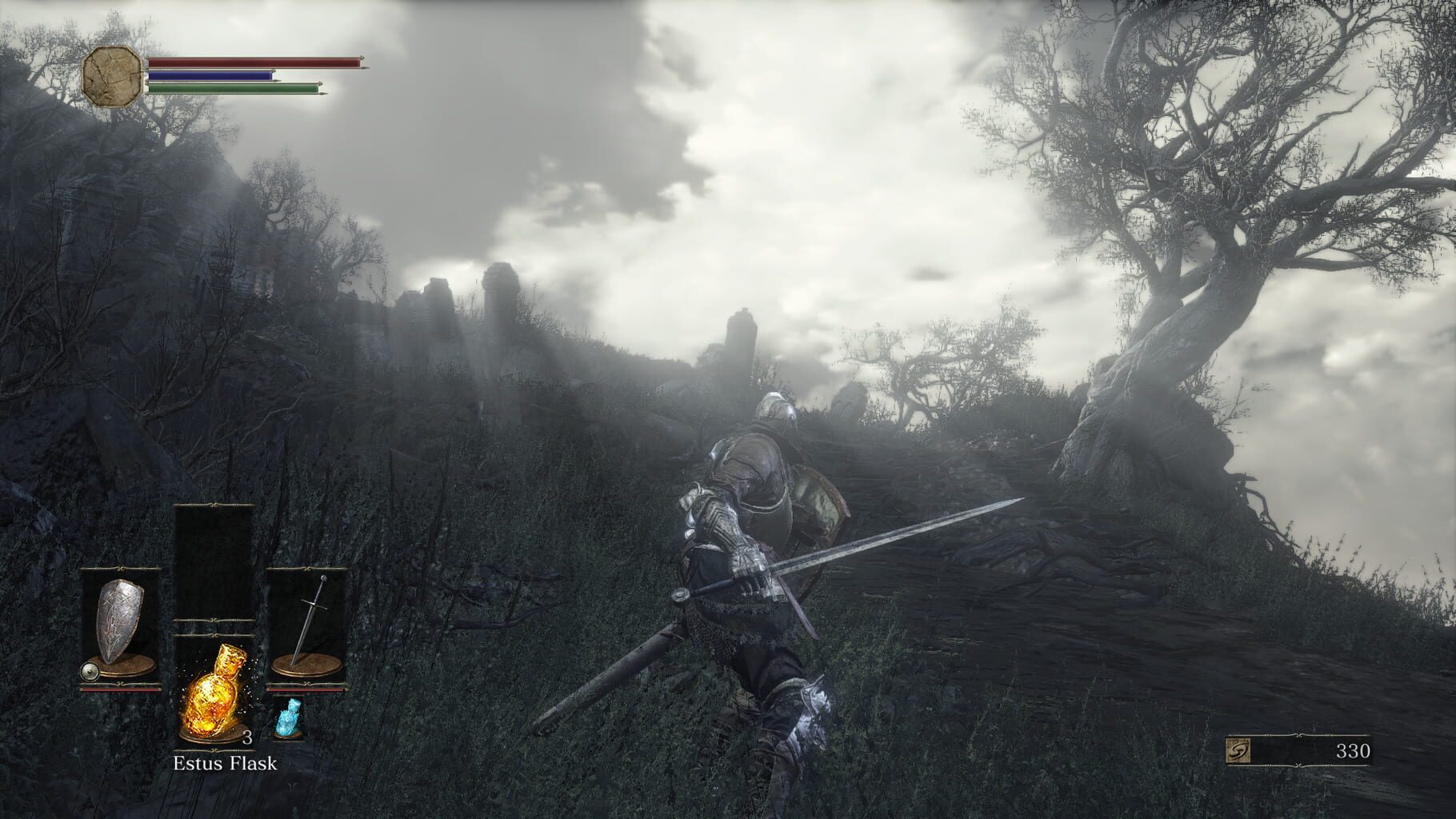
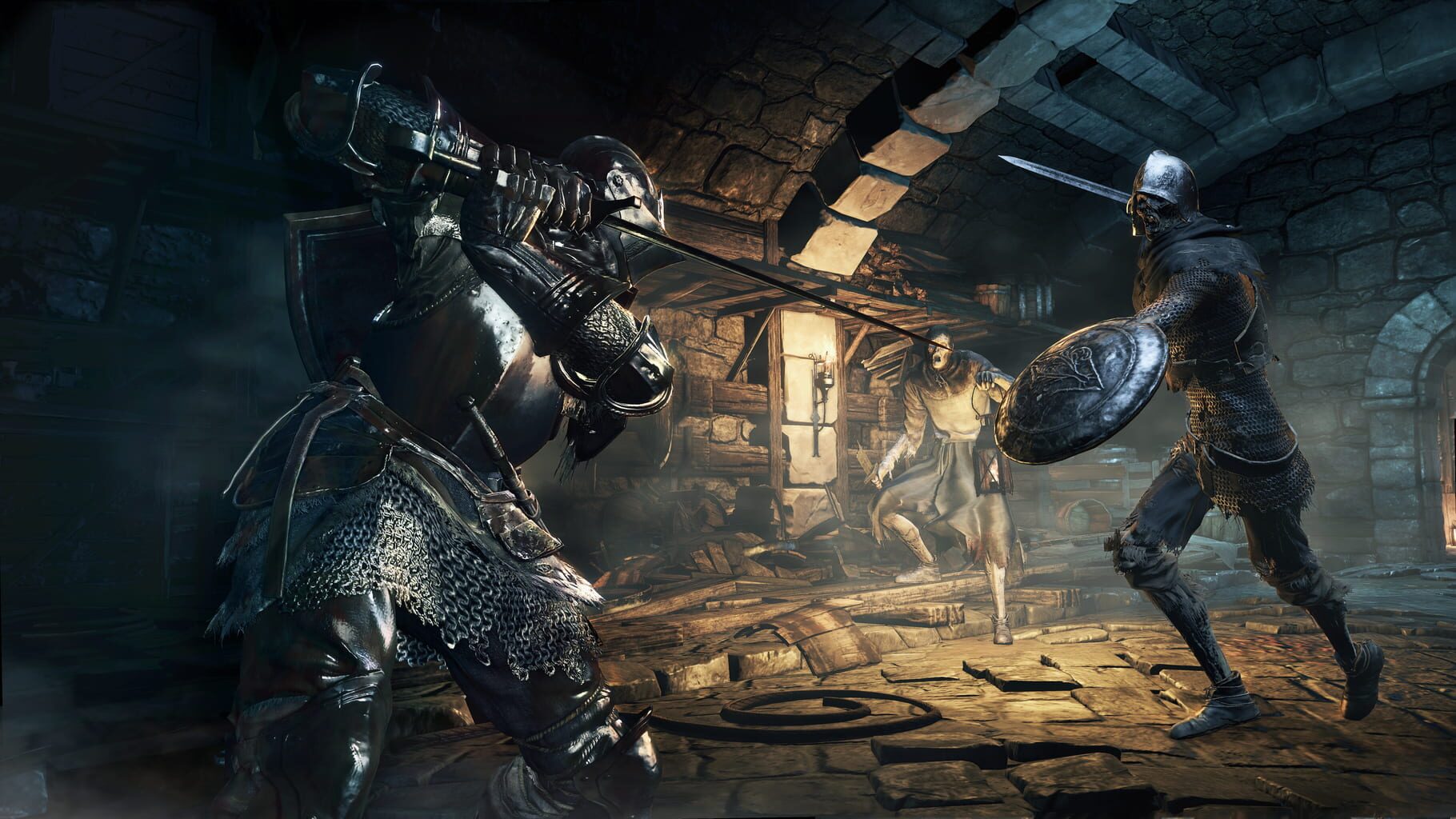
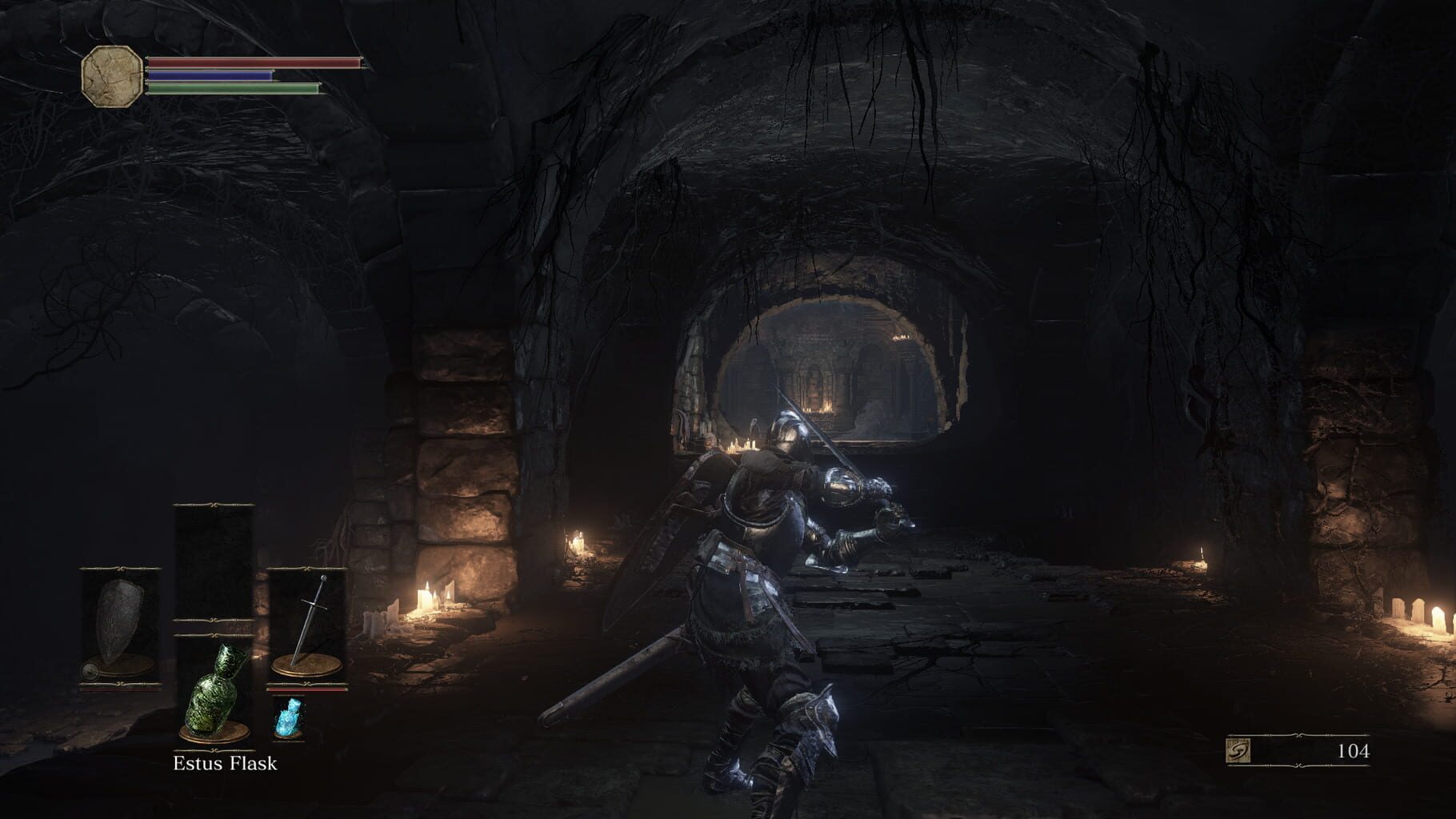
Version history
- v11Current
cleaned and use cold loader dll
- v10
removed false flagged loader for solewalker bat and camera fix
- v9
Fix for av tripping by solewalker.
- v8
fixes and mkb support
Comments 4
My brother and I beat the game and the 2 DLCs with this handler and it was BY FAR the most awesome coop experience we've had in our entire lives. Maybe it's not like the devs intended, but it's definitely VERY FUN. Discovering new maps and worlds together. Enemies. Bosses... A truly unforgettable experience. Thank you Talos91 for all the work you put into it. Love from Brazil 🇧🇷
la ultima actualización funciona perfecto gracias
We just beat the game with my girlfriend. It was a fantastic experience :) Cant wait to play DS1. Is there any chance to get DS2 for nucleus coop? Have a good day and keep up the good work!
Dark Souls 2 handler: https://hub.splitscreen.me/handler/wN8RrD533Ags3wxTw
Play these next
Browse all games
Dark Souls: Remastered
Talos9136k downloads6
Dark Souls II: Scholar of the First Sin
Talos919.1k downloads6
Torchlight II
Talos914.6k downloads6
Baldur's Gate: Enhanced Edition
Zensuu431 downloads6
Nightingale
birden409 downloads6
Baldur's Gate II: Enhanced Edition
Zensuu573 downloads6
Browse by genre: Role-playing · Adventure
Log in or create an account to comment.