Split-screen on PC
Fade to Silence
Up to 2 players on one PC, with controllers.
Handler “FadetoSilence” by Talos91, version 1
What works
With Nucleus Co-op, up to 2 players can play Fade to Silence together on one PC, each in their own part of the screen, with controllers. The free community handler “FadetoSilence” by Talos91 does the setup and was checked by hub moderators: version 1, updated . Fade to Silence is a role-playing and adventure game from 2018.
- Players2
- ControllersSupported
- Keyboard and mouseNot supported
- Several keyboards and miceNot supported
- Hub moderatorsVerified
How to play Fade to Silence split screen on PC
Get Nucleus Co-op
Download Nucleus Co-op, free for Windows 10 and 11, and unzip it into its own folder, for example C:\NucleusCo-op. There is no installer.
Keep it out of Program Files, your user folder and OneDrive.
Install the Fade to Silence handler
In Nucleus Co-op, search the Hub for Fade to Silence and install its handler, or download the handler file from this page and drop it on the Nucleus window. Then show Nucleus where Fade to Silence is installed.
Take a seat
Each player presses a button on their own controller to join and takes a spot on the screen. Pick a layout that fits your players.
Launch and connect
Press Launch: Nucleus opens one copy of Fade to Silence per player and lays the windows out on your screen. Then link them in game, usually one player hosts a LAN or online session and the others join it. The handler notes say how.
What you need
- A Windows 10 or 11 PC
Nucleus Co-op runs on Windows only. System requirements
- Fade to Silence for Windows
Installed on that PC. Nucleus starts every player's window from that one install.
- Nucleus Co-op, free
With .NET Framework 4.7.2 or later and the Visual C++ 2015–2022 runtimes (x86 and x64). Download
- Something to play with
One controller per player: Xbox, PlayStation or generic pads. Controllers
- A PC that can run 2 copies
Each player runs their own copy of Fade to Silence, so the PC carries several times the usual load. Lower the graphics settings if it struggles. Performance tips
- A multiplayer mode
Nucleus links the windows through the game's own LAN or online mode; the handler takes care of it.
Handler notes
This game is very demanding so you need good specs to run two instances, lower graphics to improve performance. Gamepads only.
Authors and Contributors of this handler: Talos91 from the Split Screen Dreams Discord.
About Fade to Silence
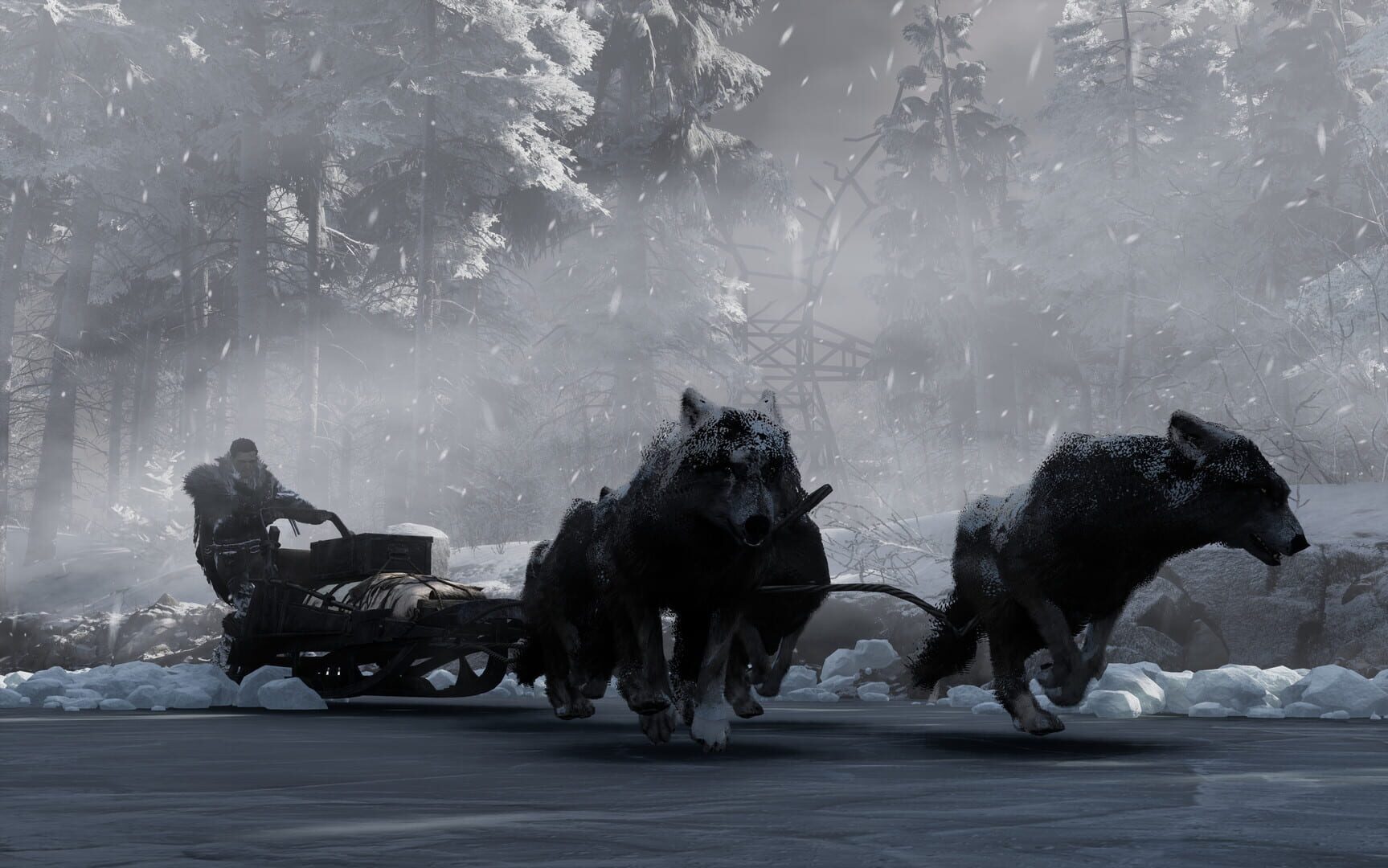
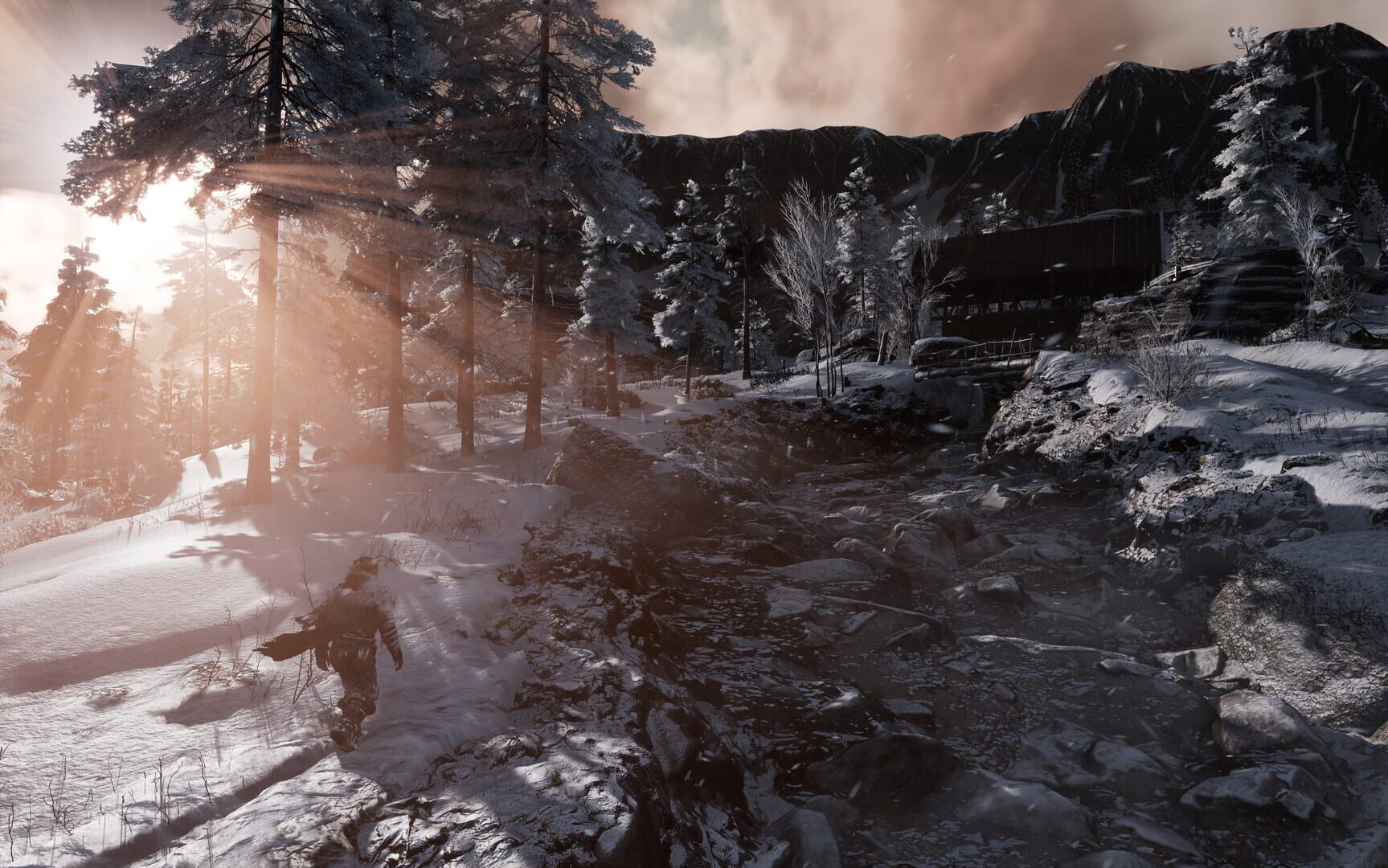
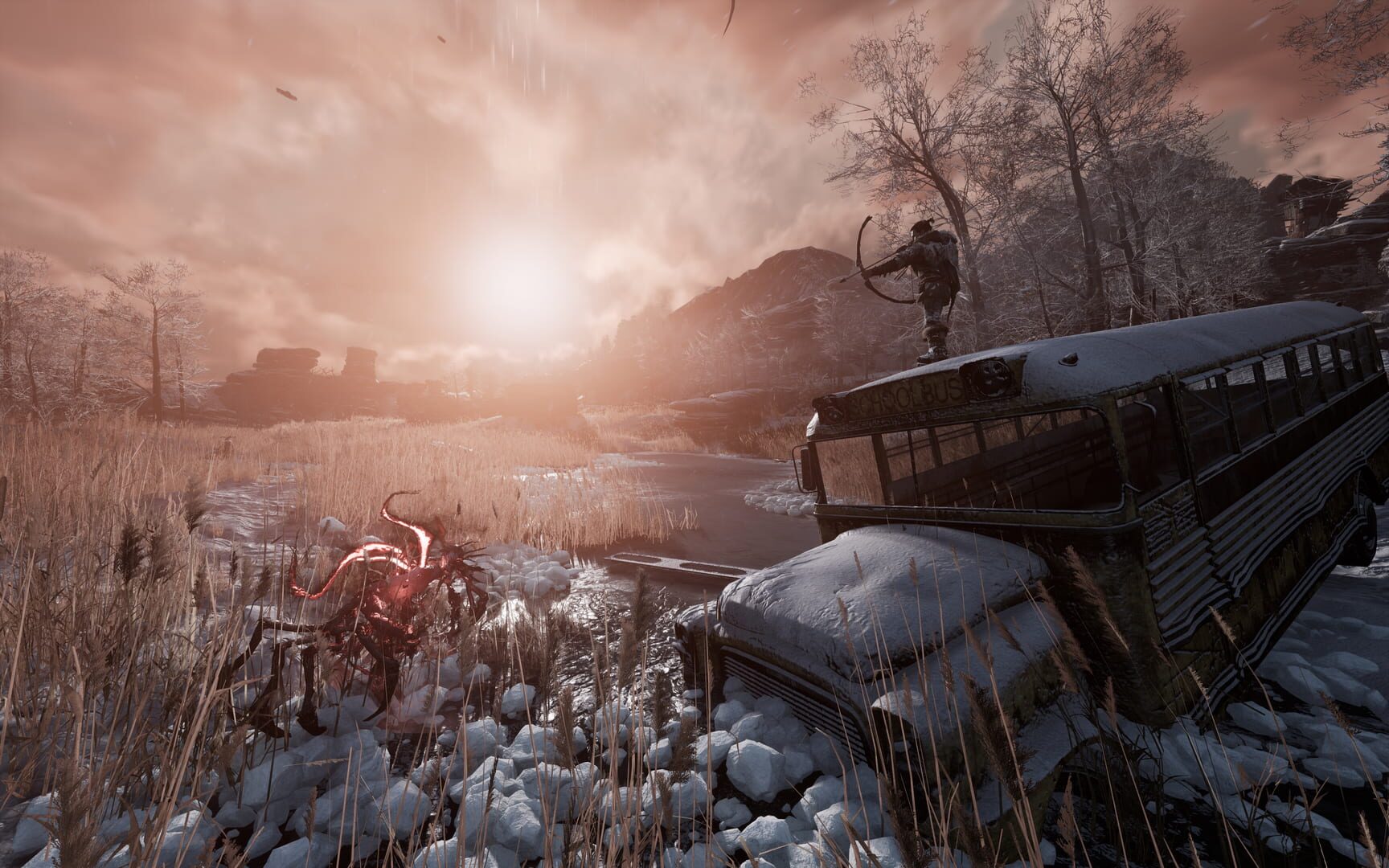
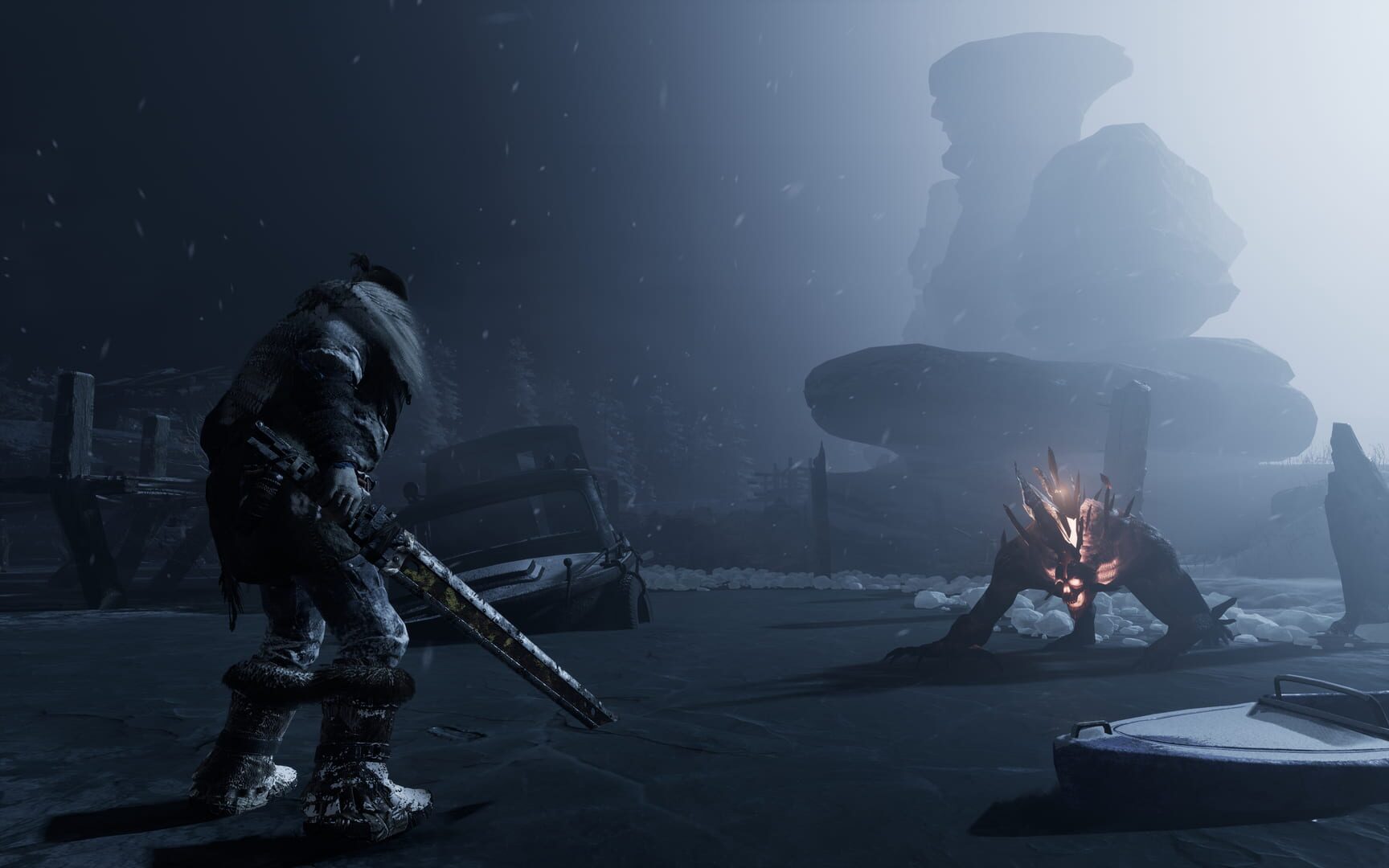
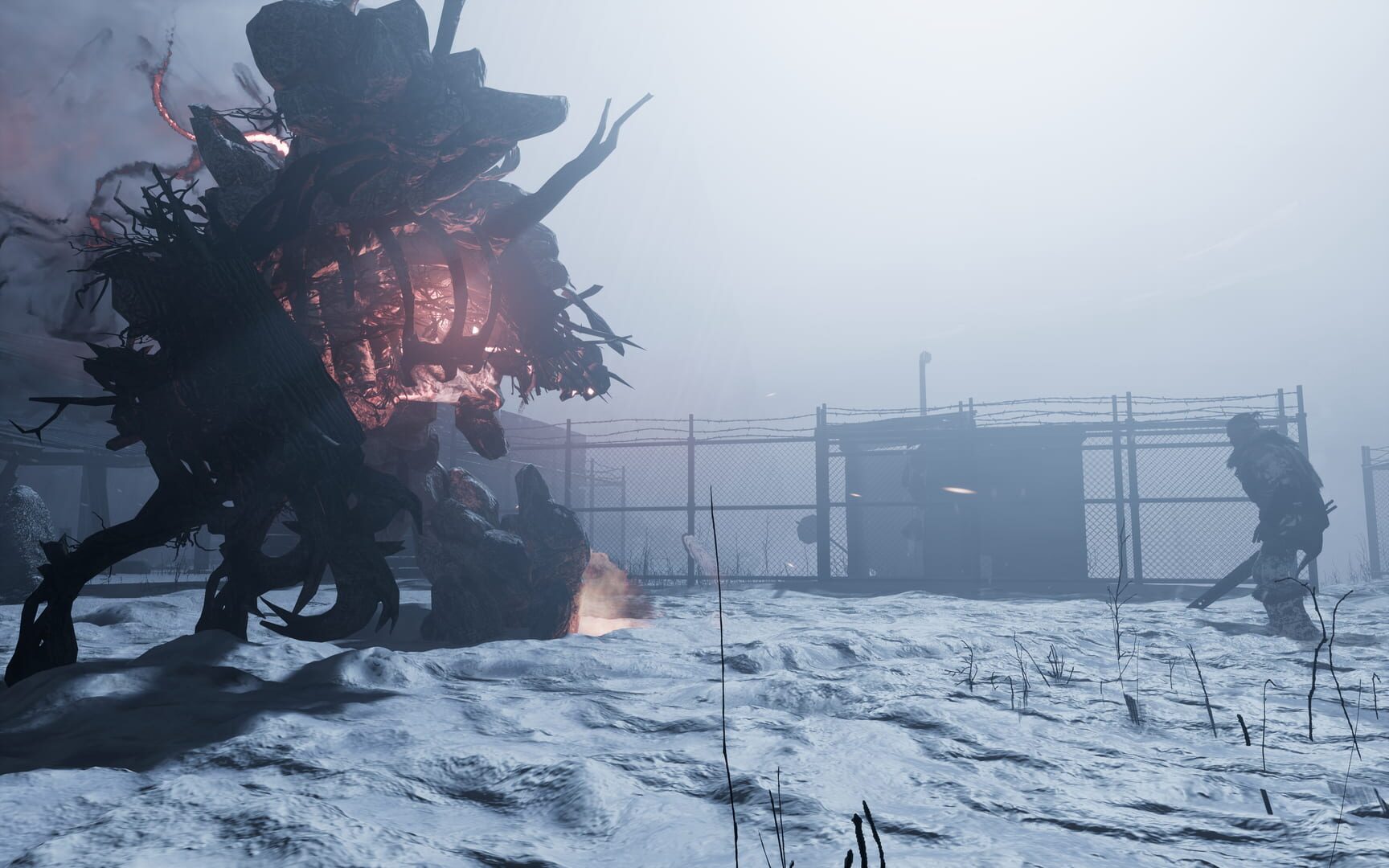
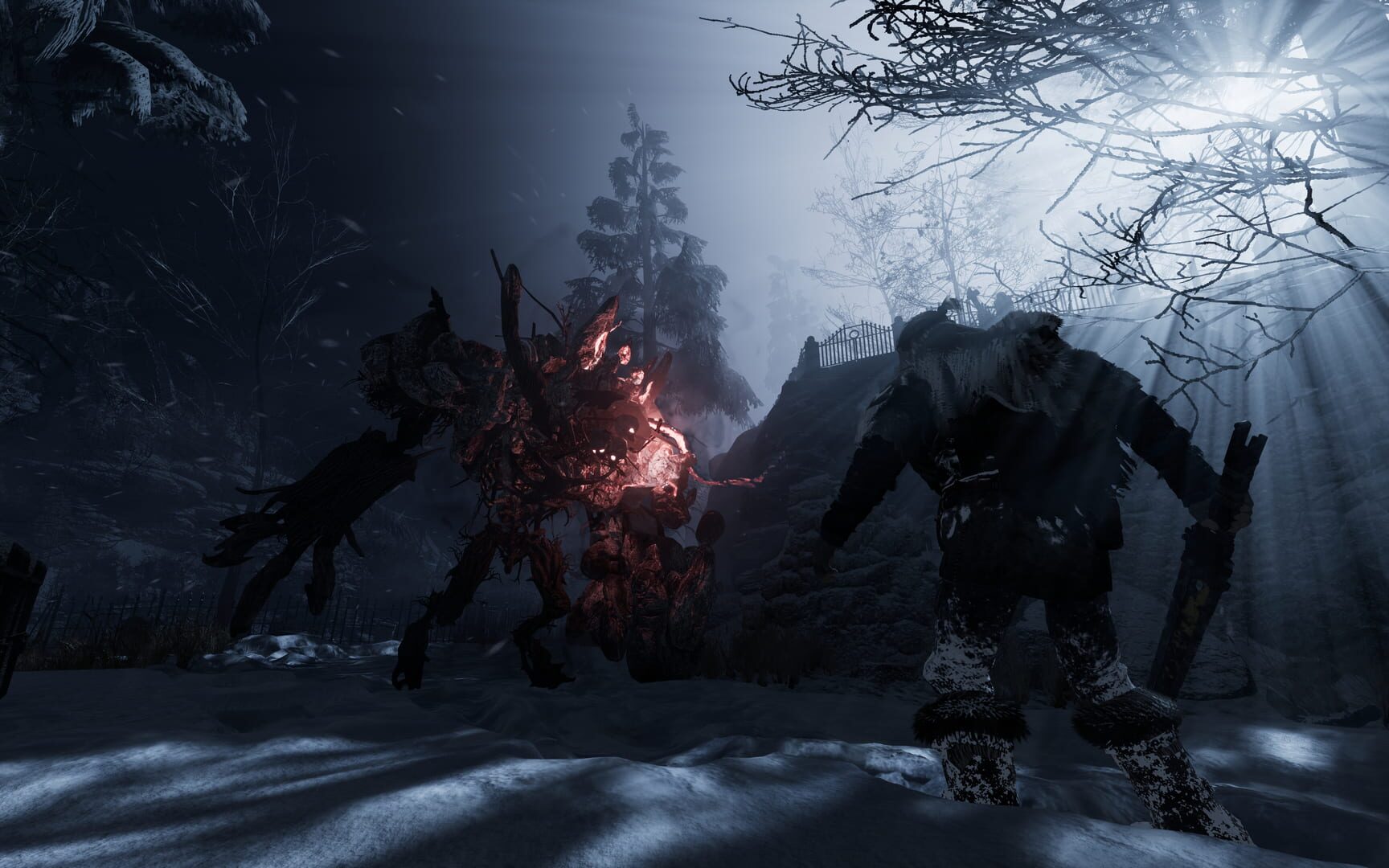
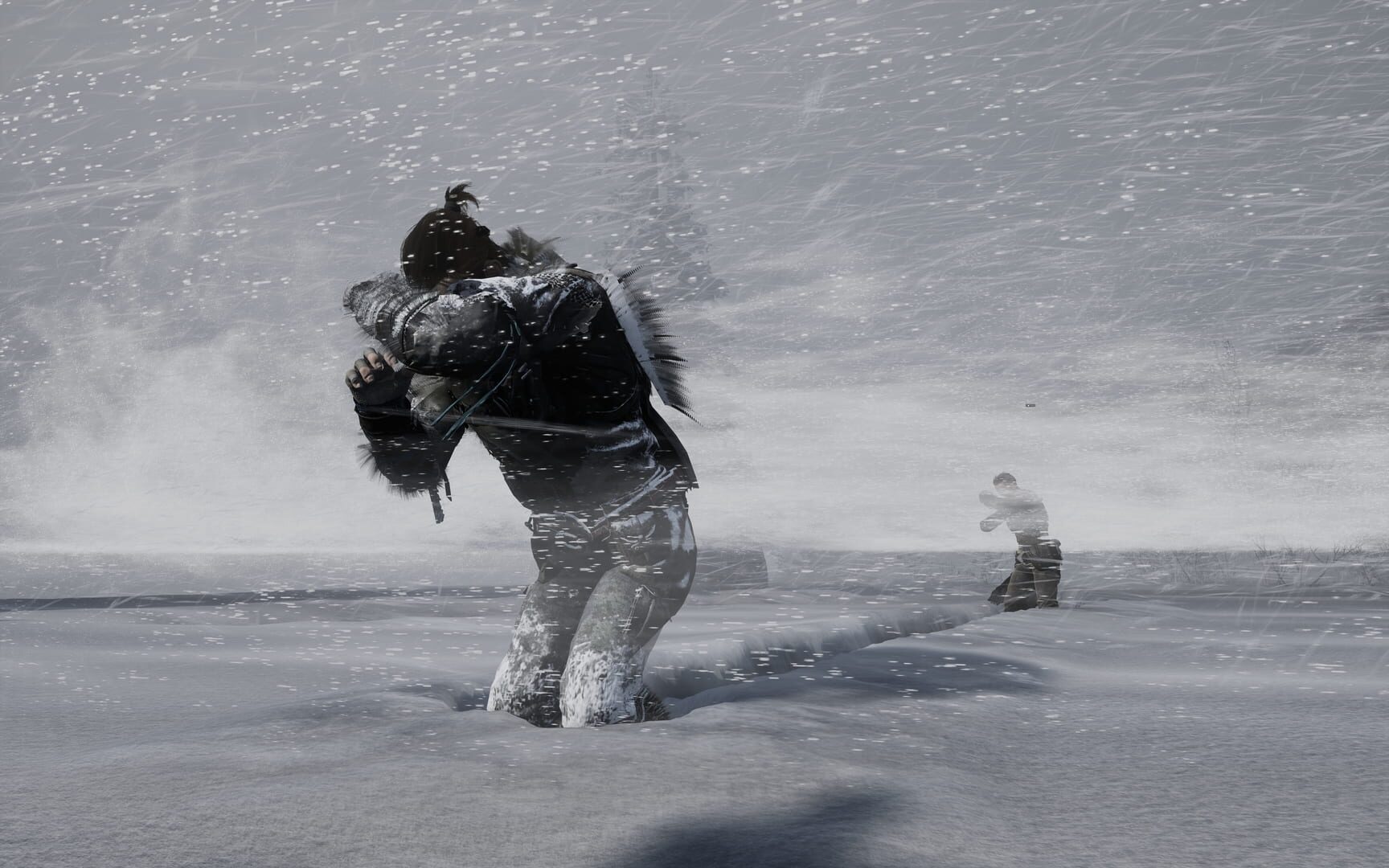
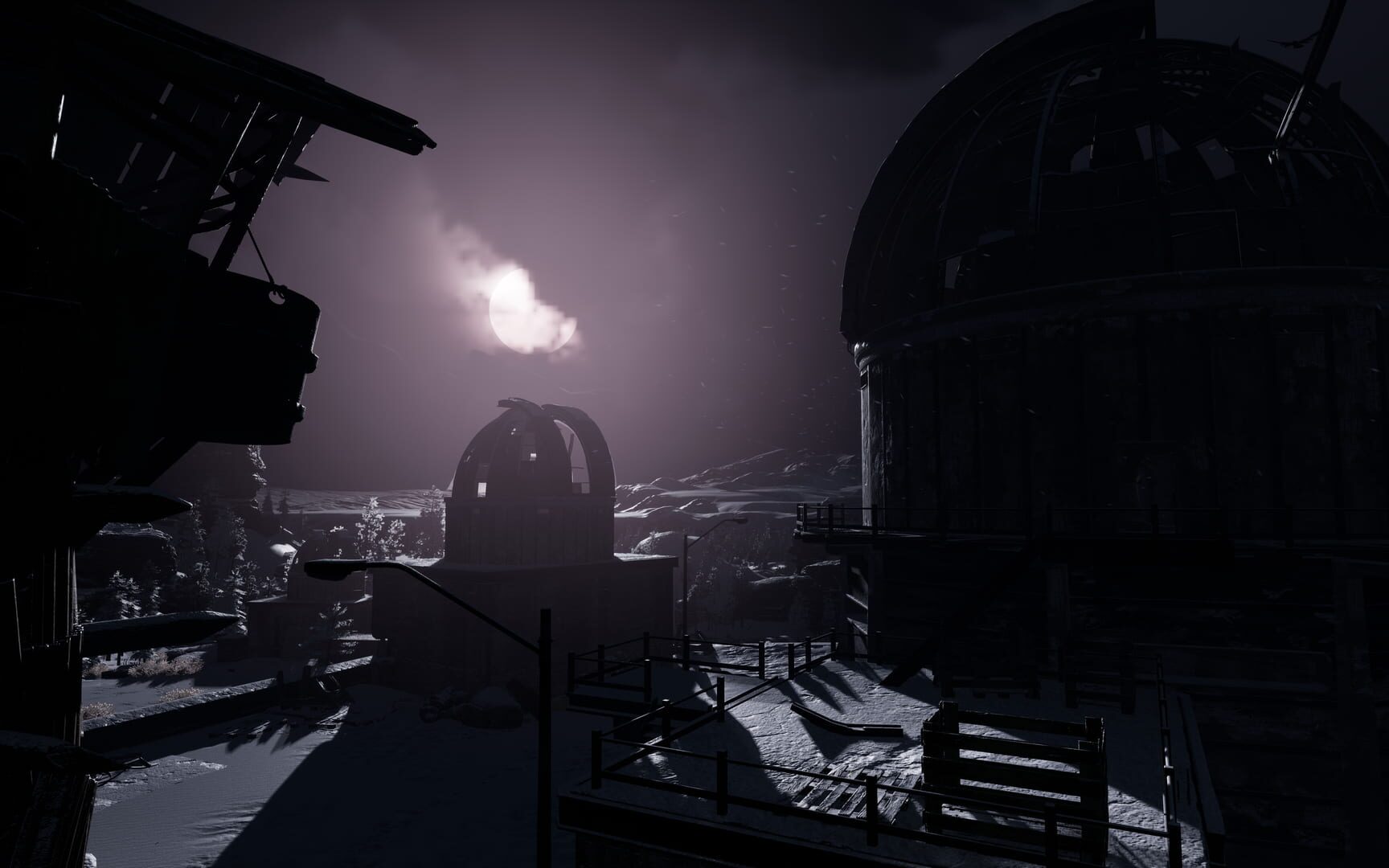
As the player you take the role of Ash, a natural but tormented leader. In that role you explore a post-apocalyptic, frozen wasteland to gather the resources necessary to establish a refuge for survival. With dwindling resources, simple tasks like upgrading equipment and collecting materials quickly require an expedition to scavenge the necessary items. In the search for survival materials, players must navigate a vast territory, in which they will encounter Eldritch monsters and an even greater foe: the unrelenting winter. While freezing temperatures constantly take their toll on the player Ash, the deadliest event is that of a blizzard. If caught by surprise, it takes every ounce of skill, determination and luck to survive. In order to survive and overcome all challenges, the player needs to attract followers, bringing them into thei refuge. Each individual skillset and character traits grants access to higher tier resources and gear. Without such advances, the player character can scavenge only the barest necessities, crafting makeshift tools and weapons. “You’re glad to have found wood; for once, you’ll have a roaring fire in the camp. As your sled wolves race home, you pay no attention to the strange lights in the forest. You’ve done enough for today. The wind suddenly picks up - a blizzard is moving in fast. The voice in your head dares you to keep going,”Come on! You have plenty of time to make it back.” You doubt it, but stopping now means you need to build a shelter—out of that precious wood. The snow begins to fall; you have only a moment to decide. Should you risk it and keep going, or do you play it safe but lose your firewood?” Fade to Silence introduces the many dynamics of a harsh winter climate to a complex, character-driven, group survival experience. The dynamic weather system adds to the immersion of survival in a cold, corrupted world. Survival depends on how well the players read weather patterns, and if they come to the right conclusion - look for shelter or press home. The dynamic snow displacement leaves a realistic path by both player character and NPC. This telltale sign will tell you regions where it is good to hunt and regions where monsters are roaming.
Summary from IGDB
Fade to Silence screenshots
Version history
- v1Current
First Release
Comments 0
No comments yet. Played it? Share what worked for your group.
Play these next
Browse all games
Lords of the Fallen
birden5.7k downloads2
Dead Rising 3
Talos9111k downloads2
Path of Exile
cryonie3.1k downloads2
Crimson Capes
birden12 downloads2
Styx: Shards of Darkness
Talos914.9k downloads2
Ashen Steam
ZeroFox2.5k downloads2
Browse by genre: Role-playing · Adventure
Log in or create an account to comment.