Split-screen on PC
Forgotten Hope 2
Up to 4 players on one PC, with controllers, keyboard and mouse or several keyboards and mice.
Handler “Forgotten Hope 2” by Perserveruz, version 3
What works
With Nucleus Co-op, up to 4 players can play Forgotten Hope 2 together on one PC, each in their own part of the screen, with controllers, keyboard and mouse or several keyboards and mice. The free community handler “Forgotten Hope 2” by Perserveruz does the setup and was checked by hub moderators: version 3, updated . Forgotten Hope 2 is a shooter game from 2007.
- Players4
- ControllersSupported
- Keyboard and mouseSupported
- Several keyboards and miceOne per player
- Hub moderatorsVerified
How to play Forgotten Hope 2 split screen on PC
Get Nucleus Co-op
Download Nucleus Co-op, free for Windows 10 and 11, and unzip it into its own folder, for example C:\NucleusCo-op. There is no installer.
Keep it out of Program Files, your user folder and OneDrive.
Install the Forgotten Hope 2 handler
In Nucleus Co-op, search the Hub for Forgotten Hope 2 and install its handler, or download the handler file from this page and drop it on the Nucleus window. Then show Nucleus where Forgotten Hope 2 is installed.
Take a seat
Each player presses a button on their own controller to join and takes a spot on the screen. Pick a layout that fits your players.
Playing with several keyboards and mice? Press End once everything is in place to give each window its own cursor.
Launch and connect
Press Launch: Nucleus opens one copy of Forgotten Hope 2 per player and lays the windows out on your screen. Then link them in game, usually one player hosts a LAN or online session and the others join it. The handler notes say how.
What you need
- A Windows 10 or 11 PC
Nucleus Co-op runs on Windows only. System requirements
- Forgotten Hope 2 for Windows
Installed on that PC. Nucleus starts every player's window from that one install.
- Nucleus Co-op, free
With .NET Framework 4.7.2 or later and the Visual C++ 2015–2022 runtimes (x86 and x64). Download
- Something to play with
One controller per player, or one keyboard and mouse per player. Controllers · Keyboards and mice
- A PC that can run 4 copies
Each player runs their own copy of Forgotten Hope 2, so the PC carries several times the usual load. Lower the graphics settings if it struggles. Performance tips
- A multiplayer mode
Nucleus links the windows through the game's own LAN or online mode; the handler takes care of it.
Handler notes
Supports up to 4 gamepads as well as multiple mice/keyboards.
Requires VC++ Redistributable 2019, Dot Net Framework 4.0 or above and DirectX.
N.B. Apps that emulate mice/keyboards or virtual controllers such as controlmyjoystick can interfere with the dinput to xinput translation.
You can find the latest standalone version of Forgotten Hope 2 at https://playfh2.net/download
For Ctrl+Q to work you may need to first Ctrl+Tab to the Nucleus app window first. Prior to launching your instances, under the handler's options in Nucleus, select the number of human players and change any other video/server settings based on your preferences.
Only when using gamepads there is no need to lock input, instead when using mouse/keyboard you will need to lock input by pressing the END key, preferably at the map screen. You may need to press the END key a couple of times to lock input effectively.
Once your instances have finished resizing and repositioning, proceed to have the first player create a local match under multiplayer, make sure to select Co-op under game mode or no bots will be loaded.
Once the match has loaded have the other players connect by searching for the local server under multiplayer/join local.
If you wish to change the draw distance value, you will need to add your preferred draw distance value in the cmd pop up window (only once the Login screen has loaded), wait until all maps have been updated and for the 'Press any key to continue' line to appear - this needs to be repeated for each instance. I've found that setting a value of 1000 works fine on a mid-range PC and looks quite nice, while 2000 looks amazing but can drastically affect performance and cause crashes on lower end PCs.
Massive credit goes to messenils for fixing multiple mice/keyboard inputs - this is actually what was preventing this release. Also, major props to Josivan88 for all the testing and to PoundlandBacon for his extensive contributions to the handler, including the draw distance mod.
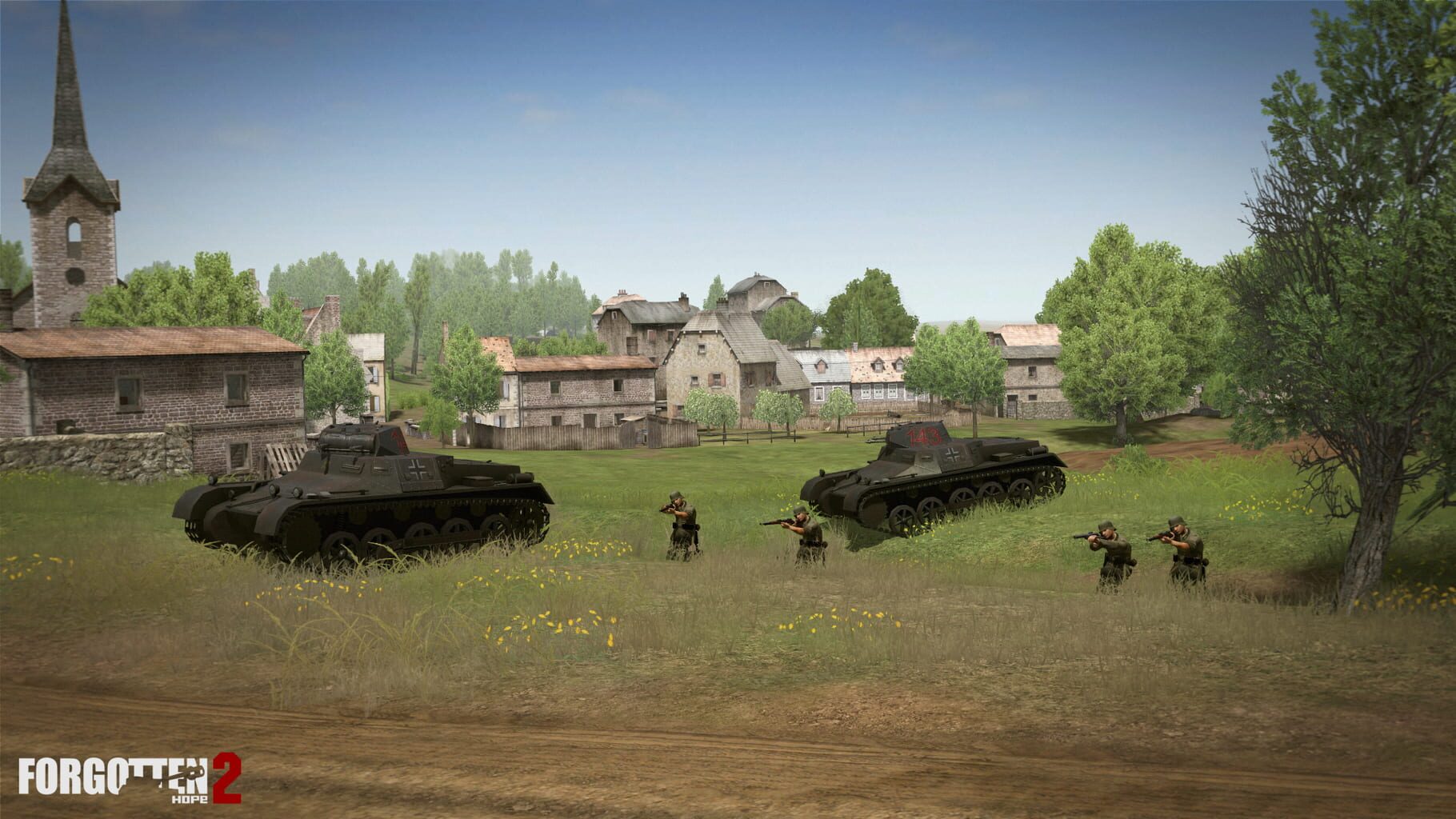
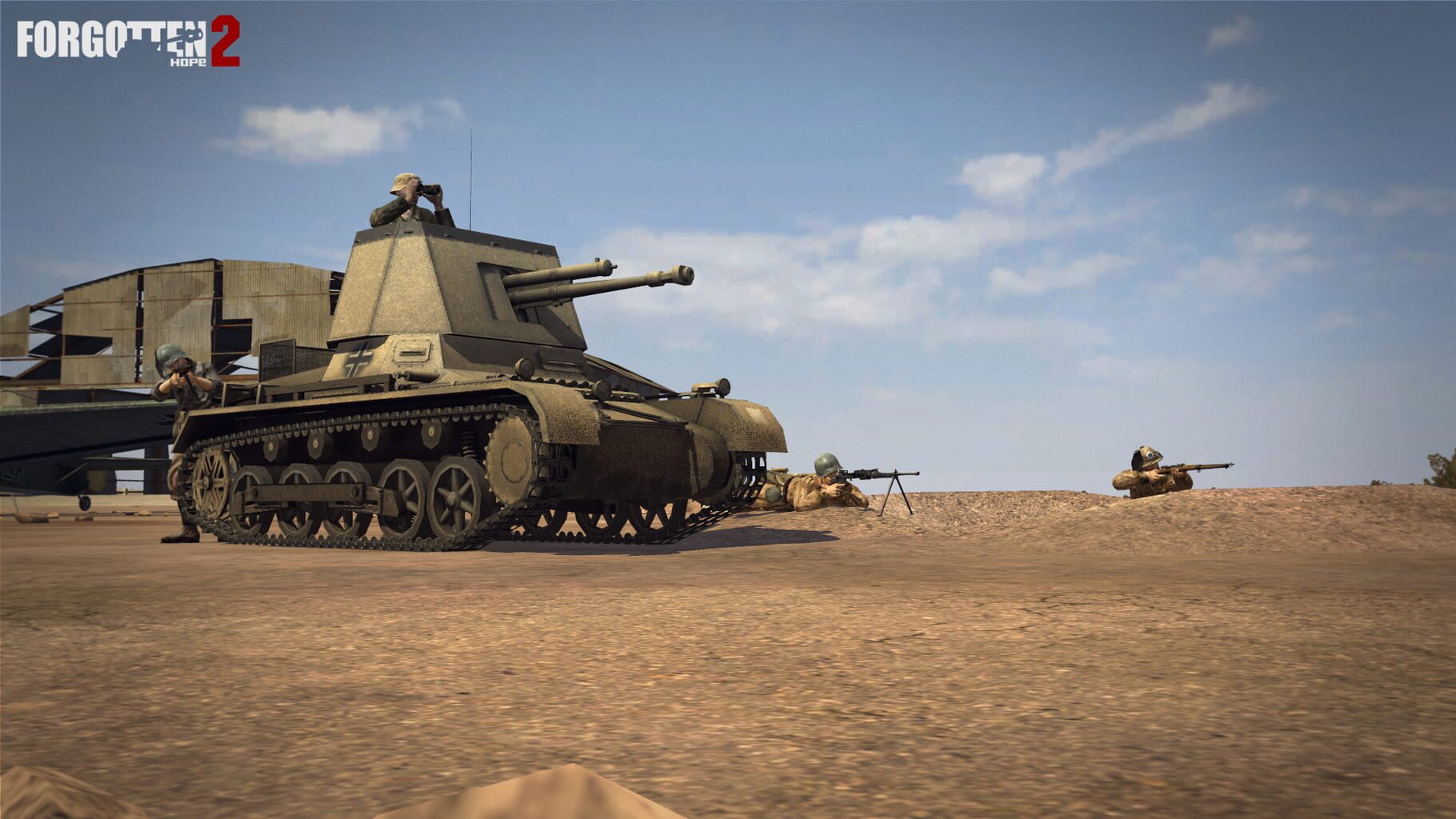
About Forgotten Hope 2
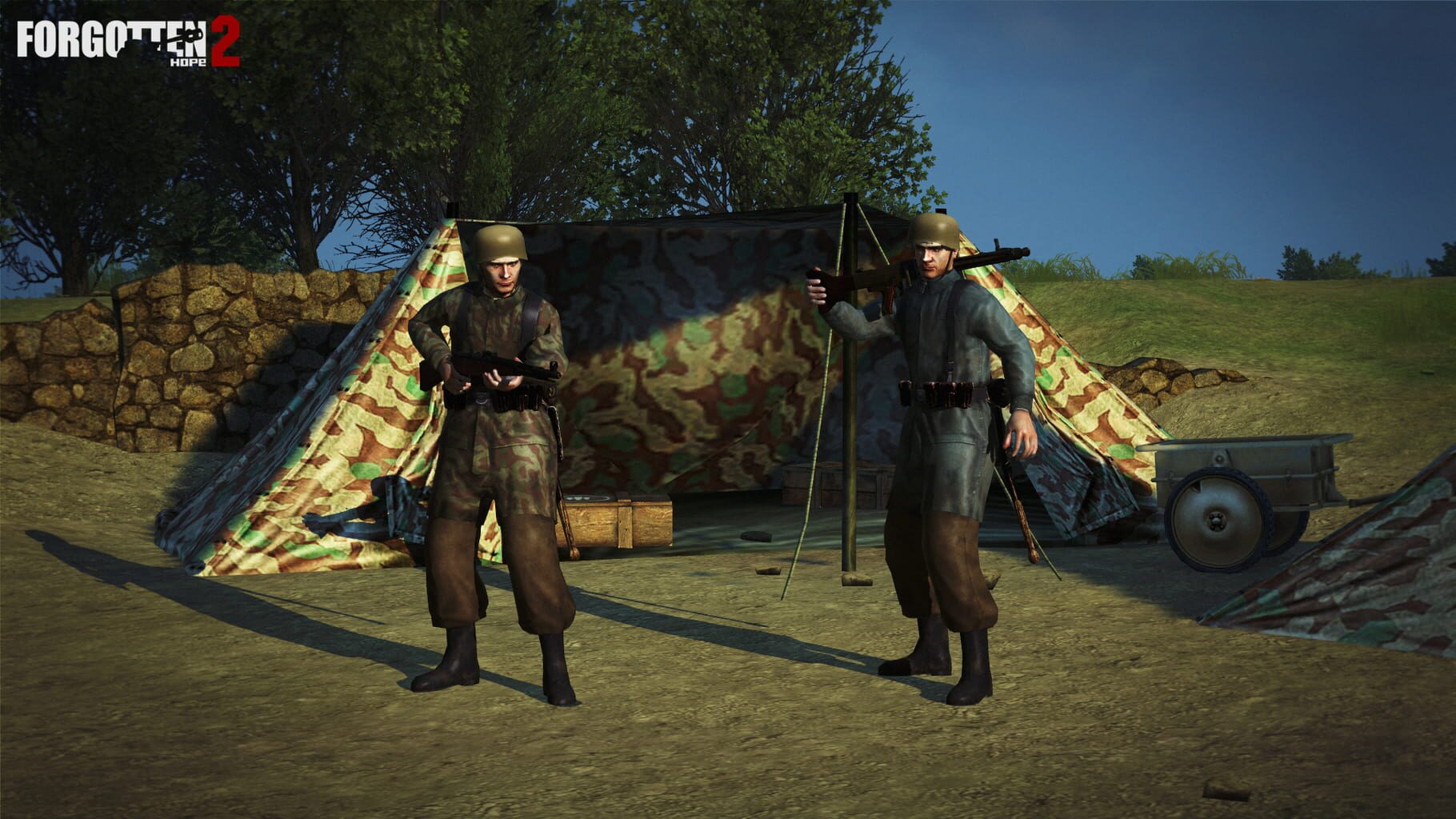
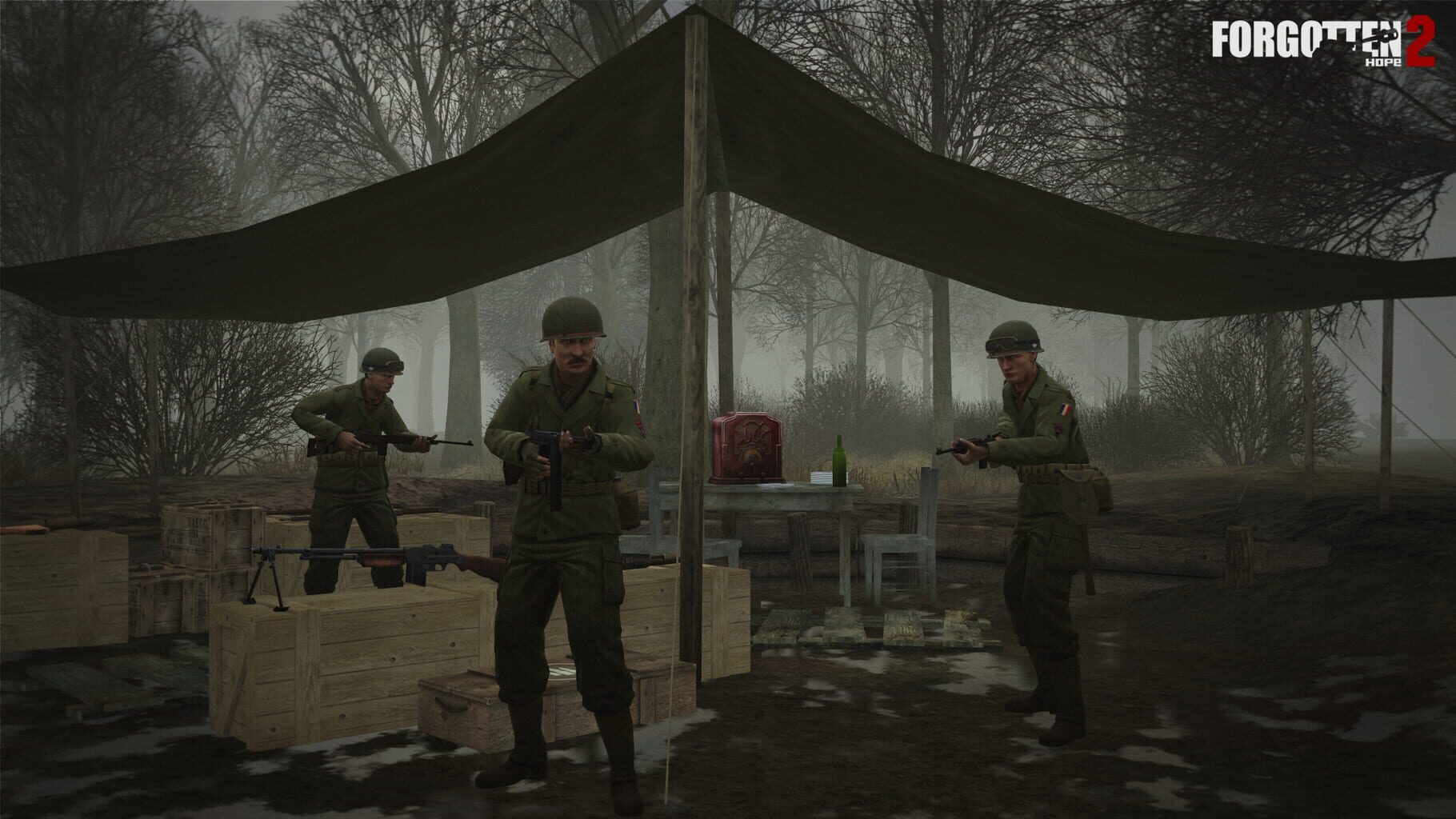
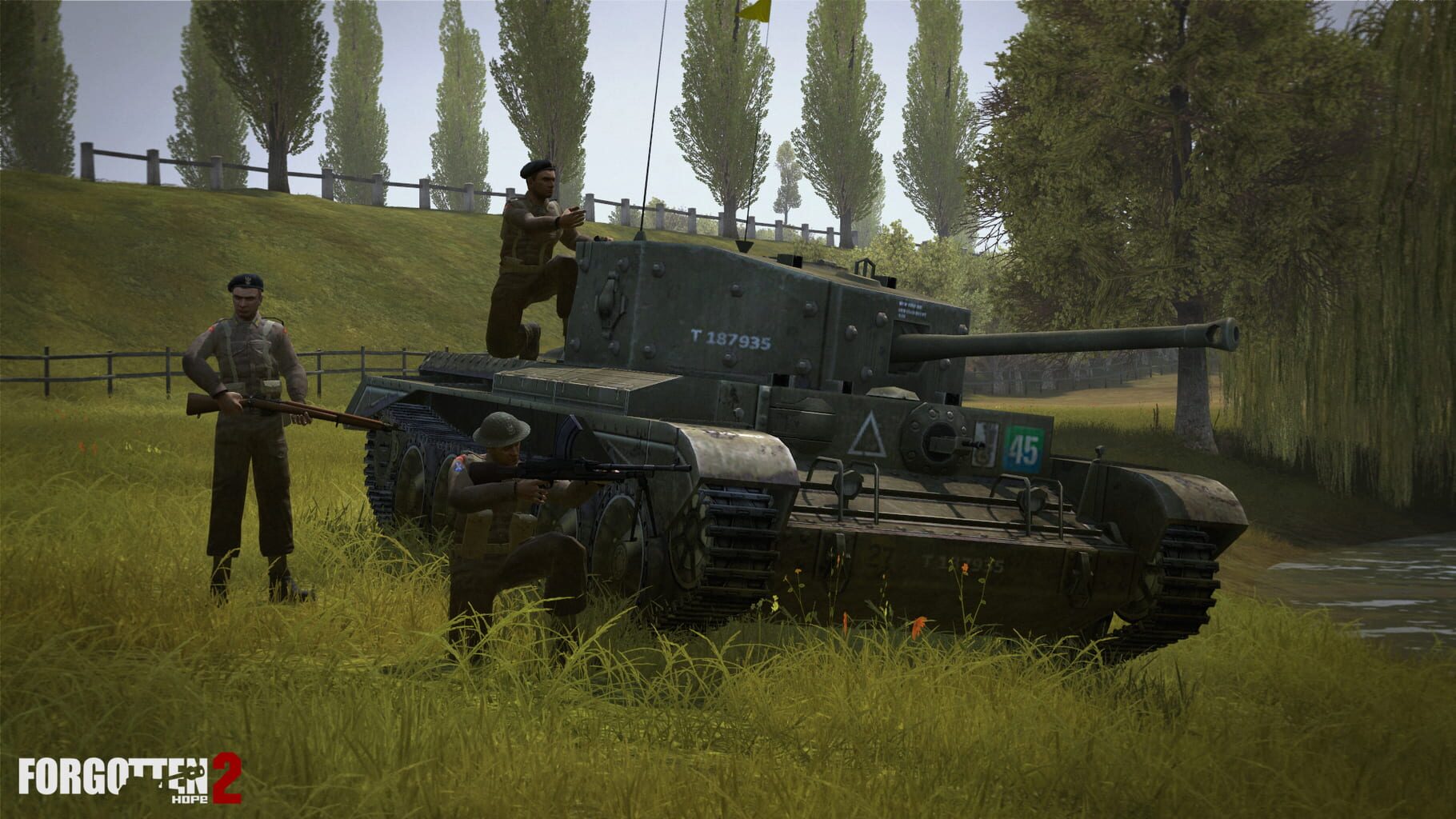
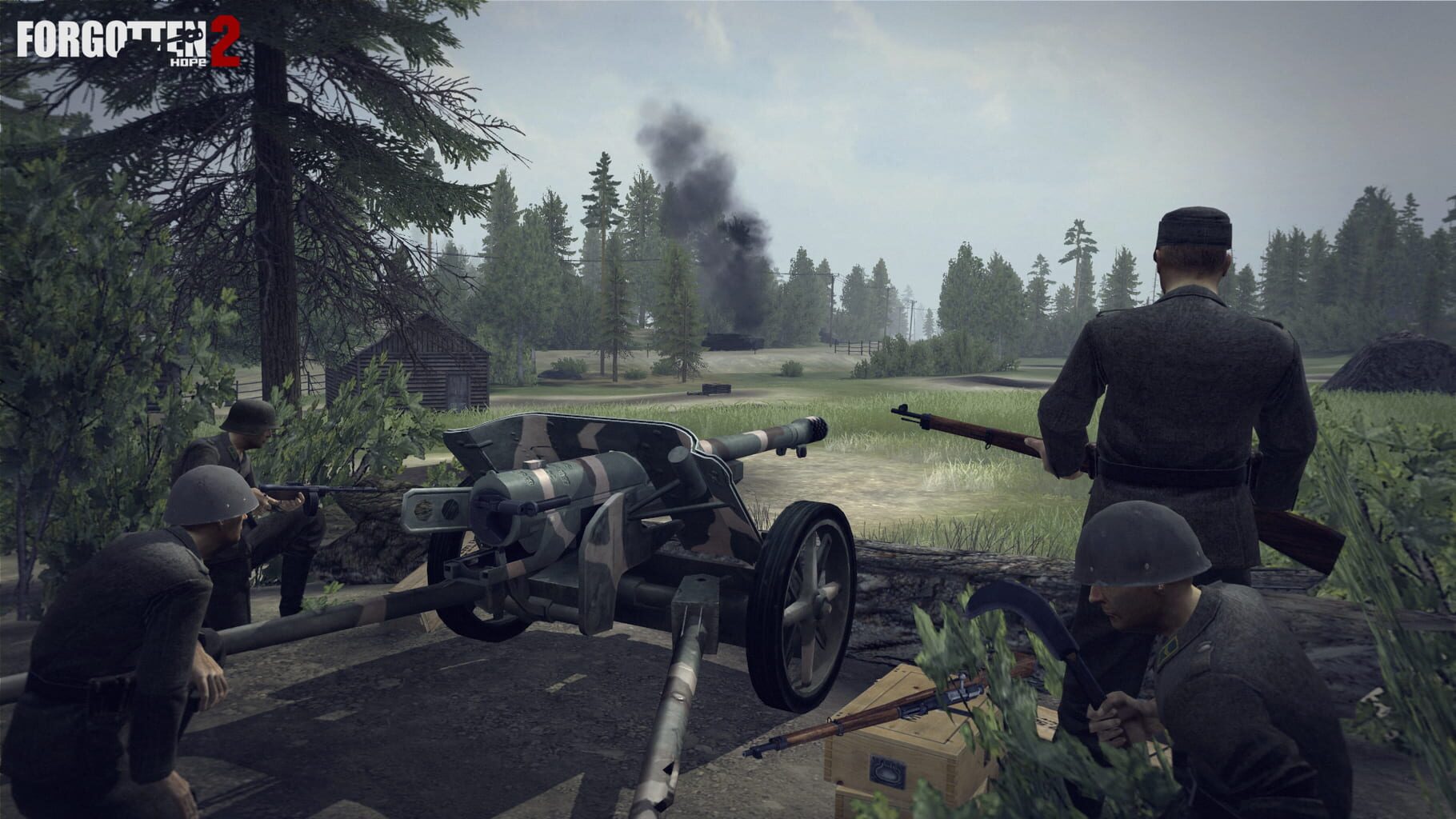
An award-winning World War II mod for Battlefield 2, covering all aspects of land, air and sea combat, with a focus on realism and historic accuracy. It is the sequel to Forgotten Hope, one of the most popular mods for Battlefield 1942. As player, you can take control over an expansive number of authentic WWII equipment; from tanks such as the mighty German King Tiger, to famed aircraft like the British Spitfire, or hit the road with the Willys MB Jeep. Lay your hands on infantry weapons, such as the powerful German Panzerfaust or the fearsome American M1 Garand rifle. Fight your way through the North African deserts, the landing grounds of Normandy, the freezing Ardenne forests, and alongside your comrades in mother Russia!
Summary from IGDB
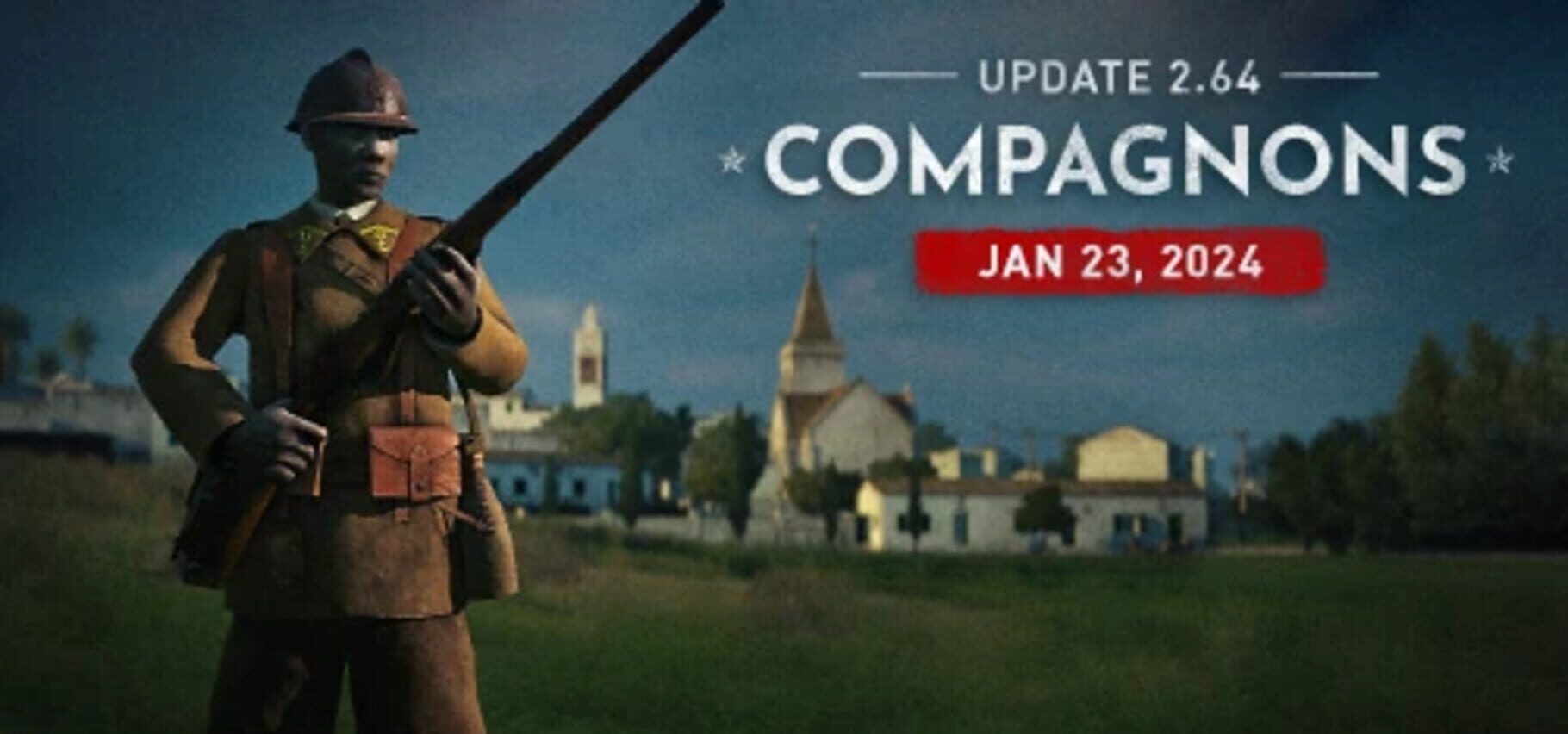
Forgotten Hope 2 screenshots

Version history
- v3Current
added draw distance mod, improved game description.
- v2
Fixed bot ratio
- v1
Forgotten Hope 2 handler
Comments 0
No comments yet. Played it? Share what worked for your group.
Play these next
Browse all games
Call of Duty: Black Ops II Zombies
PoundlandBacon473k downloads4
Resident Evil 5
Talos91131k downloads4
Palworld
PoundlandBacon87k downloads4
Borderlands 2
Talos91107k downloads4
Payday 2
Talos9143k downloads4
Dying Light
Talos9176k downloads4
Browse by genre: Shooter
Log in or create an account to comment.