Split-screen on PC
Grim Dawn
Up to 4 players on one PC, with controllers, keyboard and mouse or several keyboards and mice.
Handler “Grim Dawn” by Talos91, version 16
What works
With Nucleus Co-op, up to 4 players can play Grim Dawn together on one PC, each in their own part of the screen, with controllers, keyboard and mouse or several keyboards and mice. The free community handler “Grim Dawn” by Talos91 does the setup and was checked by hub moderators: version 16, updated . Grim Dawn is a role-playing, hack and slash and adventure game from 2016.
- Players4
- ControllersSupported
- Keyboard and mouseSupported
- Several keyboards and miceOne per player
- Hub moderatorsVerified
How to play Grim Dawn split screen on PC
Get Nucleus Co-op
Download Nucleus Co-op, free for Windows 10 and 11, and unzip it into its own folder, for example C:\NucleusCo-op. There is no installer.
Keep it out of Program Files, your user folder and OneDrive.
Install the Grim Dawn handler
In Nucleus Co-op, search the Hub for Grim Dawn and install its handler, or download the handler file from this page and drop it on the Nucleus window. Then show Nucleus where Grim Dawn is installed.
Take a seat
Each player presses a button on their own controller to join and takes a spot on the screen. Pick a layout that fits your players.
Playing with several keyboards and mice? Press End once everything is in place to give each window its own cursor.
Launch and connect
Press Launch: Nucleus opens one copy of Grim Dawn per player and lays the windows out on your screen. Then link them in game, usually one player hosts a LAN or online session and the others join it. The handler notes say how.
What you need
- A Windows 10 or 11 PC
Nucleus Co-op runs on Windows only. System requirements
- Grim Dawn for Windows
Installed on that PC. Nucleus starts every player's window from that one install.
- Nucleus Co-op, free
With .NET Framework 4.7.2 or later and the Visual C++ 2015–2022 runtimes (x86 and x64). Download
- Something to play with
One controller per player, or one keyboard and mouse per player. Controllers · Keyboards and mice
- A PC that can run 4 copies
Each player runs their own copy of Grim Dawn, so the PC carries several times the usual load. Lower the graphics settings if it struggles. Performance tips
- A multiplayer mode
Nucleus links the windows through the game's own LAN or online mode; the handler takes care of it.
Handler notes
Better than Diablo III.
Authors and Contributors: Talos91 from the Splitscreen Dreams Discord.
About Grim Dawn
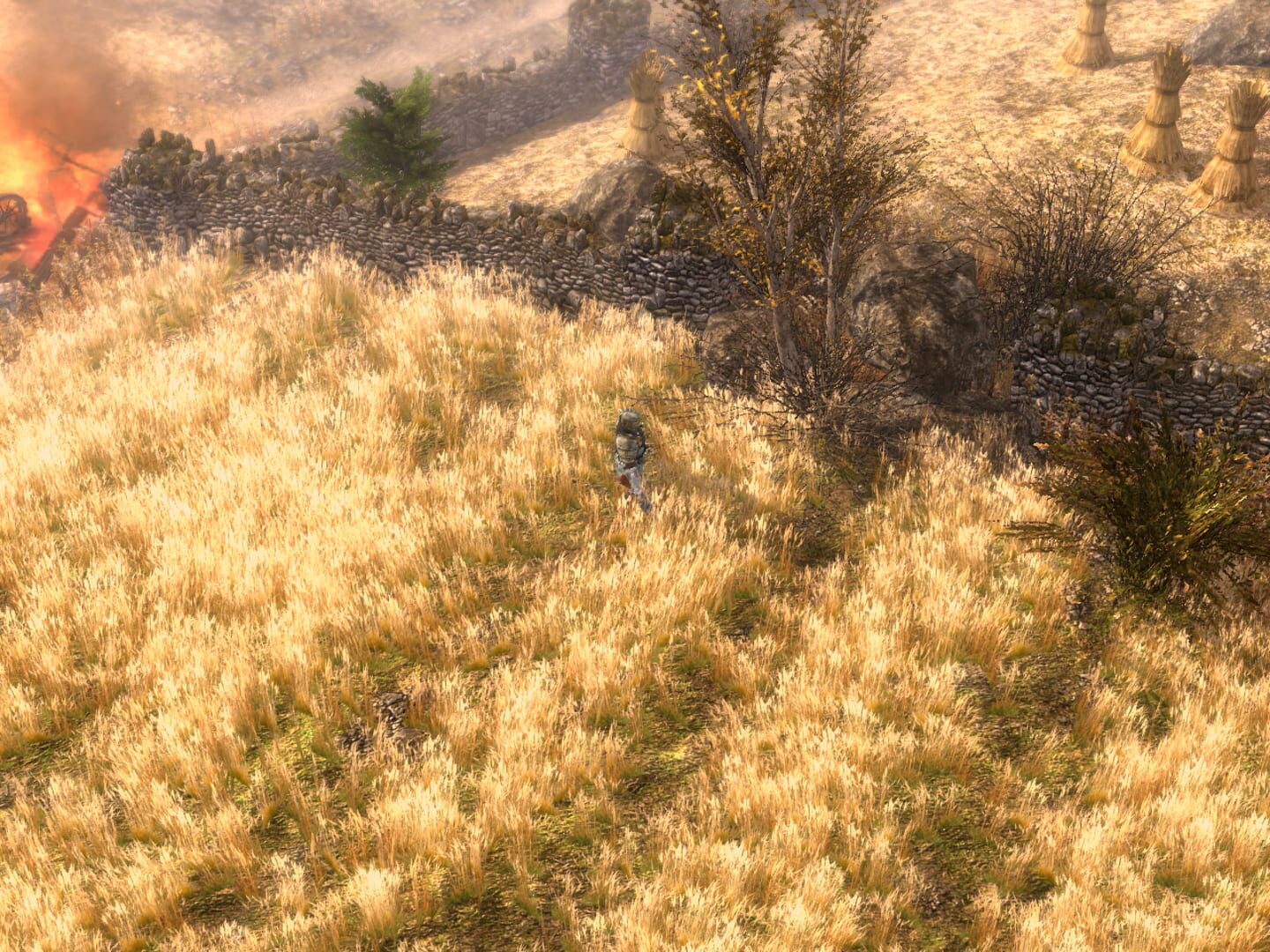
Grim Dawn is an action role-playing game intended for digital distribution on the PC. It is being developed by veterans of Iron Lore entertainment, the makers of Titan Quest. Grim Dawn is being built with Crate's own improved version of the Iron Lore engine and toolset; the same technology used to create Titan Quest. As a spiritual successor, Grim Dawn will attempt to better perfect the magical formula of exploration, character advancement, and loot collection pioneered by Diablo. Players will be thrust into the dark, war-torn world of Cairn where a once proud empire has been brought to ruin and the human race driven to the edge of extinction. Cairn has become ground zero of an eternal war between two otherworldly powers, one seeking to use human bodies as a resource, the other intent upon destroying the human race before that can happen. This cataclysmic war has not only decimated human civilization but is warping the very fabric of reality and, in its wake, giving life to new horrors. For humankind it is the dawn of a grim new age where iron has replaced gold as currency and the importance of salt as a weapon makes it far too valuable to waste on food. Small enclaves of human survivors exist scattered throughout the world, holed up in hidden refuges. These humans have quietly watched the warring invaders destroy one another and have become wise to the strengths and vulnerabilities of their otherworldly foes. A few survivors have begun to exhibit strange new abilities after surviving possession or exposure to the warp. These unnatural powers are feared by some but give many new hope of launching a resistance to fight the "outsiders" and reclaim what is left of their world. You are one such individual. Blessed, or perhaps cursed, by the touch of Aetherial influence, you have powers and strength beyond that of normal men. It is now up to you to take this fearsome potential and use it against the enemies of humanity. Will you be the one to save Cairn from its grim fate? Or is humanity doomed to extinction?
Summary from IGDB
Grim Dawn screenshots
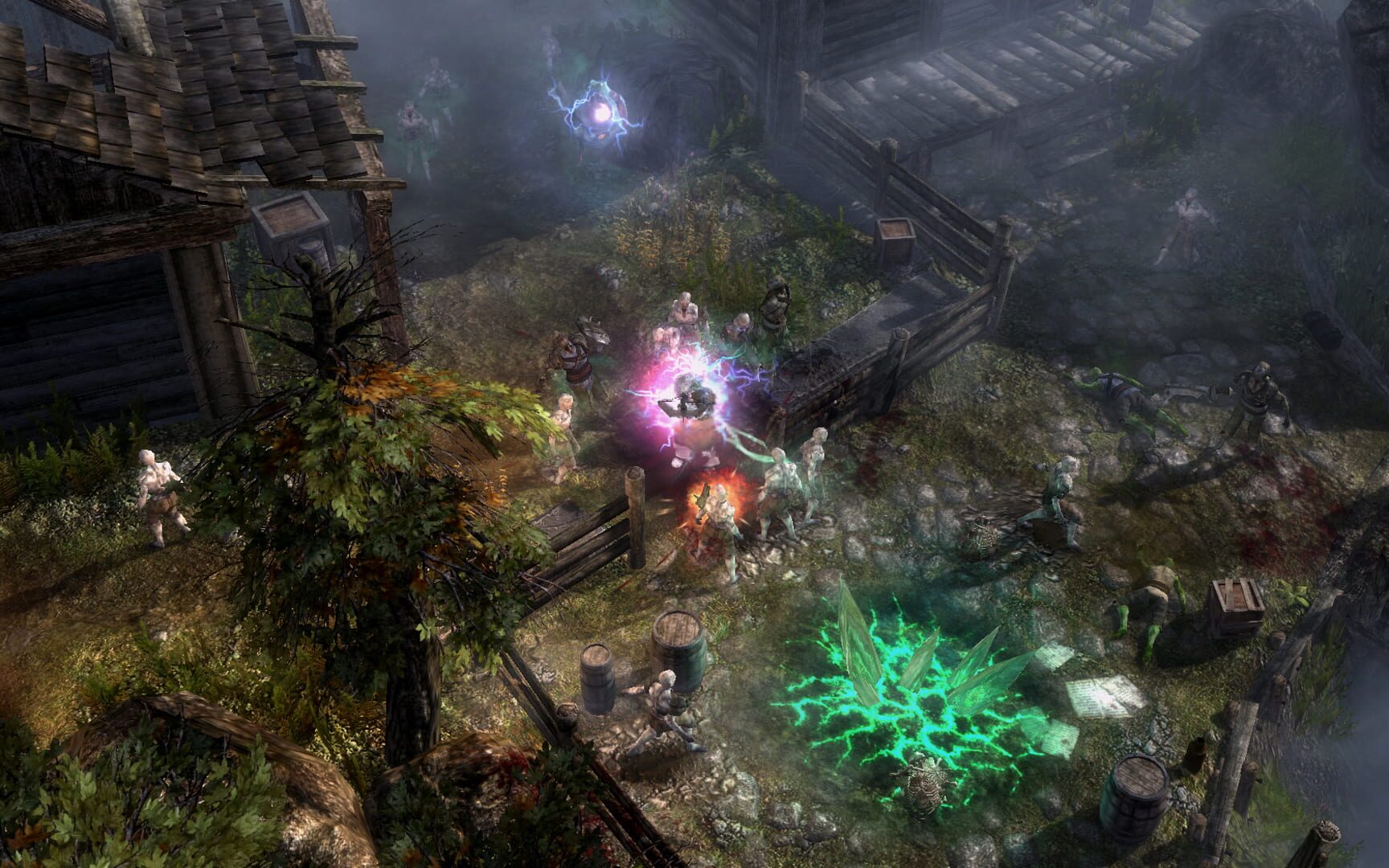
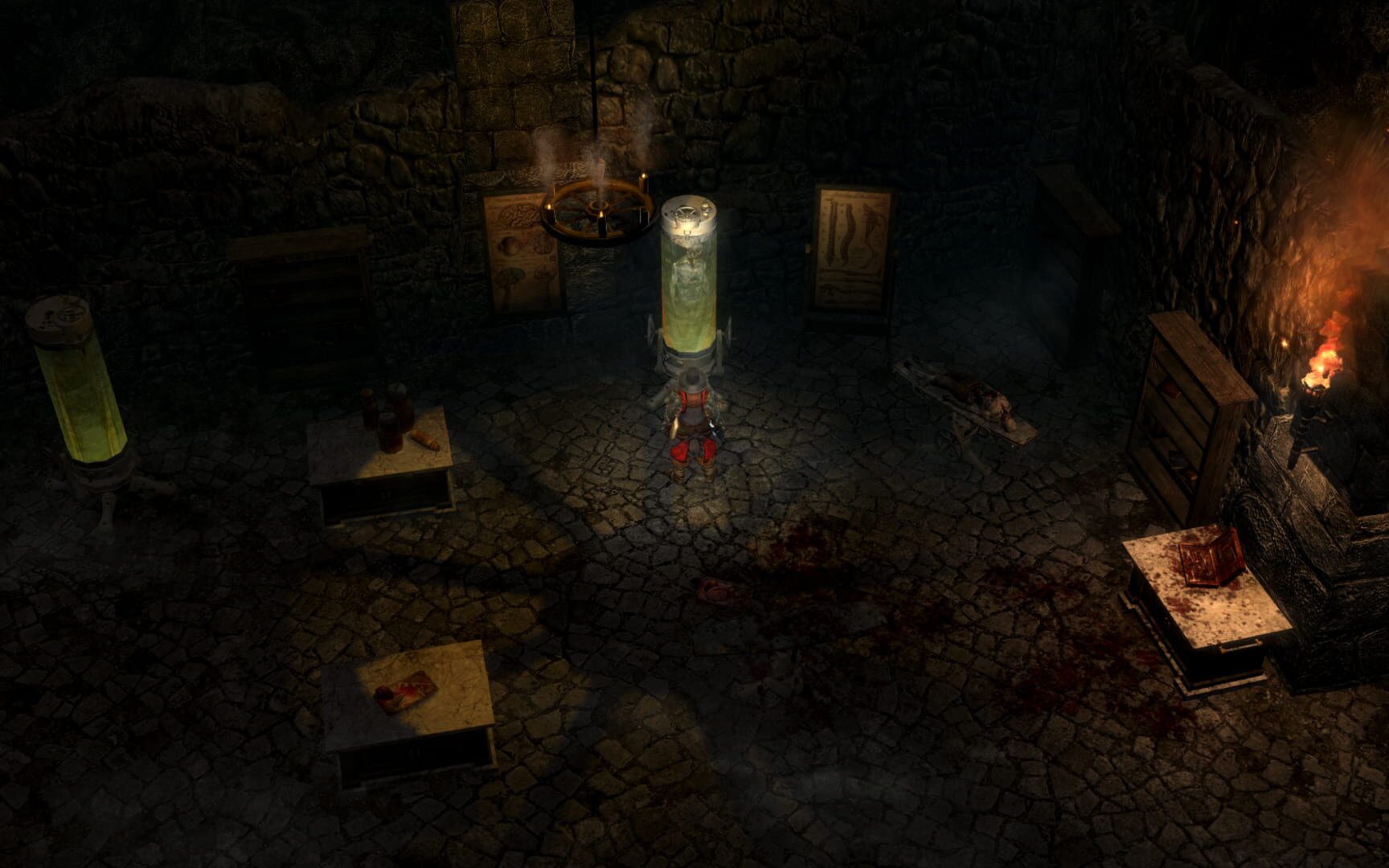
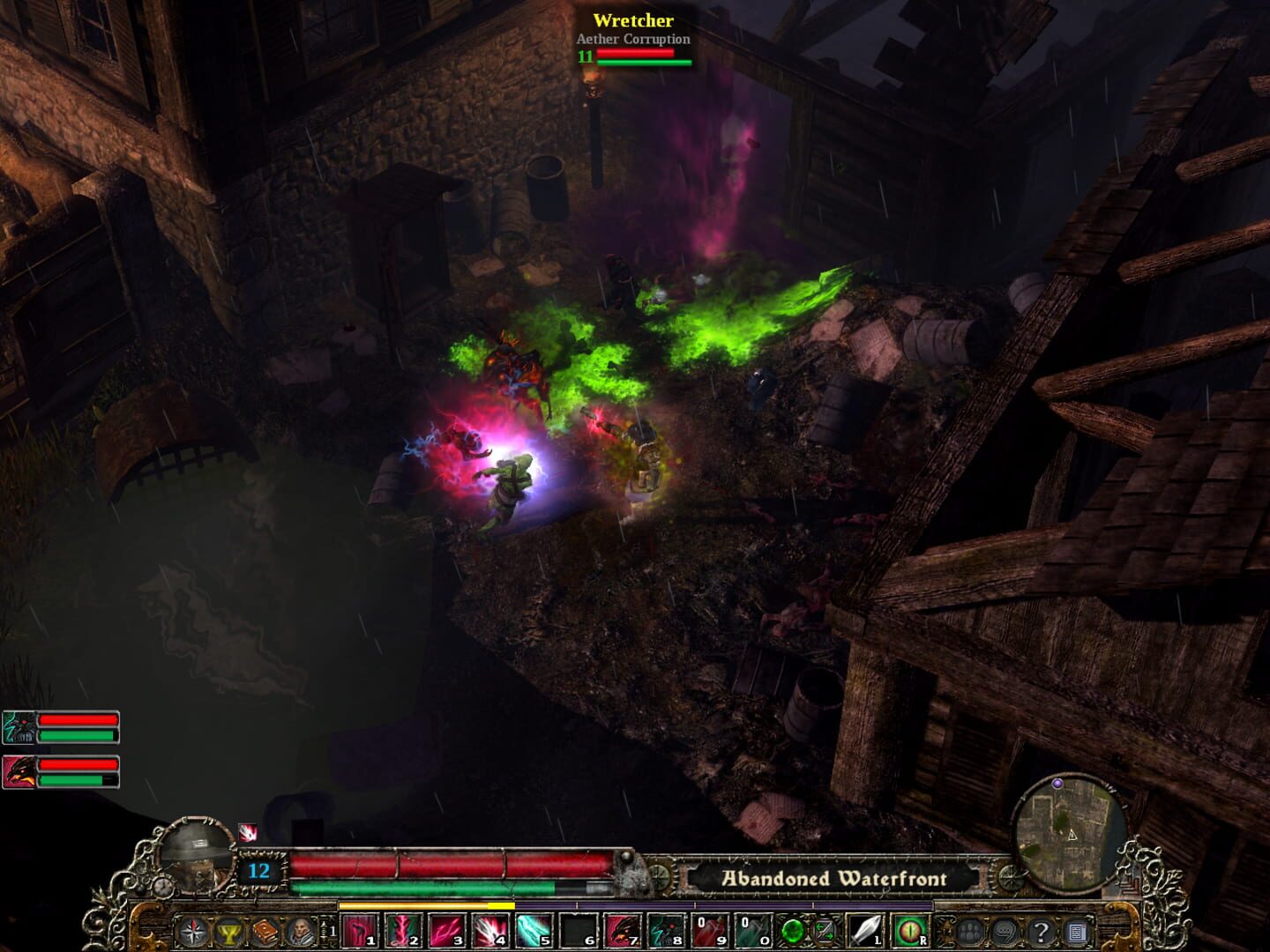
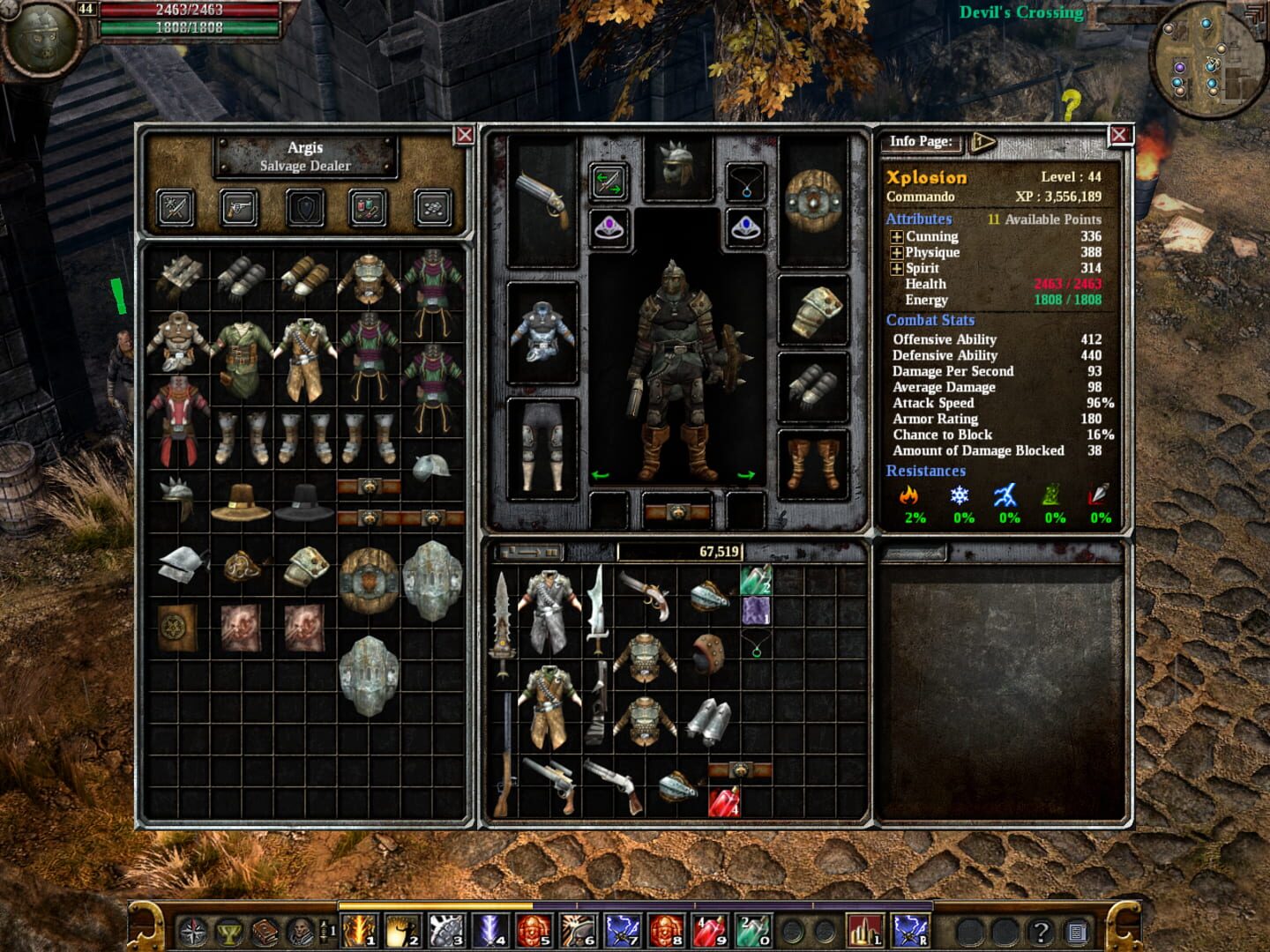
Version history
- v16Current
native LAN fixed on the same PC for Grim Dawn v1.3.0
- v15
updated to open in latest Steam game version.
- v14
Minor fixes and cleanning
- v13
gamepad id
Comments 1
For anyone struggling with using controllers and the END Input-Lock: 1. If you're using Controller Companion or sth. similar to use controllers as a mouse, I suggest quitting it while playing Grim Dawn. 2. I couldn't create a character in the beginning, so I resorted to just opening the game in Fullscreen with 1 Player once, create a character and then just create a copy of it (you can use GDStash to edit it later). 3. Take care and read the instructions carefully. It really comes down to letting the game finish setting up and then FIRST clicking END and THEN clicking both windows with your mouse, even if you don't see the mouse. Move it well to the left, then click, then move it well to the right, then click...
Play these next
Browse all games
Monster Hunter Rise
Talos915.8k downloads4
Marvel's Avengers
Rogueboy_x1.9k downloads4
Craftopia
Talos913.2k downloads4
The Incredible Adventures of Van Helsing: Final Cut
Talos911.3k downloads4
Hammerwatch II
Talos91619 downloads4
Hammerwatch
Talos91582 downloads4
Browse by genre: Role-playing · Hack and slash · Adventure
Log in or create an account to comment.