Split-screen on PC
Monster Hunter Rise
Up to 4 players on one PC, with controllers.
Handler “Monster Hunter Rise” by Talos91, version 1
What works
With Nucleus Co-op, up to 4 players can play Monster Hunter Rise together on one PC, each in their own part of the screen, with controllers. The free community handler “Monster Hunter Rise” by Talos91 does the setup and was checked by hub moderators: version 1, updated . Monster Hunter Rise is a role-playing, hack and slash and adventure game from 2021.
- Players4
- ControllersSupported
- Keyboard and mouseNot supported
- Several keyboards and miceNot supported
- Hub moderatorsVerified
How to play Monster Hunter Rise split screen on PC
Get Nucleus Co-op
Download Nucleus Co-op, free for Windows 10 and 11, and unzip it into its own folder, for example C:\NucleusCo-op. There is no installer.
Keep it out of Program Files, your user folder and OneDrive.
Install the Monster Hunter Rise handler
In Nucleus Co-op, search the Hub for Monster Hunter Rise and install its handler, or download the handler file from this page and drop it on the Nucleus window. Then show Nucleus where Monster Hunter Rise is installed.
Take a seat
Each player presses a button on their own controller to join and takes a spot on the screen. Pick a layout that fits your players.
Launch and connect
Press Launch: Nucleus opens one copy of Monster Hunter Rise per player and lays the windows out on your screen. Then link them in game, usually one player hosts a LAN or online session and the others join it. The handler notes say how.
What you need
- A Windows 10 or 11 PC
Nucleus Co-op runs on Windows only. System requirements
- Monster Hunter Rise for Windows
Installed on that PC. Nucleus starts every player's window from that one install.
- Nucleus Co-op, free
With .NET Framework 4.7.2 or later and the Visual C++ 2015–2022 runtimes (x86 and x64). Download
- Something to play with
One controller per player: Xbox, PlayStation or generic pads. Controllers
- A PC that can run 4 copies
Each player runs their own copy of Monster Hunter Rise, so the PC carries several times the usual load. Lower the graphics settings if it struggles. Performance tips
- A multiplayer mode
Nucleus links the windows through the game's own LAN or online mode; the handler takes care of it.
Handler notes
-
Tested and working with latest legit Steam version as of November 12 2024.
-
CLOSE Steam completely before launching this handler. On first run set the resolution in the game graphics options that matches the window size in all instances, reduce graphic settings to improve performance. To avoid stretching in split-screen you need to create custom resolutions in your AMD/Nvidia/Intel panel (for example for a 1920x1080 monitor add resolutions like: 960x1080, 960x540, 1920x540 etc.) so the game can see and use them.
-
To remove the black bars in split-screen after you are in the title screen in the REFramework menu click on graphics and enable the aspect ratio fix, use CTRL+T twice if you notice it didn't apply. Alt-tab between the instances to use the keyboard for names and such.
-
Connect the instances via the cat lobby in the middle of the village after completing the tutorial (talk with the first npc).
-
Read the FAQ if you have any further questions and want to know more about Nucleus Co-op.
-
Handler by zeuz3050 and Talos91. Please support the Nucleus Co-op team if you like my Nucleus handler work.
-
REFramework by: https://github.com/praydog/REFramework
About Monster Hunter Rise
Rise to the challenge and join the hunt! In Monster Hunter Rise, the latest installment in the award-winning and top-selling Monster Hunter series, you’ll become a hunter, explore brand new maps and use a variety of weapons to take down fearsome monsters as part of an all-new storyline.
Summary from IGDB
Monster Hunter Rise screenshots
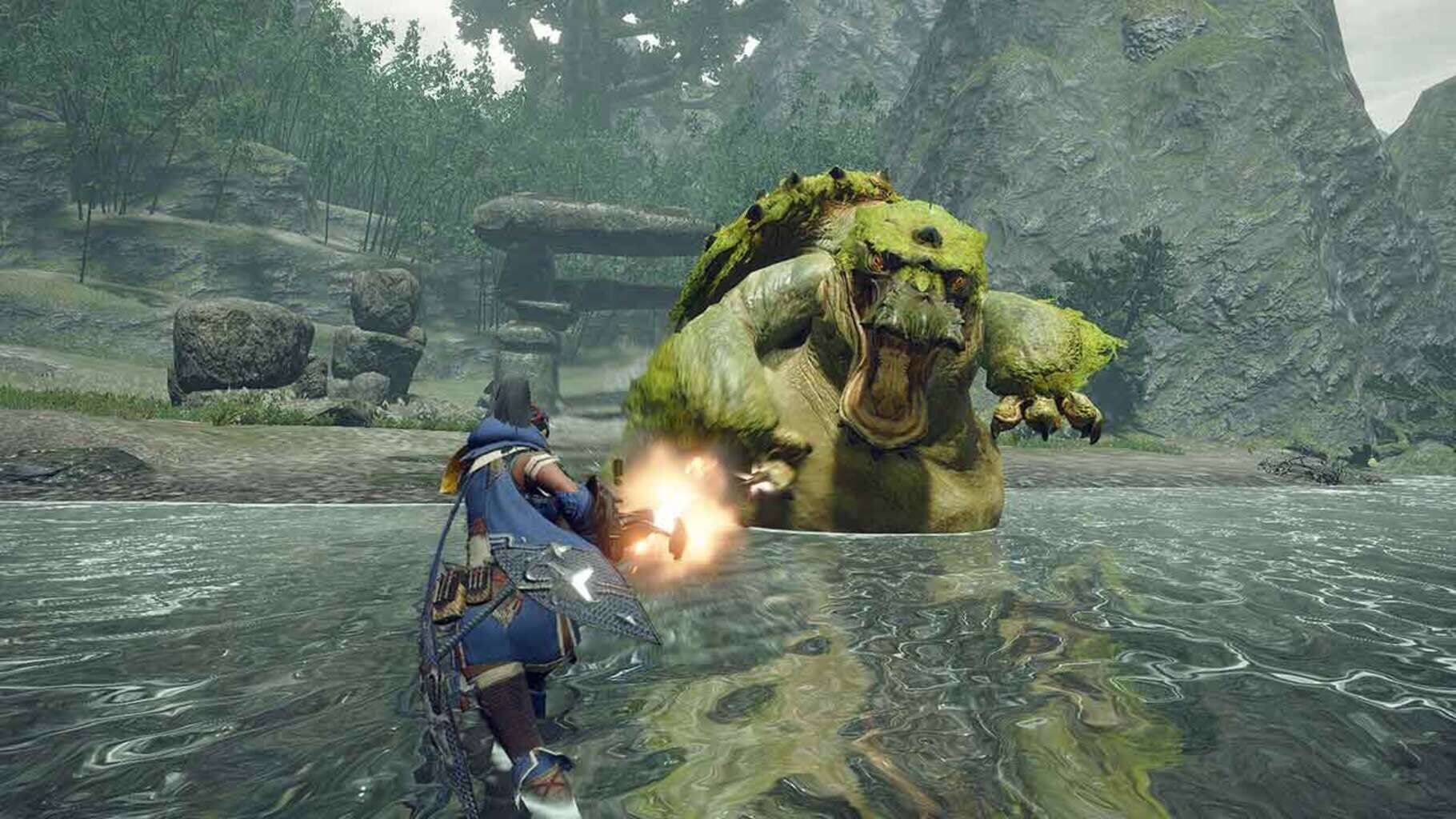
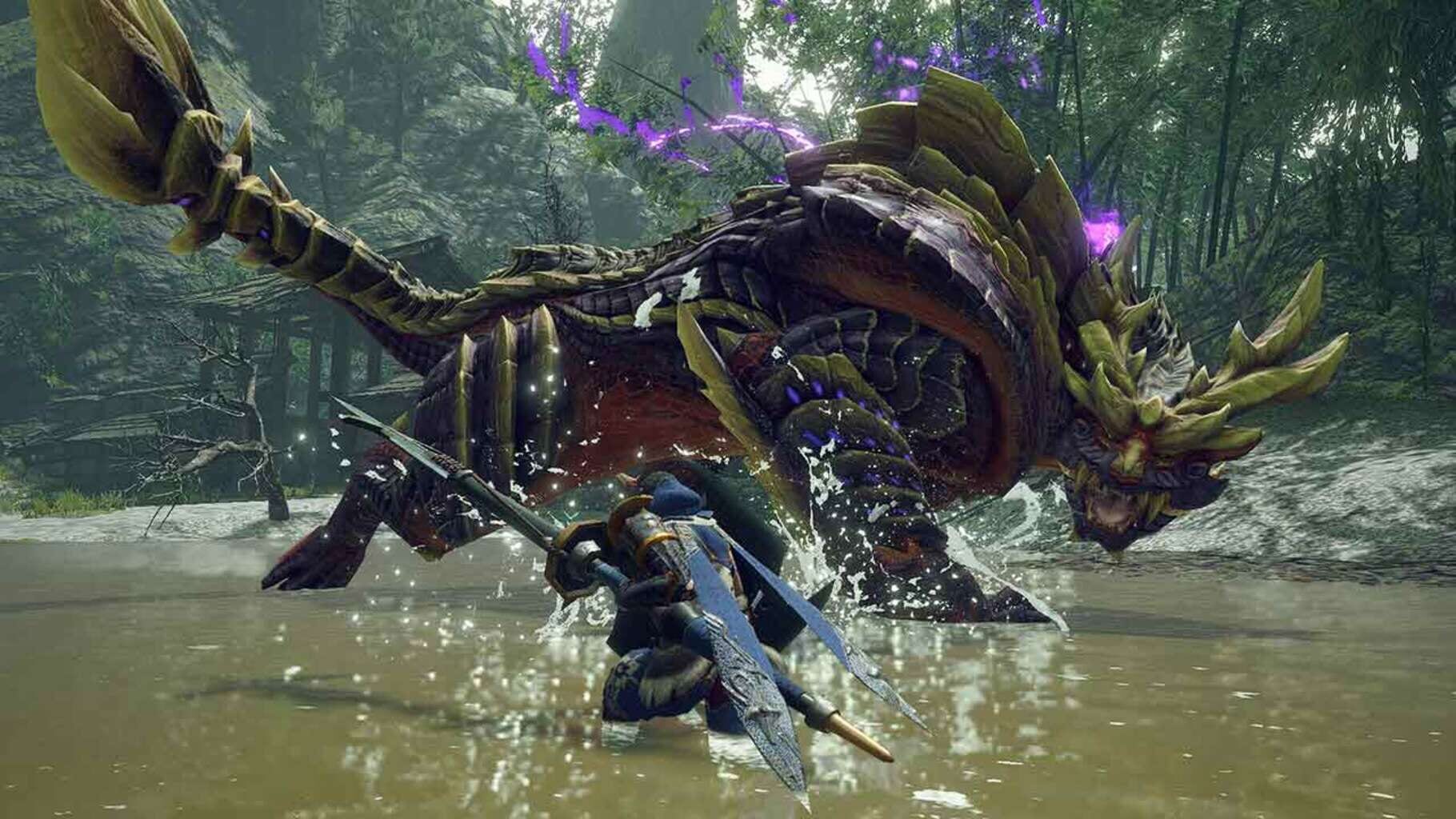

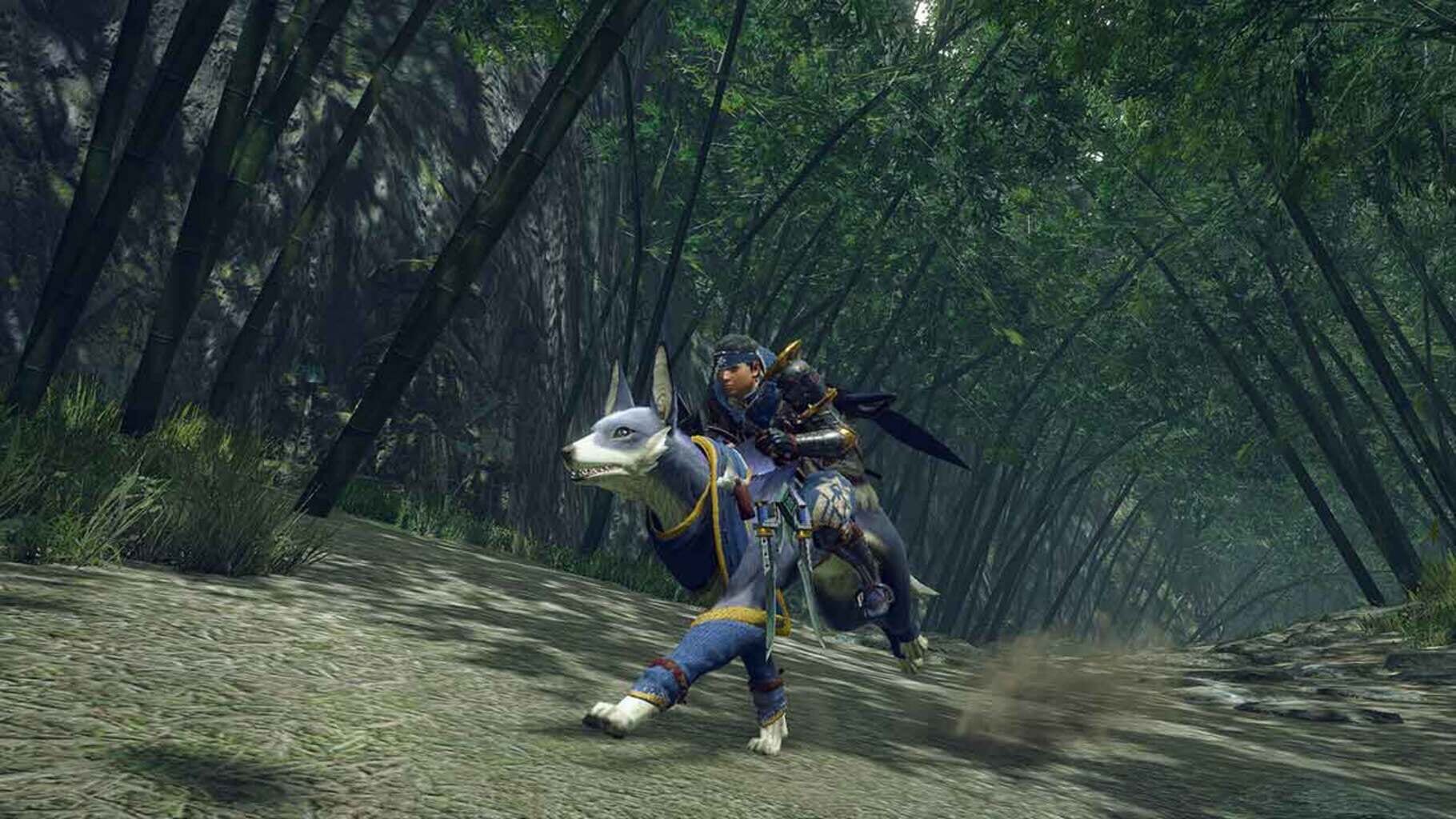
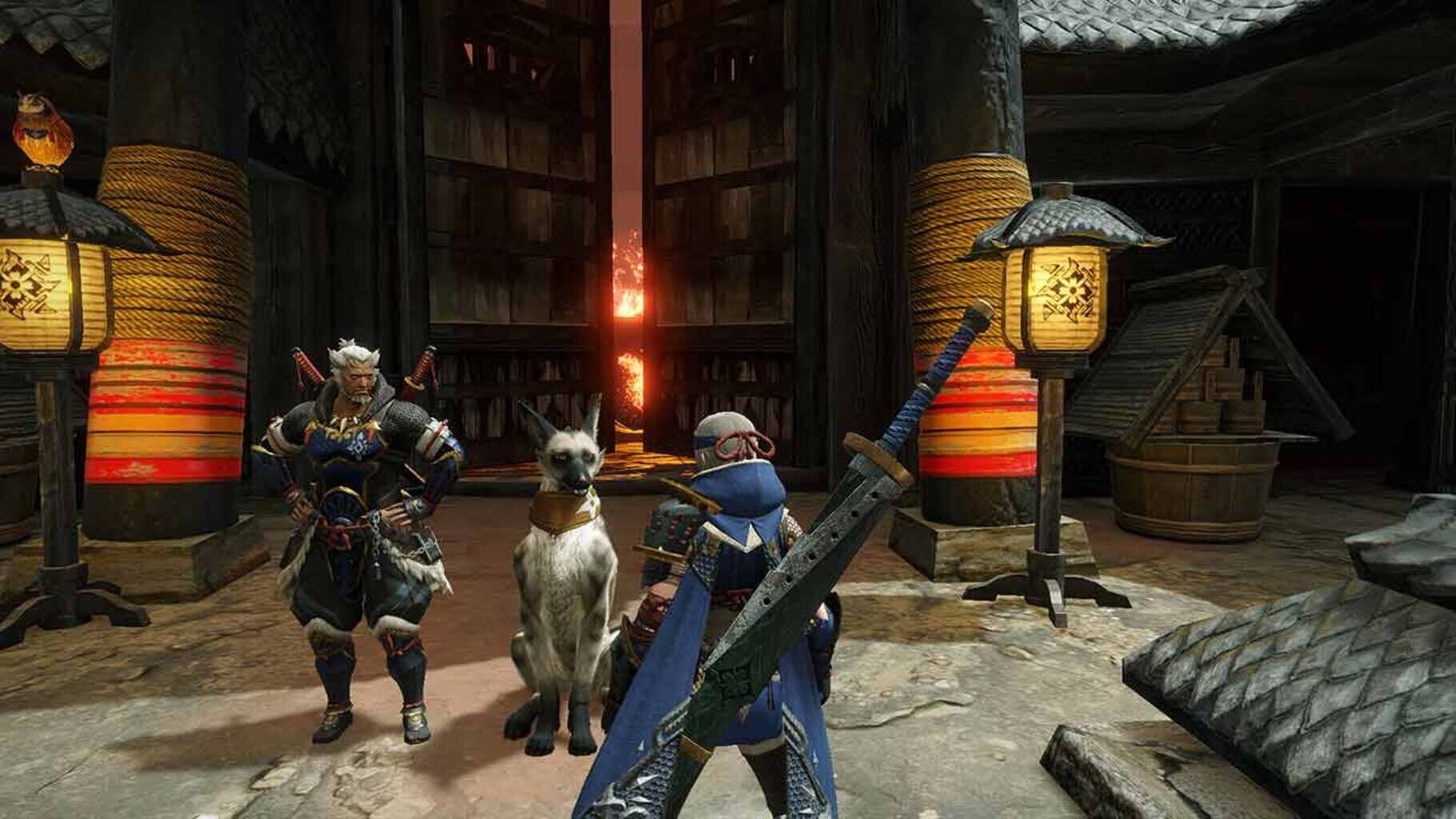
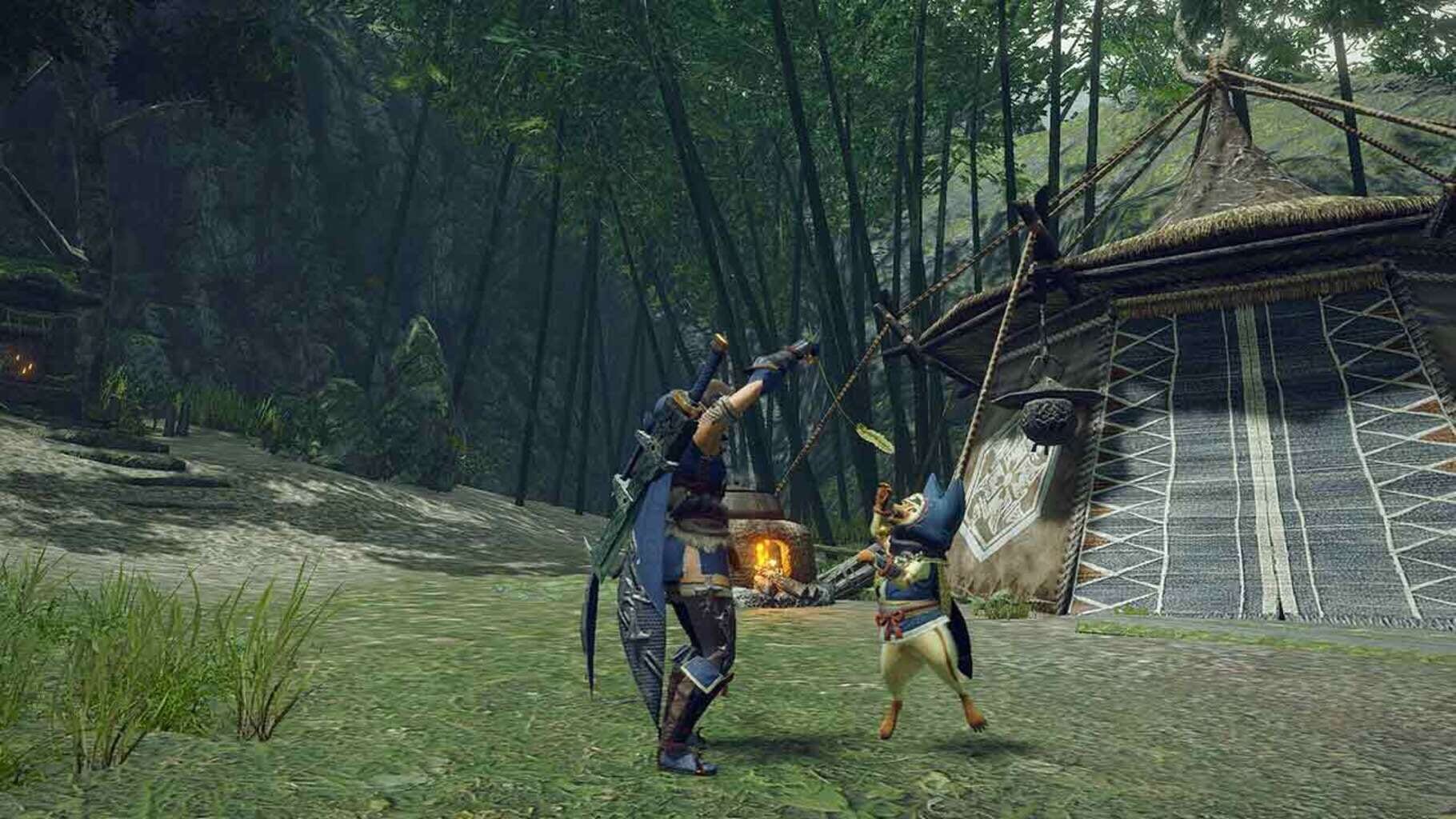
Version history
- v1Current
First public release after ea in patreon
Comments 2
thanks for the handler, can we expect mouse and keyboard support? if so, when?
If anyone wants to test the wip keyboards/mice support just go to the Monster Hunter Rise .js in Nucleus handlers folder and set this line to true: Game.SupportsMultipleKeyboardsAndMice = false; The issue is that the camera can not turn fully to the right after locking the input, that is why it was disabled for the release.
Play these next
Browse all games
Grim Dawn
Talos9116k downloads4
Marvel's Avengers
Rogueboy_x1.9k downloads4
Craftopia
Talos913.2k downloads4
The Incredible Adventures of Van Helsing: Final Cut
Talos911.3k downloads4
Hammerwatch II
Talos91619 downloads4
Hammerwatch
Talos91582 downloads4
Browse by genre: Role-playing · Hack and slash · Adventure
Log in or create an account to comment.