Split-screen on PC
Insurgency
Up to 32 players on one PC, with controllers, keyboard and mouse or several keyboards and mice.
Handler “Insurgency” by Bizzo, version 7
What works
With Nucleus Co-op, up to 32 players can play Insurgency together on one PC, each in their own part of the screen, with controllers, keyboard and mouse or several keyboards and mice. The free community handler “Insurgency” by Bizzo does the setup and was checked by hub moderators: version 7, updated . Insurgency is a shooter, strategy and tactical game from 2014.
- Players32
- ControllersSupported
- Keyboard and mouseSupported
- Several keyboards and miceOne per player
- Hub moderatorsVerified
How to play Insurgency split screen on PC
Get Nucleus Co-op
Download Nucleus Co-op, free for Windows 10 and 11, and unzip it into its own folder, for example C:\NucleusCo-op. There is no installer.
Keep it out of Program Files, your user folder and OneDrive.
Install the Insurgency handler
In Nucleus Co-op, search the Hub for Insurgency and install its handler, or download the handler file from this page and drop it on the Nucleus window. Then show Nucleus where Insurgency is installed.
Take a seat
Each player presses a button on their own controller to join and takes a spot on the screen. Pick a layout that fits your players.
Playing with several keyboards and mice? Press End once everything is in place to give each window its own cursor.
Launch and connect
Press Launch: Nucleus opens one copy of Insurgency per player and lays the windows out on your screen. Then link them in game, usually one player hosts a LAN or online session and the others join it. The handler notes say how.
What you need
- A Windows 10 or 11 PC
Nucleus Co-op runs on Windows only. System requirements
- Insurgency for Windows
Installed on that PC. Nucleus starts every player's window from that one install.
- Nucleus Co-op, free
With .NET Framework 4.7.2 or later and the Visual C++ 2015–2022 runtimes (x86 and x64). Download
- Something to play with
One controller per player, or one keyboard and mouse per player. Controllers · Keyboards and mice
- A PC that can run 32 copies
Each player runs their own copy of Insurgency, so the PC carries several times the usual load. Lower the graphics settings if it struggles. Performance tips
- A multiplayer mode
Nucleus links the windows through the game's own LAN or online mode; the handler takes care of it.
Handler notes
The first time one instance could crash and the map will take long time to load. Change Nucleus shortcuts with Alt combination (Ctrl is used for crouch in game).
Start a Solo game in the first instance. Select your role and edit you equipments (do not apply). When the player is ready, click 'ok' on the Nucleus Prompt for start the new instance (repeat the process for each instance). When all is set, click 'ok' on the last prompt (hook/sends fake messages). Press END for restrict the keyboard to their specific instance (press again for unlock). You can press B on the controller for exit the equipment screen.
For use more than 4 controllers open the .js file and enable XInputReroute.
You can press F8 for pause the server.
Authors and Contributors of this handler: Pizzo and the Split Screen Dreams Discord.
Donate if you like the project: https://www.reddit.com/r/nucleuscoop/comments/fjdqid/list_of_new_supported_games_and_faq/
About Insurgency
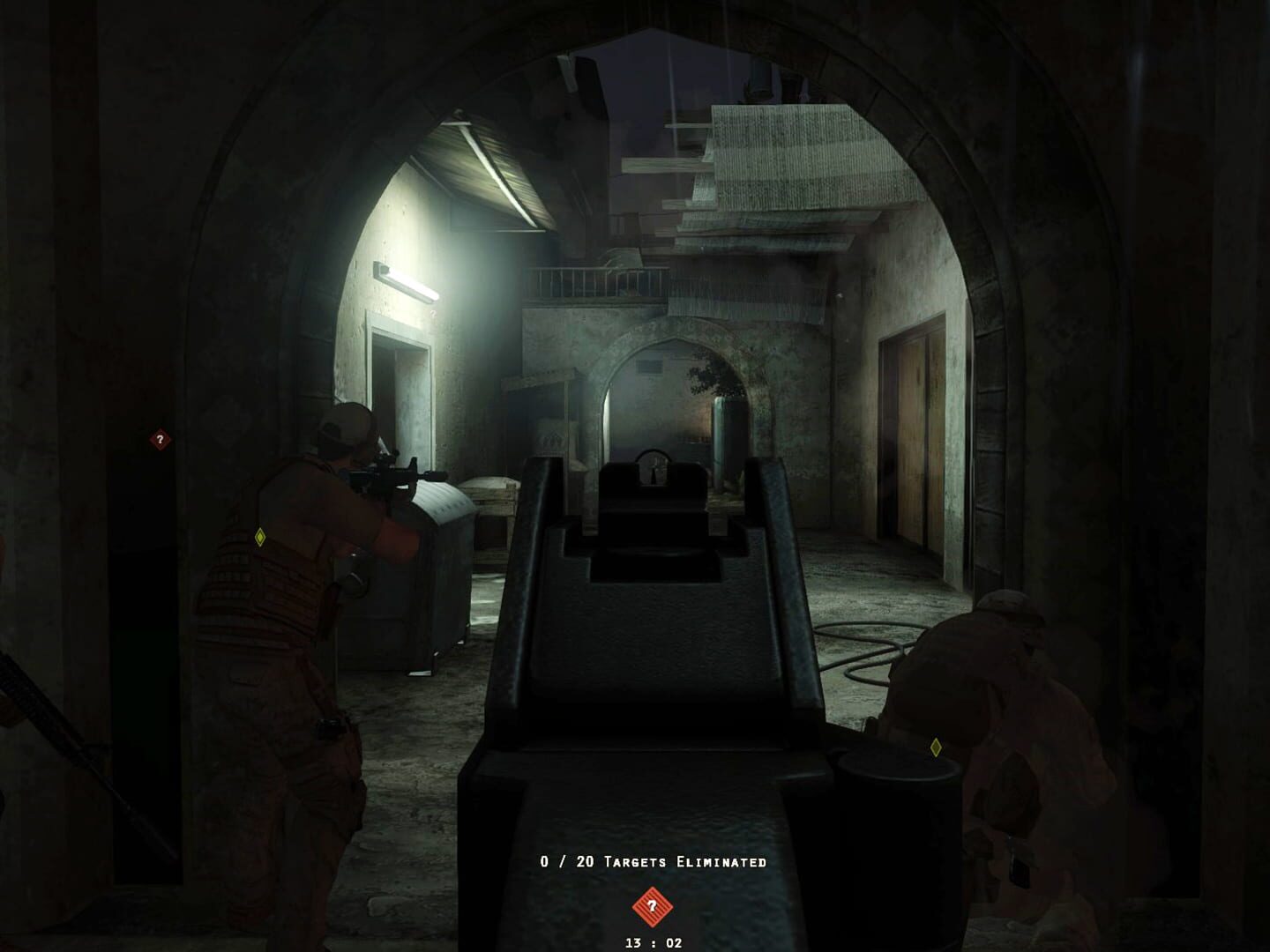
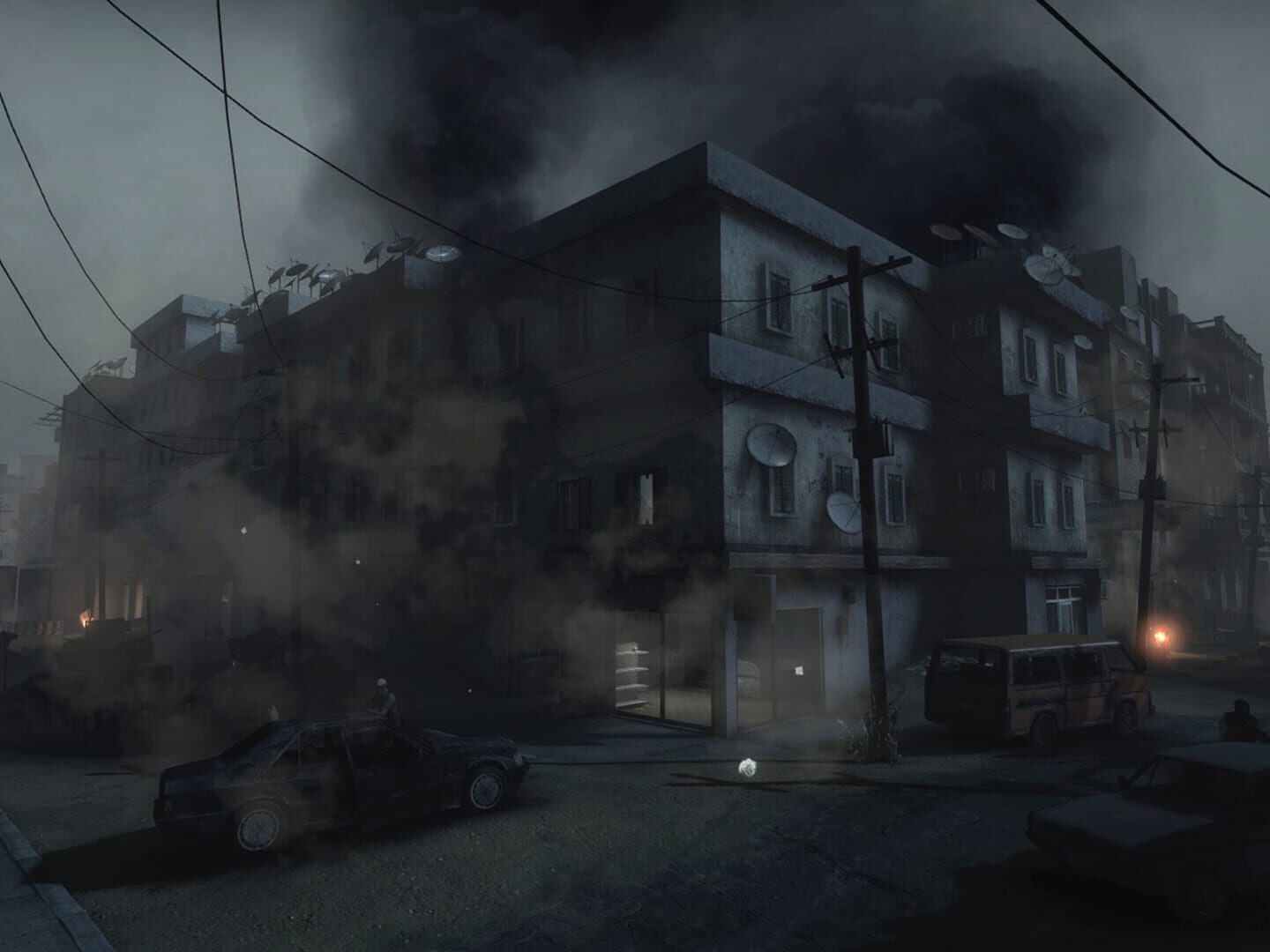
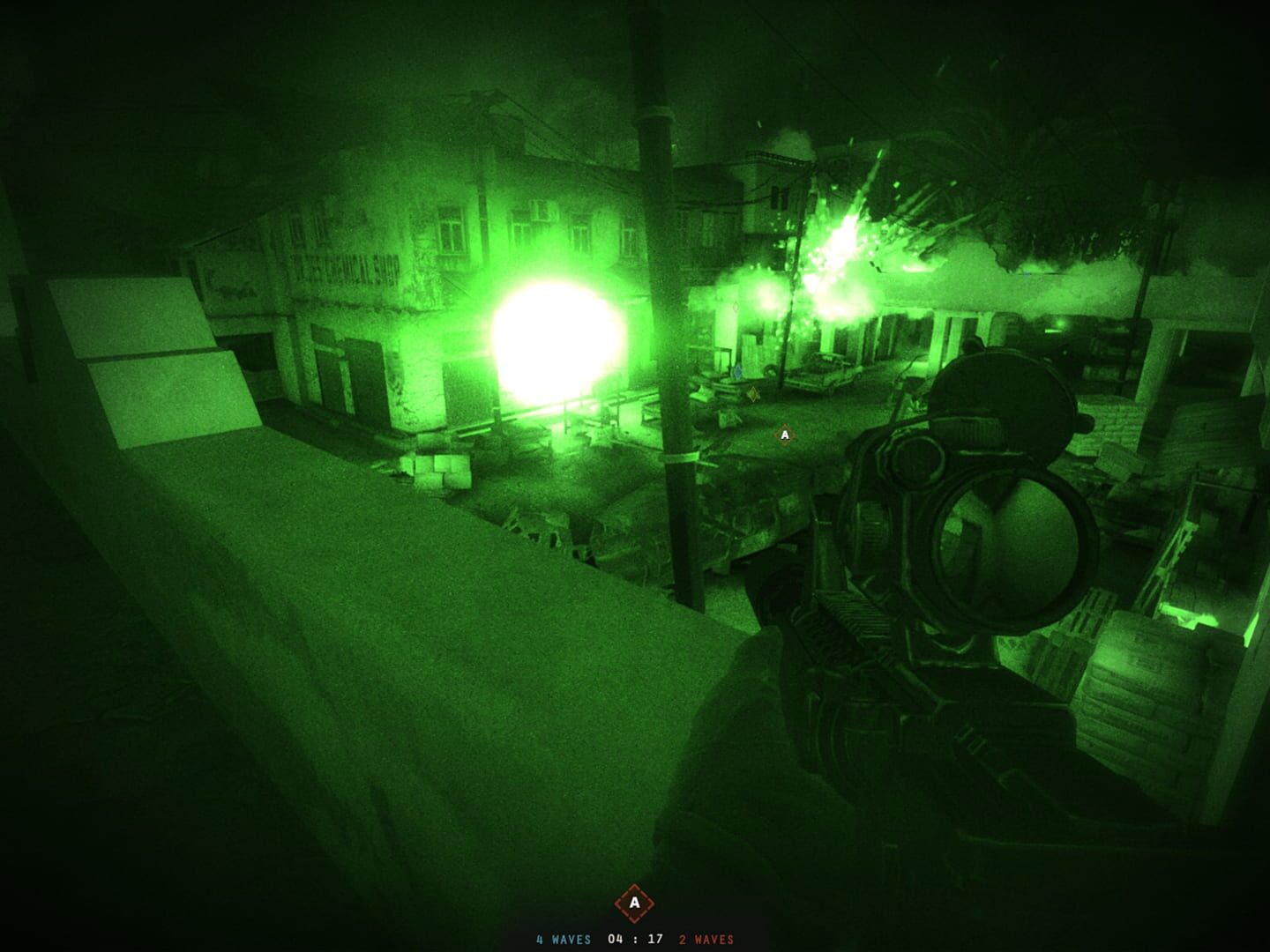
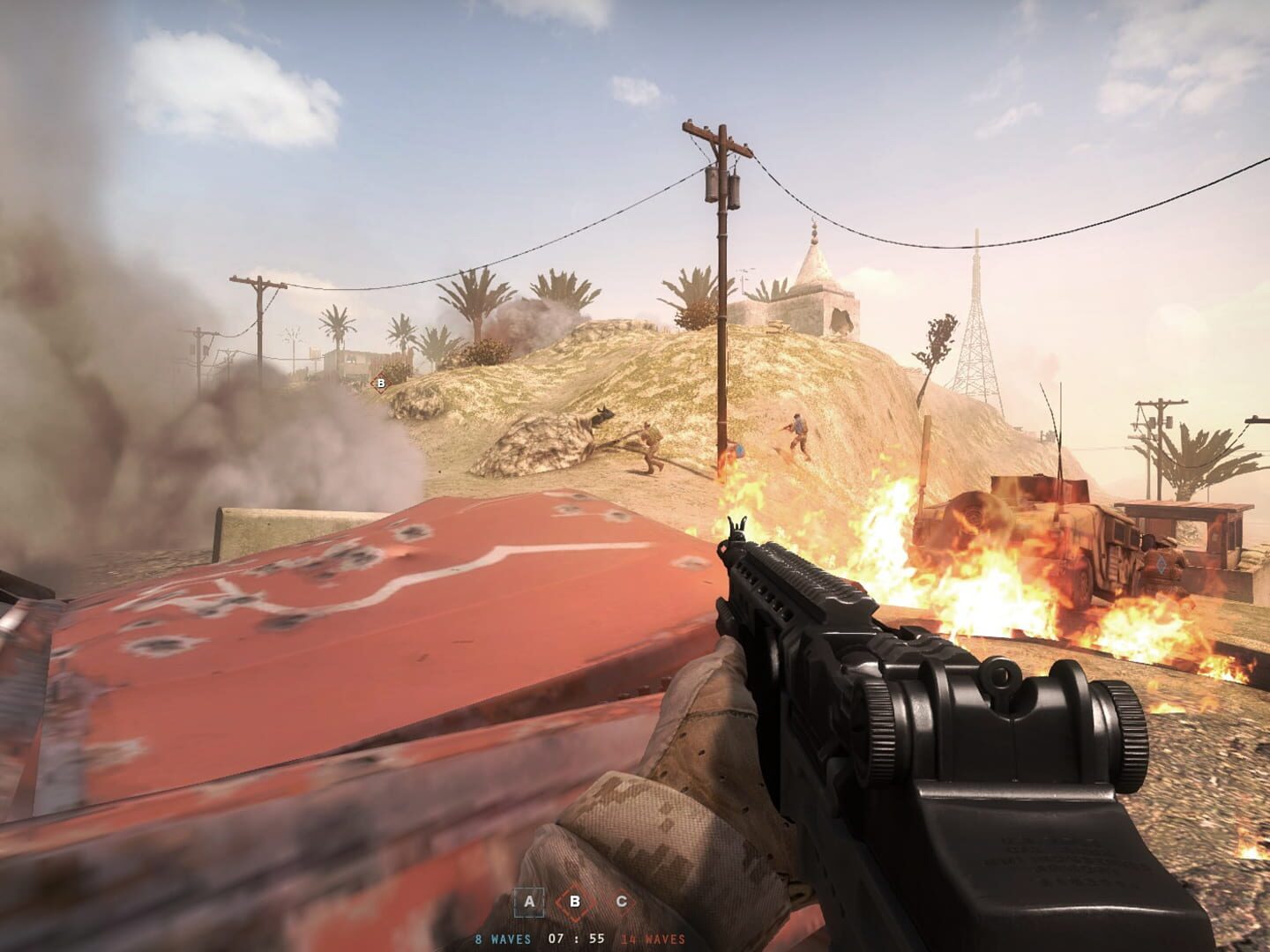
Take to the streets for intense close quarters combat, where a team's survival depends upon securing crucial strongholds and destroying enemy supply in this multiplayer and cooperative Source Engine-based experience. The follow-up game to the award-winning Source mod, Insurgency is highly competitive and unforgivingly lethal, striking a balance between one-life gameplay and prolonged action.
Summary from IGDB
Insurgency screenshots

Version history
- v7Current
Script folder fix 2
- v6
Script folder fix
- v5
Updated descriptions inside the script and fixed ReRoute variable toggle.
- v4
Added ReRoute switch.
Comments 2
Not sure if this is relevant to anyone, but for me the controller look controls weren't working until I went to the game's source directory, opened insurgency/controller.cfg and set "joy_response_look "1" " (it was initially 0). Or copy in the one at: https://steamcommunity.com/app/222880/discussions/3/558746088915312307?l=hungarian&ctp=3 and add this row: joy_invertx "0"
this with a friend or family + on coop + bots to help you out = peak experience





Log in or create an account to comment.