Split-screen on PC
Metal Gear Solid V: The Phantom Pain
Up to 16 players on one PC, with controllers, keyboard and mouse or several keyboards and mice.
Handler “Metal Gear Online 3” by happyexpress, version 5
What works
With Nucleus Co-op, up to 16 players can play Metal Gear Solid V: The Phantom Pain together on one PC, each in their own part of the screen, with controllers, keyboard and mouse or several keyboards and mice. The free community handler “Metal Gear Online 3” by happyexpress does the setup and was checked by hub moderators: version 5, updated . Metal Gear Solid V: The Phantom Pain is a shooter, tactical and adventure game from 2015.
- Players16
- ControllersSupported
- Keyboard and mouseSupported
- Several keyboards and miceOne per player
- Hub moderatorsVerified
How to play Metal Gear Solid V: The Phantom Pain split screen on PC
Get Nucleus Co-op
Download Nucleus Co-op, free for Windows 10 and 11, and unzip it into its own folder, for example C:\NucleusCo-op. There is no installer.
Keep it out of Program Files, your user folder and OneDrive.
Install the Metal Gear Solid V: The Phantom Pain handler
In Nucleus Co-op, search the Hub for Metal Gear Solid V: The Phantom Pain and install its handler, or download the handler file from this page and drop it on the Nucleus window. Then show Nucleus where Metal Gear Solid V: The Phantom Pain is installed.
Take a seat
Each player presses a button on their own controller to join and takes a spot on the screen. Pick a layout that fits your players.
Playing with several keyboards and mice? Press End once everything is in place to give each window its own cursor.
Launch and connect
Press Launch: Nucleus opens one copy of Metal Gear Solid V: The Phantom Pain per player and lays the windows out on your screen. Then link them in game, usually one player hosts a LAN or online session and the others join it. The handler notes say how.
What you need
- A Windows 10 or 11 PC
Nucleus Co-op runs on Windows only. System requirements
- Metal Gear Solid V: The Phantom Pain for Windows
Installed on that PC. Nucleus starts every player's window from that one install.
- Nucleus Co-op, free
With .NET Framework 4.7.2 or later and the Visual C++ 2015–2022 runtimes (x86 and x64). Download
- Something to play with
One controller per player, or one keyboard and mouse per player. Controllers · Keyboards and mice
- A PC that can run 16 copies
Each player runs their own copy of Metal Gear Solid V: The Phantom Pain, so the PC carries several times the usual load. Lower the graphics settings if it struggles. Performance tips
- A multiplayer mode
Nucleus links the windows through the game's own LAN or online mode; the handler takes care of it.
Handler notes
Play Metal Gear Solid V's multiplayer in split-screen or over LAN - completely offline.
If you like what I do, please consider leaving me a tip.
The FOB Invasions mode is now playable, but on Windows 10 only. Sadly there are unresolvable conflicts between Windows 11 security features + the steam emulator + the singleplayer DRM.
Requirements:
- MGSV Server Emulator by unknown321, modified by me https://github.com/mxmstr/fuse/releases/tag/nucleus
-Extract the MGSV Server Emulator files and place them in NucleusCo-op\handlers\Metal Gear Solid V - Metal Gear Online 3\Emu
-Add your Nucleus Co-op app folder to your antivirus exclusions.
-Open Nucleus as Administrator.
To play Metal Gear Online 3:
-Set the Game Mode to 'Metal Gear Online 3' and start the handler.
-Inputs will lock automatically. Press the End key to unlock them when you want to end the session.
-Once ingame, Player 1 can press Start -> Create Match to create a lobby.
-Everyone else can press Start -> Select Match to join it.
To play FOB Invasions:
-Set the Game Mode to 'FOB Invasions' and start the handler.
-Inputs will lock automatically. Press the End key to unlock them when you want to end the session.
-Once both players are at the start menu, Player 2 can press Continue -> Start -> Missions -> FOB Missions and select Player 1 as their infiltration target.
-When Player 1 presses Continue, they'll get an emergency mission notification. Go to Start -> Missions -> Mission List and select it.
-If you miss the notification, simply press Select -> Return To Title Menu -> Continue to try again.
About Metal Gear Solid V: The Phantom Pain
Metal Gear Solid V: The Phantom Pain is the final game in the Metal Gear series. It is the sequel to Metal Gear Solid V: Ground Zeroes released the year before and a prequel to the original Metal Gear. The game has a complex story with long cut-scene sequences, but there are fewer and they are shorter compared to earlier Metal Gear Solid titles. Most of the gameplay mechanics introduced in Ground Zeroes are carried over: it is still an action game and stealth oriented but replaces the linear corridor design from most earlier titles with large open world environments that offer the player unrestricted freedom for the approach. The world has now a real-time day and night cycle and various weather effects that influence enemy behaviour, visibility and sound. Sabotaging or destroying certain structures can also influence other parts of the map.
Summary from IGDB
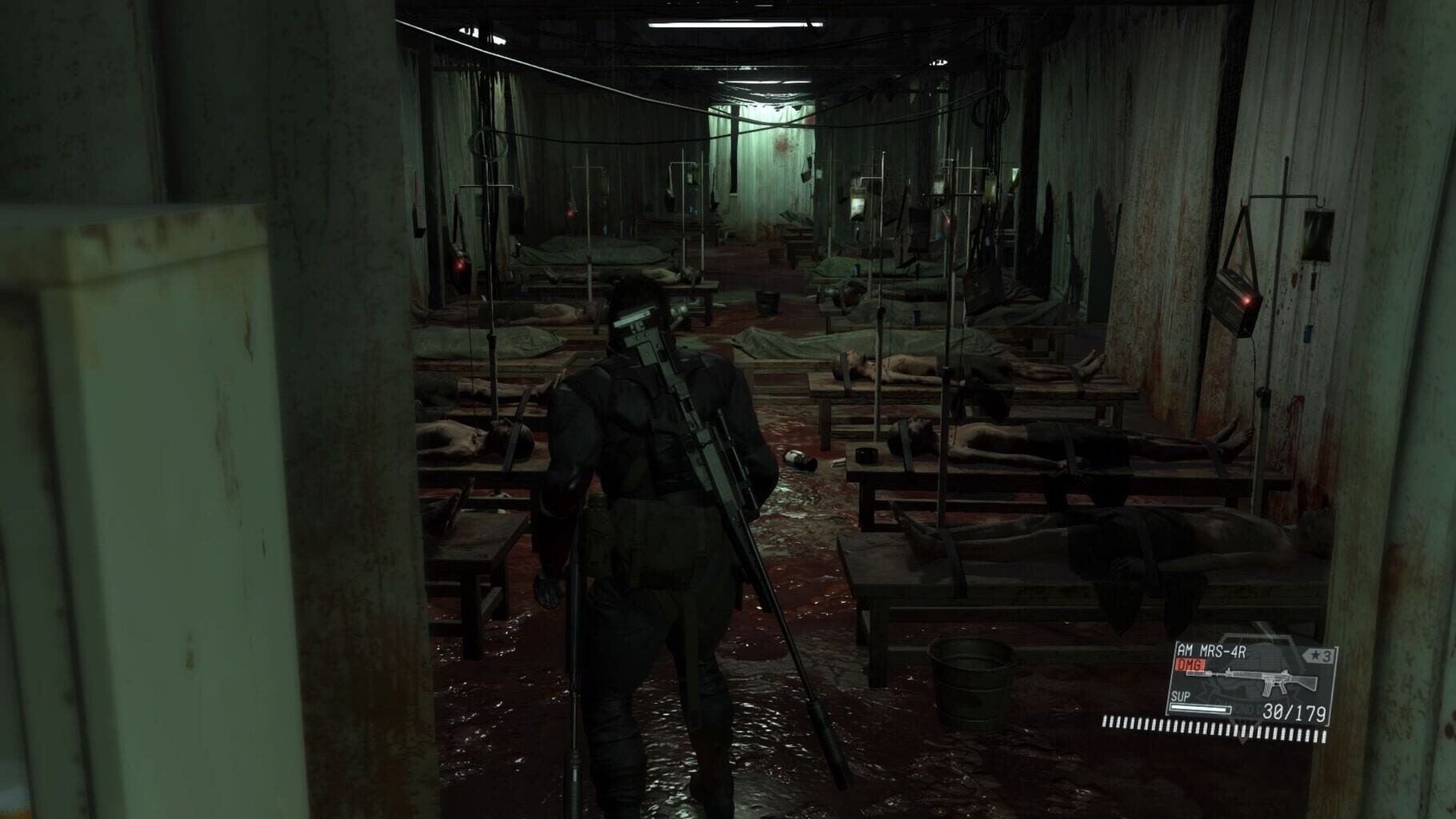
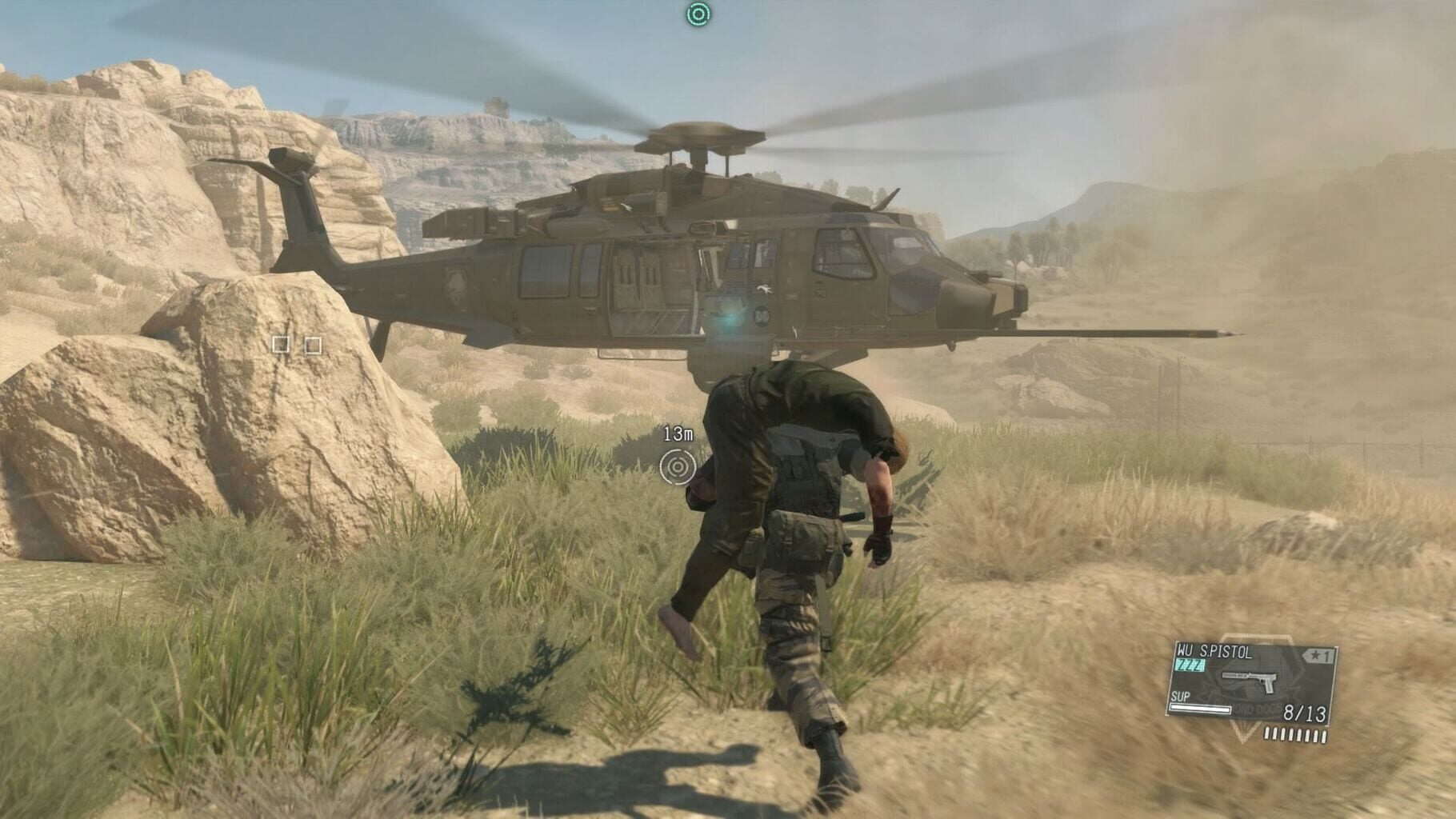
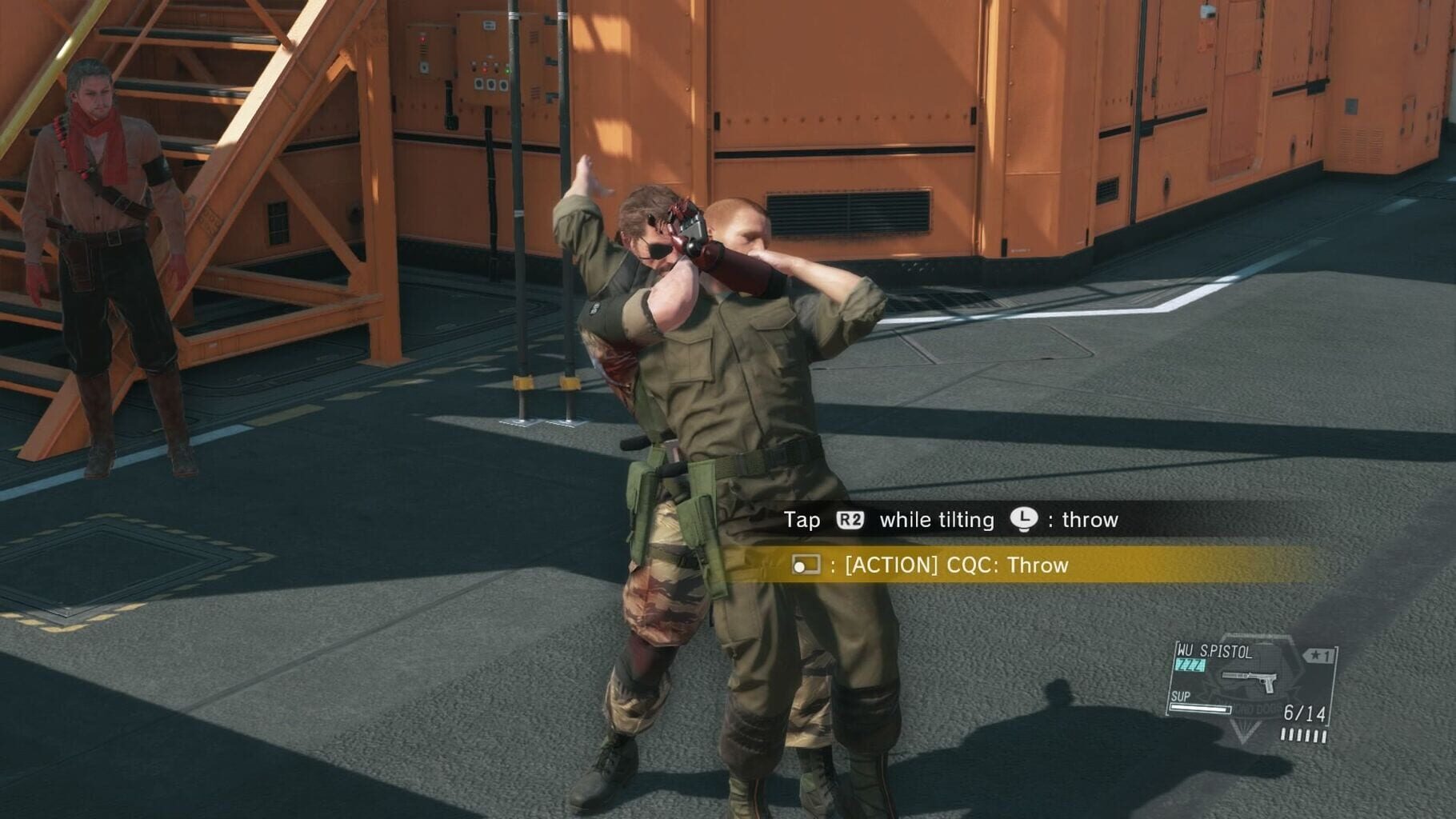
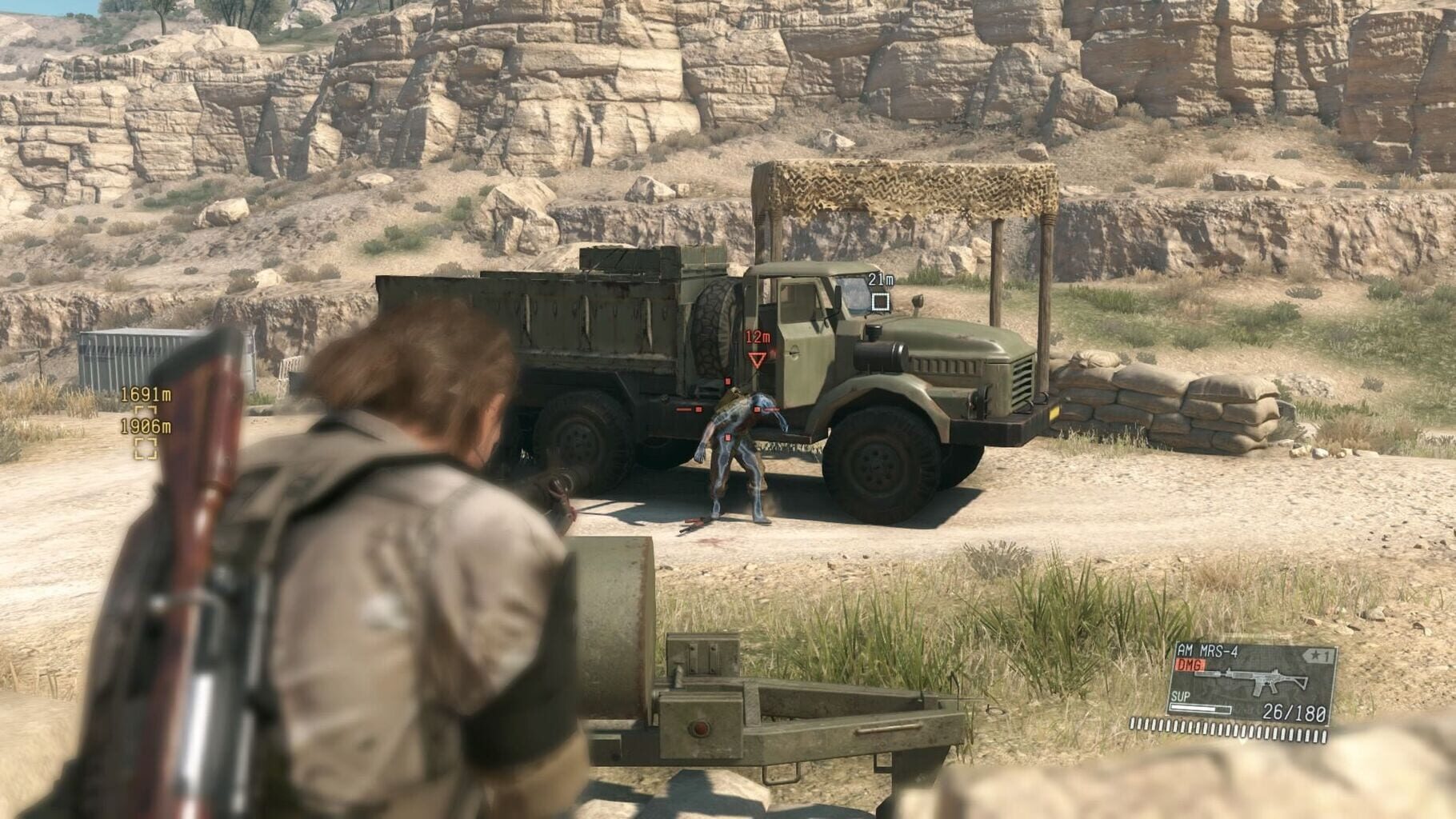
Metal Gear Solid V: The Phantom Pain screenshots
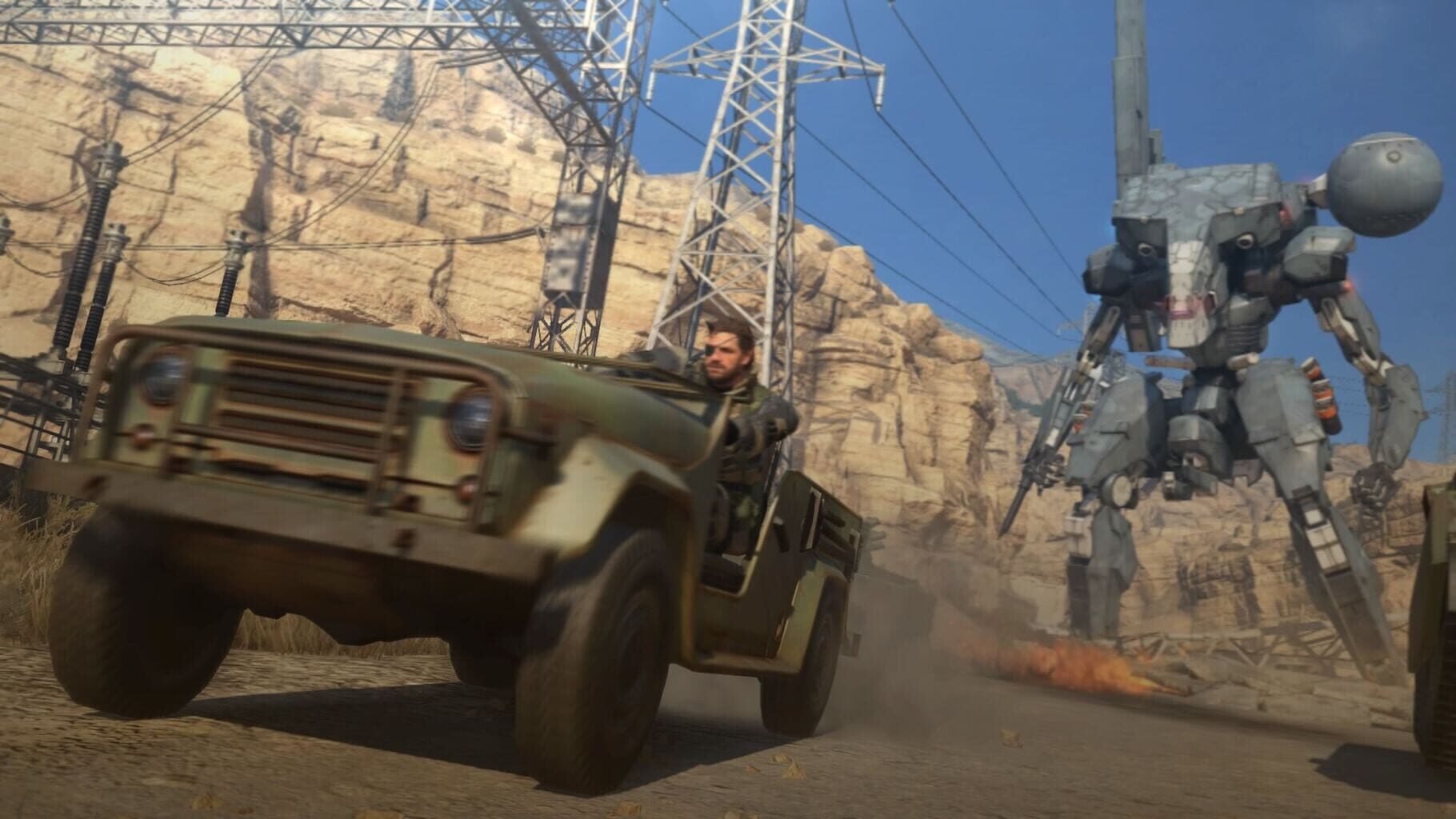
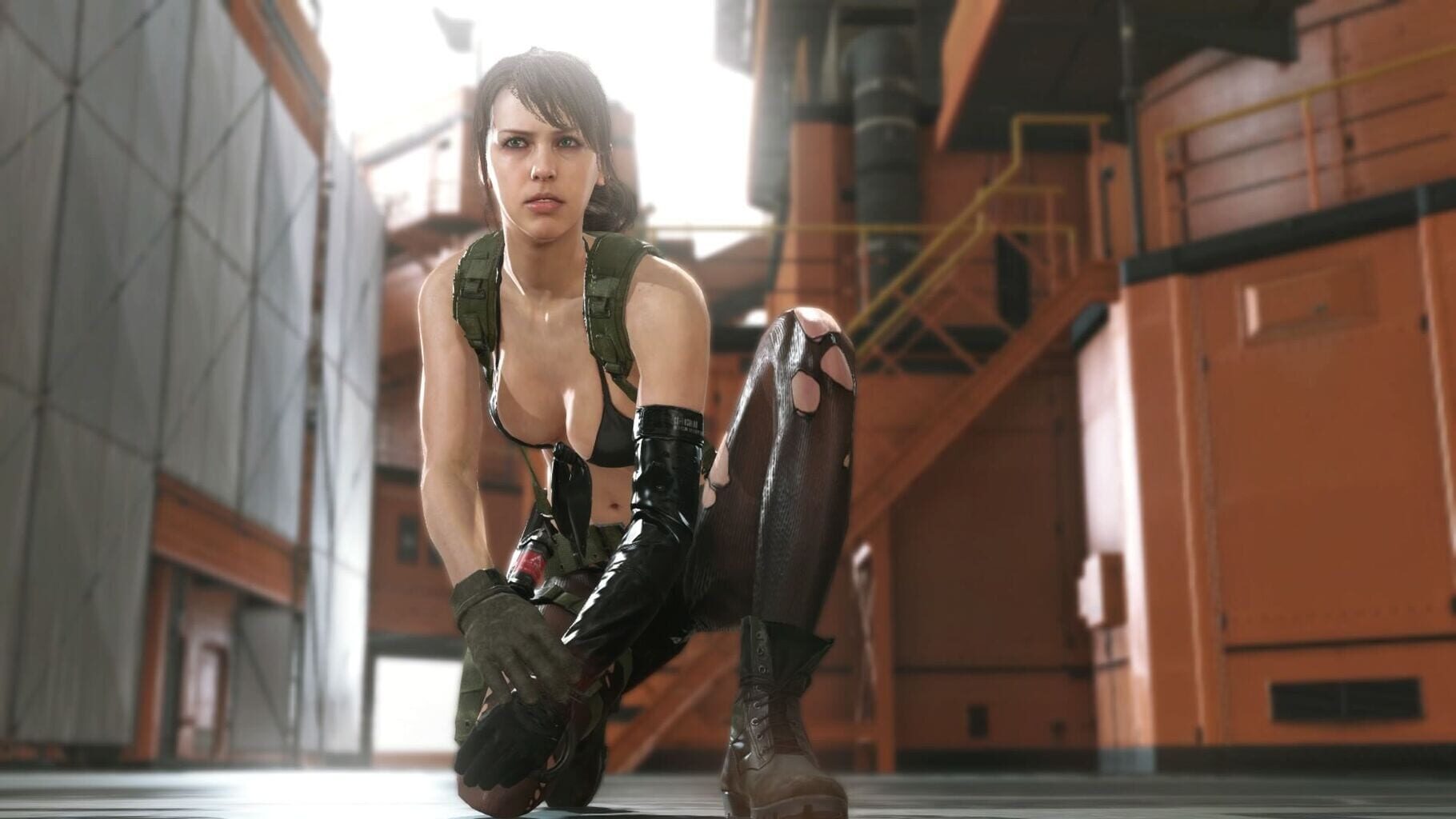
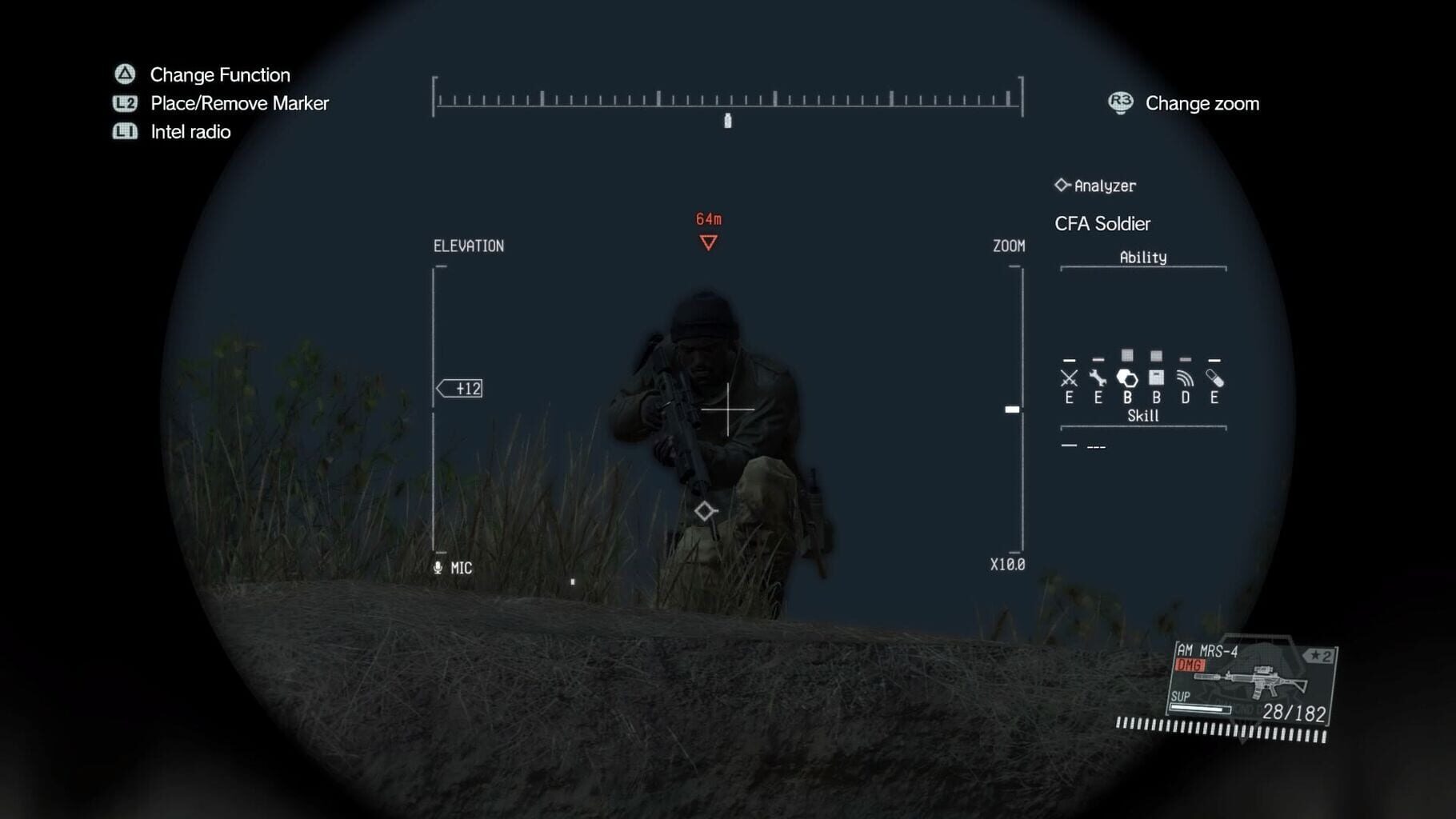
Version history
- v5Current
new server emu + fob mission support
- v4
Fixed cropping issue
- v3
Serverless emulator
- v2
First release 2
Comments 2
is it possible to have coop splitscreen with this mod? https://github.com/unknown321/dynamite
Not yet. The problem is split screen can only be done with an older version of MGSV (this script downgrades it automatically). But the co-op mod is only compatible with the latest MGSV. The mod relies on exact hardcoded memory addresses. So I'd need to locate those same addresses in the older version.


Log in or create an account to comment.