Split-screen on PC
Re:Legend
Up to 4 players on one PC, with controllers, keyboard and mouse or several keyboards and mice.
Handler “Re: Legend” by Talos91, version 3
What works
With Nucleus Co-op, up to 4 players can play Re:Legend together on one PC, each in their own part of the screen, with controllers, keyboard and mouse or several keyboards and mice. The free community handler “Re: Legend” by Talos91 does the setup and was checked by hub moderators: version 3, updated . Re:Legend is a role-playing, simulation and adventure game from 2019.
- Players4
- ControllersSupported
- Keyboard and mouseSupported
- Several keyboards and miceOne per player
- Hub moderatorsVerified
How to play Re:Legend split screen on PC
Get Nucleus Co-op
Download Nucleus Co-op, free for Windows 10 and 11, and unzip it into its own folder, for example C:\NucleusCo-op. There is no installer.
Keep it out of Program Files, your user folder and OneDrive.
Install the Re:Legend handler
In Nucleus Co-op, search the Hub for Re:Legend and install its handler, or download the handler file from this page and drop it on the Nucleus window. Then show Nucleus where Re:Legend is installed.
Take a seat
Each player presses a button on their own controller to join and takes a spot on the screen. Pick a layout that fits your players.
Playing with several keyboards and mice? Press End once everything is in place to give each window its own cursor.
Launch and connect
Press Launch: Nucleus opens one copy of Re:Legend per player and lays the windows out on your screen. Then link them in game, usually one player hosts a LAN or online session and the others join it. The handler notes say how.
What you need
- A Windows 10 or 11 PC
Nucleus Co-op runs on Windows only. System requirements
- Re:Legend for Windows
Installed on that PC. Nucleus starts every player's window from that one install.
- Nucleus Co-op, free
With .NET Framework 4.7.2 or later and the Visual C++ 2015–2022 runtimes (x86 and x64). Download
- Something to play with
One controller per player, or one keyboard and mouse per player. Controllers · Keyboards and mice
- A PC that can run 4 copies
Each player runs their own copy of Re:Legend, so the PC carries several times the usual load. Lower the graphics settings if it struggles. Performance tips
- A multiplayer mode
Nucleus links the windows through the game's own LAN or online mode; the handler takes care of it.
Handler notes
Read the handler notes in the UI carefully.
Authors and Contributors of this handler: Talos91 from the Split Screen Dreams Discord.
About Re:Legend
"Washed ashore on Vokka Island without memories, you must start a new life and find ways to recover your lost memories. In order to do so, you must first learn how to survive on the island by cultivating the land, befriending villagers, expanding the village and raising your very own magical creature known as "Magnus". Venture around the land of Ethia where vokka island resides to reclaim your memories is no easy task as the world is filled with dangerous Magnus and threatening challenges. Will you be able to survive and rebuild your own Legend in your new life? Your fate is in your hand!"
Summary from IGDB
Re:Legend screenshots
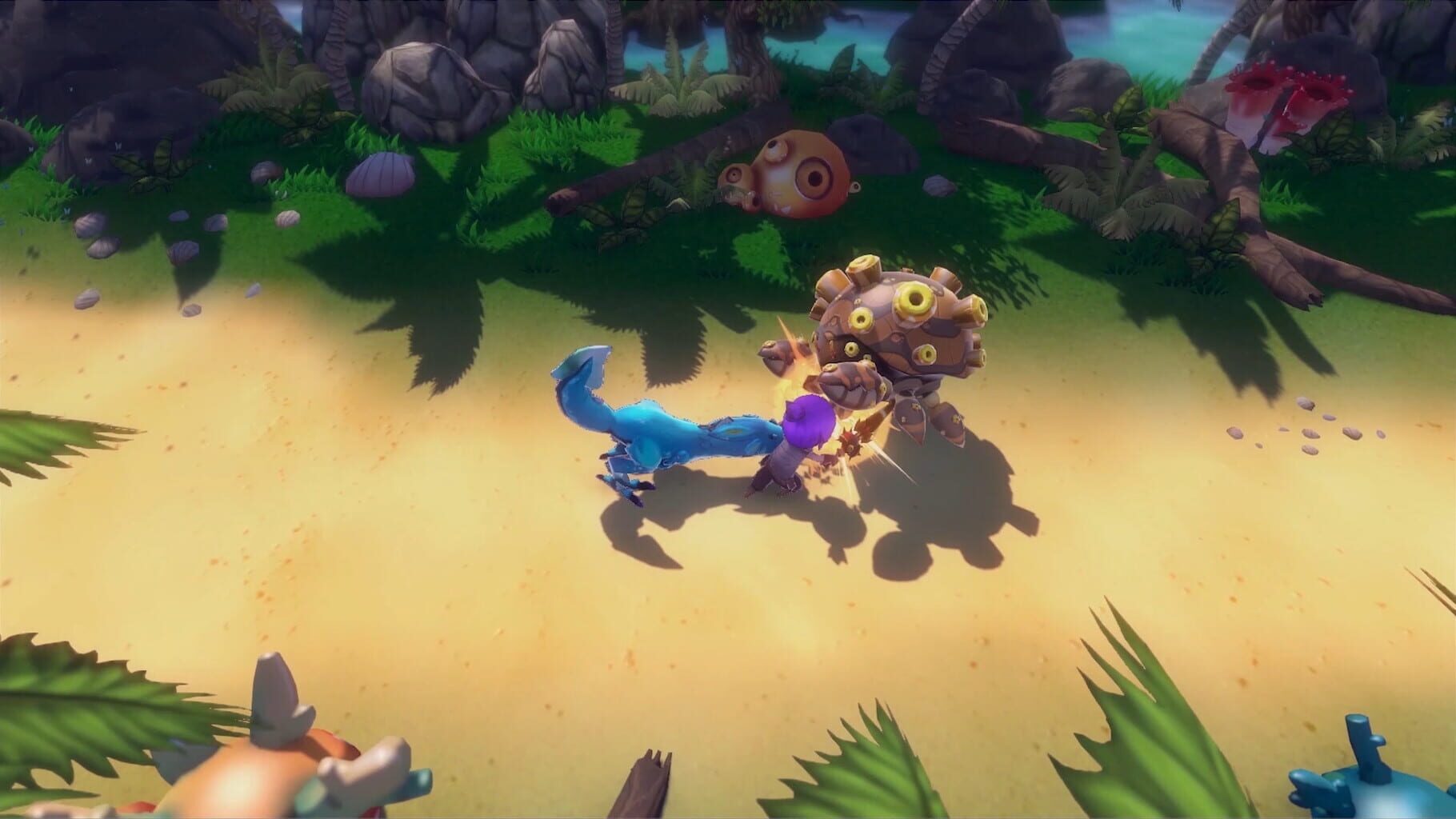
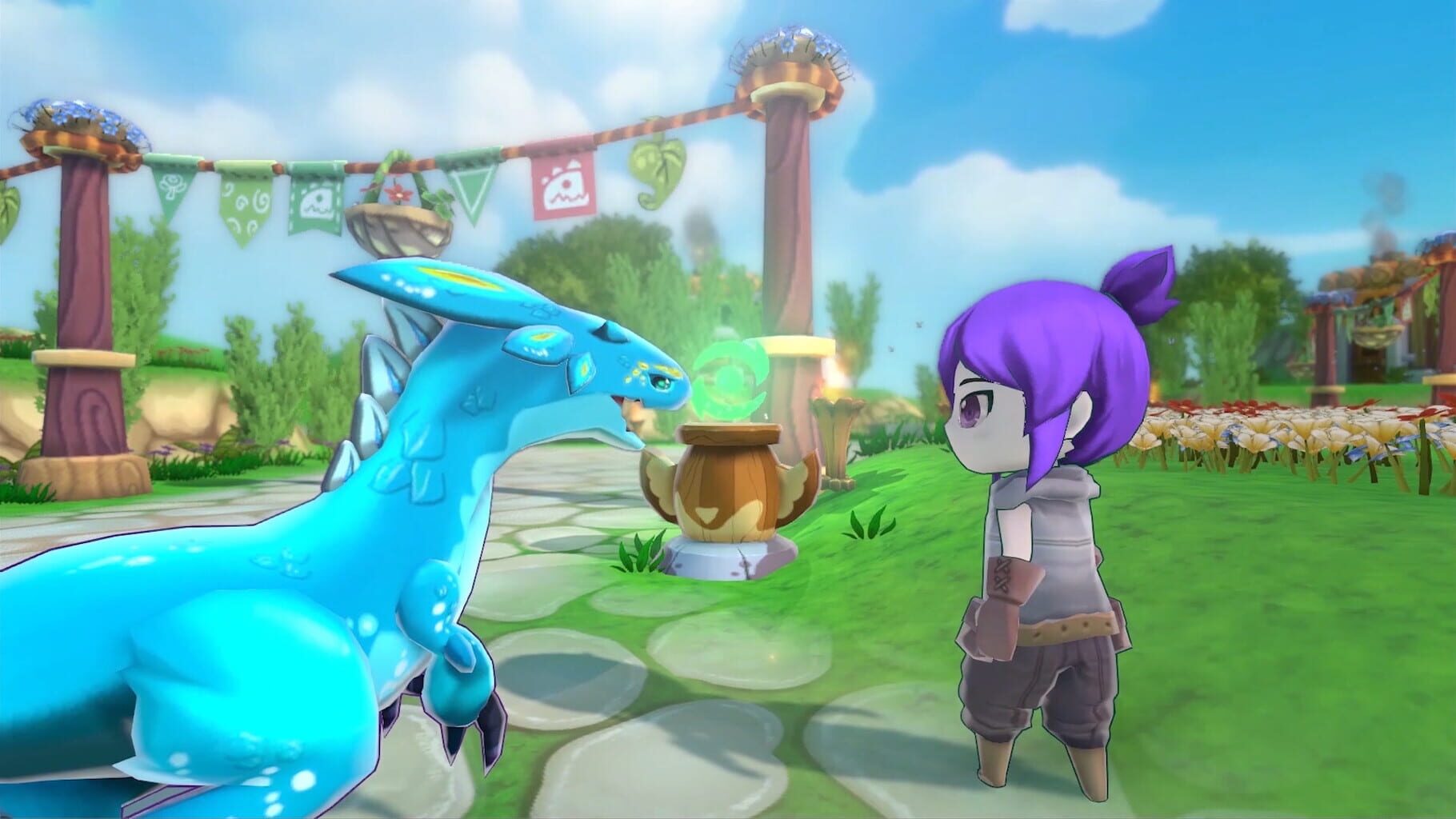
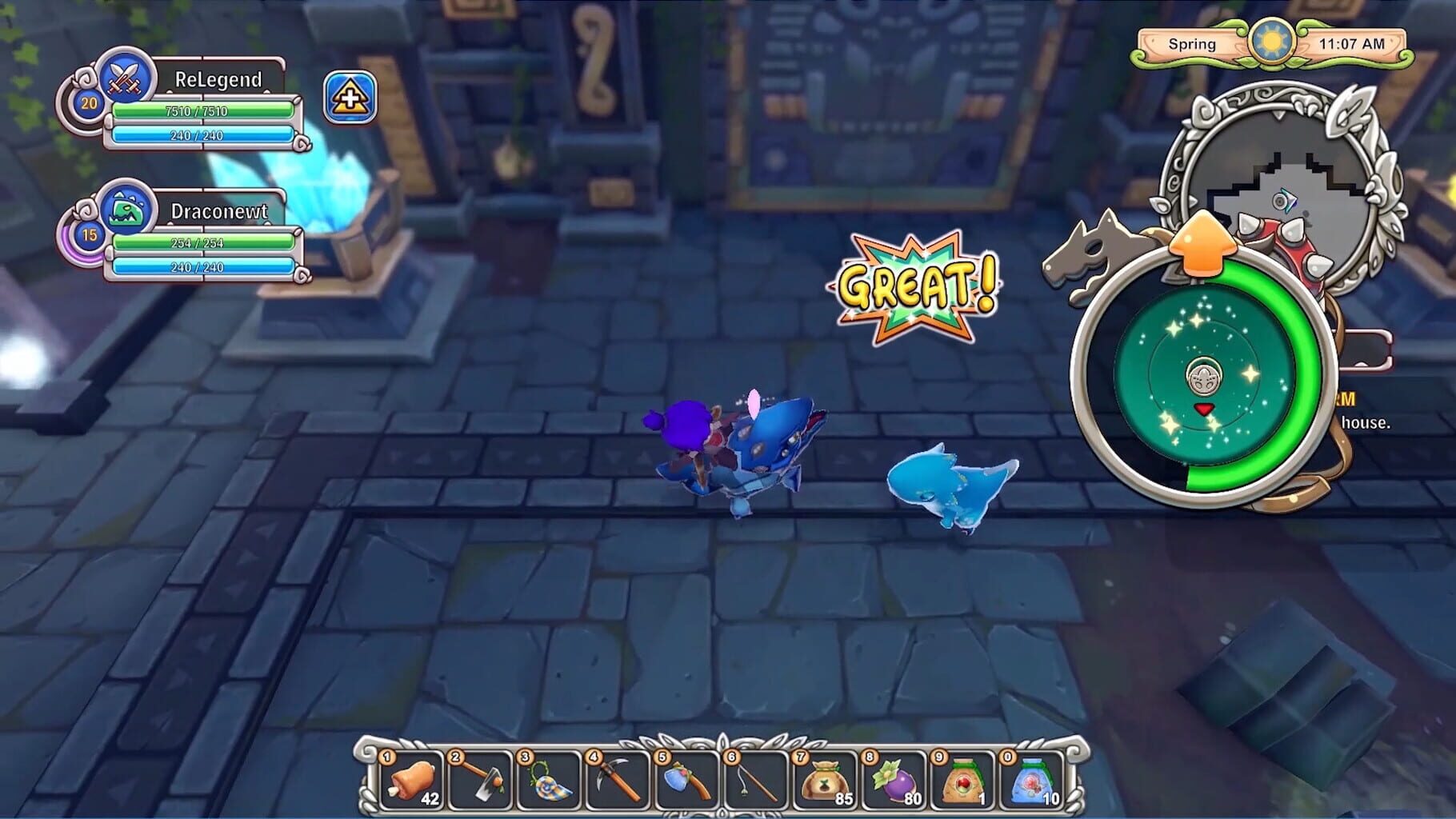
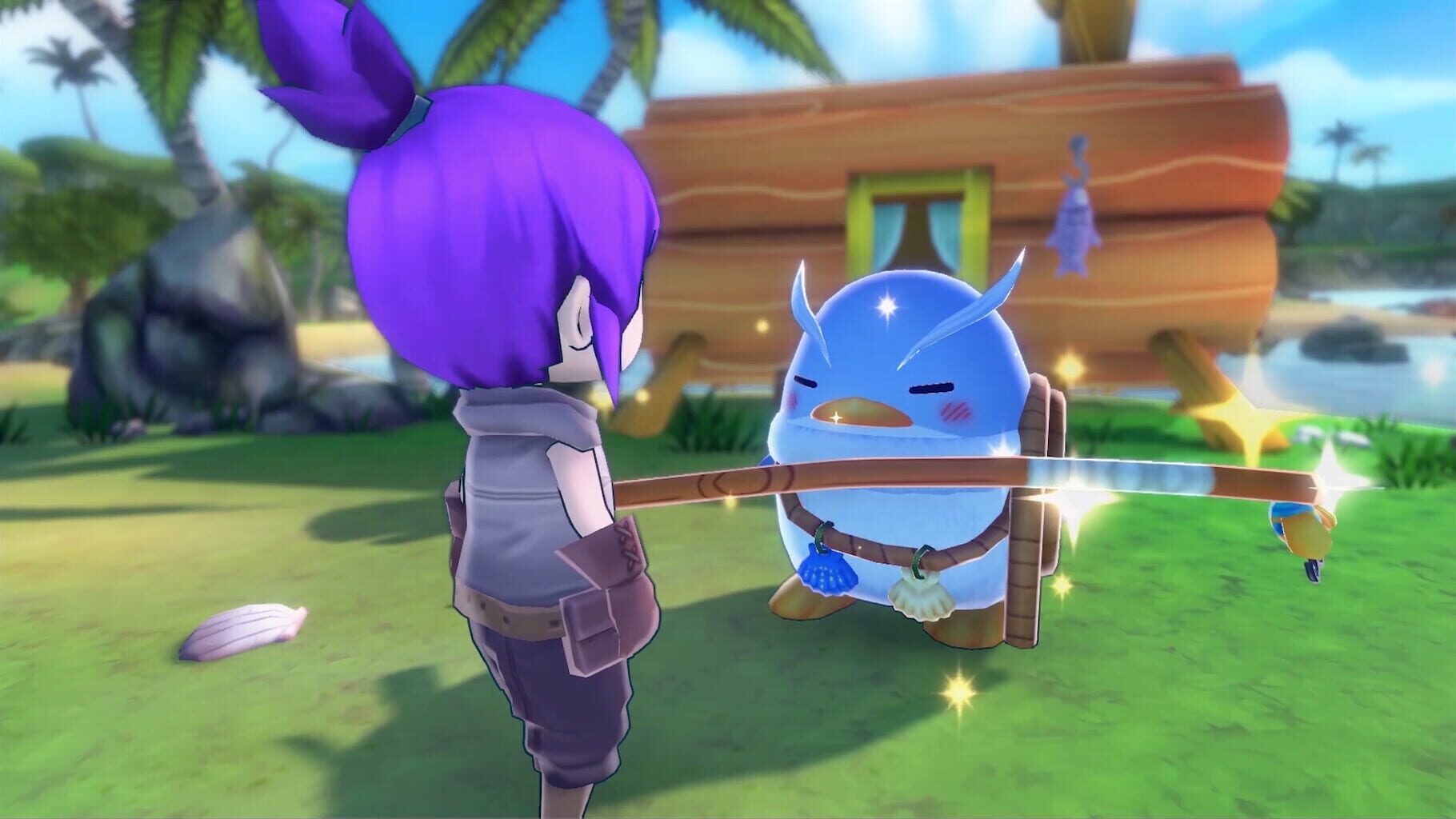
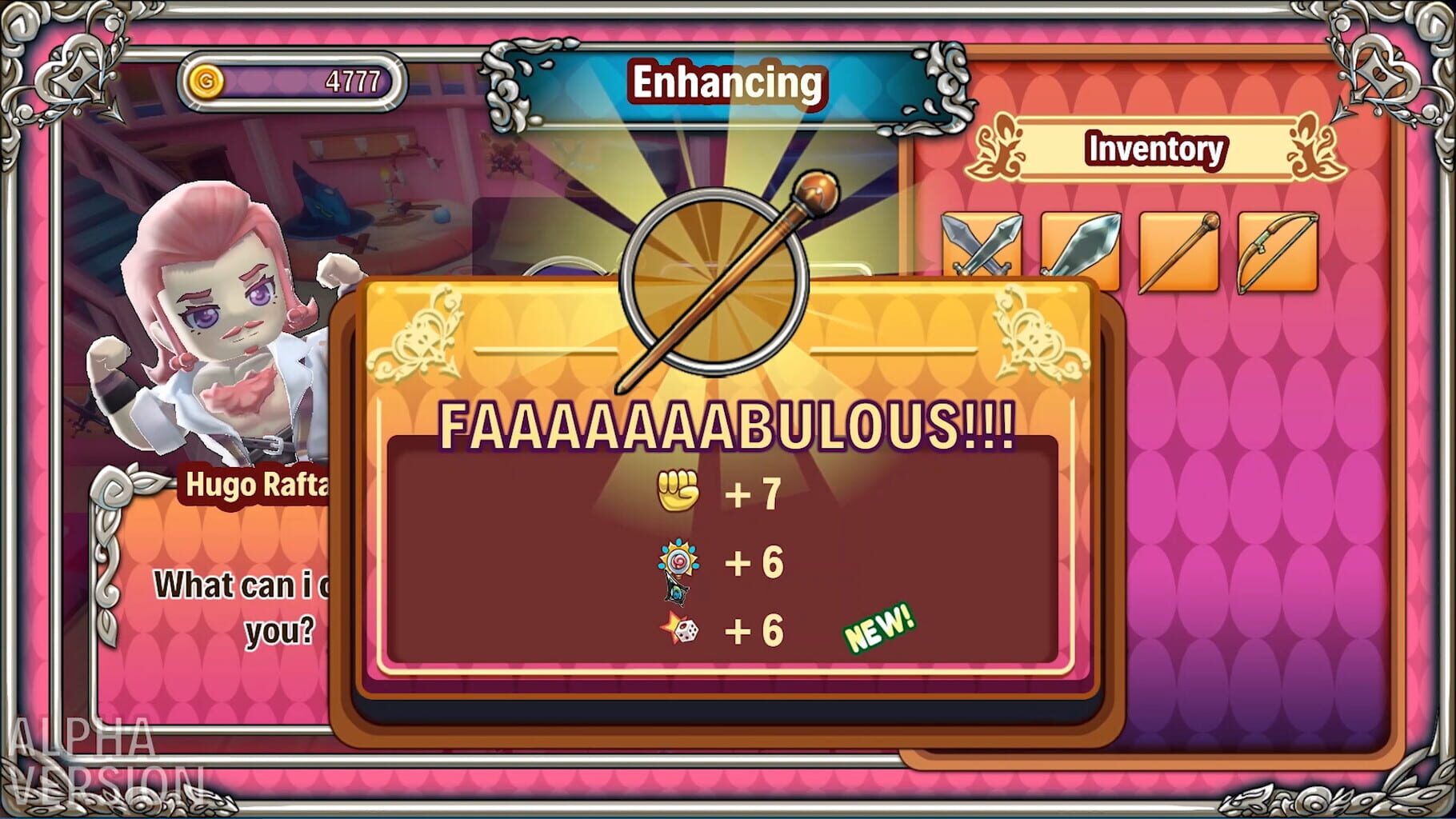
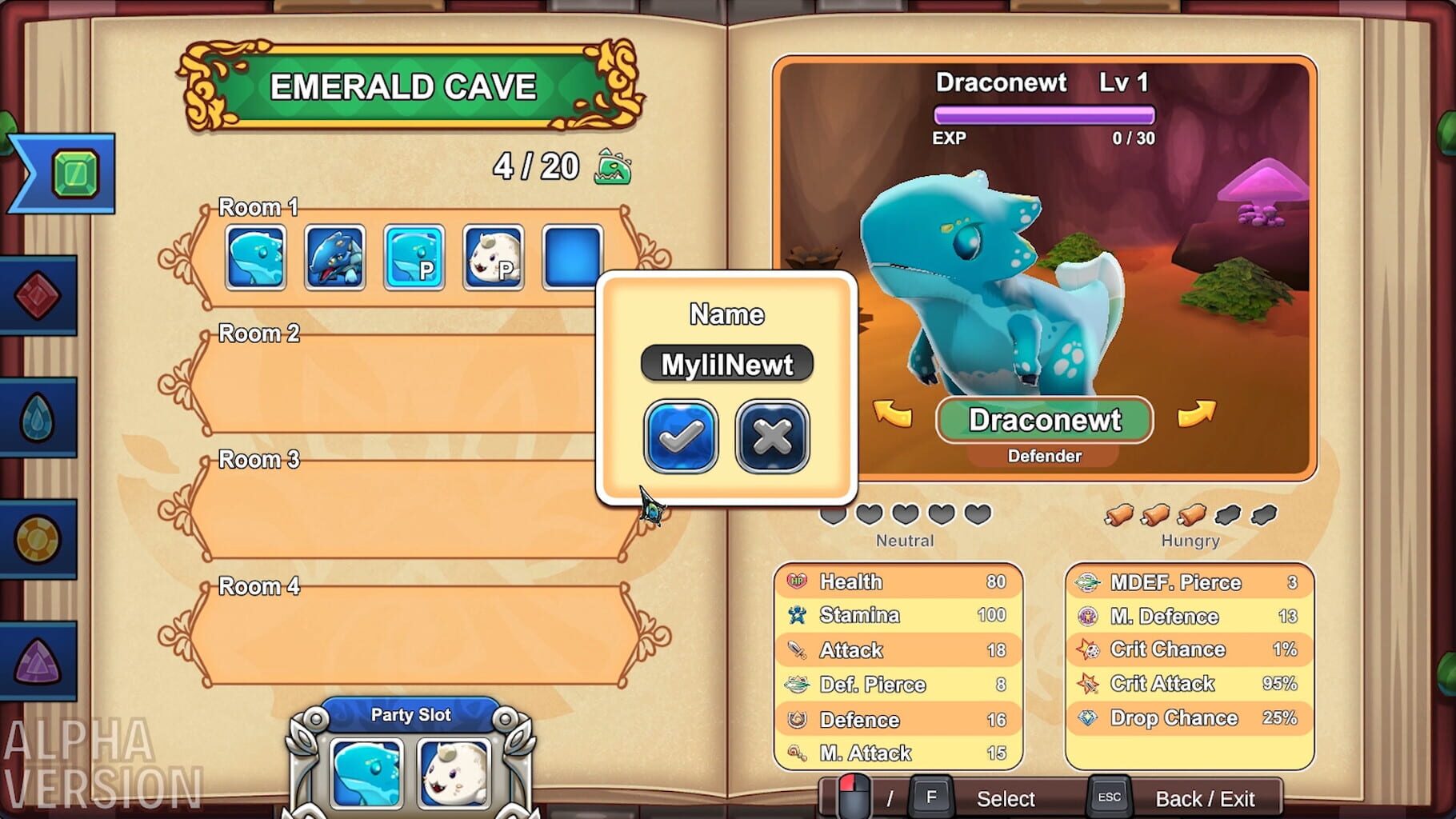
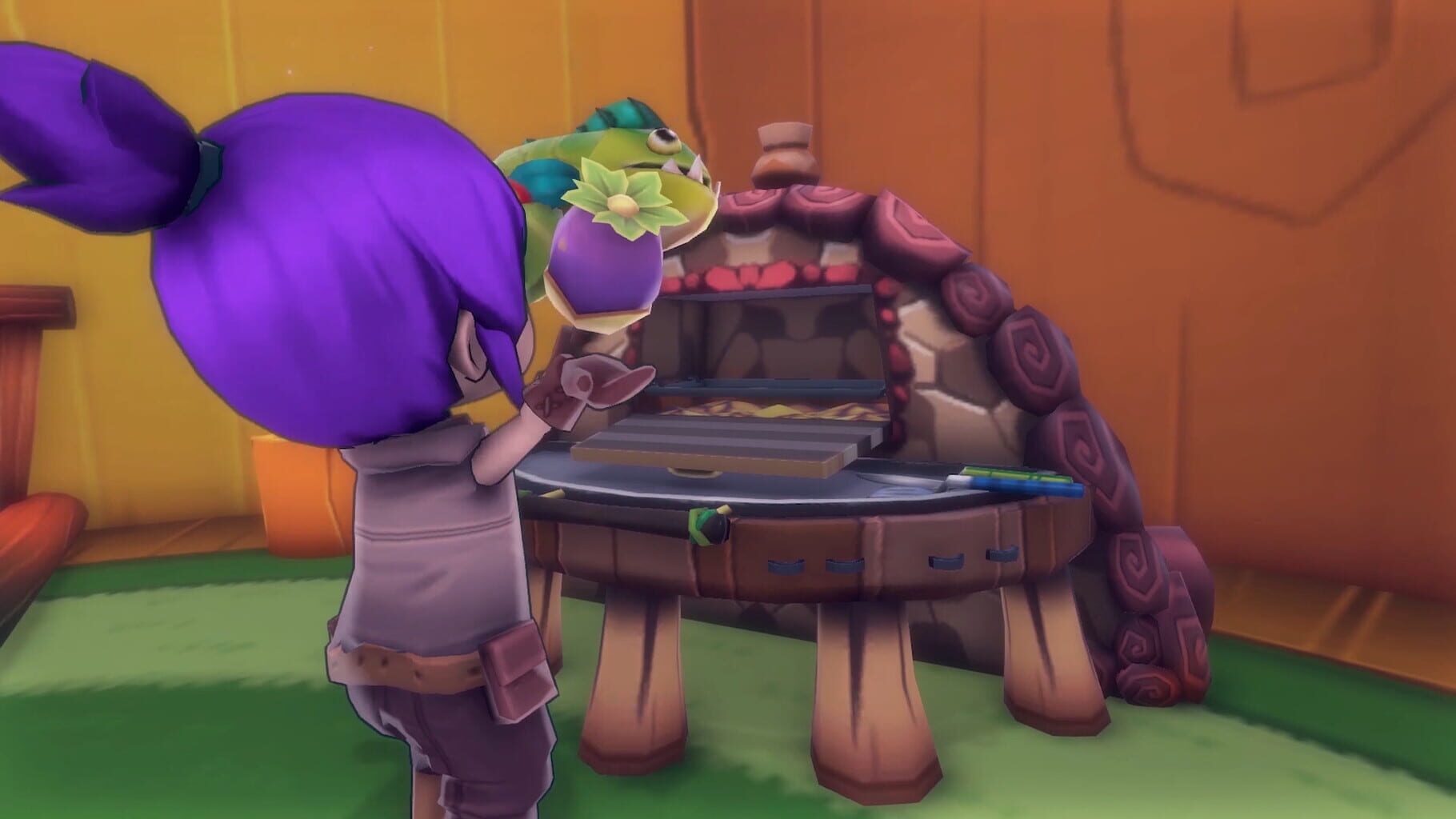
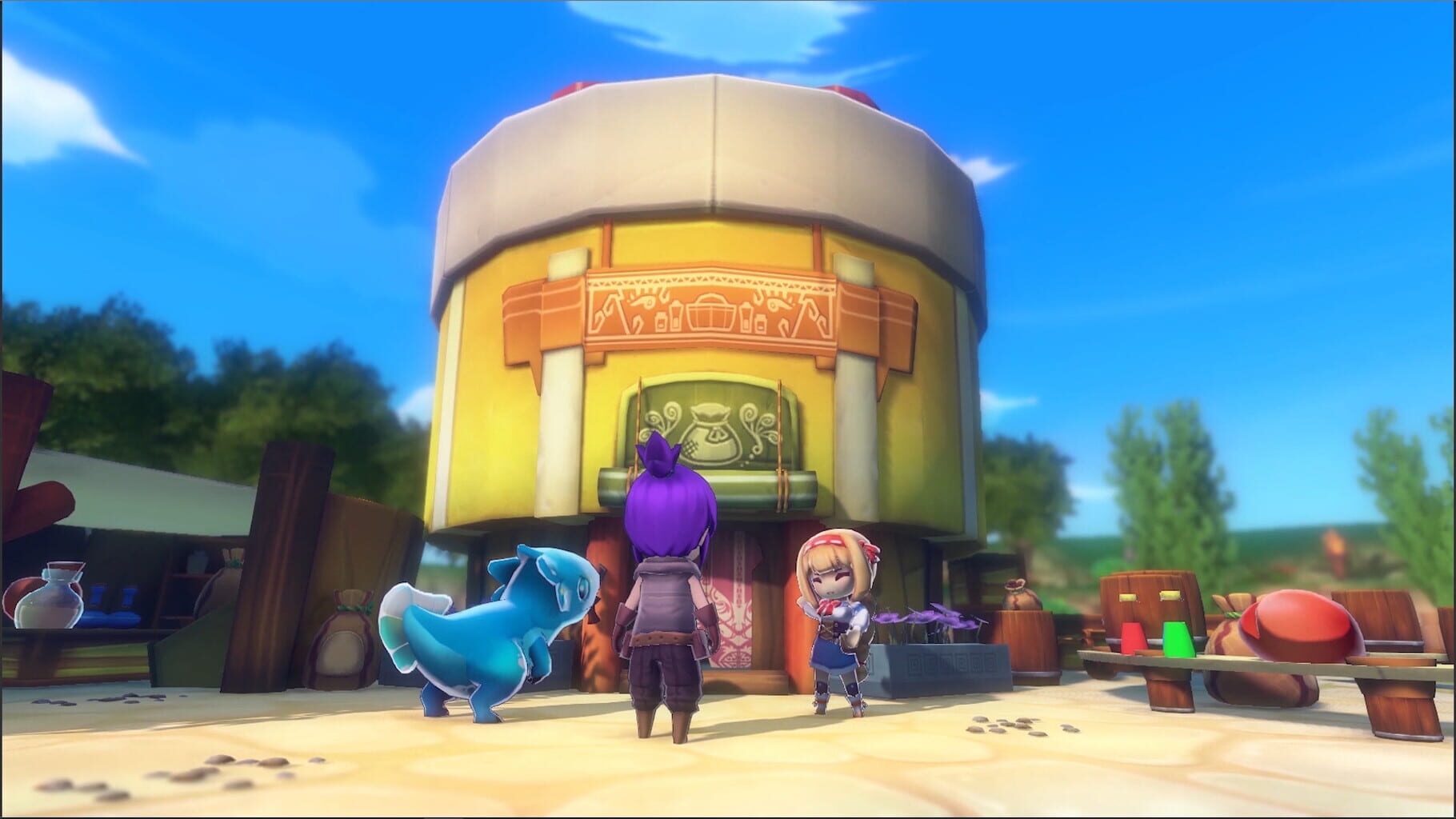
Version history
- v3Current
updated to latest and mkb support
- v2
updated to work in latest steam version.
- v1
First Release
Comments 5
I already managed to fix it, I got the controls from another game that works with two keyboards and I played it, now it's working normally
@MauBrine_GM If you are using two keyboards/mice you have to drag both the mouse and kb icons to one instance in Nucleus UI, press a key on each device so that they show in the UI then drag them, if 2 kbs show as one it wont work, so check if you have any virtual devices running or similar. If you are using gamepads read the faq too: https://www.splitscreen.me/docs/faq/#20--my-playstationgeneric-pc-controller-isnt-being-detectedhas-double-input-how-do-i-fix-this Make sure you are using latest Nucleus version too.
with the control even locked, it still controls both screens, and on the keyboard I have two but only one appears
@MauBrine_GM You have to lock the input with the End key like the notes mention.
nao esta funcionando , o teclado só funciona um e o controle controla as duas telas
Play these next
Browse all games
State of Decay 2: Juggernaut Edition
PoundlandBacon38k downloads4
Dinkum
gotenks7.2k downloads4
Sun Haven
Talos913.5k downloads4
Voidtrain
birden1.7k downloads4
Roots of Pacha
Vlxst996 downloads4
Feel The Snow
Talos91466 downloads4
Browse by genre: Role-playing · Simulation · Adventure
Log in or create an account to comment.