Split-screen on PC
S.T.A.L.K.E.R.: Anomaly
Up to 4 players on one PC, with keyboard and mouse or several keyboards and mice.
Handler “S.T.A.L.K.E.R - Anomaly Co-Op” by Vlxst, version 1
What works
With Nucleus Co-op, up to 4 players can play S.T.A.L.K.E.R.: Anomaly together on one PC, each in their own part of the screen, with keyboard and mouse or several keyboards and mice. The free community handler “S.T.A.L.K.E.R - Anomaly Co-Op” by Vlxst does the setup and was checked by hub moderators: version 1, updated . S.T.A.L.K.E.R.: Anomaly is a shooter and indie game from 2018.
- Players4
- ControllersNot supported
- Keyboard and mouseSupported
- Several keyboards and miceOne per player
- Hub moderatorsVerified
How to play S.T.A.L.K.E.R.: Anomaly split screen on PC
Get Nucleus Co-op
Download Nucleus Co-op, free for Windows 10 and 11, and unzip it into its own folder, for example C:\NucleusCo-op. There is no installer.
Keep it out of Program Files, your user folder and OneDrive.
Install the S.T.A.L.K.E.R.: Anomaly handler
In Nucleus Co-op, search the Hub for S.T.A.L.K.E.R.: Anomaly and install its handler, or download the handler file from this page and drop it on the Nucleus window. Then show Nucleus where S.T.A.L.K.E.R.: Anomaly is installed.
Take a seat
Each player joins with their own keyboard and mouse and takes a spot on the screen. Pick a layout that fits your players.
Playing with several keyboards and mice? Press End once everything is in place to give each window its own cursor.
Launch and connect
Press Launch: Nucleus opens one copy of S.T.A.L.K.E.R.: Anomaly per player and lays the windows out on your screen. Then link them in game, usually one player hosts a LAN or online session and the others join it. The handler notes say how.
What you need
- A Windows 10 or 11 PC
Nucleus Co-op runs on Windows only. System requirements
- S.T.A.L.K.E.R.: Anomaly for Windows
Installed on that PC. Nucleus starts every player's window from that one install.
- Nucleus Co-op, free
With .NET Framework 4.7.2 or later and the Visual C++ 2015–2022 runtimes (x86 and x64). Download
- Something to play with
One keyboard and mouse per player. Controllers · Keyboards and mice
- A PC that can run 4 copies
Each player runs their own copy of S.T.A.L.K.E.R.: Anomaly, so the PC carries several times the usual load. Lower the graphics settings if it struggles. Performance tips
- A multiplayer mode
Nucleus links the windows through the game's own LAN or online mode; the handler takes care of it.
Handler notes
S.T.A.L.K.E.R. Anomaly is a standalone game/mod, so you do not need to own or install any original S.T.A.L.K.E.R game.
📌 REQUIRED:
-
Download and install S.T.A.L.K.E.R. Anomaly
-
Download and install xrRazom: Stalker Anomaly Co-Op
-
Follow the installation guides for both mods carefully.
-
Launch the game (DX11) at least once and create a new save before using Nucleus Co-op, so the game can generate and save its configuration files. (MANDATORY!)
⚠️ IMPORTANT:
💾 SAVES:
Always save before exiting the game, use the SAVE GAME option in the instances pause menu.
🌐 ONLINE:
You can play LAN and Online with Radmin/Zerotier,
Before playing, you must configure the mod. All co-op settings can be found under:
ℹ️ Settings > xrRazom Co-op
- Player name: Set a unique name for each player.
- Host session on game start: Keep this ENABLED.
- Host via Steam ID (P2P): Keep this DISABLED.
- LAN port: Use the same LAN port for all players unless your setup requires different ports.
27015 is the default port. You do not need to change it if you are only playing through Nucleus Co-op.
🔗 HOW TO CONNECT:
It's simple:
- One player creates a new save or loads an existing save.
- The other players join through Connect to Session in the main menu.
- Nucleus Co-op users do not need to enter an IP address or any other connection details. Just leave the field empty and press OK — the game will join automatically.
🧩 NUCLEUS:
Wait after all Instances are resized and positioned. press the END key to lock the input for all instances to have their own cursor. You need to left click each mouse to make the emulated cursors appear after locking the input. Press the END key again to unlock the input when you finish playing. You can also use CTRL+Q to close Nucleus and all its instances when the input is unlocked. CTRL+H to unfocus instances.
🙏 CREDITS:
This Handler uses S.T.A.L.K.E.R. Anomaly and xrRazom: Stalker Anomaly Co-Op to enable campaign co-op, without it, it wouldn't be possible!
My sincere thanks to xrRazom — creator of the Co-op mod for supporting this handler and helping clarify some questions. And to the Anomaly Developers for creating this incredible standalone mod.
About S.T.A.L.K.E.R.: Anomaly
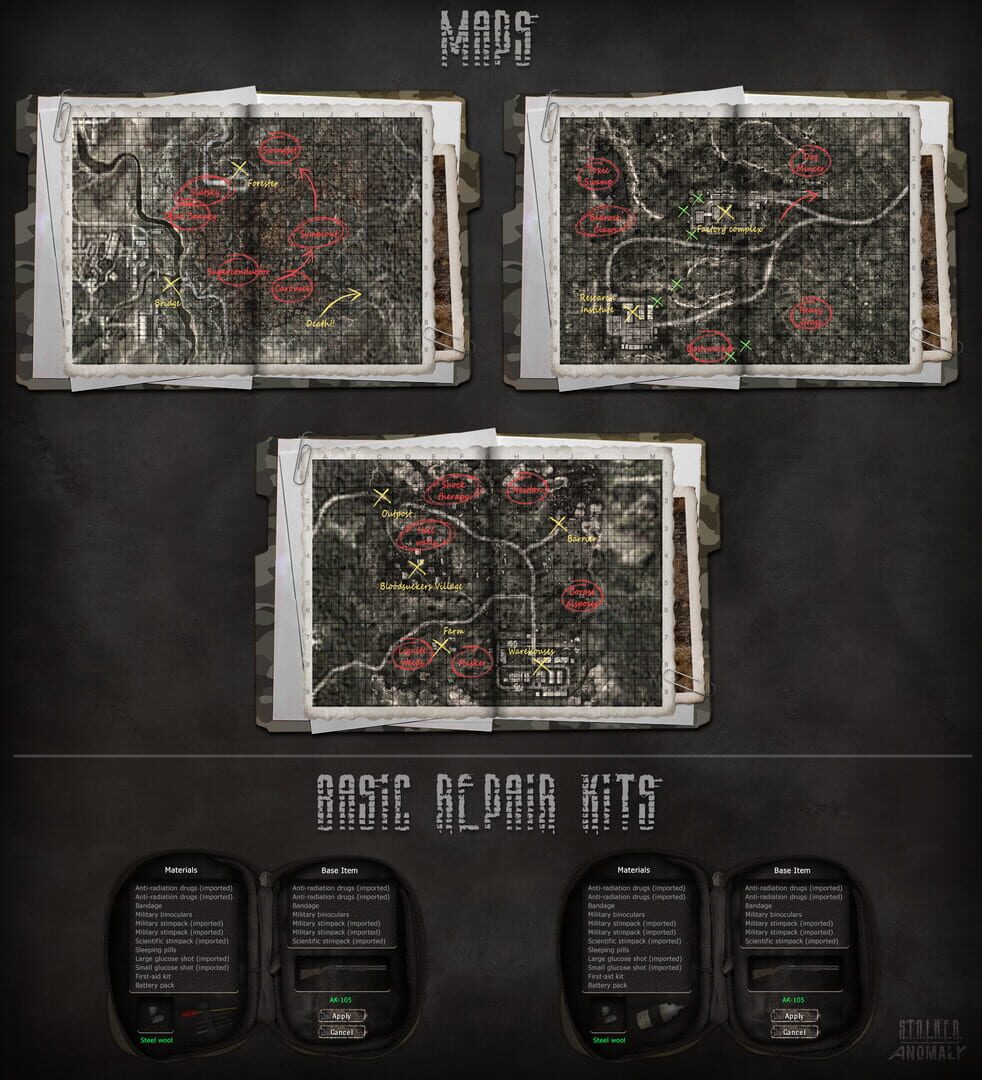
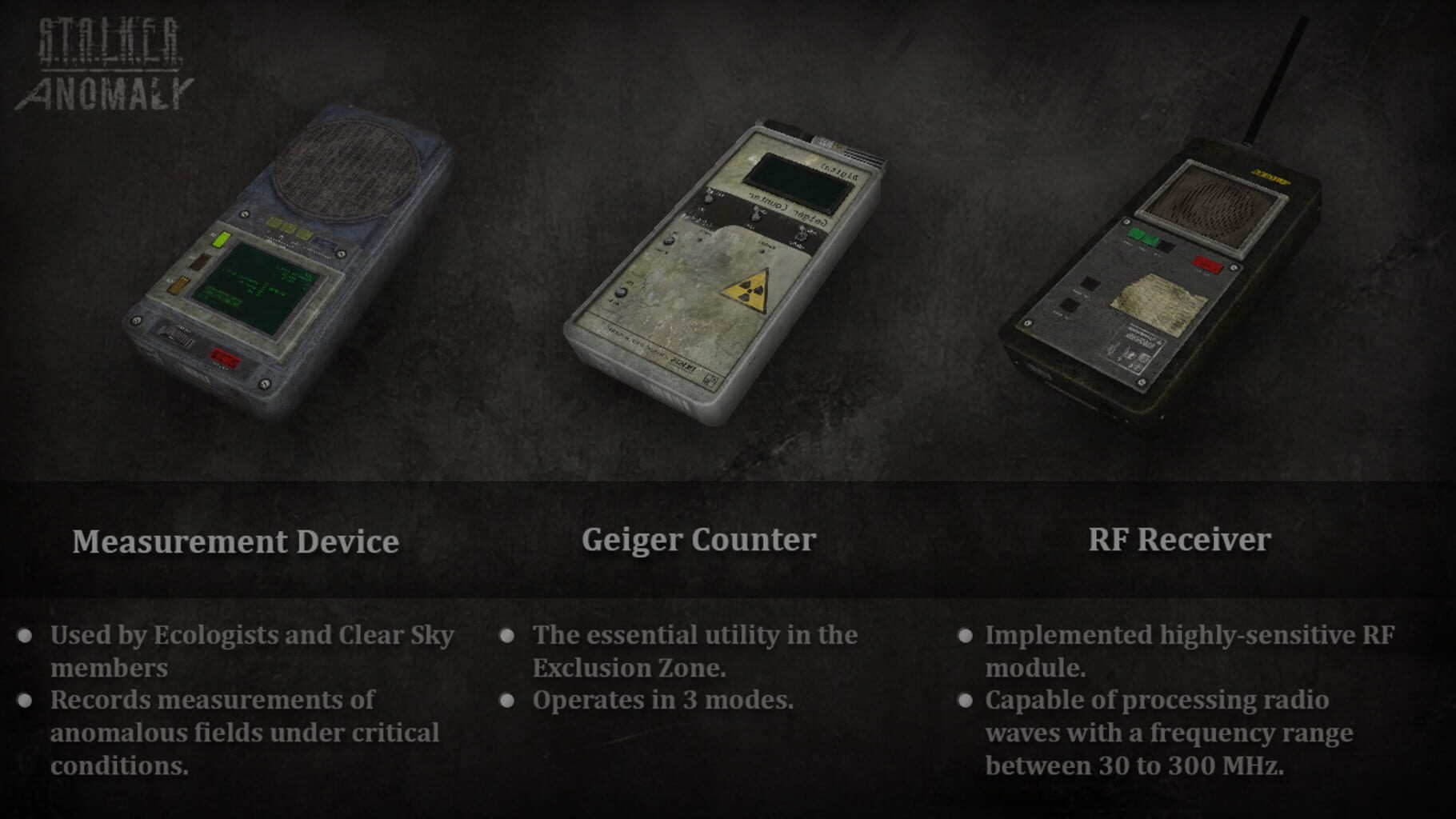
S.T.A.L.K.E.R.: Anomaly is a standalone mod powered by an x64 version of the X-Ray engine. Starting with version 1.5.0 Anomaly uses a custom engine build called the XRay-Monolith engine. After almost one year of development of the Anomaly 1.5.0 update, the mod continues its way on expanding and adding new features while maintaining a high level of quality and replay value. It is currently updated to 1.5.2 with planned updates in the future adding more features.
Summary from IGDB
S.T.A.L.K.E.R.: Anomaly screenshots




Version history
- v1Current
First Version
Comments 0
No comments yet. Played it? Share what worked for your group.





Log in or create an account to comment.