Split-screen on PC
World in Conflict: Complete Edition
Up to 16 players on one PC, with keyboard and mouse or several keyboards and mice.
Handler “World in Conflict: Complete Edition (GOG)” by LineOf7s, version 1
What works
With Nucleus Co-op, up to 16 players can play World in Conflict: Complete Edition together on one PC, each in their own part of the screen, with keyboard and mouse or several keyboards and mice. The free community handler “World in Conflict: Complete Edition (GOG)” by LineOf7s does the setup and was checked by hub moderators: version 1, updated . World in Conflict: Complete Edition is a real-time strategy and strategy game from 2009.
- Players16
- ControllersNot supported
- Keyboard and mouseSupported
- Several keyboards and miceOne per player
- Hub moderatorsVerified
How to play World in Conflict: Complete Edition split screen on PC
Get Nucleus Co-op
Download Nucleus Co-op, free for Windows 10 and 11, and unzip it into its own folder, for example C:\NucleusCo-op. There is no installer.
Keep it out of Program Files, your user folder and OneDrive.
Install the World in Conflict: Complete Edition handler
In Nucleus Co-op, search the Hub for World in Conflict: Complete Edition and install its handler, or download the handler file from this page and drop it on the Nucleus window. Then show Nucleus where World in Conflict: Complete Edition is installed.
Take a seat
Each player joins with their own keyboard and mouse and takes a spot on the screen. Pick a layout that fits your players.
Playing with several keyboards and mice? Press End once everything is in place to give each window its own cursor.
Launch and connect
Press Launch: Nucleus opens one copy of World in Conflict: Complete Edition per player and lays the windows out on your screen. Then link them in game, usually one player hosts a LAN or online session and the others join it. The handler notes say how.
What you need
- A Windows 10 or 11 PC
Nucleus Co-op runs on Windows only. System requirements
- World in Conflict: Complete Edition for Windows
Installed on that PC. Nucleus starts every player's window from that one install.
- Nucleus Co-op, free
With .NET Framework 4.7.2 or later and the Visual C++ 2015–2022 runtimes (x86 and x64). Download
- Something to play with
One keyboard and mouse per player. Controllers · Keyboards and mice
- A PC that can run 16 copies
Each player runs their own copy of World in Conflict: Complete Edition, so the PC carries several times the usual load. Lower the graphics settings if it struggles. Performance tips
- A multiplayer mode
Nucleus links the windows through the game's own LAN or online mode; the handler takes care of it.
Handler notes
Read the handler notes in the UI carefully. Made for latest GOG version of the game. Only supports multiple keyboards and mice, as the game does not have controller support.
About World in Conflict: Complete Edition
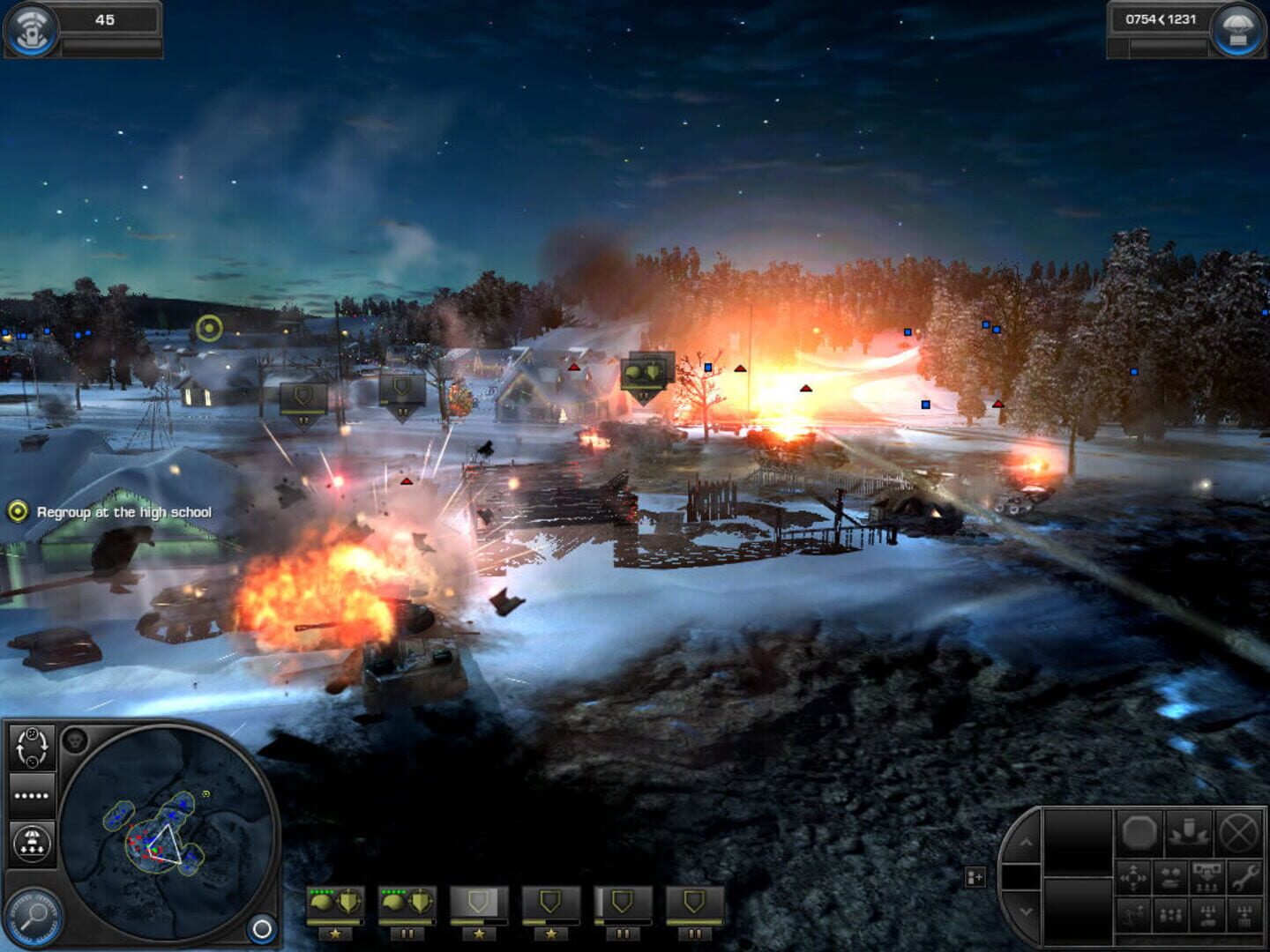
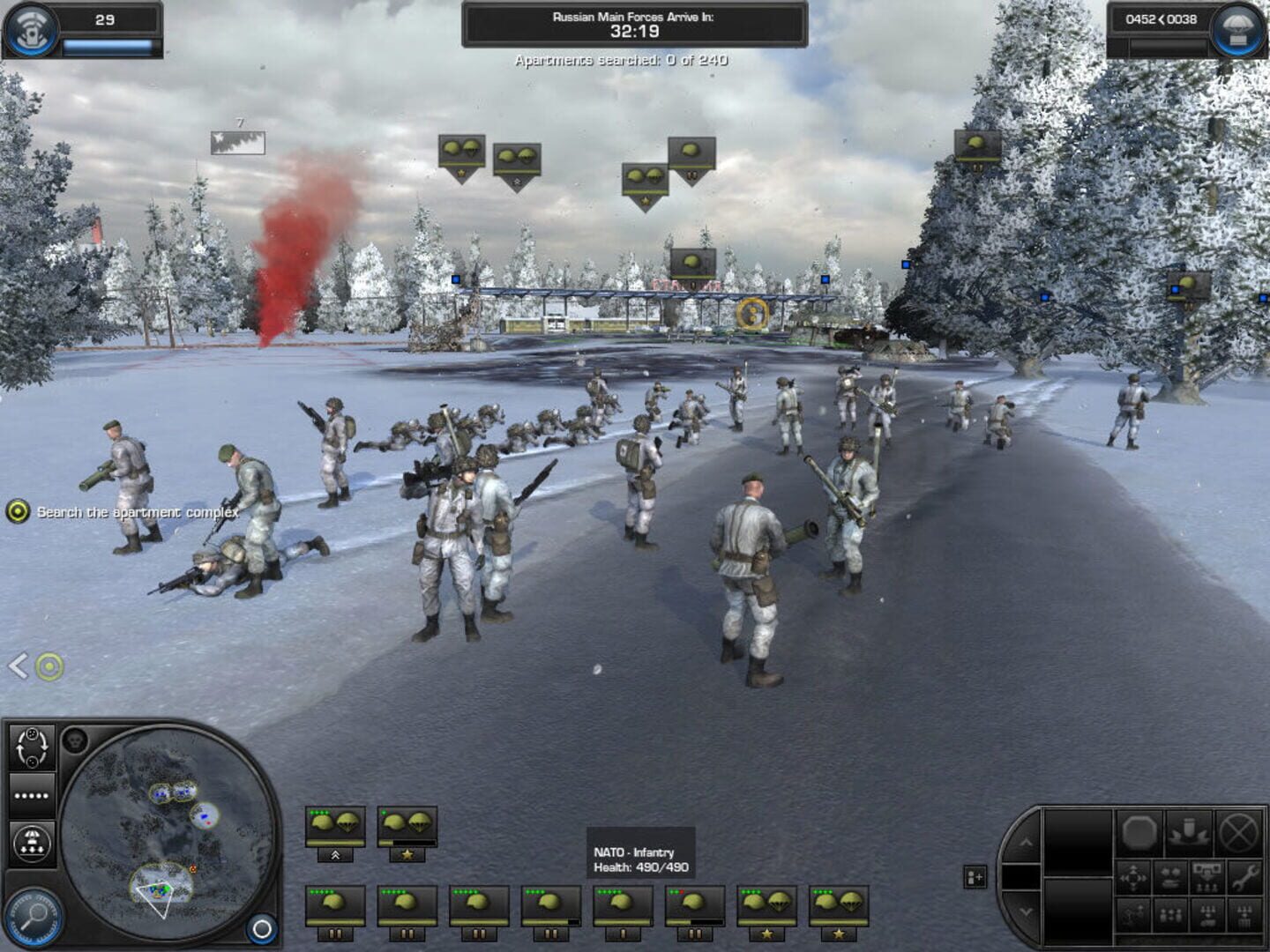
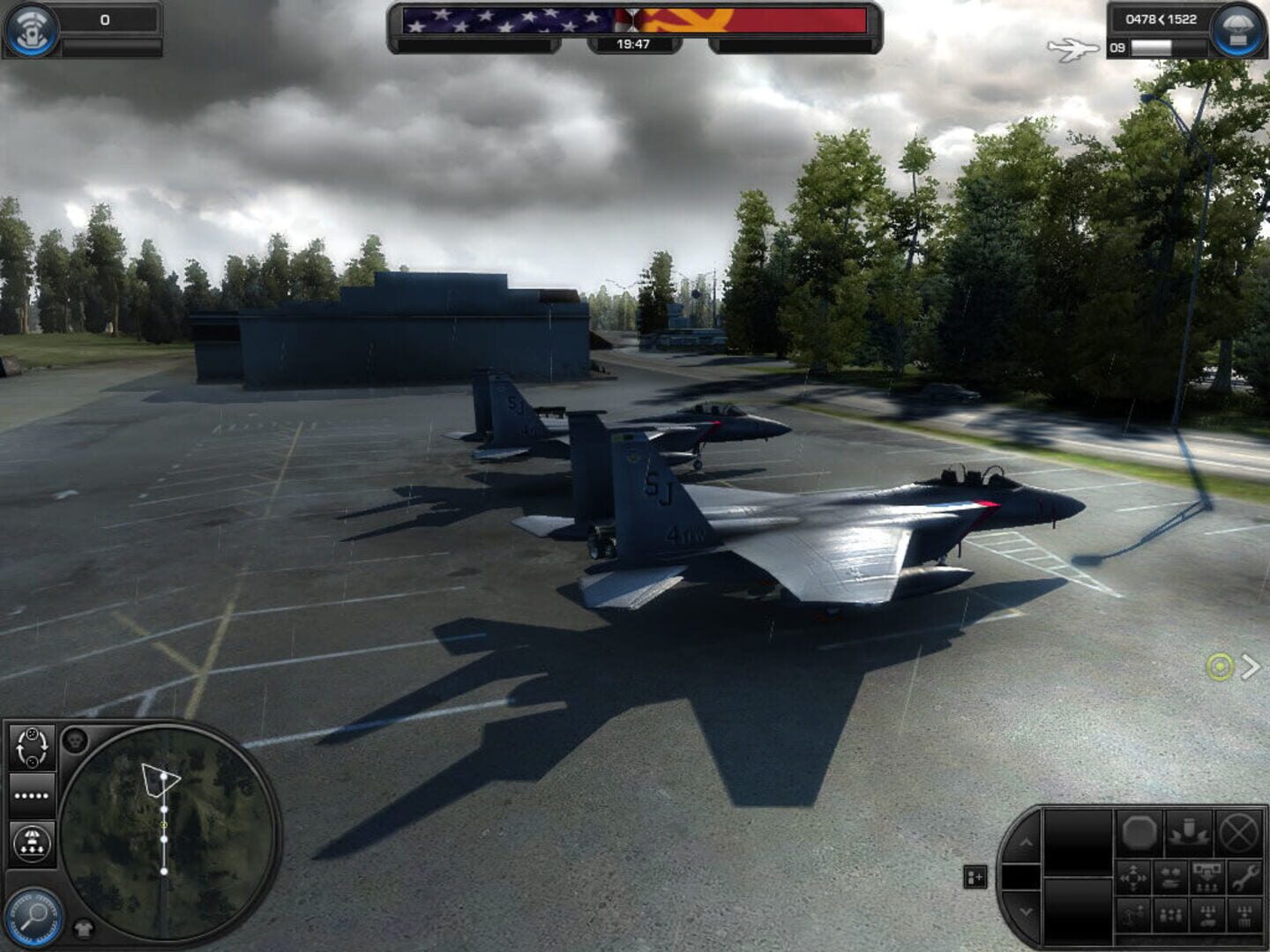
World in Conflict focuses on real-time tactics (RTT) gameplay, in a similar manner to Ground Control, a game also developed by Massive Entertainment, in which players deploy units onto a battlefield and must carefully make use of them to achieve victory, making use of support assets to further assist them. World in Conflict contains three factions: the United States, Soviet Union, and NATO. While players may only play as US and NATO forces during the single-player campaign, all three factions can be used in multiplayer games. During a game, players are given a pre-determined amount of reinforcement points, with which to purchase units with varying costs. Once the player deploys the units they purchase, they must wait 20 seconds for them to be airdropped to the field. If a unit is destroyed, the points are refunded to the player in order to allow them to bring in more units. During the single-player campaign, most missions vary what units the player can recruit, while some missions will offer the opportunity to recruit free units, though these cannot be replaced if destroyed. Each unit has strengths and weaknesses, such as mobile anti-air guns being most effective against enemy helicopters, and repair tanks being most effective at keeping vehicles and armor repaired. Each unit possesses a defensive ability, such as deploying smokescreens, while some units possess an offensive ability, such as marking targets for bombardment or using grenade launchers on enemy infantry. Once a unit's special ability(ies) has been spent, players must wait for them to recharge before they can be used again. In addition to controlling units, players may also call in tactical aid by spending tactical aid points. Points are primarily earned from destroying enemy units in battle. Tactical Aids allow the player to call in anything, from airstrikes on enemy positions, the deployment of paratroopers, to launching carpet bombing raids and tactical nuclear strikes. Tactical aids can allow up to three deployments, after which the player must wait until the support has recharged. In the single-player campaign, players are restricted by what tactical aid they can use, which can change during a mission. The game interface for World in Conflict has no framing in the game. A list of units occupies the bottom center, whereas the top right hand corner contains the expandable reinforcement procurement list. The mini map is in the bottom left hand corner, while the bottom right hand corner contains the special abilities buttons (including unit formation). Players can also use a messaging system that is designed to allow conversation between individuals regardless of whether they are on the same server or playing the same game. World in Conflict features a fully rotational 360 degree camera.
Summary from IGDB
World in Conflict: Complete Edition screenshots
Version history
- v1Current
First Release. Mouse & Keyboard only.
Comments 1
seems to work also with original Disc Version (I own a German Complete Edition Disc from 2009)
Play these next
Browse all games
Warcraft III: The Frozen Throne
Snailedlt5.6k downloads12
Warcraft III: Nirvana
dr.oldboi464 downloads12
Rusted Warfare
Zensuu373 downloads10
Guardians of Middle-earth
birden87 downloads10
Age of Empires II: HD Edition
Zensuu2.7k downloads8
Stronghold Crusader HD
Zensuu626 downloads8
Browse by genre: Real-time strategy · Strategy
Log in or create an account to comment.