Split-screen on PC
Call of Duty 4: Modern Warfare
Up to 32 players on one PC, with keyboard and mouse or several keyboards and mice.
Handler “Call of Duty 4: Modern Warfare (2007)” by THEKlNG, version 5
What works
With Nucleus Co-op, up to 32 players can play Call of Duty 4: Modern Warfare together on one PC, each in their own part of the screen, with keyboard and mouse or several keyboards and mice. The free community handler “Call of Duty 4: Modern Warfare (2007)” by THEKlNG does the setup and was checked by hub moderators: version 5, updated . Call of Duty 4: Modern Warfare is a shooter and simulation game from 2007.
- Players32
- ControllersNot supported
- Keyboard and mouseSupported
- Several keyboards and miceOne per player
- Hub moderatorsVerified
How to play Call of Duty 4: Modern Warfare split screen on PC
Get Nucleus Co-op
Download Nucleus Co-op, free for Windows 10 and 11, and unzip it into its own folder, for example C:\NucleusCo-op. There is no installer.
Keep it out of Program Files, your user folder and OneDrive.
Install the Call of Duty 4: Modern Warfare handler
In Nucleus Co-op, search the Hub for Call of Duty 4: Modern Warfare and install its handler, or download the handler file from this page and drop it on the Nucleus window. Then show Nucleus where Call of Duty 4: Modern Warfare is installed.
Take a seat
Each player joins with their own keyboard and mouse and takes a spot on the screen. Pick a layout that fits your players.
Playing with several keyboards and mice? Press End once everything is in place to give each window its own cursor.
Launch and connect
Press Launch: Nucleus opens one copy of Call of Duty 4: Modern Warfare per player and lays the windows out on your screen. Then link them in game, usually one player hosts a LAN or online session and the others join it. The handler notes say how.
What you need
- A Windows 10 or 11 PC
Nucleus Co-op runs on Windows only. System requirements
- Call of Duty 4: Modern Warfare for Windows
Installed on that PC. Nucleus starts every player's window from that one install.
- Nucleus Co-op, free
With .NET Framework 4.7.2 or later and the Visual C++ 2015–2022 runtimes (x86 and x64). Download
- Something to play with
One keyboard and mouse per player. Controllers · Keyboards and mice
- A PC that can run 32 copies
Each player runs their own copy of Call of Duty 4: Modern Warfare, so the PC carries several times the usual load. Lower the graphics settings if it struggles. Performance tips
- A multiplayer mode
Nucleus links the windows through the game's own LAN or online mode; the handler takes care of it.
Handler notes
This handler works with the legit Steam Version and COD4X version. You can also get the latest patches and client version 21_1 from this link if you are using the CODX4 mod. You also need to have a valid CD-KEY already to join online servers.
For best performance fully close Steam before using the handler. The game doesn't have controller support so this handler only supports keyboards & mice.
This handler includes a Bots mod and autoit exe files for shortcuts (make sure you make an exception to the handler folder in your Antivirus as to not remove or block any files of the handler).
If you want to launch your custom mod just put it in the Mods folder inside the handler folder and write its folder name in the custom mod Nucleus UI option, the mod will launch automatically when you enter the game.
Start a match with the host player and there are 2 ways to make a client players to connect :
-
Press '~' in your keyboard and type 127.0.0.1 local direct ip in the console and connect to the server normally.
-
When you are in the main menu click join game and choose Favorites or Lan then you can see the host server appear, click on it and connect normally.
Big Thanks to messenils for his contribution with the handler.
About Call of Duty 4: Modern Warfare
Call of Duty 4: Modern Warfare differs from previous installments of the Call of Duty series. Previous Call of Duty games have a distinct three country-specific campaign style, while Call of Duty 4 has a more film-like plot with interlaced story lines from the perspectives of Sgt. Paul Jackson of the Marines 1st Force Recon and Sgt. 'Soap' MacTavish of the British 22nd SAS Regiment.
Summary from IGDB
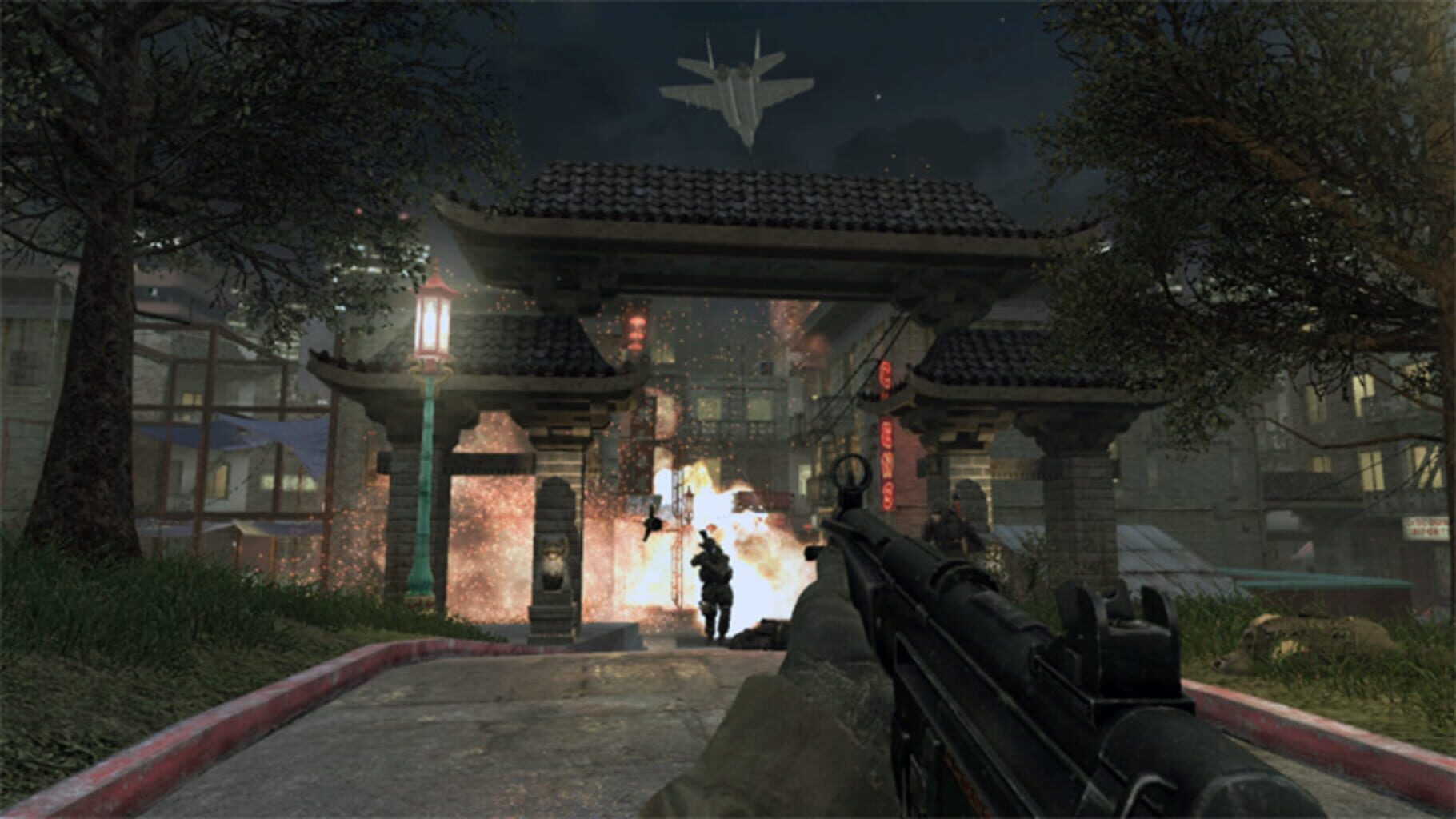
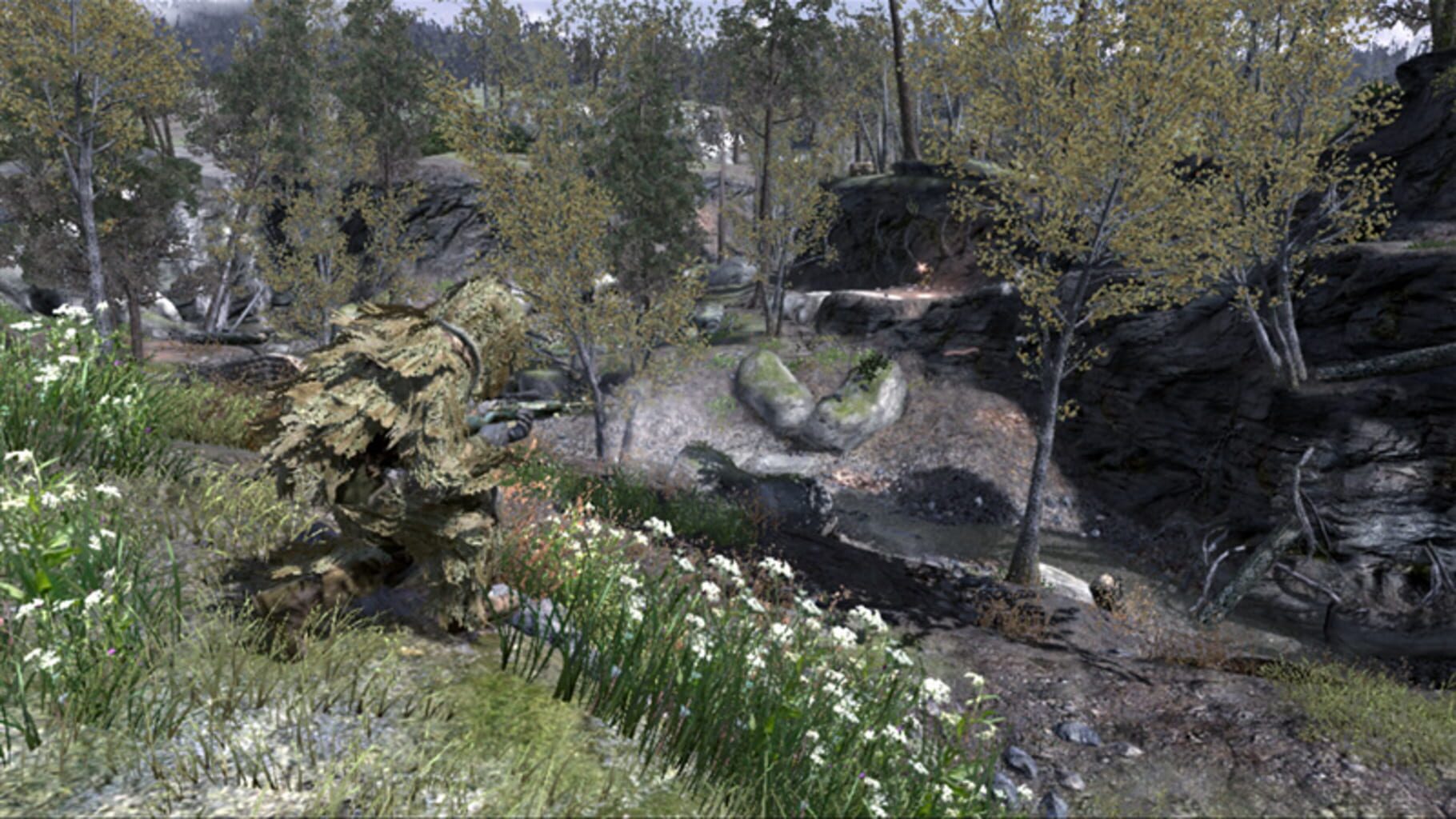
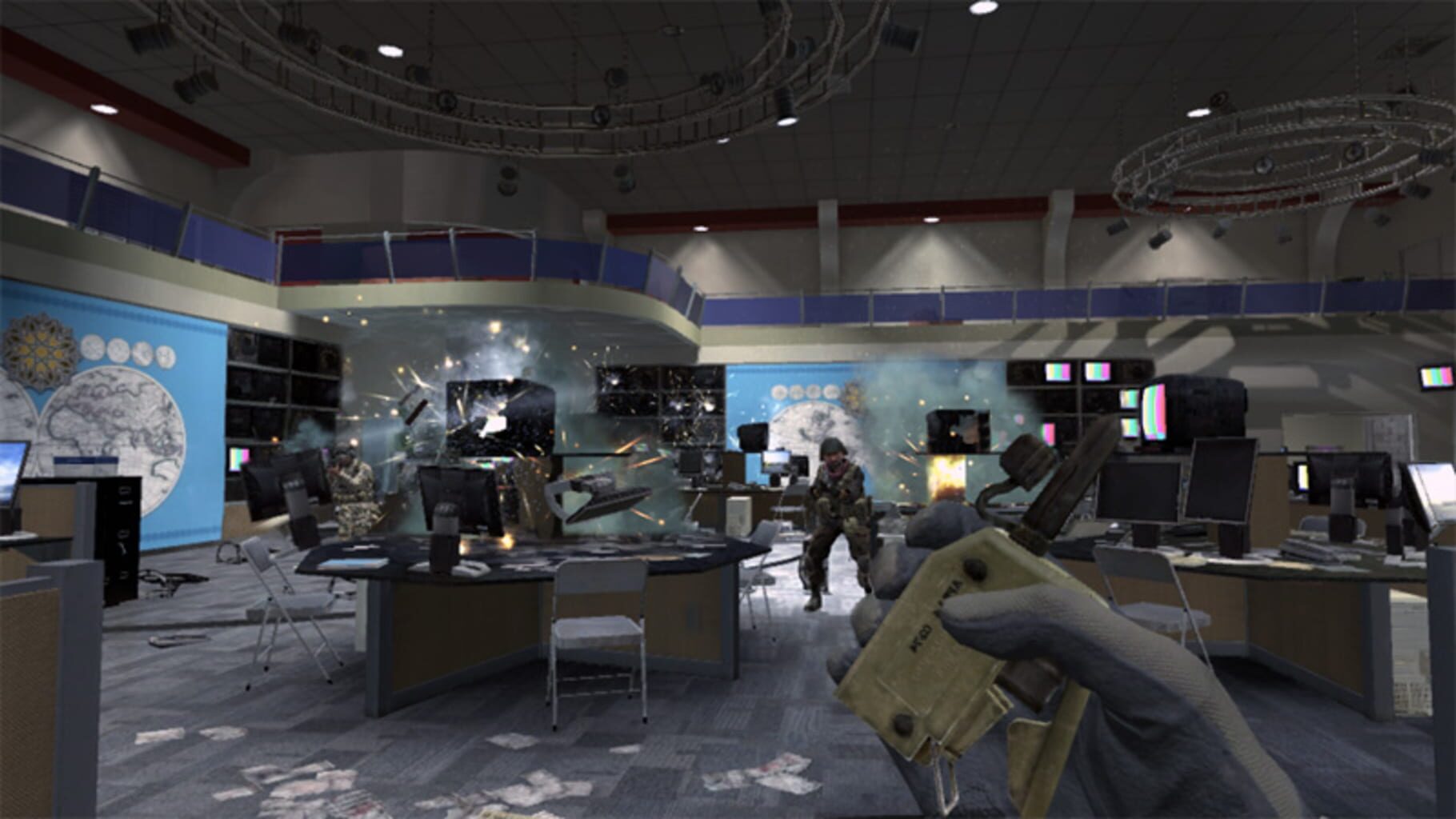
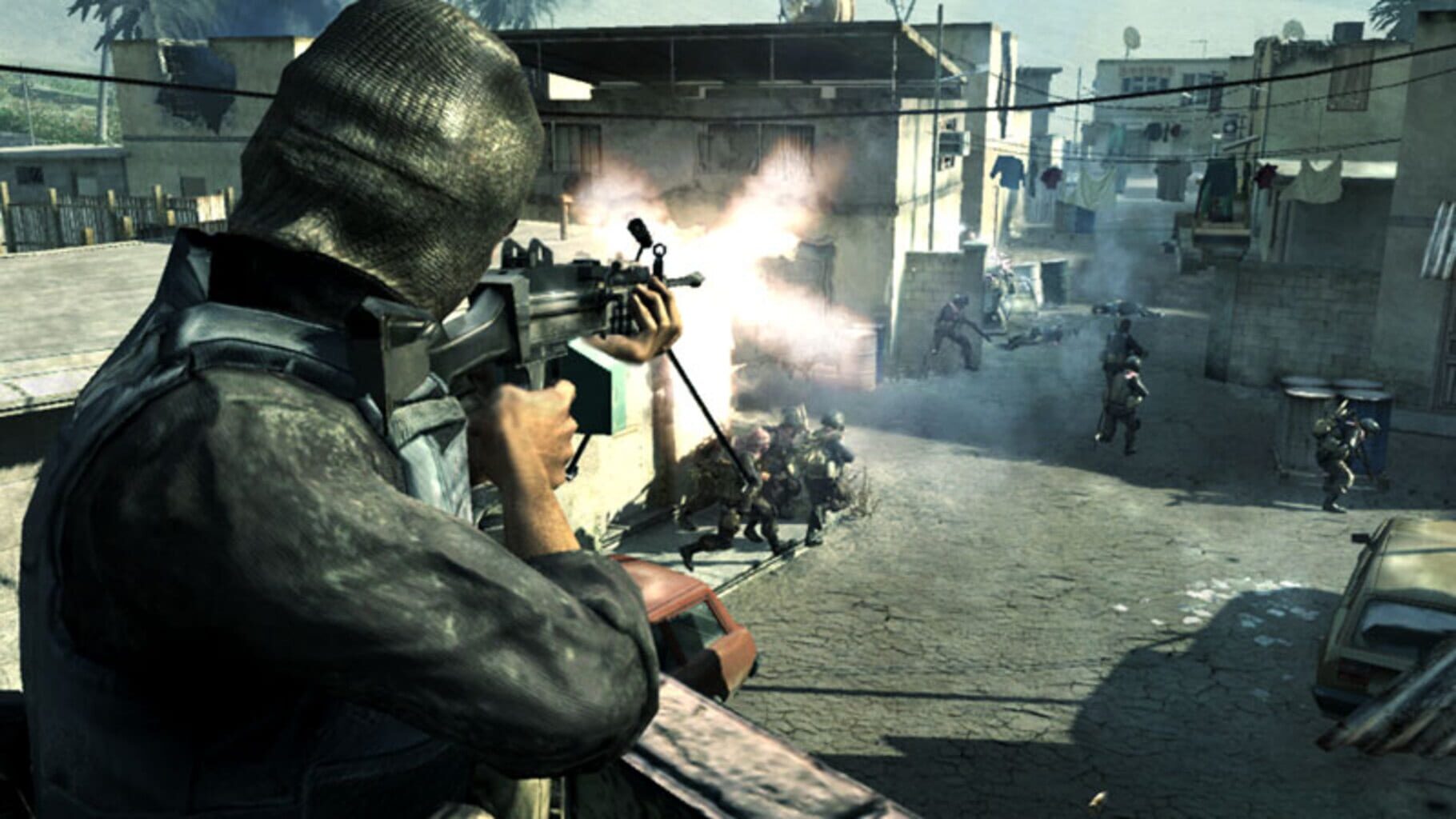
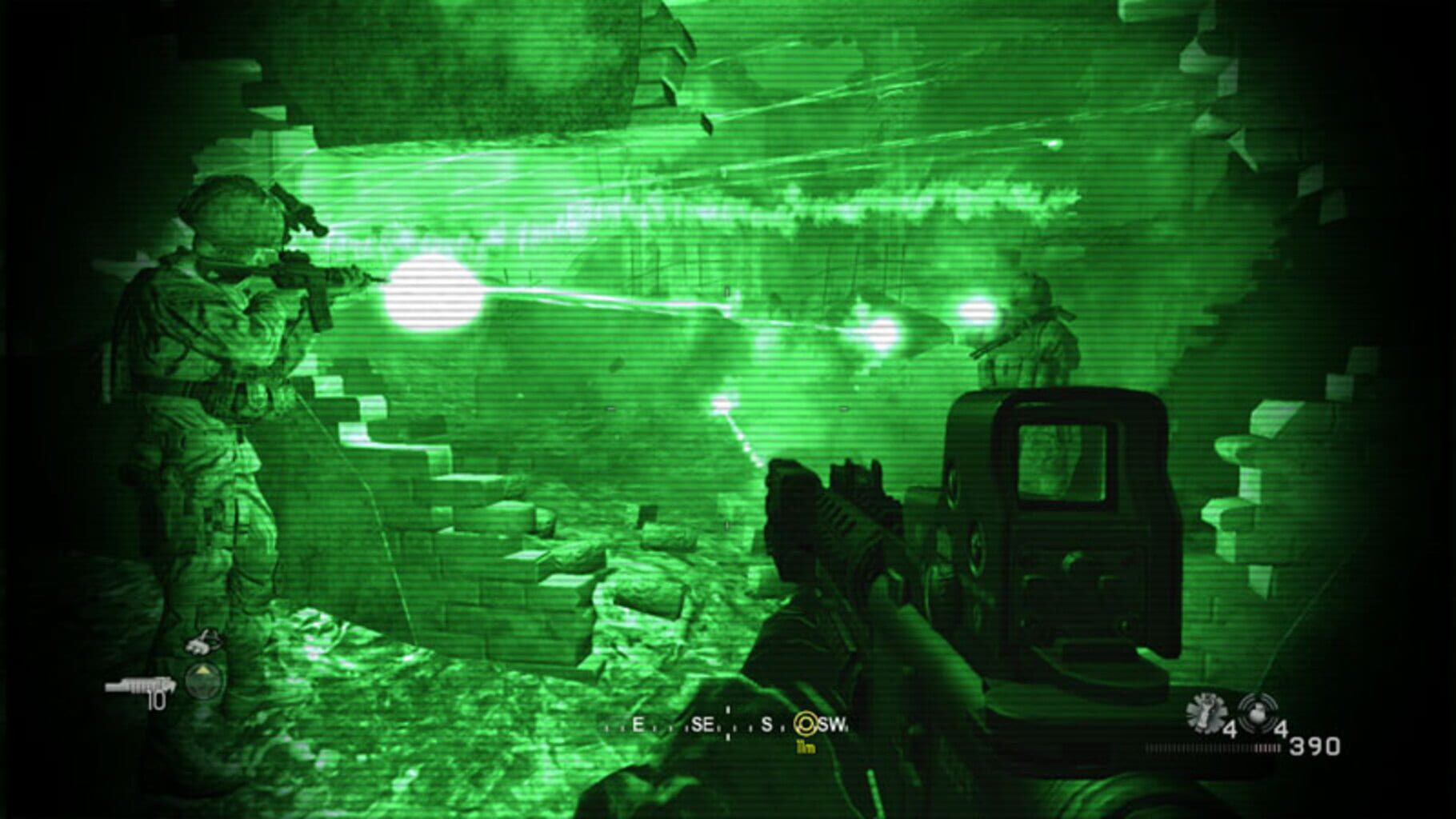
Call of Duty 4: Modern Warfare screenshots
Version history
- v5Current
Fourth edition
- v4
Fourth Edition
- v3
Fixed playername & F2 button doesn't work
- v2
Fixed some issues
Comments 2
https://www.youtube.com/watch?v=pTVTohpD9Ss Could you check the possibility of using controls like the ones in this video?
Been waiting for this! Thank you guys.
Play these next
Browse all games
The Long Dark
birden2.2k downloads32
ArmA 2: Operation Arrowhead
THEKlNG202 downloads32
Arma 2
THEKlNG262 downloads32
ARMA: Gold Edition
THEKlNG144 downloads32
Abiotic Factor
Zensuu6.2k downloads24
7 Days to Die
Talos9167k downloads16
Browse by genre: Shooter · Simulation
Log in or create an account to comment.