Split-screen on PC
Devil May Cry 5
Up to 4 players on one PC, with controllers.
Handler “DMCV Co-op Mod” by Talos91, version 8
What works
With Nucleus Co-op, up to 4 players can play Devil May Cry 5 together on one PC, each in their own part of the screen, with controllers. The free community handler “DMCV Co-op Mod” by Talos91 does the setup and was checked by hub moderators: version 8, updated . Devil May Cry 5 is a hack and slash and adventure game from 2019.
- Players4
- ControllersSupported
- Keyboard and mouseNot supported
- Several keyboards and miceNot supported
- Hub moderatorsVerified
How to play Devil May Cry 5 split screen on PC
Get Nucleus Co-op
Download Nucleus Co-op, free for Windows 10 and 11, and unzip it into its own folder, for example C:\NucleusCo-op. There is no installer.
Keep it out of Program Files, your user folder and OneDrive.
Install the Devil May Cry 5 handler
In Nucleus Co-op, search the Hub for Devil May Cry 5 and install its handler, or download the handler file from this page and drop it on the Nucleus window. Then show Nucleus where Devil May Cry 5 is installed.
Take a seat
Each player presses a button on their own controller to join and takes a spot on the screen. Pick a layout that fits your players.
Launch and connect
Press Launch: Nucleus opens one copy of Devil May Cry 5 per player and lays the windows out on your screen. Then link them in game, usually one player hosts a LAN or online session and the others join it. The handler notes say how.
What you need
- A Windows 10 or 11 PC
Nucleus Co-op runs on Windows only. System requirements
- Devil May Cry 5 for Windows
Installed on that PC. Nucleus starts every player's window from that one install.
- Nucleus Co-op, free
With .NET Framework 4.7.2 or later and the Visual C++ 2015–2022 runtimes (x86 and x64). Download
- Something to play with
One controller per player: Xbox, PlayStation or generic pads. Controllers
- A PC that can run 4 copies
Each player runs their own copy of Devil May Cry 5, so the PC carries several times the usual load. Lower the graphics settings if it struggles. Performance tips
- A multiplayer mode
Nucleus links the windows through the game's own LAN or online mode; the handler takes care of it.
Handler notes
Tutorial:
-
Requires the latest DMCV Co-op trainer dll by Dante and Raz0r: https://www.nexusmods.com/devilmaycry5/mods/353?tab=files. All credit to their authors, they created the mod for online co-op and are unaffiliated with Nucleus Co-op.
-
Place the coop_trainer.dll inside the Nucles Co-op folder handlers\Devil May Cry 5, you do NOT need to do this if you already have the coop dll installed in your main game files alongside the RE Framework.
-
Split-screen setup guide. Make sure you are using the DMC5 vanilla Steam game files as some mods could cause issues.
-
Once the instances launch you can open and close the RE Framework overlay with the Insert key, the Co-op settings can be found in the overlay under Script Generated UI - CO-OP Trainer by Dante & Raz0r, tick the coop/divergence option there for all instances, alt-tab to an instance to use the keyboard. Select the same mission/bloody palace and difficulty, the instances should connect automatically once in-game, if the Co-op mod activated correctly in the instances you should see a character selection screen (select a different character per instance) before starting a mission and a "connecting to network" message when a level is loading, get past the tutorial first, make sure all instances have the game network setting and friend priority enabled. When all instances are in-game, pause and then unpause simultaneously or one by one to connect to each other, if this doesn't work restart from the checkpoint for all instances.
-
On first Nucleus run set the resolution in the game options that matches the window size in all instances, to avoid stretching in split-screen you need to create custom resolutions in your AMD/Nvidia/Intel panel (for example for a 1920x1080 monitor add resolutions like: 960x1080, 960x540, 1920x540 etc.) so the game can see them and you can select them. To remove black bars in split-screen in the RE Framework menu click on graphics and enable the aspect ratio fix, you can also change the FOV, keep in mind RE Framework has hud issues in ultra wide resolutions.
-
Reduce graphics settings per instance to improve performance, you need good specs as this game can get quite demanding when running multiple instances, if the game runs too slow you will not be able to connect the instances too.
-
Read the FAQ if you have any further questions and want to know more about Nucleus Co-op.
-
Handler by Talos91. Please support the Nucleus Co-op team if you like my Nucleus handler work.
-
Big thanks to embas10 from the Nucleus Co-op discord for all the testing and help. Resolution fixes by killer-m and the Resident Framework devs.
About Devil May Cry 5
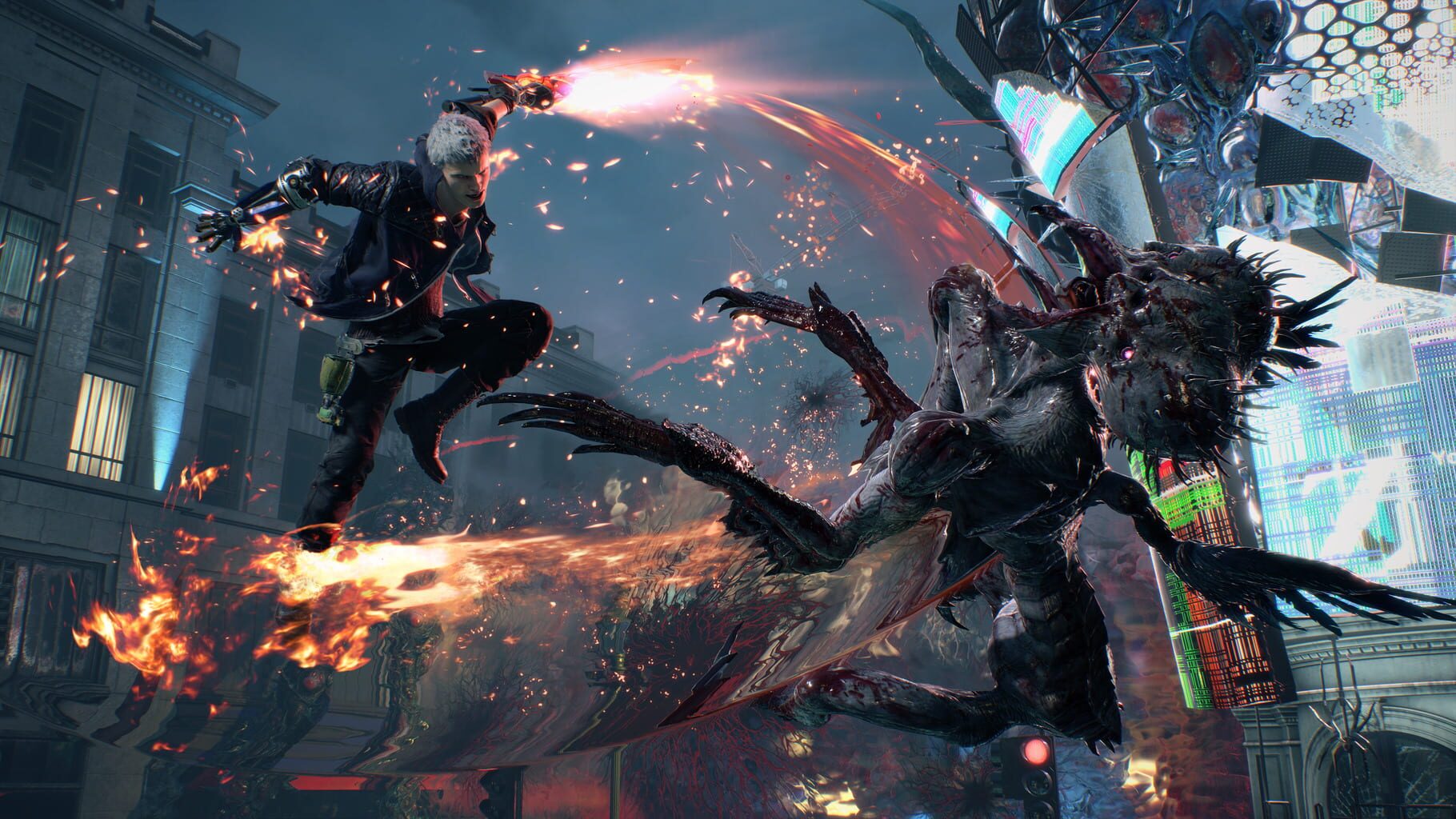
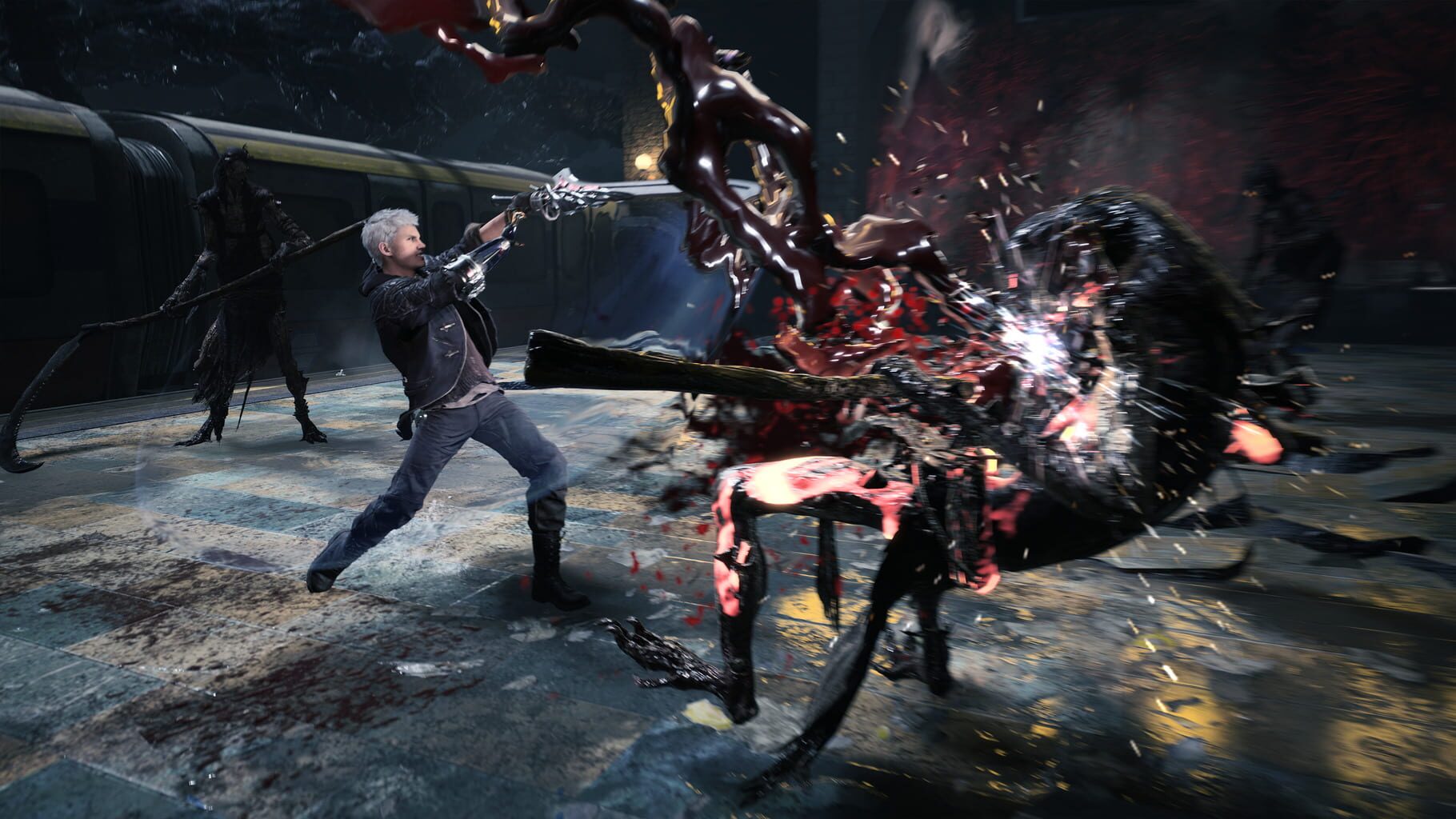
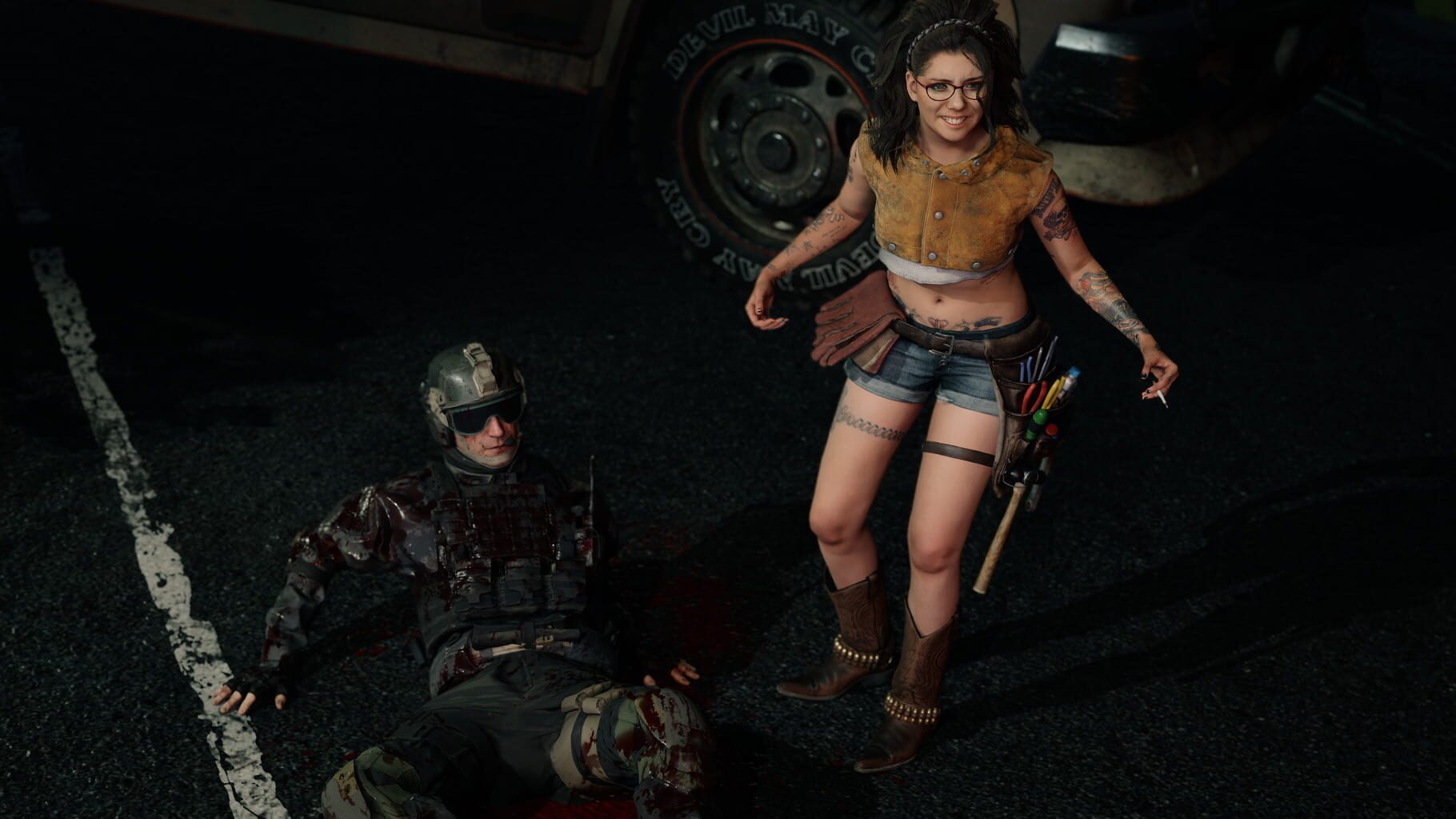
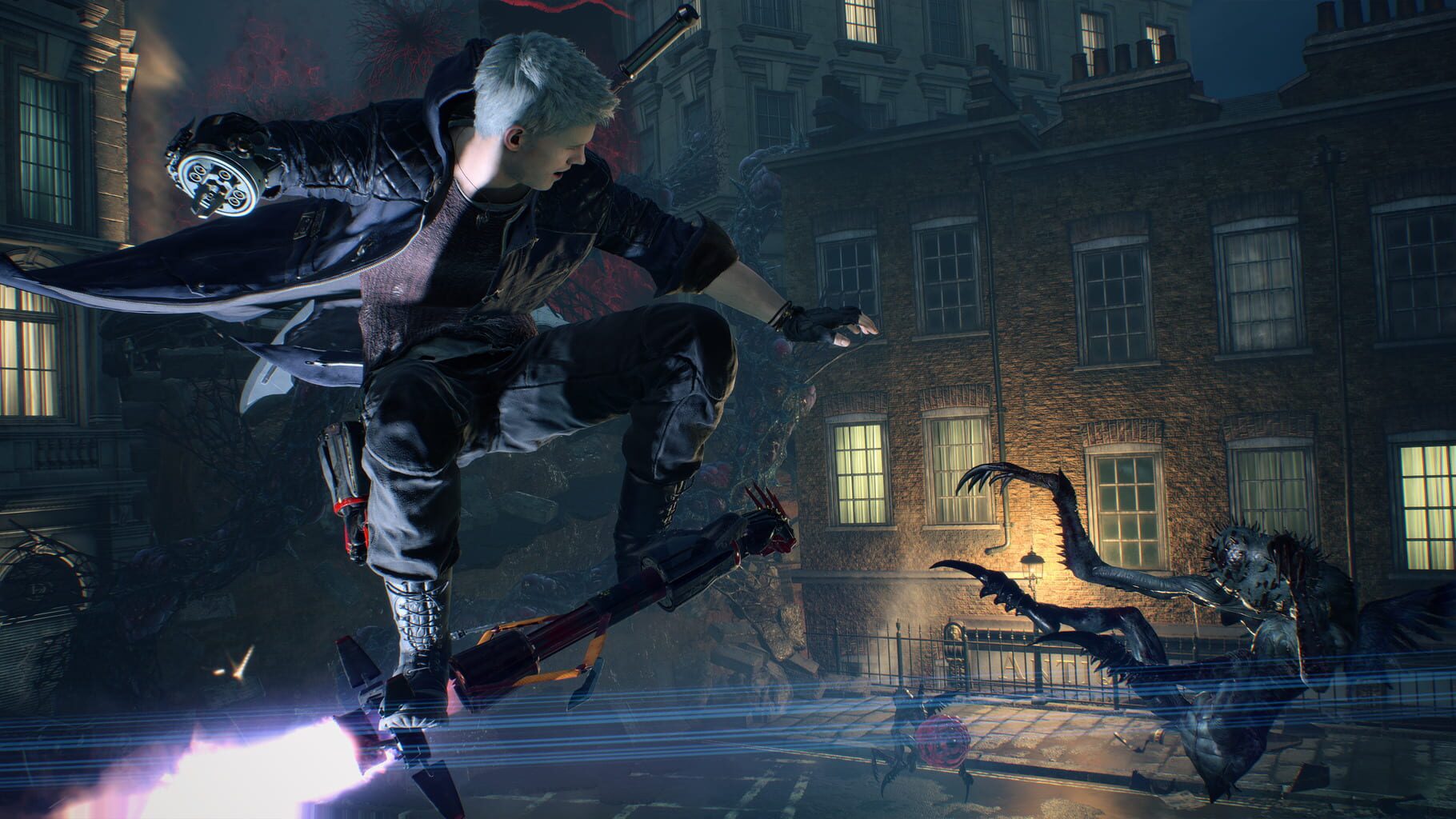
Devil May Cry 5 is a brand-new entry in the legendary over-the-top action series Devil May Cry. The game features three playable characters, each with a radically different stylish combat play style as they take on the city overrun with demons. Developed with Capcom’s in-house proprietary RE engine, the series continues to achieve new heights in fidelity with graphics that utilize photorealistic character designs and stunning lighting and environmental effects.
Summary from IGDB
Devil May Cry 5 screenshots

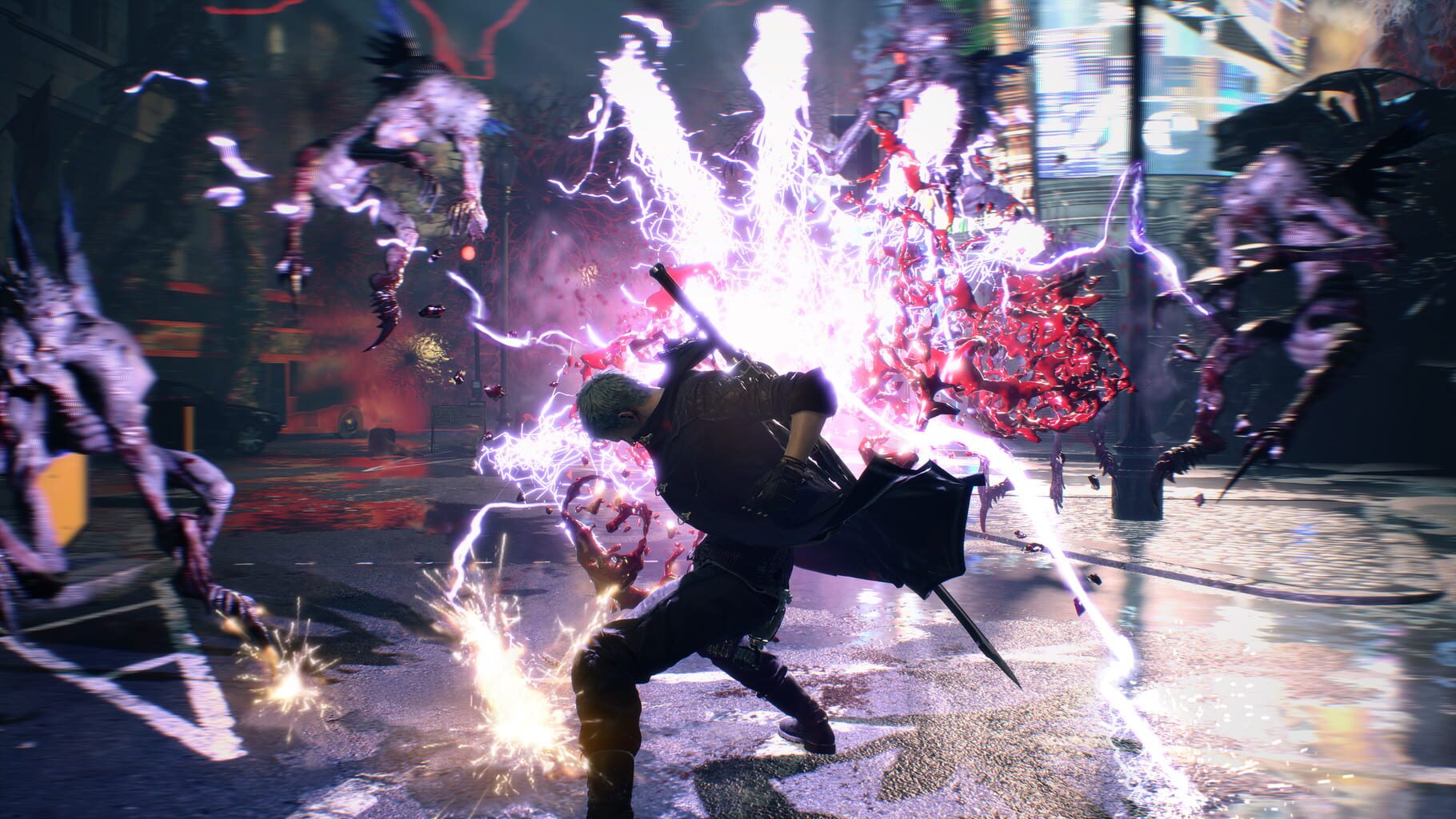
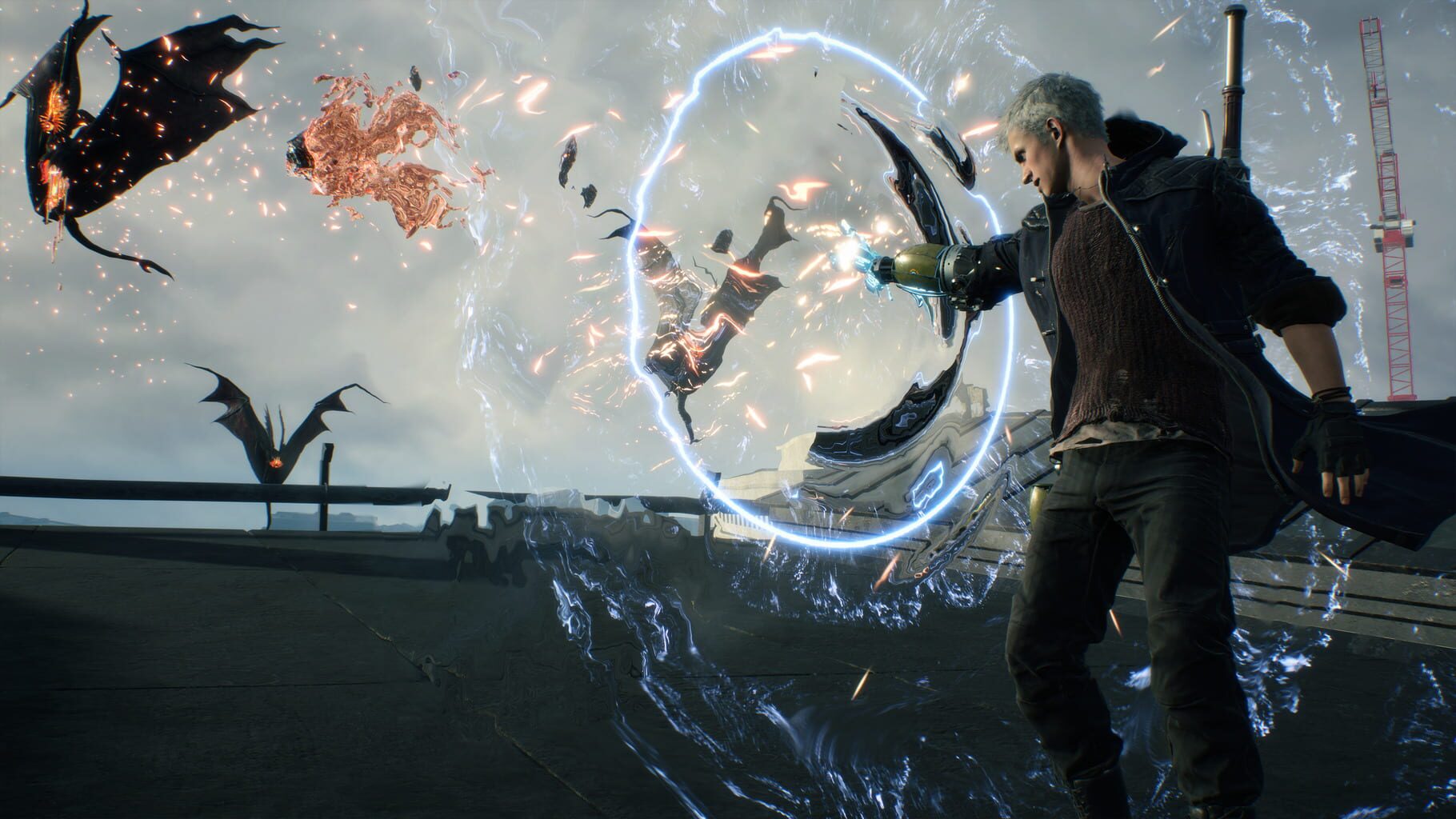
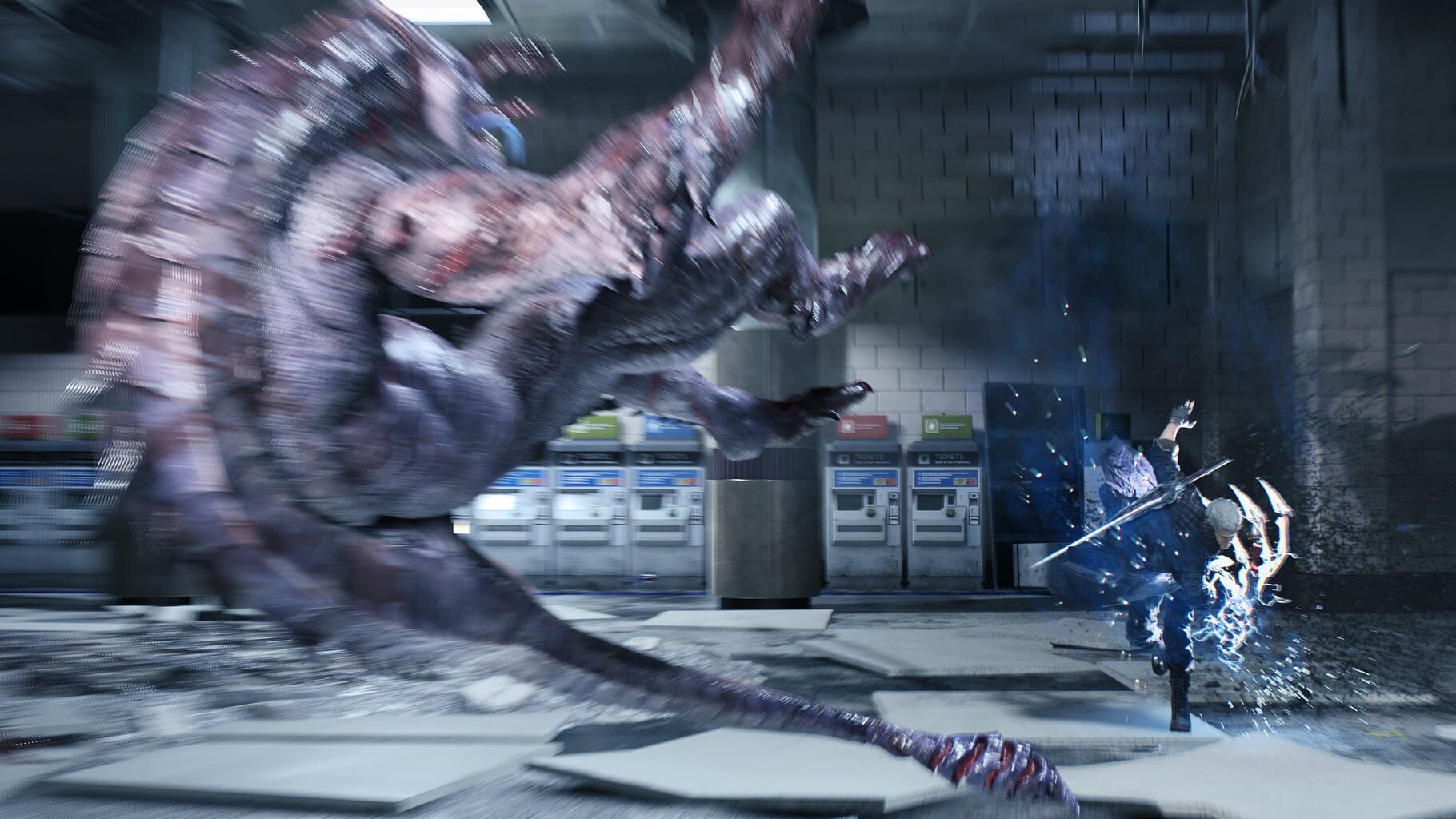
Version history
- v8Current
exclusions and copying fixes
- v7
fixes for the coop dll and the sssiyan dll to work together
- v6
steam stub fix
- v5
fixed support for the new coop dll.
Comments 0
No comments yet. Played it? Share what worked for your group.
Play these next
Browse all games
Monster Hunter Rise
Talos915.8k downloads4
Grim Dawn
Talos9116k downloads4
Dead Rising 2
Talos917.8k downloads4
Marvel's Avengers
Rogueboy_x1.9k downloads4
Dead Rising 4
ZeroFox3k downloads4
Craftopia
Talos913.2k downloads4
Browse by genre: Hack and slash · Adventure
Log in or create an account to comment.