Split-screen on PC
Dragon Quest Heroes II
Up to 4 players on one PC, with controllers.
Handler “DQH-II” by Talos91, version 2
What works
With Nucleus Co-op, up to 4 players can play Dragon Quest Heroes II together on one PC, each in their own part of the screen, with controllers. The free community handler “DQH-II” by Talos91 does the setup and was checked by hub moderators: version 2, updated . Dragon Quest Heroes II is a role-playing and hack and slash game from 2016.
- Players4
- ControllersSupported
- Keyboard and mouseNot supported
- Several keyboards and miceNot supported
- Hub moderatorsVerified
How to play Dragon Quest Heroes II split screen on PC
Get Nucleus Co-op
Download Nucleus Co-op, free for Windows 10 and 11, and unzip it into its own folder, for example C:\NucleusCo-op. There is no installer.
Keep it out of Program Files, your user folder and OneDrive.
Install the Dragon Quest Heroes II handler
In Nucleus Co-op, search the Hub for Dragon Quest Heroes II and install its handler, or download the handler file from this page and drop it on the Nucleus window. Then show Nucleus where Dragon Quest Heroes II is installed.
Take a seat
Each player presses a button on their own controller to join and takes a spot on the screen. Pick a layout that fits your players.
Launch and connect
Press Launch: Nucleus opens one copy of Dragon Quest Heroes II per player and lays the windows out on your screen. Then link them in game, usually one player hosts a LAN or online session and the others join it. The handler notes say how.
What you need
- A Windows 10 or 11 PC
Nucleus Co-op runs on Windows only. System requirements
- Dragon Quest Heroes II for Windows
Installed on that PC. Nucleus starts every player's window from that one install.
- Nucleus Co-op, free
With .NET Framework 4.7.2 or later and the Visual C++ 2015–2022 runtimes (x86 and x64). Download
- Something to play with
One controller per player: Xbox, PlayStation or generic pads. Controllers
- A PC that can run 4 copies
Each player runs their own copy of Dragon Quest Heroes II, so the PC carries several times the usual load. Lower the graphics settings if it struggles. Performance tips
- A multiplayer mode
Nucleus links the windows through the game's own LAN or online mode; the handler takes care of it.
Handler notes
Tested and working with latest legit Steam version. Read the handler notes. Reduce graphics settings to improve performance.
Information about how the co-op works:
"Here's what you can co-op:
-Story missions that actually take part in what the game calls "battlefields" which are initiated in very specific locations in the overworld. These are quite similar to how mission played out in the first DQH and other similar games. This is where there is a tricky bit that confuses people: only people that have already completed said mission in their own playthrough can join other people's.
-Labyrinth missions which can be started from an NPC in town. These are rather short and sweet (and a little boring, can't imagine doing any of them a particularly high number of times) but anyone can join anyone else, with no restriction. These can also be completed solo with an AI party, if you so wish. In fact, the DLC party members (which aren't available in NA yet) can only be used in these missions. EDIT: And just to clarify, doing these missions is in no way necessary, nor are they tied to quests or anything story related. They are there only as an additional method of farming/grinding as well as to give a little more that can be co-oped, I guess.
What this means is that for you and a buddy to co-op story missions, you both need to advance the story to where these missions take place and one of you has to complete it on his own. Not ideal. Also, and this is from hearsay, but additional Labyrinth missions only become available as you advance the story as well."
Authors and Contributors of this script: Talos91 from the Split Screen Dreams Discord.
About Dragon Quest Heroes II
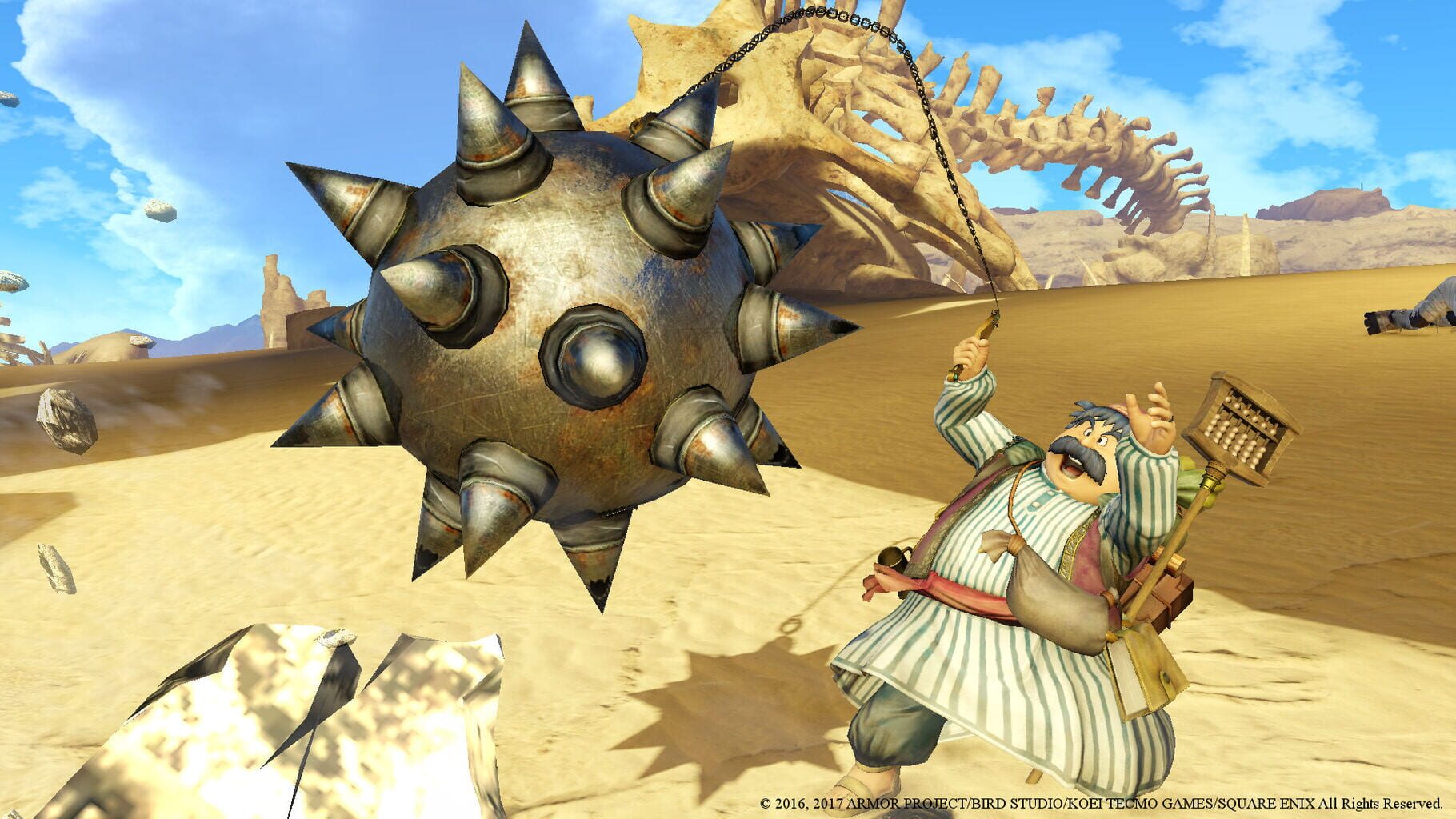
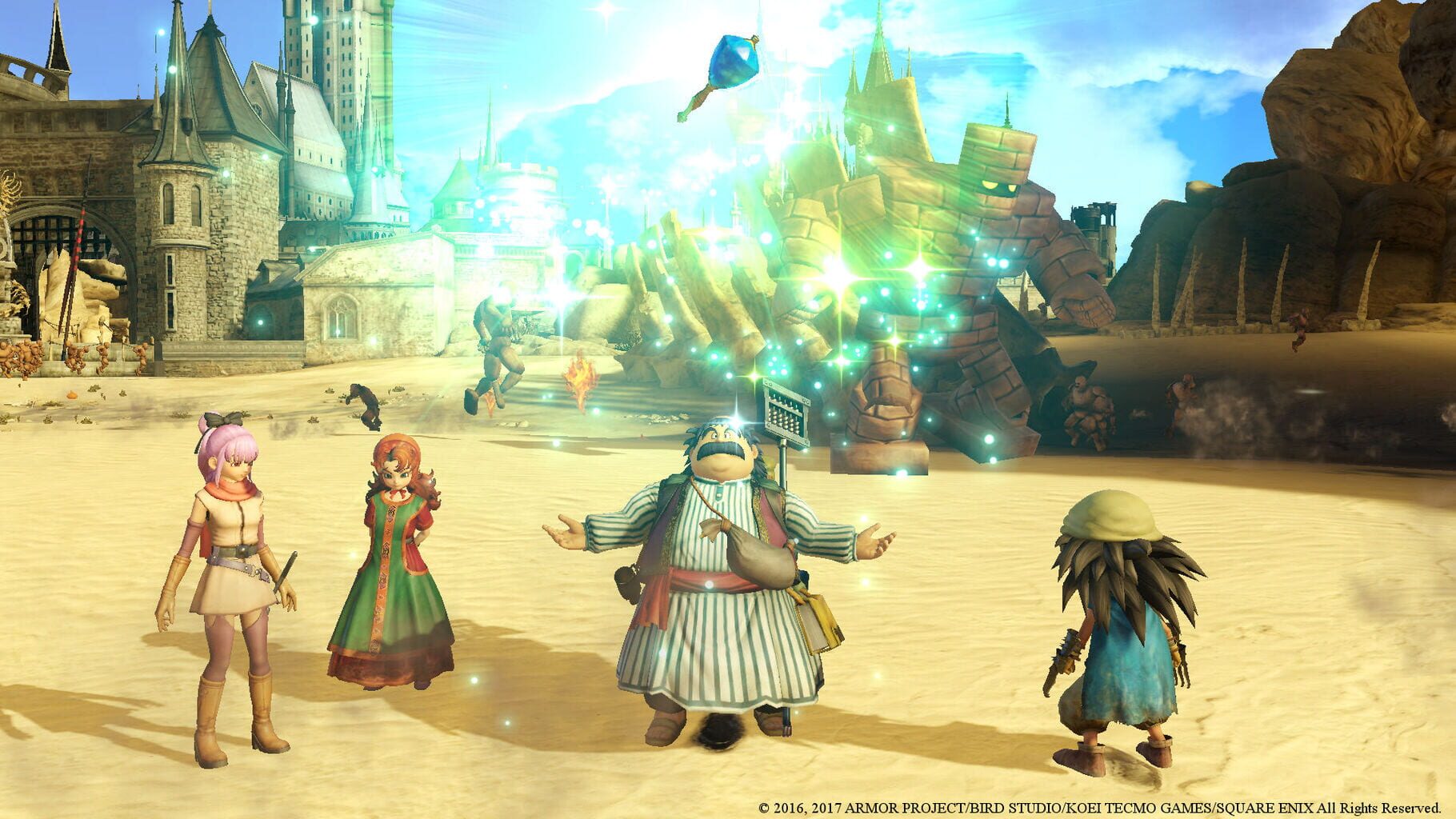
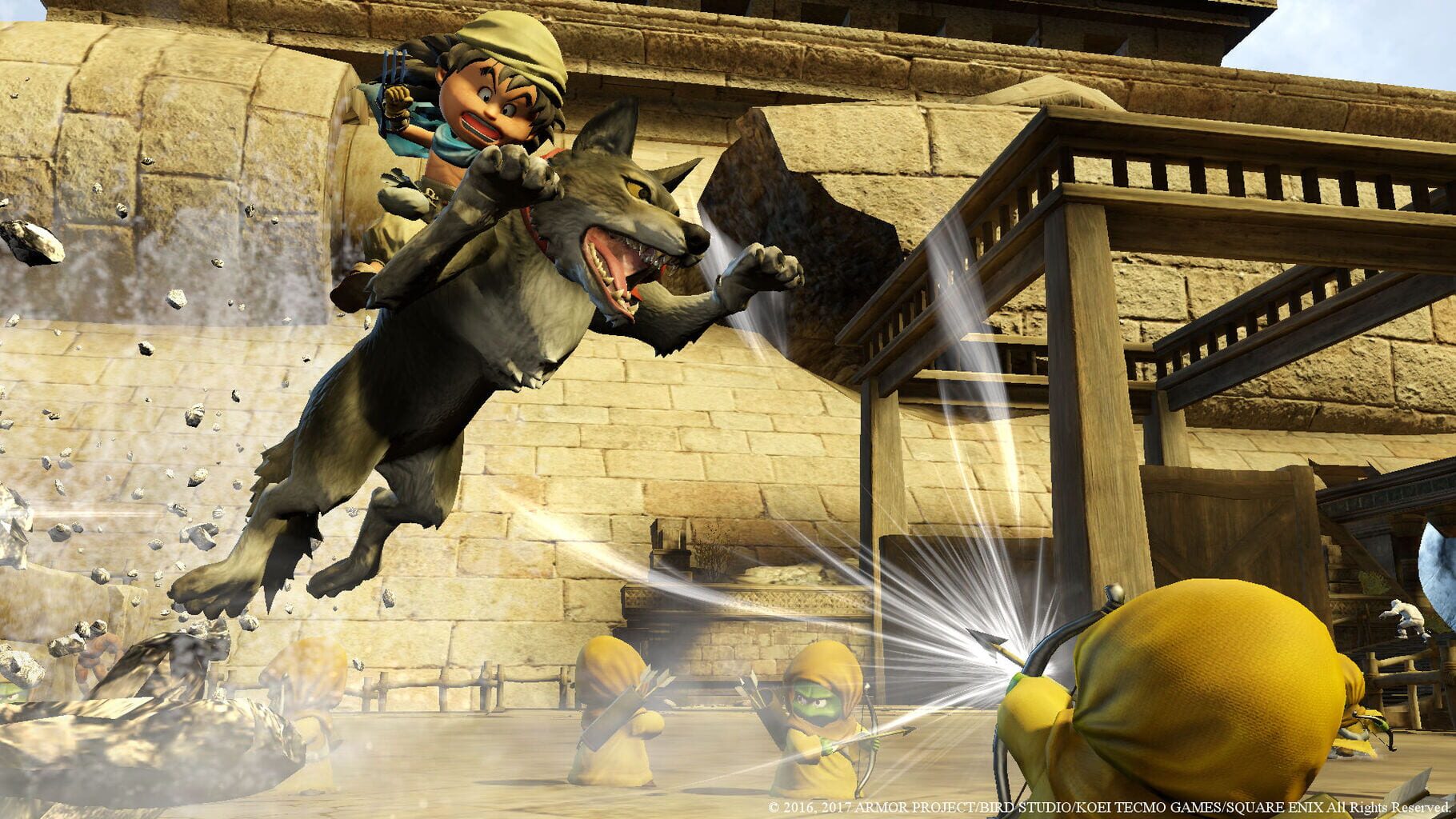
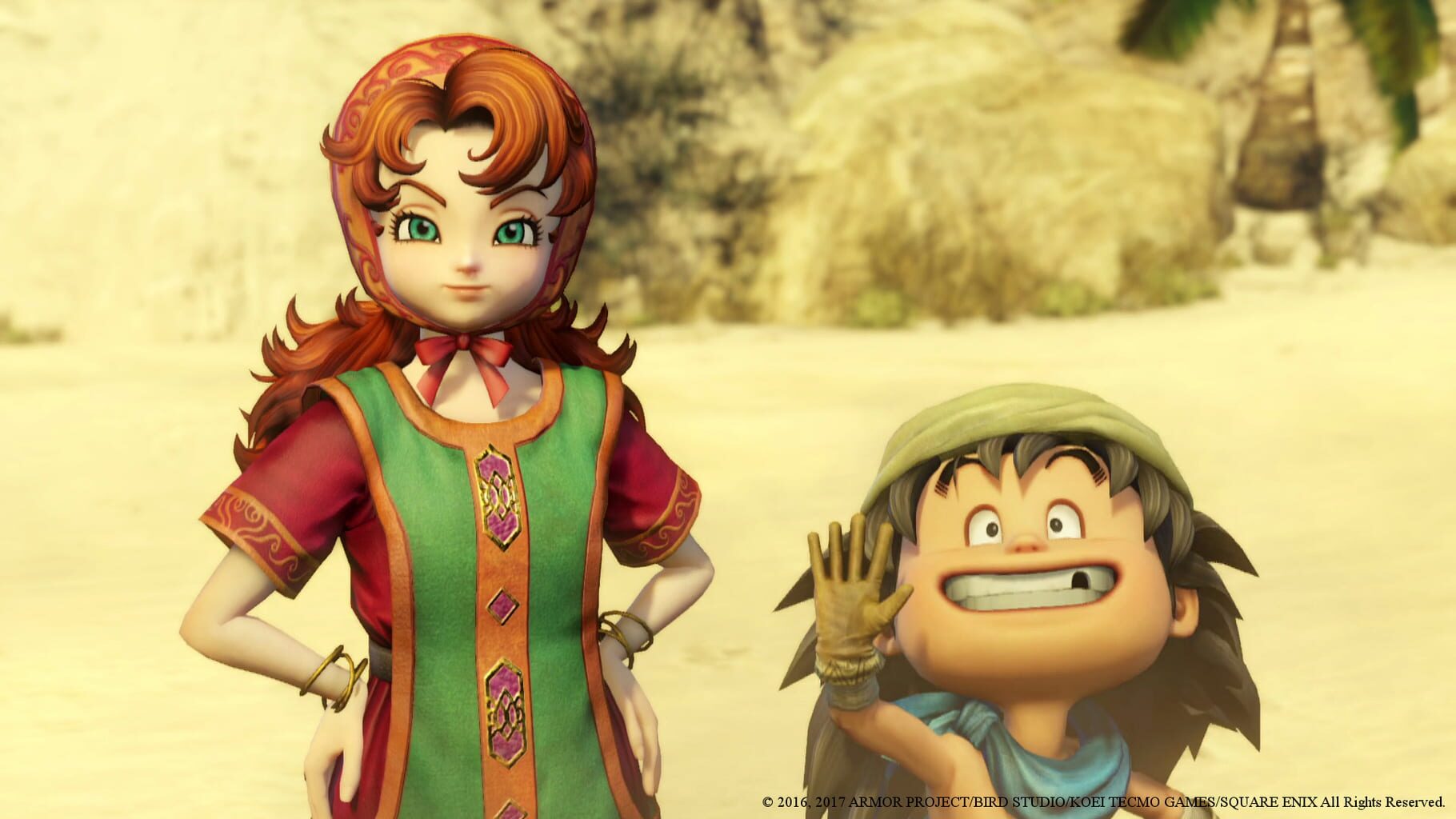
"DRAGON QUEST HEROES II is a hack-and-slash, field-roaming Action RPG that sends players on a new adventure to restore order in a once peaceful world filled with hordes of monsters and battles of epic proportions. Up to 4 players can band together in cooperative multiplayer to conquer swarms of enemies and defeat challenging boss monsters. There is also a cast of many playable characters each with unique moves and abilities – including a host of familiar faces from the DRAGON QUEST series and four brand new heroes that must team up to defeat an unknown threat looming over the Seven Realms!"
Summary from IGDB
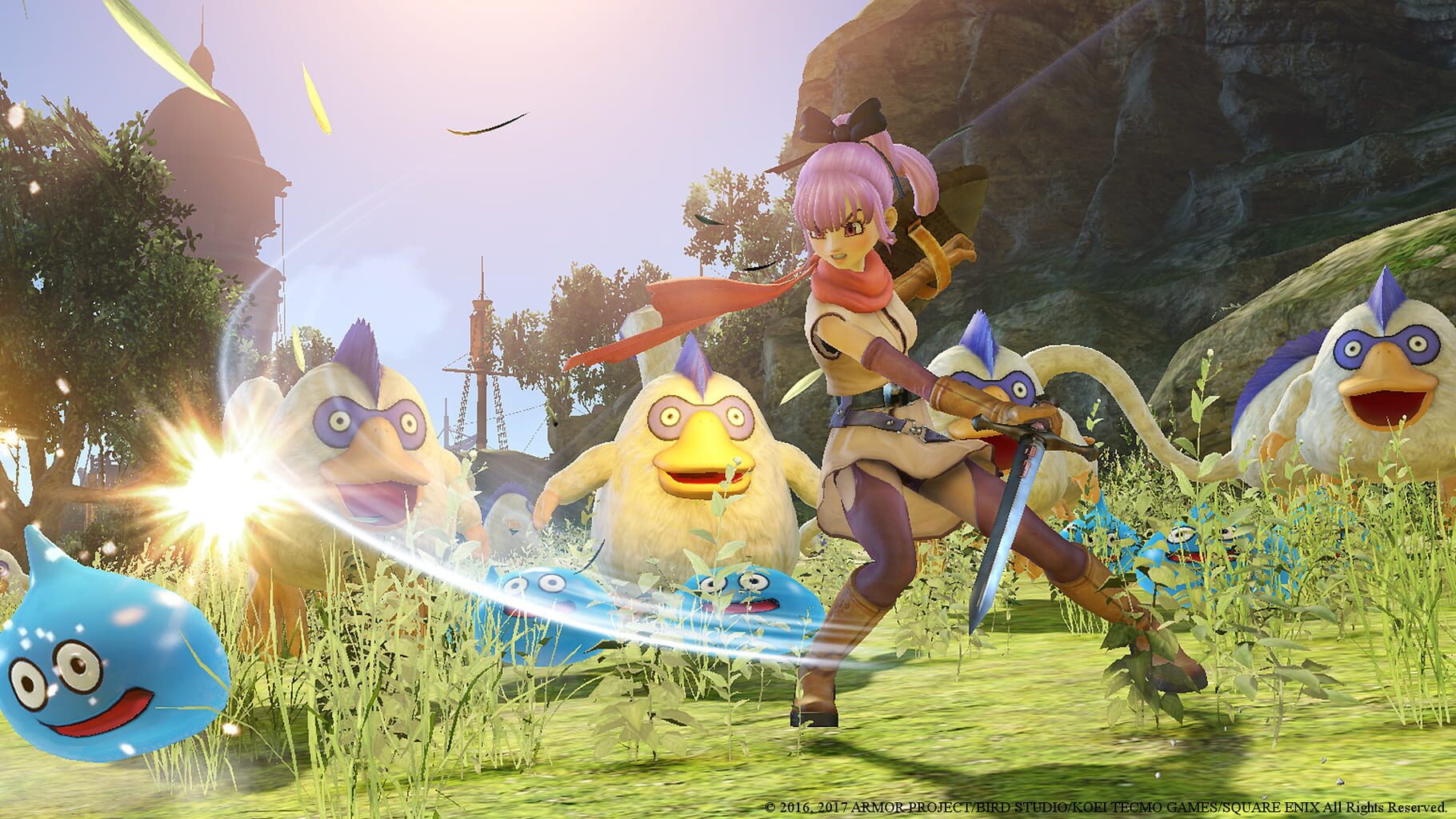
Dragon Quest Heroes II screenshots
Version history
- v2Current
Fixed the last instance sometimes stretching
- v1
First Release
Comments 0
No comments yet. Played it? Share what worked for your group.
Play these next
Browse all games
Palworld
PoundlandBacon87k downloads4
Monster Hunter Rise
Talos915.8k downloads4
Grim Dawn
Talos9116k downloads4
Marvel's Avengers
Rogueboy_x1.9k downloads4
Dead Island: Riptide
Talos913.4k downloads4
Craftopia
Talos913.2k downloads4
Browse by genre: Role-playing · Hack and slash
Log in or create an account to comment.