Split-screen on PC
Elden Ring: Nightreign
Up to 6 players on one PC, with controllers, keyboard and mouse or several keyboards and mice.
Handler “Elden Ring Nightreign Seamless Co-op” by solewalker, version 7
What works
With Nucleus Co-op, up to 6 players can play Elden Ring: Nightreign together on one PC, each in their own part of the screen, with controllers, keyboard and mouse or several keyboards and mice. The free community handler “Elden Ring Nightreign Seamless Co-op” by solewalker does the setup and was checked by hub moderators: version 7, updated . Elden Ring: Nightreign is a role-playing and hack and slash game from 2025.
- Players6
- ControllersSupported
- Keyboard and mouseSupported
- Several keyboards and miceOne per player
- Hub moderatorsVerified
How to play Elden Ring: Nightreign split screen on PC
Get Nucleus Co-op
Download Nucleus Co-op, free for Windows 10 and 11, and unzip it into its own folder, for example C:\NucleusCo-op. There is no installer.
Keep it out of Program Files, your user folder and OneDrive.
Install the Elden Ring: Nightreign handler
In Nucleus Co-op, search the Hub for Elden Ring: Nightreign and install its handler, or download the handler file from this page and drop it on the Nucleus window. Then show Nucleus where Elden Ring: Nightreign is installed.
Take a seat
Each player presses a button on their own controller to join and takes a spot on the screen. Pick a layout that fits your players.
Playing with several keyboards and mice? Press End once everything is in place to give each window its own cursor.
Launch and connect
Press Launch: Nucleus opens one copy of Elden Ring: Nightreign per player and lays the windows out on your screen. Then link them in game, usually one player hosts a LAN or online session and the others join it. The handler notes say how.
What you need
- A Windows 10 or 11 PC
Nucleus Co-op runs on Windows only. System requirements
- Elden Ring: Nightreign for Windows
Installed on that PC. Nucleus starts every player's window from that one install.
- Nucleus Co-op, free
With .NET Framework 4.7.2 or later and the Visual C++ 2015–2022 runtimes (x86 and x64). Download
- Something to play with
One controller per player, or one keyboard and mouse per player. Controllers · Keyboards and mice
- A PC that can run 6 copies
Each player runs their own copy of Elden Ring: Nightreign, so the PC carries several times the usual load. Lower the graphics settings if it struggles. Performance tips
- A multiplayer mode
Nucleus links the windows through the game's own LAN or online mode; the handler takes care of it.
Handler notes
This handler requires the latest Seamless Co-op mod to be installed correctly in your main, clean, updated game files: https://www.nexusmods.com/eldenringnightreign/mods/3. Thanks to LukeYui for the amazing work.
Let all instances load to the title screen before using inputs. If you are using at least one mouse and keyboard press the END key (default keybinding) to lock/unlock the input. You need to unlock the input to be able to use the invite overlay. Make sure to alt-tab to a non-game window before locking.
To connect the instances, head to the Roundtable Hold (skip the tutorial if needed). Near the Roundtable:
- The host should press "Commence Expedition"* → "Matchmaking Settings" → "Invite Members".
- The overlay should open—click "Invite All" or invite players individually.
IMPORTANT: Disable RTSS, MSI Afterburner, or any other overlay software—otherwise the invite overlay won’t open.
Handler by solewalker and Talos91. Special thanks to LukeYui, Mr. Goldberg and Detanup01.
About Elden Ring: Nightreign
Elden Ring: Nightreign is a standalone adventure within the ELDEN RING universe, crafted to offer players a new gaming experience by reimagining the game’s core design.
Summary from IGDB
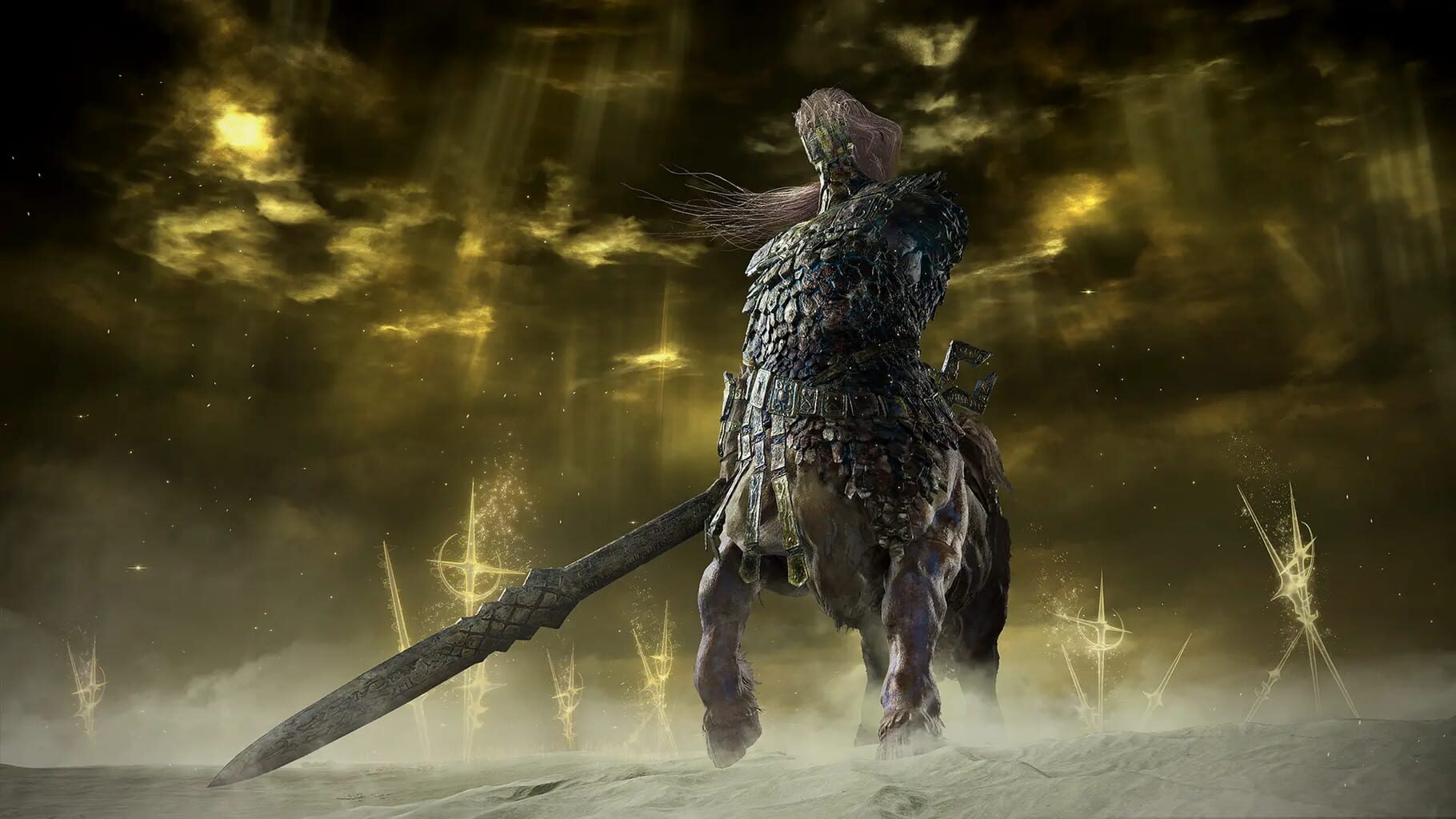
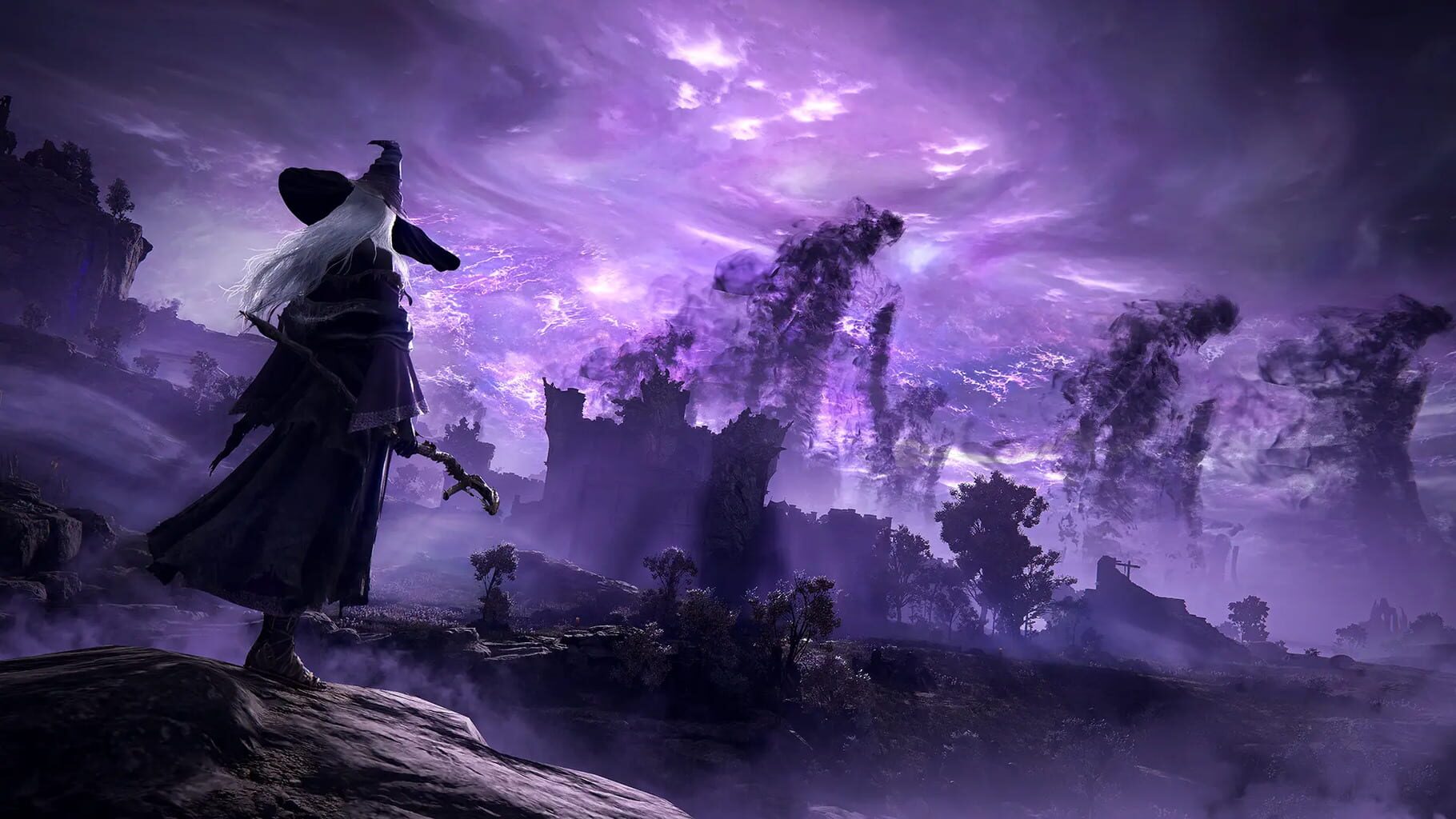
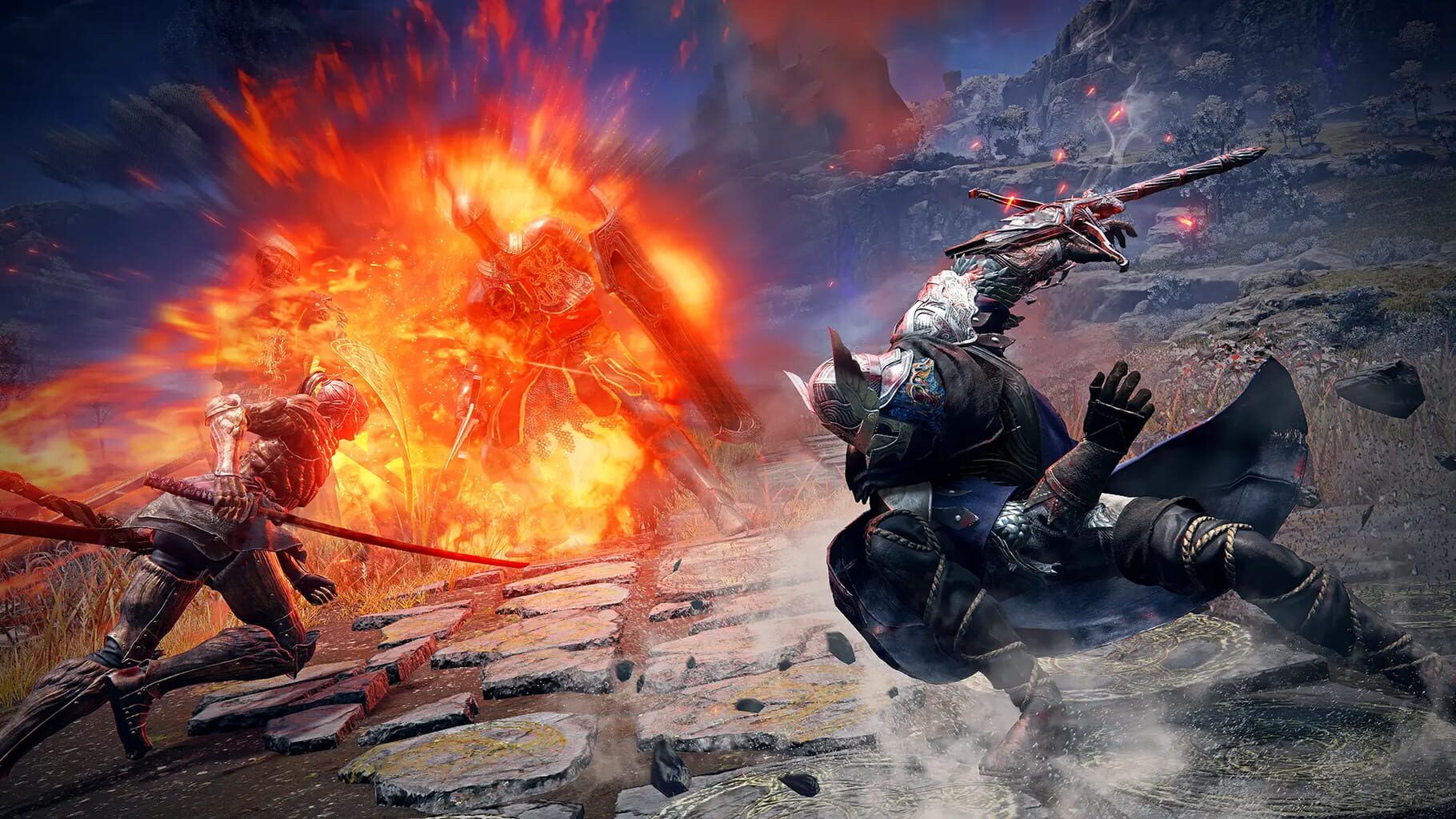
Elden Ring: Nightreign screenshots
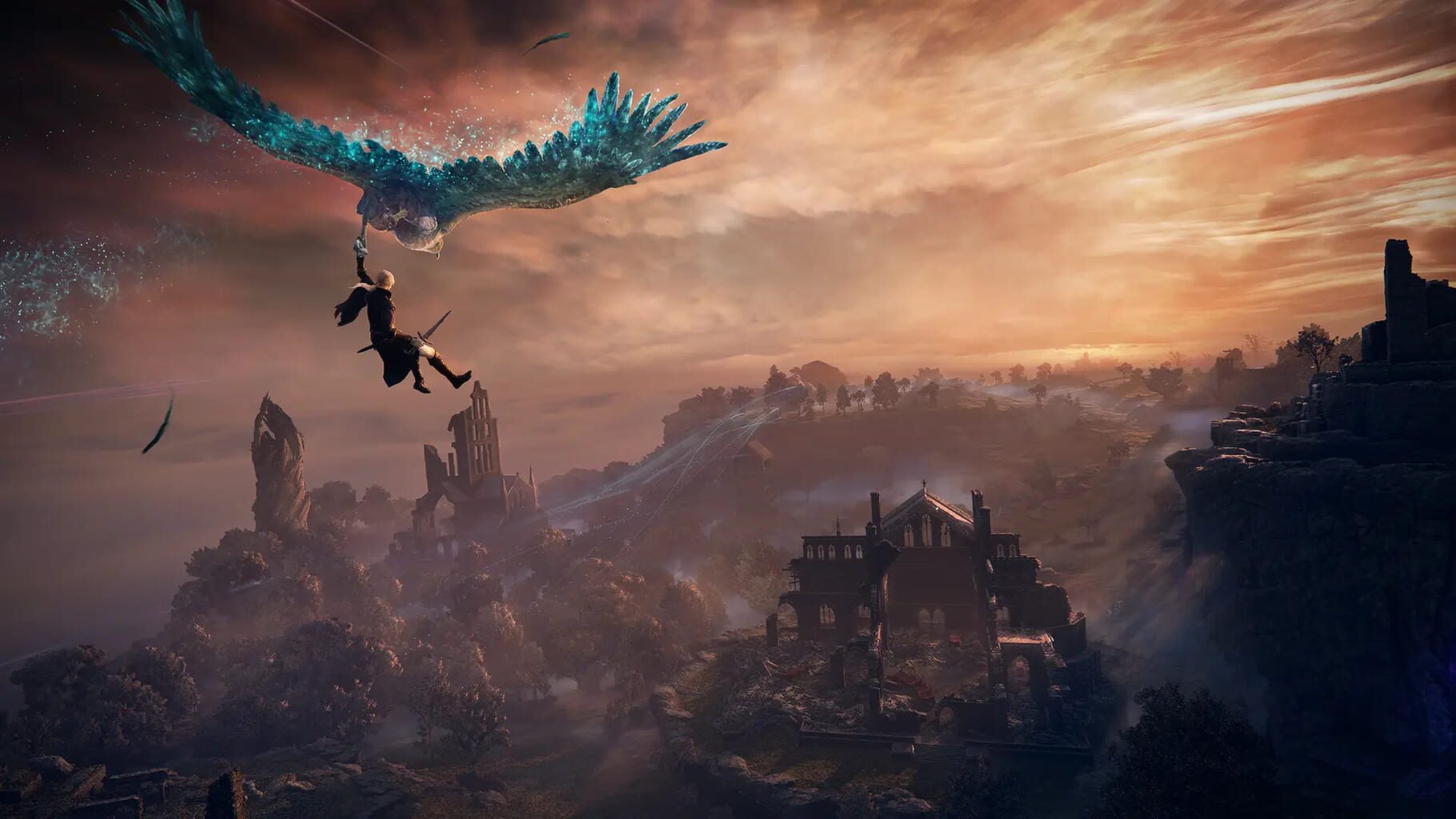
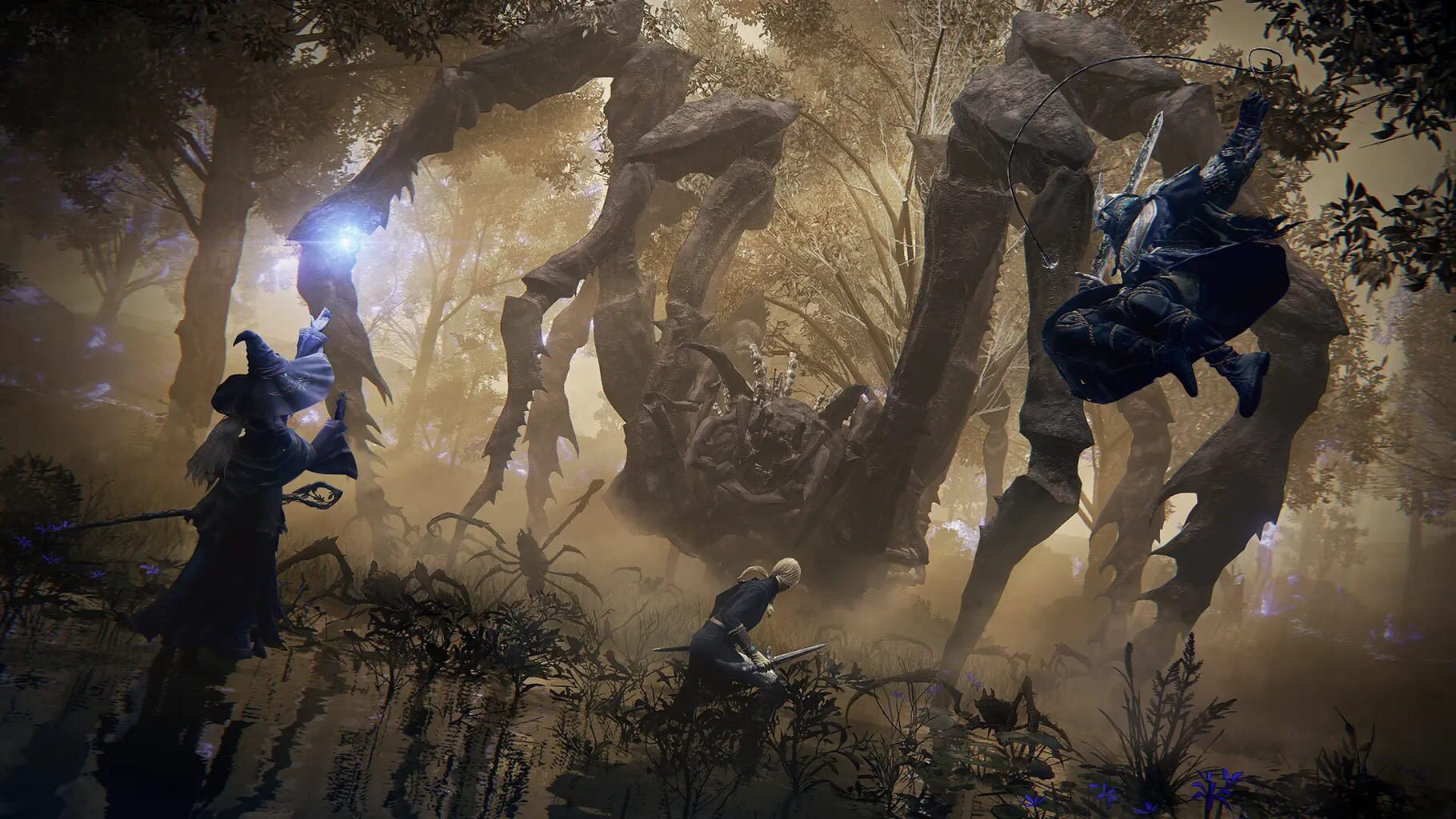
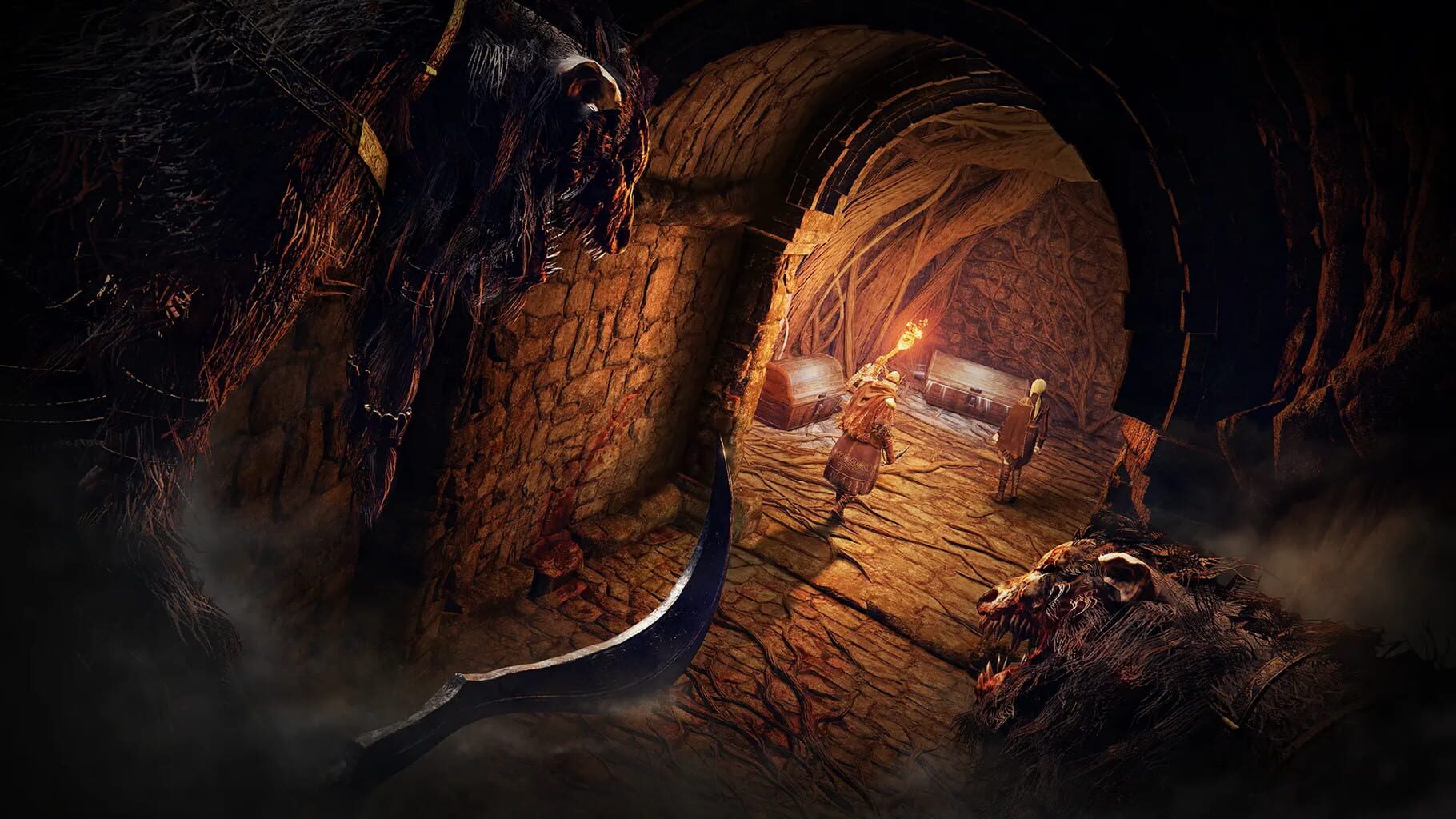
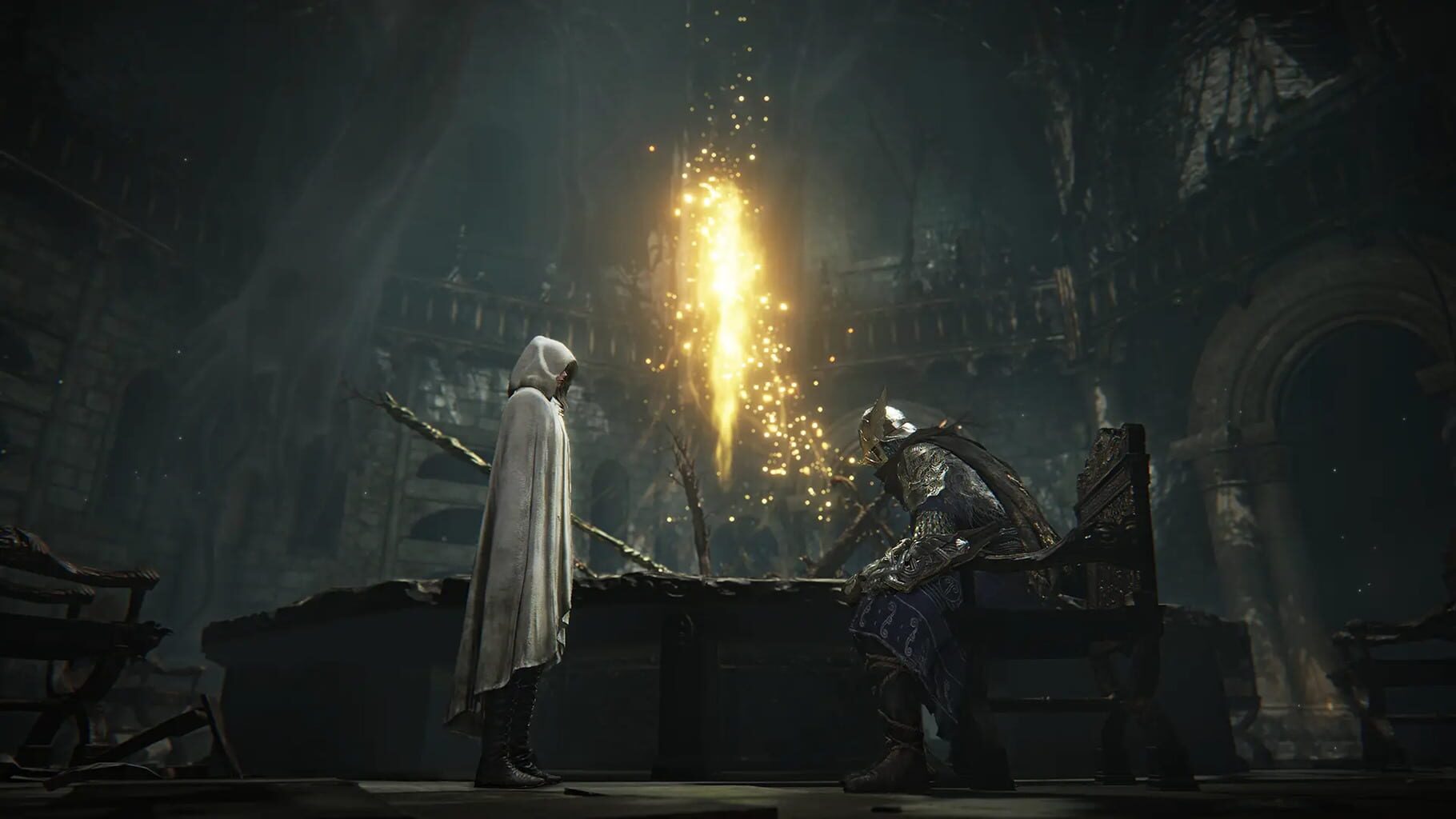
Version history
- v7Current
Removed XInputPlus dependency, fixing a crash due to an update to windows 11
- v6
Added fix for everdark quests (bosses not appearing)
- v5
Added support for The Forsaken Hollows DLC
- v4
Ultrawide fix for latest game version (1.02)
Comments 0
No comments yet. Played it? Share what worked for your group.
Play these next
Browse all games
Torchlight II
Talos914.6k downloads6
Titan Quest Anniversary Edition
Talos911.2k downloads6
Palworld
PoundlandBacon87k downloads4
Monster Hunter Rise
Talos915.8k downloads4
Grim Dawn
Talos9116k downloads4
Marvel's Avengers
Rogueboy_x1.9k downloads4
Browse by genre: Role-playing · Hack and slash
Log in or create an account to comment.