Split-screen on PC
Outer Wilds
Up to 4 players on one PC, with controllers.
Handler “Quantum Space Buddies Mod” by Talos91, version 1
What works
With Nucleus Co-op, up to 4 players can play Outer Wilds together on one PC, each in their own part of the screen, with controllers. The free community handler “Quantum Space Buddies Mod” by Talos91 does the setup and was checked by hub moderators: version 1, updated . Outer Wilds is a puzzle, simulation and adventure game from 2019.
- Players4
- ControllersSupported
- Keyboard and mouseNot supported
- Several keyboards and miceNot supported
- Hub moderatorsVerified
How to play Outer Wilds split screen on PC
Get Nucleus Co-op
Download Nucleus Co-op, free for Windows 10 and 11, and unzip it into its own folder, for example C:\NucleusCo-op. There is no installer.
Keep it out of Program Files, your user folder and OneDrive.
Install the Outer Wilds handler
In Nucleus Co-op, search the Hub for Outer Wilds and install its handler, or download the handler file from this page and drop it on the Nucleus window. Then show Nucleus where Outer Wilds is installed.
Take a seat
Each player presses a button on their own controller to join and takes a spot on the screen. Pick a layout that fits your players.
Launch and connect
Press Launch: Nucleus opens one copy of Outer Wilds per player and lays the windows out on your screen. Then link them in game, usually one player hosts a LAN or online session and the others join it. The handler notes say how.
What you need
- A Windows 10 or 11 PC
Nucleus Co-op runs on Windows only. System requirements
- Outer Wilds for Windows
Installed on that PC. Nucleus starts every player's window from that one install.
- Nucleus Co-op, free
With .NET Framework 4.7.2 or later and the Visual C++ 2015–2022 runtimes (x86 and x64). Download
- Something to play with
One controller per player: Xbox, PlayStation or generic pads. Controllers
- A PC that can run 4 copies
Each player runs their own copy of Outer Wilds, so the PC carries several times the usual load. Lower the graphics settings if it struggles. Performance tips
- A multiplayer mode
Nucleus links the windows through the game's own LAN or online mode; the handler takes care of it.
Handler notes
-
Requires the Quantum Space Buddies multiplayer co-op mod for Outer Wilds: https://outerwildsmods.com/mods/quantumspacebuddies/
-
To install it in your game files download the Outer Wilds Mod Manager, portable version recommended: https://outerwildsmods.com/mod-manager/
-
Open it and install OWML, the Quantum Space Buddies multiplayer mod and the Menu Framework by nebula. In the mod manager settings enable "launch game exe directly" then start the game once from mod manager for the mods to install correctly. Make sure the Quantum Space Buddies multiplayer mod is installed in AppData\Roaming\OuterWildsModManager\OWML\Mods\Raicuparta.QuantumSpaceBuddies. Only install those mods as a lot of other mods are not compatible with the Quantum Space Buddies multiplayer mod.
-
Split-screen setup. Tested only in latest legit Steam version of the game.
-
Create and select a different in-game profile per instance. On first run set all instances to windowed in the game graphics settings and select the correct custom resolution and aspect ratio otherwise the instances will resize again on their own (if you have a 1920x1080 monitor for example select 1920x540 res in all for 2 players horizontal split-screen or 960x1080 for vertical). You need to create custom resolutions in your AMD/Nvidia/Intel panel (for example: 960x540, 1920x540 etc.) so the game can see and use them, set the correct custom res in-game for the instances to resize correctly.
-
To connect the instances start a multiplayer game in one instance by selecting open to multiplayer and join in the others via the connect to multiplayer option, write local host and click connect, use your mouse cursor to do this. The game can be demanding so reduce in-game graphics settings per profile to improve performance, alt-tab to the Nucleus window to improve fps. Gamepads only for now.
-
Read the FAQ if you have any further questions and want to know more about Nucleus Co-op. Support the team if you like the project.
-
Please support the Nucleus Co-op team if you like my Nucleus handler work. Handler by me Talos91, special thanks to the Split Screen Dreams discord for all the help and to the Quantum Space Buddies devs.
About Outer Wilds
Outer Wilds is a critically-acclaimed and award-winning open world mystery about a solar system trapped in an endless time loop. The newest member of the space program in a small village on the planet Timber Hearth, the player navigates a space shuttle and travels across their solar system to get to the bottom of its mysteries by exploring the cosmos and gathering the knowledge hidden within each of the system's planets, left behind by another civilization in the distant past.
Summary from IGDB
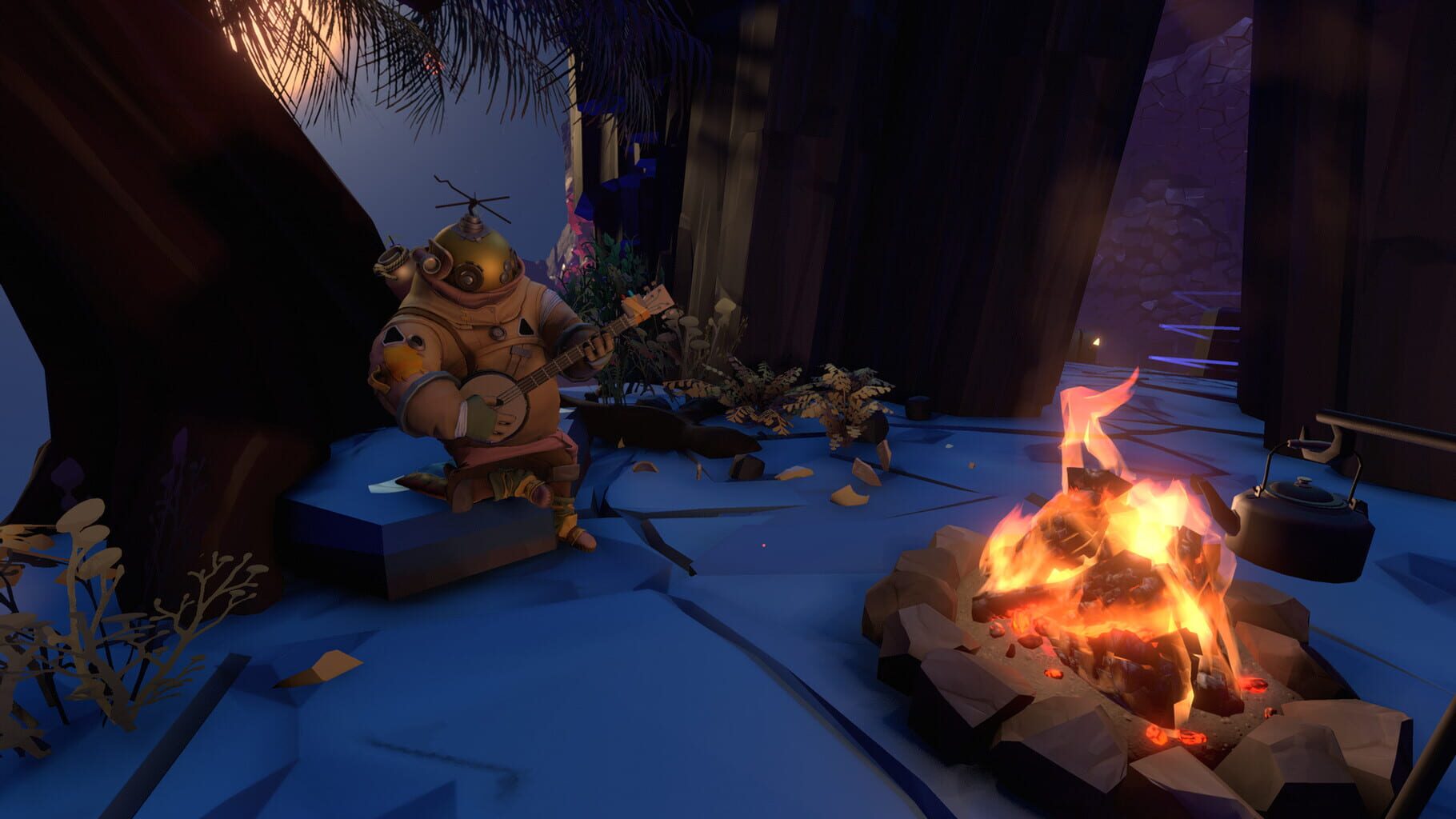
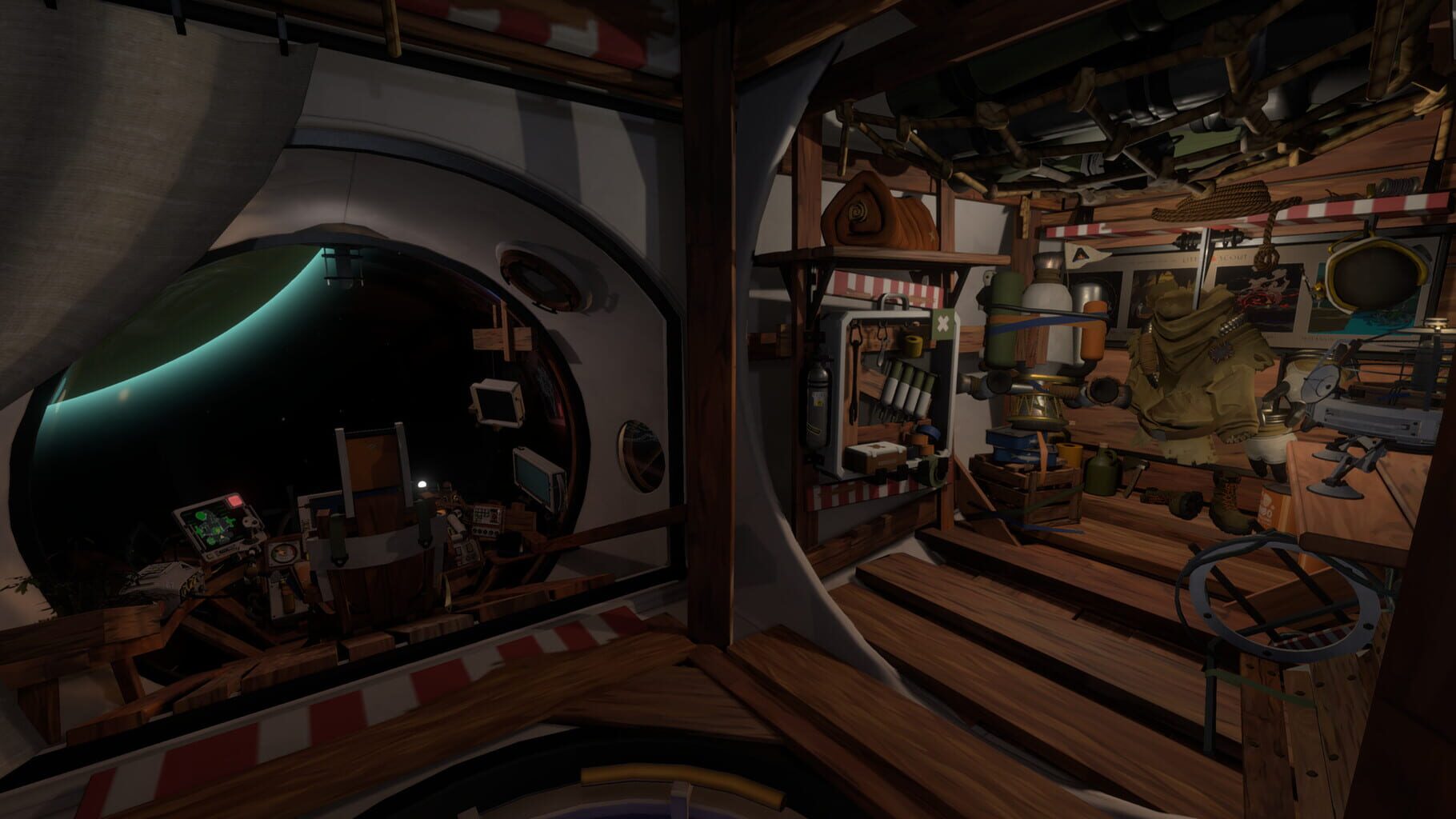
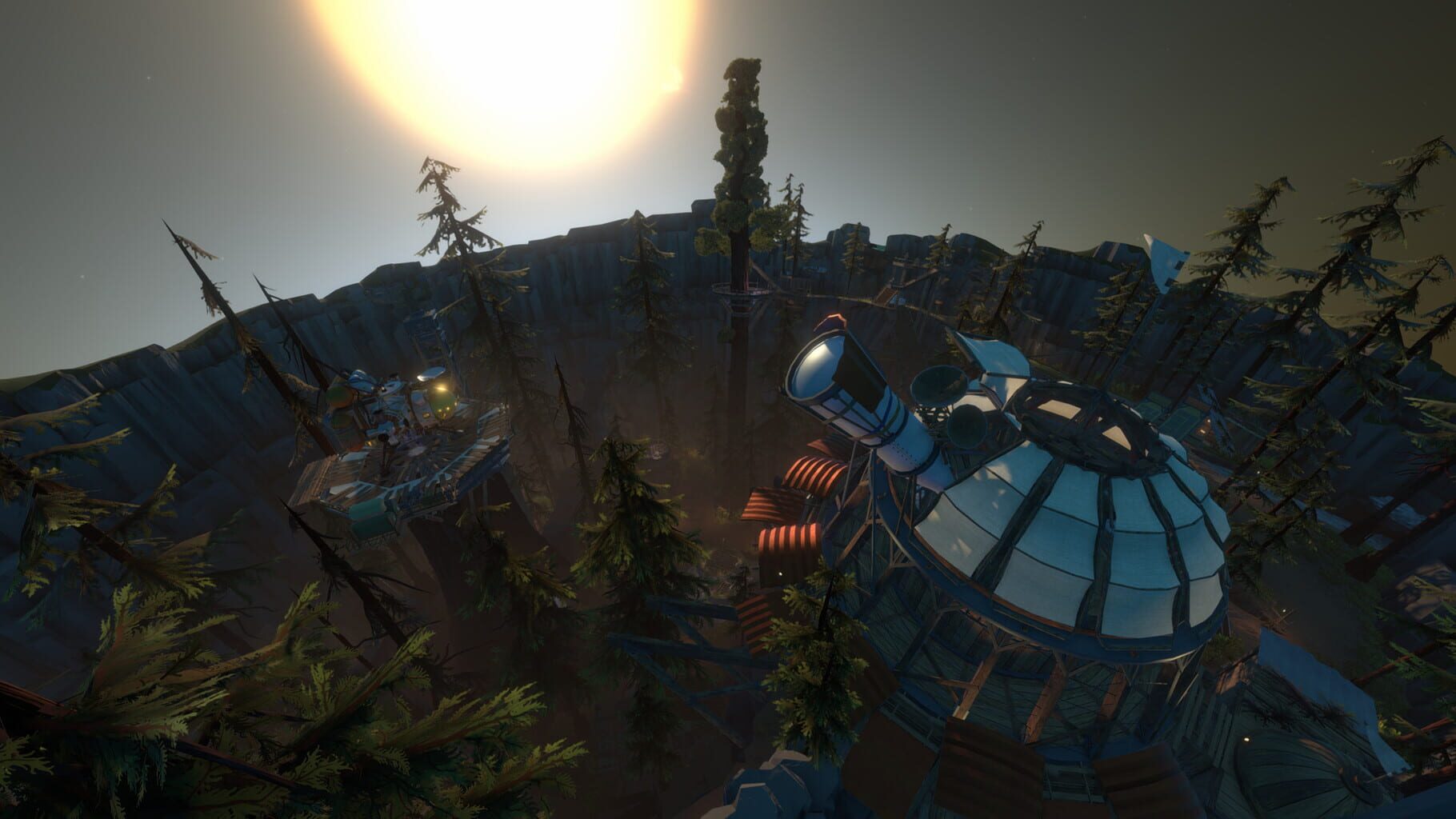
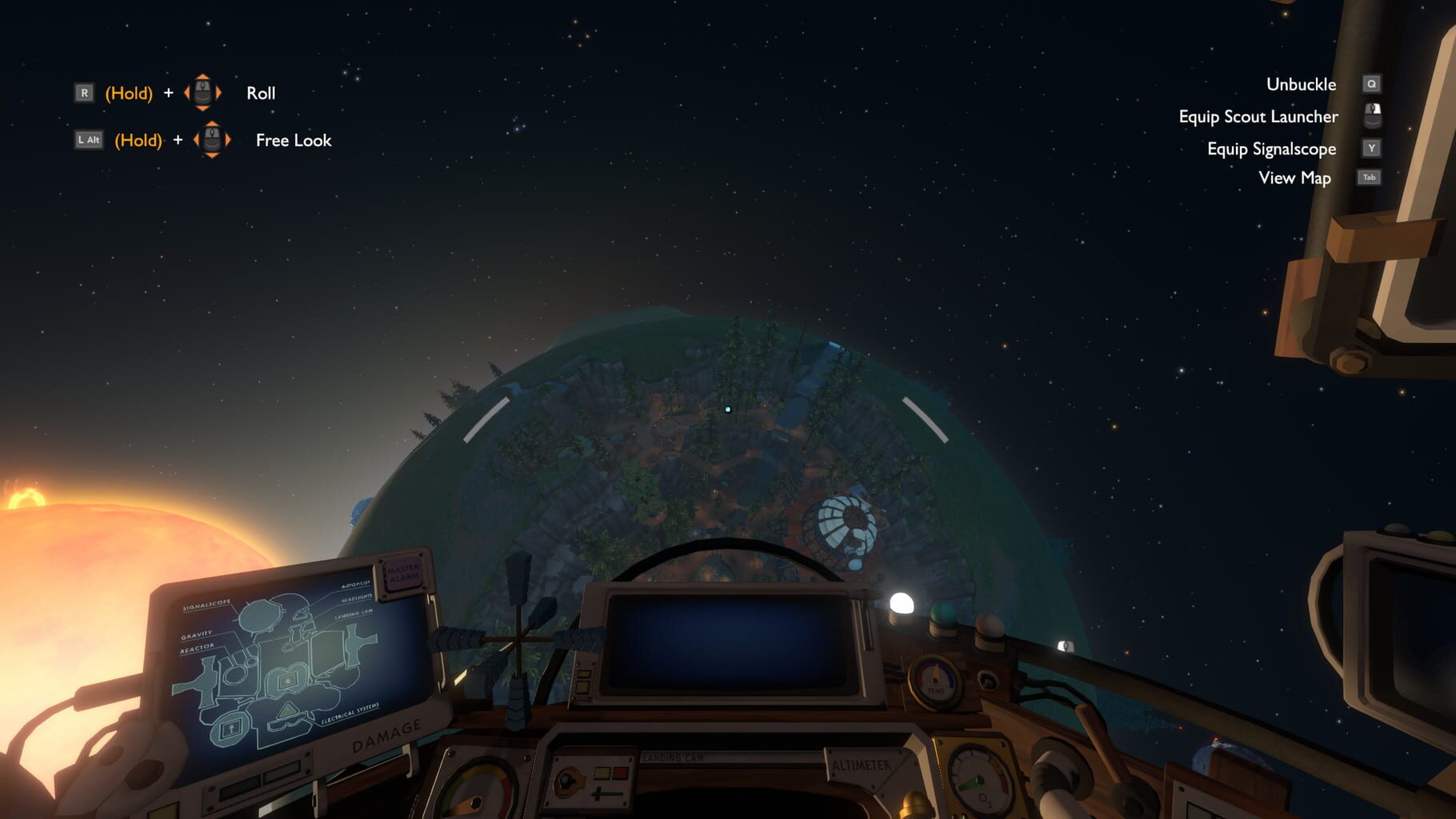
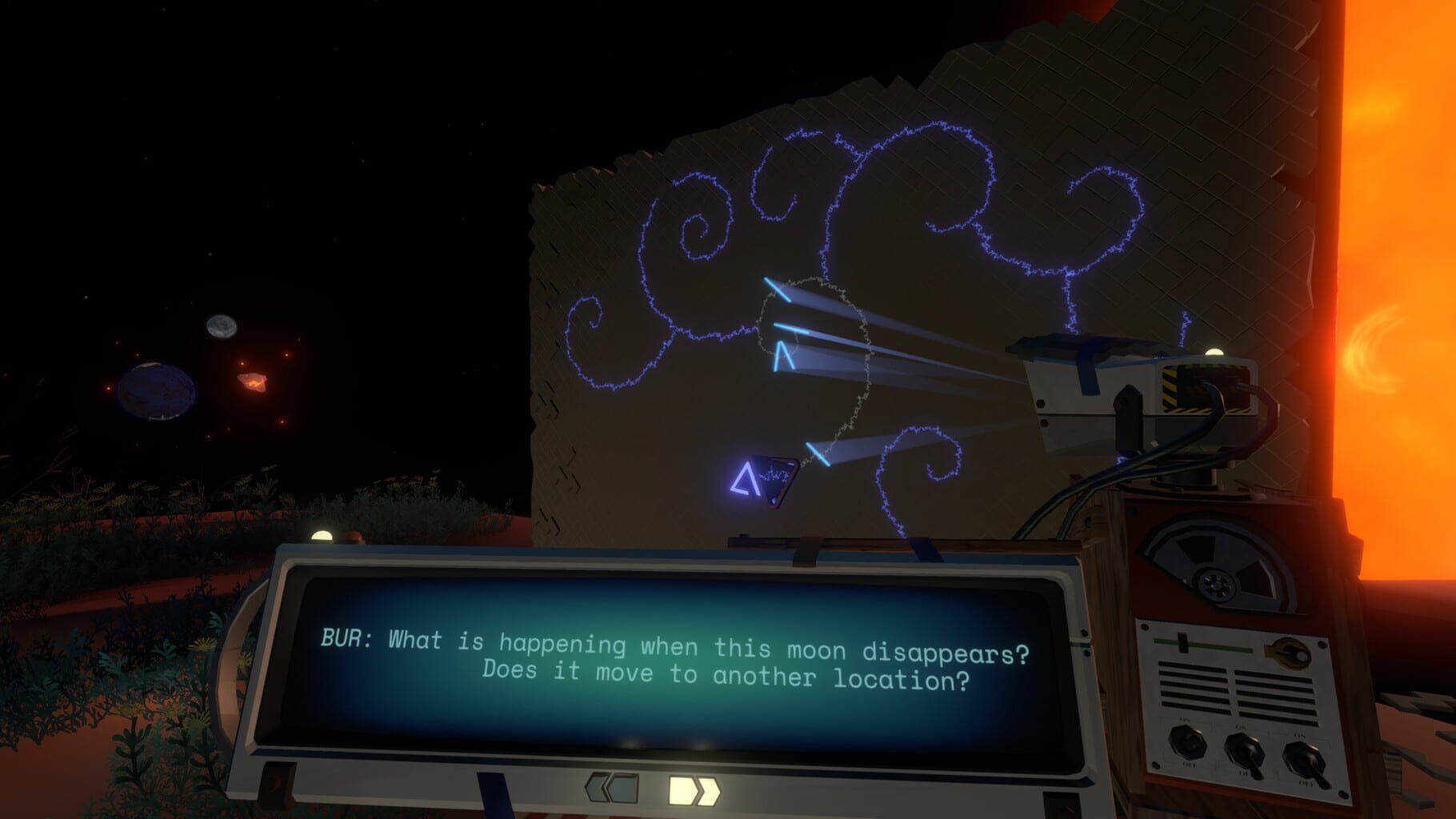
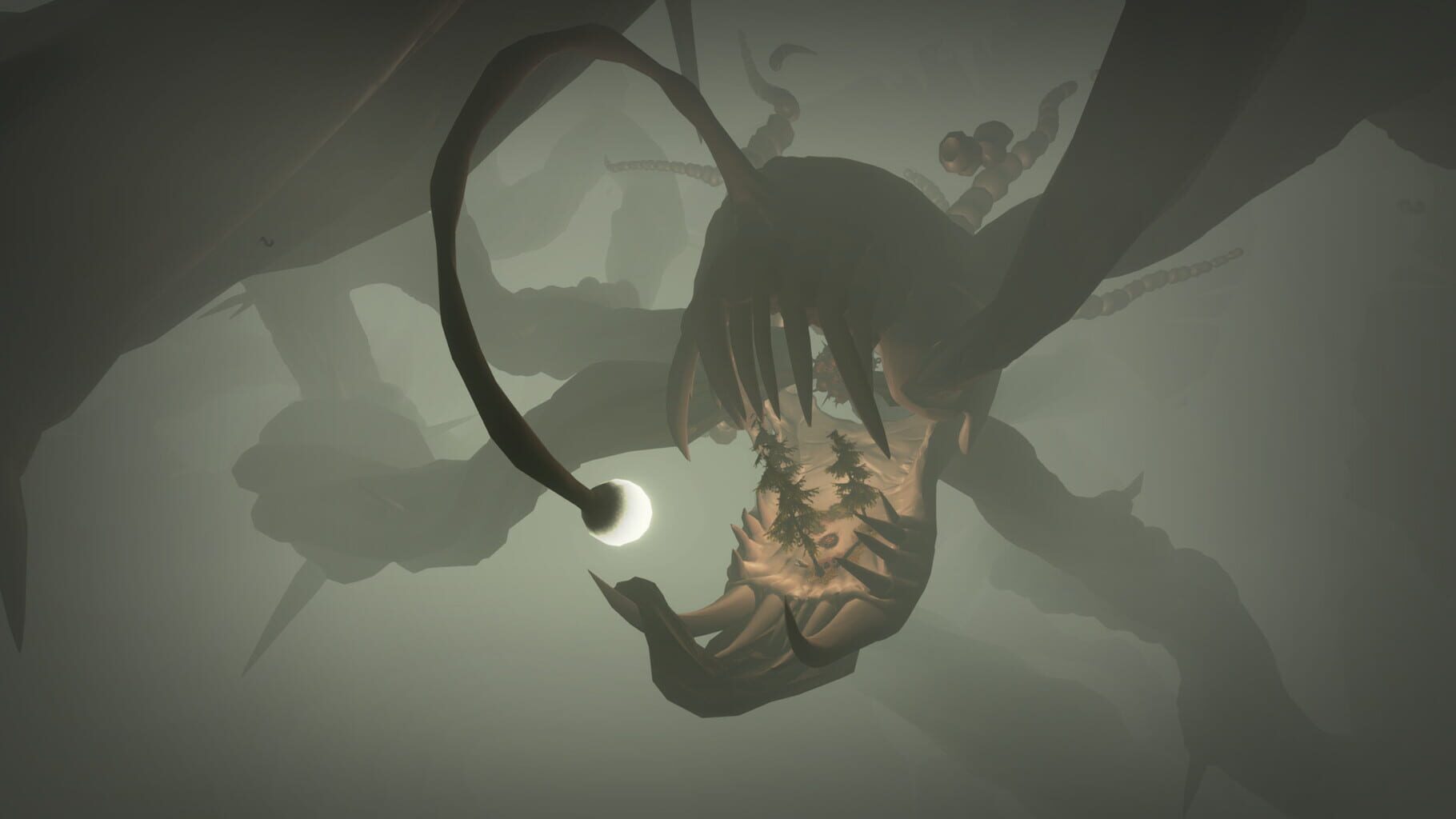
Outer Wilds screenshots
Version history
- v1Current
First release
Comments 1
I figured out the local network connection. In options mods, you need to enable the checkbox under the "Use KCP Transport" item. Before this, you need to copy your IPv6 address (To find it out, you need to launch the command line and enter the command: ipconfig) Next, when connecting to multiplayer, you will need to enter the IPv6 address. You will also need to create a profile for each player and assign an active controller to each when entering the game.
Play these next
Browse all games
Escape the Backrooms
birden11k downloads4
Case 2: Animatronics Survival
birden90 downloads4
The Forest
Talos91141k downloads8
Raft
The Shnazberry64k downloads4
State of Decay 2: Juggernaut Edition
PoundlandBacon38k downloads4
Pacify
Bizzo23k downloads4
Browse by genre: Puzzle · Simulation · Adventure
Log in or create an account to comment.