Split-screen on PC
Sekiro: Shadows Die Twice
Up to 6 players on one PC, with controllers, keyboard and mouse or several keyboards and mice.
Handler “Sekiro Online MP Mod” by Talos91, version 5
What works
With Nucleus Co-op, up to 6 players can play Sekiro: Shadows Die Twice together on one PC, each in their own part of the screen, with controllers, keyboard and mouse or several keyboards and mice. The free community handler “Sekiro Online MP Mod” by Talos91 does the setup and was checked by hub moderators: version 5, updated . Sekiro: Shadows Die Twice is an adventure game from 2019.
- Players6
- ControllersSupported
- Keyboard and mouseSupported
- Several keyboards and miceOne per player
- Hub moderatorsVerified
How to play Sekiro: Shadows Die Twice split screen on PC
Get Nucleus Co-op
Download Nucleus Co-op, free for Windows 10 and 11, and unzip it into its own folder, for example C:\NucleusCo-op. There is no installer.
Keep it out of Program Files, your user folder and OneDrive.
Install the Sekiro: Shadows Die Twice handler
In Nucleus Co-op, search the Hub for Sekiro: Shadows Die Twice and install its handler, or download the handler file from this page and drop it on the Nucleus window. Then show Nucleus where Sekiro: Shadows Die Twice is installed.
Take a seat
Each player presses a button on their own controller to join and takes a spot on the screen. Pick a layout that fits your players.
Playing with several keyboards and mice? Press End once everything is in place to give each window its own cursor.
Launch and connect
Press Launch: Nucleus opens one copy of Sekiro: Shadows Die Twice per player and lays the windows out on your screen. Then link them in game, usually one player hosts a LAN or online session and the others join it. The handler notes say how.
What you need
- A Windows 10 or 11 PC
Nucleus Co-op runs on Windows only. System requirements
- Sekiro: Shadows Die Twice for Windows
Installed on that PC. Nucleus starts every player's window from that one install.
- Nucleus Co-op, free
With .NET Framework 4.7.2 or later and the Visual C++ 2015–2022 runtimes (x86 and x64). Download
- Something to play with
One controller per player, or one keyboard and mouse per player. Controllers · Keyboards and mice
- A PC that can run 6 copies
Each player runs their own copy of Sekiro: Shadows Die Twice, so the PC carries several times the usual load. Lower the graphics settings if it struggles. Performance tips
- A multiplayer mode
Nucleus links the windows through the game's own LAN or online mode; the handler takes care of it.
Handler notes
-
Split-screen setup. Tested in latest legit Steam version of the game.
-
This handler uses the Sekiro Online Multiplayer mod v2.05 by LukeYui: https://www.nexusmods.com/sekiro/mods/577 , no need to install it in your Steam game files, the handler includes it. All credit to LukeYui for its creation.
-
Let all instances load to the title screen before pressing any inputs. Get pass the tutorial/first boss in all instances then press F1 in your keyboard and enable the online items, then one player (host) can use the Cursed Emblem item in the menu to create a co-op session. To co-op the host has to use the overlay (Shift+Tab) to invite other players, pause in all instances to use the cursor correctly in the overlay if it gets stuck. For invasion, other players can use the Vengeful Spirit item, no invite needed. If the host player dies it will need to create a new session and invite again. Rest at an idol before summoning other players for better results, restart Nucleus and run the handler again if the in-game enemies freeze or are unkillable. Disable any external overlays (like msi after burner or the nvidia overlay) if the invite overlay is not showing in the game when you press Shift+Tab in an instance.
-
If you use keyboards/mice after all the instances have launched, resized and positioned correctly, press the END key once to lock the input for all instances to have their own working cursor, you need to left click each mouse to make the emulated cursors appear after locking the input. Press the END key again to unlock the input when you finish playing. You can also use CTRL+Q to close Nucleus and all its instances when the input is unlocked. You need to unlock the input to be able to use the invite overlay.
-
Make sure you are using the vanilla game because a lot of mods are not compatible with the Sekiro Online Multiplayer mod. Install the SekiroOnlineFont file inside NucleusCo-op\handlers\Sekiro Shadows Die Twice\ if you get weird text in-game.
-
If you want to fix stretching in split-screen you need to create custom resolutions in your AMD/Nvidia/Intel panel (for example for a 1920x1080 monitor add resolutions like: 960x1080, 960x540, 1920x540 etc.) so the game can see and use them, this is also required for kb/m instances to work correctly. Alt-tab to the Nucleus app window to improve fps, reduce in-game graphics settings to improve performance. Lower your monitor scale % or set it to 100% if the custom resolution fix is not working for you.
-
Read the FAQ if you have any further questions and want to know more about Nucleus Co-op.
-
Handler by Talos91. Please support the Nucleus Co-op team if you like my Nucleus handler work. Special thanks to the Split Screen Dreams discord for all the help and to Mr Goldberg and LukeYui.
About Sekiro: Shadows Die Twice
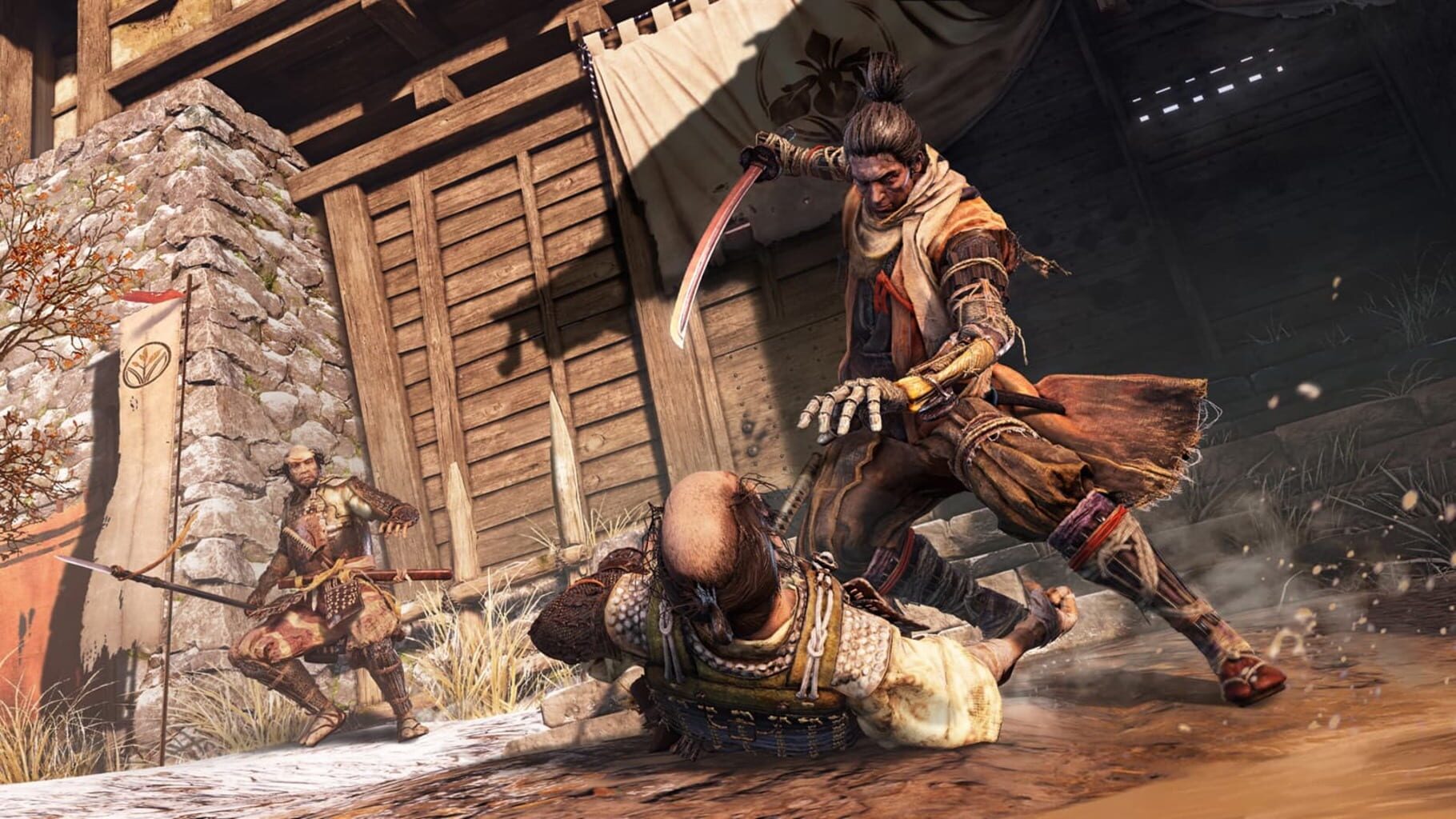
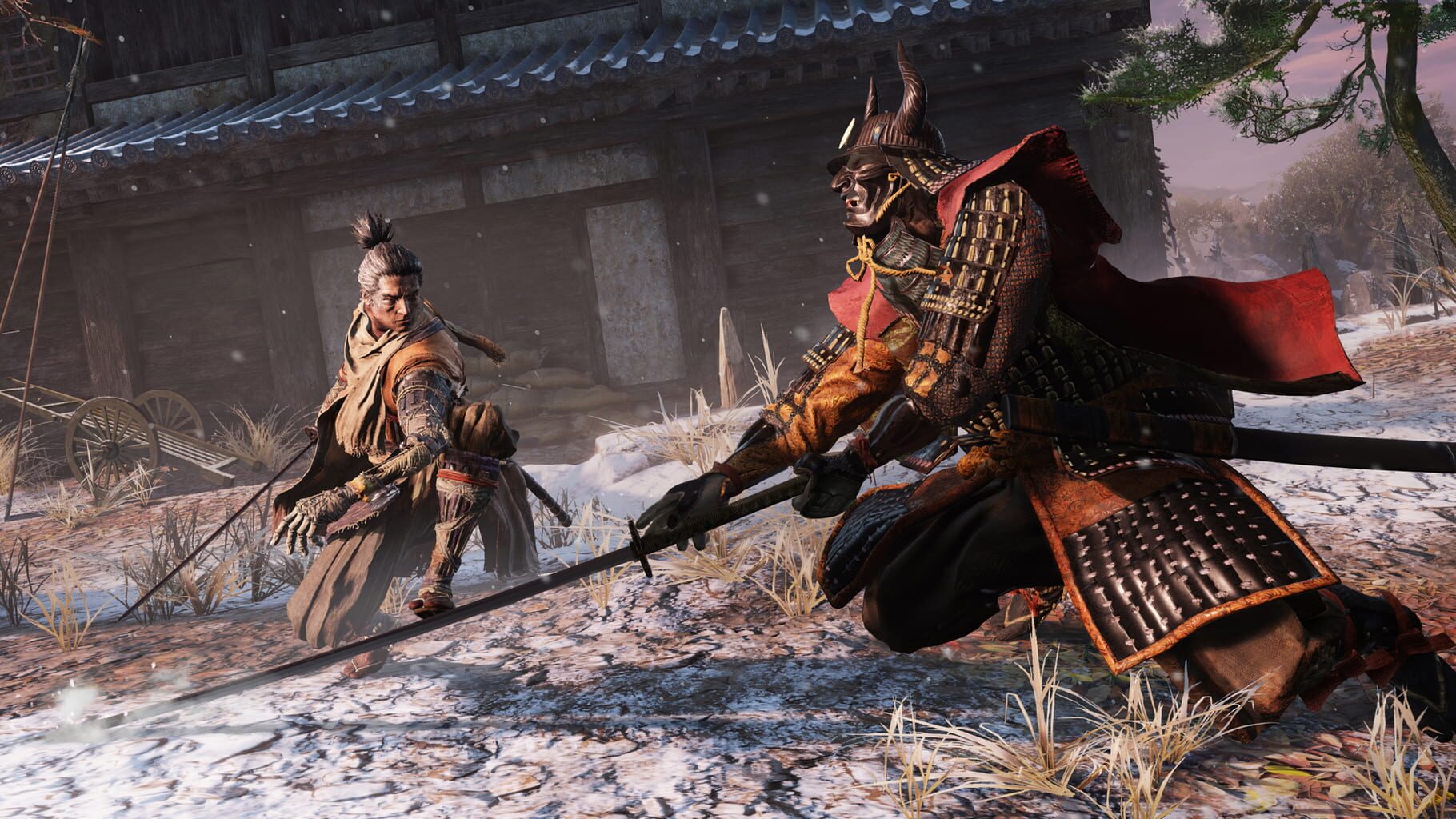
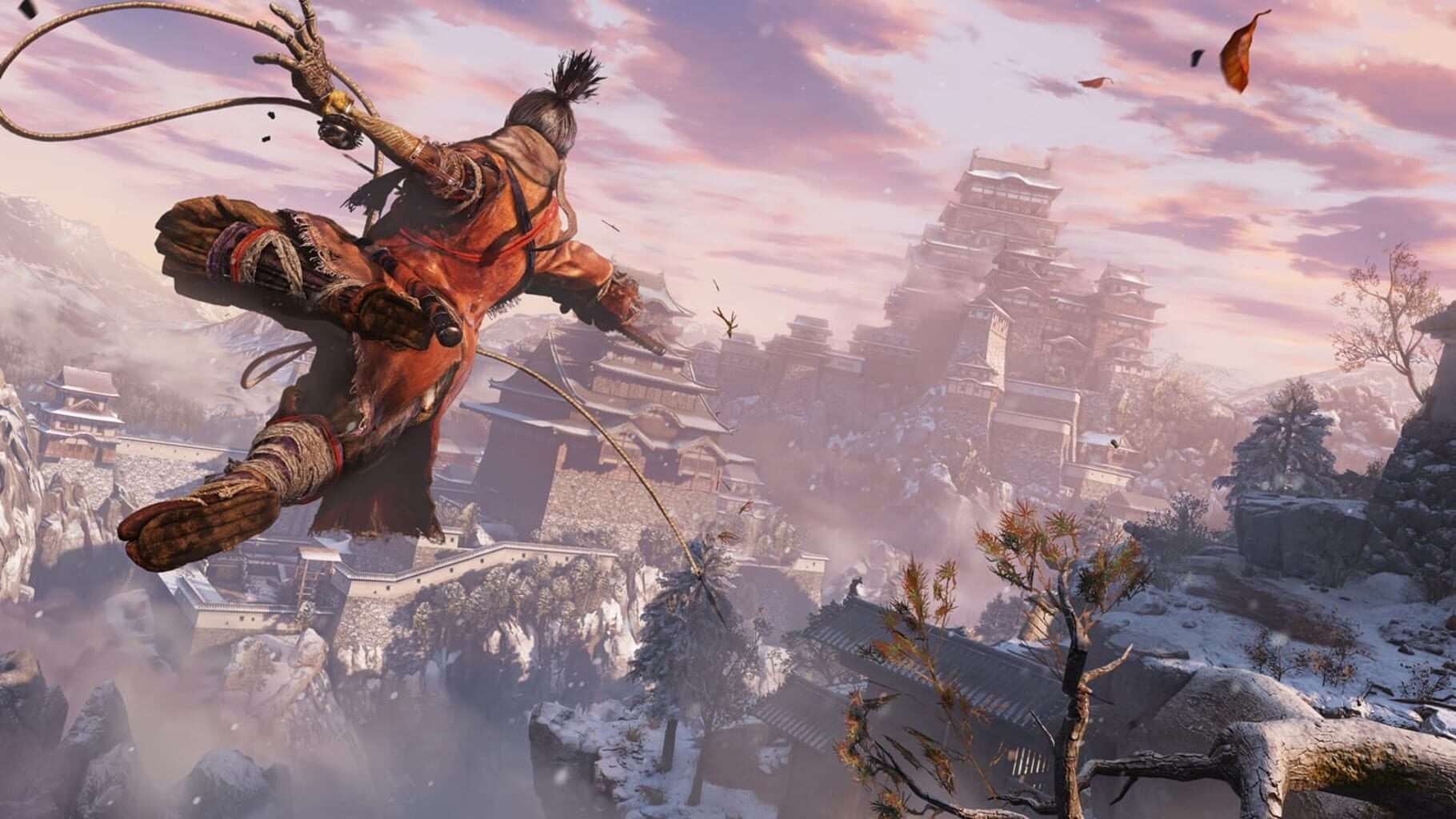
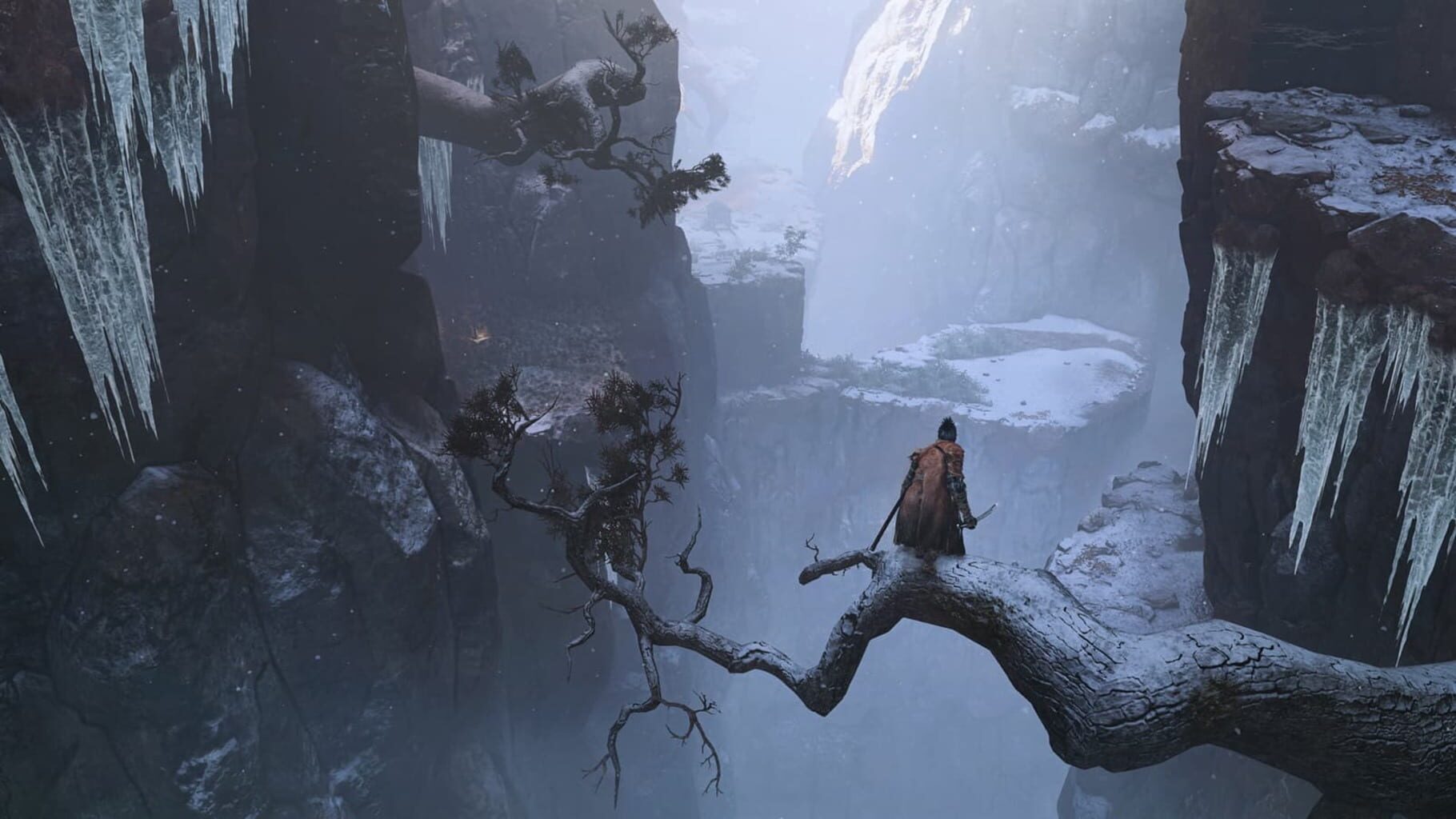
Enter a dark and brutal new gameplay experience from the creators of Bloodborne and the Dark Souls series. Sekiro: Shadows Die Twice is an intense, third-person, action-adventure set against the bloody backdrop of 14th-century Japan. Step into the role of a disgraced warrior brought back from the brink of death whose mission is to rescue his master and exact revenge on his arch nemesis. Take Revenge. Restore Your Honor. Kill Ingeniously.
Summary from IGDB
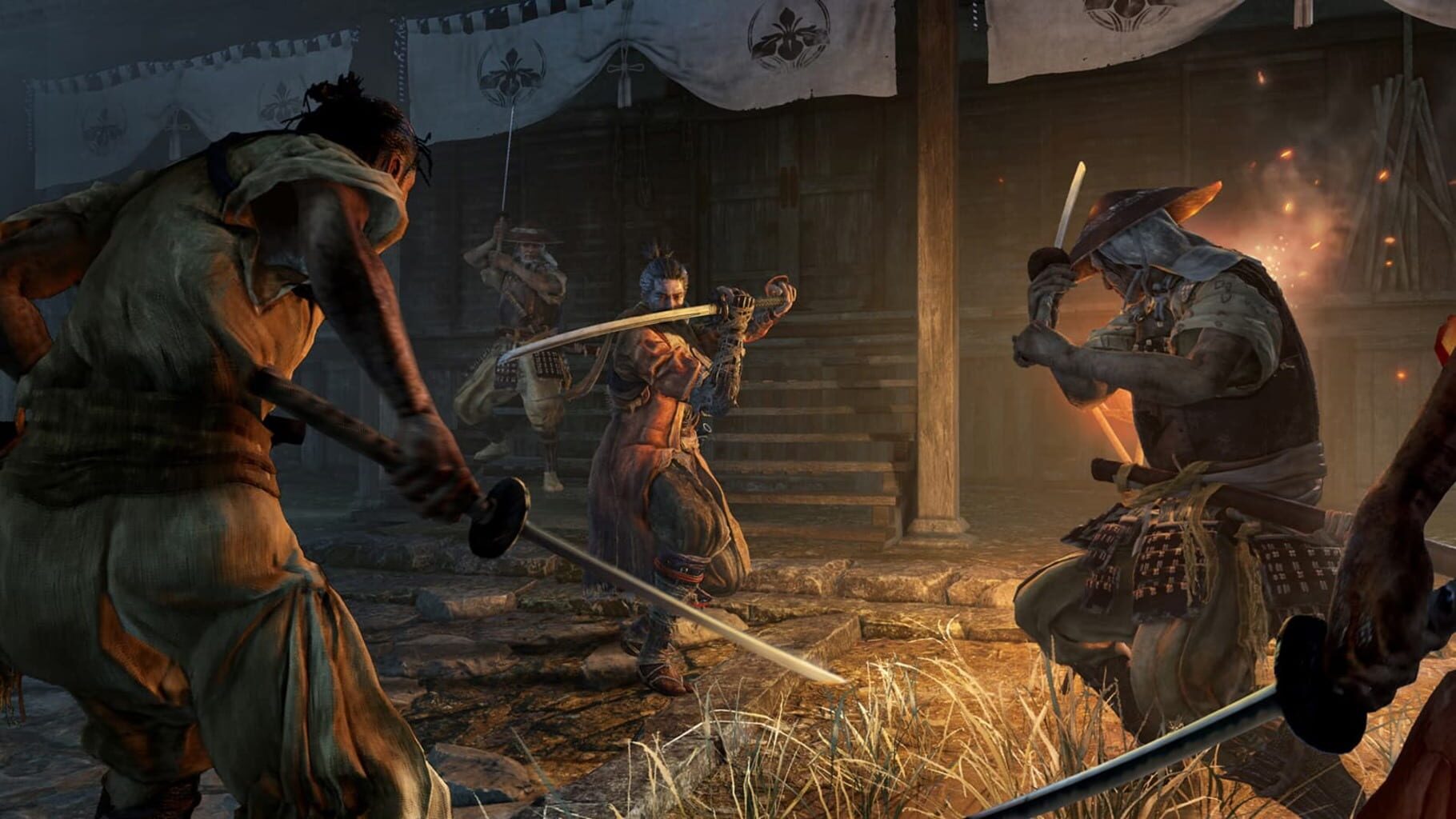
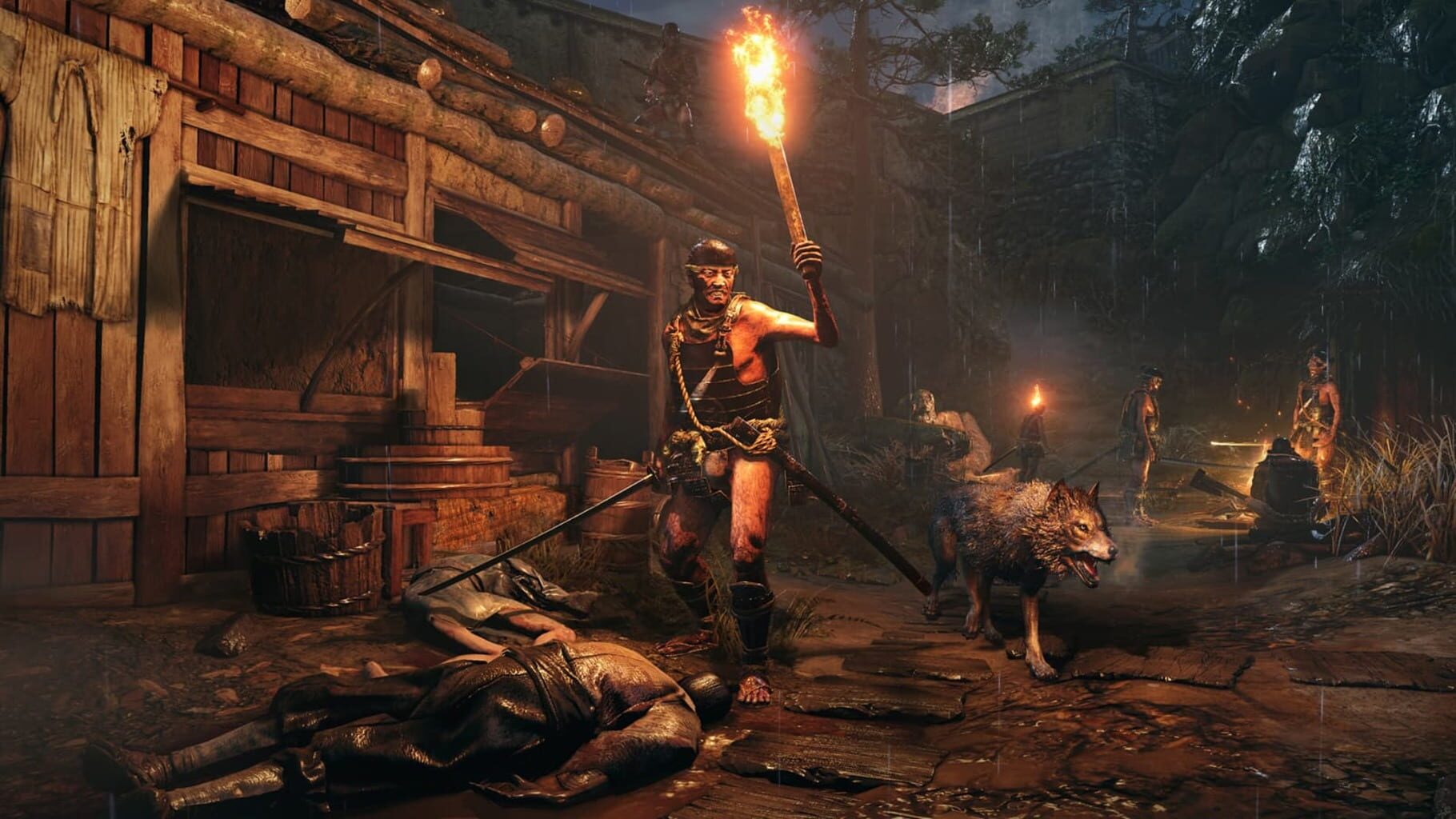
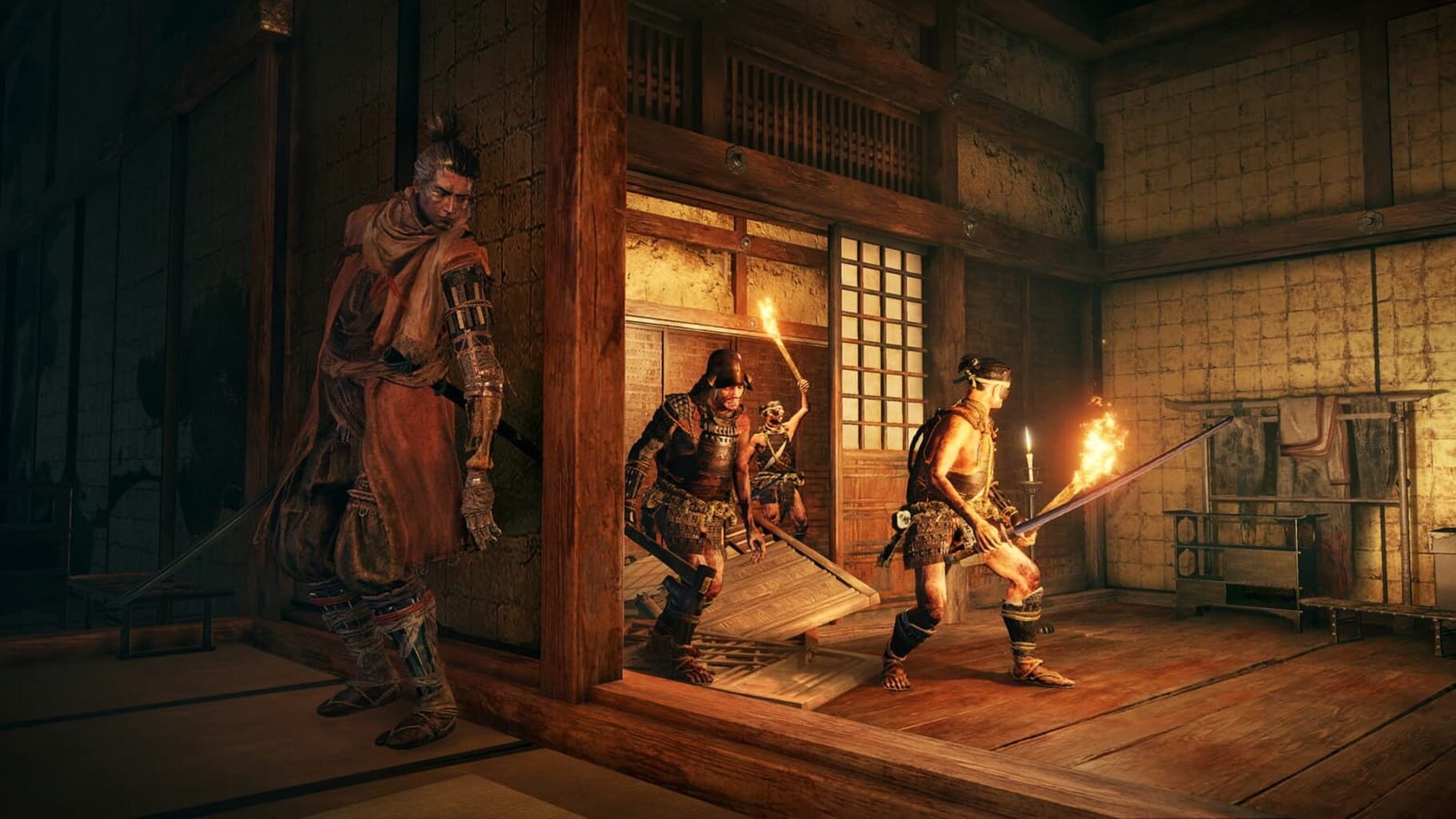
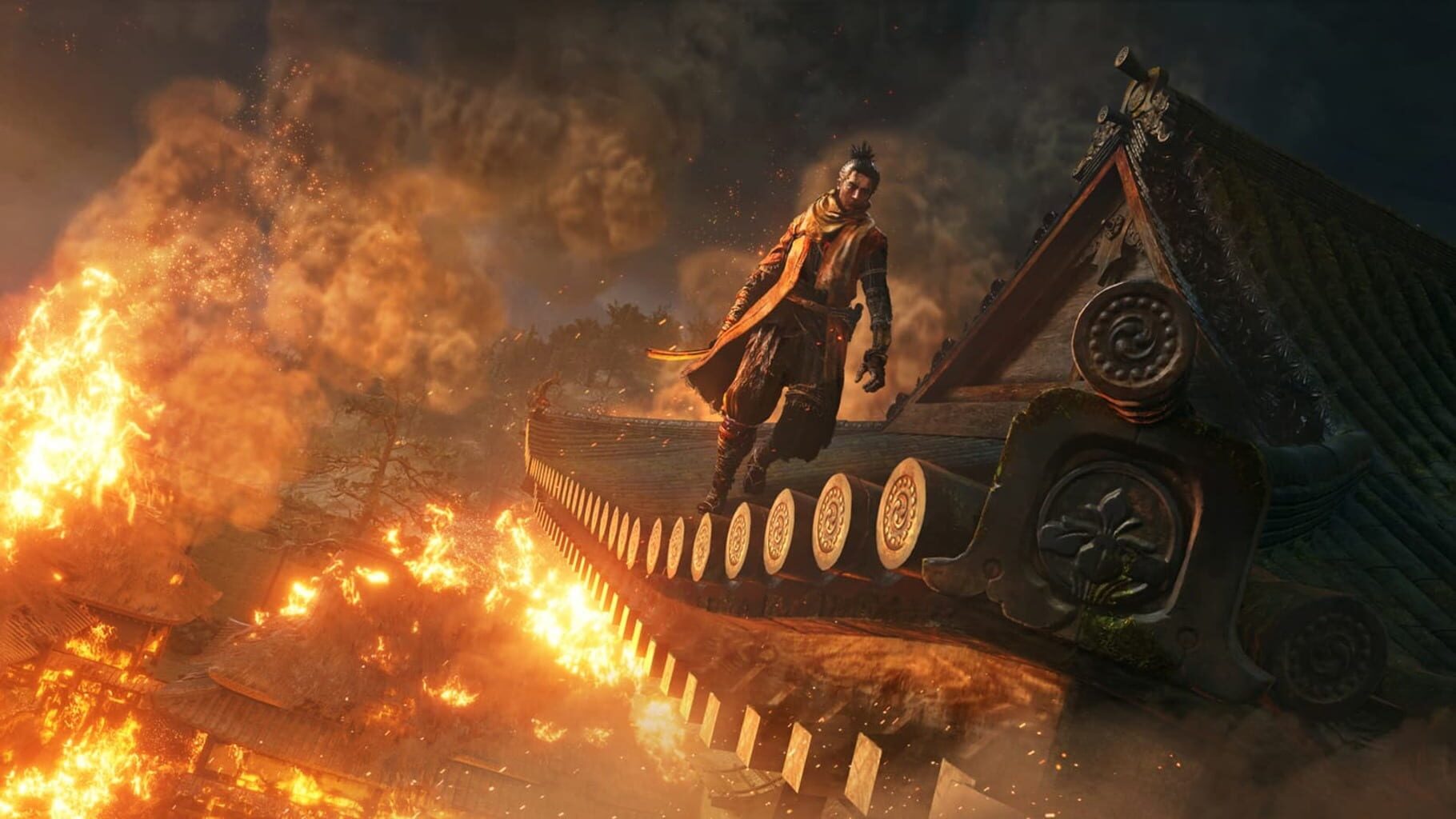
Sekiro: Shadows Die Twice screenshots
Version history
- v5Current
you no longer have to enter the menu to use the cursor for the invite overlay.
- v4
fixed somewhat co-op not working correctly after the first summon and enemies freezing.
- v3
many QOL fixes and finaly fixed the freezing enemies bug I think.
- v2
Synch fixed sometimes use Nucleus 2.1.2
Comments 0
No comments yet. Played it? Share what worked for your group.
Play these next
Browse all games
Don't Starve Together
Talos91205k downloads6
Dark Souls: Remastered
Talos9136k downloads6
Dark Souls III
Talos9145k downloads6
Backrooms: Escape Together
birden29k downloads6
Dark Souls II: Scholar of the First Sin
Talos919.1k downloads6
Resident Evil 6
Talos9119k downloads6
Browse by genre: Adventure
Log in or create an account to comment.