Split-screen on PC
Super Mario 64
Up to 16 players on one PC, with controllers, keyboard and mouse or several keyboards and mice.
Handler “SuperMarioNet64” by Bizzo, version 3
What works
With Nucleus Co-op, up to 16 players can play Super Mario 64 together on one PC, each in their own part of the screen, with controllers, keyboard and mouse or several keyboards and mice. The free community handler “SuperMarioNet64” by Bizzo does the setup and was checked by hub moderators: version 3, updated . Super Mario 64 is a platformer and adventure game from 1996.
- Players16
- ControllersSupported
- Keyboard and mouseSupported
- Several keyboards and miceOne per player
- Hub moderatorsVerified
How to play Super Mario 64 split screen on PC
Get Nucleus Co-op
Download Nucleus Co-op, free for Windows 10 and 11, and unzip it into its own folder, for example C:\NucleusCo-op. There is no installer.
Keep it out of Program Files, your user folder and OneDrive.
Install the Super Mario 64 handler
In Nucleus Co-op, search the Hub for Super Mario 64 and install its handler, or download the handler file from this page and drop it on the Nucleus window. Then show Nucleus where Super Mario 64 is installed.
Take a seat
Each player presses a button on their own controller to join and takes a spot on the screen. Pick a layout that fits your players.
Playing with several keyboards and mice? Press End once everything is in place to give each window its own cursor.
Launch and connect
Press Launch: Nucleus opens one copy of Super Mario 64 per player and lays the windows out on your screen. Then link them in game, usually one player hosts a LAN or online session and the others join it. The handler notes say how.
What you need
- A Windows 10 or 11 PC
Nucleus Co-op runs on Windows only. System requirements
- Super Mario 64 for Windows
Installed on that PC. Nucleus starts every player's window from that one install.
- Nucleus Co-op, free
With .NET Framework 4.7.2 or later and the Visual C++ 2015–2022 runtimes (x86 and x64). Download
- Something to play with
One controller per player, or one keyboard and mouse per player. Controllers · Keyboards and mice
- A PC that can run 16 copies
Each player runs their own copy of Super Mario 64, so the PC carries several times the usual load. Lower the graphics settings if it struggles. Performance tips
- A multiplayer mode
Nucleus links the windows through the game's own LAN or online mode; the handler takes care of it.
Handler notes
Net64 handler.
Youtube Guide: https://youtu.be/4bN7aCm2kqY
Reddit Guide: https://www.reddit.com/r/nucleuscoop/comments/gkf0b7/super_mario_64_splitscreen_multiplayer_pcnet64/
What you need:
- Net64 client : https://net64-mod.github.io/download
- Super Mario 64 ROM USA.
- Set the emulator+Rom like on the Net64 UI FAQ tab and set N-Rage For PJ64: 2.4.0.4 as controller plugin.
WARNING : Net64 have a AFK system. If you don't move your character for like 5 minutes you will be disconnected. You can still join again from the Net64 UI but if while disconnected other players take a star or do progress this will not probably synced with that instance.
How to:
- When you extract Net64, you have two folders. Client and emulator. Move the client folder inside the emulator folder.
- Run Nucleus, select the Project64.exe inside the emulator folder and start it.
- On Net64 UI edit the player name and character. Only the first instance need to start a server .
- On Project64, right click on the ROM, select "Edit Cheat", enable Widescreen. Save.
- Double click on the ROM name for run it and when the Super Mario 64 logo shows up, pause the ROM with F2 and select the emulator process on the Net64 UI.
- On Net64, go to the Servers tab and click on "Connect to local server". When you are in, minimize the Net64 UI, return to the emulator and unpause the ROM.
- Start the next instance. This time on Rom Cheats enable even "No Music".
- On Net64 [remember to edit the player name and character], after you select the right emulator, go to the "Connect" tab and use "127.0.0.1" as IP. When you are in, minimize the Net64 UI.
- Click ok on the last Nucleus prompt and play.
- Xinput controllers must select "Xinput" when Nucleus ask. Buttons are already mapped.
- DirectInput controllers must select "DirectInput" when Nucleus ask. You must map the "controller 1" tab for each instance [save the profile for next time].
- Keyboards must pick even the mouse on Nucleus and map the "controller 1" tab for each instance that use it [you can press Default for quick keyboard map].
If you encounter any graphical issues or freezes when playing split with a romhack disable the cheats (at least for that part).
The Project64 cheat file included in the handler, contains the cheats Widescreen and NoMusic for these ROMs: -Super Mario 64 -Odyssey 64 -Sunshine 64 -Super Mario 64 Land -Last Impact -Star Road -Battle Royale -Cursed Castles -Peach's Memory -Saphire -Star Revenge 3.5: Vacation of Cursed Dreams -Star Revenge 4.5: The Kedama Takeover Rewritten -Star Revenge 6.25: Luigi's Adventure DX -Super Mario Bros. 64 -The Missing Stars -Ztar Attack Rebooted -Ztar Attack 2: A Blast to the Past
About Super Mario 64
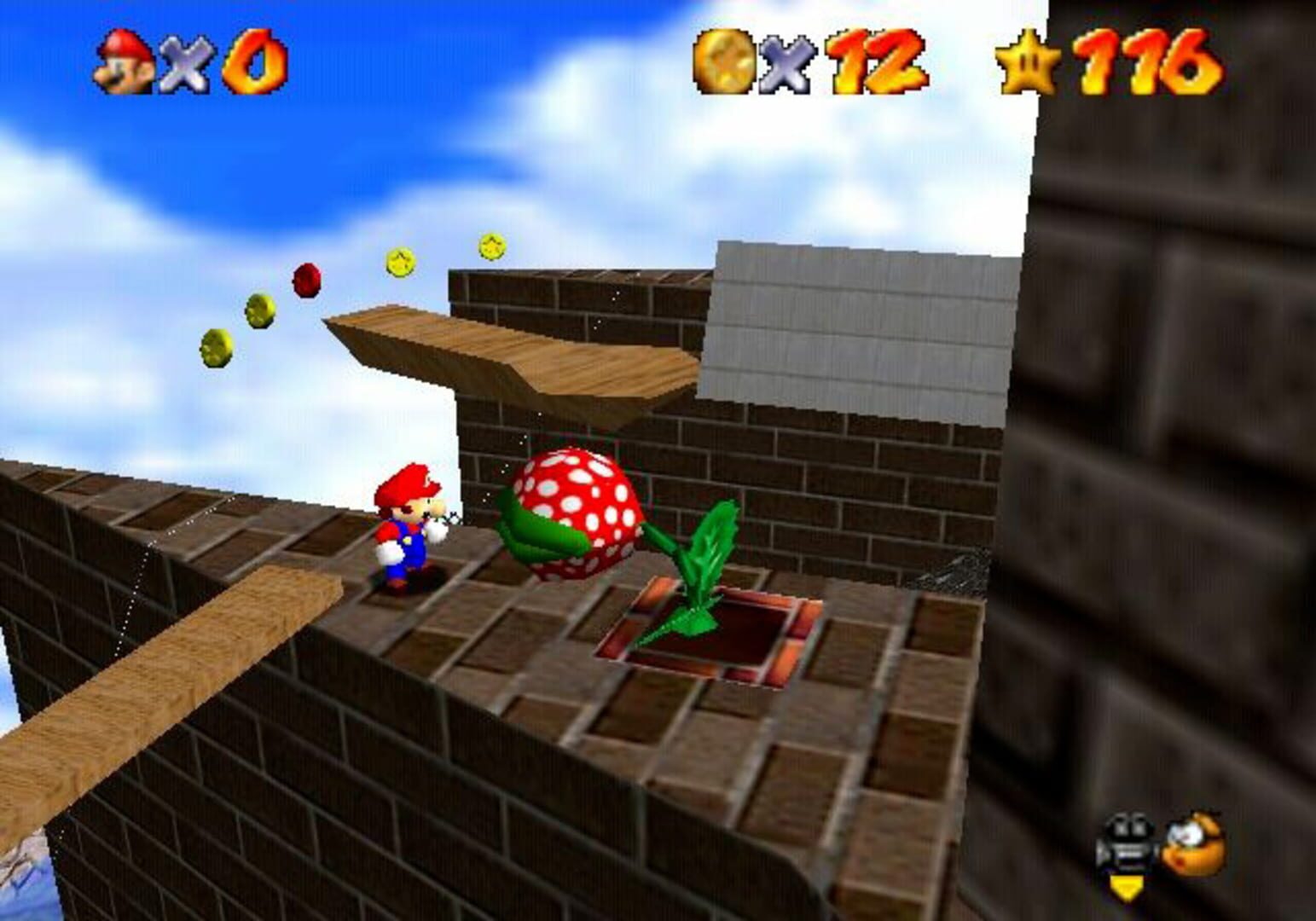
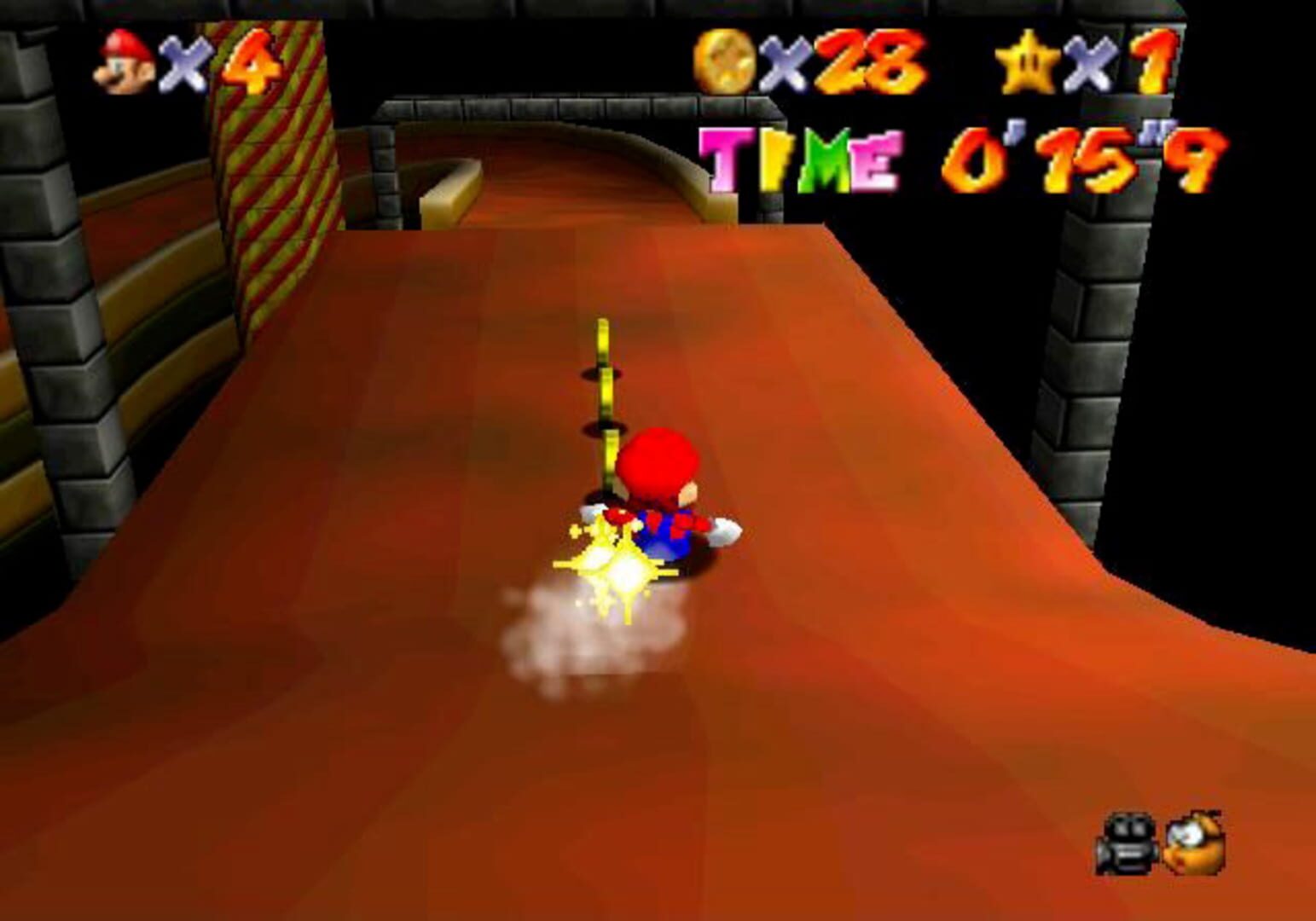
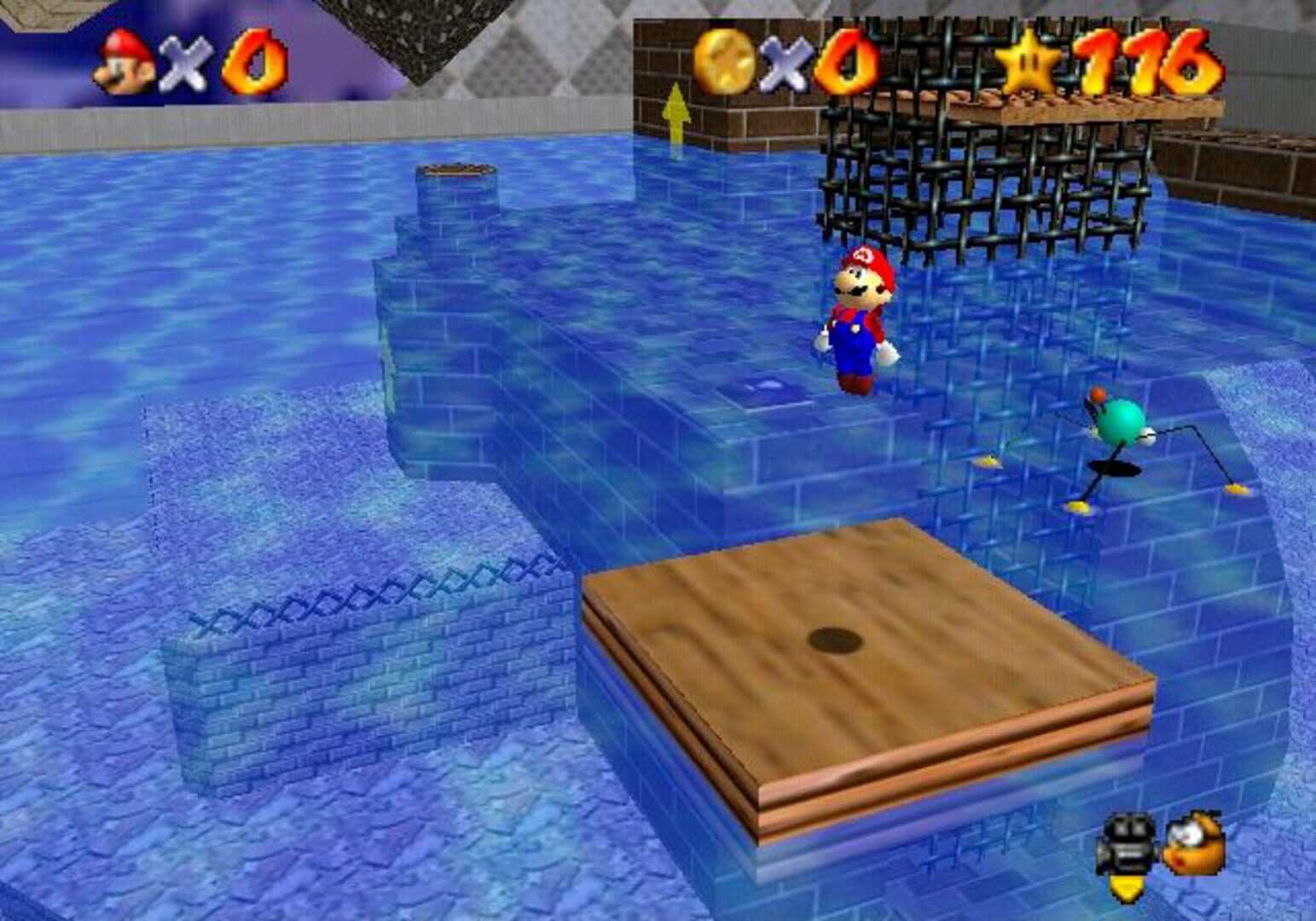
Super Mario 64 is a 3D platformer game released for the Nintendo 64. Being the first 3D Mario game, Super Mario 64 has introduced several moves, including triple-jumping, ground-pounding, long-jumping, diving, and somersaulting, which would be used in most subsequent installments of the Super Mario series. The core gameplay is similar to previous games, focusing on jumping, avoiding obstacles and defeating enemies. Since its release, Super Mario 64 has been widely acclaimed as one of the greatest and most important games of all time.
Summary from IGDB
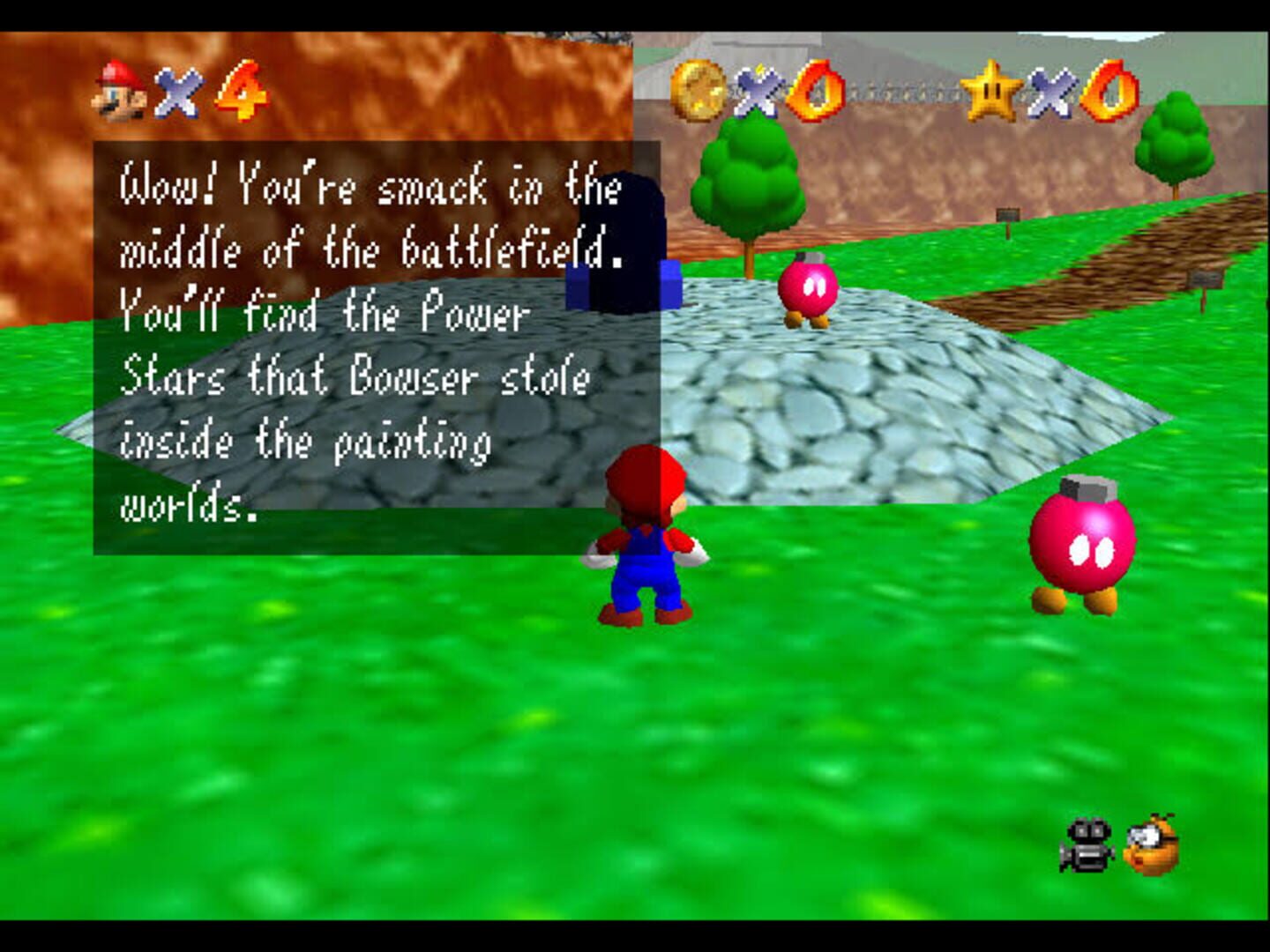
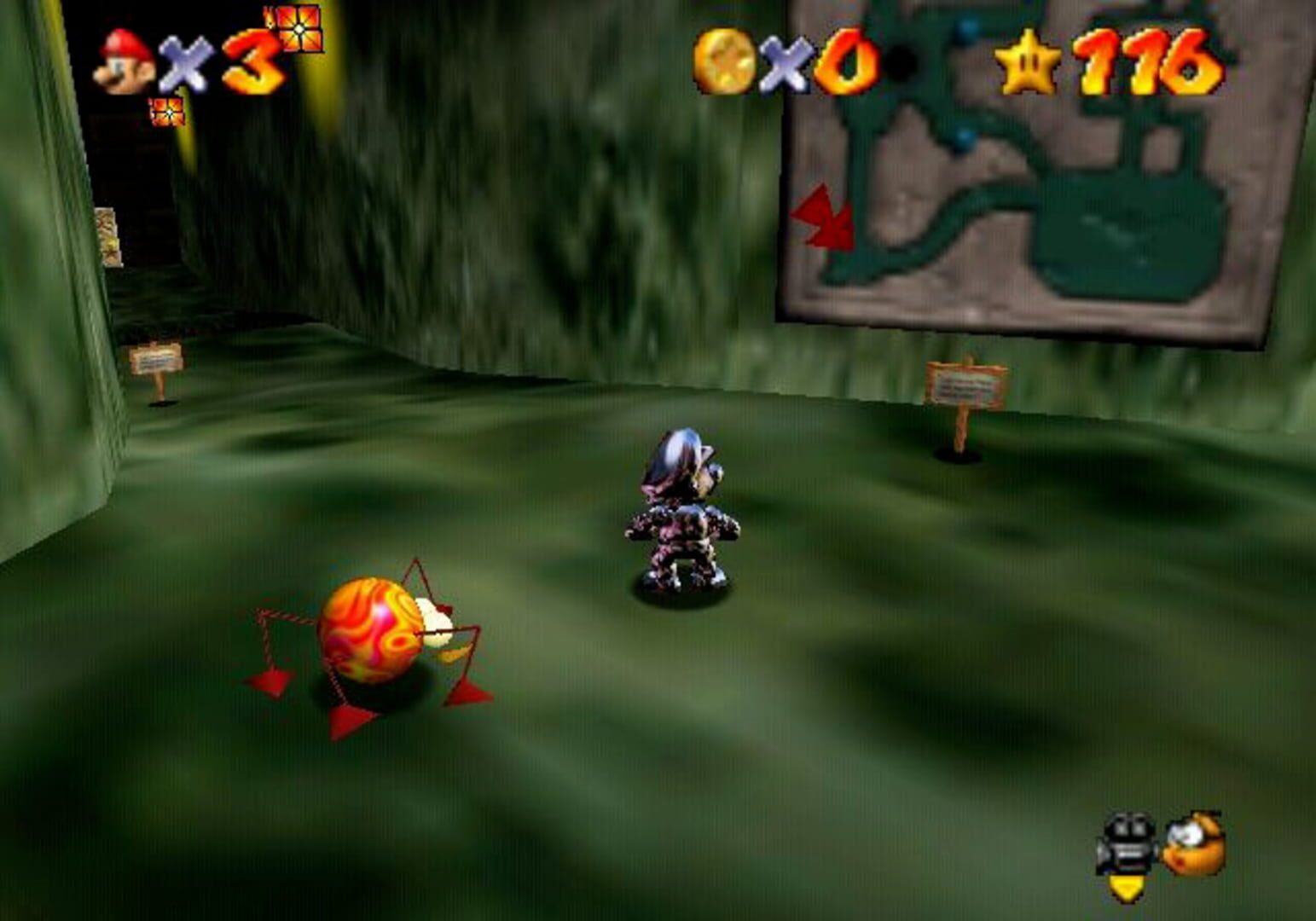
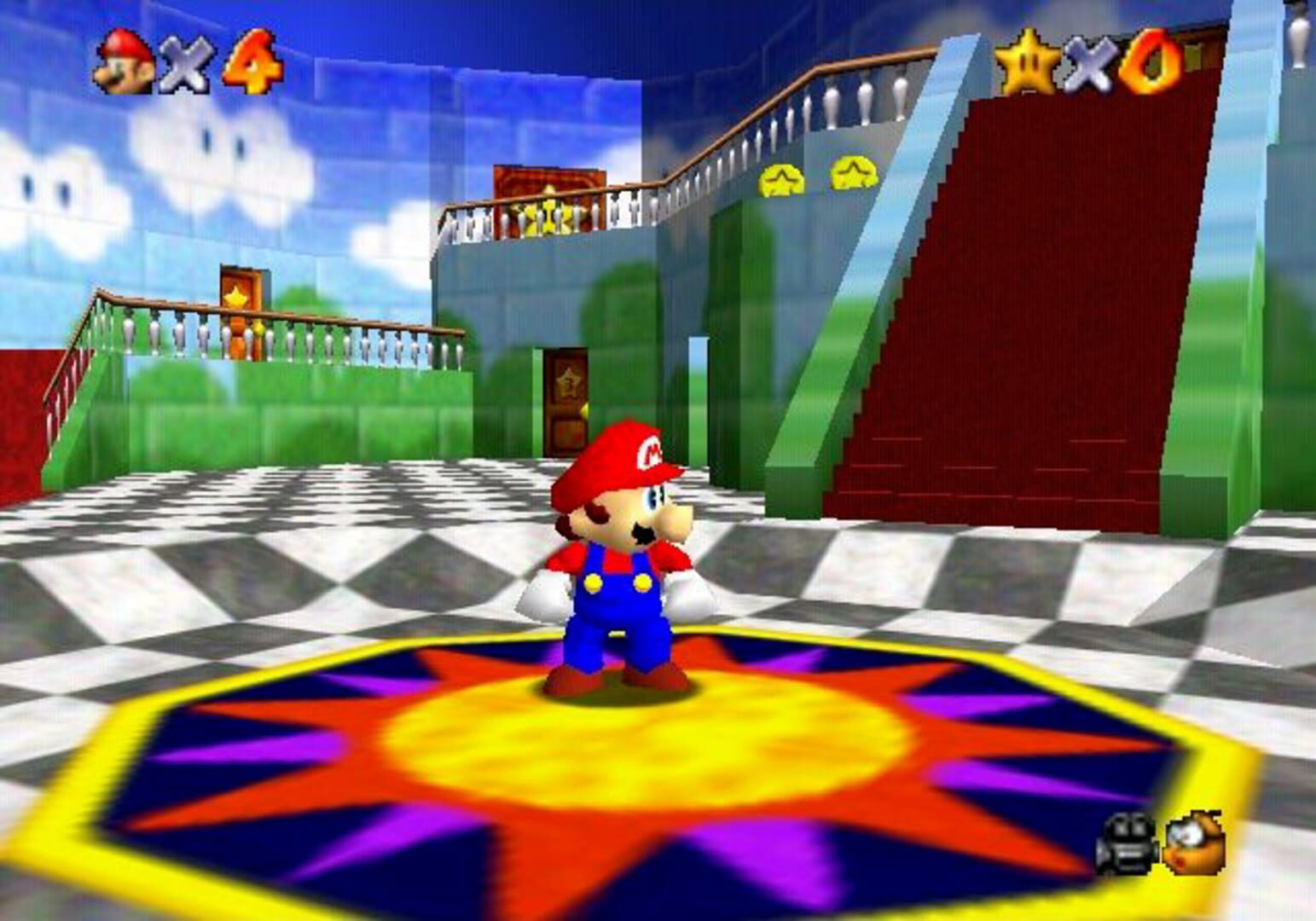
Super Mario 64 screenshots
Version history
- v3Current
Updated descriptions inside the script.
- v2
Updated for R5, added automatic DevReorder and more emulator configs edits.
- v1
First Release
Comments 0
No comments yet. Played it? Share what worked for your group.
Play these next
Browse all games
Starbound
The Shnazberry7.2k downloads16
A Hat in Time
Talos911.7k downloads16
Lost Planet: Extreme Condition - Colonies Edition
Talos9160 downloads16
Castlevania: Harmony of Despair
Talos91893 downloads10
Jump King Co-op Mod
Talos91716 downloads8
Bionic Commando
Talos91230 downloads8
Browse by genre: Platformer · Adventure
Log in or create an account to comment.