Split-screen on PC
Team Fortress 2
Up to 32 players on one PC, with controllers, keyboard and mouse or several keyboards and mice.
Handler “TeamFortress2” by Bizzo, version 10
What works
With Nucleus Co-op, up to 32 players can play Team Fortress 2 together on one PC, each in their own part of the screen, with controllers, keyboard and mouse or several keyboards and mice. The free community handler “TeamFortress2” by Bizzo does the setup and was checked by hub moderators: version 10, updated . Team Fortress 2 is a shooter game from 2007.
- Players32
- ControllersSupported
- Keyboard and mouseSupported
- Several keyboards and miceOne per player
- Hub moderatorsVerified
How to play Team Fortress 2 split screen on PC
Get Nucleus Co-op
Download Nucleus Co-op, free for Windows 10 and 11, and unzip it into its own folder, for example C:\NucleusCo-op. There is no installer.
Keep it out of Program Files, your user folder and OneDrive.
Install the Team Fortress 2 handler
In Nucleus Co-op, search the Hub for Team Fortress 2 and install its handler, or download the handler file from this page and drop it on the Nucleus window. Then show Nucleus where Team Fortress 2 is installed.
Take a seat
Each player presses a button on their own controller to join and takes a spot on the screen. Pick a layout that fits your players.
Playing with several keyboards and mice? Press End once everything is in place to give each window its own cursor.
Launch and connect
Press Launch: Nucleus opens one copy of Team Fortress 2 per player and lays the windows out on your screen. Then link them in game, usually one player hosts a LAN or online session and the others join it. The handler notes say how.
What you need
- A Windows 10 or 11 PC
Nucleus Co-op runs on Windows only. System requirements
- Team Fortress 2 for Windows
Installed on that PC. Nucleus starts every player's window from that one install.
- Nucleus Co-op, free
With .NET Framework 4.7.2 or later and the Visual C++ 2015–2022 runtimes (x86 and x64). Download
- Something to play with
One controller per player, or one keyboard and mouse per player. Controllers · Keyboards and mice
- A PC that can run 32 copies
Each player runs their own copy of Team Fortress 2, so the PC carries several times the usual load. Lower the graphics settings if it struggles. Performance tips
- A multiplayer mode
Nucleus links the windows through the game's own LAN or online mode; the handler takes care of it.
Handler notes
You need Steam running in background.
The first time, instances could crash or take a long time to load the map. Enter in a team and start the next player (do not choose the role, wait for other players). When all instances are set, press "ok" on the last Nucleus prompt (hook/sends fake messages). Press "END" for restrict keyboards players to their instance (press it again for unlock the input).
- Map selection from Nucleus. Start without a map for create the server manually from the game menu (via console).
- For change map use the console.
- Y controller button is used for change status to Ready (For Tournament Mode/ Coop)
- F8 is used for start a random map from the mapcycle.txt that you can find in your handlers\TeamFortress2 folder
- F7 is used for pause the server.
- You can change server options settings by editing the autoexec line in the handler file (.js).
- MvsM (coop mode) just need two players for start the match.
- keyboards+xinput controllers already works while if you want to play with more than 4 controllers, only one xboxone controller and not at the same time with the keyboard will work. Open the handler for see a workaround.
About Team Fortress 2
Choose from a selection of 9 classes, each with entertaining personalities and a different set of gameplay mechanics, to capture or defend the objective within numerous game modes against the enemy team, with a variety of unlockable and tradable weapons and cosmetics which add a layer of customization to each player's experience.
Summary from IGDB
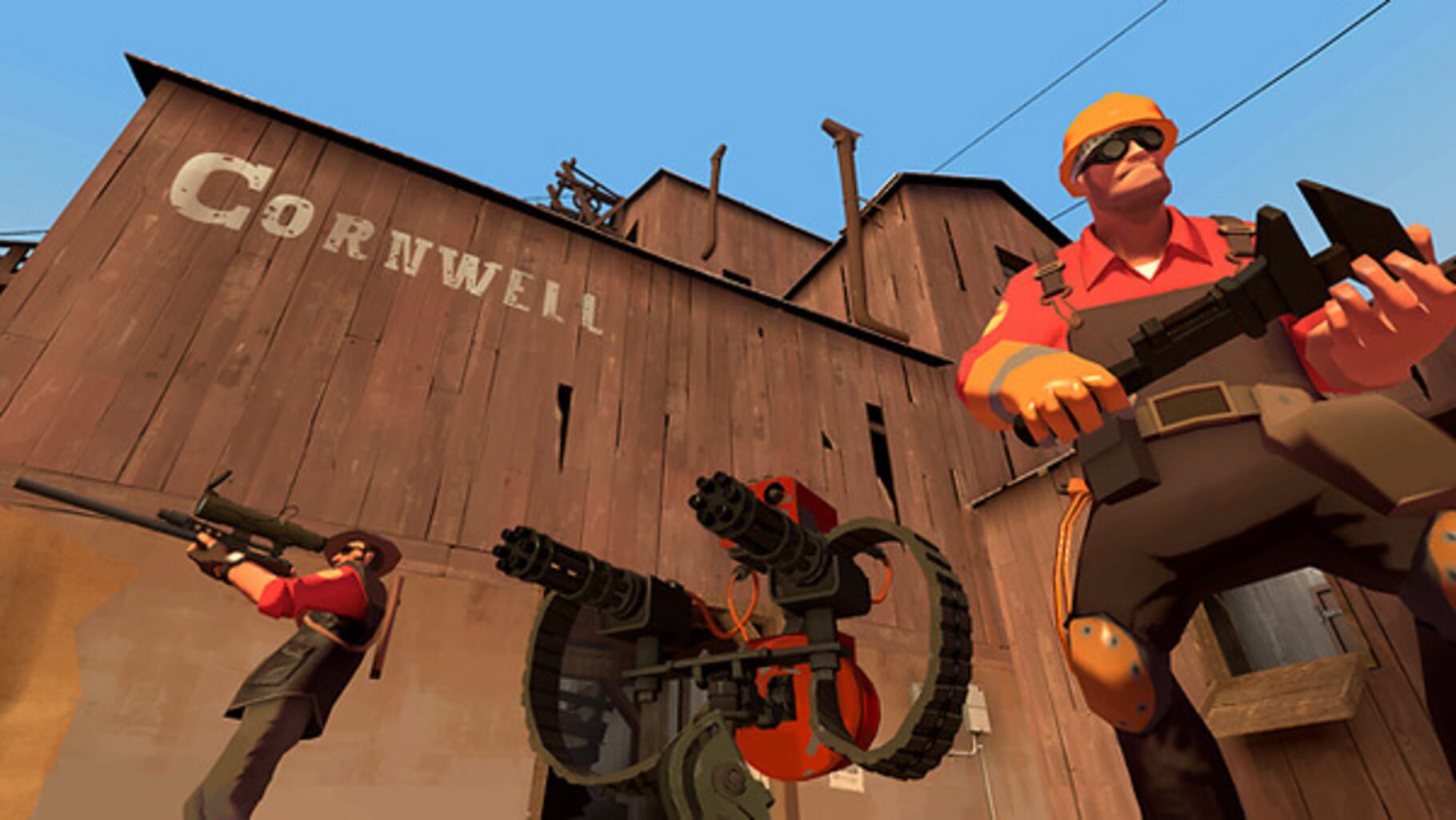
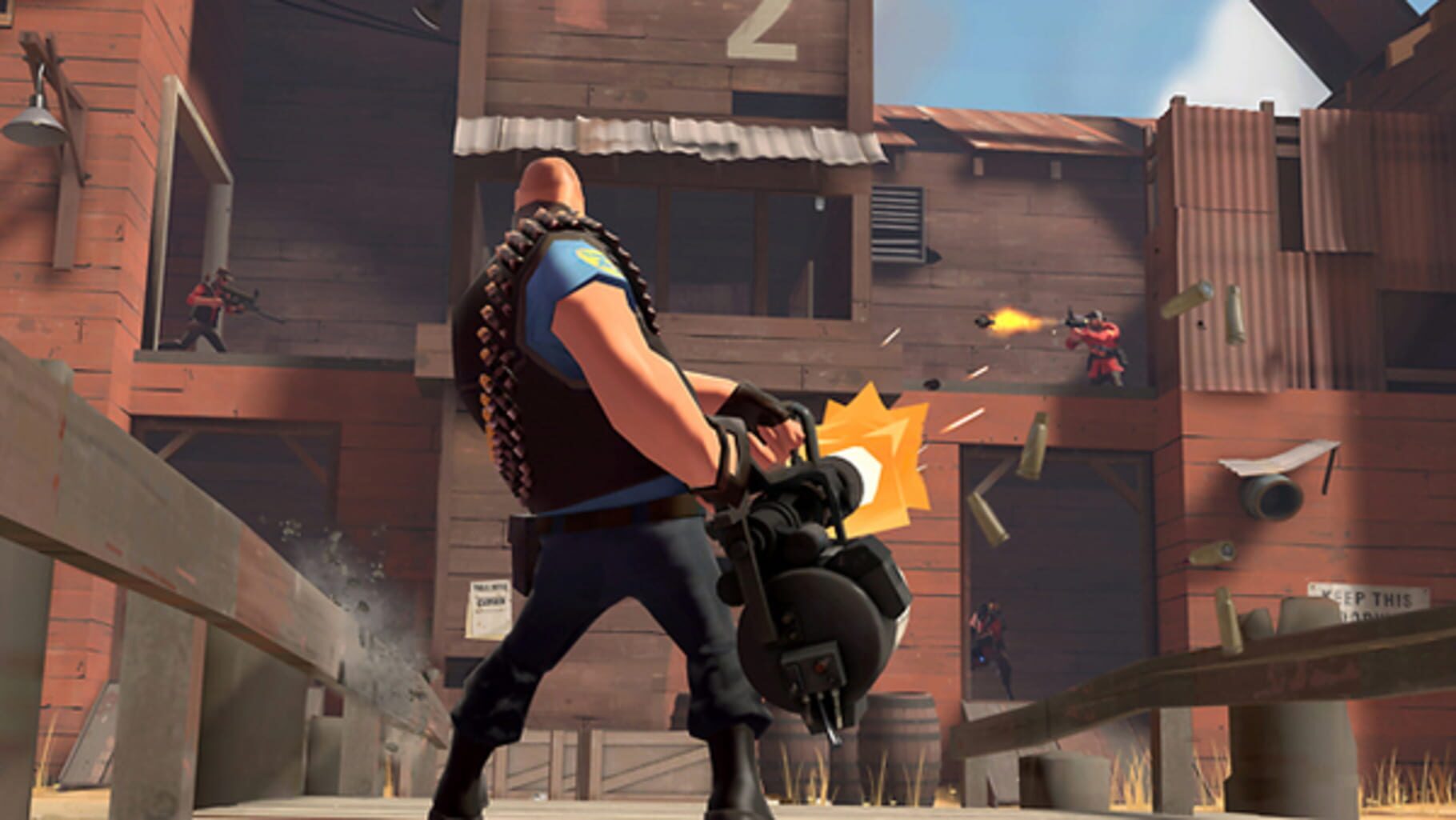
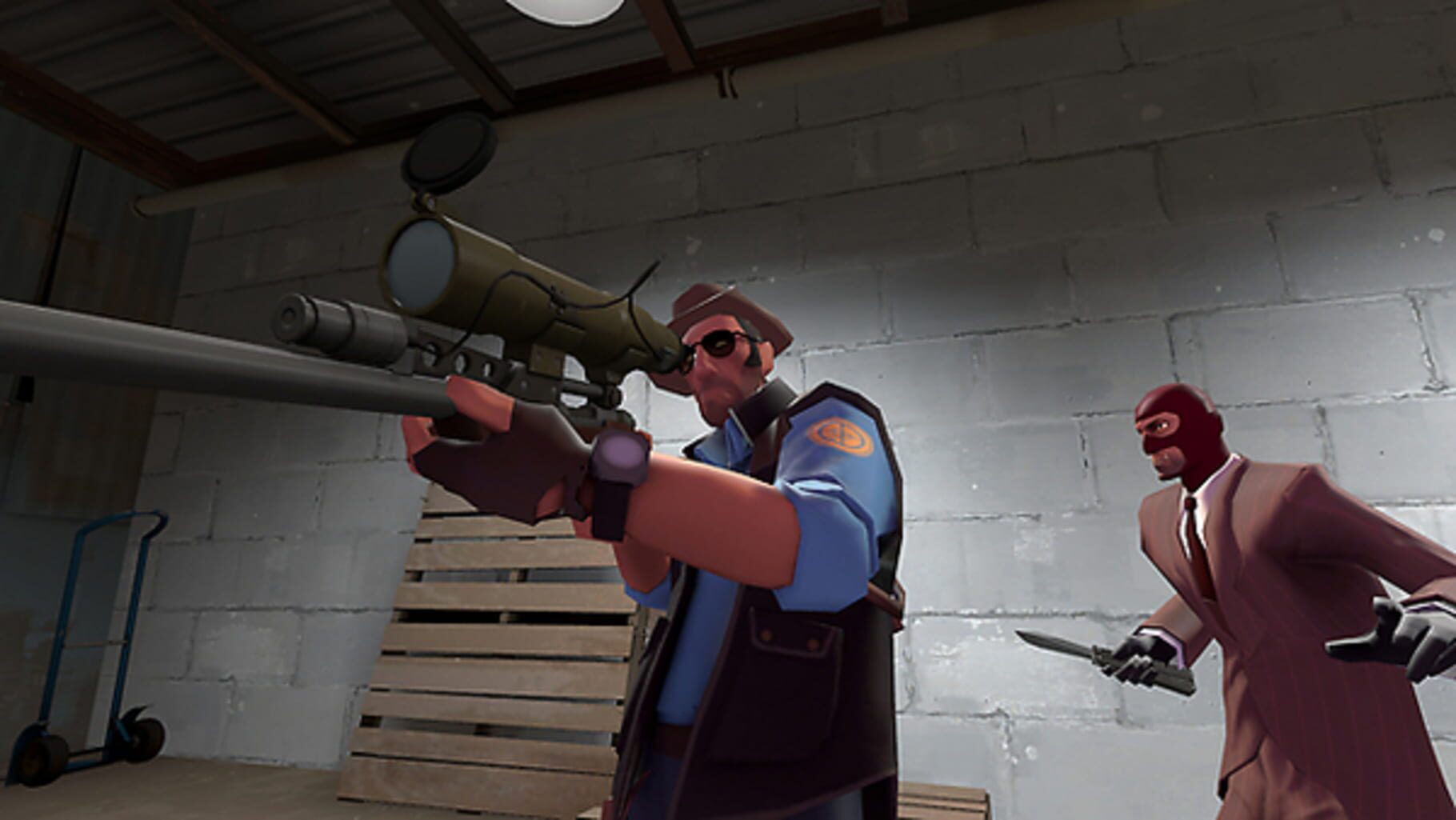
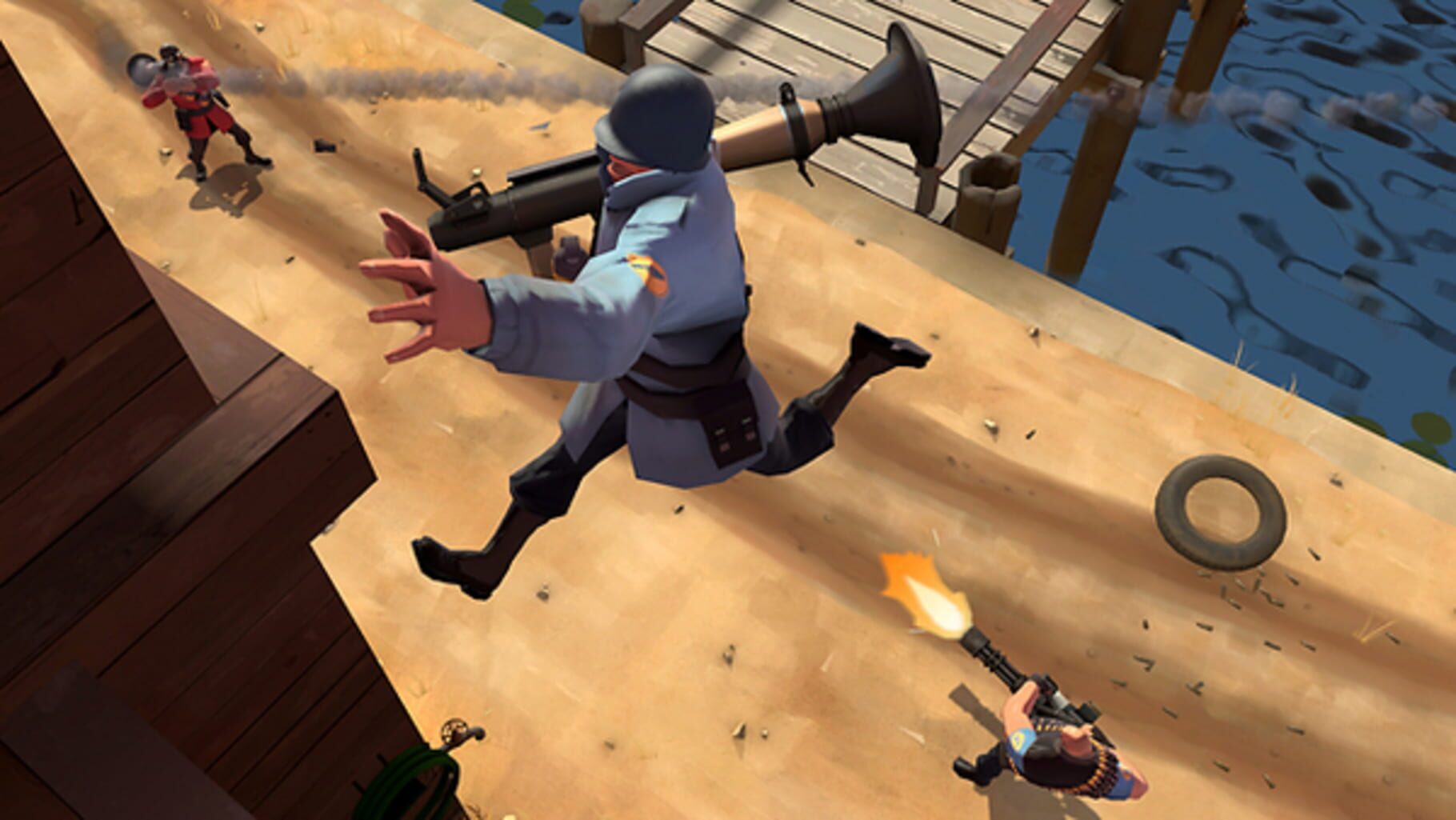
Team Fortress 2 screenshots
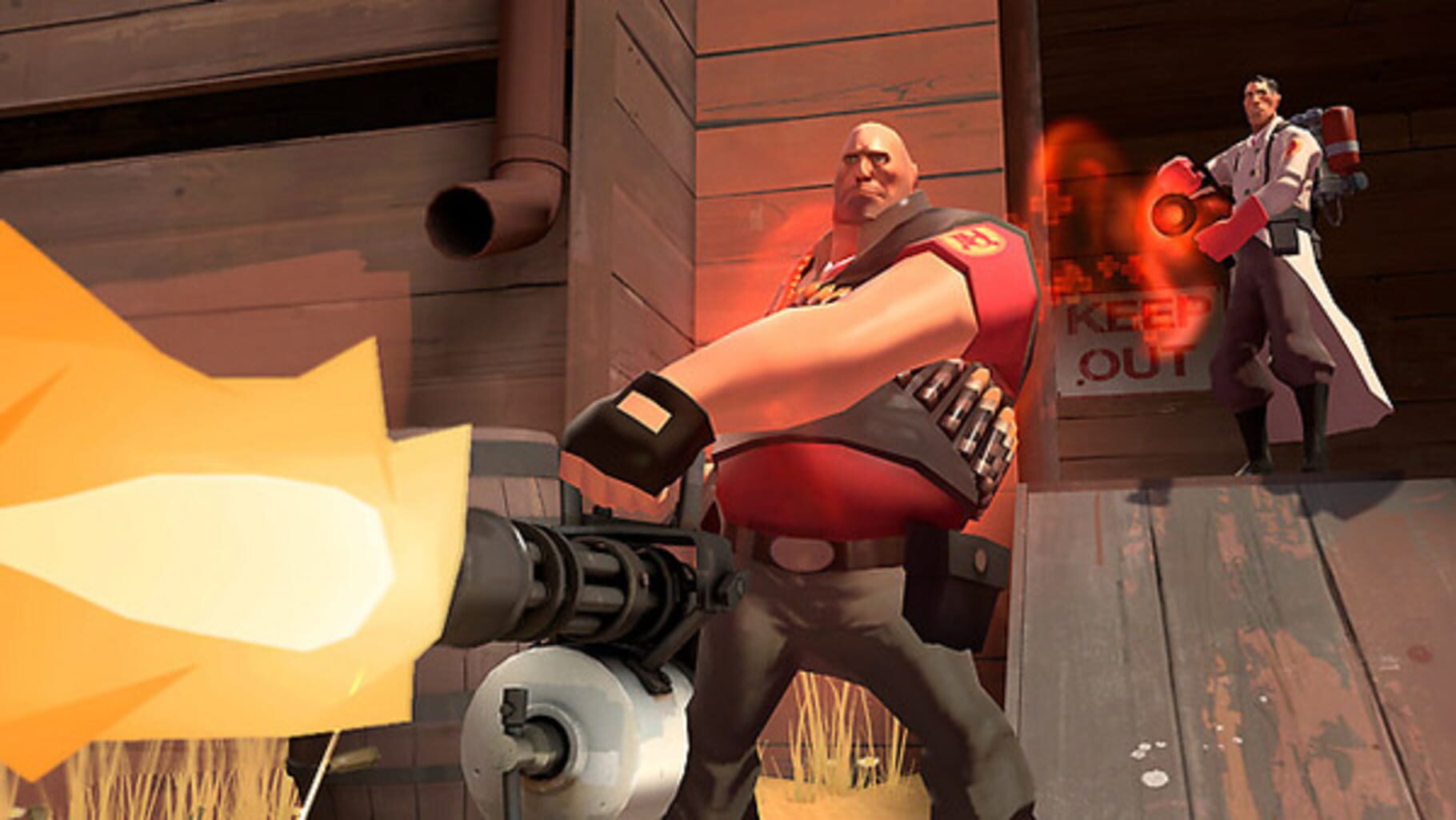
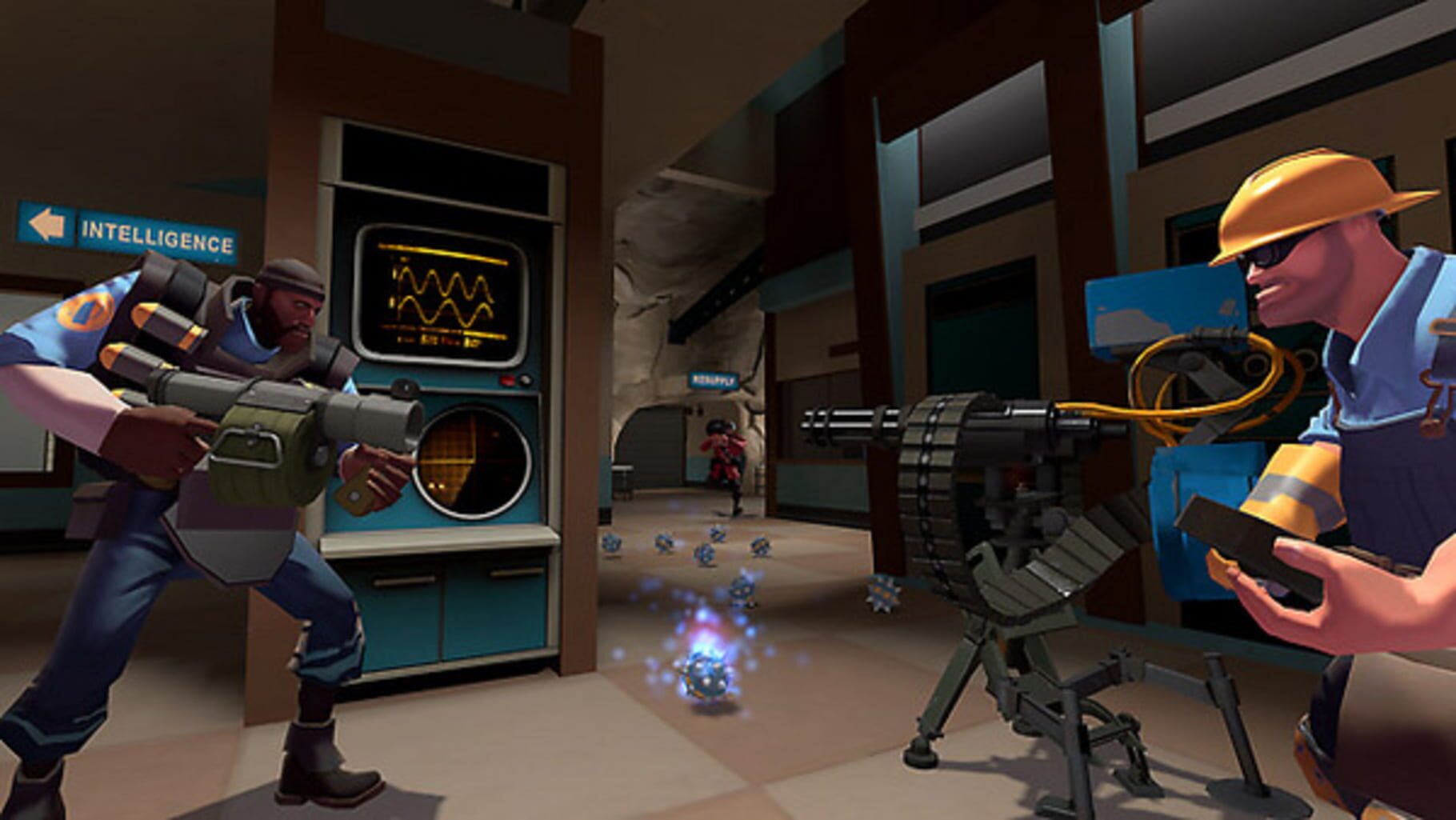
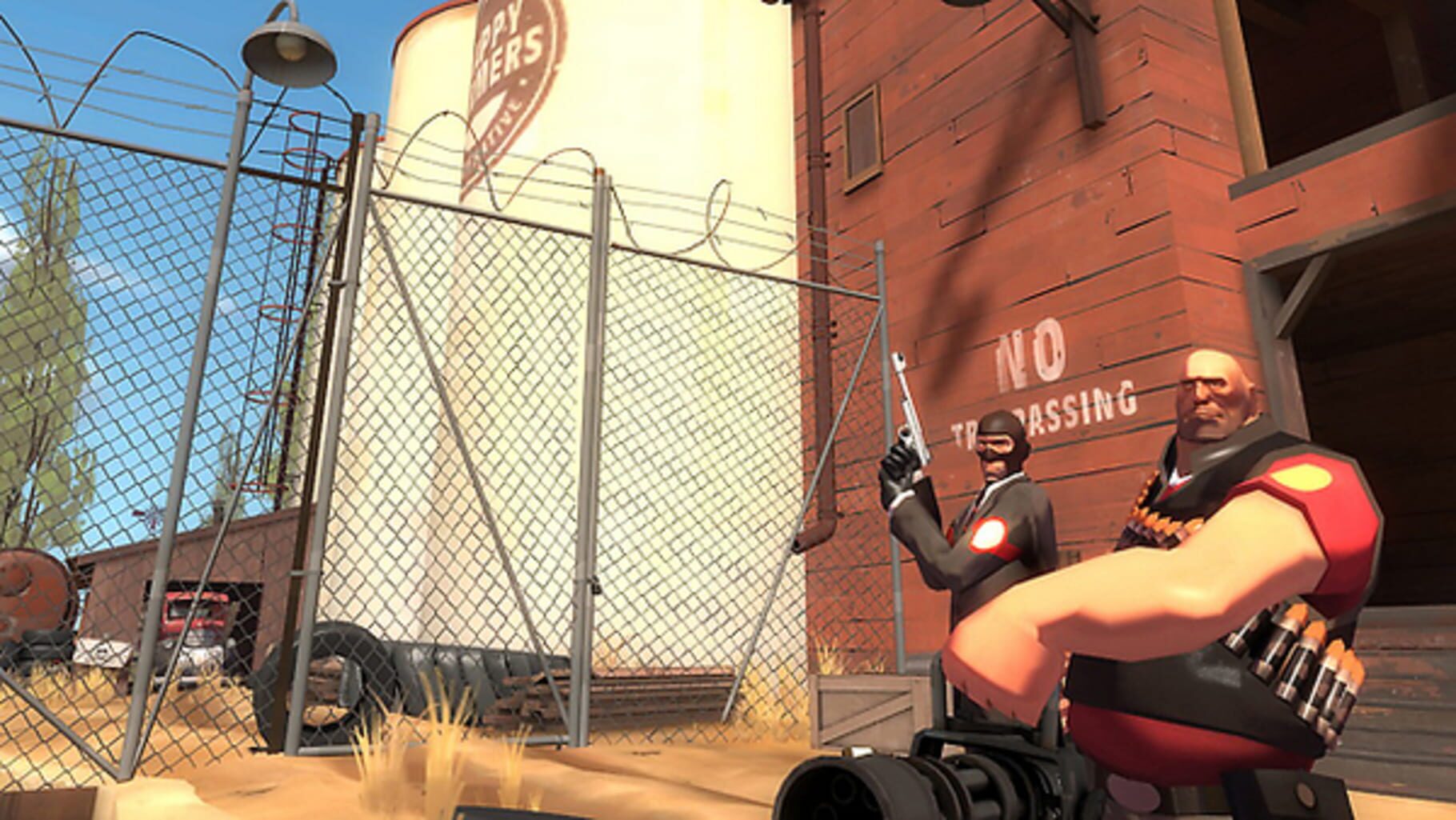
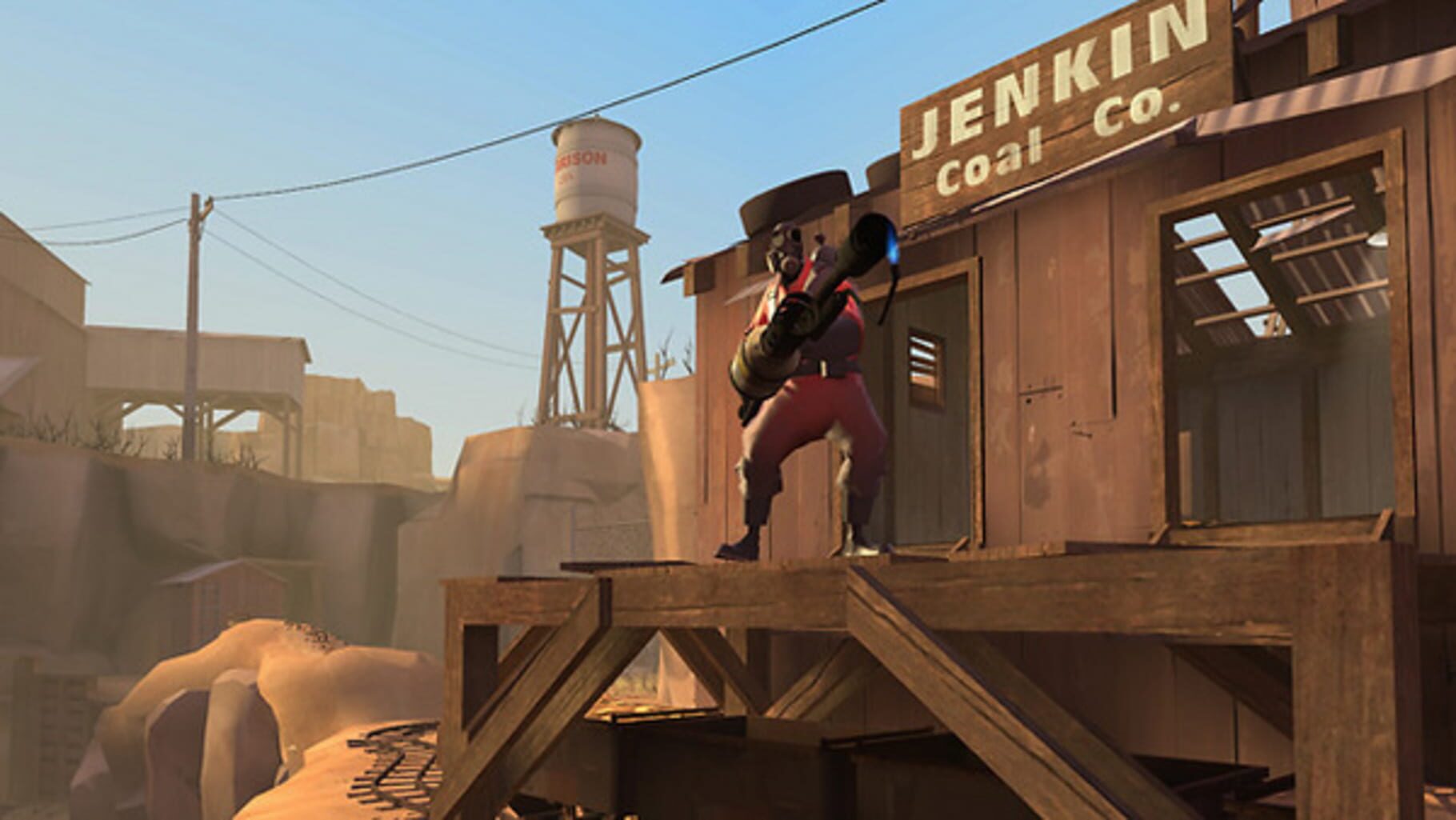
Version history
- v10Current
game exe name changed, possible fix for focus, input and low graphic mod
- v9
Script folder fix 2
- v8
Script folder fix
- v7
Updated descriptions inside the script and fixed ReRoute variable toggle.
Comments 2
Now it supports it :^)
Would support for multiple Mouse and Keyboards be possible for this script?
Play these next
Browse all games
Grand Theft Auto IV: Complete Edition
Bizzo37k downloads32
Counter-Strike: Source
Mame23k downloads32
Half-Life
Talos914.8k downloads32
Call of Duty 4: Modern Warfare
THEKlNG4.8k downloads32
Black Mesa
dr.oldboi3k downloads32
The Long Dark
birden2.2k downloads32
Browse by genre: Shooter
Log in or create an account to comment.