Split-screen on PC
The Dark Pictures Anthology: Man of Medan
Up to 2 players on one PC, with controllers, keyboard and mouse or several keyboards and mice.
Handler “Man Of Medan” by Bizzo, version 9
What works
With Nucleus Co-op, up to 2 players can play The Dark Pictures Anthology: Man of Medan together on one PC, each in their own part of the screen, with controllers, keyboard and mouse or several keyboards and mice. The free community handler “Man Of Medan” by Bizzo does the setup and was checked by hub moderators: version 9, updated . The Dark Pictures Anthology: Man of Medan is an adventure game from 2019.
- Players2
- ControllersSupported
- Keyboard and mouseSupported
- Several keyboards and miceOne per player
- Hub moderatorsVerified
How to play The Dark Pictures Anthology: Man of Medan split screen on PC
Get Nucleus Co-op
Download Nucleus Co-op, free for Windows 10 and 11, and unzip it into its own folder, for example C:\NucleusCo-op. There is no installer.
Keep it out of Program Files, your user folder and OneDrive.
Install the The Dark Pictures Anthology: Man of Medan handler
In Nucleus Co-op, search the Hub for The Dark Pictures Anthology: Man of Medan and install its handler, or download the handler file from this page and drop it on the Nucleus window. Then show Nucleus where The Dark Pictures Anthology: Man of Medan is installed.
Take a seat
Each player presses a button on their own controller to join and takes a spot on the screen. Pick a layout that fits your players.
Playing with several keyboards and mice? Press End once everything is in place to give each window its own cursor.
Launch and connect
Press Launch: Nucleus opens one copy of The Dark Pictures Anthology: Man of Medan per player and lays the windows out on your screen. Then link them in game, usually one player hosts a LAN or online session and the others join it. The handler notes say how.
What you need
- A Windows 10 or 11 PC
Nucleus Co-op runs on Windows only. System requirements
- The Dark Pictures Anthology: Man of Medan for Windows
Installed on that PC. Nucleus starts every player's window from that one install.
- Nucleus Co-op, free
With .NET Framework 4.7.2 or later and the Visual C++ 2015–2022 runtimes (x86 and x64). Download
- Something to play with
One controller per player, or one keyboard and mouse per player. Controllers · Keyboards and mice
- A PC that can run 2 copies
Each player runs their own copy of The Dark Pictures Anthology: Man of Medan, so the PC carries several times the usual load. Lower the graphics settings if it struggles. Performance tips
- A multiplayer mode
Nucleus links the windows through the game's own LAN or online mode; the handler takes care of it.
Handler notes
(If you don't use the pointer auto-hide option with at least a keyboard player, you will need to click 'OK' on the Clavier window when it pop ups.)
- Host a lobby on the first instance, click ok on the Nucleus prompt and start the next one.
- The second instance should join in after you click "Space/A" on the title screen.
- After both instances are inside the lobby, click 'OK' on the last Nucleus prompt (hook/send fake message).
-
Now keyboard players should press the 'END' button for restrict the input.
-
If you don't use the pointer auto-hide option, press 'ALT+E' for hide/show the mouse pointers. (You will need to move it for take effect).
Credit: Nucleus Co-op, Flawless Widescreen, WSGF, Clavier, nomousy, Nircmd and the Splitscreen Dreams discord.
https://flawlesswidescreen.org/
https://gryder.org/software/clavier-plus/
https://www.nirsoft.net/utils/nircmd.html
Donate if you like the project: https://www.reddit.com/r/nucleuscoop/comments/fjdqid/list_of_new_supported_games_and_faq/
About The Dark Pictures Anthology: Man of Medan
Enter the world of The Dark Pictures - A series of standalone cinematic horror games. Players will be challenged to explore and uncover each story with the knowledge that all their choices have consequences and all playable characters can live, any and all can die... Man of Medan is the first game in The Dark Pictures anthology, bringing supernatural horror to the South Pacific. Five friends set sail on a holiday diving trip with a rumored WWII wreck to find. As the day unfolds and a storm rolls in, their trip soon changes into something much more sinister. Who will live? Who will die? It’s down to you. Can you save them all?
Summary from IGDB
The Dark Pictures Anthology: Man of Medan screenshots
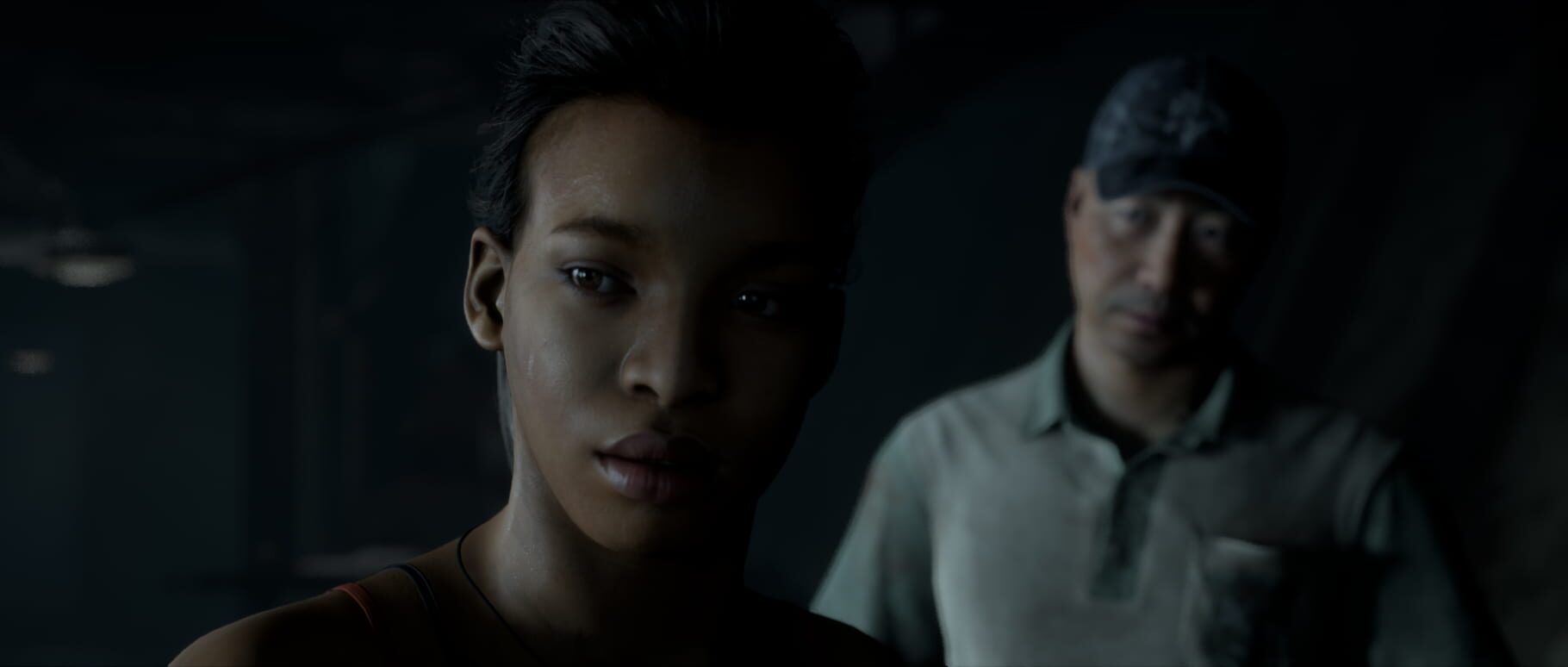
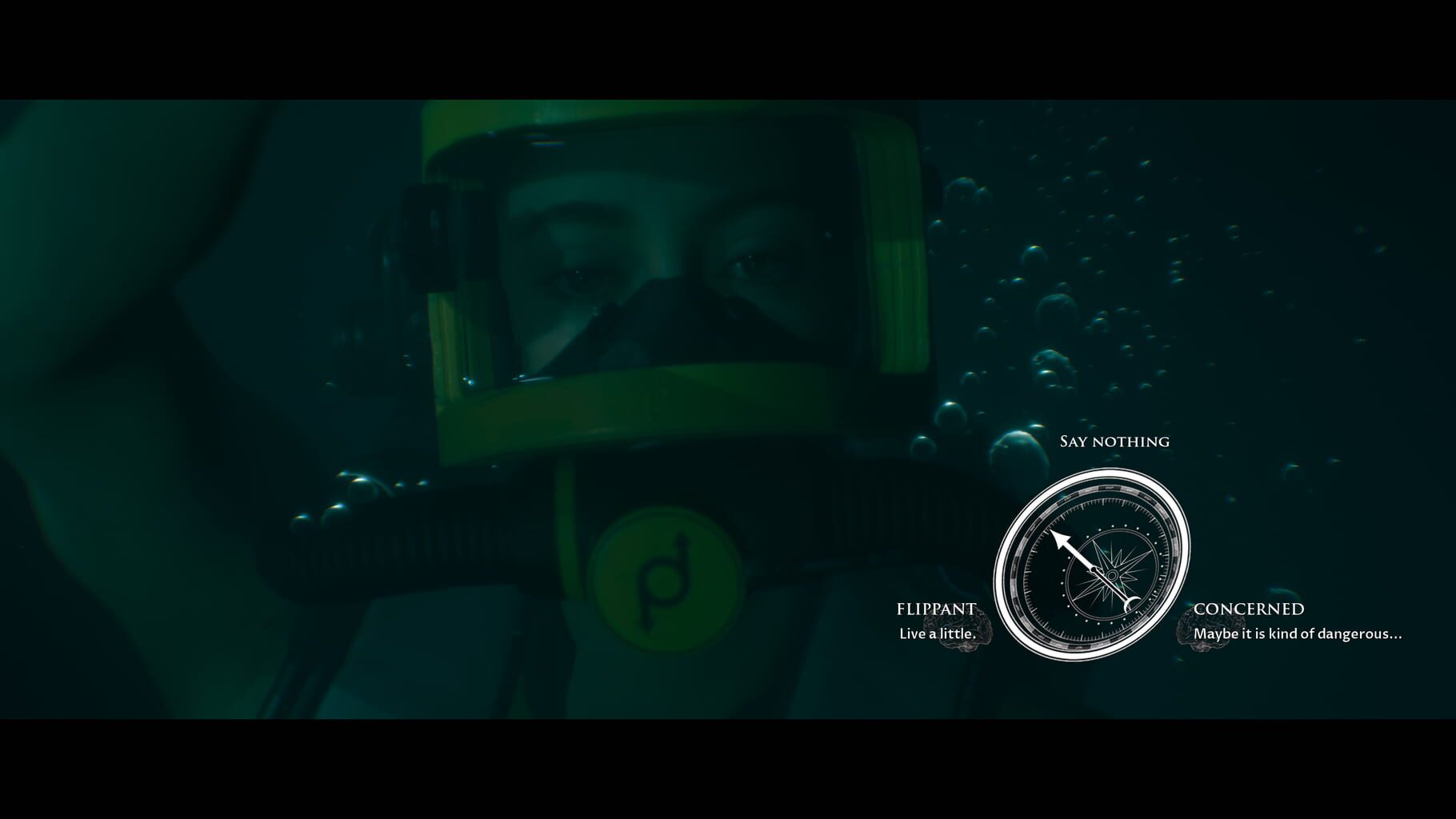
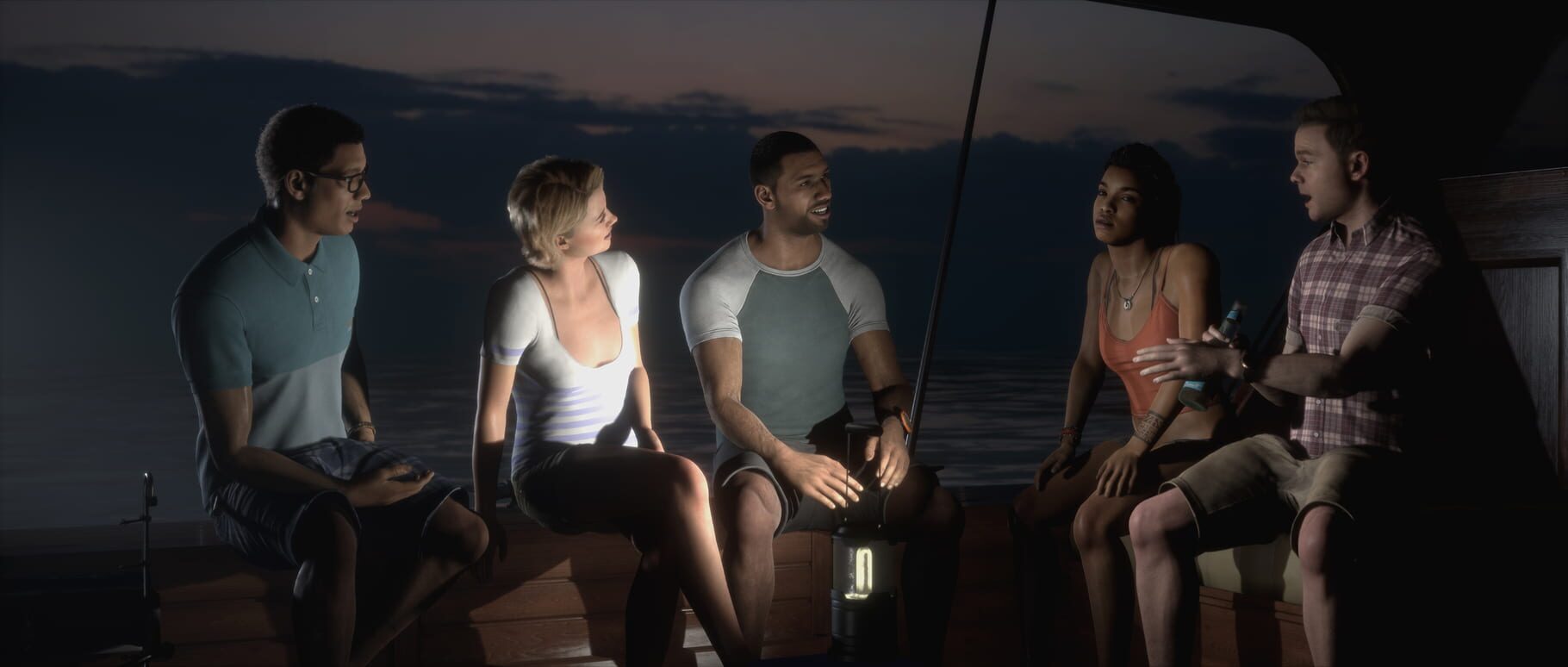
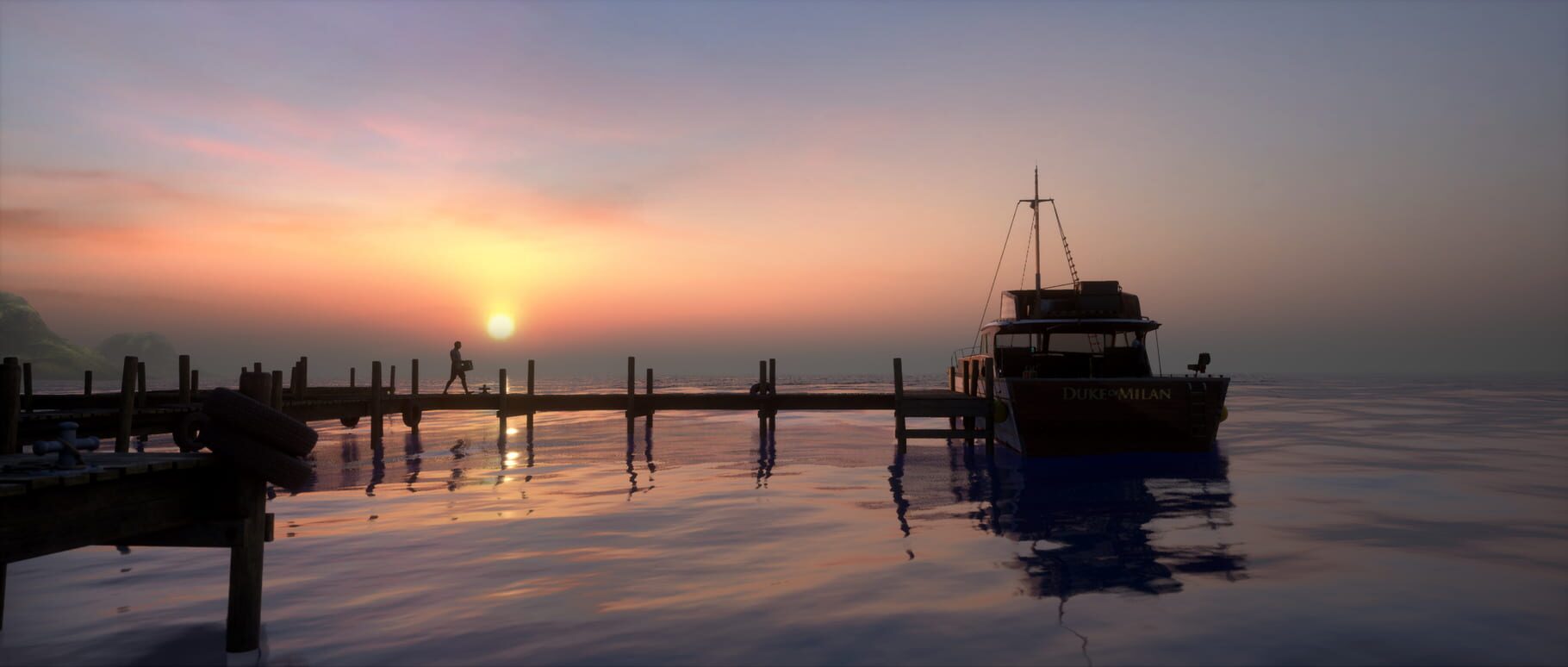
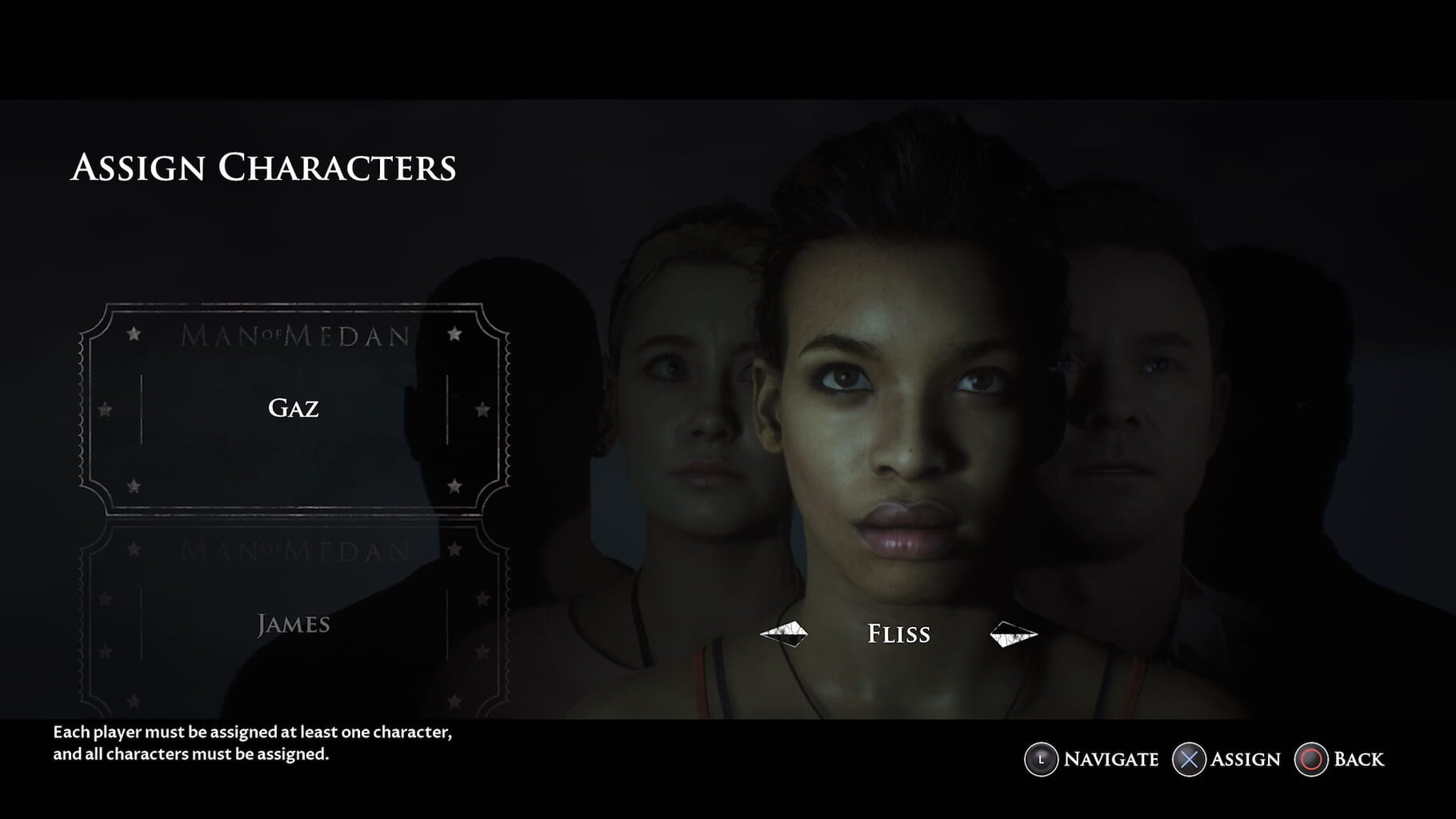
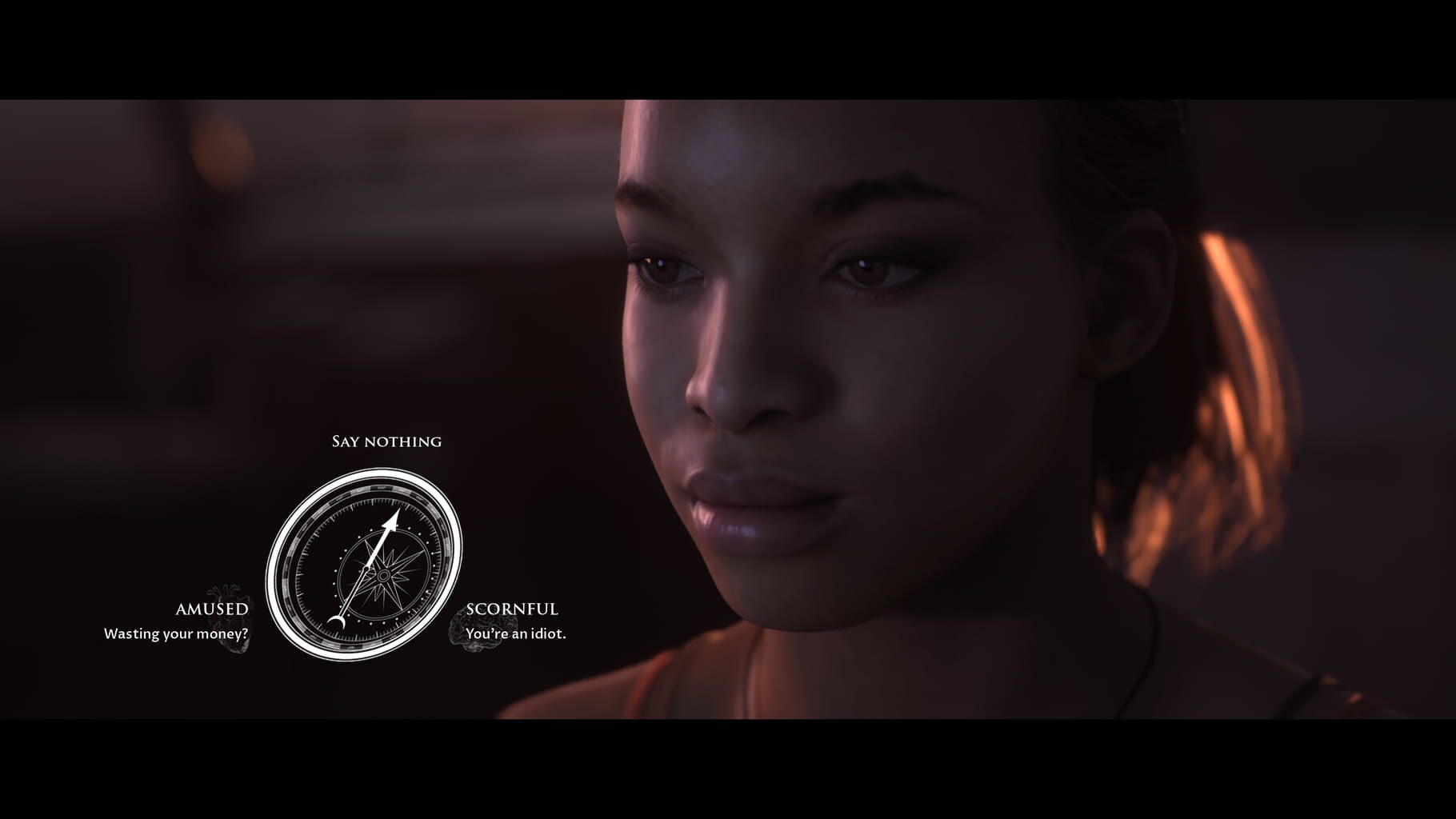
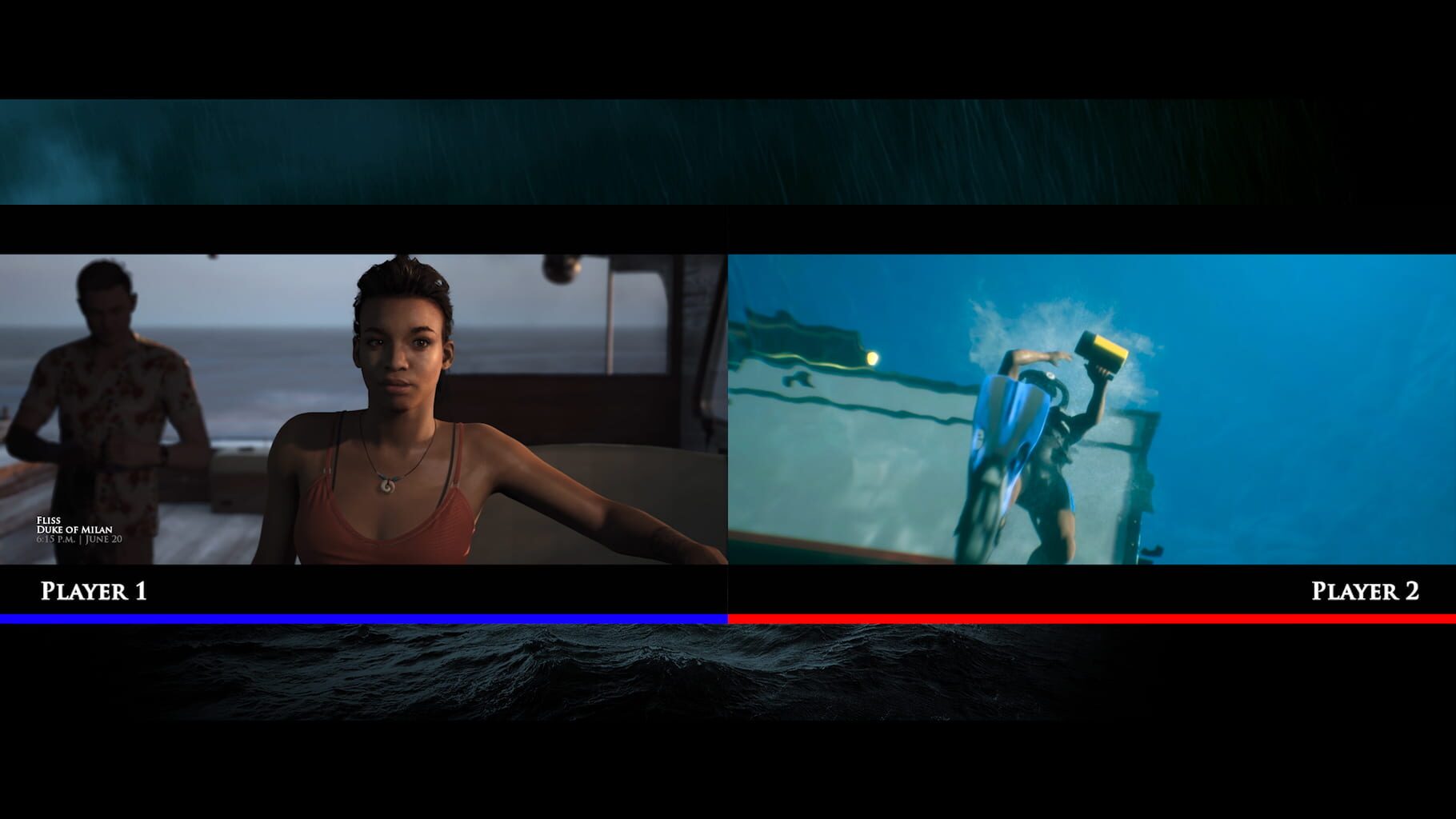
Version history
- v9Current
Added ProtoInput lines, Pointer autohide should not make the game crash anymore and edited .bat behaviour.
- v8
Now the script ask for admin rights.
- v7
Updated bat files for better resizing and possible fix for horizontal crash.
- v6
Updated descriptions inside the script.
Comments 0
No comments yet. Played it? Share what worked for your group.
Play these next
Browse all games
Saints Row IV
Talos9153k downloads2
Saints Row: The Third
Talos9137k downloads2
Portal 2
ksagaming7.8k downloads2
Saints Row: The Third Remastered
Talos9112k downloads2
Lords of the Fallen
birden5.7k downloads2
Dead Rising 3
Talos9111k downloads2
Browse by genre: Adventure
Log in or create an account to comment.