Split-screen on PC
Judge Dredd: Dredd Vs. Death
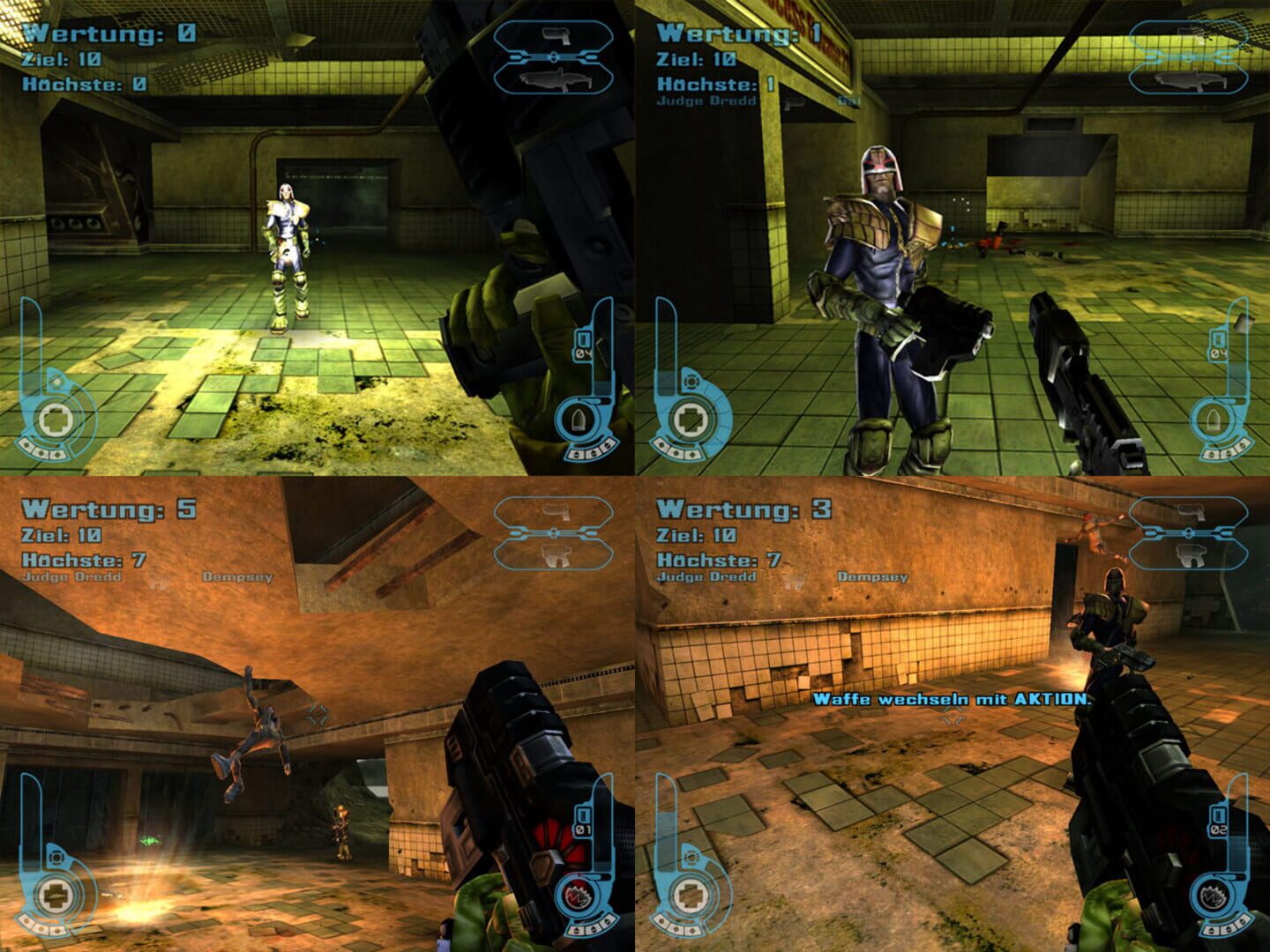
Up to 32 players on one PC, with keyboard and mouse or several keyboards and mice.
Handler “Dredd vs. Death” by Talos91, version 1
What works
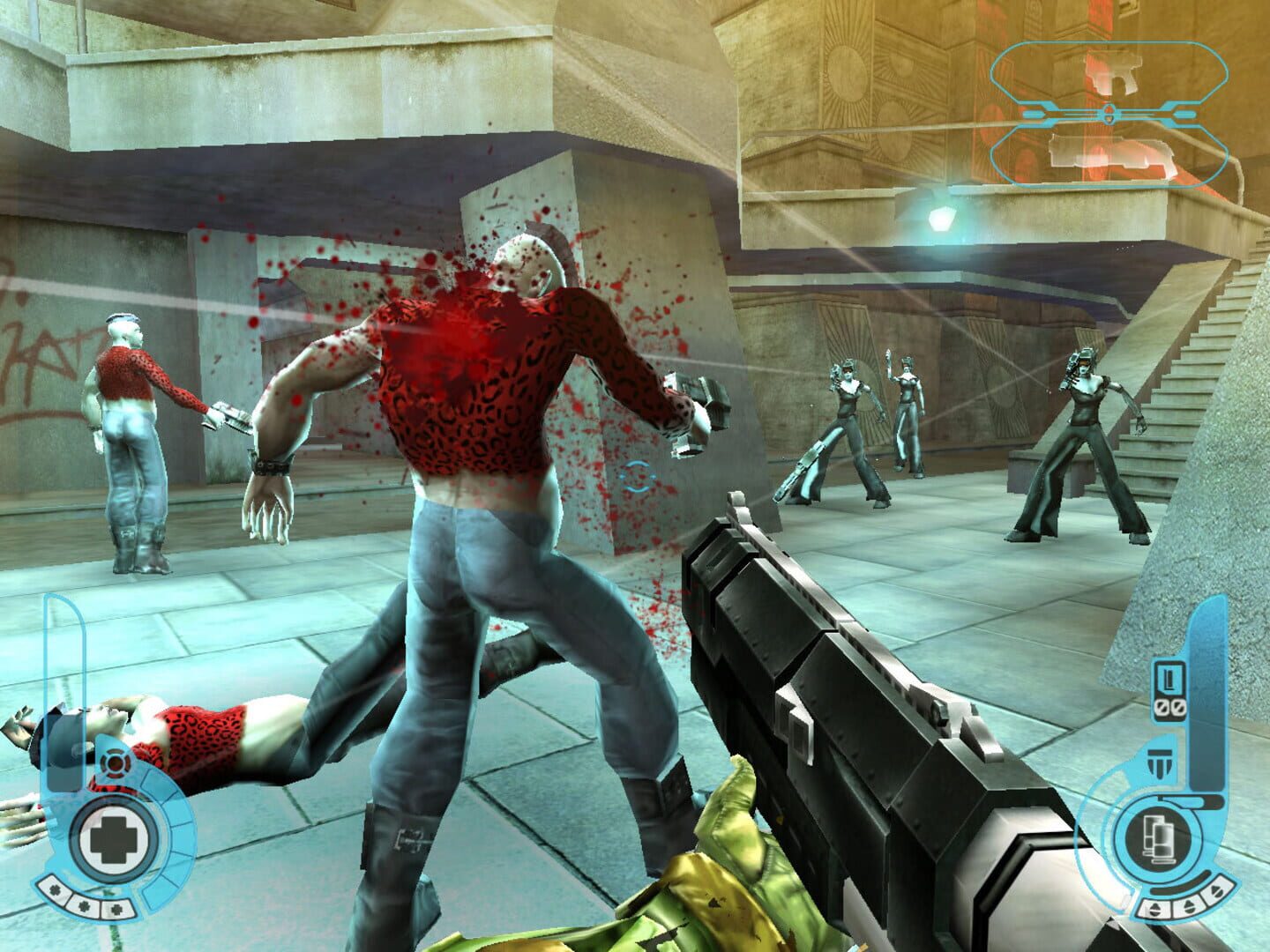
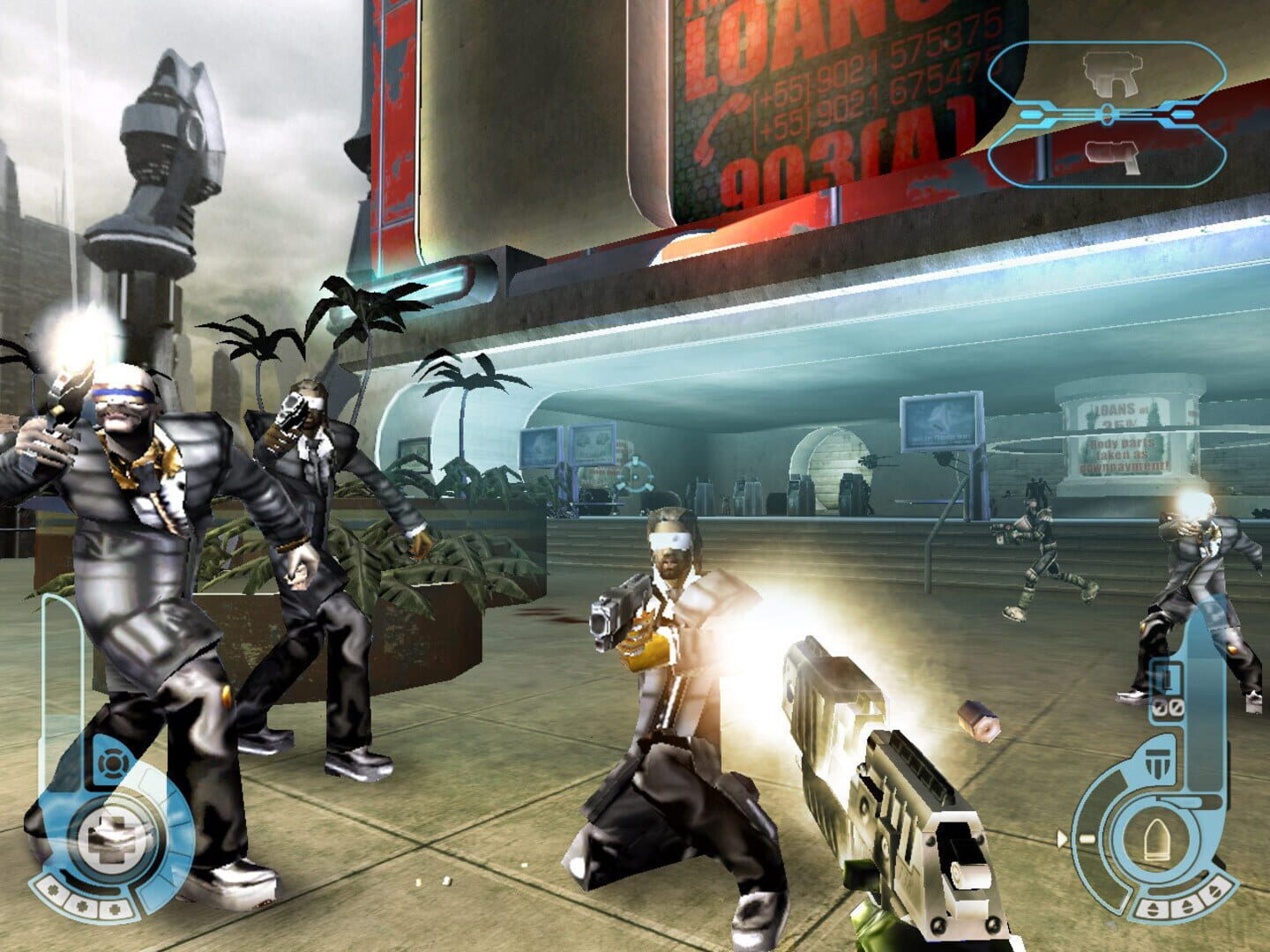
With Nucleus Co-op, up to 32 players can play Judge Dredd: Dredd Vs. Death together on one PC, each in their own part of the screen, with keyboard and mouse or several keyboards and mice. The free community handler “Dredd vs. Death” by Talos91 does the setup and was checked by hub moderators: version 1, updated . Judge Dredd: Dredd Vs. Death is a shooter game from 2003.
- Players32
- ControllersNot supported
- Keyboard and mouseSupported
- Several keyboards and miceOne per player
- Hub moderatorsVerified
How to play Judge Dredd: Dredd Vs. Death split screen on PC
Get Nucleus Co-op
Download Nucleus Co-op, free for Windows 10 and 11, and unzip it into its own folder, for example C:\NucleusCo-op. There is no installer.
Keep it out of Program Files, your user folder and OneDrive.
Install the Judge Dredd: Dredd Vs. Death handler
In Nucleus Co-op, search the Hub for Judge Dredd: Dredd Vs. Death and install its handler, or download the handler file from this page and drop it on the Nucleus window. Then show Nucleus where Judge Dredd: Dredd Vs. Death is installed.
Take a seat
Each player joins with their own keyboard and mouse and takes a spot on the screen. Pick a layout that fits your players.
Playing with several keyboards and mice? Press End once everything is in place to give each window its own cursor.
Launch and connect
Press Launch: Nucleus opens one copy of Judge Dredd: Dredd Vs. Death per player and lays the windows out on your screen. Then link them in game, usually one player hosts a LAN or online session and the others join it. The handler notes say how.
What you need
- A Windows 10 or 11 PC
Nucleus Co-op runs on Windows only. System requirements
- Judge Dredd: Dredd Vs. Death for Windows
Installed on that PC. Nucleus starts every player's window from that one install.
- Nucleus Co-op, free
With .NET Framework 4.7.2 or later and the Visual C++ 2015–2022 runtimes (x86 and x64). Download
- Something to play with
One keyboard and mouse per player. Controllers · Keyboards and mice
- A PC that can run 32 copies
Each player runs their own copy of Judge Dredd: Dredd Vs. Death, so the PC carries several times the usual load. Lower the graphics settings if it struggles. Performance tips
- A multiplayer mode
Nucleus links the windows through the game's own LAN or online mode; the handler takes care of it.
Handler notes
-
Tested and working with the latest Steam version.
-
Create one profile in your main game before running this. Keyboards/mice only as the game lacks native gamepad support.
-
After launching the handler patch the instance custom resolution (for example use resolutions like 960x1080, 1920x540, 960x540 for split-screen if you are using a 1920x1080 monitor), aspect ratio and FOV in the Custom Resolution Tool window that will appear, set them up and close the tool window before launching the first instance of the game using the prompt, do the same for all instances, the custom resolution will apply after you select the FIRST profile in the game so be quick about that for the resizing to work correctly.
-
After all the instances have launched, resized and positioned correctly, press the END key once to lock the input for all instances to have their own cursor, you need to left click each mouse to make the emulated cursors appear after locking the input, alt-tab to the Nucleus window before locking the input if a cursor is sluggish. Press the END key again to unlock the input when you finish playing.
-
Host a game in one instance and join in the others, click refresh if you do not see it. Your profile per instance is inside Nucleus content folder so be careful about deleting the Dredd vs Death Nucleus instances folders in there (NucleusCo-op\content\DreddVsDeath\Instancex).
-
Read the FAQ if you have any further questions and want to know more about Nucleus Co-op.
-
Handler by Talos91. Please support the Nucleus Co-op team if you like my Nucleus handler work.
-
Custom Resolution Tool included in the handler to make any custom resolution, aspect ratio and FOV work. Dinput8wrapper used to make keyboards/mice work with Proto Input.
About Judge Dredd: Dredd Vs. Death
Welcome to Mega-City One, a city of over 400 million people - every one of them a potential criminal. It is the third decade of the 22nd Century, unemployment is widespread, boredom is universal and only the Judges can prevent total anarchy. Empowered to dispense instant justice, they are Judge, Jury and Executioner all in one. The most feared and respected of all the Judges is you, Judge Dredd. Patrol the streets and mete out instant justice wherever it is needed. The Psi-Judges are predicting a terrible plague — is this the sudden outbreak of Vampires on the city, and are they the work of the malevolent Dark Judges?
Summary from IGDB
Judge Dredd: Dredd Vs. Death screenshots


Version history
- v1Current
First Release
Comments 0
No comments yet. Played it? Share what worked for your group.
Play these next
Browse all games
Grand Theft Auto IV: Complete Edition
Bizzo37k downloads32
Counter-Strike: Source
Mame23k downloads32
Team Fortress 2
Bizzo11k downloads32
Half-Life
Talos914.8k downloads32
Call of Duty 4: Modern Warfare
THEKlNG4.8k downloads32
Black Mesa
dr.oldboi3k downloads32
Browse by genre: Shooter
Log in or create an account to comment.