Split-screen on PC
Monster Hunter: World
Up to 4 players on one PC, with controllers, keyboard and mouse or several keyboards and mice.
Handler “Monster Hunter World” by Talos91, version 7
What works
With Nucleus Co-op, up to 4 players can play Monster Hunter: World together on one PC, each in their own part of the screen, with controllers, keyboard and mouse or several keyboards and mice. The free community handler “Monster Hunter World” by Talos91 does the setup and was checked by hub moderators: version 7, updated . Monster Hunter: World is a role-playing and adventure game from 2018.
- Players4
- ControllersSupported
- Keyboard and mouseSupported
- Several keyboards and miceOne per player
- Hub moderatorsVerified
How to play Monster Hunter: World split screen on PC
Get Nucleus Co-op
Download Nucleus Co-op, free for Windows 10 and 11, and unzip it into its own folder, for example C:\NucleusCo-op. There is no installer.
Keep it out of Program Files, your user folder and OneDrive.
Install the Monster Hunter: World handler
In Nucleus Co-op, search the Hub for Monster Hunter: World and install its handler, or download the handler file from this page and drop it on the Nucleus window. Then show Nucleus where Monster Hunter: World is installed.
Take a seat
Each player presses a button on their own controller to join and takes a spot on the screen. Pick a layout that fits your players.
Playing with several keyboards and mice? Press End once everything is in place to give each window its own cursor.
Launch and connect
Press Launch: Nucleus opens one copy of Monster Hunter: World per player and lays the windows out on your screen. Then link them in game, usually one player hosts a LAN or online session and the others join it. The handler notes say how.
What you need
- A Windows 10 or 11 PC
Nucleus Co-op runs on Windows only. System requirements
- Monster Hunter: World for Windows
Installed on that PC. Nucleus starts every player's window from that one install.
- Nucleus Co-op, free
With .NET Framework 4.7.2 or later and the Visual C++ 2015–2022 runtimes (x86 and x64). Download
- Something to play with
One controller per player, or one keyboard and mouse per player. Controllers · Keyboards and mice
- A PC that can run 4 copies
Each player runs their own copy of Monster Hunter: World, so the PC carries several times the usual load. Lower the graphics settings if it struggles. Performance tips
- A multiplayer mode
Nucleus links the windows through the game's own LAN or online mode; the handler takes care of it.
Handler notes
Read the handler notes.
About Monster Hunter: World
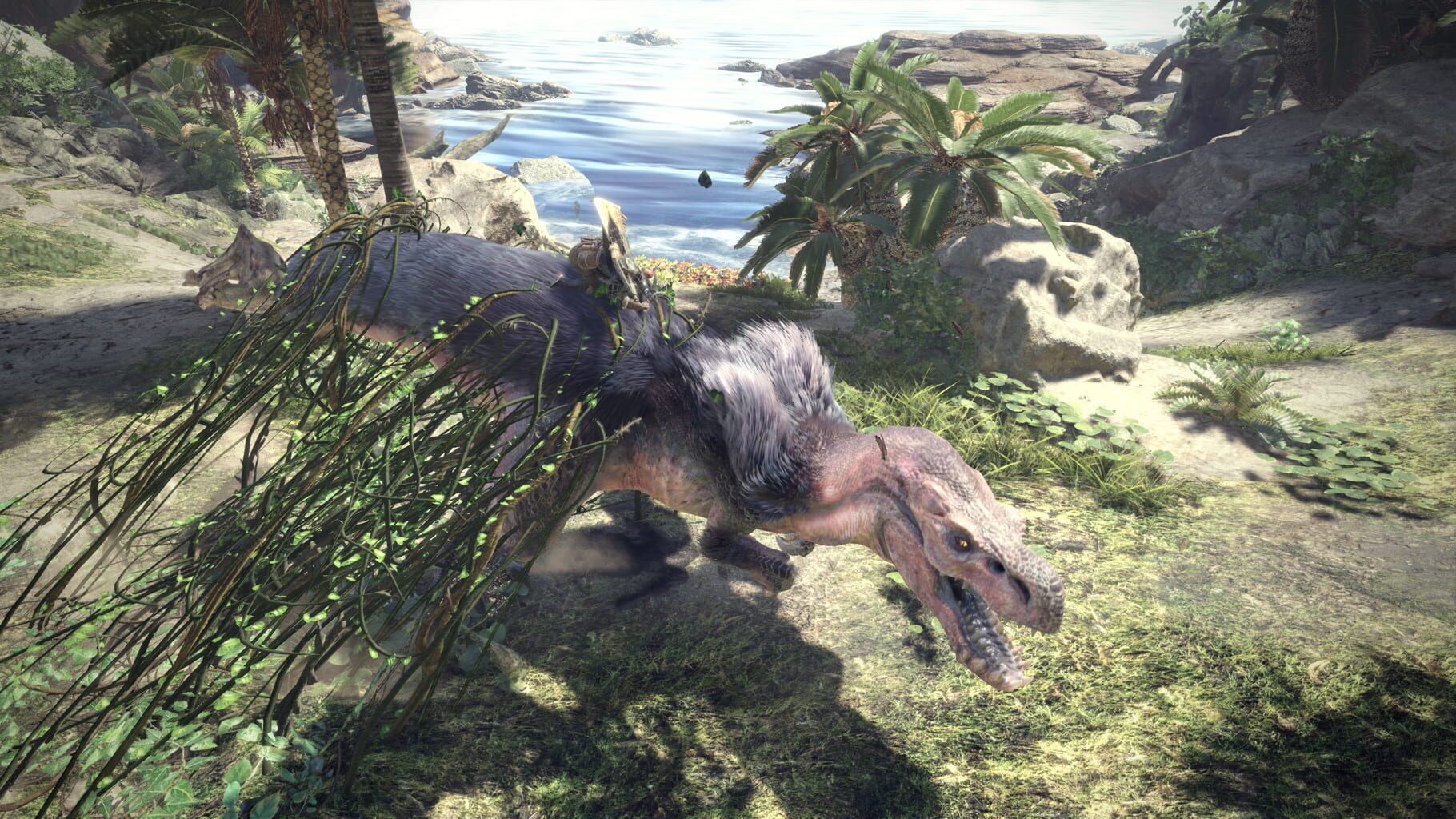
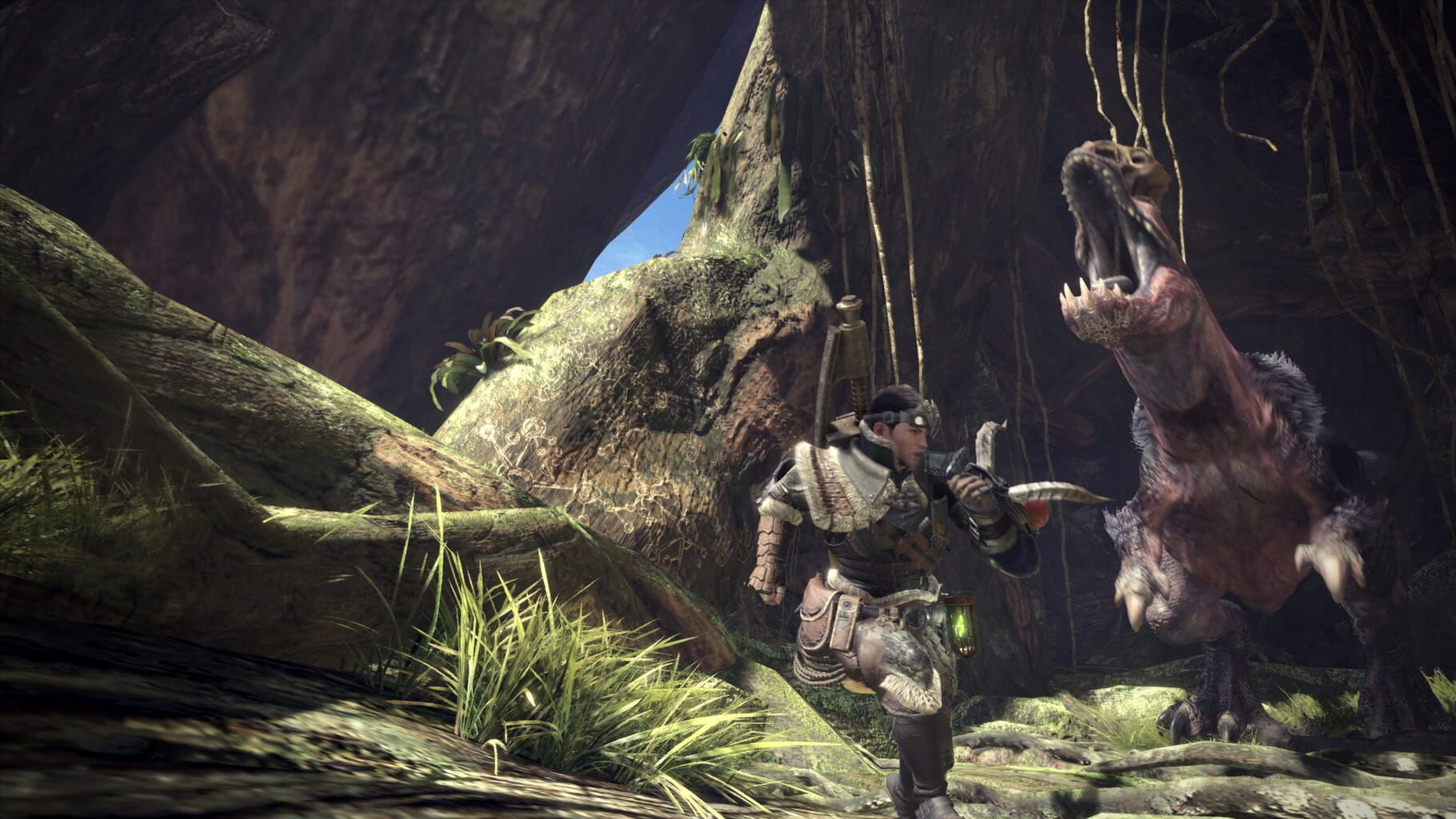
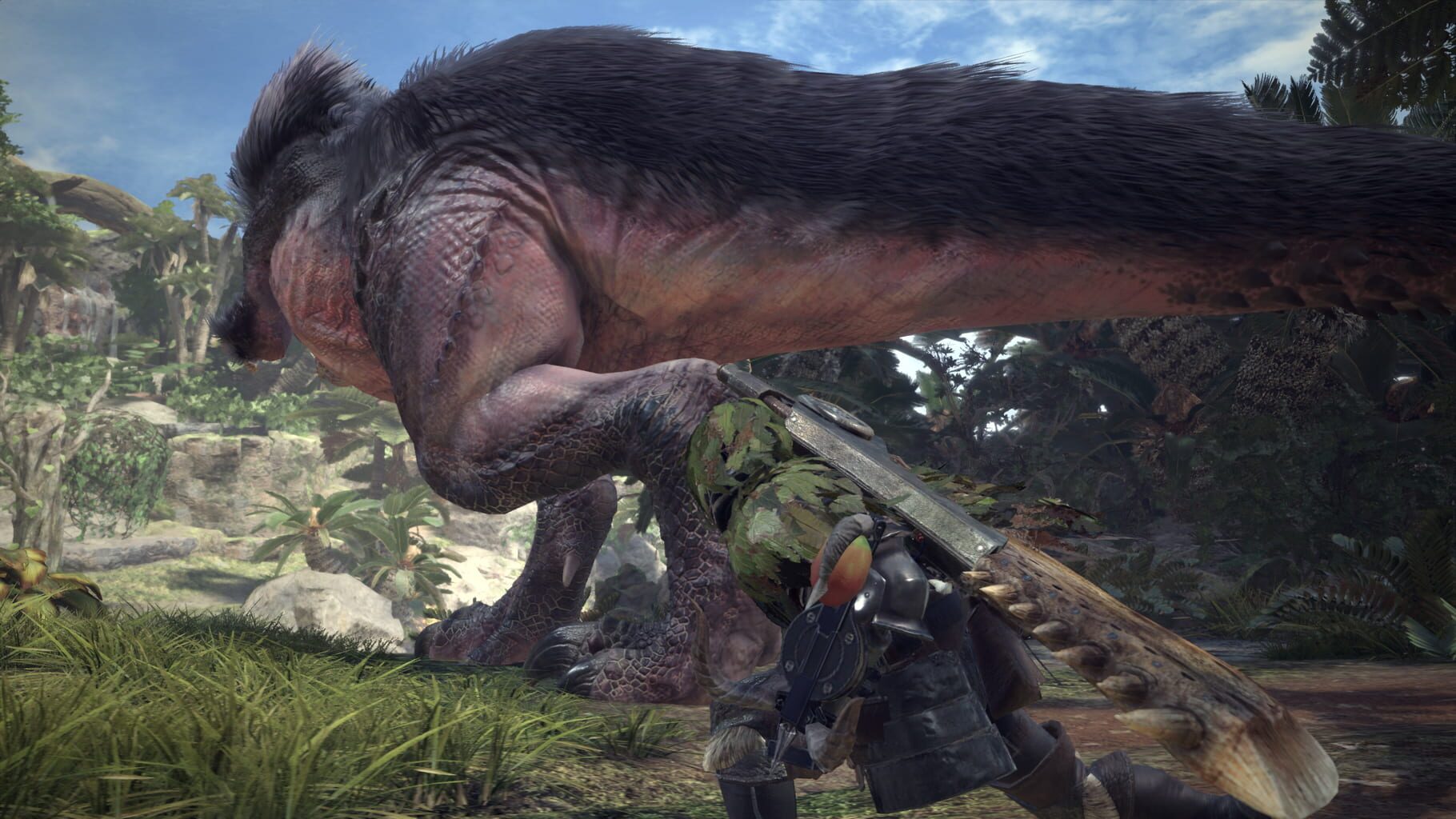
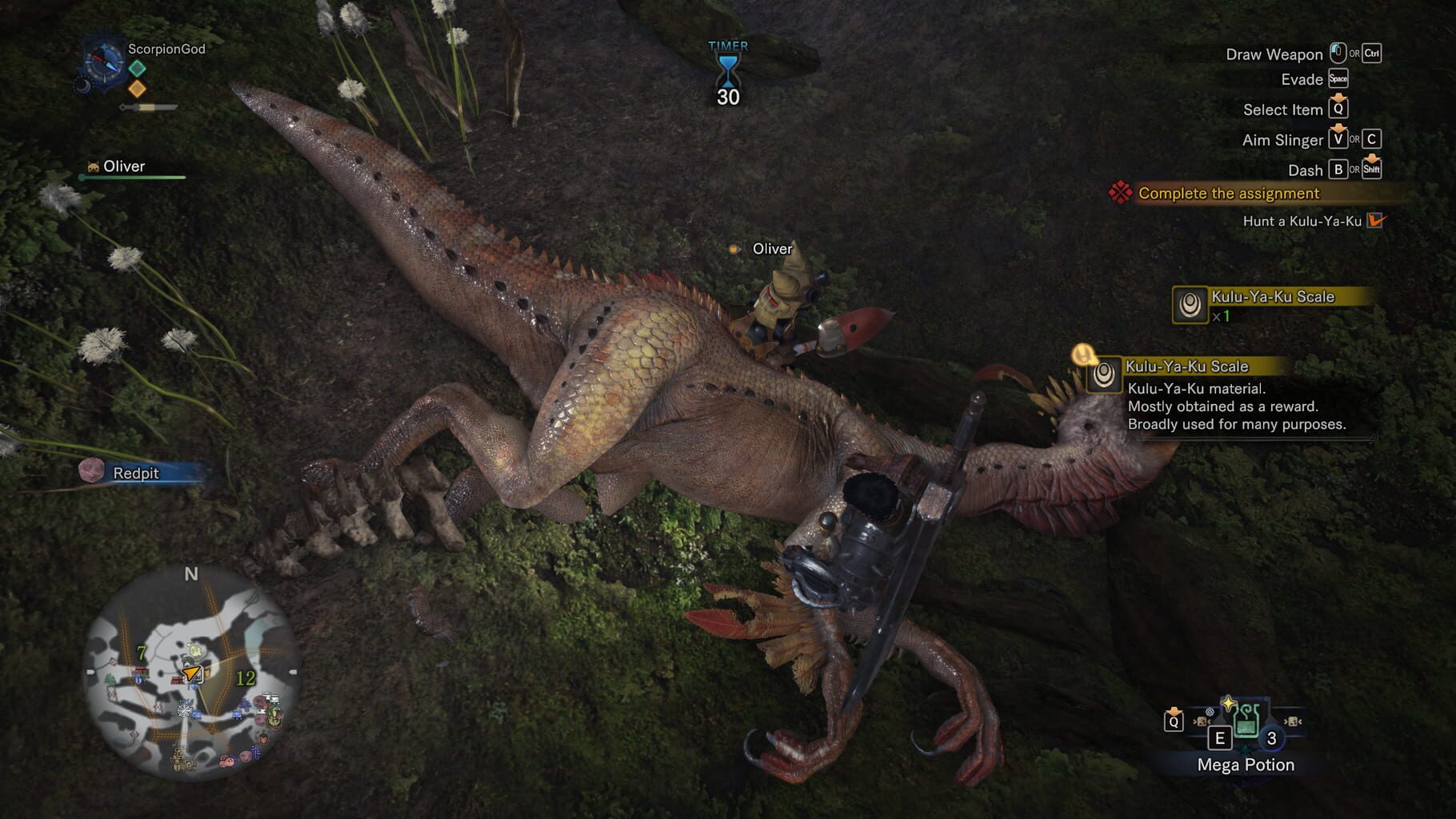
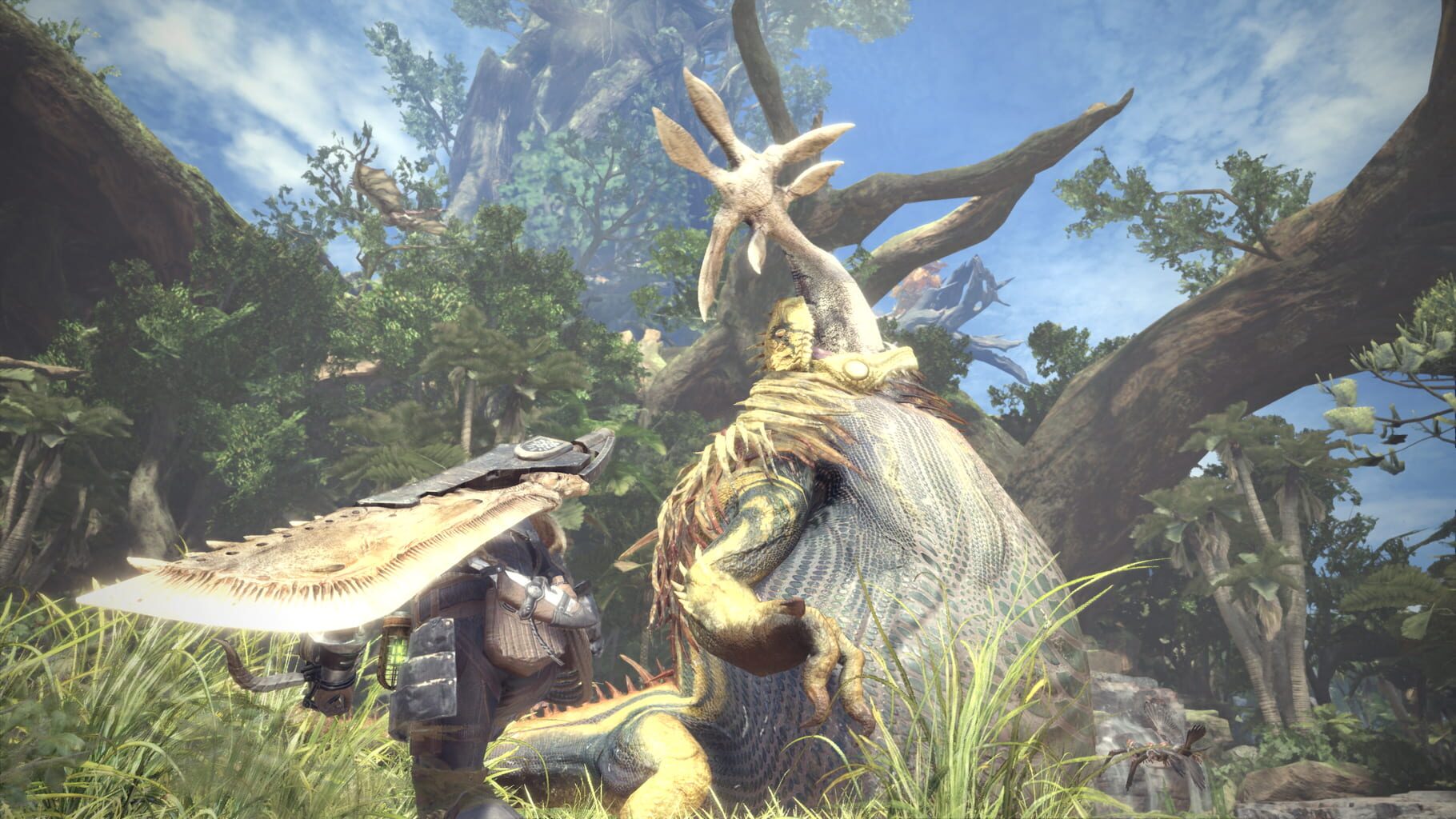
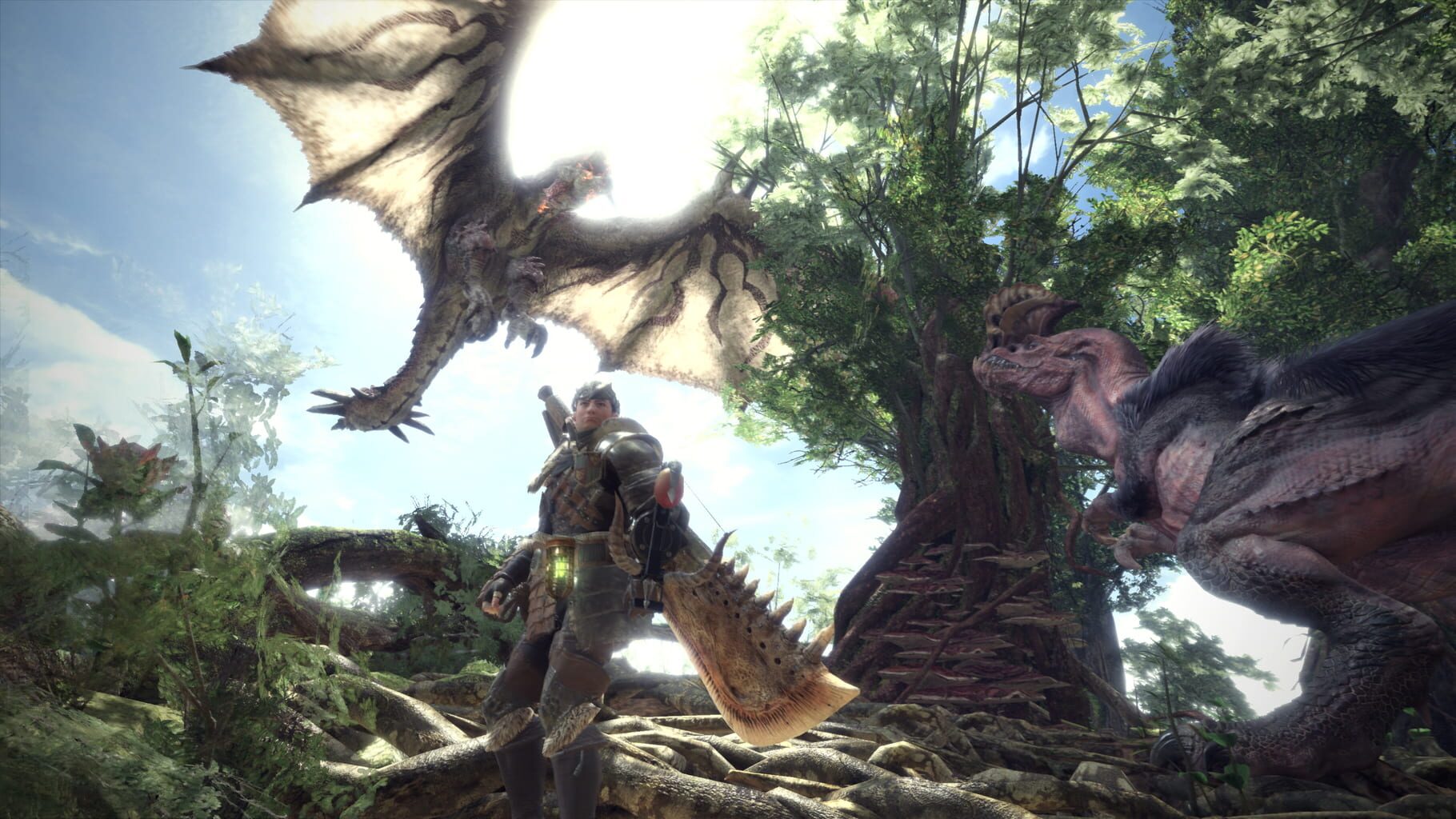
Monster Hunter: World sees players take on the role of a hunter that completes various quests to hunt and slay monsters within a lively living and breathing eco-system full of predators…. and prey. In the video you can see some of the creatures you can expect to come across within the New World, the newly discovered continent where Monster Hunter: World is set, including the Great Jagras which has the ability to swallow its prey whole and one of the Monster Hunter series favourites, Rathalos. Players are able to utilise survival tools such as the slinger and Scoutfly to aid them in their hunt. By using these skills to their advantage hunters can lure monsters into traps and even pit them against each other in an epic fierce battle. Can our hunter successfully survive the fight and slay the Anjanath? He’ll need to select his weapon choice carefully from 14 different weapon classes and think strategically about how to take the giant foe down. Don’t forget to pack the camouflaging ghillie suit!
Summary from IGDB
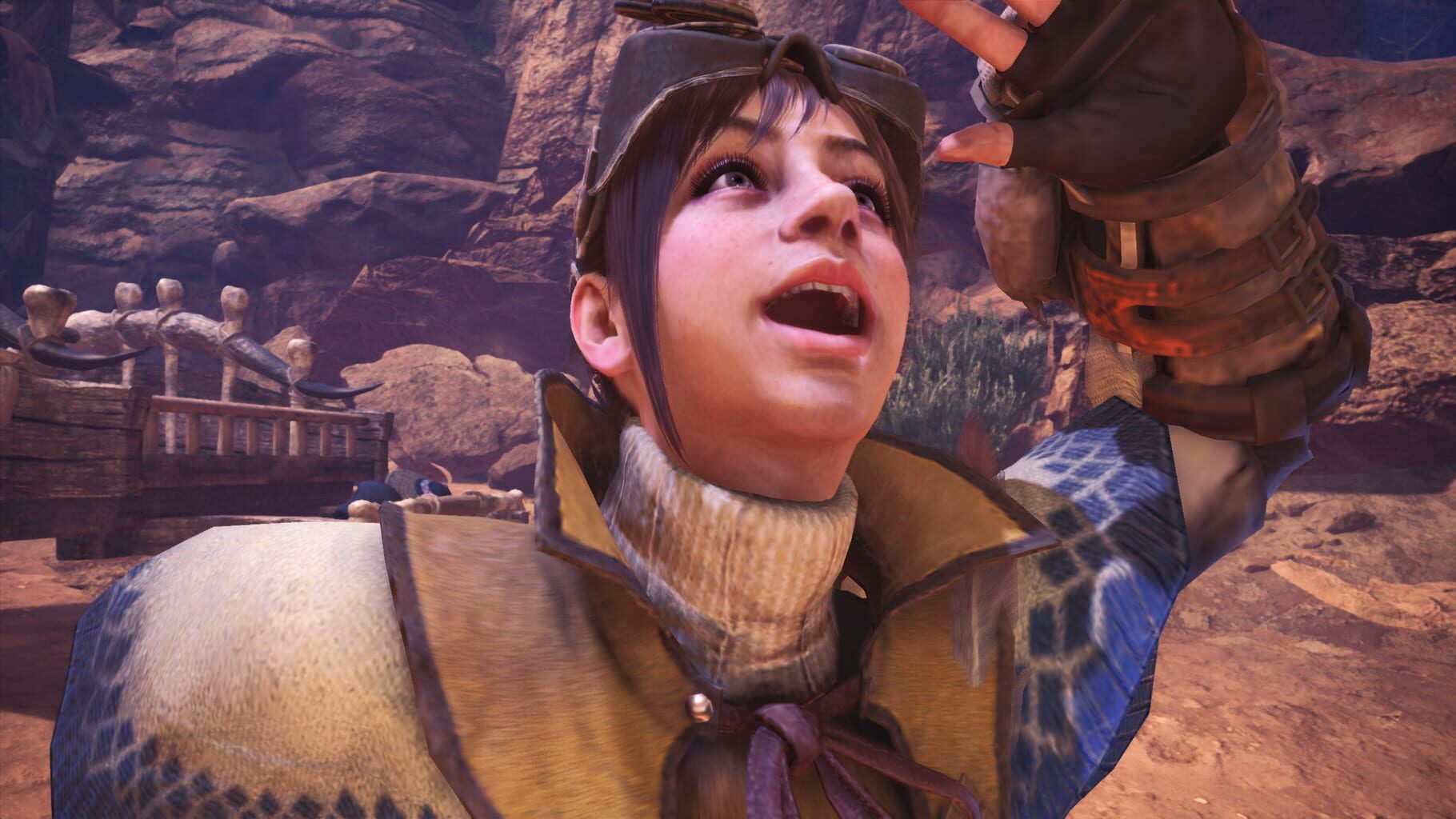
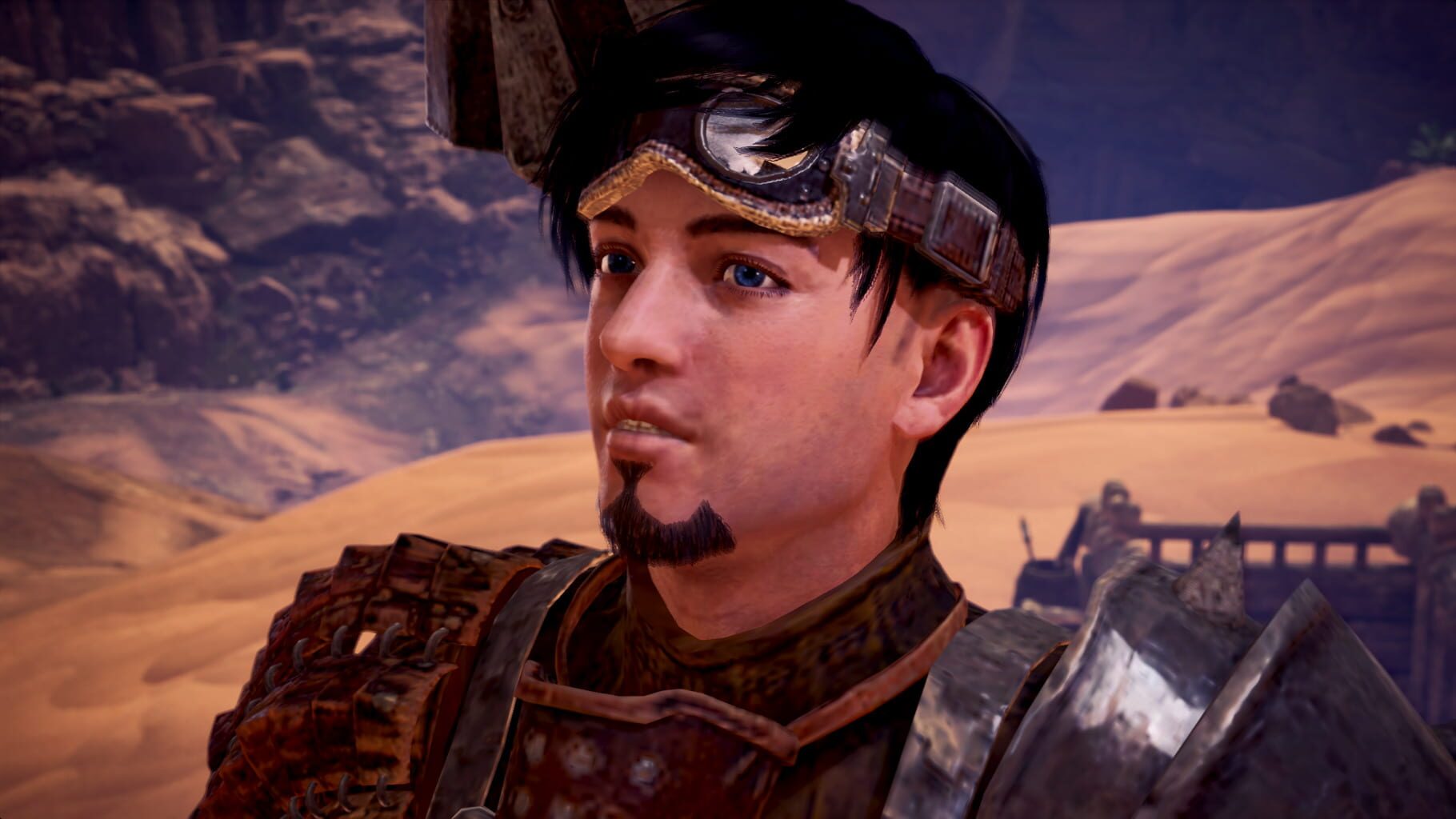
Monster Hunter: World screenshots
Version history
- v7Current
fixed resizing UI option not working.
- v6
UI option for Nucleus.DPIHandling.InvScaled
- v5
improved auto lazy fix by Mikou and cleanning, requires Nucleus 2.3.1 and up
- v4
auto steamless and UI graphics presets
Comments 1
Working and tested (September 18, 2023) steam game version with mods using Strackers and Performance Booster and Plugin Extender (v15.11.01) can be played locally offline, for the missing dlc just copy and paste the code from the latest dlc on google to your js file.
Play these next
Browse all games
Elden Ring Seamless Co-op
PoundlandBacon146k downloads4
The Elder Scrolls V: Skyrim Special Edition
Talos91105k downloads4
Dying Light
Talos9176k downloads4
State of Decay 2: Juggernaut Edition
PoundlandBacon38k downloads4
Borderlands 3
Talos9187k downloads4
Dying Light: The Beast
Talos911k downloads4
Browse by genre: Role-playing · Adventure
Log in or create an account to comment.